Understanding the relationship between pixels and millimeters is crucial when dealing with LED displays, whether for advertising, events, or digital signage. The term “pixel pitch” often comes up in discussions about LED screens, and it directly relates to how many millimeters correspond to a single pixel. This article explores what a pixel is in the context of LED displays, how pixel pitch determines the size of a pixel in millimeters, and why this measurement matters for image quality and viewing experience.
What Is a Pixel in an LED Display?
A pixel, short for “picture element,” is the smallest unit of a digital image or display. In LED displays, each pixel comprises one or more light-emitting diodes (LEDs) that emit red, green, and blue light to create a full spectrum of colors. Unlike traditional screens that use liquid crystals or phosphors, LED pixels are self-illuminating, which allows for brighter images and greater contrast ratios. This self-illumination not only enhances visibility in bright environments but also contributes to energy efficiency, as LEDs consume less power compared to other display technologies.
In practical terms, a pixel on an LED display is a cluster of LEDs arranged to produce a single point of color. The size and arrangement of these pixels determine the resolution and clarity of the display. The smaller the pixels, the higher the resolution and the sharper the image. High-resolution displays, such as those used in modern smartphones and televisions, can feature pixel densities that exceed 300 pixels per inch (PPI), resulting in incredibly detailed visuals that are almost indistinguishable from reality. This level of detail is particularly important in applications such as digital signage, where clarity and impact are essential for effective communication.
Pixel Pitch: Defining Pixel Size in Millimeters
The term “pixel pitch” is the key to understanding how many millimeters correspond to a single pixel on an LED display. Pixel pitch refers to the distance from the center of one pixel to the center of the adjacent pixel, measured in millimeters. This measurement essentially defines the physical size of a pixel on the display. A smaller pixel pitch allows for a higher resolution display, making it ideal for close viewing distances, such as in indoor settings, while larger pixel pitches are often used for outdoor displays where viewers are typically farther away.
For example, a pixel pitch of 2.5 mm means that the center-to-center distance between two adjacent pixels is 2.5 millimeters. This distance includes the pixel itself and the space between pixels. Pixel pitch is a critical specification because it directly impacts the display’s resolution, viewing distance, and overall image quality. Displays with a pixel pitch of 1.5 mm or less are increasingly popular in high-end applications, where the goal is to create immersive experiences that draw viewers in. Additionally, advancements in LED technology have led to the development of microLED and miniLED displays, which utilize even smaller pixels to achieve superior brightness and color accuracy, further pushing the boundaries of what is possible in visual displays.
How Pixel Pitch Affects Display Quality and Viewing Distance
The size of a pixel, as determined by the pixel pitch, has a direct effect on the visual quality of an LED display. A smaller pixel pitch means more pixels per unit area, resulting in higher resolution and finer image detail. Conversely, a larger pixel pitch means fewer pixels per unit area, leading to lower resolution and less detail. This relationship is crucial for applications where image clarity is paramount, such as in high-definition video walls or intricate graphic displays. The advancements in LED technology have allowed for increasingly smaller pixel pitches, enabling displays to produce stunning visuals that captivate audiences.
When selecting an LED display, understanding the pixel pitch helps determine the optimal viewing distance. Displays with a smaller pixel pitch are suitable for close-up viewing, such as indoor digital signage or control rooms, where viewers are near the screen. Larger pixel pitch displays are better for outdoor billboards or stadium screens, where viewers are farther away. Additionally, the environment plays a significant role in this selection process; for instance, ambient light conditions can affect how well the display is perceived, making it essential to choose a pixel pitch that complements the setting and intended use.
Recommended Viewing Distances Based on Pixel Pitch
Industry guidelines suggest minimum viewing distances based on pixel pitch to ensure the image appears clear and smooth to the human eye. A common rule of thumb is that the minimum viewing distance in meters is approximately equal to the pixel pitch in millimeters multiplied by 1.5 to 2. This guideline helps designers and engineers create layouts that maximize the effectiveness of the display while ensuring that viewers have the best possible experience.
- 1.2 mm pixel pitch: Suitable for indoor use with a minimum viewing distance of about 1.8 to 2.4 meters. This pixel pitch is often found in high-end retail environments, where product details need to be showcased with precision.
- 2.5 mm pixel pitch: Ideal for indoor and semi-outdoor use, with a minimum viewing distance around 3.75 to 5 meters. It strikes a balance between resolution and cost, making it a popular choice for corporate presentations and exhibitions.
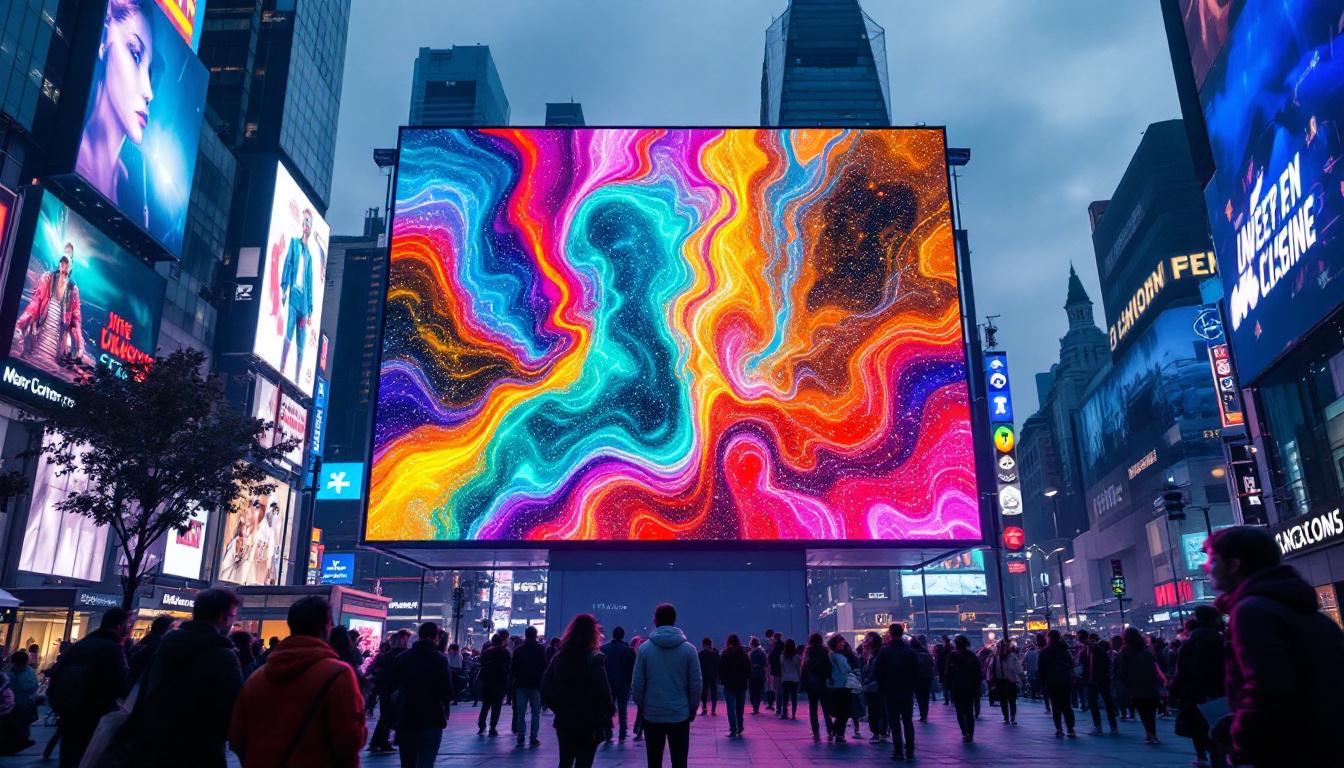
- 4 mm pixel pitch: Common for outdoor advertising, with a minimum viewing distance of 6 to 8 meters. This pixel pitch is particularly effective for capturing attention in busy urban environments, where advertisements need to be visible from a distance.
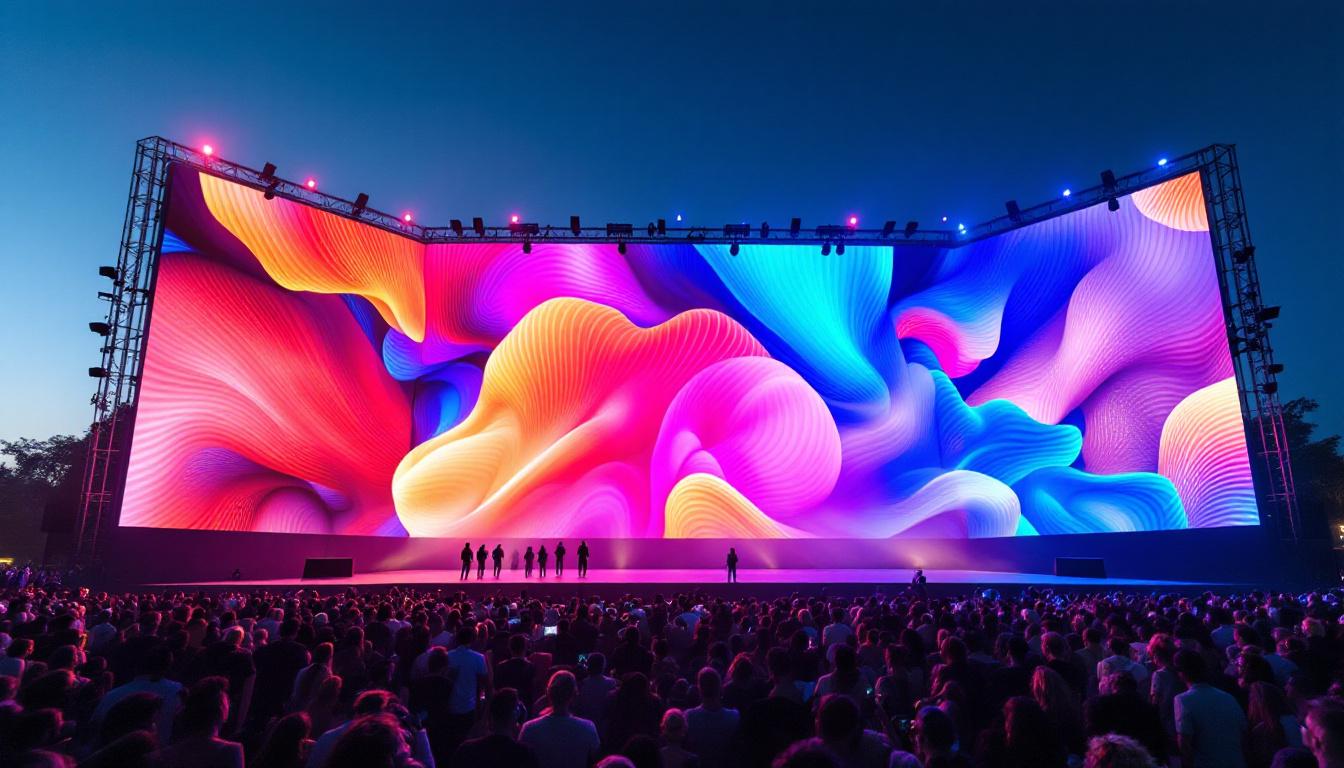
- 10 mm pixel pitch: Used for large outdoor billboards, with a minimum viewing distance of 15 to 20 meters or more. These displays are often employed in high-traffic areas, designed to convey messages quickly and effectively to passing pedestrians and vehicles.
These distances ensure that individual pixels are not discernible to viewers, providing a seamless and immersive visual experience. Furthermore, as technology continues to evolve, manufacturers are constantly pushing the boundaries of pixel pitch, resulting in displays that not only meet but exceed the expectations of clarity and vibrancy. Innovations such as HDR (High Dynamic Range) and advanced color calibration techniques are also enhancing the overall viewing experience, making it crucial for consumers to stay informed about the latest developments in display technology.
Calculating Pixel Size and Resolution for LED Displays
To understand how many millimeters a pixel occupies on an LED display, it’s important to consider the pixel pitch and the total resolution of the display. The total resolution is the number of pixels horizontally and vertically, while pixel pitch defines the physical spacing of each pixel.
Example Calculation
Imagine an LED display with a resolution of 1920 pixels wide and 1080 pixels tall, and a pixel pitch of 2.5 mm. To calculate the physical width and height of the display, multiply the number of pixels by the pixel pitch:
- Width = 1920 pixels × 2.5 mm = 4800 mm (4.8 meters)
- Height = 1080 pixels × 2.5 mm = 2700 mm (2.7 meters)
This means the display measures 4.8 meters wide by 2.7 meters tall. Each pixel occupies a 2.5 mm by 2.5 mm square area on the screen.
Pixel Density and Its Importance
Pixel density, often measured in pixels per inch (PPI), is another important metric that relates to pixel size. While PPI is more commonly used for devices like smartphones and monitors, it can be adapted for LED displays by converting millimeters to inches (1 inch = 25.4 mm).
For the 2.5 mm pixel pitch example, the pixel density is approximately:
PPI = 25.4 mm/inch ÷ 2.5 mm/pixel ≈ 10.16 pixels per inch
This relatively low PPI compared to smartphone screens reflects the larger physical size of LED pixels, which is appropriate for viewing distances measured in meters rather than centimeters.
Applications and Choosing the Right Pixel Pitch
Different applications require different pixel pitches to achieve optimal viewing experiences. Understanding how many millimeters correspond to a pixel helps in selecting the right LED display for a specific use case.
Indoor LED Displays
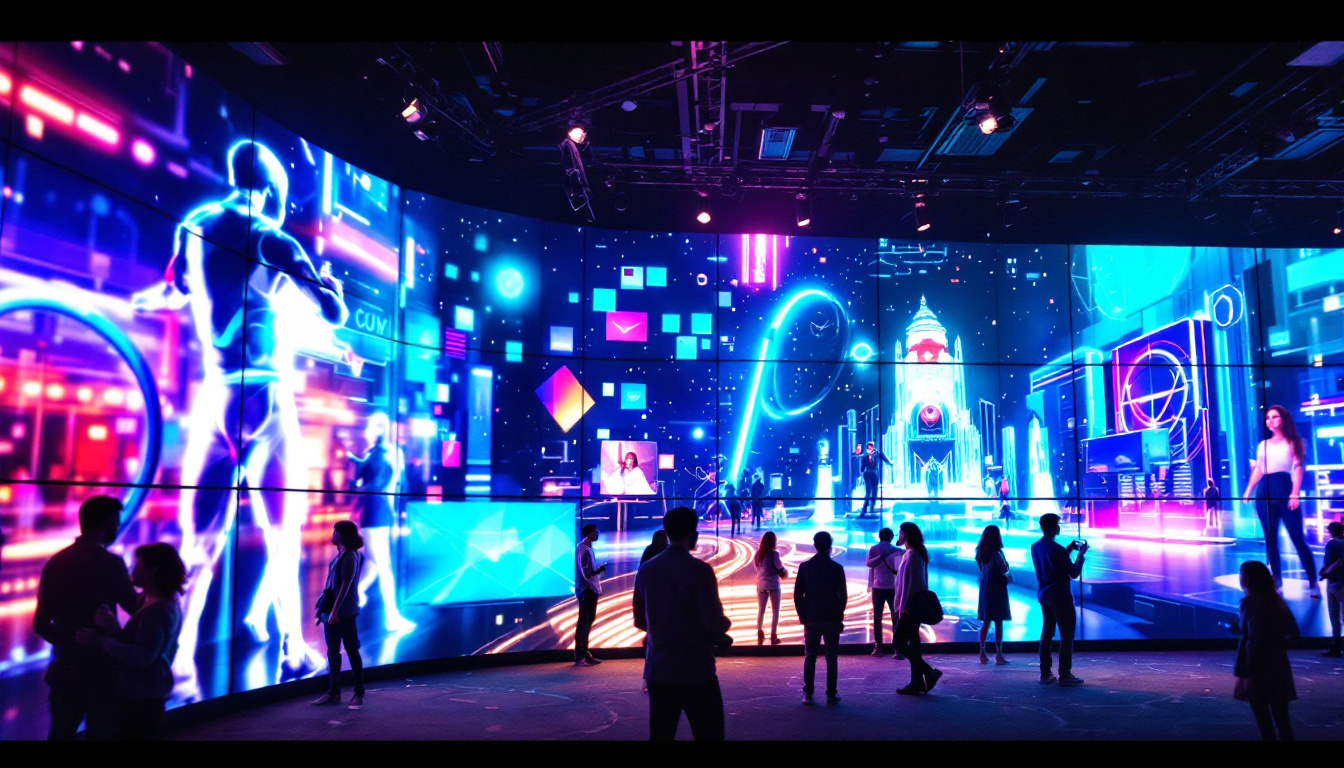
Indoor environments, such as retail stores, conference rooms, and control centers, typically require high-resolution displays with small pixel pitches ranging from 1.2 mm to 2.5 mm. These smaller pixel pitches allow viewers to stand close to the screen without noticing individual pixels, ensuring crisp images and readable text.
Outdoor LED Displays
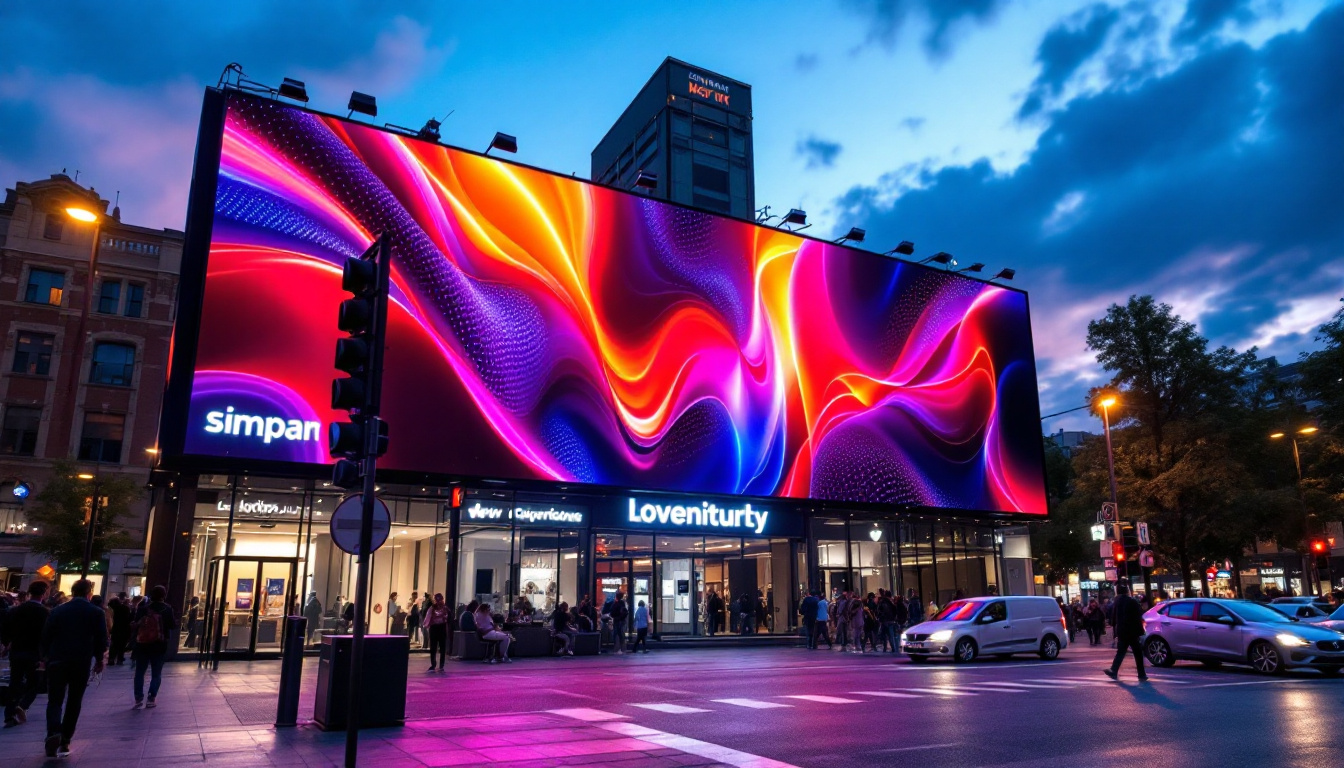
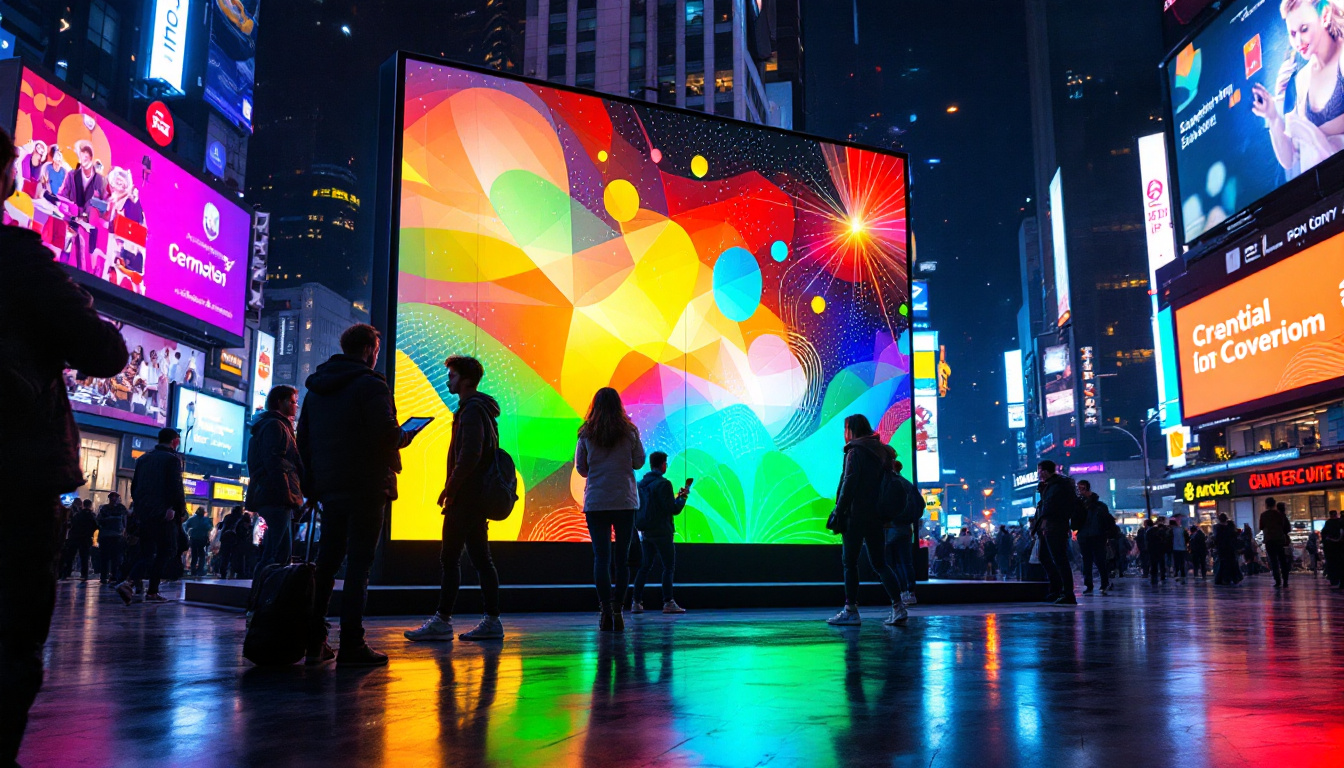
Outdoor displays, including billboards, sports arenas, and public information screens, often use larger pixel pitches between 4 mm and 20 mm. The increased pixel size allows for brighter LEDs and better visibility in direct sunlight. Since viewers are usually farther away, the lower resolution is less noticeable.
Flexible and Creative Uses
Emerging LED technologies include flexible and transparent LED panels, where pixel pitch remains a critical factor. For instance, transparent LED displays used on glass facades may have pixel pitches around 10 mm to balance transparency and image quality. Similarly, curved or flexible LED panels require precise pixel pitch measurements to maintain image consistency across surfaces.
Technological Advances Impacting Pixel Size
As LED technology evolves, pixel pitches continue to shrink, enabling higher resolution displays in smaller form factors. Innovations such as mini-LED and micro-LED have pushed pixel sizes down to sub-millimeter levels, particularly in consumer electronics and high-end professional displays.
Micro-LED technology, for example, features pixel pitches as small as 0.5 mm or less, allowing for ultra-high-definition images with exceptional brightness and contrast. While these displays are currently expensive and complex to manufacture, they represent the future of LED display technology.
Impact on Cost and Manufacturing
Smaller pixel pitches require more LEDs per unit area, increasing manufacturing complexity and cost. High-density LED displays involve precise alignment and quality control to ensure uniform brightness and color accuracy. As a result, displays with smaller pixel pitches tend to be more expensive but deliver superior image quality.
Summary: How Many Millimeters Is a Pixel on an LED Display?
In summary, the size of a pixel on an LED display is defined by the pixel pitch, measured in millimeters. This measurement indicates the center-to-center distance between adjacent pixels and determines the physical size of each pixel.
Typical pixel pitches range from about 0.5 mm in cutting-edge micro-LED displays to over 20 mm in large outdoor billboards. The choice of pixel pitch depends on the intended viewing distance, application environment, and desired image quality.
Understanding how many millimeters a pixel occupies helps designers, advertisers, and engineers select the right LED display for their needs, balancing resolution, cost, and viewing experience. As LED technology advances, pixel pitches will continue to shrink, enabling ever more detailed and immersive visual displays.
Discover the Perfect LED Display Solution with LumenMatrix
Ready to elevate your visual communication with precision and innovation? LumenMatrix offers a comprehensive range of LED display solutions tailored to your unique needs. From vibrant Indoor LED Walls to dynamic Outdoor LED Displays, and from sleek LED Posters to immersive Custom LED Displays, we have the technology to bring your vision to life. Experience the future of digital signage and create unforgettable visual experiences. Check out LumenMatrix LED Display Solutions today and transform the way you connect with your audience.