In today’s fast-paced digital environment, the demand for efficient, versatile, and visually appealing display setups has never been higher. Among the many innovations in display technology, touch screen dual monitors with LED displays stand out as a compelling solution for both professional and personal use. This article delves into the intricacies of touch screen dual monitors, focusing on LED display technology, and explains why this combination is becoming increasingly popular across various industries.
Understanding Touch Screen Dual Monitors
What is a Touch Screen Dual Monitor Setup?
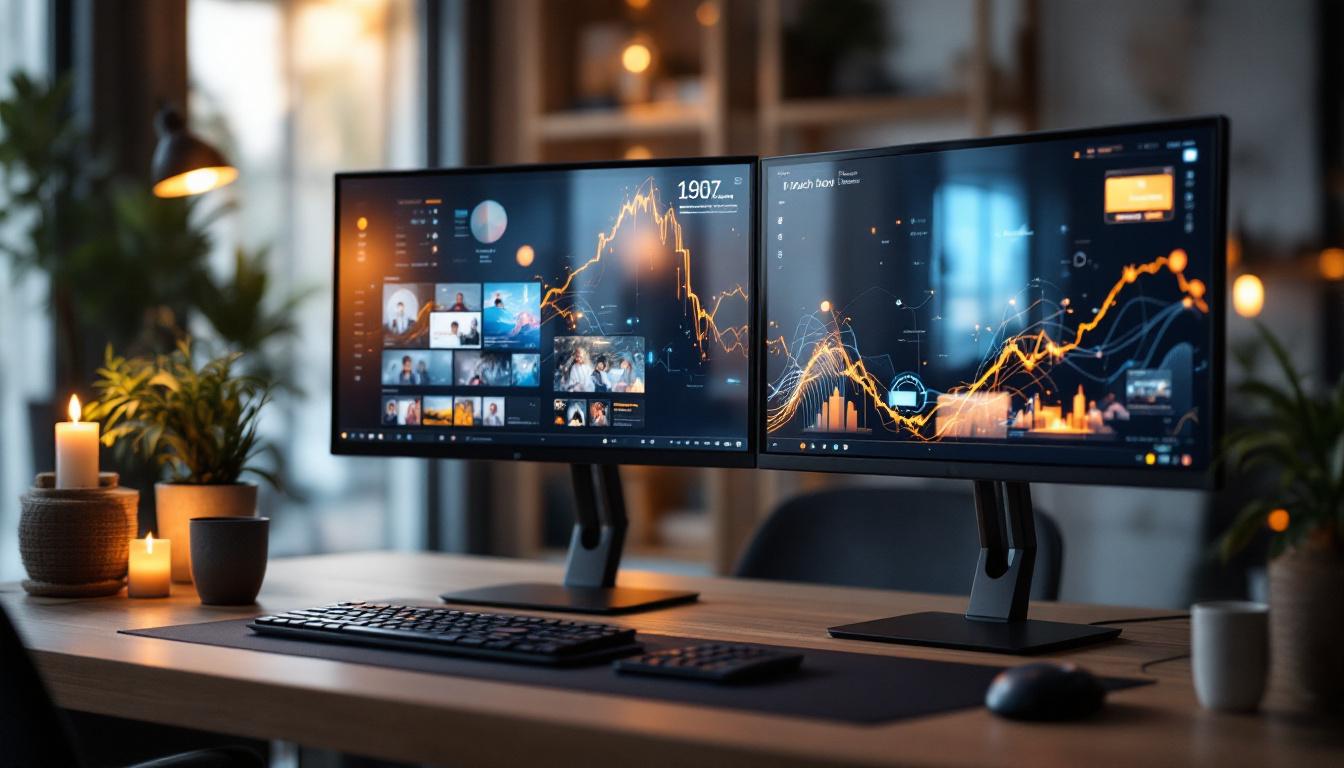
A touch screen dual monitor setup involves two monitors placed side by side or stacked, both equipped with touch-sensitive screens. Unlike traditional dual monitor systems that rely solely on keyboard and mouse input, these setups allow users to interact directly with the screen using fingers or a stylus. This direct interaction enhances productivity, creativity, and user engagement by offering more intuitive control over applications and workflows.
These systems are widely used in sectors such as graphic design, video editing, gaming, financial trading, and even customer service environments like retail and hospitality. The ability to manipulate content with touch gestures—such as pinch-to-zoom, swipe, and drag—makes these dual monitors highly versatile. In educational settings, for instance, teachers can use touch screen dual monitors to create interactive lessons, allowing students to engage directly with the material, thereby enhancing comprehension and retention.
Moreover, the integration of touch screen technology with dual monitors can significantly streamline workflows in fast-paced environments. For example, in a financial trading room, traders can quickly swipe through multiple data sets and charts, making real-time decisions with greater ease. This immediacy not only boosts efficiency but also empowers users to respond to market changes dynamically, giving them a competitive edge.
Benefits of Using Dual Monitors with Touch Capability
Dual monitors inherently increase screen real estate, allowing users to multitask effectively by spreading applications across two displays. When touch functionality is added, the benefits multiply:
- Enhanced Productivity: Users can quickly navigate between tasks using touch gestures, reducing reliance on peripheral devices.
- Improved Collaboration: Touch screens facilitate interactive presentations and brainstorming sessions, making it easier to annotate and manipulate shared content.
- Ergonomic Advantages: Touch interaction can reduce repetitive strain injuries associated with prolonged mouse use.
- Creative Freedom: Artists and designers can use styluses or fingers to draw and edit directly on the screen, improving precision and workflow.
Additionally, the tactile feedback provided by touch screens can enhance the user experience, making interactions feel more natural and engaging. This is particularly beneficial in creative industries where the ability to manipulate designs and graphics directly on the screen can lead to more innovative outcomes. Furthermore, touch screen dual monitors often come equipped with advanced features such as multi-touch capabilities, which allow multiple users to interact with the displays simultaneously. This feature is especially advantageous in collaborative environments, where teams can work together seamlessly on projects, sharing ideas and making adjustments in real-time.
Another significant advantage of touch screen dual monitors is their adaptability to various applications. Whether it’s for gaming, where quick reflexes and direct control can enhance gameplay, or for data analysis, where users can easily zoom in on specific data points, the versatility of these setups caters to a wide range of user needs. As technology continues to evolve, the integration of touch capabilities into dual monitor systems is likely to become even more prevalent, paving the way for innovative applications and improved user experiences across diverse fields.
LED Display Technology Explained
What is an LED Display?
LED stands for Light Emitting Diode, a technology used to illuminate screens. In LED displays, tiny diodes emit light when an electric current passes through them. This technology is used in two main ways in monitors:
- LED-backlit LCDs: These are traditional Liquid Crystal Displays (LCDs) that use LED lights as a backlight source instead of older fluorescent lamps. This results in thinner, more energy-efficient screens with better brightness and color accuracy.
- Direct LED Displays: In these, LEDs themselves form the pixels that produce the image, such as in OLED or MicroLED displays, offering superior contrast and color performance.
Most touch screen dual monitors on the market today use LED-backlit LCD technology due to its balance of cost, quality, and reliability.
Advantages of LED Displays in Dual Monitor Setups
LED displays bring several key benefits that make them ideal for dual monitor configurations:
- Energy Efficiency: LEDs consume less power than traditional backlighting methods, which is crucial when running multiple monitors simultaneously.
- Slim Design: LED backlighting allows for thinner and lighter monitors, making dual setups easier to position and adjust.
- Better Brightness and Contrast: LED technology enables higher brightness levels and improved contrast ratios, enhancing image clarity and reducing eye strain.
- Longer Lifespan: LEDs tend to have a longer operational life compared to older technologies, reducing maintenance and replacement costs.
Integrating Touch Screen and LED Display Technologies
How Touch Technology Works on LED Displays
Touch screen technology can be integrated with LED displays through several methods, each with its own strengths:
- Capacitive Touch: This technology uses the electrical properties of the human body to detect touch. It’s highly responsive and supports multi-touch gestures, making it the preferred choice for modern touch screen monitors.
- Resistive Touch: This older technology relies on pressure applied to the screen, registering touch when two conductive layers come into contact. While less sensitive and lacking multi-touch capability, resistive touch screens are durable and work with any pointing device.
- Infrared and Optical Touch: These use sensors around the screen edges to detect touch by interrupting light beams. They offer high accuracy and can detect multiple touch points but tend to be more expensive.
When combined with LED displays, capacitive touch technology is most common because it complements the high brightness and clarity of LED screens without compromising responsiveness.
Challenges in Combining Touch and LED Dual Monitors
While the integration of touch screens with LED dual monitors offers many advantages, it also presents challenges:
- Cost: Touch screen monitors are generally more expensive than non-touch variants, and dual setups double the investment.
- Calibration and Accuracy: Ensuring precise touch response across two monitors requires careful calibration and sometimes specialized software.
- Glare and Fingerprints: LED screens, especially glossy ones, can be prone to glare and smudges from frequent touch, which may affect visibility.
- Power Consumption: Although LED technology is energy efficient, adding touch sensors can increase overall power usage.
Applications of Touch Screen Dual Monitors with LED Displays
Professional Environments
In professional settings, touch screen dual monitors with LED displays are transforming workflows:
- Creative Industries: Graphic designers, video editors, and animators benefit from the precision and flexibility of touch interaction combined with vibrant LED displays.
- Financial Trading: Traders use multiple touch-enabled screens to monitor real-time data, execute trades quickly, and analyze market trends.
- Healthcare: Medical professionals leverage touch dual monitors for viewing patient records, imaging, and telemedicine consultations, allowing for faster and more accurate interactions.
- Education and Training: Interactive dual screens facilitate immersive learning experiences, enabling instructors and students to engage dynamically with content.
Consumer and Entertainment Uses
Beyond the workplace, these dual monitor setups enhance home computing and entertainment:
- Gaming: Gamers enjoy expansive, responsive displays that support touch controls for strategy games, simulations, and creative content creation.
- Home Offices: Remote workers benefit from increased productivity and ergonomic comfort by using touch dual monitors to manage multiple applications seamlessly.
- Smart Home Control: Touch dual monitors can serve as centralized control hubs for smart home devices, offering intuitive interfaces for lighting, security, and media.
Choosing the Right Touch Screen Dual Monitor with LED Display
Key Factors to Consider
When selecting a touch screen dual monitor setup with LED displays, several important factors should guide the decision:
- Screen Size and Resolution: Larger screens with high resolutions (such as 4K) provide more workspace and sharper images, essential for detailed tasks.
- Touch Technology: Capacitive touch is preferable for smooth, multi-touch experiences, but resistive or infrared may be better suited for specific environments.
- Connectivity Options: Ensure the monitors support multiple input types (HDMI, DisplayPort, USB-C) for compatibility with various devices.
- Ergonomics and Adjustability: Height-adjustable stands, swivel, and tilt features improve comfort during extended use.
- Durability and Warranty: Look for robust build quality and comprehensive warranties, especially for commercial use.
Popular Brands and Models
Several manufacturers specialize in touch screen dual monitors with LED displays, offering a range of options to suit different needs and budgets. Brands such as Dell, ASUS, LG, and ELO Touch Solutions are known for producing reliable and feature-rich models. For example, the Dell P2418HT is a popular 24-inch capacitive touch monitor with LED backlighting, often paired with a matching non-touch display for dual setups. Meanwhile, ELO’s 22-inch and 24-inch touch monitors are widely used in retail and hospitality for their durability and responsiveness.
Future Trends in Touch Screen Dual Monitors and LED Displays
Advancements in Display and Touch Technologies
The future of touch screen dual monitors with LED displays is promising, driven by ongoing innovations:
- MicroLED and OLED Integration: Emerging display technologies like MicroLED and OLED promise even better color accuracy, contrast, and energy efficiency, potentially revolutionizing dual monitor setups.
- Flexible and Foldable Screens: Flexible LED displays could enable dual monitors that fold or curve seamlessly, enhancing portability and immersive experiences.
- Enhanced Touch Sensitivity: Advances in haptic feedback and ultra-sensitive touch sensors will improve user interaction, making touch controls more natural and precise.
- AI and Gesture Recognition: Integration of AI-powered gesture recognition could allow users to control dual monitors with hand movements without physical contact, expanding accessibility.
Impact on Work and Lifestyle
As these technologies mature, touch screen dual monitors with LED displays will become more affordable and widespread, influencing how people work, create, and communicate. The blend of increased screen space, vibrant visuals, and intuitive touch interaction will foster greater collaboration and innovation across industries.
In summary, touch screen dual monitors with LED displays represent a significant leap forward in display technology, merging the best of visual performance and interactive capability. Whether for professional use or personal enjoyment, understanding the technology behind these systems enables users to make informed choices that enhance productivity and enrich digital experiences.
Discover LumenMatrix’s Advanced LED Display Solutions
Ready to elevate your interactive display experience? LumenMatrix, a pioneer in LED display technology, offers an extensive array of innovative solutions tailored to meet your needs. From captivating Indoor LED Walls to dynamic Vehicle LED Displays, our products are designed to transform your space and engage your audience. Embrace the future of visual communication with our LED Sports Displays, Floor LEDs, and more, each crafted to deliver unparalleled clarity and impact. Don’t miss out on the opportunity to enhance your professional or personal digital environment. Check out LumenMatrix LED Display Solutions today and see the difference cutting-edge technology can make.