All-in-One (AIO) desktops with touch screen capabilities have revolutionized the way users interact with their computers. Central to this experience is the LED display technology that powers these devices, offering vibrant visuals, responsive touch interfaces, and energy efficiency. This article delves into the intricacies of LED displays in touch screen AIO desktops, exploring their technology, advantages, and what users should consider when selecting a device.
Understanding LED Displays in AIO Desktops
LED, or Light Emitting Diode, displays have become the standard in modern computing devices, including All-in-One desktops. Unlike older display technologies such as CCFL (Cold Cathode Fluorescent Lamp) backlighting, LED displays use an array of light-emitting diodes to illuminate the screen, resulting in better brightness, contrast, and energy efficiency.
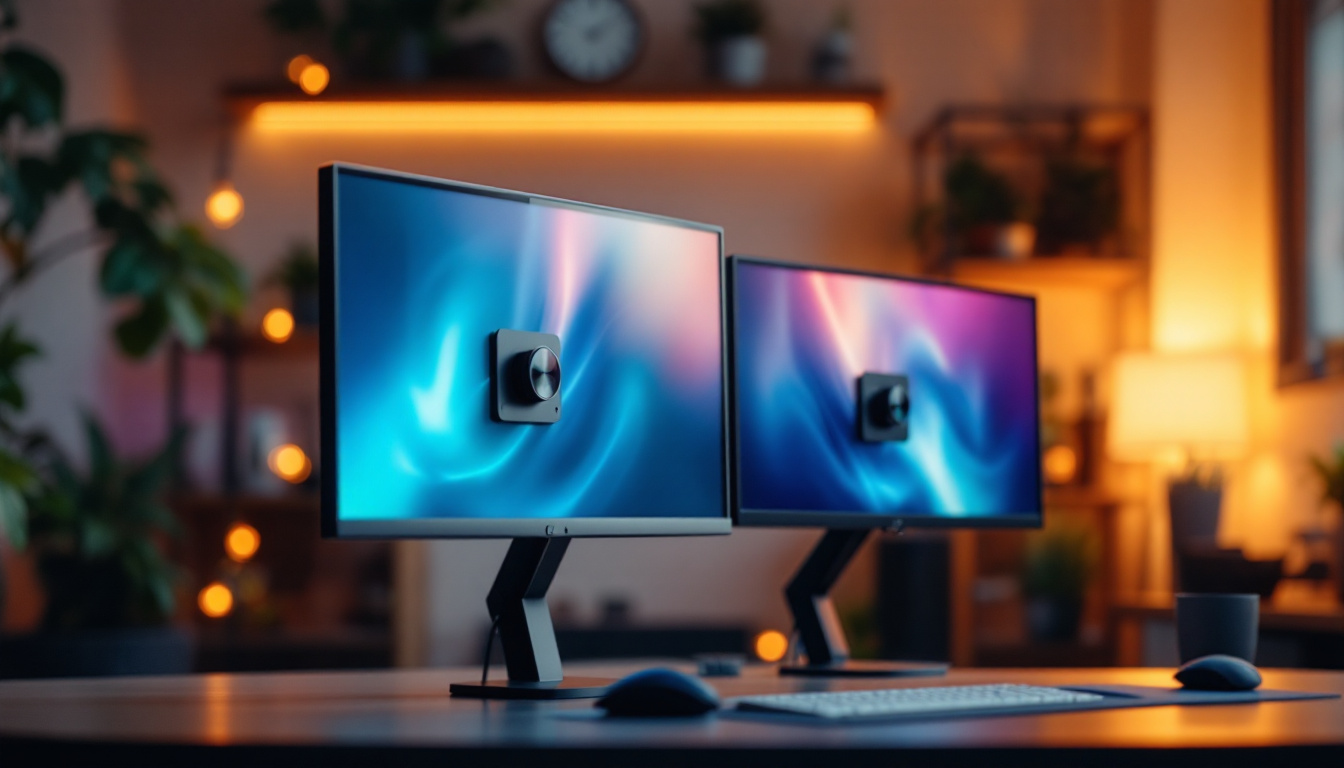
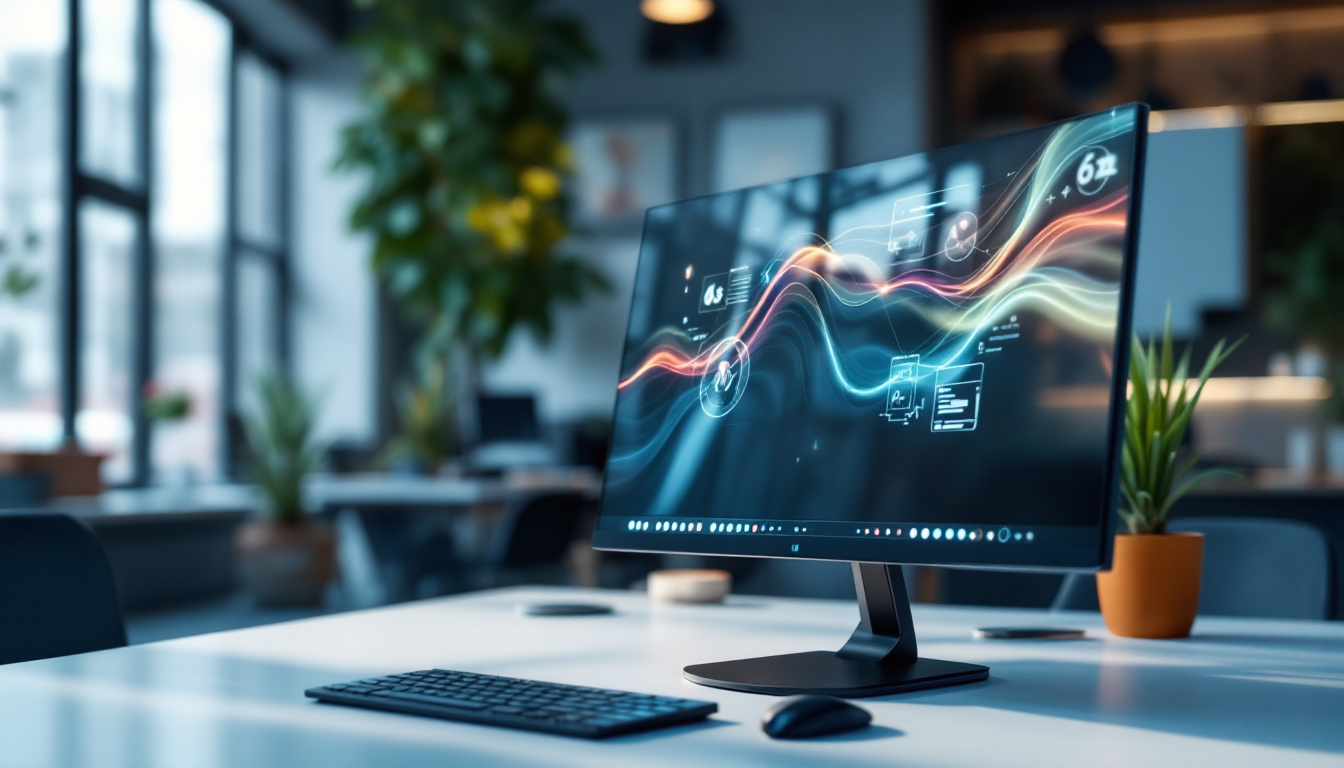
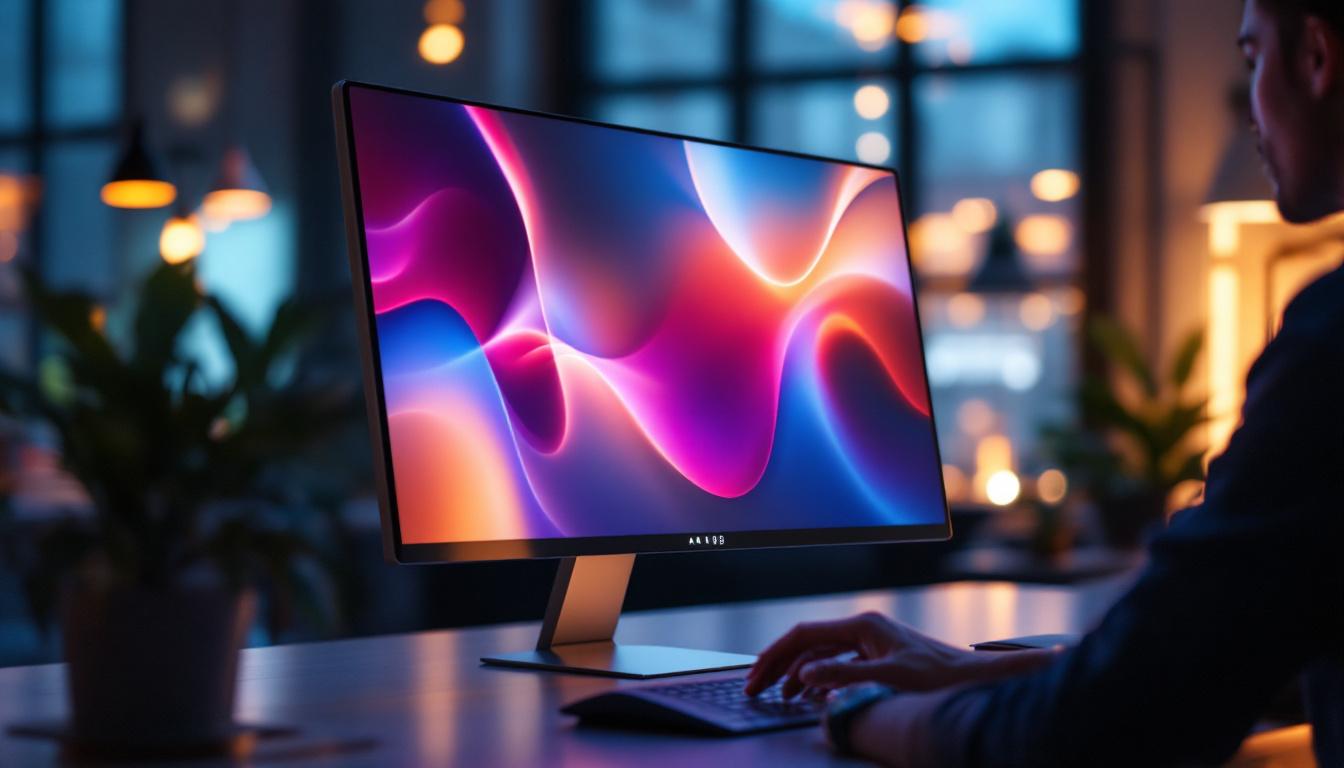
In AIO desktops, the LED display is integrated directly into the monitor housing alongside the computer components, creating a compact and sleek design. This integration is particularly beneficial for touch screen models, as it allows for a seamless user interface where the display and touch sensors work in tandem. The reduced footprint of AIO desktops not only saves space but also enhances portability, making them ideal for both home and office environments.
Types of LED Displays Used in Touch Screen AIOs
There are primarily two types of LED display backlighting technologies used in AIO desktops: Edge-Lit LED and Direct-Lit LED. Edge-Lit LED places LEDs along the edges of the screen, using light guides to distribute light evenly. This method allows for thinner displays but may have slight compromises in brightness uniformity. Direct-Lit LED places LEDs directly behind the screen, offering more consistent brightness and better contrast but often resulting in a thicker display.
Additionally, many premium AIO desktops utilize IPS (In-Plane Switching) LED panels, which provide superior color accuracy and wider viewing angles compared to TN (Twisted Nematic) panels. For touch screen applications, IPS panels enhance the overall visual experience, especially when multiple users interact with the screen from different angles. The vibrant colors and sharp details produced by IPS technology make it a popular choice among graphic designers and multimedia professionals who require precise color representation for their work.
Furthermore, some AIO desktops have begun to incorporate advanced features such as anti-glare coatings and higher refresh rates, which significantly improve usability in various lighting conditions and enhance the overall responsiveness of the touch interface. Anti-glare coatings reduce reflections and improve visibility in bright environments, making it easier to work without straining the eyes. Meanwhile, higher refresh rates ensure smoother motion during video playback and gaming, providing a more immersive experience for users who enjoy multimedia content on their devices.
The Role of Touch Technology in LED Displays
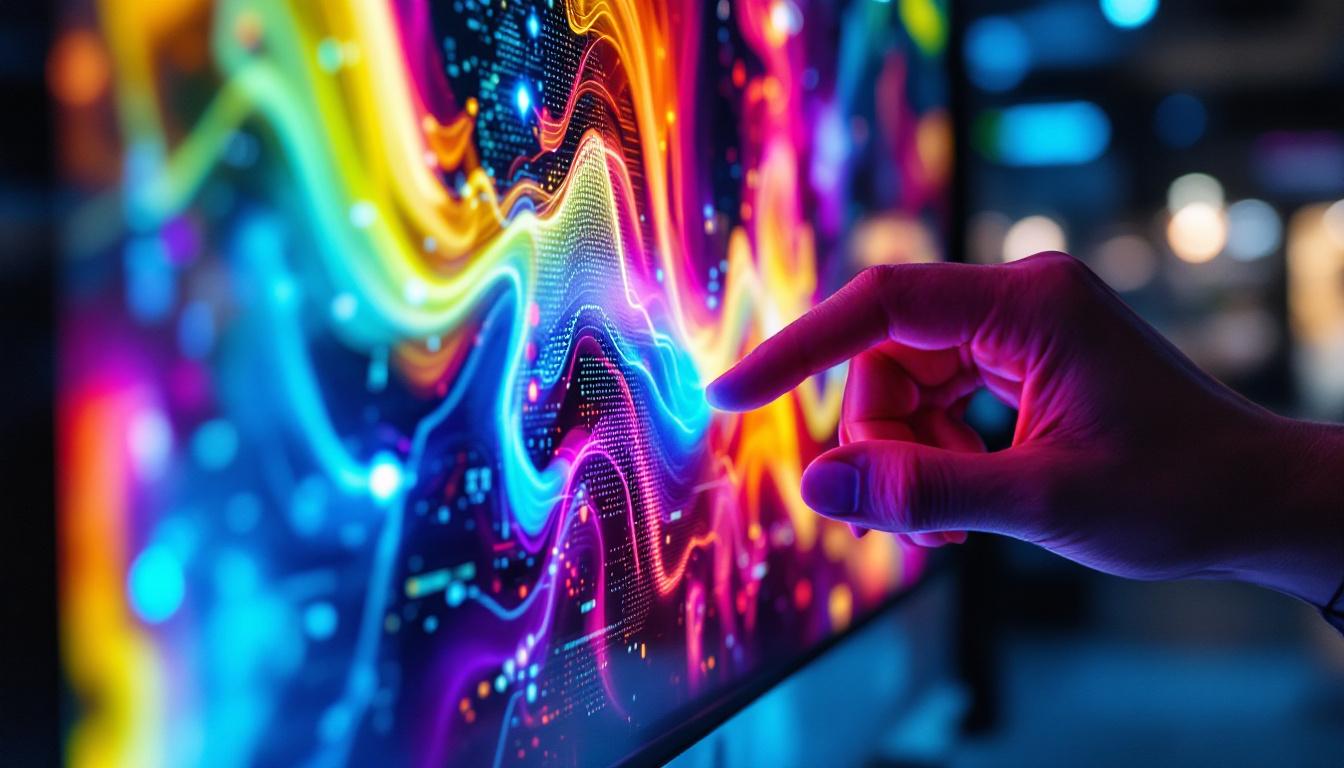
Touch screen functionality in AIO desktops relies on integrating touch sensors with the LED display. The most common touch technologies include capacitive and resistive touchscreens, each with distinct characteristics affecting performance and user experience.
Capacitive Touchscreens
Capacitive touchscreens are the dominant technology in modern touch screen AIO desktops. They detect touch through the electrical properties of the human finger, enabling multi-touch gestures such as pinch-to-zoom and swipe. Capacitive screens are highly responsive, durable, and support high-definition displays without compromising image quality.
Because capacitive sensors are typically embedded directly onto the LED display glass, the overall thickness of the screen remains minimal, which contributes to the sleek design of AIO desktops. Furthermore, capacitive touchscreens are less prone to wear and tear compared to resistive types, making them ideal for frequent use. The seamless integration of touch technology also enhances user interaction, allowing for a more intuitive experience that aligns with modern computing needs. Users can easily navigate complex software applications, engage with multimedia content, and even draw or annotate directly on the screen, making these devices particularly popular among creative professionals and educators.
Resistive Touchscreens
Resistive touchscreens operate by detecting pressure applied to the screen, which causes two conductive layers to make contact. While this technology is generally less expensive and can be used with any pointing device (stylus, gloved finger, etc.), it tends to be less sensitive and offers lower clarity than capacitive screens.
In the context of AIO desktops, resistive touchscreens are less common due to their limitations in responsiveness and image quality. However, they may still be found in specialized industrial or budget models where cost and input flexibility are prioritized over performance. In environments such as factories or hospitals, where users may need to wear gloves or where the screens may be exposed to harsh conditions, resistive technology can provide a practical solution. Additionally, the durability of resistive screens against scratches and impacts makes them suitable for rugged applications, although they may sacrifice some of the advanced features that users have come to expect from modern touch interfaces.
Advantages of LED Displays in Touch Screen AIO Desktops
LED displays offer numerous benefits that enhance the overall user experience in touch screen AIO desktops. Understanding these advantages can help consumers make informed decisions when selecting a device.
Superior Image Quality
LED displays provide vibrant colors, deep blacks, and high contrast ratios, making images and videos appear crisp and lifelike. When combined with touch technology, this clarity ensures that users can interact with content precisely and comfortably, whether they are editing photos, browsing the web, or playing games.
Energy Efficiency and Longevity
Compared to older backlighting technologies, LED displays consume significantly less power. This energy efficiency not only reduces electricity costs but also contributes to lower heat generation, which can extend the lifespan of the AIO desktop components. For users who keep their devices running for extended periods, this translates into a more reliable and sustainable computing experience.
Thin and Lightweight Design
The compact nature of LED backlighting allows manufacturers to design slim and lightweight AIO desktops without sacrificing screen size or performance. This design flexibility is especially important for touch screen models, where ergonomics and ease of use are critical. A thinner profile also means less desk space is required, making AIO desktops ideal for home offices, classrooms, and retail environments.
Key Considerations When Choosing a Touch Screen AIO Desktop
Selecting the right touch screen AIO desktop involves evaluating several factors related to the LED display and touch technology to ensure it meets the user’s needs.
Screen Size and Resolution
The screen size of AIO desktops typically ranges from 21 to 32 inches. Larger screens provide more workspace and are beneficial for multitasking or creative applications. Resolution is equally important; Full HD (1920×1080) is standard, but higher resolutions such as 4K (3840×2160) are becoming increasingly common, offering sharper images and more detailed visuals.
Users should consider their primary use cases—whether for general productivity, graphic design, or media consumption—to determine the optimal screen size and resolution combination.
Touch Responsiveness and Accuracy
Responsiveness is critical for a smooth touch experience. AIO desktops with high-quality capacitive touchscreens typically offer low latency and precise input detection. Some models also support multi-touch with 10 or more simultaneous touch points, enabling advanced gestures and collaborative work.
Testing the touch responsiveness in-store or reading detailed reviews can help users identify models that deliver a fluid and accurate touch experience.
Display Brightness and Anti-Glare Features
Brightness levels affect visibility, especially in brightly lit environments. LED displays with brightness ratings above 300 nits are generally sufficient for indoor use, while higher brightness is preferable for spaces with significant ambient light. Additionally, anti-glare coatings reduce reflections and eye strain, enhancing comfort during prolonged use.
Durability and Build Quality
Since touch screen AIO desktops involve direct physical interaction, the display glass must be robust. Many models use chemically strengthened glass such as Gorilla Glass to resist scratches and impacts. A sturdy build ensures longevity and maintains the display’s clarity and touch sensitivity over time.
Emerging Trends in LED Displays for Touch Screen AIO Desktops
Technology in the AIO desktop space continues to evolve rapidly, with LED display innovations enhancing touch screen capabilities and overall performance.
OLED and Mini-LED Displays
While traditional LED-backlit LCDs dominate the market, OLED (Organic Light Emitting Diode) and Mini-LED technologies are gaining traction. OLED displays offer superior contrast ratios and deeper blacks by emitting light at the pixel level, which can significantly improve image quality. Mini-LED, on the other hand, uses thousands of tiny LEDs for backlighting, enabling better local dimming and brightness control.
Both technologies promise to elevate the visual experience in touch screen AIO desktops, although they currently come at a premium price point.
Improved Touch Integration and Haptics
Manufacturers are exploring enhanced touch integration techniques, including haptic feedback that simulates the sensation of pressing physical buttons on a flat screen. These advancements aim to make touch interactions more intuitive and satisfying, bridging the gap between tactile and digital experiences.
Energy-Saving and Eco-Friendly Designs
With growing environmental concerns, LED display manufacturers are focusing on reducing power consumption and using sustainable materials. Innovations such as adaptive brightness controls and recyclable components are becoming standard features in new AIO desktop models.
Conclusion
LED displays are a cornerstone of the touch screen All-in-One desktop experience, offering vibrant visuals, energy efficiency, and sleek design. Understanding the types of LED backlighting, touch technologies, and key features helps users select the right AIO desktop tailored to their needs. As display technologies continue to advance, users can expect even more immersive and responsive touch screen experiences in the near future.
Whether for professional use, education, or entertainment, investing in a quality LED display touch screen AIO desktop ensures a seamless blend of performance and interactivity that meets modern computing demands.
Discover LumenMatrix’s Advanced LED Display Solutions
Ready to experience the future of touch screen AIO desktops with unparalleled LED display technology? LumenMatrix is at the forefront of innovation, offering a wide array of LED display solutions that transform any space into a dynamic environment. From Indoor and Outdoor LED Walls to specialized displays for Vehicles, Sports, and Custom applications, our products are designed to captivate and engage. Elevate your visual communication with our All-in-One LED Displays and see the difference in clarity and impact. Check out LumenMatrix LED Display Solutions today and step into a world of vivid colors and interactive possibilities.