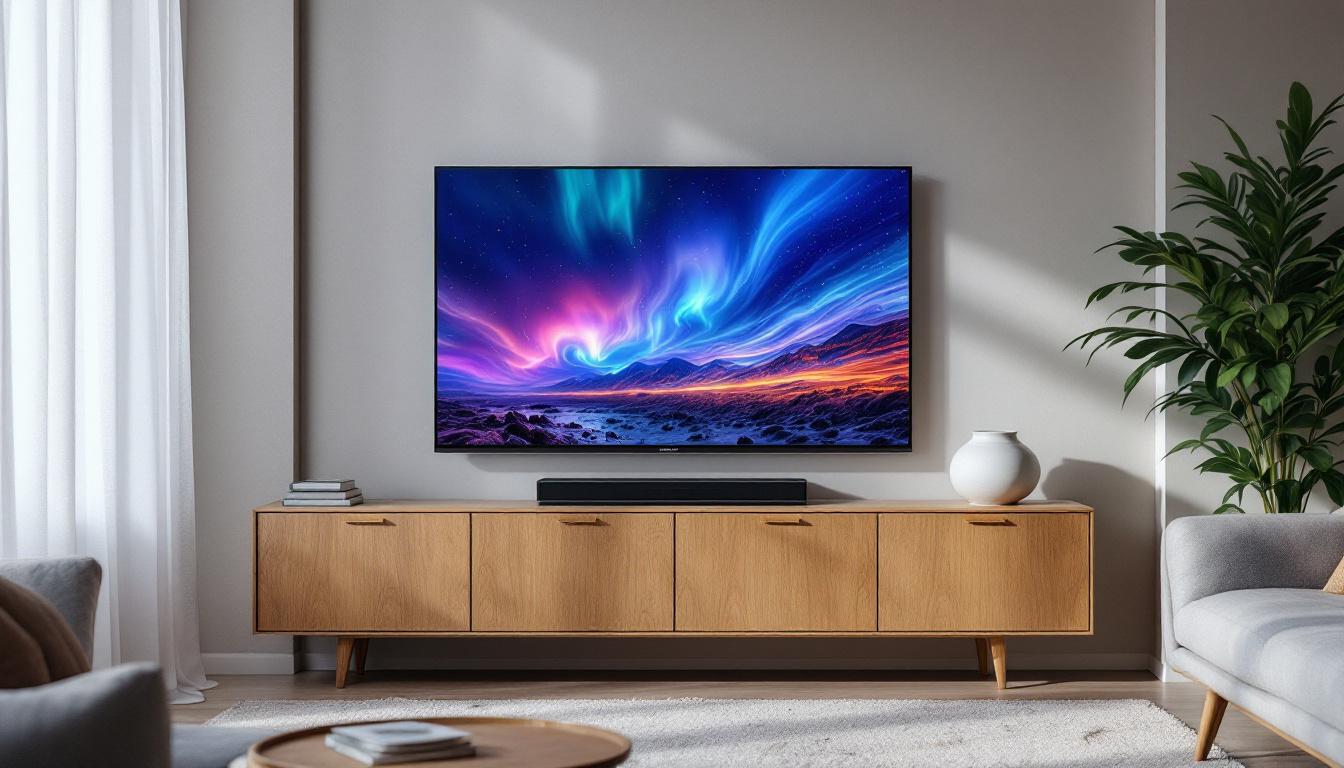
2018 UHD Smart TV Owners Manual PDF: LED Display Explained
Owning a 2018 UHD Smart TV brings a blend of cutting-edge technology and immersive viewing experiences right into the living room. However, understanding the intricacies of your television’s LED display and how to maximize its potential can sometimes be overwhelming. This comprehensive guide dives deep into the LED display technology featured in 2018 UHD Smart TVs, helping owners unlock the full capabilities of their devices. Whether you’re seeking clarity on display specifications, tips for optimal picture quality, or troubleshooting advice, this article serves as your detailed owners manual in PDF form — but in an easy-to-read, web-friendly format.
Understanding LED Display Technology in 2018 UHD Smart TVs
LED (Light Emitting Diode) technology has been the backbone of modern television displays for several years, and the 2018 UHD Smart TVs are no exception. Unlike older LCD TVs that relied on cold cathode fluorescent lamps (CCFL) for backlighting, LED TVs use light-emitting diodes to illuminate the screen. This shift brought significant improvements in brightness, energy efficiency, and color accuracy. The advancements in LED technology have allowed manufacturers to create thinner and lighter TVs, making them more aesthetically pleasing and easier to mount on walls.
In 2018, UHD (Ultra High Definition) TVs typically featured 4K resolution, which means a pixel count of approximately 3840 x 2160. This resolution quadruples the pixel density of standard HD, delivering sharper images and more detailed visuals. When combined with LED technology, UHD TVs offer vibrant colors and deep contrasts that enhance the viewing experience. Moreover, many models incorporated High Dynamic Range (HDR) capabilities, which further improved the range of colors and brightness levels, allowing viewers to enjoy a more lifelike picture that closely resembles what the human eye can perceive in real life.
Types of LED Backlighting: Edge-lit vs. Full-array
One of the key distinctions in LED displays is the backlighting method. Most 2018 UHD Smart TVs use either edge-lit or full-array LED backlighting:
- Edge-lit LED: LEDs are positioned along the edges of the screen, and light is diffused across the display panel. This design allows for thinner TVs but can sometimes result in uneven brightness or less precise local dimming. Additionally, edge-lit displays are often more affordable, making them a popular choice for budget-conscious consumers.
- Full-array LED: LEDs are distributed evenly behind the entire screen, enabling better control over brightness zones and improved contrast through local dimming. This results in deeper blacks and more dynamic images. Full-array LED TVs are generally considered superior for viewing in dark environments, as they can achieve true black levels by turning off individual LEDs in dark scenes.
Understanding which backlighting system your 2018 UHD TV uses is essential for optimizing picture settings and troubleshooting display issues. Additionally, knowing the backlighting type can help consumers make informed decisions when purchasing a new TV, as it directly impacts the overall viewing experience. As technology continues to evolve, newer models may incorporate advanced features such as mini-LED or OLED technology, which promise even greater improvements in picture quality and energy efficiency.
Key Features of the 2018 UHD Smart TV LED Display
Beyond resolution and backlighting, 2018 UHD Smart TVs incorporated several advanced features that enhanced LED display performance. These features not only improved picture quality but also contributed to energy efficiency and user experience.
High Dynamic Range (HDR) Support
HDR technology was a major selling point for UHD TVs in 2018. HDR expands the range of colors and contrast, allowing TVs to display brighter whites and deeper blacks simultaneously. This results in more lifelike images that closely resemble what the human eye sees in real life.
Popular HDR formats supported by 2018 UHD Smart TVs include HDR10, Dolby Vision, and HLG (Hybrid Log-Gamma). When viewing HDR content, the LED display adjusts brightness and color output dynamically to deliver stunning visuals. This adaptability not only enhances the viewing experience for movies and shows but also makes gaming more immersive, as players can appreciate the finer details in shadowy environments or brightly lit scenes.
Wide Color Gamut (WCG)
Wide Color Gamut refers to the TV’s ability to display a broader spectrum of colors beyond the standard RGB color space. In 2018, many UHD Smart TVs incorporated WCG technology, often covering 90% or more of the DCI-P3 color space used in digital cinema. This enhancement means more vibrant and accurate colors, especially noticeable in scenes with rich reds, greens, and blues.
With WCG, viewers can enjoy a more immersive experience, as the colors appear more natural and true to life. This is particularly beneficial for nature documentaries and animated films, where the vibrancy of colors plays a crucial role in storytelling. Additionally, the ability to render subtle shades and tones allows for a more nuanced viewing experience, making even everyday scenes feel more dynamic and engaging.
Refresh Rate and Motion Handling
While 60Hz was the standard refresh rate for many 2018 UHD TVs, some models offered higher refresh rates or motion interpolation technologies to reduce blur during fast-moving scenes. This is particularly important for sports, gaming, and action movies where smooth motion enhances the viewing experience.
Advanced motion handling techniques, such as black frame insertion and frame interpolation, were also employed in select models to further enhance clarity during rapid movements. These technologies work by inserting additional frames or dark frames between the original ones, which helps to minimize motion blur and judder. As a result, viewers can enjoy a more fluid and seamless experience, making high-octane action sequences and fast-paced sports events more enjoyable and visually appealing.
How to Access and Use the 2018 UHD Smart TV Owners Manual PDF
Having the owners manual in PDF format is invaluable for troubleshooting, understanding settings, and maintaining your TV. Manufacturers typically provide downloadable manuals on their official websites, tailored to specific models.
Finding the Correct Manual
To locate the correct PDF manual for your 2018 UHD Smart TV:
- Identify your TV model number: This is usually found on the back of the TV or in the settings menu under “About” or “System Information.”
- Visit the manufacturer’s website: Brands like Samsung, LG, Sony, and Vizio maintain support sections where you can search by model number.
- Download the PDF manual: Manuals often include detailed sections on LED display specifications, picture settings, smart features, and troubleshooting.
Having the manual on hand ensures you can refer to official guidance whenever necessary, helping you get the most out of your UHD Smart TV.
Key Sections to Review in the Manual
When reviewing the owners manual PDF, pay particular attention to these sections related to the LED display:
- Picture Settings: Instructions on adjusting brightness, contrast, color temperature, and advanced settings like local dimming and HDR modes.
- Troubleshooting: Common LED display issues such as backlight bleeding, dead pixels, or flickering, along with recommended fixes.
- Smart TV Features: How to navigate the interface, update firmware, and optimize streaming apps for the best picture quality.
Optimizing Your 2018 UHD Smart TV LED Display for Best Performance
Even the most advanced LED displays require some calibration and care to deliver their best performance. Here are practical tips to optimize your TV’s picture quality and prolong its lifespan.
Calibrating Picture Settings
Factory default settings are often designed for showroom brightness and may not suit your home environment. Adjusting settings can significantly enhance your viewing experience:
- Brightness and Contrast: Set brightness so that blacks appear deep but details in dark scenes remain visible. Contrast should be high enough to make whites bright without losing detail.
- Color Temperature: Most TVs offer presets like “Warm,” “Cool,” or “Standard.” “Warm” settings tend to produce more natural skin tones and reduce eye strain.
- Local Dimming: If your TV supports local dimming, enable it to improve contrast and black levels.
- HDR Mode: Ensure HDR is enabled when viewing compatible content to experience the full range of colors and brightness.
Maintaining Your LED Display
Proper maintenance can prevent common issues and extend your TV’s lifespan:
- Clean the Screen Gently: Use a microfiber cloth and avoid harsh chemicals that could damage the LED panel.
- Manage Screen Burn-In: While LED TVs are less prone to burn-in than OLEDs, avoid leaving static images on the screen for prolonged periods.
- Update Firmware Regularly: Manufacturers release updates that can improve display performance and fix bugs.
Troubleshooting Common LED Display Issues
Despite advances in technology, some LED display issues may arise:
- Backlight Bleeding: Uneven lighting around the edges or corners can be minimized by adjusting brightness or repositioning the TV.
- Dead or Stuck Pixels: These are rare but can sometimes be fixed with pixel-refresh tools or gentle massaging techniques.
- Flickering Screen: Check cable connections, update firmware, or reset the TV to default settings.
Conclusion: Maximizing the Value of Your 2018 UHD Smart TV
Owning a 2018 UHD Smart TV with an LED display offers a remarkable viewing experience, blending high resolution, vibrant colors, and smart functionality. Understanding the technology behind the LED display and knowing how to access and utilize the owners manual PDF empowers users to optimize their TV’s performance and troubleshoot issues effectively.
By familiarizing yourself with key features such as HDR, wide color gamut, and backlighting types, you can tailor your settings to suit your environment and preferences. Regular maintenance and calibration ensure that your TV continues to deliver stunning visuals for years to come.
For any specific questions or detailed instructions, always refer to the official owners manual PDF provided by your TV’s manufacturer. This resource remains the most accurate and comprehensive guide tailored to your exact model, helping you unlock the full potential of your 2018 UHD Smart TV.
Discover the Future of LED Displays with LumenMatrix
As you seek to maximize the value of your 2018 UHD Smart TV, imagine the possibilities with the latest advancements in LED technology. LumenMatrix is at the forefront of these innovations, offering a wide array of LED display solutions that transform any space into a dynamic visual experience. From captivating Indoor LED Wall Displays to vibrant Outdoor LED Wall Displays, and even specialized options like Vehicle LED Displays and LED Sports Displays, LumenMatrix has the perfect solution to elevate your visual engagement. Ready to revolutionize your visual communication? Check out LumenMatrix LED Display Solutions today and step into a world where clarity and impact go hand in hand.