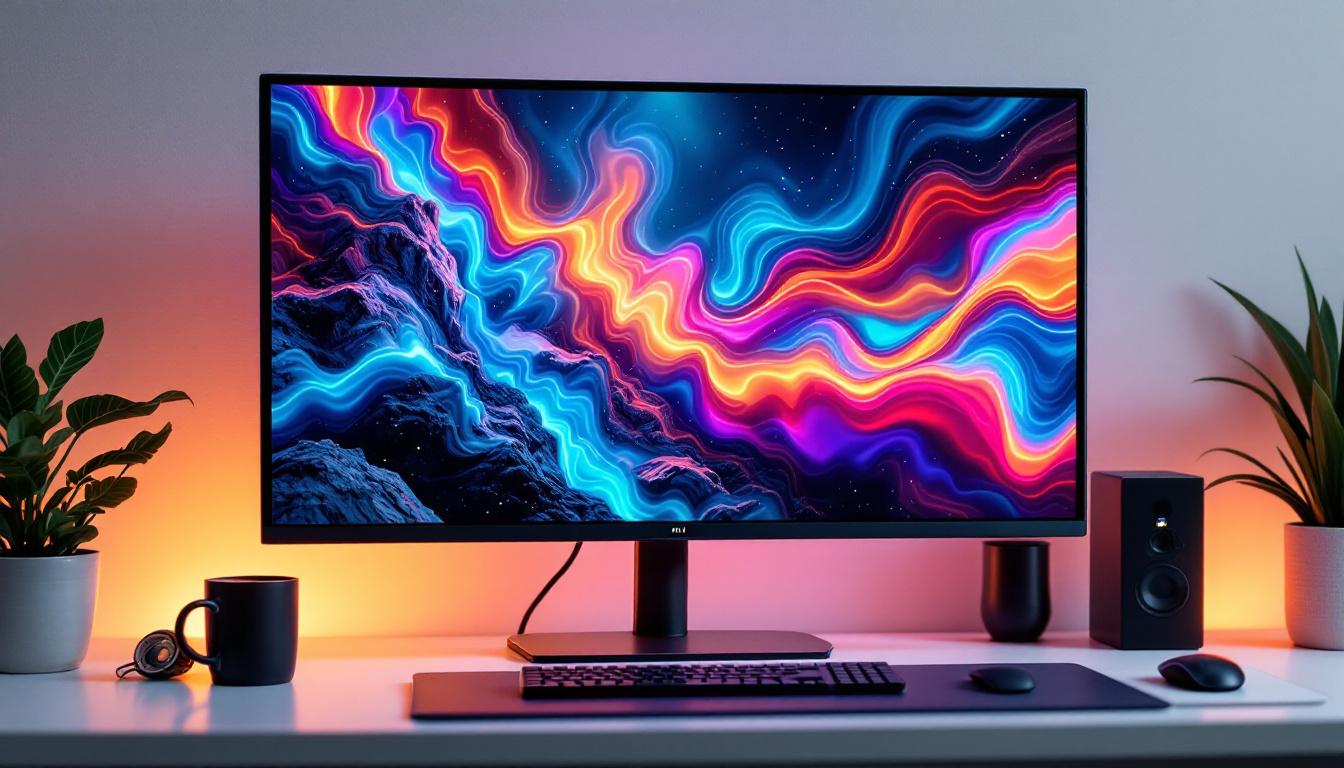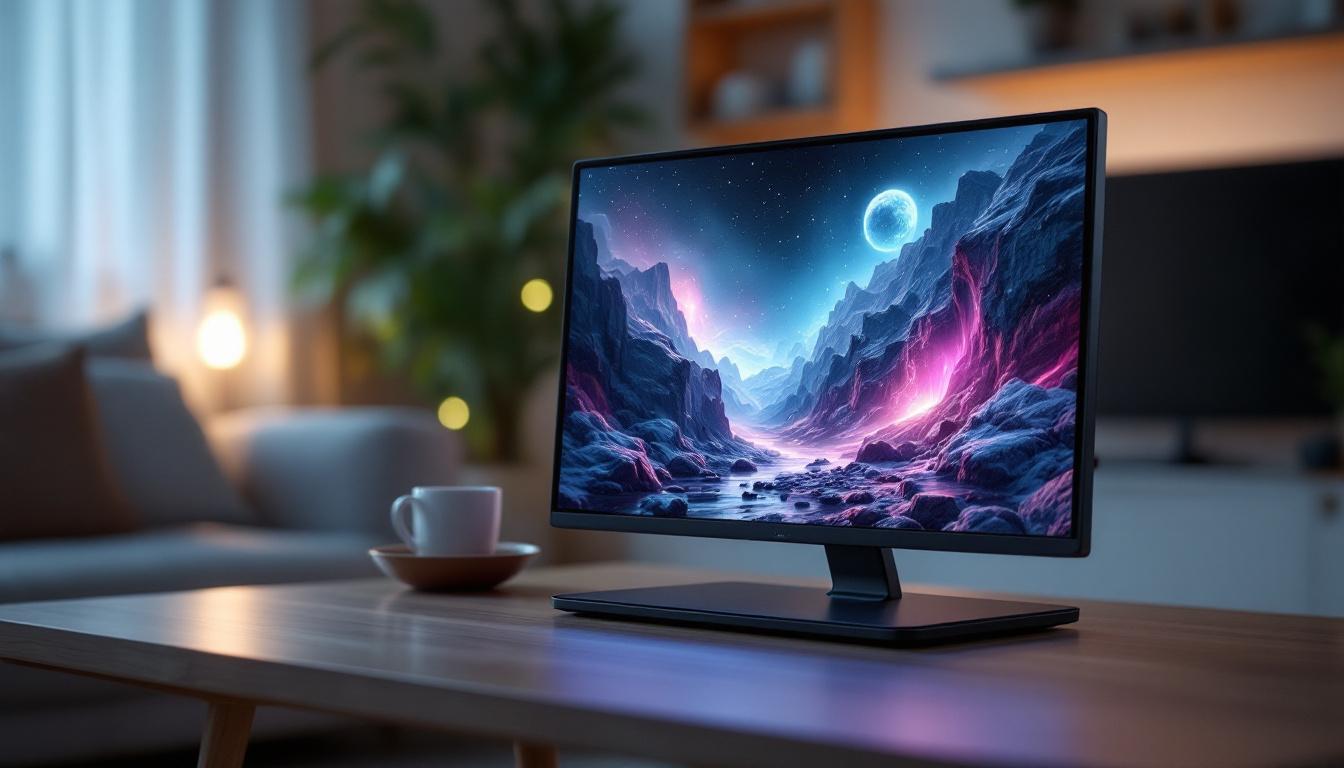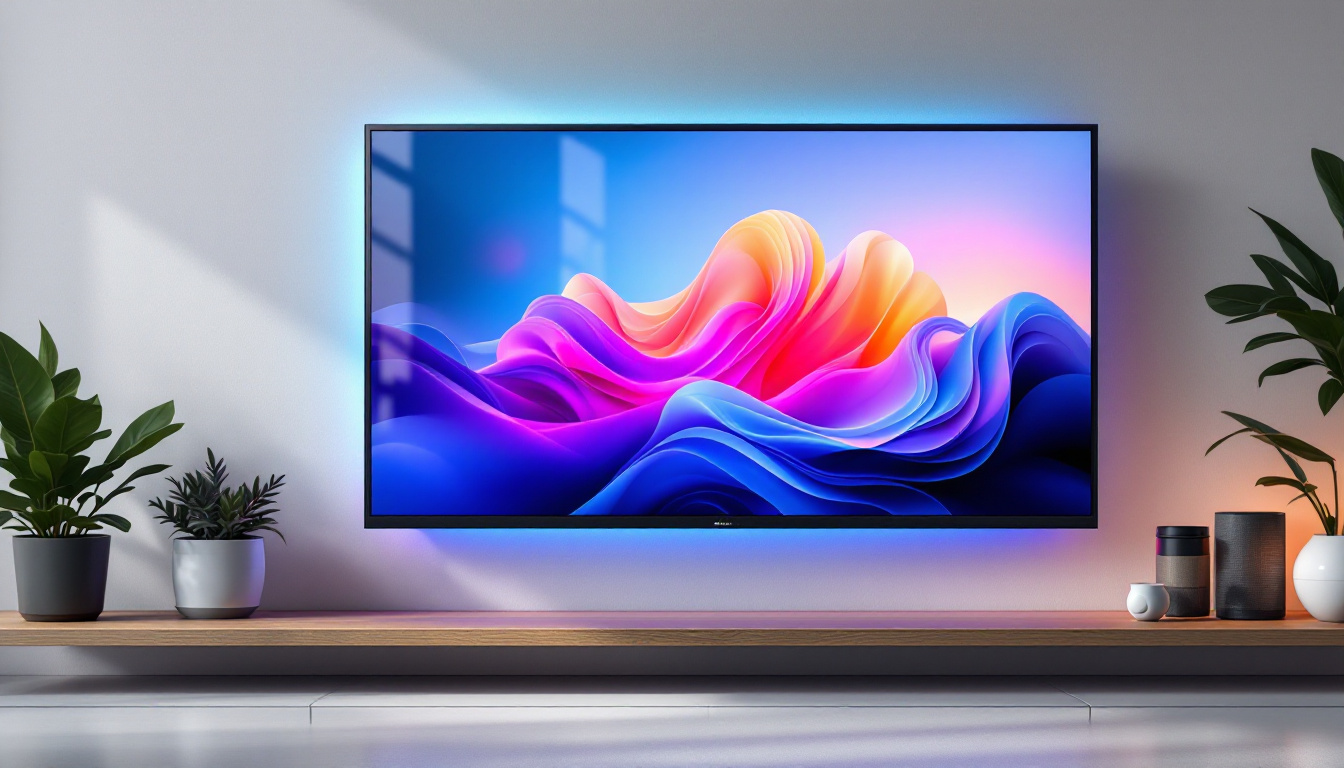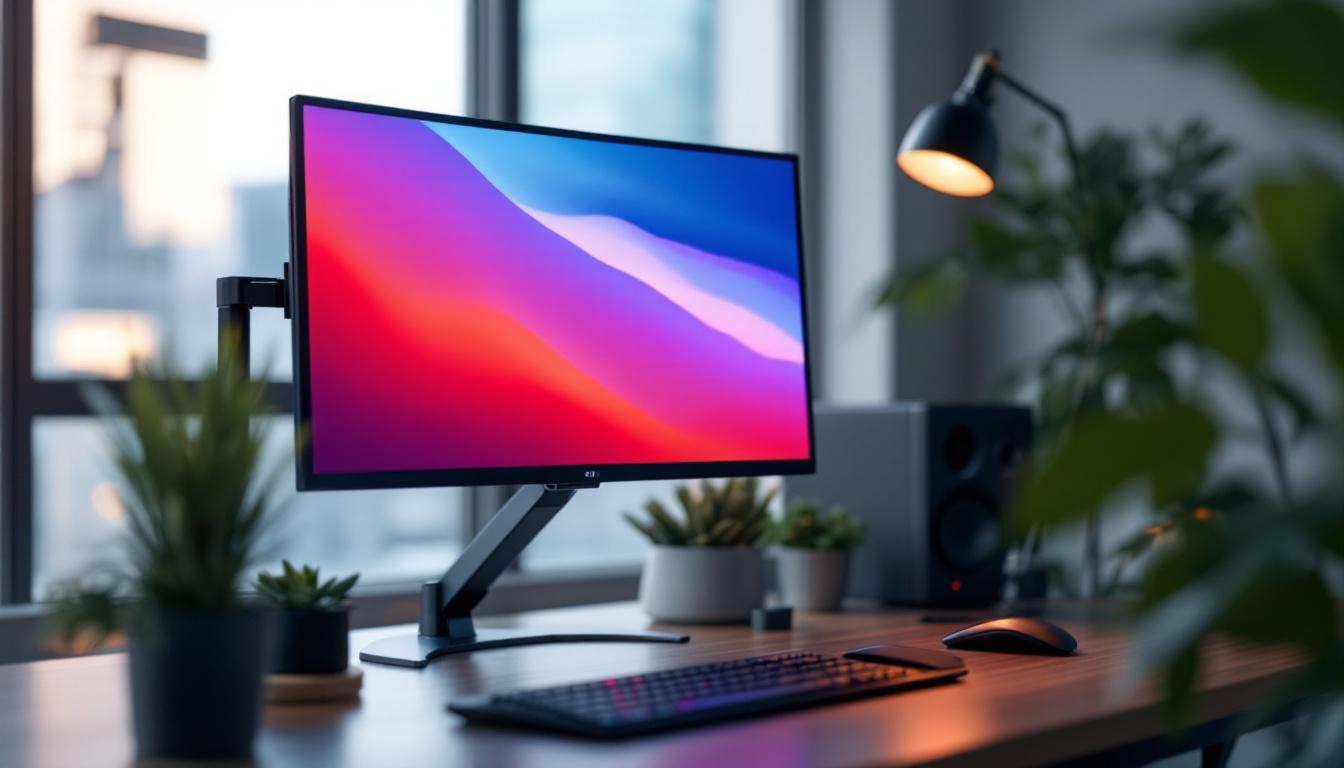
In today’s digital age, the way we interact with our computer screens significantly impacts productivity, comfort, and overall health. Adjustable computer monitor mounts have become essential tools in optimizing workspace ergonomics, especially when paired with LED displays. This comprehensive guide explores the benefits, features, and technology behind adjustable monitor mounts and LED displays, helping users make informed decisions for their workstations.
Understanding Adjustable Computer Monitor Mounts
What Is an Adjustable Monitor Mount?
An adjustable computer monitor mount is a hardware accessory designed to hold and position a computer monitor in a customizable manner. Unlike fixed stands that come with most monitors, adjustable mounts allow users to change the height, tilt, swivel, and rotation of their screens. This flexibility enables users to find the most comfortable and ergonomic viewing angle, reducing strain on the neck, eyes, and back.
These mounts come in various styles, including desk clamps, wall mounts, and freestanding arms. Many models support single or multiple monitors, catering to different workspace configurations and user needs. For instance, a dual-monitor setup can be particularly beneficial for professionals who need to multitask, as it allows for seamless transitions between applications without the need to toggle back and forth on a single screen. Additionally, some mounts are designed with built-in cable management systems, helping to keep cords organized and out of sight, which further enhances the aesthetic appeal of the workspace.
Why Adjustable Mounts Are Essential for Modern Workspaces
With the rise of remote work and extended screen time, ergonomic considerations have become paramount. According to the American Optometric Association, improper monitor positioning is a leading cause of digital eye strain, affecting nearly 60 million Americans. Adjustable mounts help mitigate these issues by enabling users to align their monitors at eye level and optimal distance, minimizing glare and awkward postures. This is particularly important in today’s digital age, where many individuals spend upwards of eight hours a day in front of a screen, making the risk of discomfort or injury a significant concern.
Moreover, adjustable mounts free up valuable desk space, allowing for a cleaner, more organized workspace. This can boost productivity by reducing distractions and creating a more inviting environment. The ability to reposition monitors also encourages better collaboration in shared workspaces, as screens can be easily adjusted for group discussions or presentations. Furthermore, many adjustable mounts are designed with aesthetics in mind, offering sleek and modern designs that complement contemporary office decor. By investing in an adjustable monitor mount, users not only enhance their comfort and health but also elevate the overall functionality and style of their work environment.
The Role of LED Displays in Computer Monitors
What Is an LED Display?
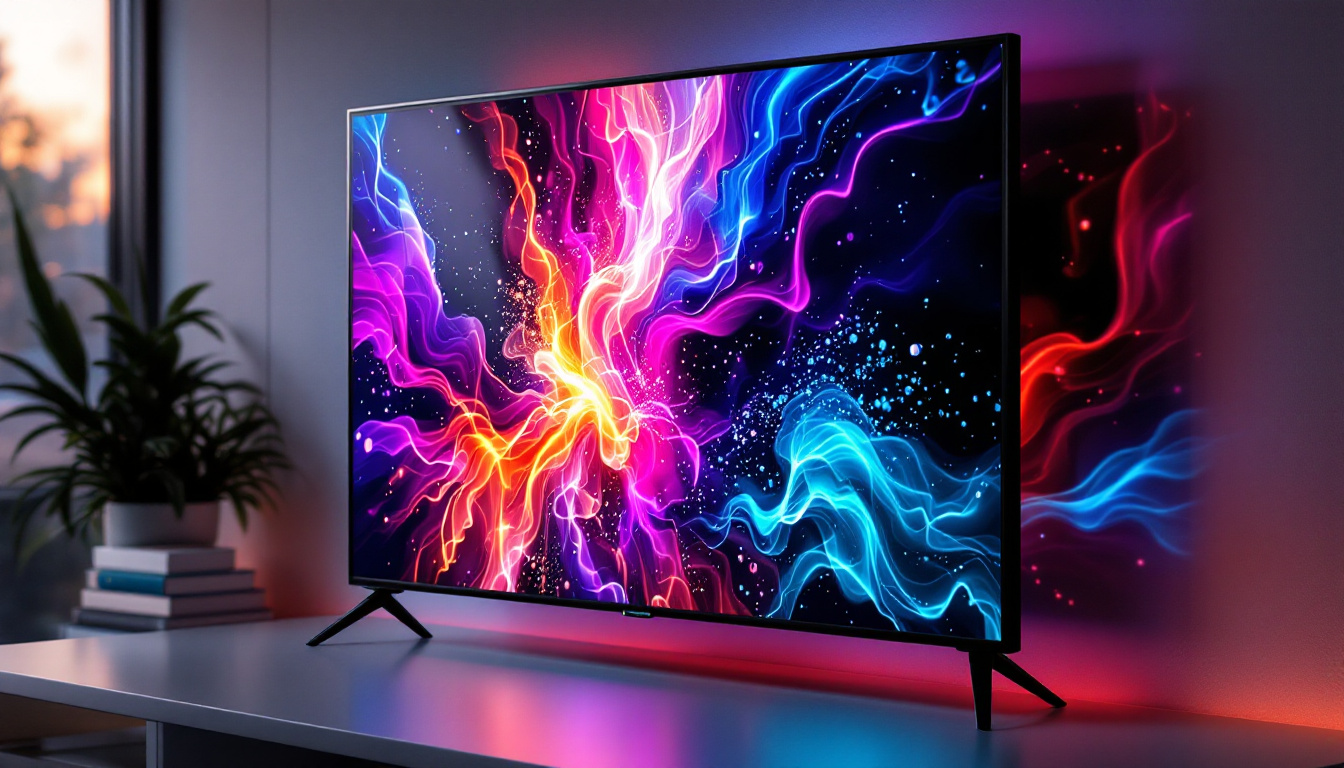
LED (Light Emitting Diode) displays are a type of screen technology widely used in modern computer monitors. Unlike older LCDs that rely on cold cathode fluorescent lamps (CCFL) for backlighting, LED displays use tiny light-emitting diodes to illuminate the screen. This results in brighter images, better color accuracy, and improved energy efficiency.
LED displays come in two main types: edge-lit and full-array. Edge-lit LED monitors place LEDs around the screen’s edges, allowing for thinner designs, while full-array LED monitors have LEDs distributed evenly behind the screen, offering superior contrast and uniformity.
Advantages of LED Displays Over Other Technologies
LED displays offer several advantages that make them the preferred choice for most users today:
- Energy Efficiency: LED monitors consume up to 40% less power than traditional CCFL-backlit LCDs, reducing electricity bills and environmental impact.
- Improved Brightness and Contrast: LEDs provide higher brightness levels and better contrast ratios, enhancing image clarity and detail.
- Longer Lifespan: LEDs tend to last longer than CCFLs, often exceeding 50,000 hours of use without significant degradation.
- Thinner and Lighter Designs: The compact nature of LEDs allows manufacturers to produce slimmer, lighter monitors that are easier to mount and adjust.
Integrating Adjustable Mounts with LED Displays
Compatibility Considerations
When pairing an adjustable monitor mount with an LED display, compatibility is crucial. Most mounts adhere to the VESA (Video Electronics Standards Association) mounting standard, which specifies hole patterns on the back of monitors for secure attachment. Common VESA sizes include 75×75 mm and 100×100 mm, but larger monitors may have bigger patterns.
It’s important to verify that the LED monitor supports VESA mounting and that the mount can handle the monitor’s weight and size. LED monitors are generally lighter than older models, but larger screens can still be heavy, requiring robust mounts with higher weight capacities.
Ergonomic Benefits of Adjustable Mounts with LED Screens
Combining adjustable mounts with LED displays enhances ergonomic benefits significantly. Users can position their screens at eye level, reducing neck strain and promoting better posture. The ability to tilt and swivel the monitor helps minimize glare from ambient lighting, which is especially beneficial given the high brightness of LED screens.
For professionals who use multiple monitors, adjustable mounts allow for seamless alignment and positioning, creating an immersive and efficient multi-screen setup. This is particularly advantageous in fields like graphic design, software development, and financial trading, where screen real estate and clarity are paramount.
Choosing the Right Adjustable Monitor Mount for Your LED Display
Types of Adjustable Mounts
There are several types of adjustable mounts to consider based on workspace layout and personal preferences:
- Single Monitor Arms: Ideal for users with one monitor, these arms offer full adjustability and save desk space.
- Dual or Multi-Monitor Arms: Designed for setups with two or more screens, these mounts help align monitors side-by-side or in stacked configurations.
- Wall Mounts: Perfect for fixed installations or limited desk space, wall mounts provide sturdy support and free up surface area.
- Freestanding Mounts: These mounts sit on the desk without requiring clamps or wall attachments, offering flexibility for renters or temporary setups.
Key Features to Look For
When selecting an adjustable mount for an LED display, consider the following features:
- Weight Capacity: Ensure the mount can support your monitor’s weight safely.
- Range of Motion: Look for mounts that offer height adjustment, tilt, swivel, and rotation for maximum flexibility.
- Build Quality: Durable materials like steel or aluminum ensure longevity and stability.
- Cable Management: Integrated cable routing keeps cords organized and reduces clutter.
- Ease of Installation: User-friendly mounting systems and clear instructions simplify setup.
Popular Adjustable Monitor Mount Brands
Several reputable brands offer high-quality adjustable mounts designed for LED monitors:
- Ergotron: Known for robust build quality and extensive adjustability, Ergotron mounts are popular in professional environments.
- AmazonBasics: Offers budget-friendly options with reliable performance and solid features.
- VIVO: Provides versatile mounts suitable for single and multi-monitor setups with good ergonomics.
- HumanCentric: Focuses on sleek design and ease of use, ideal for modern workspaces.
Setting Up Your Adjustable Monitor Mount with an LED Display
Step-by-Step Installation Guide
Installing an adjustable monitor mount is straightforward when following these steps:
- Check Compatibility: Verify VESA mounting holes and weight specifications.
- Prepare Your Workspace: Clear the desk or wall area where the mount will be installed.
- Attach the Mount: Secure the mount to the desk using clamps or screws, or fix it to the wall using appropriate anchors.
- Attach the Monitor Bracket: Screw the mounting plate to the back of your LED monitor using the VESA holes.
- Mount the Monitor: Carefully connect the monitor to the arm or bracket, ensuring it locks securely.
- Adjust the Position: Customize height, tilt, swivel, and rotation to your preferred ergonomic settings.
- Manage Cables: Use built-in cable management features to route power and data cables neatly.
Tips for Optimal Ergonomics
To maximize comfort and reduce strain, consider these ergonomic tips:
- Position the top of the monitor screen at or slightly below eye level.
- Keep the monitor about an arm’s length away (approximately 20-30 inches).
- Avoid glare by adjusting tilt and positioning relative to windows and light sources.
- Use a monitor with adjustable brightness and blue light filters to reduce eye fatigue.
- Take regular breaks following the 20-20-20 rule: every 20 minutes, look at something 20 feet away for 20 seconds.
Future Trends: Adjustable Mounts and LED Display Technology
Emerging Technologies in Monitor Mounts
As workspaces evolve, adjustable monitor mounts are incorporating smart features such as motorized adjustments controlled via apps or voice commands. These innovations allow users to save preferred monitor positions and switch between setups effortlessly. Additionally, mounts with integrated USB hubs and wireless charging pads are becoming more common, enhancing connectivity and convenience.
Advancements in LED Display Technology
LED technology continues to advance with innovations like Mini-LED and Micro-LED displays, which offer even higher brightness, contrast, and color accuracy. These displays are becoming thinner and more energy-efficient, further complementing the ergonomic benefits of adjustable mounts.
The integration of HDR (High Dynamic Range) and higher refresh rates in LED monitors also improves visual performance for professional and gaming applications, making adjustable mounts increasingly valuable for positioning these advanced screens optimally.
Conclusion
Adjustable computer monitor mounts paired with LED displays represent a critical combination for enhancing workspace ergonomics, productivity, and visual experience. By understanding the technology behind LED screens and the benefits of adjustable mounts, users can create customized setups that reduce physical strain and improve overall comfort.
Choosing the right mount involves considering compatibility, adjustability, build quality, and personal workspace needs. With proper installation and ergonomic practices, adjustable mounts and LED displays can transform any workstation into a comfortable, efficient, and visually stunning environment.
As technology progresses, the synergy between adjustable mounts and LED displays will continue to evolve, offering users even greater control and enhanced viewing experiences in the years to come.
Explore Cutting-Edge LED Display Solutions with LumenMatrix
Ready to elevate your workspace and visual experience with the latest in LED display technology? LumenMatrix is at the forefront of innovation, offering a diverse range of LED display solutions that promise to transform your environment and captivate your audience. From dynamic Indoor LED Walls to engaging Outdoor Displays and beyond, our products are designed to deliver unparalleled clarity and impact. Don’t just take our word for it; see the difference for yourself. Check out LumenMatrix LED Display Solutions today and step into the future of visual communication.