Portable LCD Screen: LED Display Explained
In today’s fast-paced digital world, portable LCD screens have become indispensable tools for professionals, gamers, content creators, and everyday users alike. Whether it’s for on-the-go presentations, mobile gaming setups, or additional displays for laptops, understanding the technology behind these screens is essential for making informed purchasing decisions. This article delves into the intricacies of portable LCD screens, with a particular focus on LED display technology, explaining how they work, their benefits, and what to consider when choosing one.
Understanding Portable LCD Screens
What is an LCD Screen?
LCD stands for Liquid Crystal Display, a technology that uses liquid crystals sandwiched between two layers of glass or plastic. When an electric current passes through these crystals, they align to either block or allow light to pass through, creating images on the screen. Unlike older cathode ray tube (CRT) monitors, LCDs are thin, lightweight, and energy-efficient, making them ideal for portable use.
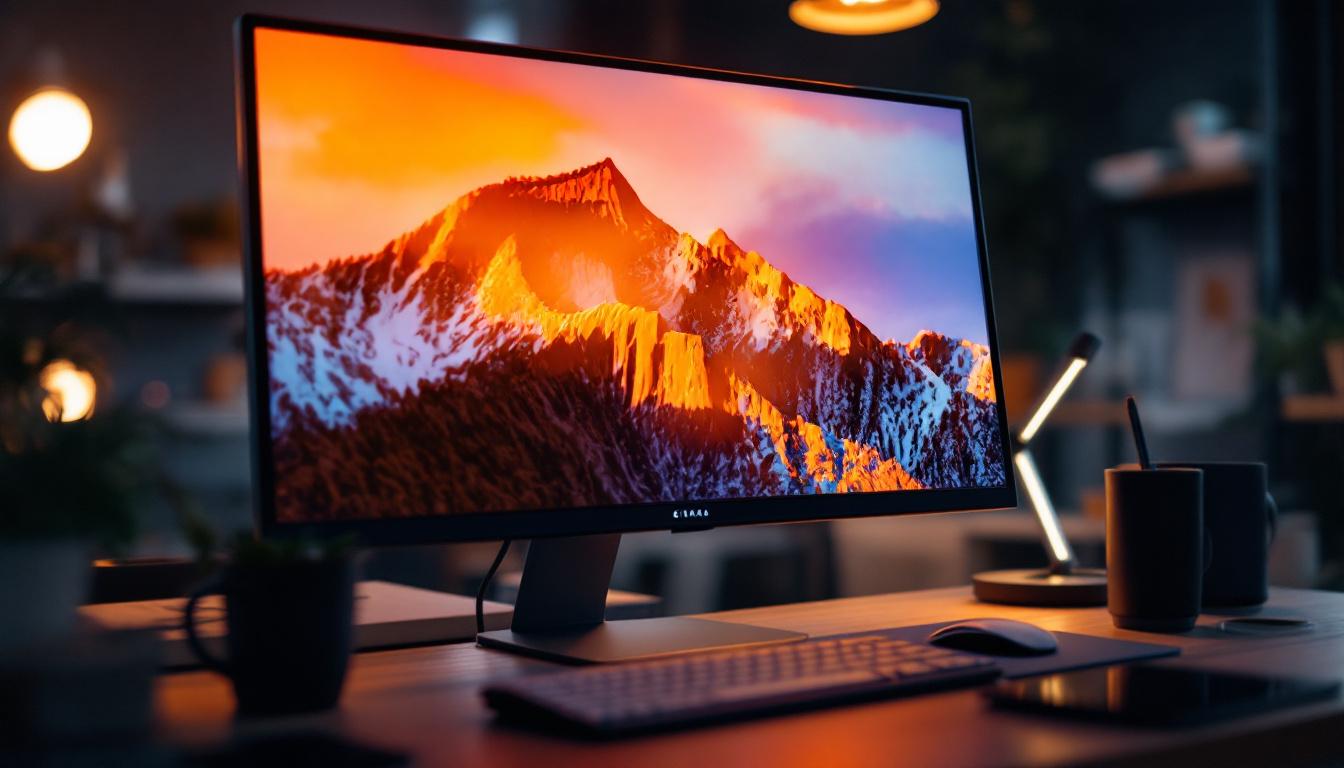
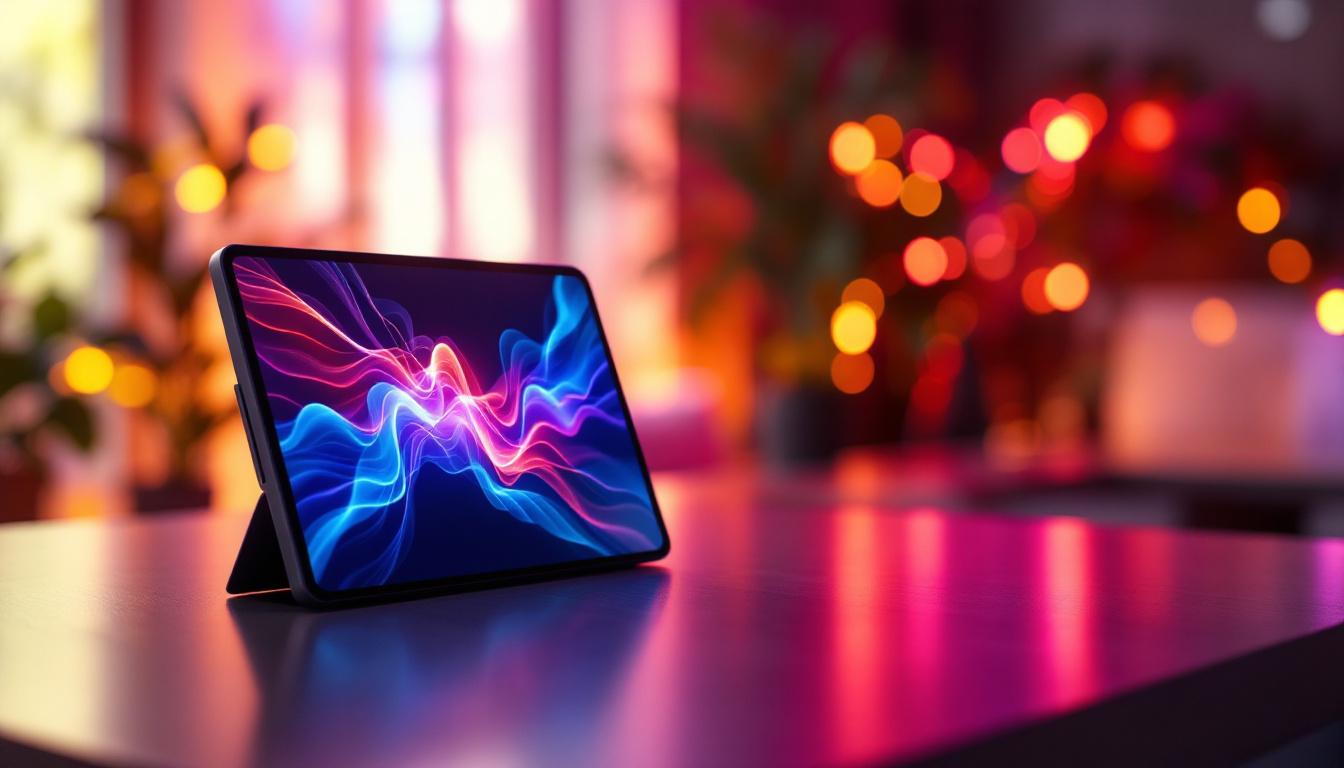
Portable LCD screens are essentially compact versions of traditional monitors, designed for easy transport and use in various environments. They connect to devices like laptops, smartphones, gaming consoles, and cameras, providing additional screen real estate or enhanced display quality on the go.
How Portable LCD Screens Differ from Traditional Monitors
While traditional monitors are typically larger and designed for stationary use, portable LCD screens prioritize mobility without sacrificing display quality. They often feature slim profiles, lightweight materials, and built-in stands or cases for protection. Many models also include USB-C or HDMI connectivity, allowing for plug-and-play functionality with multiple devices.
Additionally, portable LCDs may incorporate touch capabilities or higher refresh rates to cater to specific user needs such as graphic design, gaming, or video editing. Their versatility makes them popular among professionals who require multiple displays or enhanced visual clarity while traveling.
The Role of LED Technology in LCD Screens
What Does LED Mean in LCD Displays?
LED stands for Light Emitting Diode, a type of semiconductor that emits light when an electric current flows through it. In the context of LCD screens, LED refers to the backlighting technology used to illuminate the liquid crystal panel. Unlike older LCDs that used cold cathode fluorescent lamps (CCFLs) for backlighting, modern LCD screens utilize LED backlights.
This distinction is crucial because the quality, brightness, and energy efficiency of the display largely depend on the backlighting method. LED backlighting has revolutionized LCD technology by enabling thinner screens, better color accuracy, and lower power consumption.
Types of LED Backlighting
There are primarily two types of LED backlighting used in LCD screens: edge-lit and direct-lit (or full-array).
- Edge-lit LED: LEDs are placed along the edges of the screen, and light is diffused across the display using light guides. This design allows for ultra-thin screens and is common in portable LCD monitors due to its lightweight nature.
- Direct-lit LED (Full-array): LEDs are arranged directly behind the LCD panel in a grid. This setup provides more uniform brightness and better local dimming capabilities, enhancing contrast and black levels. However, it tends to be thicker and more power-consuming.
For portable LCD screens, edge-lit LED backlighting is the standard due to its compactness and efficiency, although some higher-end models may incorporate mini-LED technology for improved performance.
Advantages of LED Backlit LCD Screens
LED backlighting offers several advantages over older CCFL technology:
- Energy Efficiency: LEDs consume less power, extending battery life for portable devices.
- Slimmer Design: LED backlights enable thinner and lighter screens, crucial for portability.
- Improved Brightness and Contrast: LED backlights can achieve higher brightness levels and better contrast ratios, enhancing image quality.
- Environmentally Friendly: LEDs do not contain mercury, unlike CCFLs, making them safer to dispose of.
Key Features to Consider in Portable LCD Screens
Screen Size and Resolution
Portable LCD screens typically range from 10 to 17 inches diagonally. The ideal size depends on the intended use—smaller screens are more portable but may strain the eyes during extended use, while larger screens offer better visibility but are less convenient to carry.
Resolution is equally important. Full HD (1920×1080 pixels) has become the standard for portable monitors, offering sharp images and sufficient workspace for most tasks. Higher resolutions like 2K or 4K are available but may drain battery faster and require more powerful hardware to drive effectively.
Connectivity Options
Modern portable LCD screens often come with multiple connectivity options to maximize compatibility:
- USB-C: Supports video, audio, and power delivery through a single cable, simplifying connections.
- HDMI: Widely used for connecting to laptops, gaming consoles, and cameras.
- Mini DisplayPort or DisplayPort: Common in professional setups for higher refresh rates and resolutions.
- Wireless Connectivity: Some advanced models support wireless display technologies like Miracast or WiDi, though these may introduce latency.
Choosing a portable LCD screen with versatile connectivity ensures it can adapt to various devices and use cases.
Refresh Rate and Response Time
Refresh rate, measured in hertz (Hz), indicates how many times per second the screen updates its image. A higher refresh rate (e.g., 120Hz or 144Hz) results in smoother motion, which is particularly beneficial for gaming or video editing.
Response time refers to how quickly a pixel can change from one color to another, typically measured in milliseconds (ms). Lower response times reduce motion blur and ghosting effects. For general productivity, a 60Hz refresh rate and 5-8ms response time are adequate, but gamers and professionals may seek faster specifications.
Color Accuracy and Viewing Angles
Color accuracy is critical for photographers, graphic designers, and video editors who require precise color representation. Look for portable LCD screens that cover a wide color gamut such as sRGB or AdobeRGB and offer factory calibration or calibration tools.
Viewing angles determine how the image quality holds up when viewed from different positions. IPS (In-Plane Switching) panels are preferred for portable LCDs because they provide wide viewing angles and consistent colors compared to TN (Twisted Nematic) panels.
Applications of Portable LCD Screens with LED Displays
Professional Use Cases
Portable LCD screens have become essential tools for professionals who need flexible display solutions. For example, photographers and videographers use them as external monitors to preview shots in real-time with greater detail and color accuracy than camera screens.
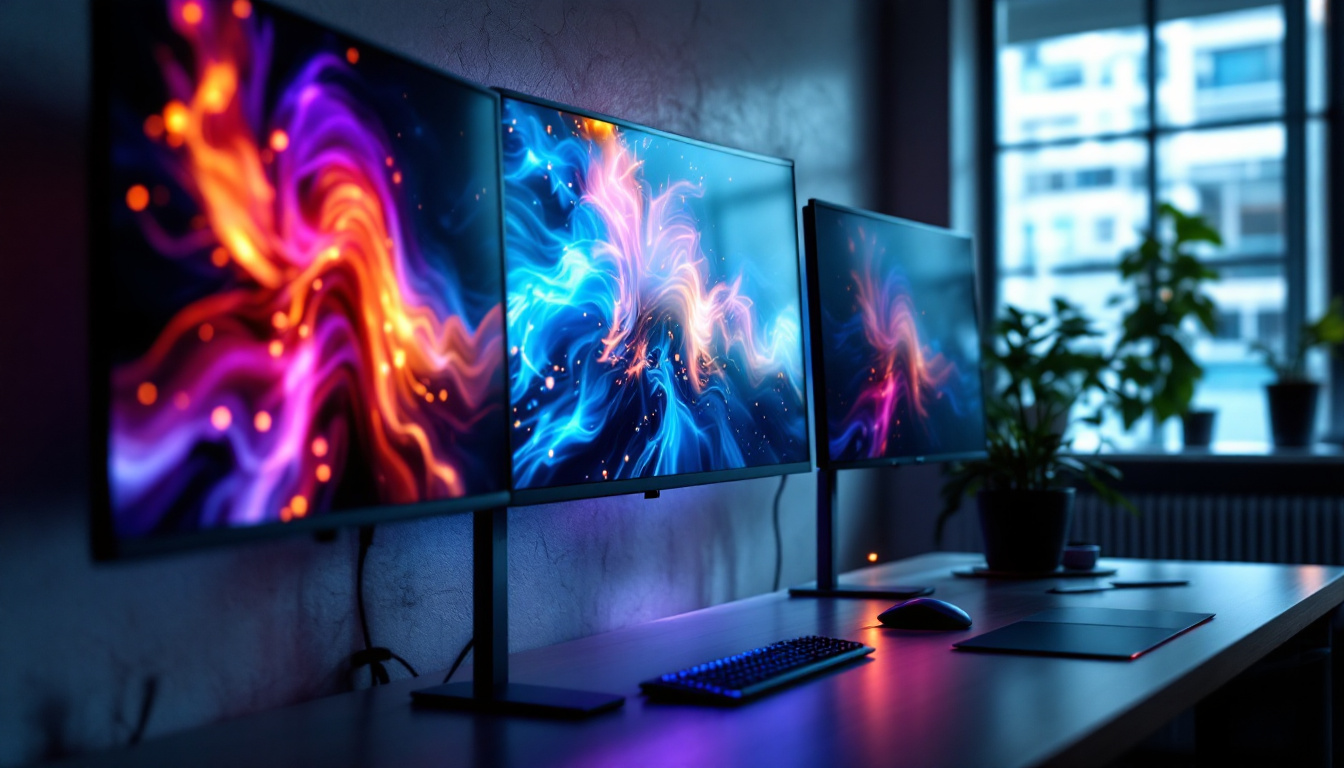
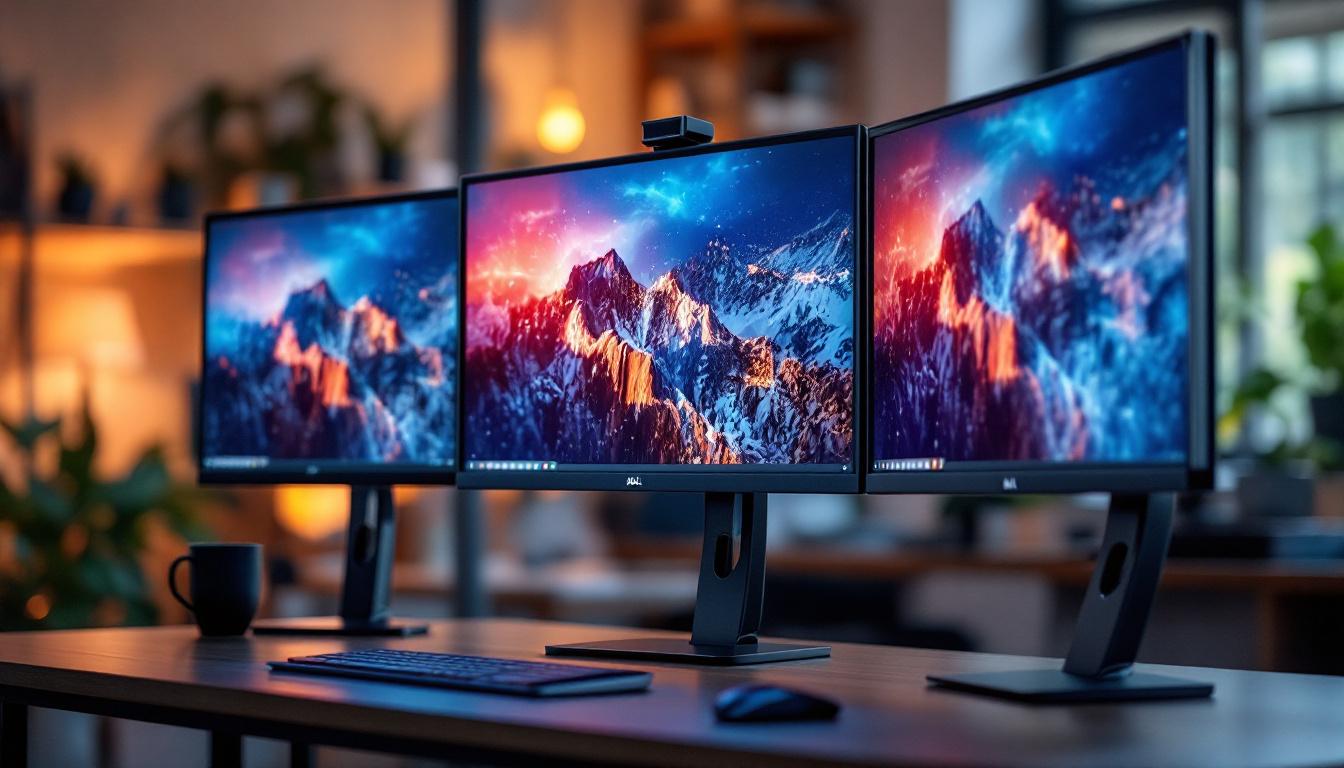
Business professionals benefit from portable monitors during travel or remote work, allowing them to extend their laptop screens for multitasking and presentations. The lightweight design and USB-C connectivity facilitate quick setup without bulky adapters.
Gaming and Entertainment
Gamers increasingly turn to portable LCD screens to create multi-monitor setups or to enjoy console gaming on the go. High refresh rates and low response times offered by LED-backlit portable monitors enhance the gaming experience by delivering smooth visuals and reducing input lag.
Additionally, portable screens are popular for streaming and media consumption, providing vibrant colors and sharp images in a compact form factor.
Educational and Creative Fields
Students and educators use portable LCD screens for interactive learning, presentations, and digital note-taking. Artists and designers appreciate the portability combined with color-accurate displays for sketching and editing on the move.
With the rise of remote work and online education, these screens provide additional workspace and improve productivity in various environments.
Maintenance and Longevity of Portable LCD Screens
Proper Handling and Care
To ensure the longevity of a portable LCD screen, handle it with care to avoid physical damage. Use protective cases during transport and clean the screen regularly with appropriate microfiber cloths and cleaning solutions designed for LCDs.
Avoid exposing the screen to extreme temperatures or direct sunlight for extended periods, as this can degrade the display quality and internal components.
Battery and Power Management
Many portable LCD screens draw power through USB-C, which can be supplied by laptops, power banks, or wall adapters. Managing power consumption by adjusting brightness and turning off the screen when not in use helps extend both the monitor’s and the connected device’s battery life.
Software and Firmware Updates
Some portable LCD screens come with firmware that can be updated to improve compatibility, fix bugs, or enhance features. Checking the manufacturer’s website periodically ensures the device operates optimally.
Future Trends in Portable LCD and LED Display Technology
Mini-LED and Micro-LED Innovations
Emerging technologies like mini-LED and micro-LED are set to transform portable LCD screens by offering better local dimming, higher contrast ratios, and improved energy efficiency. Mini-LED uses thousands of tiny LEDs for backlighting, enabling more precise control over brightness and deeper blacks.
Micro-LED, still in early stages for consumer devices, promises self-emissive pixels without the need for backlighting, combining the best features of OLED and LED technologies with enhanced durability and brightness.
Flexible and Foldable Displays
Research into flexible and foldable LCD and LED displays may soon lead to portable screens that can be rolled or folded, dramatically improving portability and versatility. Such innovations could redefine how users interact with multiple displays in compact spaces.
Enhanced Connectivity and Smart Features
Future portable LCD screens are expected to integrate smarter connectivity options, including faster wireless protocols and AI-driven display adjustments based on ambient lighting and usage patterns. These advancements will further streamline user experience and device interoperability.
Conclusion
Portable LCD screens with LED backlighting represent a perfect blend of technology, convenience, and performance. Understanding the underlying LED technology, key features, and practical applications helps users choose the right screen tailored to their needs. As display technology continues to evolve, portable LCDs will become even more versatile, efficient, and indispensable tools across professional, educational, and entertainment domains.
Whether for enhancing productivity on the road, elevating gaming experiences, or supporting creative workflows, portable LCD screens with LED displays offer a compelling solution that balances portability with high-quality visuals.
Discover LumenMatrix’s Advanced LED Display Solutions
As you consider upgrading your visual experience with a portable LCD screen, take the next step with LumenMatrix’s innovative LED display technology. Specializing in a wide array of solutions from Indoor and Outdoor LED Wall Displays to Custom and All-in-One LED Displays, LumenMatrix is committed to elevating your brand’s presence and creating immersive visual narratives. Experience the future of visual communication and let your message resonate with unparalleled clarity. Check out LumenMatrix LED Display Solutions today and transform your display capabilities.