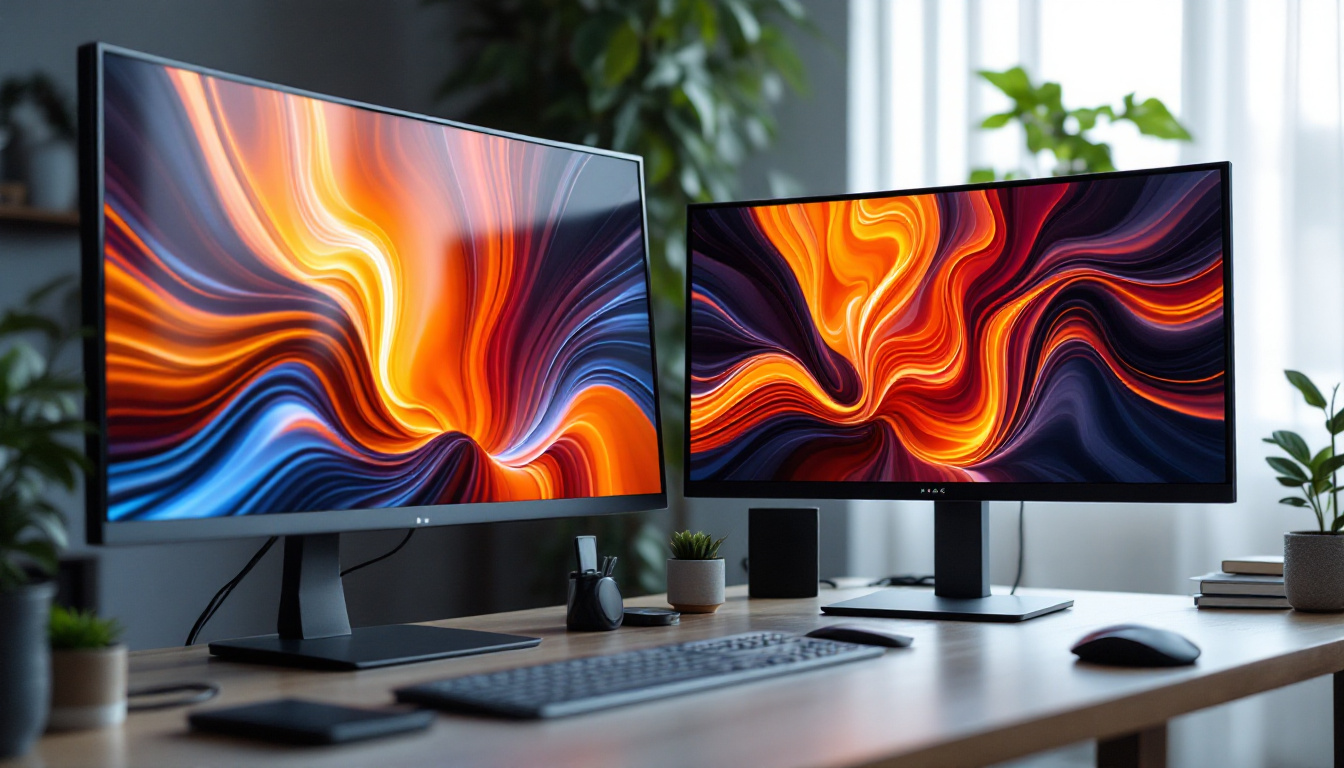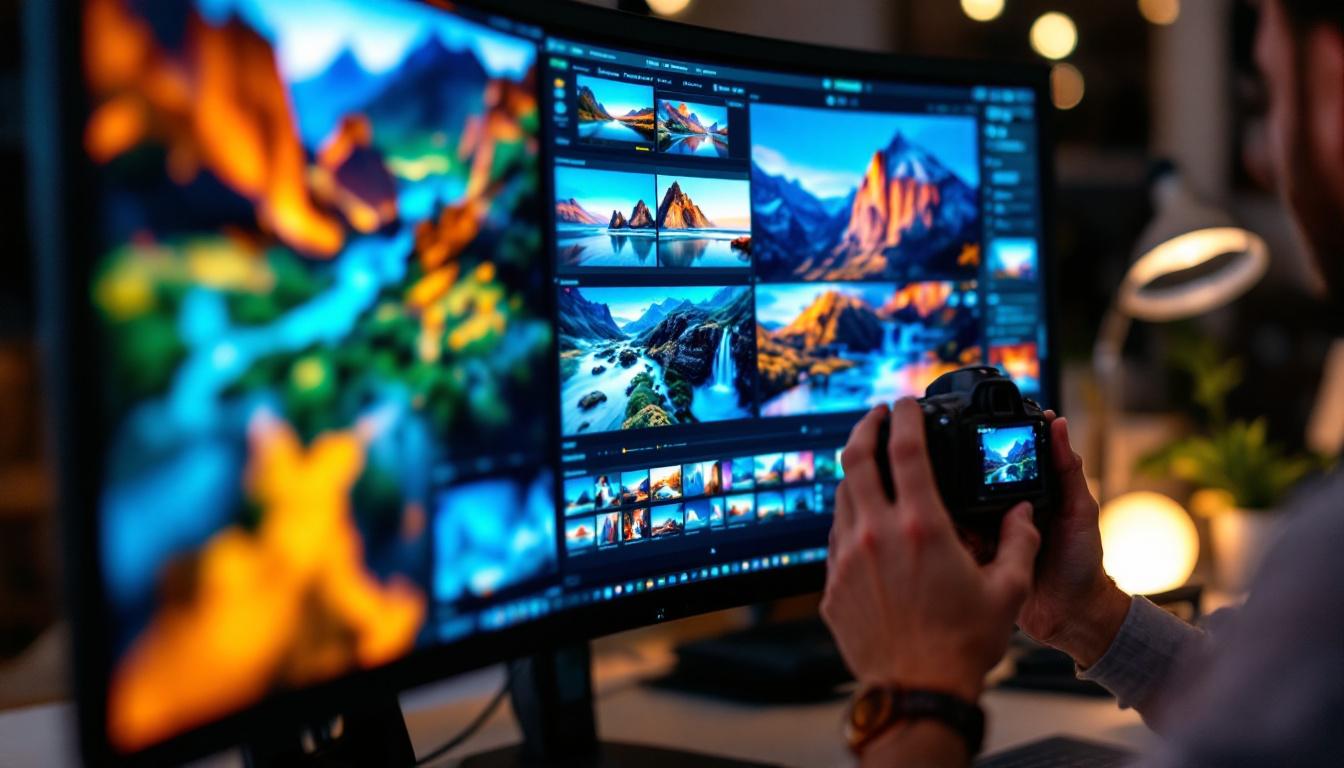
Choosing the right monitor is a critical decision for photographers who want to ensure their images are displayed with the utmost accuracy and clarity. With the rapid advancements in display technology, LED monitors have become the go-to choice for professionals and enthusiasts alike. This article delves into the essentials of LED displays, what makes a monitor ideal for photography, and reviews some of the best options available today.
Understanding LED Displays and Their Advantages for Photography
LED, or Light Emitting Diode, displays have revolutionized the way images are viewed on screens. Unlike older LCD monitors that used cold cathode fluorescent lamps (CCFL) for backlighting, LED monitors utilize light-emitting diodes, which provide several benefits crucial for photography.
What is an LED Display?
At its core, an LED display is a type of LCD screen that uses LEDs as a backlight source instead of CCFLs. These LEDs can be arranged in different configurations, such as edge-lit or full-array, which influence brightness uniformity and contrast. The technology allows for thinner, more energy-efficient monitors that can achieve higher brightness levels and better color accuracy.
Why LED Displays Are Preferred for Photography
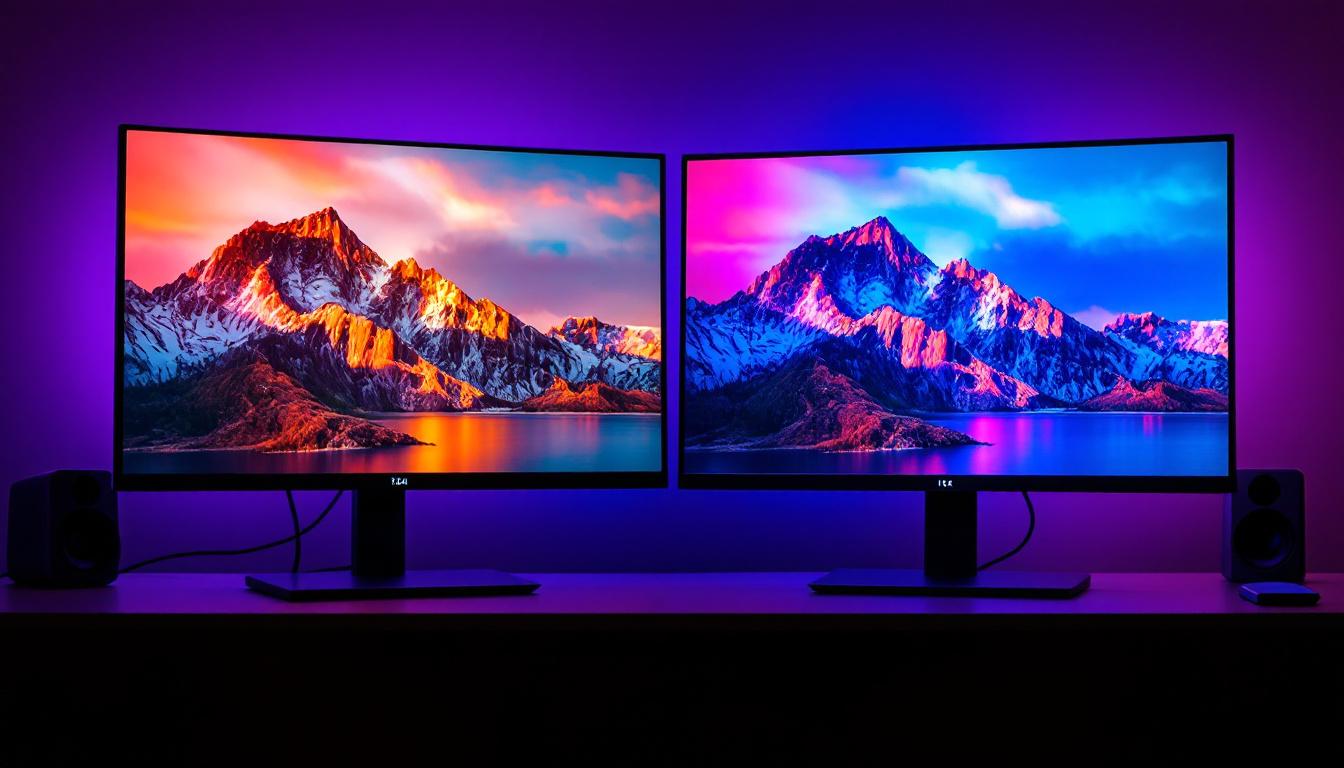
Color accuracy and consistency are paramount for photographers. LED monitors typically offer a wider color gamut, often covering 99% or more of the Adobe RGB or DCI-P3 color spaces, which are essential for professional photo editing. Additionally, LED backlighting enables higher contrast ratios and better black levels, making details in shadows and highlights more discernible.
Another advantage is the improved brightness control. Many LED monitors support HDR (High Dynamic Range), which enhances the dynamic range of images, allowing photographers to see more detail in both bright and dark areas simultaneously. This capability is especially useful when editing photos with challenging lighting conditions.
Moreover, LED displays often come equipped with advanced calibration tools, allowing photographers to fine-tune their monitors to ensure that the colors they see on screen are as true to life as possible. This is particularly important in professional settings where color fidelity can make or break a project. Some monitors even offer built-in calibration features, which can automatically adjust the display settings to maintain optimal color accuracy over time, ensuring that your work remains consistent regardless of environmental changes.
In addition to their technical advantages, LED displays are also designed with ergonomics in mind. Many models feature adjustable stands that allow users to modify the height, tilt, and rotation of the screen, promoting a comfortable viewing experience during long editing sessions. This attention to user comfort can significantly enhance productivity, as photographers can work for extended periods without experiencing discomfort or strain, ultimately leading to better creative outcomes.
Key Features to Look for in Photography Monitors
Not all LED monitors are created equal, and some features are particularly important when selecting a monitor for photography work. Understanding these factors helps photographers make informed decisions that enhance their workflow and final output.
Color Accuracy and Calibration
Color accuracy is arguably the most critical feature. Monitors designed for photography typically come factory-calibrated or support hardware calibration using devices like the X-Rite i1Display Pro. Look for monitors with a Delta E value of less than 2, which means color differences are imperceptible to the human eye.
Wide color gamut coverage is also essential. Adobe RGB is the standard color space for professional photography, covering a broader range of greens and cyans than sRGB. Monitors that cover at least 99% of Adobe RGB ensure that colors appear true to life and consistent across devices. Additionally, some monitors now support the DCI-P3 color space, which is increasingly relevant for photographers who also work in video, providing an even wider color range and richer hues.
Resolution and Screen Size
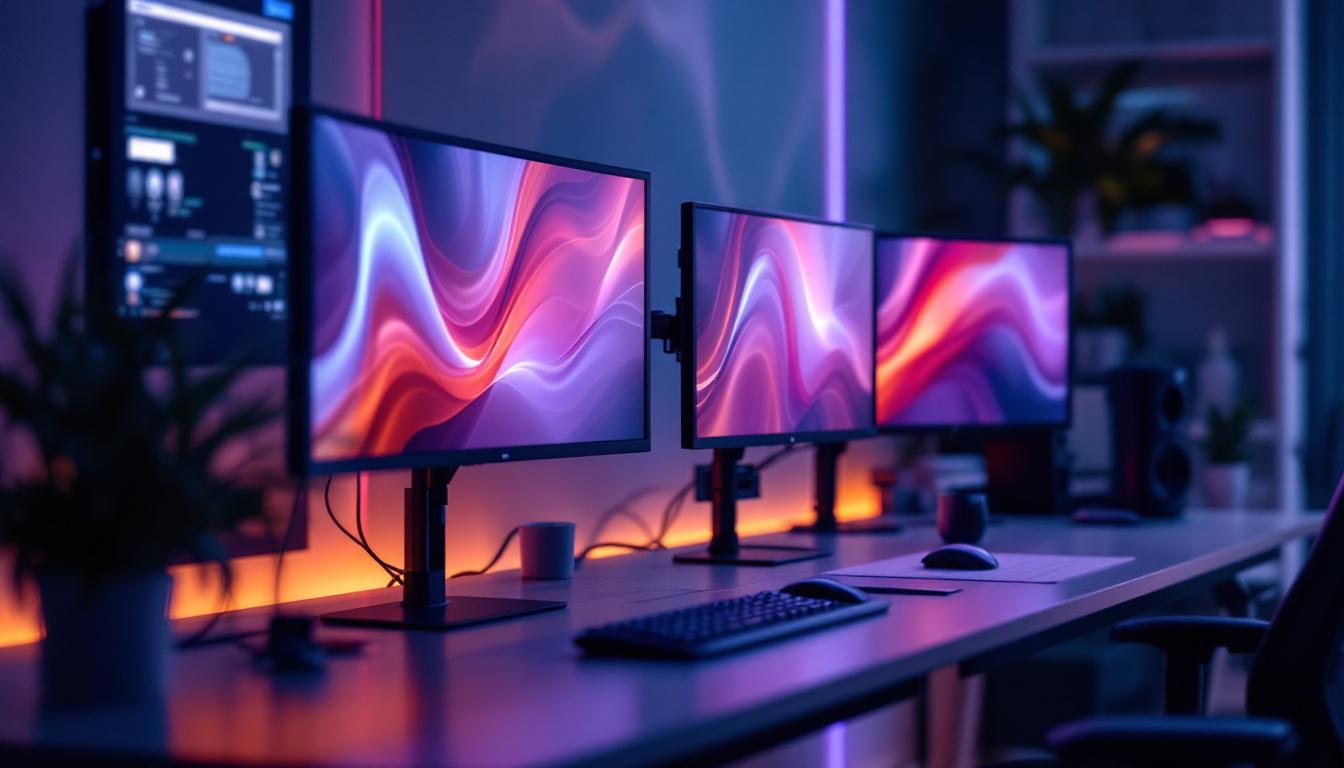
Higher resolution monitors provide more detail and workspace for editing. A 4K (3840×2160) resolution is becoming the norm for photography monitors, offering sharpness that allows for pixel-level editing. Screen size complements resolution; a 27-inch or larger display is generally preferred to comfortably view images at native resolution without excessive zooming or scrolling. For those who often work with large images or multiple applications simultaneously, a dual-monitor setup can be particularly beneficial, allowing for a more efficient and organized workspace.
Panel Type and Viewing Angles
IPS (In-Plane Switching) panels are the gold standard for photography due to their superior color reproduction and wide viewing angles. Unlike TN (Twisted Nematic) panels, which suffer from color shifting when viewed off-center, IPS panels maintain consistent colors even when viewed from extreme angles, which is vital for collaborative work or multi-monitor setups. Some advanced IPS panels also incorporate technologies like anti-glare coatings and low blue light emissions, which can help reduce eye strain during long editing sessions, making them a healthier choice for photographers who spend hours in front of their screens.
Uniformity and Brightness
Uniform brightness and color across the entire screen prevent distracting inconsistencies during editing. Some high-end monitors offer uniformity compensation technology to maintain even luminance and color. Brightness levels of 350 cd/m² or higher are ideal, especially for HDR content editing. Furthermore, HDR (High Dynamic Range) support is becoming increasingly important, as it allows for a wider range of brightness and contrast in images, making it easier to edit photos that require nuanced adjustments in shadow and highlight details.
Connectivity and Ergonomics
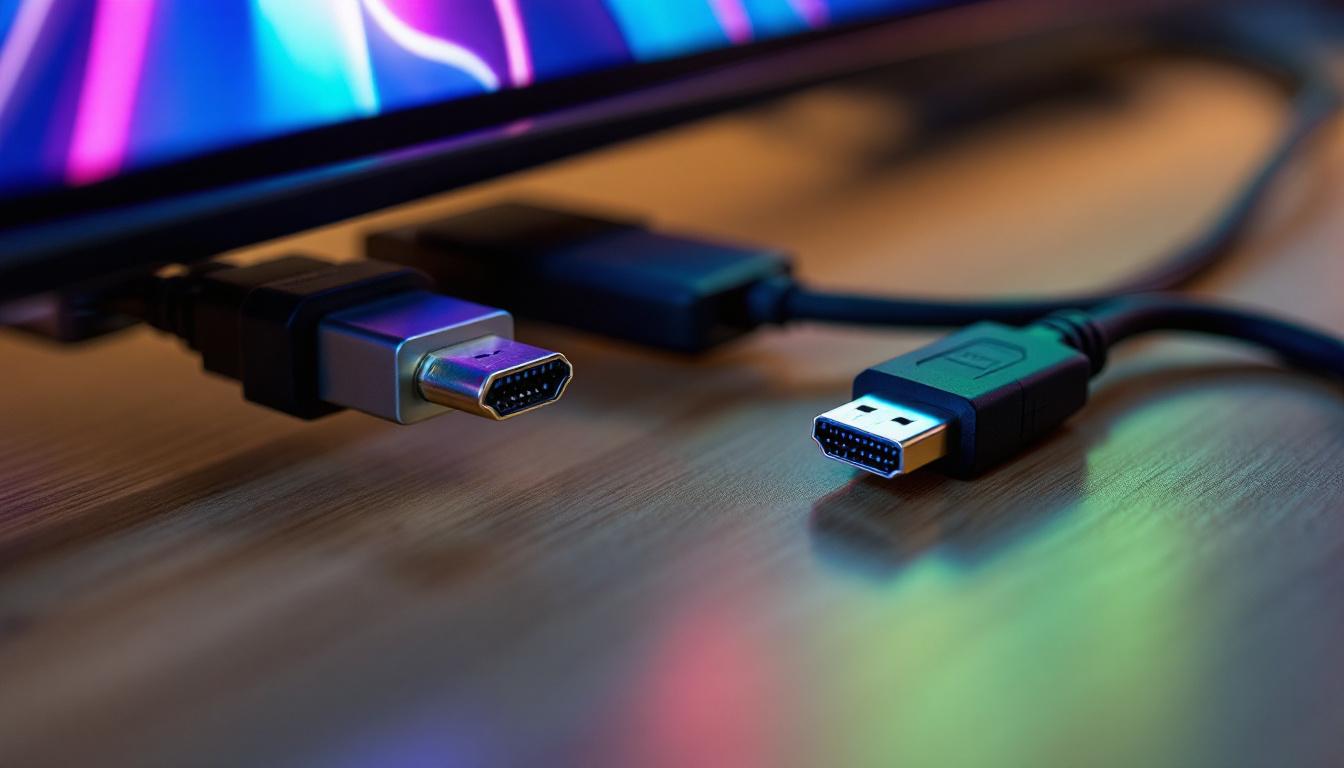
Modern photography monitors should offer multiple connectivity options, including HDMI, DisplayPort, and USB-C, to accommodate various devices. USB hubs on the monitor can streamline workflow by reducing cable clutter. Ergonomic features such as height adjustment, swivel, tilt, and pivot enable comfortable positioning, which is important during long editing sessions. Additionally, some monitors now come with built-in calibration tools or software that can assist in maintaining color accuracy over time, ensuring that the monitor continues to perform at its best even after extensive use. This level of adaptability is crucial for photographers who need to ensure their work remains consistent across different projects and environments.
Top LED Photography Monitors in 2024
With numerous models on the market, selecting the right monitor can be overwhelming. Below are some of the best LED monitors tailored for photographers, balancing performance, features, and value.
Eizo ColorEdge CG319X
The Eizo ColorEdge CG319X is often regarded as the pinnacle of professional photography monitors. It boasts a 31.1-inch 4K+ (4096×2160) resolution with 99% Adobe RGB and 98% DCI-P3 coverage. Its built-in calibration sensor ensures consistent color accuracy over time, and it supports HDR10 for enhanced dynamic range.
While it comes with a premium price tag, its exceptional uniformity, wide color gamut, and precise calibration make it a favorite among high-end photographers and retouchers who demand the best.
BenQ SW271
The BenQ SW271 is a 27-inch 4K UHD monitor designed with photographers in mind. It covers 99% Adobe RGB, 100% sRGB, and 95% DCI-P3 color spaces. The monitor supports hardware calibration via the Palette Master Element software and includes HDR10 support.
Its shading hood reduces glare, and the monitor’s uniformity technology ensures consistent brightness and color across the screen. The SW271 offers excellent value for professionals seeking high-end features without the extreme cost of flagship models.
Dell UltraSharp U2723QE
For photographers on a tighter budget, the Dell UltraSharp U2723QE provides impressive performance at a more accessible price. This 27-inch 4K monitor uses an IPS panel with 99% sRGB and 98% DCI-P3 coverage. It features factory calibration and supports HDR content.
While it may not cover Adobe RGB fully, it’s suitable for photographers primarily working for web and digital media. Its USB-C connectivity and ergonomic stand add to its appeal for a streamlined workspace.
ASUS ProArt PA32UCX
The ASUS ProArt PA32UCX is a 32-inch 4K HDR monitor that targets professional photographers and videographers. It offers 97% DCI-P3, 99% Adobe RGB, and 89% Rec. 2020 color space coverage. Its peak brightness reaches 1000 cd/m², making it ideal for HDR editing.
The monitor supports hardware calibration and includes multiple connectivity options, including Thunderbolt 3. Its wide color gamut and high brightness make it suitable for both photo and video post-production.
How to Calibrate Your LED Monitor for Photography
Even the best monitors require regular calibration to maintain color accuracy over time. Calibration ensures that the colors displayed on the screen match the actual colors in the image files, which is crucial for consistent printing and digital publishing.
Calibration Tools and Software
Hardware calibration devices like the X-Rite i1Display Pro or Datacolor SpyderX are popular choices. These devices measure the color output of the monitor and create a custom color profile that corrects any deviations.
Most professional monitors support hardware calibration through proprietary software or third-party applications. Calibration should be performed in a controlled lighting environment to avoid ambient light affecting the perceived colors.
Frequency of Calibration
Experts recommend calibrating monitors at least once a month, though some professionals prefer weekly calibration during intensive editing periods. Regular calibration prevents color drift, which can occur due to changes in the monitor’s backlight and panel characteristics over time.
Conclusion: Investing in the Right LED Monitor for Photography
For photographers, an LED monitor is more than just a display—it is a vital tool that directly impacts the quality and accuracy of their work. Understanding the technology behind LED displays and the features that matter most can help photographers select a monitor that meets their needs and budget.
Whether opting for a high-end model like the Eizo ColorEdge CG319X or a more budget-friendly option like the Dell UltraSharp U2723QE, prioritizing color accuracy, resolution, and calibration capabilities is key. With the right monitor, photographers can confidently edit their images, ensuring that what they see on screen is a true representation of their creative vision.
Discover the Ultimate LED Display Solutions for Photography
As you seek the perfect LED monitor to bring your photographic vision to life, consider the innovative solutions offered by LumenMatrix. With a commitment to enhancing visual communication, LumenMatrix provides an array of LED display modules tailored to meet the demands of professional photography. From the precision of an Indoor LED Wall Display to the dynamic impact of a Custom LED Display, each product is designed to offer unparalleled color accuracy and clarity. Elevate your photography and editing experience with LumenMatrix’s cutting-edge technology. Check out LumenMatrix LED Display Solutions today and transform the way you showcase your work.