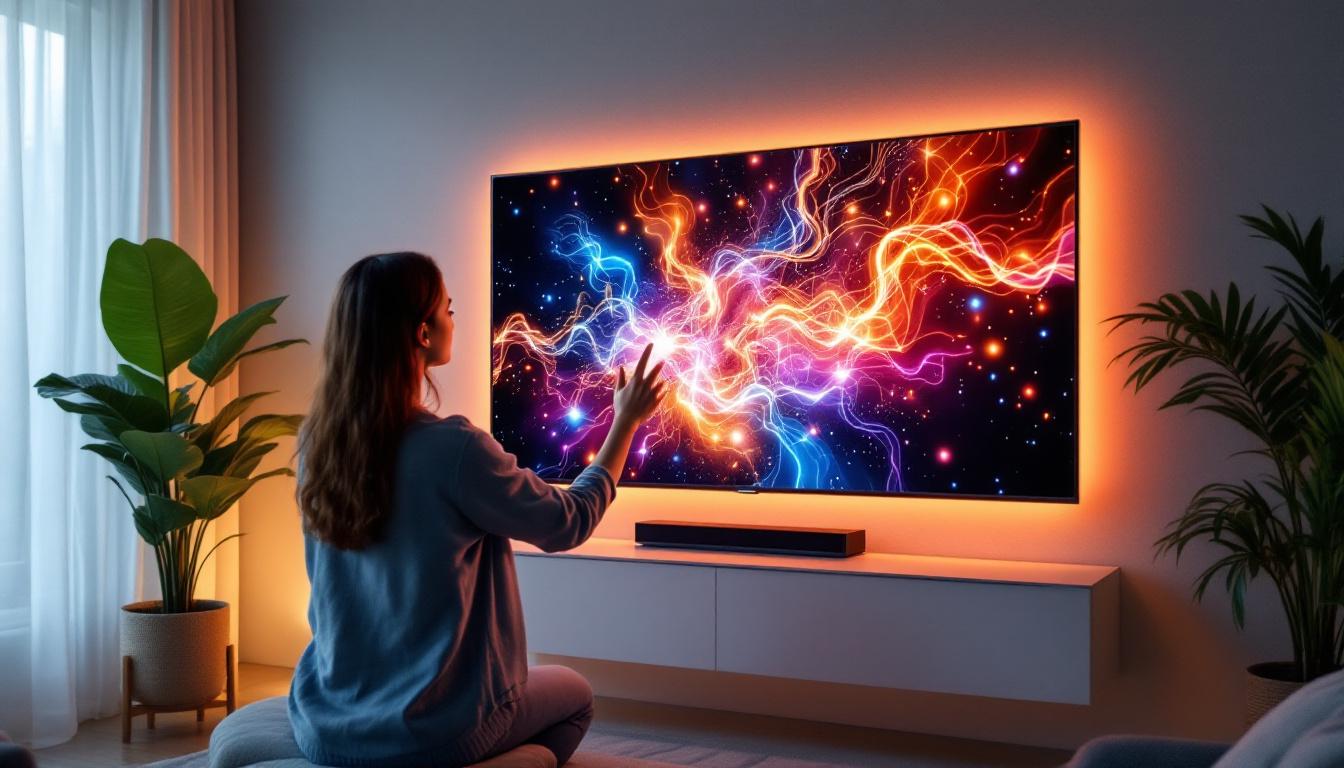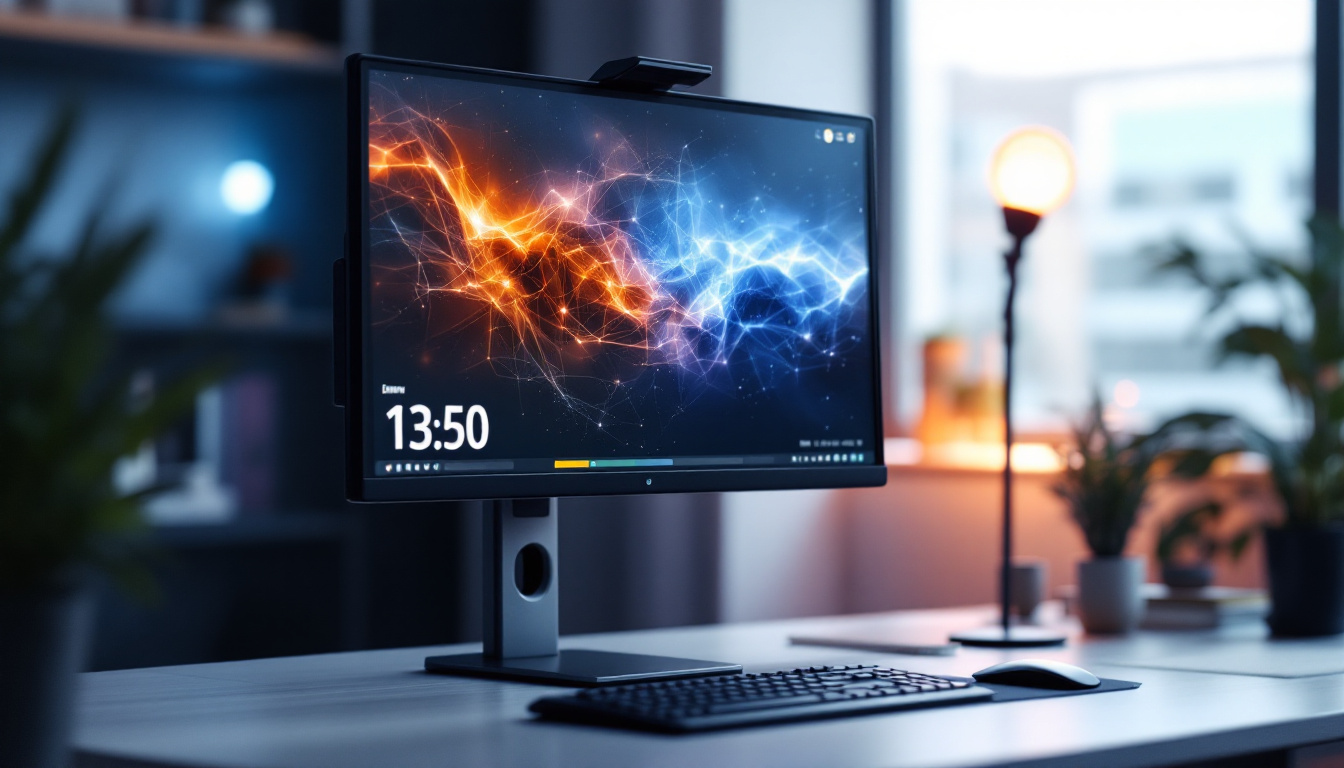
In today’s fast-paced digital world, touch screen monitors have become an essential tool across various industries—from creative design studios to corporate offices and educational institutions. Among the many types of display technologies, LED-based touch screen monitors stand out for their vibrant visuals, energy efficiency, and responsive touch capabilities. This comprehensive guide explores the best touch screen monitors featuring LED displays, breaking down the technology behind them, their benefits, and what to consider when choosing the ideal model for your needs.
Understanding LED Touch Screen Technology
Before diving into the best monitors available, it’s crucial to understand what makes LED touch screen monitors unique. The term “LED” refers to Light Emitting Diode technology used for backlighting the display panel. Unlike older LCD monitors that rely on cold cathode fluorescent lamps (CCFLs), LED monitors use tiny diodes that emit light when an electric current passes through them.
This shift to LED backlighting has transformed display quality, enabling thinner, lighter screens with better brightness and color accuracy. When combined with touch screen technology, these monitors offer an interactive experience that is both visually stunning and highly responsive.
How LED Displays Work
LED displays consist of a matrix of pixels, each made up of sub-pixels that emit red, green, and blue light. By adjusting the intensity of these sub-pixels, the monitor can produce millions of colors. The LED backlight shines through a liquid crystal layer, which modulates the light to create the image you see on the screen.
Compared to traditional CCFL backlighting, LEDs offer several advantages:
- Improved brightness and contrast: LEDs can achieve higher brightness levels and deeper blacks.
- Energy efficiency: LED backlights consume less power, which translates to lower electricity bills and longer device lifespan.
- Thinner design: LEDs are smaller and more flexible, allowing manufacturers to create ultra-slim monitors.
- Better color accuracy: LED technology supports wider color gamuts, essential for professional photo and video editing.
Types of Touch Screen Technologies Used with LED Displays
Touch screen monitors can utilize different sensing technologies, each with its own strengths and weaknesses. The most common types paired with LED displays include:
- Capacitive Touch: This technology detects touch through the electrical properties of the human body. It offers high responsiveness and supports multi-touch gestures, making it ideal for tablets, smartphones, and modern monitors.
- Resistive Touch: Using pressure-sensitive layers, resistive touch screens work with any object, including styluses and gloves. However, they typically offer lower clarity and less sensitivity compared to capacitive screens.
- Infrared Touch: Infrared touch screens use a grid of IR beams to detect touch points. They provide excellent durability and can detect multiple touches but are often more expensive.
For most users seeking the best LED touch screen monitor, capacitive technology is the preferred choice due to its smooth interaction and vibrant display compatibility.
Benefits of LED Touch Screen Monitors
LED touch screen monitors combine the visual excellence of LED displays with the intuitive interaction of touch technology. This fusion offers numerous advantages that cater to both professional and everyday users.
Enhanced Visual Experience
One of the standout benefits of LED touch screen monitors is their superior image quality. LEDs provide brighter screens with higher contrast ratios, which means colors appear more vivid and blacks are deeper. This is particularly important for graphic designers, video editors, and photographers who rely on accurate color representation.
Additionally, many LED monitors support high dynamic range (HDR) content, further enhancing the viewing experience by delivering greater detail in shadows and highlights. The combination of touch functionality and stunning visuals makes these monitors a versatile tool for creative workflows and presentations alike.
Improved Energy Efficiency and Longevity
Energy consumption is a critical consideration for businesses and environmentally conscious consumers. LED backlighting consumes significantly less power than traditional CCFLs, reducing operational costs over time. Moreover, LEDs have a longer lifespan, often exceeding 50,000 hours of use, which means fewer replacements and less electronic waste.
Intuitive User Interaction and Productivity Boost
Touch screens naturally encourage direct interaction with content, eliminating the need for peripheral devices like a mouse or keyboard in many cases. This direct manipulation can speed up tasks such as navigating menus, zooming in on images, or annotating documents.
In collaborative environments such as classrooms or meeting rooms, touch screen monitors facilitate group engagement. Users can easily share ideas, draw diagrams, or manipulate data in real-time, fostering creativity and teamwork.
Versatility Across Applications
LED touch screen monitors are highly adaptable, serving a wide range of industries and use cases:
- Retail and Point of Sale (POS): Interactive displays streamline customer transactions and product browsing.
- Healthcare: Touch monitors enable quick access to patient records and imaging data.
- Education: Interactive whiteboards and learning stations enhance student engagement.
- Creative Work: Designers and artists benefit from precise touch input combined with excellent color accuracy.
- Corporate: Conference rooms use touch monitors for dynamic presentations and video conferencing.
Key Features to Consider When Choosing the Best LED Touch Screen Monitor
With so many options on the market, selecting the right LED touch screen monitor can be overwhelming. Understanding the critical features to evaluate will help narrow down choices and ensure optimal performance for your specific needs.
Screen Size and Resolution
The size of the monitor should align with your workspace and intended use. For general office work or casual use, 21 to 24 inches is often sufficient. However, creative professionals might prefer larger screens—27 inches or more—to better view detailed content.
Resolution is equally important. Full HD (1920×1080) is the minimum standard for clarity, but higher resolutions like 2560×1440 (QHD) or 3840×2160 (4K UHD) provide sharper images and more screen real estate. Higher resolution is especially beneficial for photo editing, CAD applications, and multitasking.
Touch Technology and Responsiveness
As mentioned earlier, capacitive touch technology is generally preferred for its responsiveness and multi-touch support. When evaluating monitors, test the touch accuracy and latency if possible. A responsive screen should register touches instantly without lag or ghosting.
Multi-touch capability is another consideration. Monitors supporting 10-point touch allow multiple users to interact simultaneously or enable complex gestures like pinch-to-zoom.
Brightness and Contrast Ratio
Brightness, measured in nits, affects how well the screen performs in various lighting conditions. For indoor use, 250 to 350 nits is usually adequate, but brighter screens (400 nits or more) are better for well-lit environments or outdoor use.
The contrast ratio indicates the difference between the darkest black and brightest white the monitor can display. A higher contrast ratio improves image depth and detail.
Color Accuracy and Gamut
For professionals working with color-critical tasks, color accuracy is paramount. Look for monitors that cover a wide color gamut such as AdobeRGB or DCI-P3 and offer factory calibration or the ability to calibrate with external tools.
Connectivity Options
Modern LED touch screen monitors come with various input ports including HDMI, DisplayPort, USB-C, and legacy VGA. USB ports, especially USB-C with power delivery, add convenience by allowing video, data, and power transmission through a single cable.
Some monitors also feature built-in USB hubs, speakers, and even webcam integration, which can be valuable for video conferencing and multimedia applications.
Ergonomics and Build Quality
Adjustability is key for comfortable use. Look for monitors with tilt, swivel, and height adjustment options to reduce strain during extended use. A sturdy stand or VESA mount compatibility allows flexible placement in different environments.
Durability is especially important in public or high-traffic settings. Monitors with reinforced glass, anti-glare coatings, and scratch-resistant surfaces maintain performance and appearance over time.
Top Recommended LED Touch Screen Monitors in 2024
Based on the latest market trends, user reviews, and expert evaluations, here are some of the best LED touch screen monitors available today:
1. Dell P2418HT 24-Inch Touch Monitor
The Dell P2418HT is a versatile 24-inch Full HD monitor featuring an edge-to-edge glass capacitive touch screen with 10-point multi-touch support. Its IPS panel delivers wide viewing angles and accurate colors, making it suitable for both office productivity and light creative work.
With adjustable tilt and height, plus multiple connectivity options including HDMI and DisplayPort, this monitor offers great flexibility. Its anti-glare coating reduces reflections, enhancing usability in bright environments.
2. ASUS ProArt PA148CTV 14-Inch Portable Touch Display
For professionals on the go, the ASUS ProArt PA148CTV is a portable 14-inch 4K UHD touch screen monitor designed for creators. It boasts 100% sRGB and Rec.709 color gamut coverage with factory calibration, ensuring precise color reproduction.
The capacitive touch panel supports 10-point touch and stylus input, ideal for digital artists and designers. Its USB-C connectivity simplifies setup, and the slim, lightweight design makes it easy to carry.
3. ViewSonic TD2455 24-Inch Touch Screen Monitor
The ViewSonic TD2455 combines a 24-inch Full HD IPS display with a 10-point capacitive touch screen. It features a durable, anti-glare surface and offers wide viewing angles with consistent colors.
This monitor is well-suited for interactive kiosks, retail, and office environments. It includes HDMI, DisplayPort, and USB hub connectivity, plus ergonomic adjustments for comfortable use.
4. ELO 1590L 15.6-Inch Touchscreen Monitor
ELO is a leader in touch technology, and the 1590L model is a robust 15.6-inch capacitive touch monitor designed for commercial applications. It offers a Full HD resolution with excellent touch accuracy and durability.
Its sealed design protects against dust and liquids, making it ideal for industrial or retail settings. Multiple mounting options and connectivity choices add to its versatility.
5. LG 27MD5KL-B 27-Inch 5K Retina Display with Touch
For users demanding the highest resolution and color fidelity, the LG 27MD5KL-B is a 27-inch 5K Retina display with capacitive touch capabilities. It covers the P3 wide color gamut and supports HDR content, making it a top choice for professional creatives.
Though premium-priced, its stunning image quality and responsive touch interface justify the investment for serious photo and video editing tasks.
Tips for Maintaining Your LED Touch Screen Monitor
To ensure longevity and optimal performance of your LED touch screen monitor, proper care and maintenance are essential.
Cleaning the Screen Safely
Use a soft, lint-free microfiber cloth to clean the screen. Avoid harsh chemicals or abrasive materials that can damage the touch surface or anti-glare coating. A mixture of distilled water and a small amount of isopropyl alcohol can be used for tougher smudges, applied gently.
Protecting Against Physical Damage
Consider using a screen protector designed for touch monitors to prevent scratches. Avoid pressing too hard on the screen, as excessive force can damage the touch sensors.
Software and Driver Updates
Keep your monitor’s firmware and drivers up to date to maintain compatibility and performance. Manufacturers often release updates that improve touch responsiveness and fix bugs.
Optimal Usage Environment
Place the monitor away from direct sunlight or extreme temperatures, which can affect display quality and hardware longevity. Ensure proper ventilation to prevent overheating.
Conclusion
LED touch screen monitors represent the pinnacle of interactive display technology, combining brilliant visuals with intuitive touch capabilities. Whether for professional creative work, business applications, or educational environments, these monitors offer enhanced productivity, energy efficiency, and user engagement.
By understanding the underlying technology and key features, users can make informed decisions to select the best LED touch screen monitor tailored to their needs. From compact portable displays to large, color-accurate screens, the options available in 2024 cater to a wide spectrum of use cases and budgets.
Investing in a quality LED touch screen monitor not only elevates the user experience but also future-proofs your setup in an increasingly touch-driven digital world.
Discover LumenMatrix’s Advanced LED Solutions
Ready to take your interactive display experience to the next level? LumenMatrix is at the forefront of LED display innovation, offering a wide array of solutions that bring your content to life. From captivating Indoor LED Walls to dynamic Outdoor LED Displays and beyond, our products are designed to engage and inspire. Elevate your space with our cutting-edge technology and let your message shine with unparalleled clarity. Check out LumenMatrix LED Display Solutions today and transform the way you connect with your audience.