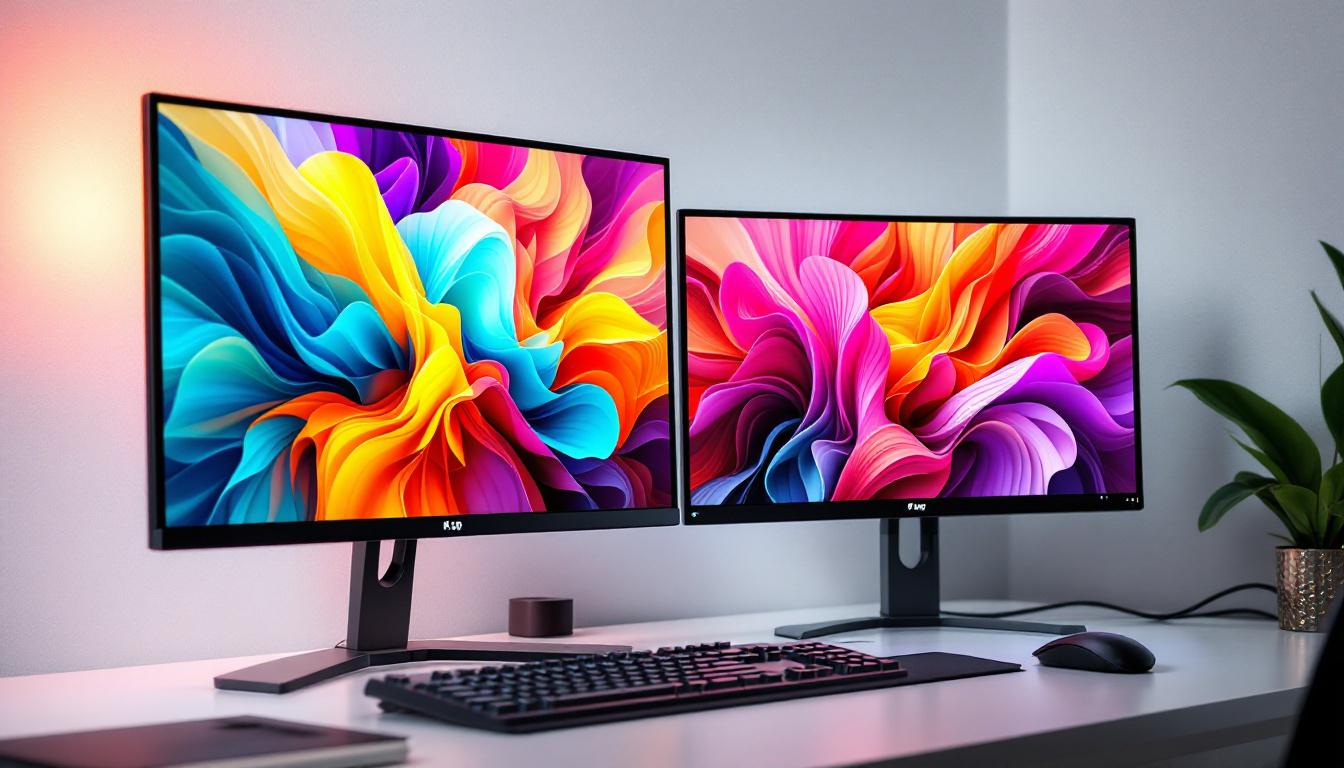
In today’s fast-paced digital world, the demand for interactive and visually stunning desktop displays has never been higher. Desktop touch screens equipped with LED displays have become a cornerstone technology, transforming the way users interact with computers across professional, educational, and personal environments. This article delves into the intricacies of desktop touch screens with LED displays, explaining how they work, their advantages, and why they have become essential in modern computing.
Understanding Desktop Touch Screens
Touch screen technology has evolved significantly since its inception, moving from simple resistive screens to highly responsive capacitive and infrared variants. Desktop touch screens are designed to provide users with a direct, intuitive way to interact with their computers, eliminating the need for peripherals like a mouse or keyboard in many scenarios.
At its core, a desktop touch screen combines a display panel with touch-sensitive technology. When a user touches the screen, sensors detect the location and translate this input into commands that the computer can understand. This seamless interaction enhances productivity, accessibility, and user experience. The ability to navigate through applications, manipulate images, and enter data with just a touch streamlines workflows, making it particularly beneficial in environments such as design studios, educational settings, and point-of-sale systems.
Types of Touch Screen Technologies
There are several types of touch screen technologies commonly used in desktop monitors:
- Capacitive Touch Screens: These screens use the electrical properties of the human body to detect touch. They offer high sensitivity and multi-touch capabilities, making them ideal for modern desktop applications.
- Resistive Touch Screens: These rely on pressure applied to the screen, using two flexible layers that register input when pressed together. They are durable and work well with gloves or styluses but generally lack multi-touch support.
- Infrared Touch Screens: These use an array of infrared LEDs and photodetectors around the screen’s edges to detect touch by interrupting the infrared light beams. They are highly durable and can detect any input type, including fingers, gloves, or styluses.
Among these, capacitive touch screens are the most prevalent in desktop environments due to their responsiveness and support for gestures, which enhance user interaction. The rise of touch-enabled applications has further propelled their popularity, as software developers increasingly optimize their programs for touch input, creating a more engaging experience. This shift has also led to the emergence of hybrid devices that combine traditional computing with touch functionality, catering to a diverse range of user preferences and needs.
Moreover, the integration of touch screen technology into everyday computing has opened new avenues for accessibility. For users with mobility impairments, touch screens can provide an easier alternative to traditional input devices, allowing for more inclusive interaction with technology. The ability to customize touch gestures and commands can also empower users to tailor their experience, making technology more approachable and user-friendly. As touch screen technology continues to advance, it promises to further bridge the gap between users and their devices, fostering a more interactive and immersive computing landscape.
The Role of LED Displays in Desktop Touch Screens
LED (Light Emitting Diode) technology has revolutionized display panels over the past decade. Unlike older LCD displays that rely on cold cathode fluorescent lamps (CCFL) for backlighting, LED displays use light-emitting diodes, offering numerous advantages in terms of brightness, energy efficiency, and color accuracy.
How LED Displays Work
LED displays consist of a matrix of tiny diodes that emit light when an electric current passes through them. In desktop monitors, LED technology is primarily used as a backlight source behind an LCD panel, although true OLED (Organic LED) displays are also emerging in specialized desktop monitors.
The LED backlighting improves the display’s brightness and contrast ratio, enabling clearer images and more vibrant colors. This is particularly important in touch screen monitors, where clarity and responsiveness directly impact user experience. The combination of high-resolution displays with LED technology allows for more precise touch interactions, making it easier for users to navigate complex applications and software with accuracy.
Types of LED Backlighting
There are two main types of LED backlighting used in desktop monitors:
- Edge-Lit LED: LEDs are placed along the edges of the screen, and light is diffused across the display. This design allows for thinner monitors but can sometimes lead to uneven brightness.
- Direct or Full-Array LED: LEDs are placed directly behind the screen in a grid pattern, providing more uniform brightness and better local dimming capabilities, which enhances contrast and black levels.
For touch screen desktops, full-array LED backlighting is often preferred for its superior image quality, especially in professional settings like graphic design, medical imaging, and video editing. The ability to achieve deeper blacks and brighter whites allows professionals to work with greater detail and precision, which is crucial in fields where color accuracy is paramount. Additionally, advancements in LED technology have led to the development of HDR (High Dynamic Range) displays, which further enhance the viewing experience by providing a broader range of colors and contrast, making images appear more lifelike and engaging.
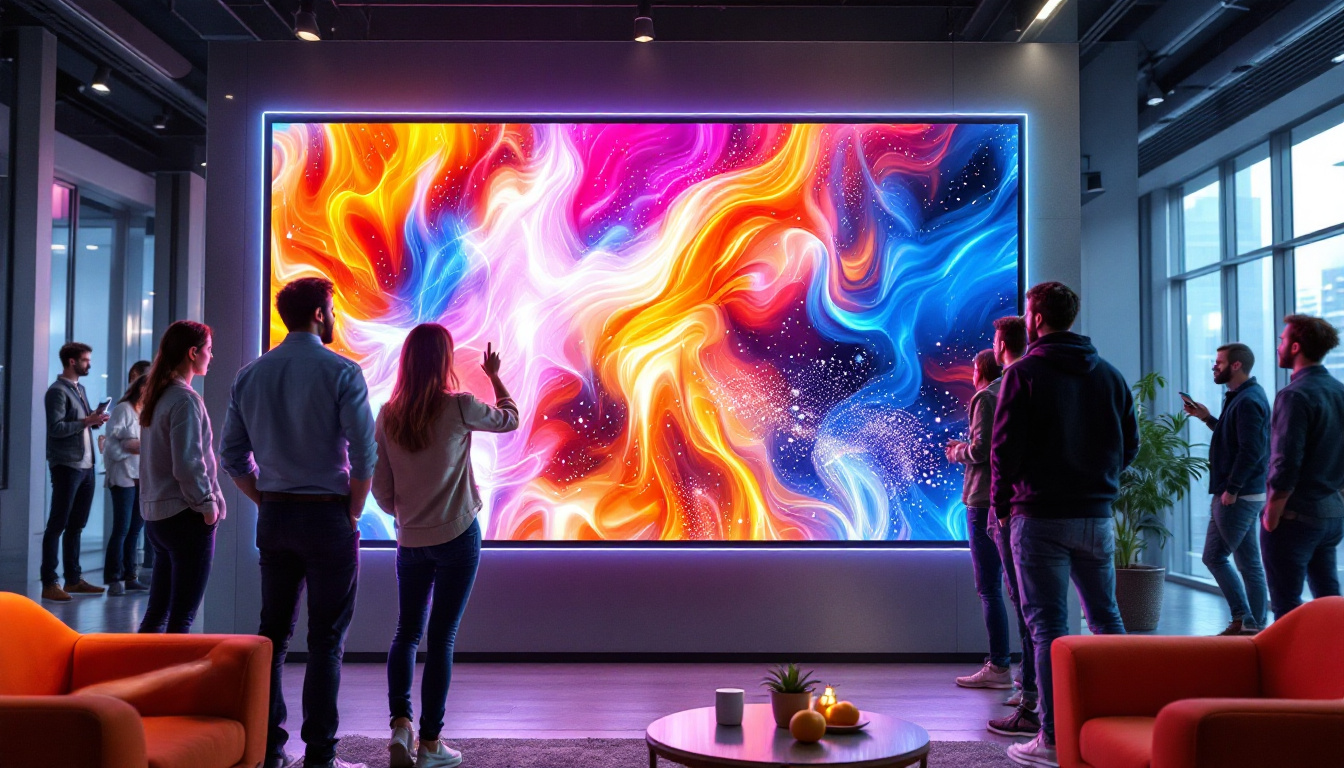
Moreover, the integration of LED displays in touch screens has also facilitated the rise of interactive applications in various industries, including education and retail. In classrooms, for instance, LED touch screens can be used to create dynamic learning environments, allowing teachers and students to engage with multimedia content in real-time. In retail, touch screen displays equipped with LED technology can attract customers with vibrant visuals and interactive features, enhancing the shopping experience and promoting products effectively. As technology continues to evolve, the role of LED displays in desktop touch screens will likely expand, offering even more innovative solutions for users across different sectors.
Advantages of Desktop Touch Screens with LED Displays
Combining touch screen technology with LED displays offers a range of benefits that make these devices highly desirable for various applications.
Enhanced User Interaction
Touch screens allow for direct interaction with content, making tasks like drawing, annotating, and navigating more intuitive. This hands-on approach is invaluable in educational environments, creative industries, and point-of-sale systems.
Improved Visual Performance
LED displays provide brighter images, higher contrast ratios, and more accurate color reproduction compared to traditional LCDs. This ensures that users experience crisp visuals, which is critical for tasks requiring precision and detail.
Energy Efficiency and Longevity
LED backlighting consumes less power than CCFL backlighting, contributing to lower energy bills and a reduced environmental footprint. Additionally, LEDs have a longer lifespan, reducing the need for frequent monitor replacements.
Space-Saving and Sleek Design
LED technology enables thinner and lighter monitors. When combined with touch screen capabilities, this results in sleek, modern desktops that save space and enhance workspace aesthetics.
Applications of Desktop Touch Screens with LED Displays
The versatility of desktop touch screens with LED displays has led to their adoption across multiple industries and use cases.
Professional and Creative Workspaces
Graphic designers, architects, and video editors benefit from the precision and responsiveness of touch-enabled LED displays. The ability to manipulate images directly on the screen streamlines workflows and enhances creativity.
Education and Training
Interactive learning is revolutionized by touch screen desktops. Teachers can engage students with dynamic presentations, and learners can interact with educational software more naturally.
Healthcare
Medical professionals use touch screen LED monitors for viewing high-resolution images such as X-rays and MRIs. The clarity and touch functionality improve diagnostic accuracy and efficiency.
Retail and Hospitality
Point-of-sale systems and customer kiosks often utilize touch screen LED displays for fast, intuitive transactions and information access, improving customer service and operational efficiency.
Choosing the Right Desktop Touch Screen with LED Display
Selecting the ideal touch screen monitor depends on several factors, including intended use, budget, and technical specifications.
Screen Size and Resolution
Screen size should align with workspace constraints and user needs. Common desktop touch screen sizes range from 15 inches to 27 inches or more. Higher resolutions, such as 4K UHD, provide sharper images, which are beneficial for detailed work.
Touch Technology
Capacitive touch screens are generally recommended for their responsiveness and multi-touch support. However, resistive or infrared options may be better suited for environments where gloves are worn or where durability is paramount.
Brightness and Contrast
Look for monitors with high brightness levels (measured in nits) and strong contrast ratios to ensure visibility in various lighting conditions. Full-array LED backlighting with local dimming enhances these aspects.
Connectivity and Compatibility
Ensure the monitor supports necessary input ports such as HDMI, DisplayPort, and USB-C. Compatibility with operating systems and software is also crucial for seamless integration.
Future Trends in Desktop Touch Screens and LED Displays
The landscape of desktop touch screen technology continues to evolve rapidly, driven by advances in display technology and user interface design.
Emergence of OLED and MicroLED
While LED-backlit LCDs dominate the market, OLED and MicroLED displays are gaining traction due to their superior color accuracy, contrast ratios, and thinner profiles. These technologies promise even more immersive and energy-efficient touch screen experiences.
Integration of AI and Gesture Controls
Artificial intelligence is enhancing touch screen interfaces by enabling predictive touch responses and gesture-based controls beyond simple taps and swipes. This will make interactions more natural and efficient.
Flexible and Transparent Displays
Research into flexible and transparent LED displays suggests future desktops may feature foldable or see-through touch screens, opening new possibilities for design and functionality.
Conclusion
Desktop touch screens with LED displays represent a powerful fusion of interactive technology and visual excellence. Their ability to deliver responsive, vivid, and energy-efficient displays has made them indispensable across diverse sectors. Understanding the underlying technologies and their benefits helps users and organizations make informed decisions when selecting the right touch screen monitor for their needs. As innovations continue, these devices will only become more integral to the way people work, learn, and engage with digital content.
Discover LumenMatrix’s Innovative LED Display Solutions
Ready to elevate your interactive digital experience with the latest in LED display technology? Look no further than LumenMatrix, a pioneer in crafting visually stunning and technologically advanced LED display modules. Whether you’re seeking to enhance your professional workspace, create dynamic educational environments, or captivate retail customers, LumenMatrix offers a diverse range of solutions including Indoor and Outdoor LED Wall Displays, Vehicle LED Displays, and more. Embrace the future of visual communication and check out LumenMatrix LED Display Solutions today to transform your space with unparalleled clarity and impact.