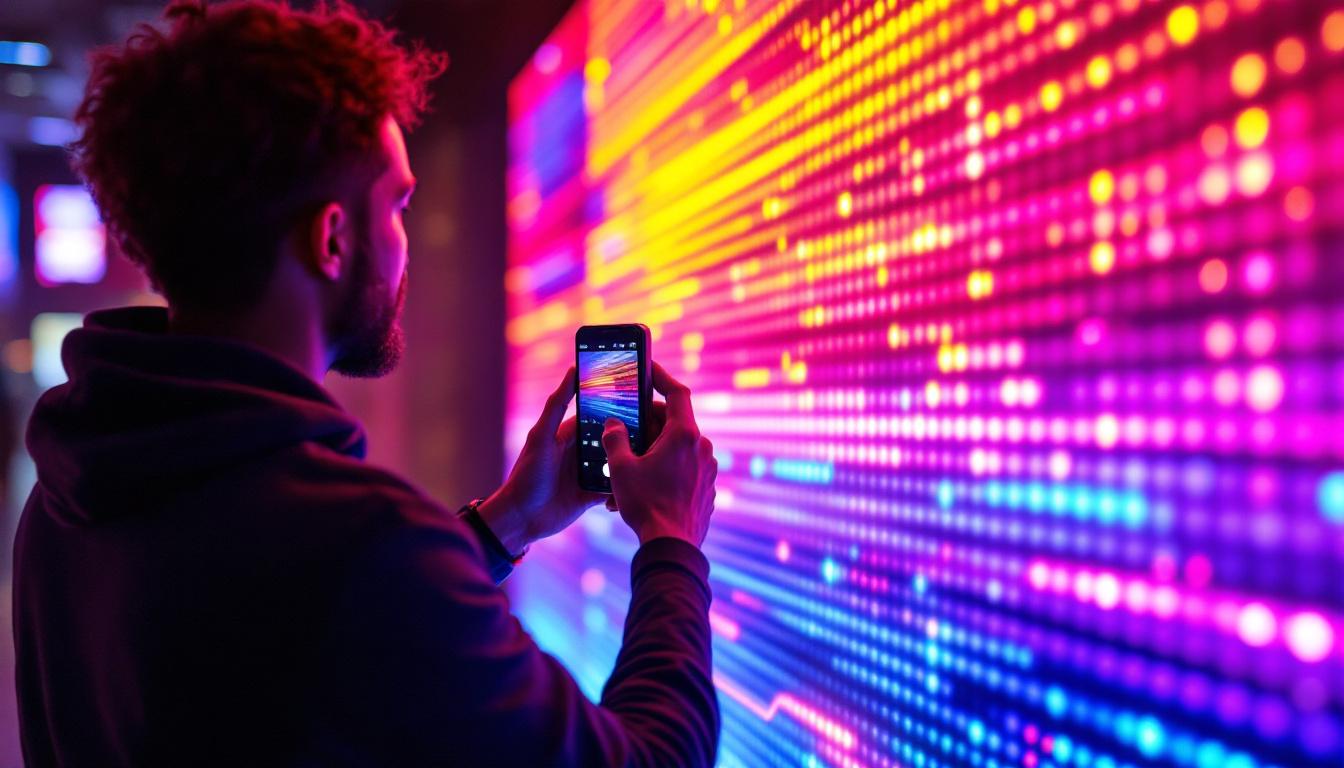
Capturing video of a screen, especially an LED display, is a task that might seem straightforward at first glance, but it involves a number of technical considerations to ensure high-quality results. Whether you are recording a presentation, creating a tutorial, or documenting digital signage content, understanding how LED displays work and how to effectively film them can make a significant difference in the final output.
This article delves into the essentials of taking video of LED screens, explaining the technology behind LED displays, the challenges involved in filming them, and practical tips and techniques to achieve the best possible footage.
Understanding LED Displays: What Makes Them Unique?
What is an LED Display?
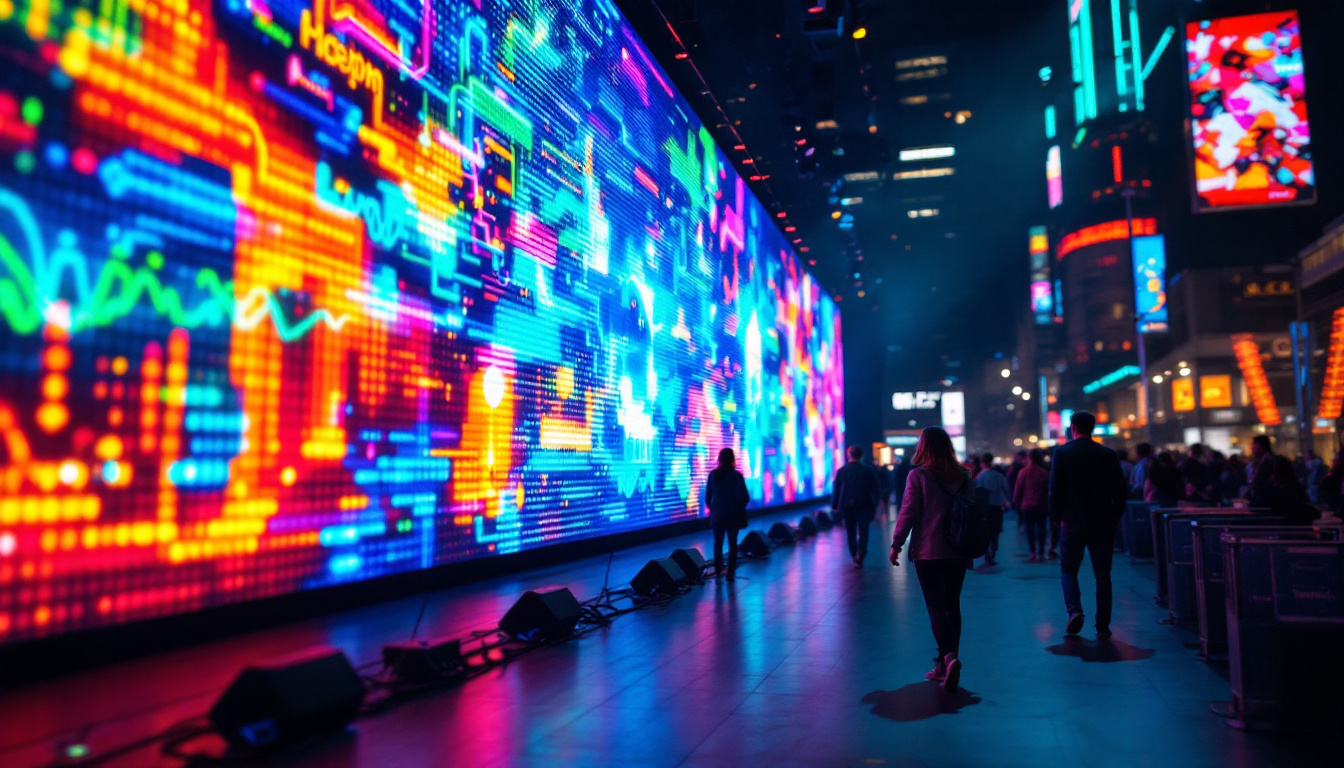
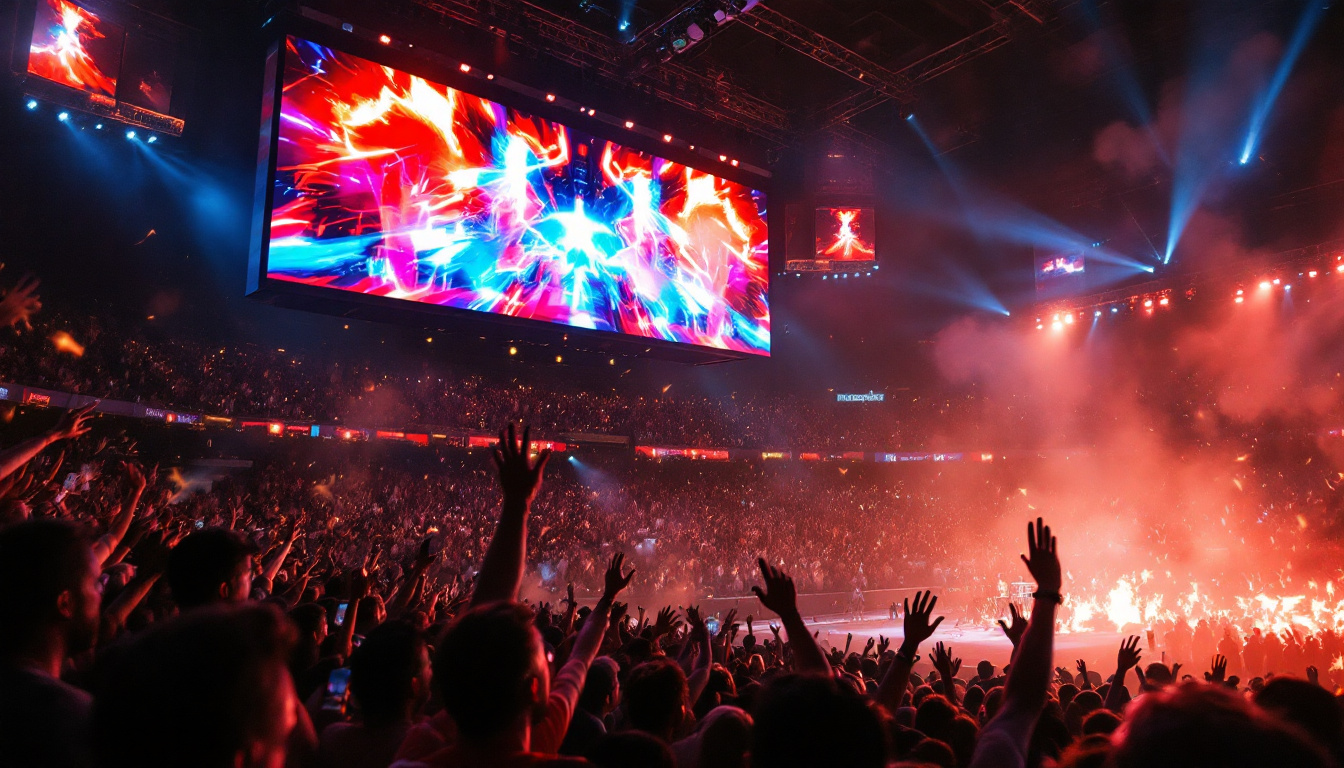
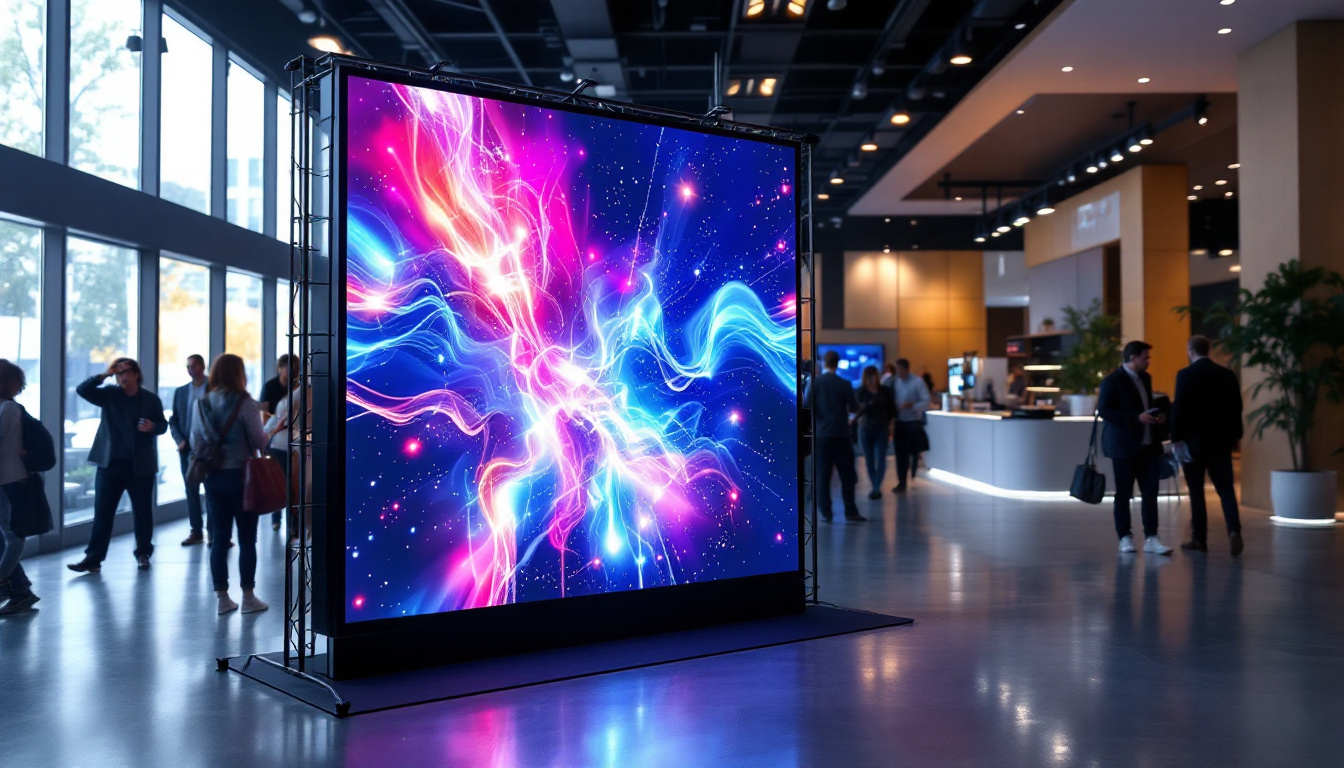
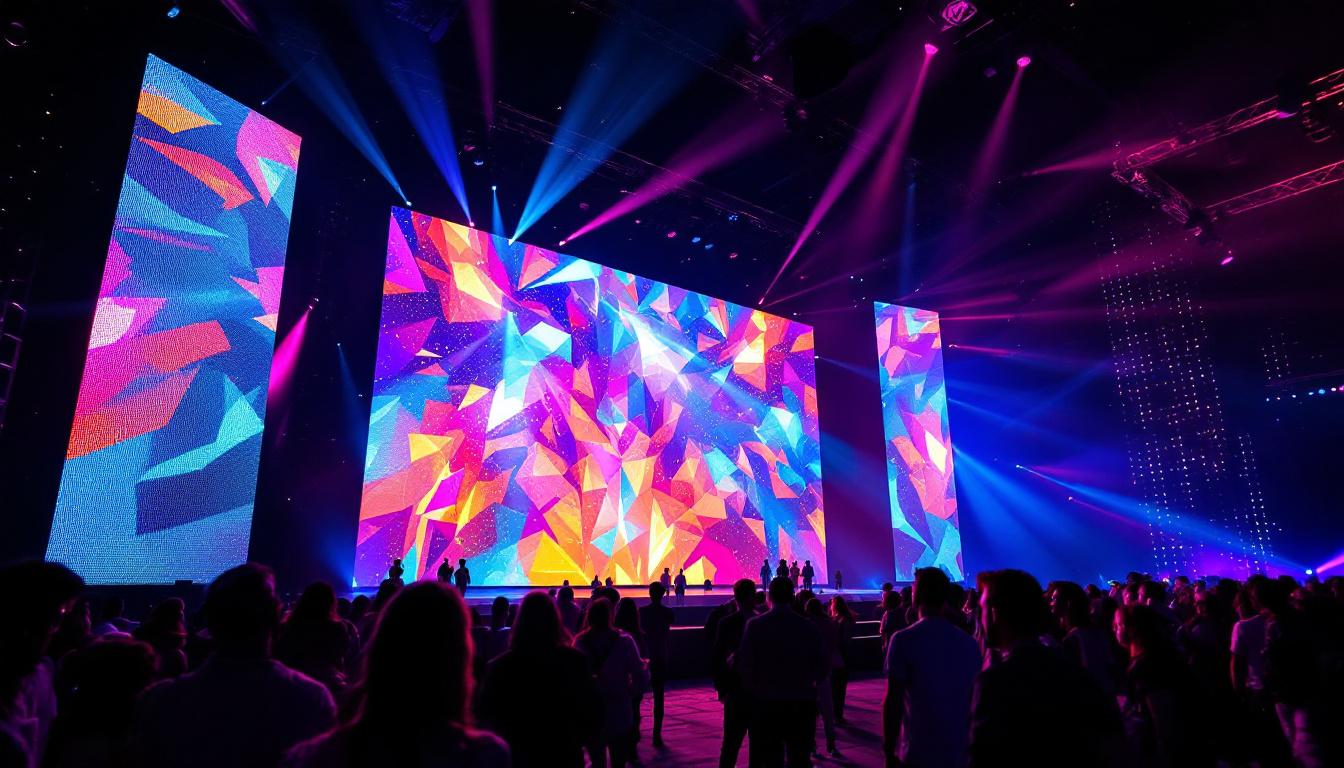
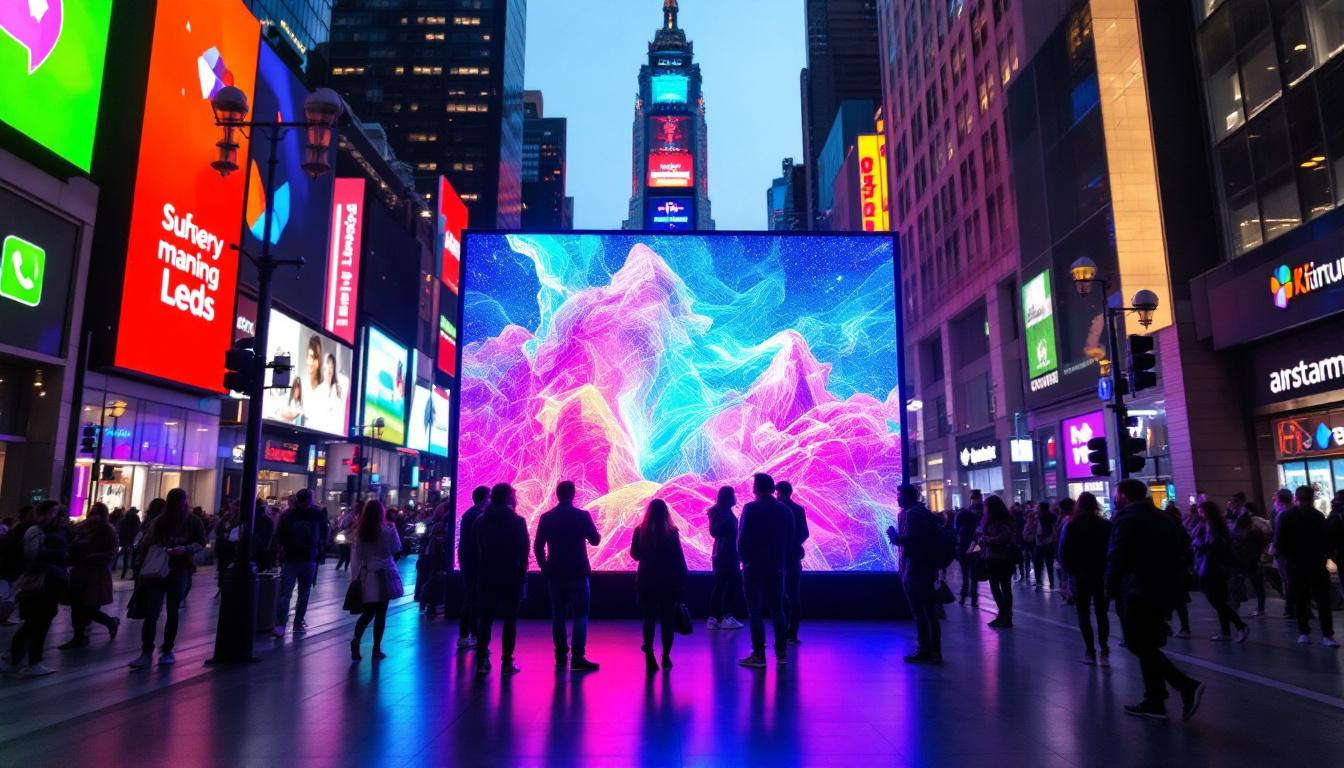
LED stands for Light Emitting Diode, a semiconductor device that emits light when an electric current passes through it. LED displays use thousands or even millions of these tiny diodes arranged in a matrix to create images, videos, and text. Unlike traditional LCD or OLED screens, LED displays are often modular and scalable, making them ideal for large-scale applications such as stadium screens, outdoor billboards, and event backdrops.
One key characteristic of LED displays is their brightness and color vibrancy. They can achieve extremely high brightness levels, often exceeding 1,000 nits, which makes them visible even in direct sunlight. This brightness, combined with the ability to produce vivid colors, is what makes LED displays popular for both indoor and outdoor use. Furthermore, the longevity of LED technology means that these displays can operate for tens of thousands of hours with minimal degradation in quality, making them a cost-effective solution in the long run.
In addition to their impressive brightness, LED displays also offer superior energy efficiency compared to traditional display technologies. This efficiency not only reduces operational costs but also contributes to a lower environmental impact, as less energy consumption translates to a smaller carbon footprint. As sustainability becomes a more pressing concern across industries, the adoption of LED technology is likely to continue growing as organizations seek greener alternatives.
Types of LED Displays
There are two main categories of LED displays: direct-view LED and LED-backlit LCD. Direct-view LED displays are composed entirely of LEDs that emit light directly to form images. These are commonly used in large video walls and digital signage. LED-backlit LCDs, on the other hand, use LEDs as a backlight source behind an LCD panel, which modulates the light to create images. This type is common in consumer TVs and monitors.
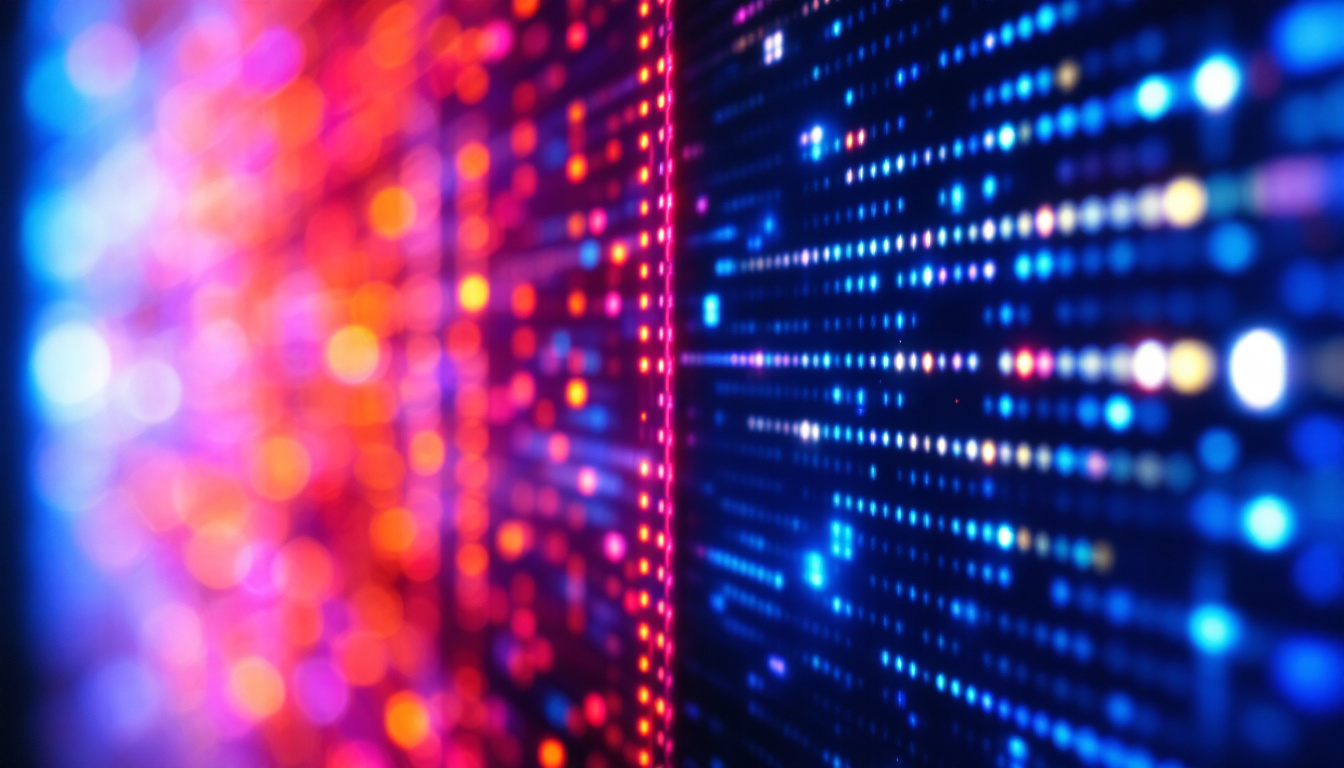
For filming purposes, direct-view LED displays present unique challenges because the light source is the image itself, which can lead to flickering or scanning artifacts when recorded with a camera. Understanding these distinctions is crucial for anyone looking to capture video footage of LED screens accurately. Additionally, the pixel pitch, which refers to the distance between the centers of adjacent pixels, plays a significant role in determining the display’s resolution and viewing distance. A smaller pixel pitch allows for closer viewing without losing image clarity, making it a critical consideration for applications such as trade shows or concerts where audience proximity can vary.
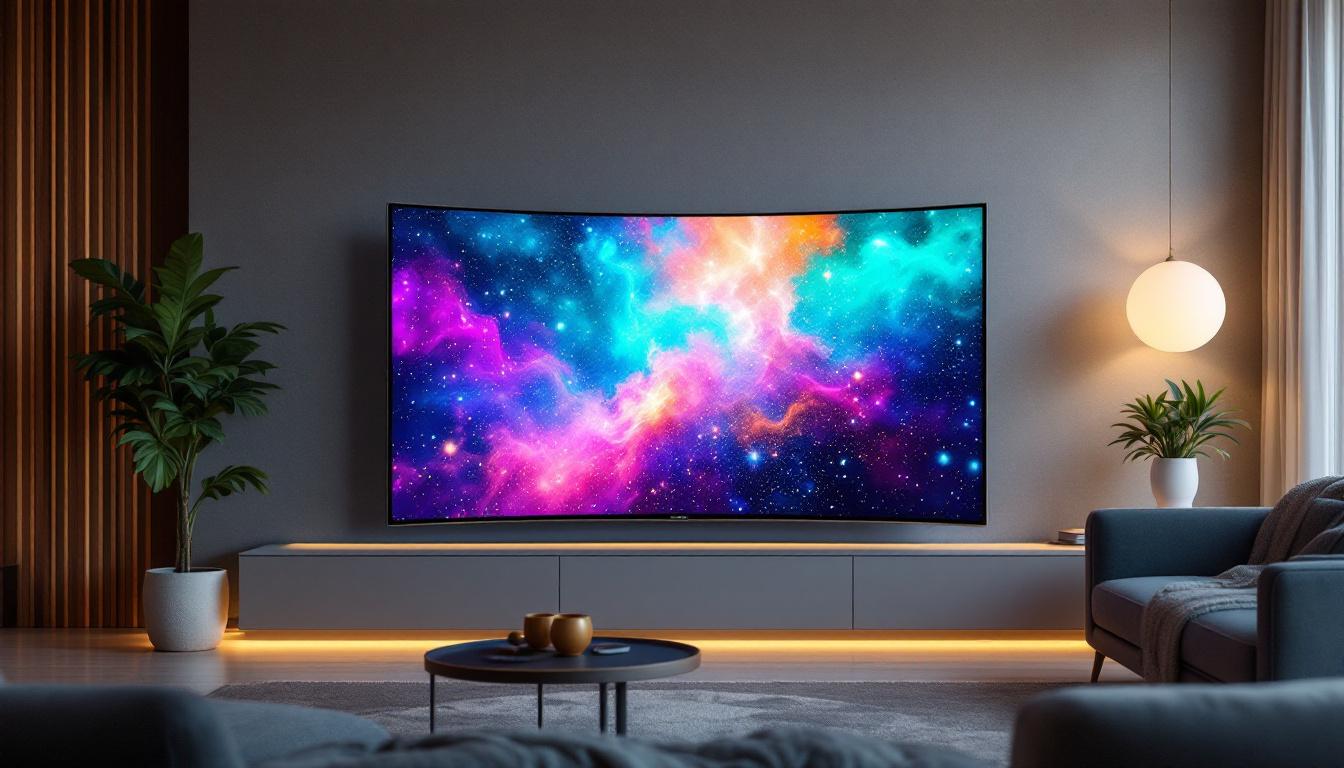
Moreover, the versatility of LED displays extends beyond just their types; they can also be customized in terms of shape and size. Curved LED displays, for example, can create immersive environments in retail spaces or exhibitions, while transparent LED screens are gaining traction in modern architecture, allowing for stunning visual effects without obstructing views. This adaptability not only enhances aesthetic appeal but also opens up new avenues for creative expression in advertising and entertainment, pushing the boundaries of how we interact with visual media.
Challenges When Filming LED Screens
Refresh Rate and Flicker Issues
One of the most common problems encountered when filming LED displays is flickering or banding in the recorded video. This happens because LED screens refresh their image at a certain rate, typically measured in Hertz (Hz). The camera’s shutter speed and frame rate can interact with the screen’s refresh rate, causing the camera to capture partial frames or flicker effects.
For example, if an LED display refreshes at 60 Hz but the camera records at 30 frames per second (fps), the camera might capture some frames during the screen’s refresh cycle, resulting in flicker or horizontal lines. This issue is especially pronounced with high-brightness outdoor LED displays.
Color Accuracy and Exposure
LED screens emit very bright and saturated colors, which can confuse a camera’s automatic exposure and white balance settings. Without manual adjustment, the recorded video might appear washed out, overly dark, or have inaccurate color reproduction. This is particularly important for professional content creators who need to maintain brand colors or ensure visual consistency.
Moire Patterns and Pixelation
Another visual artifact that can appear when filming LED displays is the moiré pattern, which is a wavy or rippling effect caused by interference between the camera’s sensor grid and the LED pixel grid. This effect can be distracting and reduce the perceived quality of the video. Pixelation can also occur if the camera’s resolution or focus is not properly aligned with the LED screen’s pixel pitch.
How To Take Video Of an LED Screen: Practical Tips and Techniques
Use the Right Camera Settings
To minimize flicker and other artifacts, it is essential to adjust your camera’s frame rate and shutter speed to sync with the LED display’s refresh rate. Many professional cameras allow manual control over these settings:
- Frame Rate: Set your camera to record at a frame rate that matches or is a multiple of the LED screen’s refresh rate. For example, if the screen refreshes at 60 Hz, recording at 60 fps or 30 fps can reduce flicker.
- Shutter Speed: Adjust the shutter speed to be the reciprocal of the frame rate or slower. For instance, at 30 fps, a shutter speed of 1/30 or 1/60 second is ideal.
- Manual Focus and Exposure: Disable autofocus and auto exposure to prevent the camera from constantly adjusting to the changing brightness of the screen.
Experimenting with these settings before the actual recording session can save time and improve video quality significantly.
Use External Lighting and Positioning
Although LED displays are bright, ambient lighting can affect how the camera perceives the screen. Using controlled lighting can help balance the exposure between the screen and the surrounding environment. Positioning the camera at an angle rather than directly in front of the screen can also reduce glare and reflections.
Additionally, maintaining a proper distance from the screen helps avoid capturing individual LED pixels too closely, which can cause pixelation and moiré effects. Using a lens with an appropriate focal length can help frame the screen properly without distortion.
Consider Using a Polarizing Filter
A polarizing filter attached to the camera lens can reduce reflections and glare from the LED screen surface. This is particularly useful when filming glossy or glass-covered LED panels. Polarizers also help enhance color saturation and contrast, contributing to a clearer and more vibrant video.
Post-Production Adjustments
Even with careful filming, some flicker or color issues might still appear in the footage. Video editing software like Adobe Premiere Pro or DaVinci Resolve offers tools to reduce flicker, correct color, and enhance sharpness. Applying noise reduction and stabilization can also improve the overall quality of the recorded video.
Alternative Methods: Screen Capture and Direct Recording
When to Use Screen Capture Instead of Filming
If the content displayed on the LED screen originates from a computer or digital source, it might be more efficient to capture the video directly from the source rather than filming the screen. Screen capture software records the digital output, providing pixel-perfect clarity without flicker or moiré artifacts.
This method is ideal for software demonstrations, presentations, or digital signage content where the source device is accessible. Popular screen capture tools include OBS Studio, Camtasia, and Snagit.
Limitations of Screen Capture
Screen capture cannot replicate the physical viewing experience of an LED display, such as the effect of ambient lighting, screen size, or viewing angle. For marketing videos or event documentation where the physical screen presence is important, filming the actual LED display remains necessary.
Case Studies: Successful LED Screen Video Capture
Corporate Event Presentation
At a recent corporate event, a large LED video wall was used to display keynote presentations. The video production team faced flickering issues initially due to mismatched camera settings. After adjusting the camera frame rate to 60 fps and shutter speed to 1/60, the flicker disappeared, resulting in smooth footage. Using manual exposure and a polarizing filter further enhanced the video quality, making the presentation visually appealing for post-event highlights.
Outdoor Digital Billboard Recording
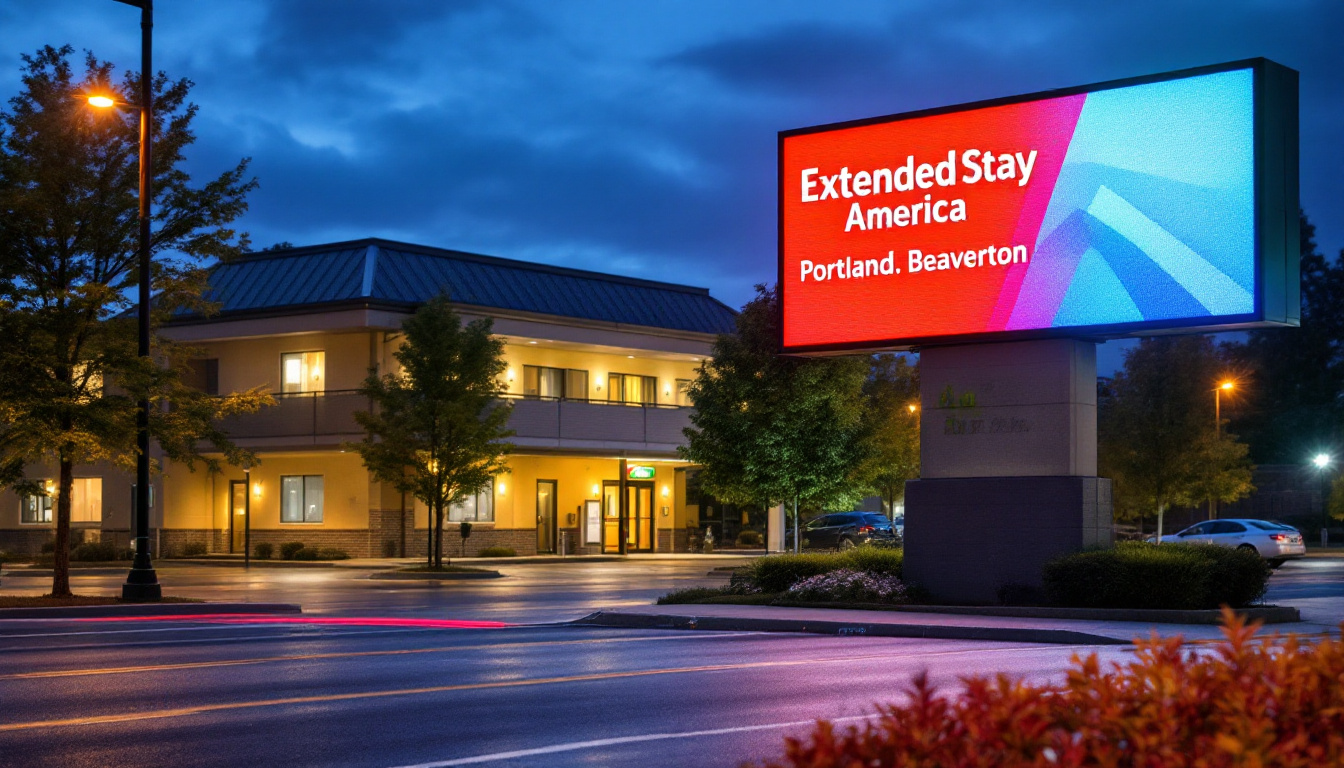
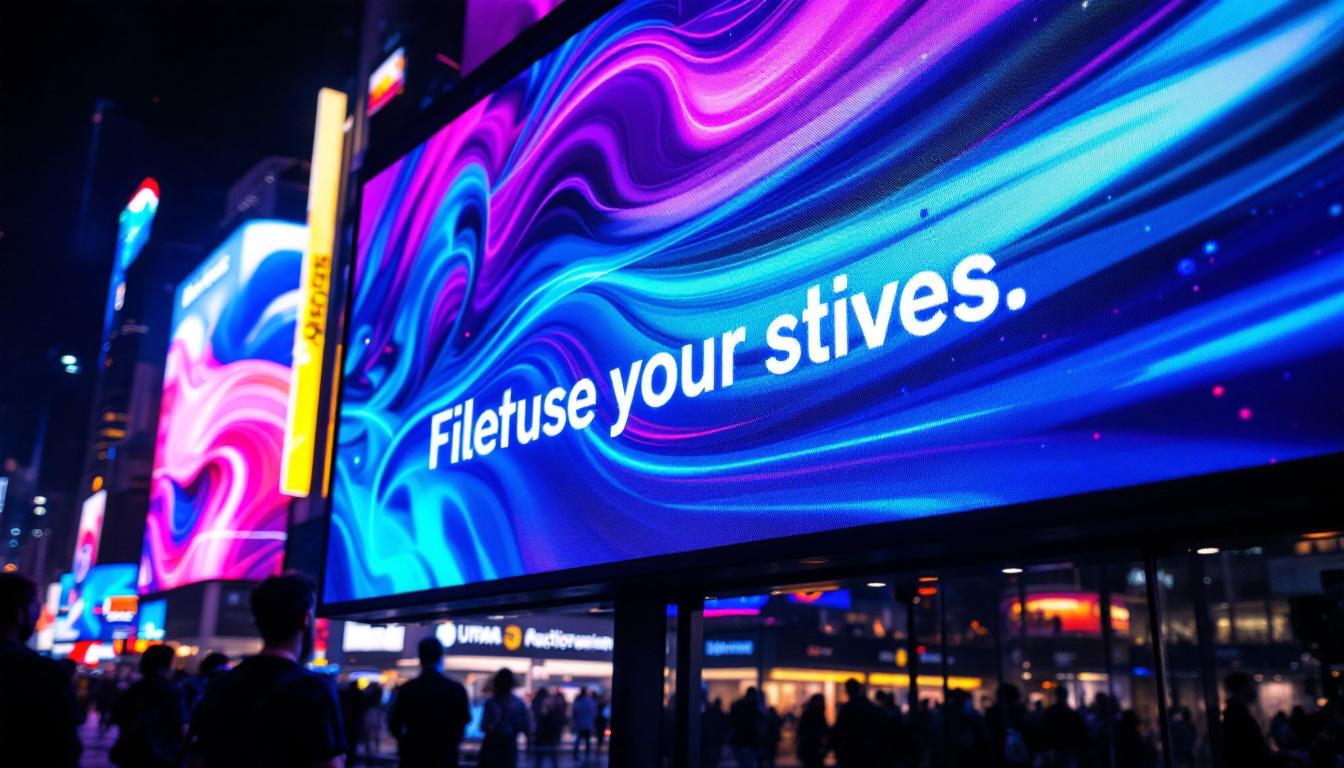
Filming an outdoor LED billboard posed challenges due to high brightness and direct sunlight. The crew used a neutral density filter to reduce light intensity and positioned the camera at a slight angle to avoid reflections. They also used a high-end camera capable of manual settings to sync with the billboard’s 120 Hz refresh rate, eliminating flicker. Post-production color grading ensured the recorded colors matched the actual display.
Conclusion: Mastering LED Screen Video Capture
Taking video of an LED screen requires a clear understanding of the display technology and the interaction between camera settings and screen refresh rates. By carefully adjusting frame rates, shutter speeds, and exposure, using appropriate lenses and filters, and considering the environment and lighting, it is possible to capture high-quality, flicker-free footage of LED displays.
For content creators, event videographers, and digital signage professionals, mastering these techniques ensures that the vibrant and dynamic visuals of LED screens are faithfully represented on video, enhancing communication and viewer engagement.
Whether filming a small indoor LED panel or a massive outdoor video wall, the principles outlined in this article provide a comprehensive foundation for achieving excellent results.
Explore Cutting-Edge LED Solutions with LumenMatrix
Now that you’re equipped with the knowledge to capture stunning video of LED screens, take your visual storytelling to the next level with LumenMatrix’s innovative LED display technology. As a leader in the industry, LumenMatrix offers an extensive range of LED solutions, from indoor and outdoor displays to custom configurations, designed to elevate your brand and engage your audience. Experience the difference in clarity, vibrancy, and performance with our state-of-the-art displays. Check out LumenMatrix LED Display Solutions and transform your visual communication today.