In today’s digital age, LED monitors have become an essential component of both professional and personal computing environments. Whether you’re a graphic designer seeking color accuracy, a gamer craving immersive visuals, or a business professional needing reliable displays, understanding LED monitor sizes and technology is crucial. This comprehensive guide will demystify LED displays, explore the variety of monitor sizes available, and help you make informed decisions when selecting the perfect LED monitor for your needs.
Understanding LED Display Technology
What is an LED Monitor?
LED stands for Light Emitting Diode, a technology used to illuminate the pixels on a monitor screen. Unlike older LCD monitors that used cold cathode fluorescent lamps (CCFL) for backlighting, LED monitors use LED backlights, which offer several advantages including improved energy efficiency, thinner designs, and better color reproduction.
It’s important to note that LED monitors are essentially LCD monitors with LED backlighting. The term “LED monitor” has become common because of the backlight technology, but the display panel itself remains an LCD (Liquid Crystal Display). This distinction helps explain many of the performance characteristics and price differences you’ll encounter. Furthermore, the advancements in LED technology have not only made displays more vibrant but have also opened up new possibilities for applications in various fields, from gaming to medical imaging, where color accuracy and response time are paramount.
Types of LED Backlighting
There are two primary types of LED backlighting used in monitors: edge-lit and full-array (or direct-lit). Edge-lit LED monitors place LEDs along the edges of the screen, allowing for thinner designs and lower costs. However, this can sometimes lead to uneven brightness or “hot spots.” This design is often favored in consumer-grade monitors where space and cost are significant considerations, making them a popular choice for everyday use.
Full-array LED monitors have LEDs distributed evenly behind the entire screen, allowing for more precise control of brightness and contrast. This technology supports local dimming, which enhances black levels and overall picture quality, making it ideal for high-end displays used in professional photo and video editing. Additionally, full-array backlighting can significantly improve the viewing experience in darker environments, as it can dynamically adjust the brightness of specific areas on the screen, resulting in deeper blacks and more vivid colors. As a result, these monitors are increasingly being adopted not only by professionals but also by enthusiasts who seek the best visual performance for gaming and multimedia consumption.
Common LED Monitor Sizes and Their Uses
Small Monitors (19 to 24 inches)
Monitors in the 19 to 24-inch range are popular for office environments, casual browsing, and secondary displays. They offer a balance between screen real estate and desk space, making them ideal for users who prioritize compact setups or have limited workspace.
For example, a 22-inch LED monitor with a 1080p resolution provides sharp images and sufficient detail for everyday tasks such as word processing, email, and web browsing. These sizes are also common in point-of-sale systems and kiosks where space is at a premium. Additionally, small monitors are often favored by students and remote workers who may need to set up a temporary workspace in smaller areas, such as dorm rooms or shared living spaces. Their portability allows users to easily move them around or set them up in different locations, making them a versatile choice for those on the go.
Medium Monitors (25 to 32 inches)
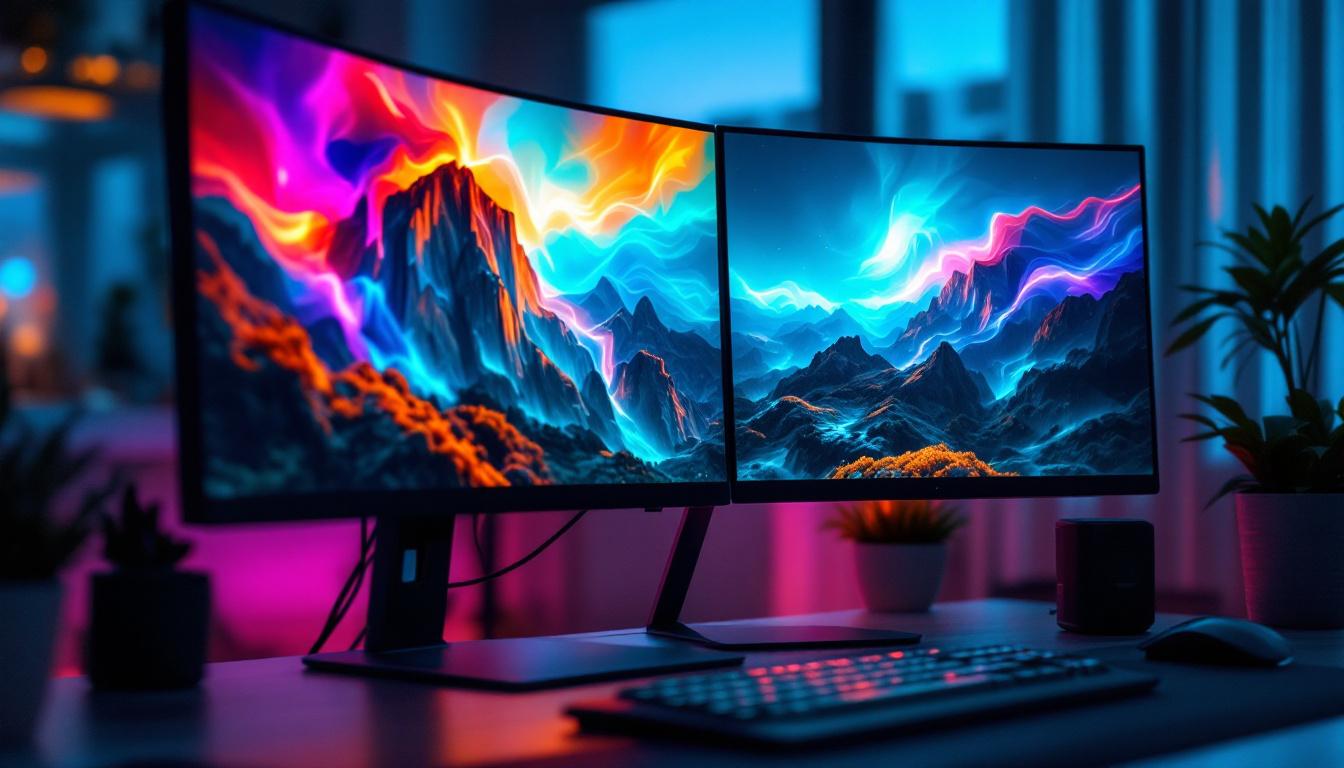
The 25 to 32-inch category is the sweet spot for many users, offering a substantial increase in screen space without overwhelming most desks. These monitors are favored by gamers, content creators, and professionals who require multitasking capabilities.
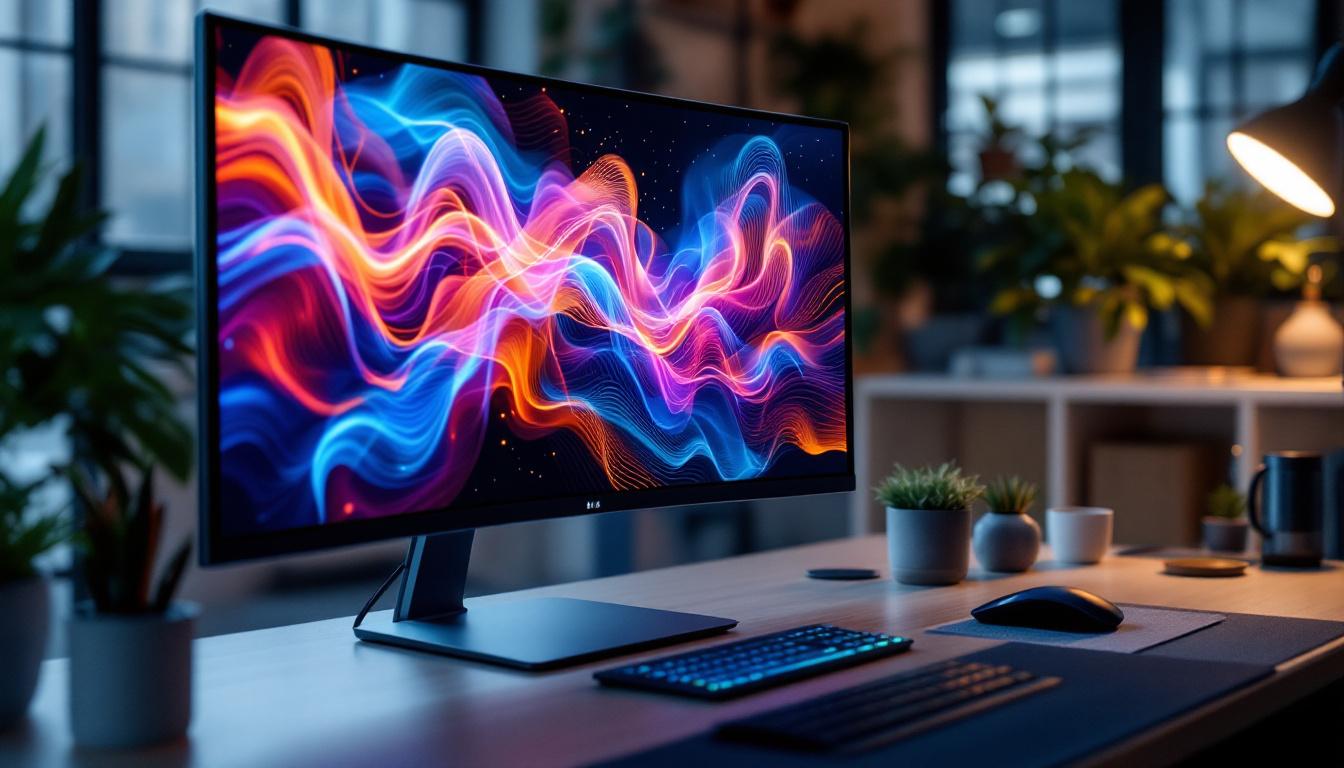
Within this range, 27-inch monitors have become particularly popular. They often feature QHD (2560×1440) resolutions, which provide a noticeable improvement over Full HD (1920×1080) in terms of clarity and workspace. For instance, graphic designers benefit from the enhanced pixel density, allowing for more detailed work without scaling issues. Furthermore, many medium-sized monitors now come equipped with advanced features such as high refresh rates and adaptive sync technologies, which enhance the gaming experience by reducing screen tearing and providing smoother visuals. This makes them not only suitable for work but also an excellent choice for entertainment, allowing users to enjoy movies and games with vibrant colors and sharp details.
Large Monitors (34 inches and above)
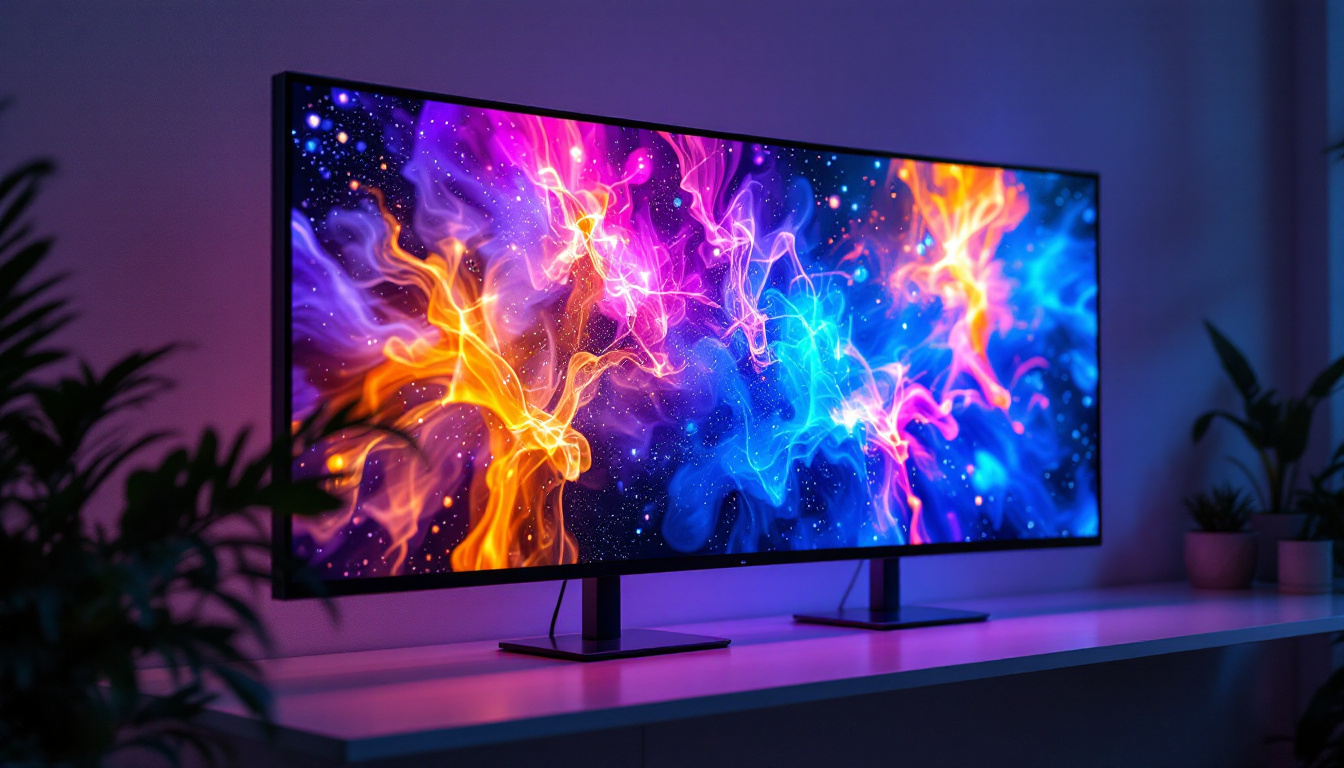
Large LED monitors, especially ultrawide models (typically 34 inches and wider), cater to users who demand immersive experiences or extensive multitasking. Ultrawide monitors with a 21:9 aspect ratio are excellent for video editing timelines, spreadsheet management, and gaming.
Some professional-grade monitors exceed 40 inches, blurring the line between monitors and TVs. These are often used in specialized fields such as CAD (computer-aided design), simulation, and financial trading, where multiple windows and high-resolution content must be displayed simultaneously. Additionally, large monitors have become increasingly popular in home offices, where they can serve as a central hub for productivity. With features like picture-in-picture and split-screen capabilities, users can easily manage various applications side by side, enhancing workflow efficiency. Moreover, the immersive experience provided by these large displays is particularly appealing for movie enthusiasts and gamers who seek to replicate a cinematic experience at home, making them a valuable investment for both work and leisure activities.
Choosing the Right LED Monitor Size for Your Needs
Consider Your Workspace and Viewing Distance
One of the most critical factors when selecting an LED monitor size is the physical space available and how far you sit from the screen. For example, a 24-inch monitor is ideal for distances of about 20-30 inches (50-75 cm), while larger monitors require greater viewing distances to avoid eye strain.
Using a monitor that is too large for your desk or sitting too close to a large screen can cause discomfort and reduce productivity. A good rule of thumb is to choose a monitor size that fits comfortably within your line of sight and allows you to view the entire screen without excessive head movement.
Resolution and Screen Size: Finding the Balance
Resolution and screen size are intertwined. A larger monitor with low resolution can result in pixelation and less sharp images, while a smaller monitor with very high resolution may make text and icons appear too small without scaling adjustments.
For instance, a 27-inch monitor with 4K resolution (3840×2160) offers incredible detail but may require scaling settings in your operating system to keep interface elements readable. Conversely, a 24-inch monitor with 1080p resolution provides clear visuals without the need for scaling, making it a practical choice for many users.
Usage Scenarios and Application Requirements
Understanding how you intend to use your LED monitor is vital. Gamers often prioritize refresh rates and response times alongside size, with 27-inch and 32-inch monitors being common choices. Professionals in graphic design or video production may lean towards larger, color-accurate displays with 27 inches or more.
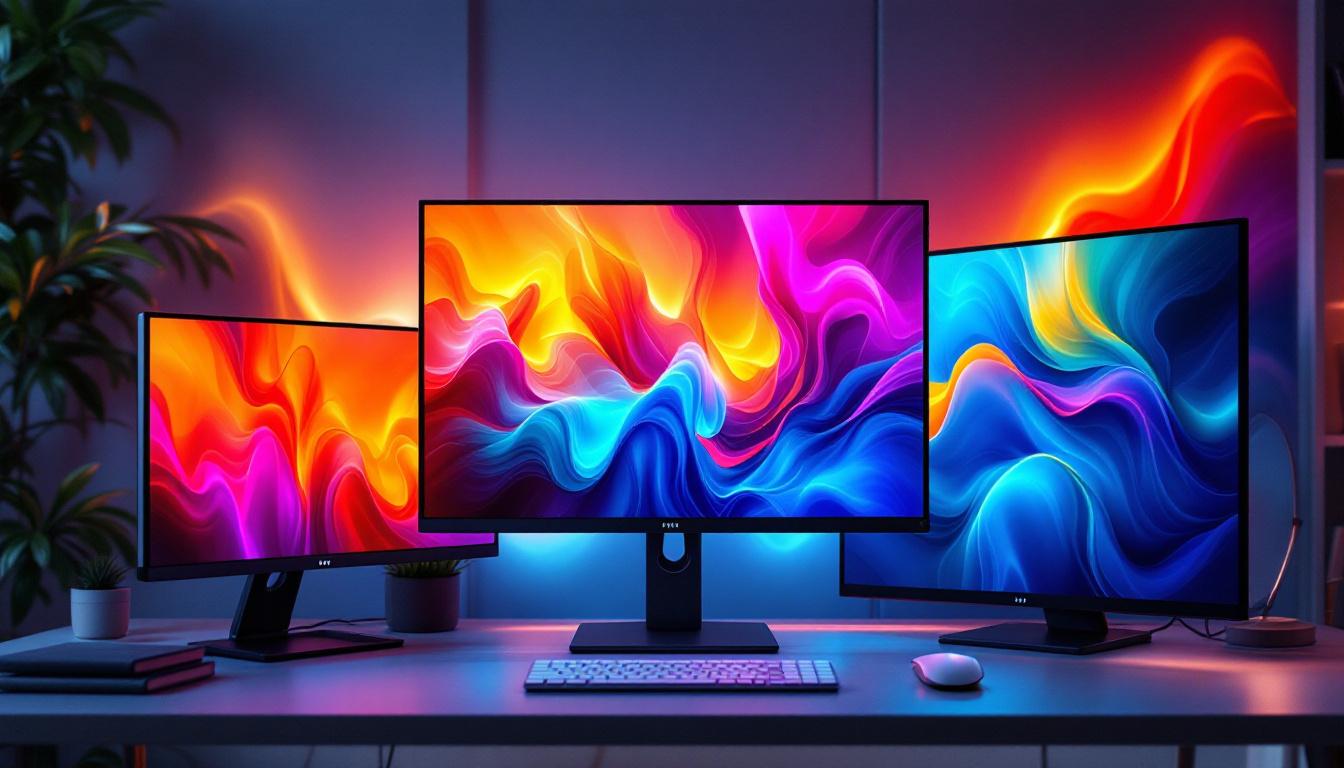
For general office work, smaller to medium-sized monitors with Full HD resolution are usually sufficient. Meanwhile, users who require extensive multitasking or immersive experiences might opt for ultrawide or dual-monitor setups to maximize productivity.
Additional Features to Consider in LED Monitors
Color Accuracy and Panel Types
The type of LCD panel used in an LED monitor significantly affects image quality. The most common panel types are TN (Twisted Nematic), IPS (In-Plane Switching), and VA (Vertical Alignment).
TN panels are known for fast response times but have limited viewing angles and color reproduction. IPS panels offer superior color accuracy and wider viewing angles, making them ideal for creative professionals. VA panels provide better contrast ratios and deeper blacks, suitable for multimedia consumption.
Refresh Rate and Response Time
Refresh rate, measured in hertz (Hz), indicates how many times per second the monitor updates the image. Higher refresh rates (120Hz, 144Hz, or more) provide smoother motion, which is particularly beneficial for gaming and fast-paced video content.
Response time, usually measured in milliseconds (ms), refers to how quickly a pixel can change from one color to another. Lower response times reduce motion blur and ghosting effects, enhancing the viewing experience in dynamic scenes.
Connectivity and Ergonomics
Modern LED monitors offer a variety of connectivity options including HDMI, DisplayPort, USB-C, and legacy ports like VGA or DVI. USB-C ports are increasingly popular for their ability to deliver video, data, and power through a single cable, simplifying desk setups.
Ergonomic features such as height adjustment, tilt, swivel, and pivot are essential for creating comfortable work environments. Monitors with VESA mount compatibility allow users to use custom stands or wall mounts, further enhancing flexibility.
Future Trends in LED Monitor Technology
Mini-LED and Micro-LED Innovations
Emerging technologies like Mini-LED and Micro-LED are pushing the boundaries of LED display performance. Mini-LED uses thousands of tiny LEDs for backlighting, enabling even more precise local dimming and higher contrast ratios than traditional LED monitors.
Micro-LED, still in early stages for consumer monitors, promises self-emissive pixels that combine the best qualities of OLED and LED technologies without the drawbacks such as burn-in. These advancements are expected to deliver brighter, more vibrant displays with improved energy efficiency.
Higher Refresh Rates and Variable Refresh Technologies
As gaming and multimedia demands grow, manufacturers continue to increase refresh rates beyond 240Hz and integrate variable refresh rate technologies like NVIDIA G-SYNC and AMD FreeSync. These features reduce screen tearing and stuttering, providing smoother gameplay and video playback.
Increased Adoption of Ultrawide and Curved Displays
Ultrawide and curved LED monitors are gaining popularity for their immersive viewing experiences and enhanced productivity. Curved screens reduce distortion and improve viewing angles, particularly on larger displays, making them a preferred choice for both entertainment and professional use.
Conclusion
Choosing the right LED monitor size involves balancing screen dimensions, resolution, usage requirements, and workspace constraints. Understanding the underlying LED technology and additional features such as panel type, refresh rate, and connectivity options can significantly enhance your viewing experience.
Whether you opt for a compact 22-inch monitor for everyday tasks or a sprawling 34-inch ultrawide display for multitasking and gaming, LED monitors offer a versatile and energy-efficient solution for modern computing needs. Staying informed about emerging technologies like Mini-LED and Micro-LED will also help you future-proof your investment and enjoy cutting-edge display performance for years to come.
Discover the Future of Visual Display with LumenMatrix
Ready to elevate your visual experience with the latest in LED technology? LumenMatrix is at the forefront of innovation, offering a wide array of LED display solutions tailored to your unique needs. From immersive Indoor LED Wall Displays to dynamic Outdoor LED Wall Displays, and from versatile Vehicle LED Displays to sleek LED Poster Displays, our products are designed to captivate and engage. Embrace the revolution in visual communication with our LED Sports Displays, interactive Floor LED Displays, and the customizable allure of Custom LED Displays. Experience the convenience of our All-in-One LED Displays and the stunning clarity of LED Transparent Displays. Don’t just take our word for it—check out LumenMatrix LED Display Solutions today and see how we can help you share your message with the world in an impactful and unforgettable way.