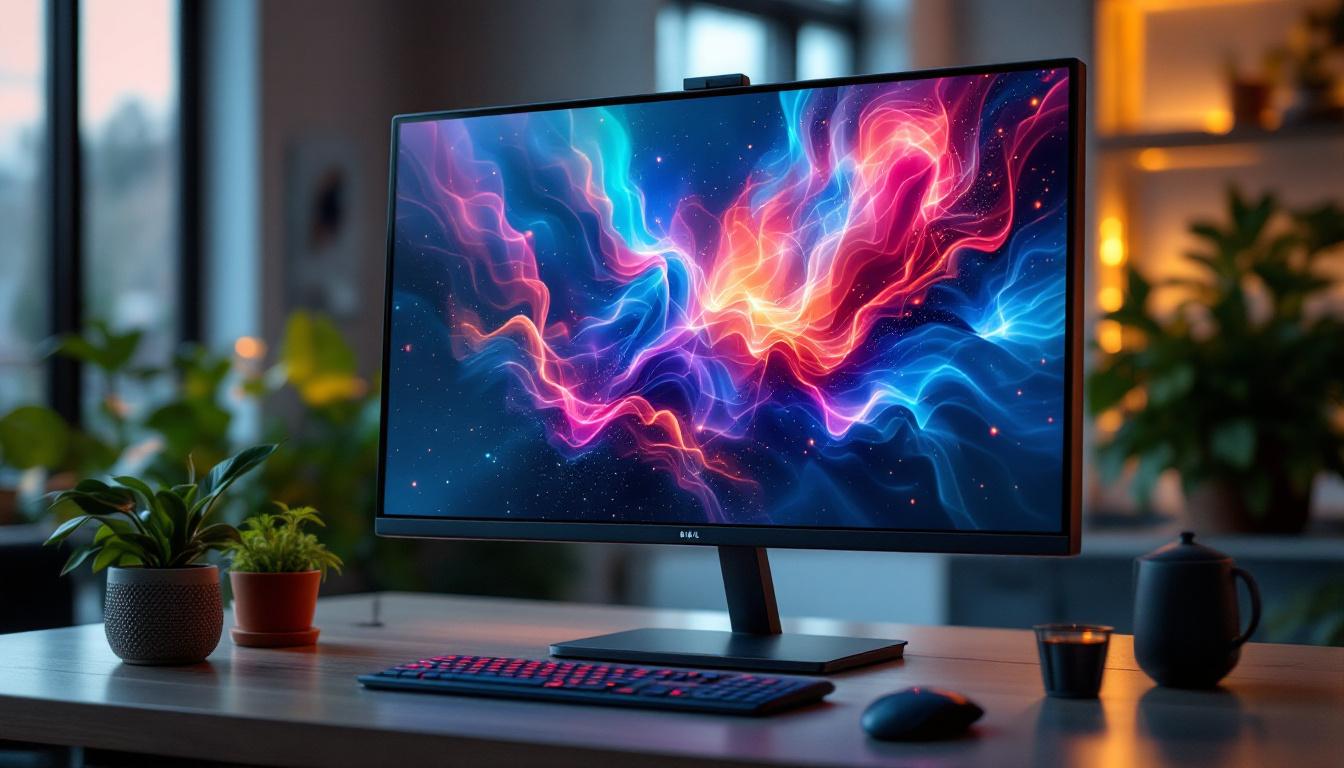
In the rapidly evolving world of computer displays, the 38-inch LED monitor has emerged as a popular choice for professionals, gamers, and multimedia enthusiasts alike. Offering a unique blend of size, resolution, and advanced technology, these monitors redefine the way users interact with digital content. This article delves into the intricacies of 38-inch LED monitors, explaining their technology, benefits, and practical applications to help you make an informed decision when considering this impressive display size.
Understanding the 38-Inch Monitor: Size and Aspect Ratio
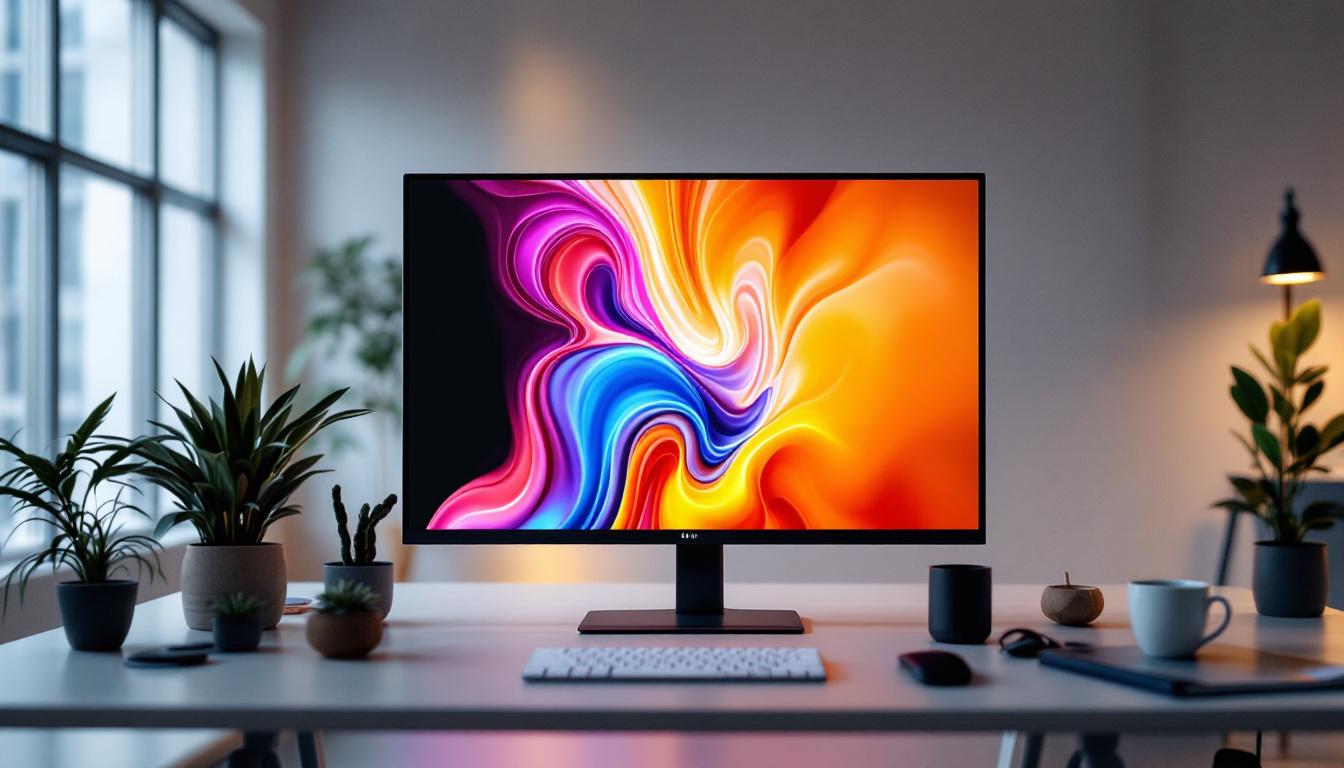
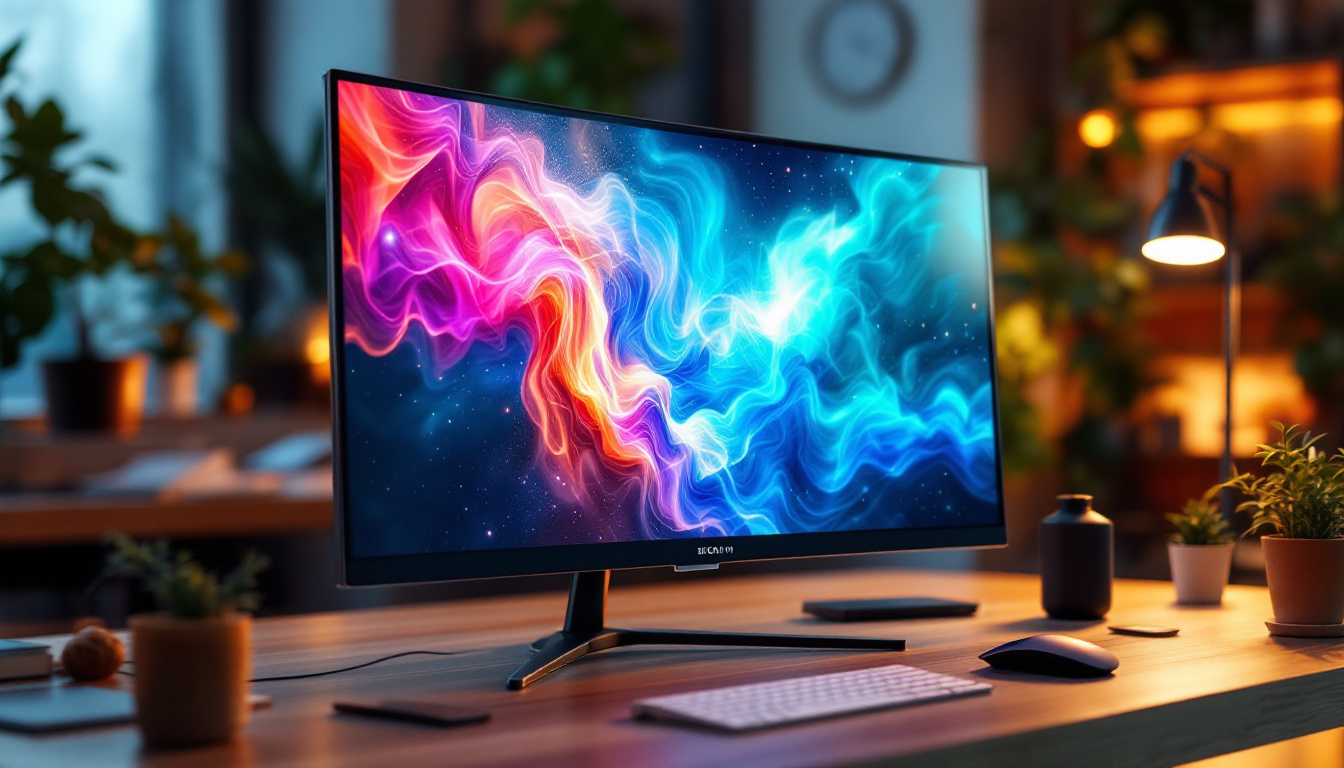
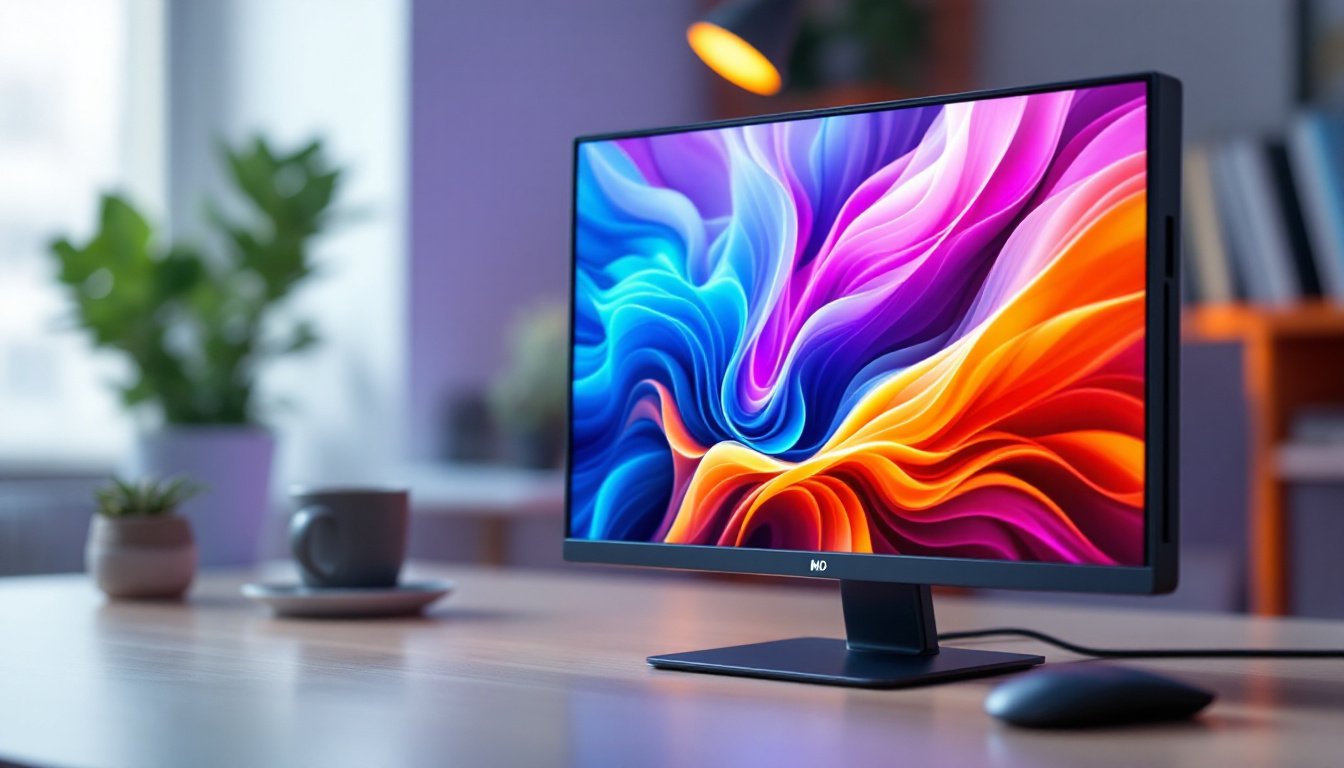
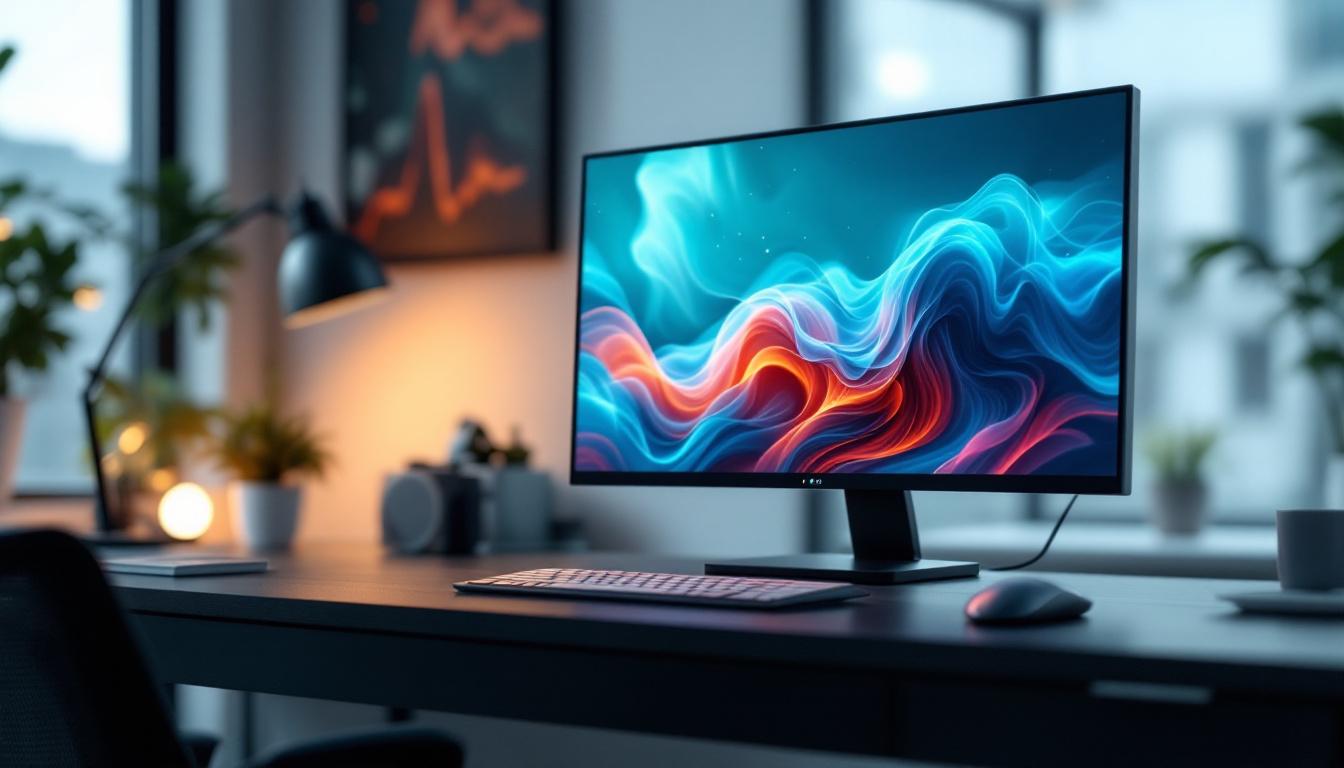
The 38-inch monitor occupies a distinctive niche in the display market, positioned between the more common 34-inch ultrawide monitors and the larger 43-inch displays. The 38-inch measurement refers to the diagonal length of the screen, providing a substantial viewing area that enhances productivity and immersion.
Most 38-inch monitors feature an ultrawide aspect ratio of 21:9, which is wider than the traditional 16:9 screens. This wider format offers more horizontal screen real estate, making it ideal for multitasking, video editing, and gaming. For example, users can comfortably place multiple windows side-by-side without the need for multiple monitors, streamlining workflows and reducing desktop clutter.
Why Choose a 38-Inch Ultrawide Monitor?
The ultrawide format is particularly beneficial for creative professionals such as video editors, graphic designers, and software developers. It allows for extended timelines, larger palettes, and comprehensive code views without constant scrolling or switching between tabs. Additionally, gamers enjoy a more immersive experience with peripheral vision coverage that enhances gameplay realism.
Compared to dual-monitor setups, a single 38-inch ultrawide monitor eliminates bezel gaps, providing a seamless visual experience. This can reduce eye strain and improve focus, which is crucial for long working hours or intense gaming sessions.
Moreover, many 38-inch monitors come equipped with advanced display technologies such as HDR (High Dynamic Range) and high refresh rates, further enhancing the visual experience. HDR allows for a broader range of colors and contrasts, making images appear more vibrant and lifelike. For gamers, a high refresh rate combined with a low response time can lead to smoother gameplay, reducing motion blur and providing a competitive edge in fast-paced environments. Additionally, features like picture-in-picture and split-screen modes enable users to view content from different sources simultaneously, making it easier to monitor social media feeds or video calls while working on a project.
Furthermore, the ergonomic design of many 38-inch monitors often includes height adjustment, tilt, and swivel capabilities, allowing users to customize their viewing angles for maximum comfort. This adaptability is particularly important for those who spend extended periods in front of their screens, as it can help prevent discomfort and promote better posture. With the increasing trend of remote work and digital content creation, investing in a high-quality ultrawide monitor like the 38-inch model can significantly enhance both productivity and enjoyment in various tasks.
LED Display Technology: What Makes It Stand Out?
LED, or Light Emitting Diode, technology is a cornerstone of modern monitor design. Unlike older LCD panels that used cold cathode fluorescent lamps (CCFL) for backlighting, LED monitors employ tiny diodes that emit light when an electric current passes through them. This shift has brought numerous advantages in terms of image quality, energy efficiency, and design flexibility.
Types of LED Backlighting
There are primarily two types of LED backlighting used in monitors: edge-lit and full-array. Edge-lit monitors place LEDs along the edges of the screen, using light guides to distribute illumination. This design allows for thinner panels and lighter monitors but can sometimes result in uneven brightness or contrast.
Full-array LED backlighting, on the other hand, places LEDs directly behind the screen in a grid pattern. This approach enables local dimming, where specific zones of LEDs can be dimmed or brightened independently. The result is improved contrast ratios and deeper blacks, enhancing the overall picture quality.
Benefits of LED Displays in 38-Inch Monitors
LED technology in 38-inch monitors offers several key benefits:
- Higher Brightness: LED backlighting can achieve brightness levels exceeding 400 nits, which is essential for vibrant colors and clarity in well-lit environments.
- Energy Efficiency: LEDs consume less power compared to CCFL backlights, reducing energy costs and environmental impact.
- Thin and Lightweight Design: LED backlighting allows for slimmer monitor profiles, making 38-inch displays easier to fit into various desk setups.
- Better Color Accuracy: Many LED monitors support wide color gamuts such as Adobe RGB and DCI-P3, crucial for professional color work.
Resolution and Image Quality: What to Expect from a 38-Inch LED Monitor
Resolution plays a pivotal role in determining the sharpness and clarity of images on a 38-inch LED monitor. The most common resolution for these monitors is 3840 x 1600 pixels, which is essentially an extended 4K ultrawide format. This resolution provides approximately 2.5 times the pixel count of a standard 1080p display, resulting in crisp visuals and ample workspace.
Higher pixel density means text, images, and videos appear more detailed and easier on the eyes. For professionals working with high-resolution content, such as 4K video editing or detailed graphic design, this level of clarity is invaluable.
HDR Support and Color Accuracy
Many 38-inch LED monitors come equipped with High Dynamic Range (HDR) support, which enhances the contrast and color range of displayed images. HDR-capable monitors can produce brighter highlights and deeper shadows, making visuals more lifelike.
Color accuracy is another critical factor, especially for creative professionals. Monitors that cover 95% or more of the DCI-P3 color space and offer factory calibration ensure that colors are represented faithfully. This accuracy reduces the need for post-production adjustments and guarantees consistency across different devices.
Connectivity and Features: Enhancing the User Experience
A 38-inch LED monitor is not just about size and picture quality; it also needs to integrate seamlessly with your existing hardware and workflow. Modern monitors come with a variety of connectivity options and features designed to boost productivity and convenience.
Common Connectivity Options
Most 38-inch LED monitors include multiple ports such as:
- USB-C: Supports video, data transfer, and charging through a single cable, ideal for modern laptops and peripherals.
- DisplayPort: Provides high bandwidth for smooth video output, essential for high-resolution and high-refresh-rate displays.
- HDMI: Widely compatible with gaming consoles, media players, and older computers.
- USB Hubs: Built-in USB ports allow easy connection of keyboards, mice, and external drives.
Additional Features to Consider
When selecting a 38-inch LED monitor, several features can enhance usability:
- Adjustable Stand: Height, tilt, and swivel adjustments help customize the viewing angle for ergonomic comfort.
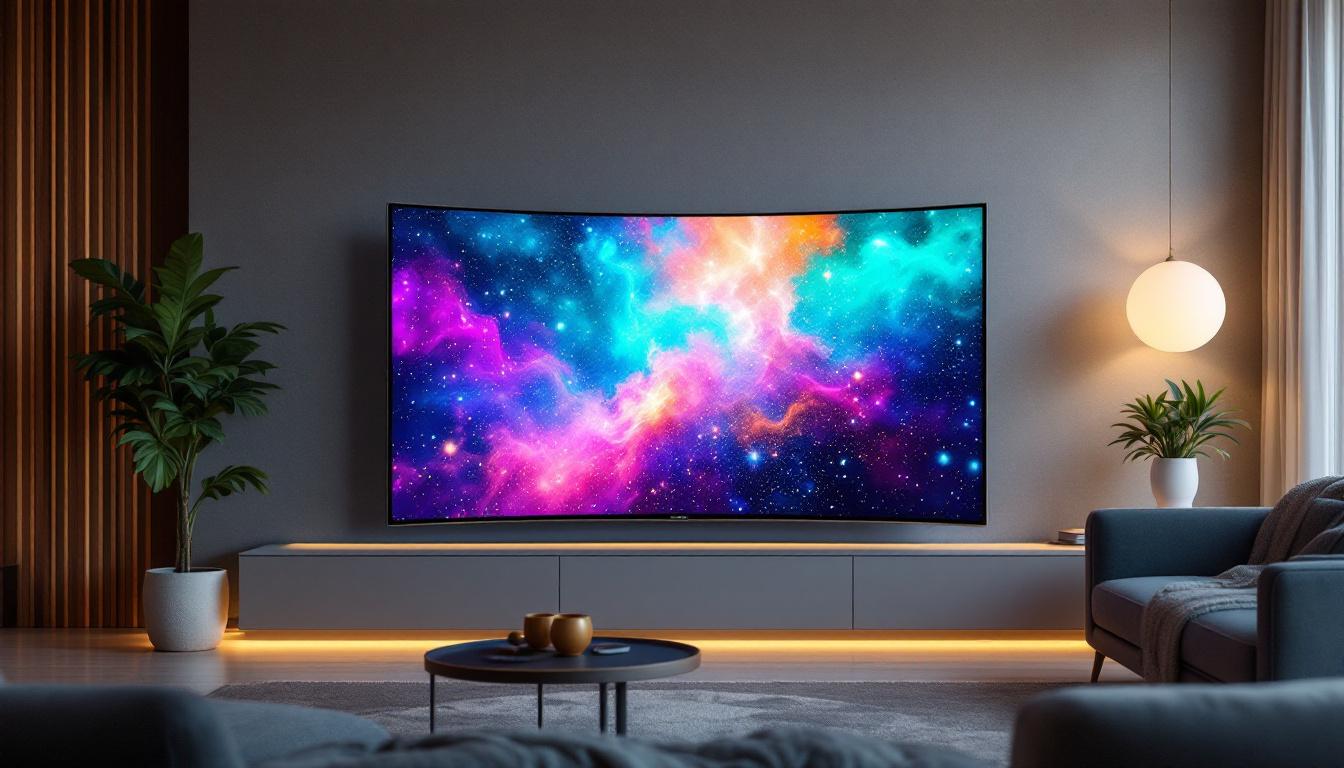
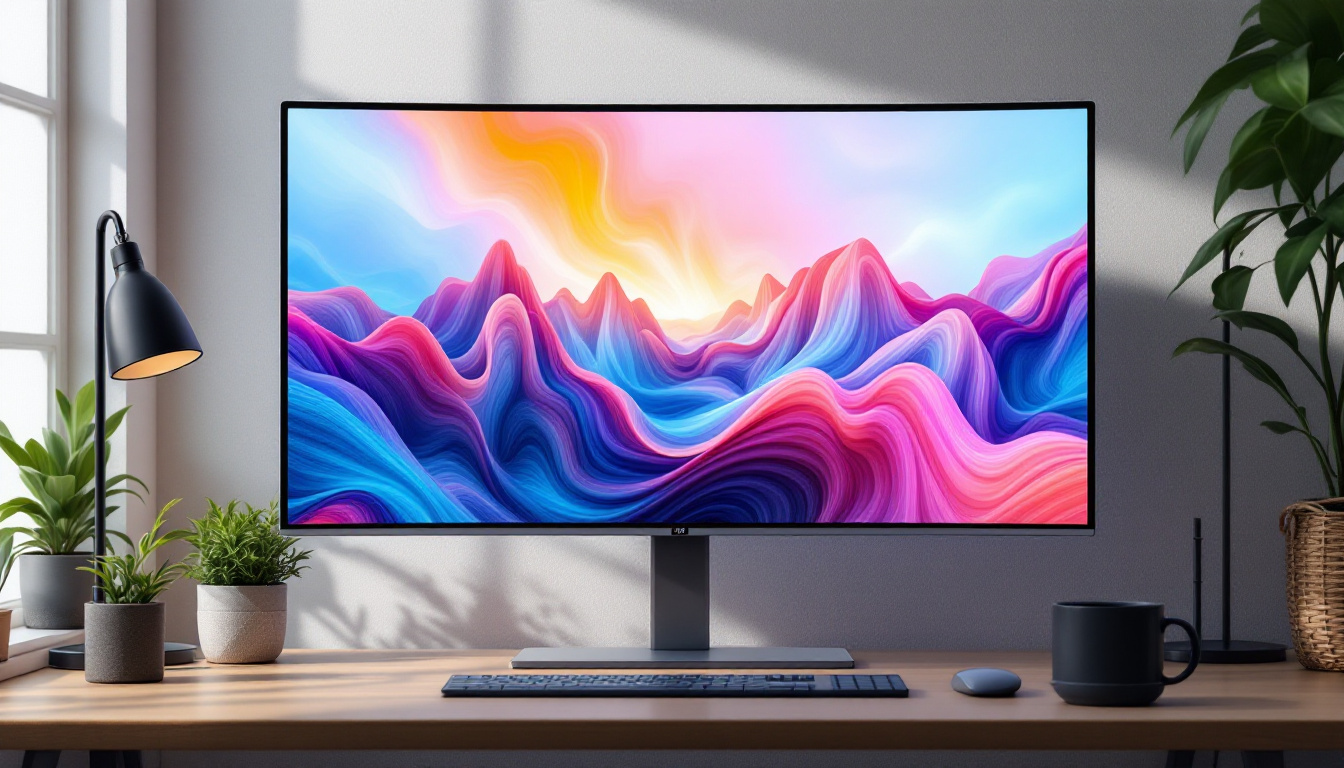
- Curved Screen: Many 38-inch monitors feature a gentle curve (typically 2300R to 3800R radius) to reduce distortion and improve immersion.
- Refresh Rate and Response Time: Higher refresh rates (up to 144Hz) and low response times (1-5ms) benefit gamers by delivering smoother motion and reducing input lag.
- Blue Light Filter and Flicker-Free Technology: These eye-care features reduce eye strain during extended use.
Practical Applications: Who Benefits Most from a 38-Inch LED Monitor?
The versatility of 38-inch LED monitors makes them suitable for a broad range of users. Understanding who benefits most can help determine if this display is the right choice for your needs.
Creative Professionals
Graphic designers, video editors, and photographers benefit greatly from the expansive workspace and color accuracy offered by 38-inch LED monitors. The ultrawide format allows simultaneous access to multiple toolbars, timelines, and preview windows, streamlining the creative process. High resolution and HDR support ensure that visual content is displayed with precision and vibrancy.
Software Developers and Data Analysts
Developers and analysts often juggle multiple applications, code editors, and data visualization tools. The additional horizontal space provided by a 38-inch ultrawide monitor enables efficient multitasking without the distraction of multiple monitors. This can lead to improved focus and productivity.
Gamers and Entertainment Enthusiasts
For gamers, the immersive experience delivered by a large curved ultrawide screen is unparalleled. The wider field of view provides a competitive edge in many game genres, while high refresh rates and low response times ensure fluid gameplay. Additionally, the monitor’s size and resolution make it ideal for watching movies and streaming content in cinematic quality.
General Productivity Users
Even for general office work, a 38-inch LED monitor can enhance productivity. Tasks such as spreadsheet management, document editing, and web browsing become more comfortable with more visible content at once. The reduction in the need to switch between tabs or windows can save time and reduce frustration.
Considerations Before Purchasing a 38-Inch LED Monitor
While 38-inch LED monitors offer many advantages, there are several factors to consider before making a purchase.
Desk Space and Ergonomics
The large size requires ample desk space and an appropriate viewing distance to avoid neck strain or discomfort. Ideally, the monitor should be placed about 24 to 36 inches away from the eyes, and the desk should accommodate the monitor’s width and depth comfortably.
Price and Budget
38-inch LED monitors tend to be more expensive than standard-sized monitors due to their size and advanced features. Prices typically range from $700 to over $1,500 depending on resolution, refresh rate, and additional capabilities. It’s important to balance budget with the features that matter most for your intended use.
Compatibility and System Requirements
Ensure that your computer or workstation supports the monitor’s resolution and refresh rate. Older graphics cards may struggle to drive a 3840 x 1600 display smoothly, especially in gaming or video editing scenarios. Upgrading hardware might be necessary to fully leverage the monitor’s capabilities.
Conclusion: The Value of a 38-Inch LED Monitor in Today’s Digital Landscape
The 38-inch LED monitor represents a compelling option for users seeking a balance between expansive screen real estate and advanced display technology. Its ultrawide format, combined with LED backlighting, high resolution, and rich color support, makes it suitable for a wide range of professional and entertainment applications.
Whether you are a creative professional requiring precise color accuracy, a developer needing multiple windows open simultaneously, or a gamer craving immersive visuals, a 38-inch LED monitor can elevate your digital experience. By carefully considering your workspace, budget, and system compatibility, you can select a monitor that not only meets but exceeds your expectations.
As display technology continues to advance, the 38-inch LED monitor stands out as a versatile and future-proof investment, offering both productivity and enjoyment in one expansive package.
Discover the Future of Visual Experience with LumenMatrix
Ready to transform your digital workspace or entertainment setup with a monitor that encapsulates the pinnacle of LED technology? LumenMatrix is at the forefront of innovative LED display solutions, offering a spectrum of products designed to bring your visual experience to life. From immersive indoor and outdoor LED walls to dynamic vehicle displays and beyond, our mission is to redefine visual communication. Elevate your viewing experience with unparalleled clarity and impact. Check out LumenMatrix LED Display Solutions today and step into the future of digital display technology.