In recent years, monitor light bars have surged in popularity among professionals, gamers, and casual computer users alike. These sleek accessories not only enhance the aesthetic appeal of your workspace but also improve visual comfort and reduce eye strain during extended screen time. Central to their functionality is the LED display technology that powers these light bars, offering efficient illumination and customizable lighting options.
This article delves into the world of monitor light bars, explaining the LED technology behind them, their benefits, and how to choose the right one for your setup. Whether you’re looking to upgrade your home office or elevate your gaming station, understanding the fundamentals of LED display in monitor light bars will help you make an informed decision.
What Are Monitor Light Bars?
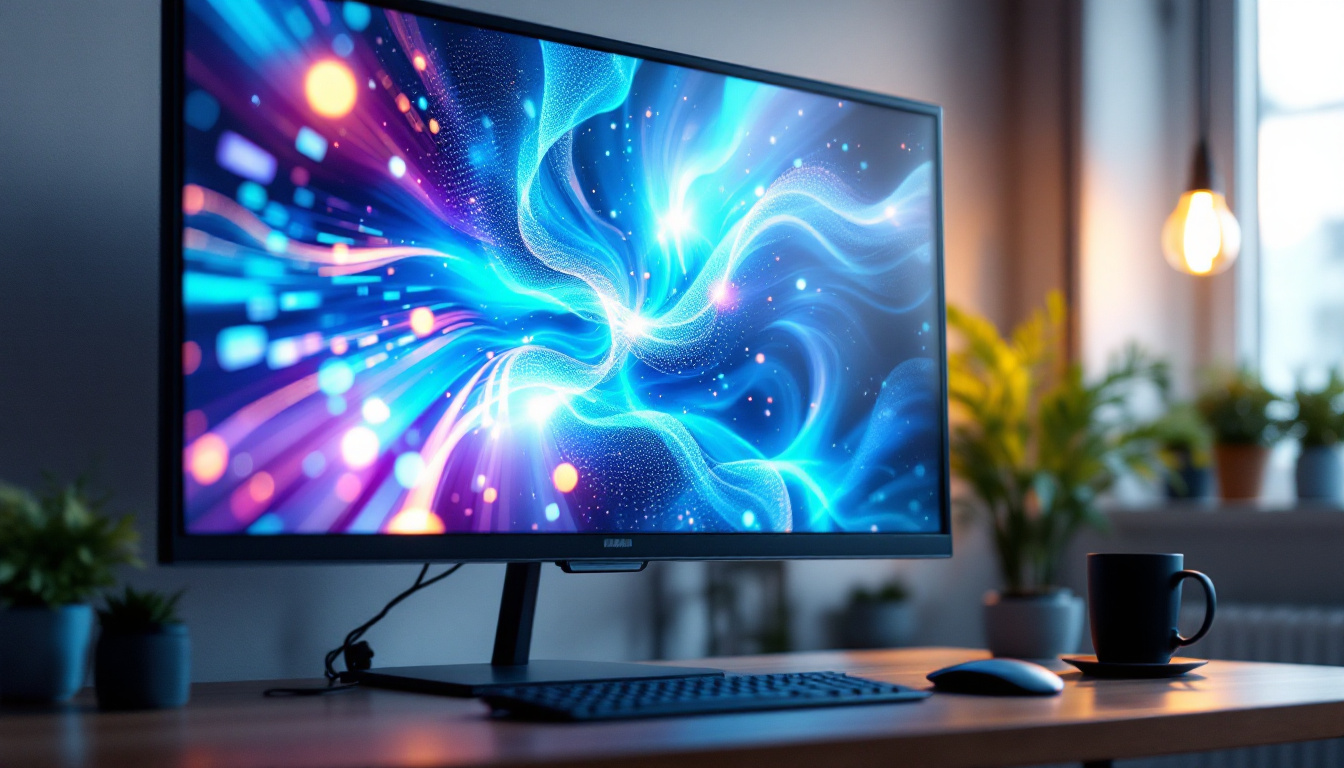
Monitor light bars are compact lighting devices designed to attach directly to the top of computer monitors. Unlike traditional desk lamps, they illuminate the workspace without causing screen glare, creating a balanced lighting environment that enhances visibility and reduces eye fatigue.
Typically, these light bars use LED technology to deliver bright, energy-efficient light. They often feature adjustable brightness levels and color temperature settings, allowing users to customize the lighting based on their preferences and ambient conditions. This adaptability is particularly beneficial for individuals who work in varying light environments, as it helps maintain optimal comfort and productivity throughout the day.
Design and Installation
Most monitor light bars have a minimalist design to complement modern monitors. They are usually lightweight and come with adjustable clamps or magnetic mounts to fit various monitor thicknesses securely. Installation is straightforward and tool-free, making it easy to set up without disrupting your workspace. The user-friendly design means that even those who are not particularly tech-savvy can quickly attach the light bar and enjoy its benefits.
The slim profile ensures that the light bar does not obstruct the screen or interfere with webcams, an important consideration for professionals who attend frequent video calls. Additionally, many models are designed with a sleek finish that blends seamlessly with the aesthetics of contemporary office setups, enhancing the overall look of your workspace. Some advanced models even come equipped with features like built-in sensors that automatically adjust the brightness based on the surrounding light conditions, further optimizing the user experience. This level of sophistication not only adds convenience but also promotes a healthier work environment by minimizing the strain on the eyes during long hours of screen time.
Understanding LED Display Technology in Monitor Light Bars
LED, or Light Emitting Diode, technology is the cornerstone of modern monitor light bars. It offers several advantages over traditional lighting solutions, including lower power consumption, longer lifespan, and superior light quality.
How LEDs Work
LEDs produce light through electroluminescence, a process where an electric current passes through a semiconductor material, emitting photons. Unlike incandescent bulbs that generate light by heating a filament, LEDs convert electricity directly into light, making them highly efficient.
This efficiency translates into less heat production and lower energy use, which is particularly beneficial for devices designed to operate for long periods, such as monitor light bars. Additionally, the minimal heat output means that the surrounding components of a monitor are less likely to be affected by thermal stress, enhancing the overall durability and reliability of the device.
Types of LEDs Used in Light Bars
Monitor light bars typically utilize surface-mounted device (SMD) LEDs due to their compact size and brightness. These LEDs are arranged in arrays to provide even illumination across the workspace.
Some advanced models incorporate RGB LEDs, enabling a full spectrum of colors and dynamic lighting effects. This feature appeals especially to gamers and creative professionals who value customizable lighting environments. The ability to adjust colors and brightness not only enhances the aesthetic appeal of a workstation but can also improve focus and reduce eye strain during extended use. Furthermore, many light bars now offer programmable settings that allow users to synchronize lighting effects with on-screen activity, creating an immersive experience that can enhance gameplay or productivity.
Beyond aesthetics, the integration of smart technology in monitor light bars is becoming increasingly common. Some models come equipped with sensors that automatically adjust brightness based on ambient light conditions, ensuring optimal visibility without manual intervention. This smart functionality not only enhances user comfort but also contributes to energy savings, as the light bar can dim or brighten as needed, further extending its lifespan and efficiency.
Benefits of Using LED Monitor Light Bars
LED monitor light bars offer a range of benefits that improve user experience and workspace ergonomics. Understanding these advantages can help users appreciate why these devices have become essential accessories for many.
Reduced Eye Strain and Fatigue
Extended screen time can cause digital eye strain, characterized by dryness, irritation, and blurred vision. Monitor light bars provide balanced illumination that reduces the contrast between the bright screen and the surrounding environment, minimizing eye fatigue.
Adjustable brightness and color temperature settings allow users to tailor the light to their comfort level, which is particularly helpful during late-night work sessions or in dimly lit rooms.
Space-Saving and Clutter Reduction
Unlike traditional desk lamps that occupy valuable desk space, monitor light bars attach directly to the monitor, freeing up room for other essentials. This space-saving design contributes to a cleaner and more organized workspace, which has been linked to increased productivity and reduced stress.
Energy Efficiency and Longevity
LED technology ensures that monitor light bars consume minimal power compared to conventional lighting. With typical power ratings ranging from 3 to 8 watts, these devices are cost-effective to operate.
Additionally, LEDs have a lifespan of up to 50,000 hours, meaning users can enjoy years of reliable performance without frequent replacements.
Enhanced Aesthetics and Mood Lighting
Many monitor light bars feature sleek, modern designs that complement contemporary workspaces. The ability to adjust color temperature—from warm white to cool daylight—also allows users to create ambient lighting that suits their mood or task.
RGB-enabled models can even sync with other peripherals, creating immersive lighting setups favored by gamers and streamers.
Choosing the Right Monitor Light Bar
With a growing number of options on the market, selecting the ideal monitor light bar can be challenging. Several factors should be considered to ensure the product meets your needs and preferences.
Brightness and Color Temperature
Look for light bars that offer adjustable brightness levels, ideally ranging from around 300 to 1000 lumens. This range provides flexibility for different lighting conditions and tasks.
Color temperature adjustment is equally important. A range from 2700K (warm white) to 6500K (cool daylight) covers most user preferences, supporting both relaxation and focus.
Compatibility and Mounting Options
Ensure the light bar is compatible with your monitor’s size and thickness. Most models support monitors between 0.4 to 1.5 inches thick, but verifying this beforehand is crucial.
Mounting mechanisms vary—some use clamps, others magnetic attachments or adhesive pads. Choose the type that best suits your monitor and setup.
Power Supply and Connectivity
Monitor light bars are typically powered via USB, allowing easy connection to your computer or a USB power adapter. Some models offer USB-C compatibility for newer devices.
Consider whether you prefer a wired connection or a rechargeable light bar for wireless convenience.
Additional Features
Some monitor light bars include smart features such as touch controls, remote control, or app integration for seamless adjustments. Others may incorporate ambient light sensors that automatically adjust brightness based on surrounding light levels.
Evaluate which features align with your usage patterns and budget.
Popular Use Cases for Monitor Light Bars
Monitor light bars cater to a diverse range of users, each benefiting from the technology in unique ways.
Office Professionals and Remote Workers
For individuals spending long hours in front of screens, monitor light bars provide comfortable lighting that reduces eye strain and improves focus. The compact design also helps maintain a tidy desk, which is essential for productivity.
Gamers and Streamers
Gamers appreciate the customizable RGB lighting and adjustable color temperatures that enhance immersion and reduce eye fatigue during extended gaming sessions. Streamers often use monitor light bars to improve their on-camera appearance by balancing ambient lighting.
Creative Professionals
Designers, photographers, and video editors benefit from accurate color rendering and adjustable lighting conditions that help maintain color consistency and reduce visual fatigue during detailed work.
Maintaining and Caring for Your Monitor Light Bar
Proper maintenance ensures your monitor light bar continues to perform optimally over time.
Cleaning
Regularly clean the light bar with a soft, dry cloth to remove dust and prevent buildup. Avoid using harsh chemicals or abrasive materials that could damage the LED surface or housing.
Handling and Storage
Handle the light bar gently when adjusting or removing it from the monitor. If storing the device, keep it in a dry, cool place away from direct sunlight and moisture.
Troubleshooting Common Issues
If the light bar flickers or fails to turn on, check the USB connection and power source. Resetting the device or updating firmware (if applicable) may resolve software-related problems.
Consult the manufacturer’s support resources for specific troubleshooting guidance.
The Future of LED Monitor Light Bars
As LED technology advances, monitor light bars are expected to become even more versatile and intelligent. Emerging trends include integration with smart home ecosystems, voice control, and adaptive lighting that responds dynamically to user activity and environmental changes.
Innovations in miniaturization and energy efficiency will likely lead to slimmer, more powerful light bars that seamlessly blend into any workspace.
Conclusion
Monitor light bars equipped with LED displays offer a compelling combination of functionality, efficiency, and style. By understanding the technology behind these devices and their benefits, users can enhance their computing environments, reduce eye strain, and create personalized lighting experiences.
Whether for professional work, gaming, or creative pursuits, investing in a quality LED monitor light bar is a smart choice for anyone seeking to improve their screen time comfort and workspace aesthetics.
Discover the Future of Workspace Lighting with LumenMatrix
Ready to transform your workspace with the latest in LED display technology? LumenMatrix is at the forefront of innovation, offering a wide array of LED display solutions that cater to your every need. From enhancing your brand’s visibility with our Indoor and Outdoor LED Wall Displays to creating dynamic environments with our Vehicle, Poster, Sports, Floor, and Custom LED Displays, we have you covered. Embrace the future of visual communication with our All-in-One and LED Transparent Displays, designed to captivate your audience and deliver your message with unparalleled impact. Don’t wait to elevate your workspace aesthetics and efficiency—check out LumenMatrix LED Display Solutions today and see the difference for yourself.