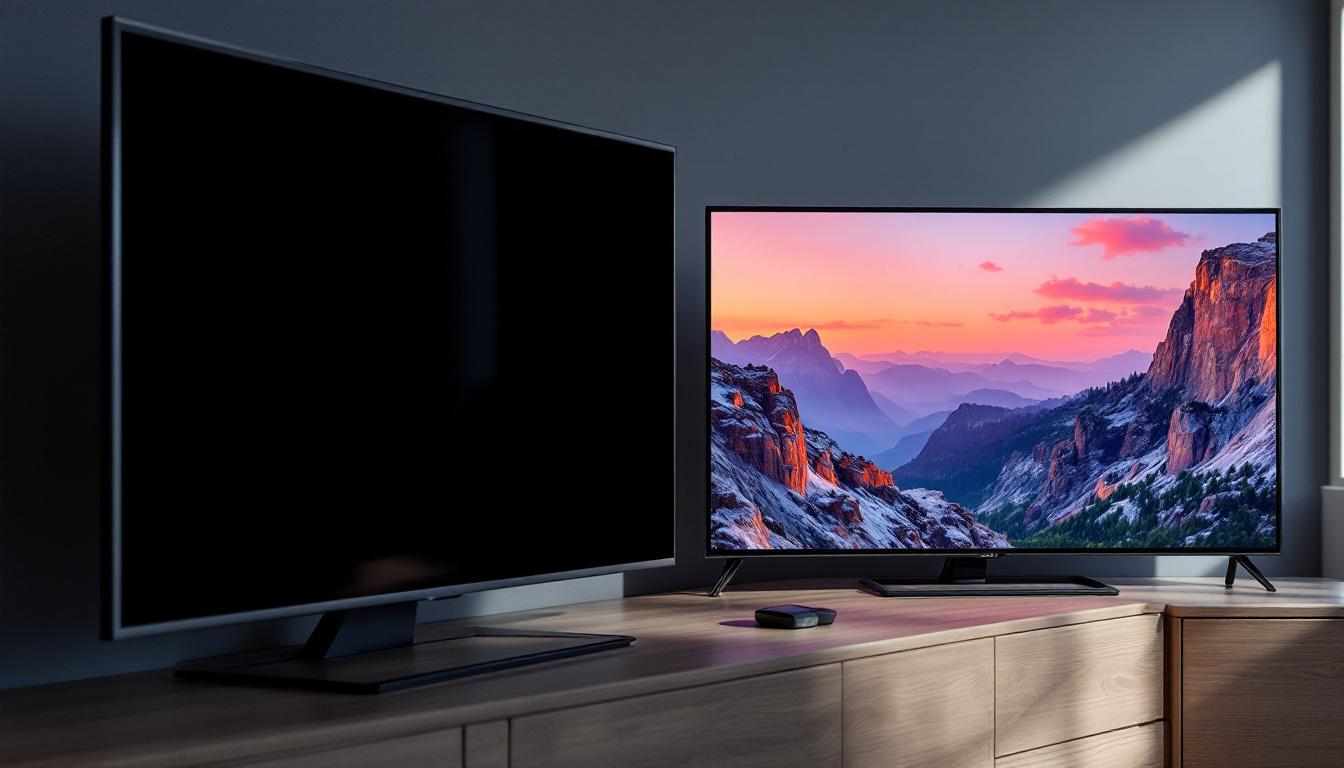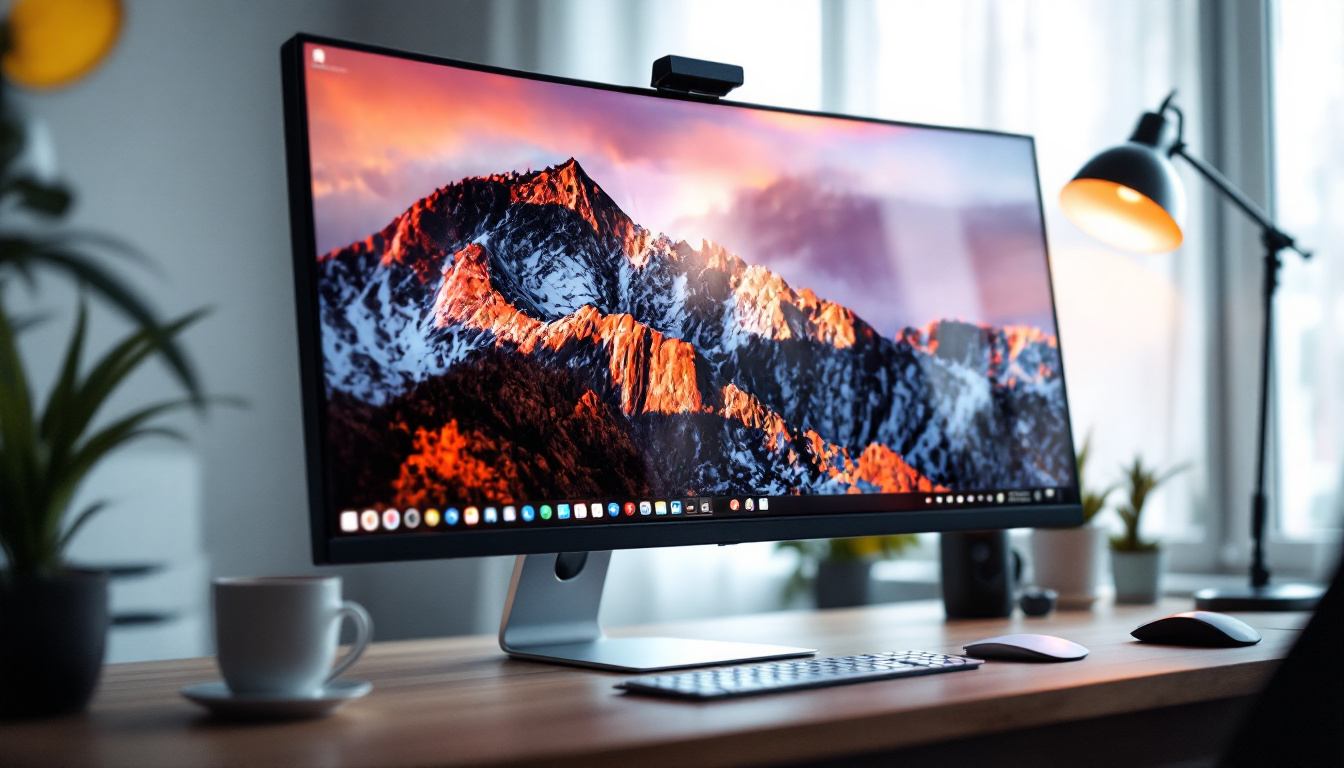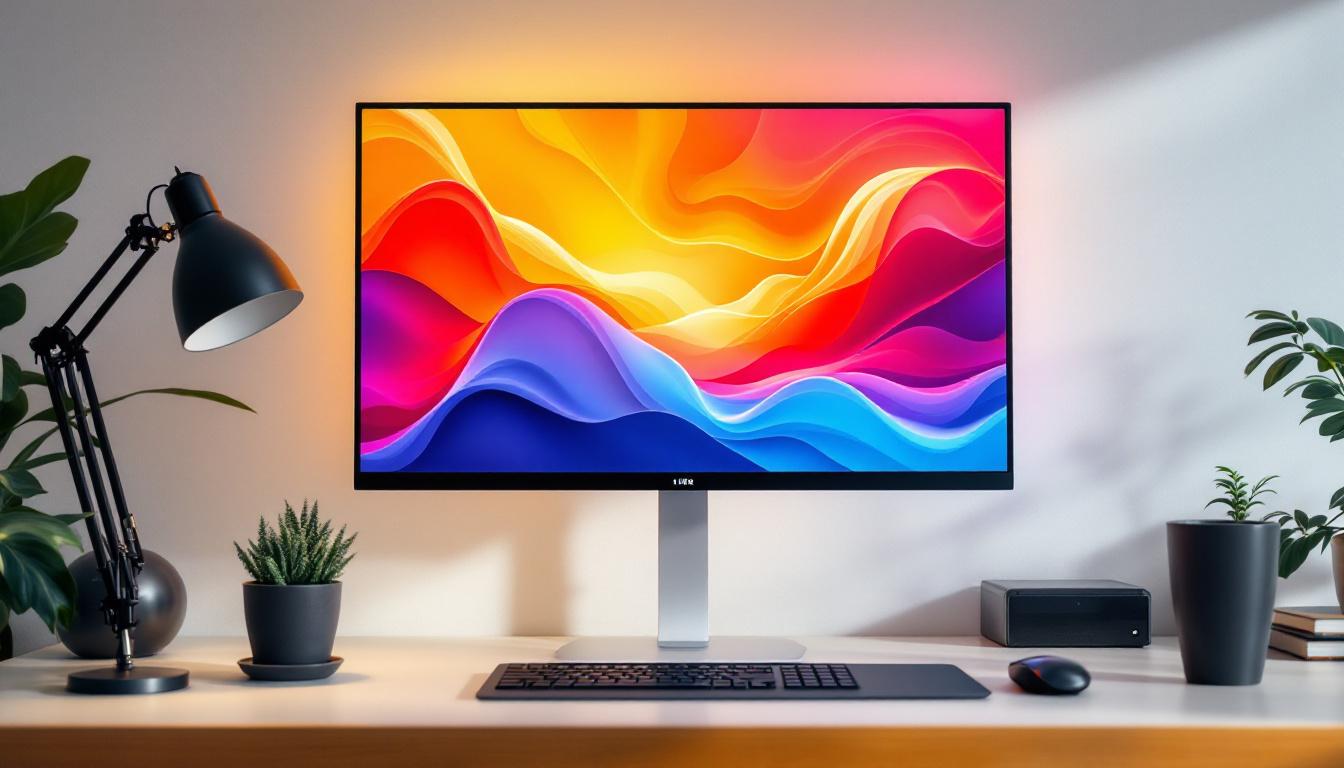
In the world of digital displays, the term “white” often comes up as a critical factor in image quality, color accuracy, and overall viewing experience. Among the various display technologies, LED monitors have become the standard in homes, offices, and professional environments. Understanding how LED displays produce white, why it matters, and how it compares to other technologies is essential for anyone looking to purchase a monitor or optimize their current setup.
Understanding LED Display Technology
LED, or Light Emitting Diode, displays are a type of LCD (Liquid Crystal Display) that use LEDs as a backlight source. Unlike older CCFL (Cold Cathode Fluorescent Lamp) backlights, LEDs offer better energy efficiency, longer lifespan, and more precise control over brightness and contrast. This advancement in technology has not only improved the viewing experience but has also led to a significant reduction in energy consumption, making LED displays a more environmentally friendly option.
In an LED monitor, the screen itself is composed of liquid crystals that do not emit light on their own. Instead, the LEDs behind or around the screen provide the illumination. The liquid crystals act as shutters, controlling how much light passes through red, green, and blue color filters to create the final image. This intricate process allows for a wide range of colors and sharp images, which is particularly beneficial for applications requiring high levels of detail, such as graphic design and video editing.
Types of LED Backlighting
There are two primary types of LED backlighting used in monitors: edge-lit and full-array. Edge-lit LED monitors position LEDs along the edges of the screen, using light guides to distribute light evenly. This design allows for thinner monitors but can sometimes lead to uneven brightness or less precise local dimming. Despite these drawbacks, edge-lit displays can be an excellent choice for users seeking a sleek design and lower cost, making them popular in consumer electronics.
Full-array LED backlighting places LEDs directly behind the entire screen area, often segmented into zones that can be dimmed or brightened independently. This local dimming enhances contrast ratios and black levels, contributing to a more vivid and dynamic image. Additionally, full-array technology is particularly advantageous for HDR (High Dynamic Range) content, as it allows for a greater range of brightness levels and more realistic color reproduction. As a result, full-array LED displays are increasingly favored in high-end televisions and professional monitors, where image quality is paramount.
What Does “White” Mean in LED Displays?
White on an LED display is not just a simple color; it is the combination of red, green, and blue light at full intensity. The quality of white light affects how colors appear on the screen and influences the overall picture fidelity. This interplay of colors is essential for creating a vibrant and realistic viewing experience, as it sets the foundation for how all other colors are perceived. In fact, the human eye is particularly sensitive to variations in white light, which can significantly impact the overall visual experience.
In LED monitors, white is generated by mixing the light from the red, green, and blue subpixels. The accuracy of this white point is crucial for color reproduction, especially in professional fields like photography, video editing, and graphic design. Professionals in these fields often rely on precise color matching, making the quality of white light a pivotal aspect of their workflow. A monitor that produces a true and consistent white can mean the difference between a stunning visual and a misrepresented image.
Color Temperature and White Point
The white point refers to the specific shade of white that a display produces, usually measured in degrees Kelvin (K). Common white points include 6500K, which is considered the industry standard for sRGB color space and closely matches daylight conditions. However, there are various other white points, such as 5000K, which is often used in print media, and 9300K, which can provide a cooler, bluish hue that some users might prefer for gaming or multimedia consumption.
Monitors with a white point that deviates significantly from 6500K may appear too warm (yellowish) or too cool (bluish). This can distort color perception and lead to inaccurate work in color-critical applications. Furthermore, the choice of white point can also affect viewer fatigue; warmer whites are often more comfortable for extended viewing periods, while cooler whites can enhance clarity and detail but may contribute to eye strain over time.
Impact of White Brightness and Uniformity
Brightness and uniformity of white are also critical factors. Brightness is measured in nits (cd/m²), with typical office monitors ranging from 200 to 350 nits, while high-end professional monitors can exceed 600 nits. Higher brightness levels are particularly beneficial in well-lit environments, where ambient light can wash out the colors on the screen. This is especially relevant for users who work in bright offices or those who enjoy gaming in sunlit rooms, as a brighter display can enhance visibility and overall enjoyment.
Uniformity refers to how evenly white light is distributed across the screen. Poor uniformity can cause distracting patches or gradients, which are especially problematic in tasks requiring precision, such as CAD design or photo retouching. Inconsistent brightness across different areas of the screen can mislead designers and editors, potentially resulting in errors that could affect the final output. Advanced calibration tools and techniques are often employed to ensure that monitors maintain a high level of uniformity, allowing for a more reliable and accurate visual experience across the entire display surface.
Advantages of LED Displays in Producing White
LED technology offers several advantages when it comes to rendering white and overall image quality. One of the key benefits is the ability to control brightness with high precision, which allows for vibrant whites without sacrificing contrast.
Energy efficiency is another advantage. LED backlights consume less power than CCFLs while providing higher brightness levels. This efficiency results in less heat generation and longer monitor lifespans.
Improved Contrast and Dynamic Range
Full-array local dimming LED monitors can dim specific zones to deepen blacks while maintaining bright whites in other areas. This capability enhances the dynamic range, making images appear more lifelike and immersive.
Higher dynamic range also improves the perception of white, as it can appear brighter and cleaner without washing out surrounding colors.
Better Color Accuracy and Calibration
Modern LED monitors often come factory-calibrated or support hardware calibration tools, ensuring the white point and color reproduction meet professional standards. This is particularly important for industries where color fidelity is non-negotiable.
Wide color gamut LED monitors can cover a larger portion of color spaces like Adobe RGB or DCI-P3, providing richer and more accurate colors while maintaining a neutral and consistent white point.
Challenges and Limitations of LED White Displays
Despite their advantages, LED displays are not without challenges. One common issue is the potential for color shifting when viewed from different angles. This can affect the consistency of white and overall color accuracy.
Another limitation is the quality of the LED backlight itself. Lower-end monitors may use cheaper LEDs that produce less uniform white light, resulting in color inconsistencies and reduced image quality.
Blue Light Emission and Eye Strain
LED displays emit significant amounts of blue light, which contributes to the perception of bright white light but can cause eye strain and disrupt sleep patterns if exposure is prolonged, especially in low-light environments.
Many modern monitors include blue light reduction modes or flicker-free technology to mitigate these effects, but users should still be mindful of their screen time and viewing conditions.
Cost Considerations
High-quality LED monitors with excellent white uniformity, color accuracy, and local dimming capabilities tend to be more expensive. Budget models may compromise on these features, which can impact professional work or immersive viewing experiences.
Comparing LED White Displays to Other Technologies
To fully appreciate the strengths and weaknesses of LED white displays, it is useful to compare them with other popular display technologies, such as OLED and Mini-LED.
LED vs OLED
OLED (Organic Light Emitting Diode) displays produce light at the pixel level, meaning each pixel emits its own light. This allows for perfect blacks and exceptional contrast ratios, as pixels can be turned off completely.
However, OLEDs can suffer from burn-in and generally have lower peak brightness compared to LED monitors. When it comes to white, OLEDs can produce very pure whites but may not achieve the same brightness levels as LED backlit monitors.
LED vs Mini-LED
Mini-LED is an advanced form of LED backlighting that uses thousands of tiny LEDs to provide even more precise local dimming and brightness control. This technology improves white brightness and uniformity while reducing halo effects around bright objects on dark backgrounds.
Mini-LED monitors are gaining popularity in high-end professional and gaming markets, offering a middle ground between traditional LED and OLED displays in terms of performance and cost.
Choosing the Right LED Monitor for Optimal White Display
When selecting an LED monitor with excellent white display capabilities, several factors should be considered to ensure the best experience for your needs.
Intended Use and Color Accuracy
For general office work or casual use, a mid-range LED monitor with standard sRGB coverage and a 6500K white point is usually sufficient. However, professionals in photography, video production, or design should look for monitors with wide color gamut support, factory calibration, and hardware calibration compatibility.
Brightness and Uniformity
Higher brightness levels improve white visibility in well-lit environments, while uniformity ensures consistent color and brightness across the screen. Look for monitors that specify uniformity guarantees or include uniformity compensation technology.
Backlighting and Local Dimming
Full-array local dimming enhances contrast and white clarity, making it an important feature for users who value image quality. Edge-lit monitors may be thinner and more affordable but often sacrifice some performance in this area.
Ergonomics and Eye Comfort Features
Adjustable brightness, blue light filters, flicker-free technology, and ergonomic stands contribute to a comfortable viewing experience, reducing eye strain during extended use.
Conclusion
White on LED monitors is far more complex than it may initially seem. It involves precise control of backlighting, color temperature, brightness, and uniformity to achieve accurate and pleasing color reproduction. LED technology, with its energy efficiency and flexibility, remains a dominant choice for monitors, offering excellent white display capabilities when designed and calibrated properly.
Understanding the nuances of how LED displays produce white light can help consumers and professionals make informed decisions when purchasing monitors. Whether for casual use, creative work, or gaming, selecting the right LED monitor ensures a vibrant, accurate, and comfortable viewing experience.
Discover the Perfect White with LumenMatrix
Now that you understand the intricacies of white in LED displays and the importance of choosing the right monitor, why not experience the pinnacle of LED technology with LumenMatrix? As a leader in innovative LED display solutions, LumenMatrix offers a range of products designed to bring your visual content to life with unparalleled brightness, color accuracy, and energy efficiency. From engaging Indoor LED Walls to dynamic Outdoor LED Displays and beyond, our mission is to transform your visual communication with clarity and impact. Check out LumenMatrix LED Display Solutions and see how we can enhance your brand visibility and create captivating experiences.