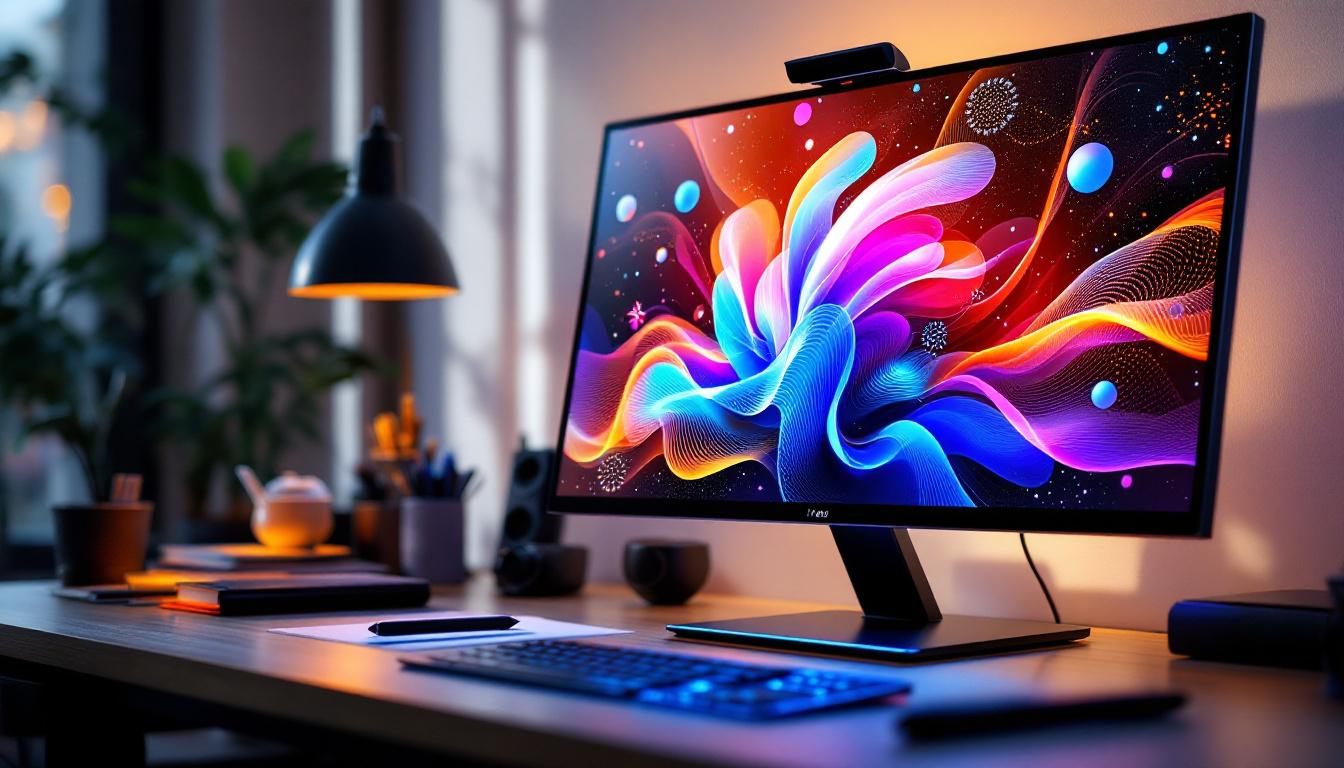
In today’s fast-evolving digital landscape, touch screen monitors equipped with stylus support have become essential tools across various industries. From creative professionals to educators and business environments, these devices offer an intuitive and precise way to interact with digital content. Coupled with LED display technology, they provide vibrant visuals and responsive performance that enhance user experience. This article delves into the core aspects of touch screen monitors with stylus functionality, focusing on LED displays, and explains why they are increasingly popular in modern workflows.
Understanding Touch Screen Monitors with Stylus Support
What is a Touch Screen Monitor?
A touch screen monitor is a display device that allows users to interact directly with what is shown on the screen by touching it with a finger or a stylus. Unlike traditional monitors that rely solely on peripheral input devices such as a mouse or keyboard, touch screen monitors provide a more natural and immediate way to control software applications.
Touch technology has evolved significantly over the years. The most common types include resistive, capacitive, infrared, and surface acoustic wave (SAW) touchscreens. Capacitive touchscreens, which detect changes in electrical charge, are widely used in modern touch monitors due to their responsiveness and multi-touch capabilities. These advancements have led to a more seamless user experience, enabling gestures such as pinch-to-zoom and swipe, which have become integral to how we interact with devices today. As technology continues to progress, we can expect even more innovative features that enhance usability and accessibility.
The Role of the Stylus in Touch Screen Interaction
While finger touch is convenient for many tasks, a stylus offers greater precision, especially for activities that require fine control such as drawing, handwriting, and detailed design work. Styluses are designed to mimic the feel of a pen or pencil, often featuring pressure sensitivity and tilt recognition to provide a more natural and versatile input method. This level of precision is crucial for artists and designers who rely on intricate details to convey their ideas effectively. Additionally, many styluses come equipped with customizable buttons that can be programmed for specific functions, further enhancing productivity.
Stylus-enabled touch screen monitors are particularly valuable in creative industries like graphic design, animation, and digital art. They also find utility in professional settings such as medical imaging, engineering, and education, where detailed annotation or handwriting is necessary. In educational environments, for instance, students can use styluses to take notes directly on their tablets, making the learning process more interactive and engaging. Furthermore, the integration of stylus technology into touch screen monitors has paved the way for innovative applications, such as augmented reality experiences, where users can manipulate 3D models with precision, opening new avenues for exploration and creativity.
LED Display Technology: The Backbone of Modern Touch Monitors
What is an LED Display?
LED, or Light Emitting Diode, displays are a type of flat-panel display technology that use light-emitting diodes to produce images. Unlike traditional LCD monitors that rely on cold cathode fluorescent lamps (CCFL) for backlighting, LED monitors use LEDs, which offer several advantages including better energy efficiency, thinner panels, and improved brightness and contrast.
LED displays can be categorized mainly into two types: edge-lit and direct-lit (or full-array). Edge-lit LED displays position LEDs along the edges of the screen, while direct-lit displays have LEDs distributed evenly behind the entire screen. Full-array LED displays generally provide better uniformity and contrast, which is beneficial for detailed work.
Advantages of LED Displays in Touch Screen Monitors
LED technology enhances touch screen monitors in multiple ways:
- Brightness and Clarity: LED displays offer higher brightness levels, making them suitable for use in well-lit environments without compromising visibility.
- Color Accuracy: High-quality LED monitors can reproduce a wide color gamut, which is essential for professionals in graphic design and photography.
- Energy Efficiency: LEDs consume less power compared to CCFL backlights, contributing to lower operating costs and environmental impact.
- Thin and Lightweight: LED panels allow for slimmer designs, making touch screen monitors more portable and aesthetically pleasing.
- Durability: LEDs have a longer lifespan and are more resistant to shock and vibration, enhancing the reliability of touch monitors.
Key Features to Consider When Choosing a Touch Screen Monitor with Stylus and LED Display
Screen Size and Resolution
The size and resolution of a touch screen monitor significantly impact usability and image quality. Common sizes range from 13 inches to 32 inches or more, with resolutions varying from Full HD (1920×1080) to 4K UHD (3840×2160).
For professionals who require detailed visuals, such as illustrators or CAD engineers, a larger screen with higher resolution is beneficial. It provides more workspace and sharper images, reducing eye strain and improving precision.
Stylus Technology and Features
Not all styluses are created equal. When selecting a touch screen monitor with stylus support, consider the following:
- Pressure Sensitivity: Higher levels (e.g., 2048 to 8192 pressure levels) allow for nuanced control over line thickness and opacity, mimicking traditional drawing tools.
- Tilt Recognition: Enables shading and other effects by detecting the angle of the stylus.
- Latency: Low latency ensures that the stylus input is registered instantly, providing a natural writing or drawing experience.
- Compatibility: Some styluses work only with specific monitors or operating systems, so compatibility is crucial.
Touch Technology and Responsiveness
The touch technology used influences accuracy and responsiveness. Capacitive touchscreens are preferred for their multi-touch capabilities and smooth interaction. For stylus use, active digitizer technology is often employed, which uses a dedicated sensor to track the stylus independently from finger touch, enhancing precision.
Connectivity and Compatibility
Modern touch screen monitors typically support multiple connectivity options such as HDMI, DisplayPort, USB-C, and sometimes legacy ports like VGA. USB-C is increasingly popular due to its ability to transmit video, data, and power through a single cable, simplifying workspace setup.
Compatibility with operating systems (Windows, macOS, Linux) and software applications is another critical factor. Many professional-grade monitors come with drivers and software that optimize stylus performance and touch functionality.
Applications and Benefits Across Industries
Creative and Design Professions
Graphic designers, illustrators, and animators benefit immensely from touch screen monitors with stylus support and LED displays. The combination allows for precise input and vibrant color reproduction, essential for high-quality digital artwork.
For example, digital artists can use pressure-sensitive styluses to create detailed brush strokes, while the LED display ensures colors are vivid and accurate. This setup reduces the need for physical sketches and streamlines the creative process.
Education and Training
Interactive touch screen monitors enhance learning environments by enabling teachers and students to engage directly with content. Stylus input facilitates handwriting, drawing, and annotation, making lessons more interactive and personalized.
LED displays ensure that visuals are clear and bright, even in classrooms with ambient light. This technology supports a wide range of educational software, fostering collaboration and creativity.
Healthcare and Medical Imaging
In healthcare, touch screen monitors with stylus functionality are used for patient record management, diagnostic imaging, and telemedicine. The precision of a stylus allows medical professionals to annotate images and documents accurately.
LED displays provide high contrast and clarity, which is critical when analyzing medical images such as X-rays or MRIs. This combination improves diagnostic accuracy and workflow efficiency.
Business and Enterprise Use
Businesses utilize touch screen monitors with stylus input for presentations, collaborative meetings, and digital signage. The ability to interact directly with the screen enhances communication and decision-making processes.
LED displays ensure that content is visible from various angles and lighting conditions, maintaining professionalism and engagement during meetings.
Maintaining and Optimizing Your Touch Screen Monitor With Stylus
Cleaning and Care
Maintaining the screen’s cleanliness is vital for optimal touch sensitivity and display clarity. Use microfiber cloths and screen-safe cleaning solutions to avoid scratches and damage. Avoid harsh chemicals that can degrade the screen coating.
Calibrating Touch and Stylus Input
Regular calibration ensures that touch and stylus inputs are accurate. Most operating systems and monitor manufacturers provide calibration tools that help align input with display output, reducing lag and improving precision.
Software Updates and Driver Management
Keeping the monitor’s firmware and drivers up to date is essential for compatibility and performance. Updates can fix bugs, improve responsiveness, and add new features that enhance the user experience.
Future Trends in Touch Screen Monitors with Stylus and LED Displays
Advancements in Display Technology
Emerging display technologies such as Mini-LED and Micro-LED promise even better brightness, contrast, and energy efficiency. These advancements will further enhance the visual quality of touch screen monitors, making them more suitable for professional and entertainment applications.
Improved Stylus Features
Future styluses are expected to incorporate haptic feedback, wireless charging, and enhanced pressure sensitivity. These improvements will create more immersive and natural interaction experiences, bridging the gap between digital and physical media.
Integration with AI and Gesture Recognition
Artificial intelligence and advanced gesture recognition technologies will enable touch screen monitors to understand complex inputs and context, allowing for smarter and more intuitive user interfaces. This will expand the potential uses of these devices in various fields.
Conclusion
Touch screen monitors with stylus support and LED display technology represent a powerful combination that caters to a wide range of professional and personal needs. Their precision, responsiveness, and vibrant visuals make them indispensable tools in creative industries, education, healthcare, and business environments.
Understanding the underlying technologies and key features helps users select the right device for their specific requirements. As display and input technologies continue to evolve, these monitors will become even more versatile and integral to digital workflows.
Investing in a high-quality touch screen monitor with stylus and LED display is a step toward enhancing productivity, creativity, and interaction in the digital age.
Discover the Future of Touch Interaction with LumenMatrix
Ready to elevate your digital experience with the latest in touch screen monitor technology? LumenMatrix is at the forefront of LED display innovation, offering a diverse range of solutions that bring your content to life. From captivating Indoor and Outdoor LED Wall Displays to dynamic Vehicle and Sports LED Displays, our products are designed to enhance engagement and communicate your message with unparalleled clarity. Embrace the future of visual communication with LumenMatrix’s cutting-edge LED display modules. Check out LumenMatrix LED Display Solutions today and transform the way you interact with the digital world.