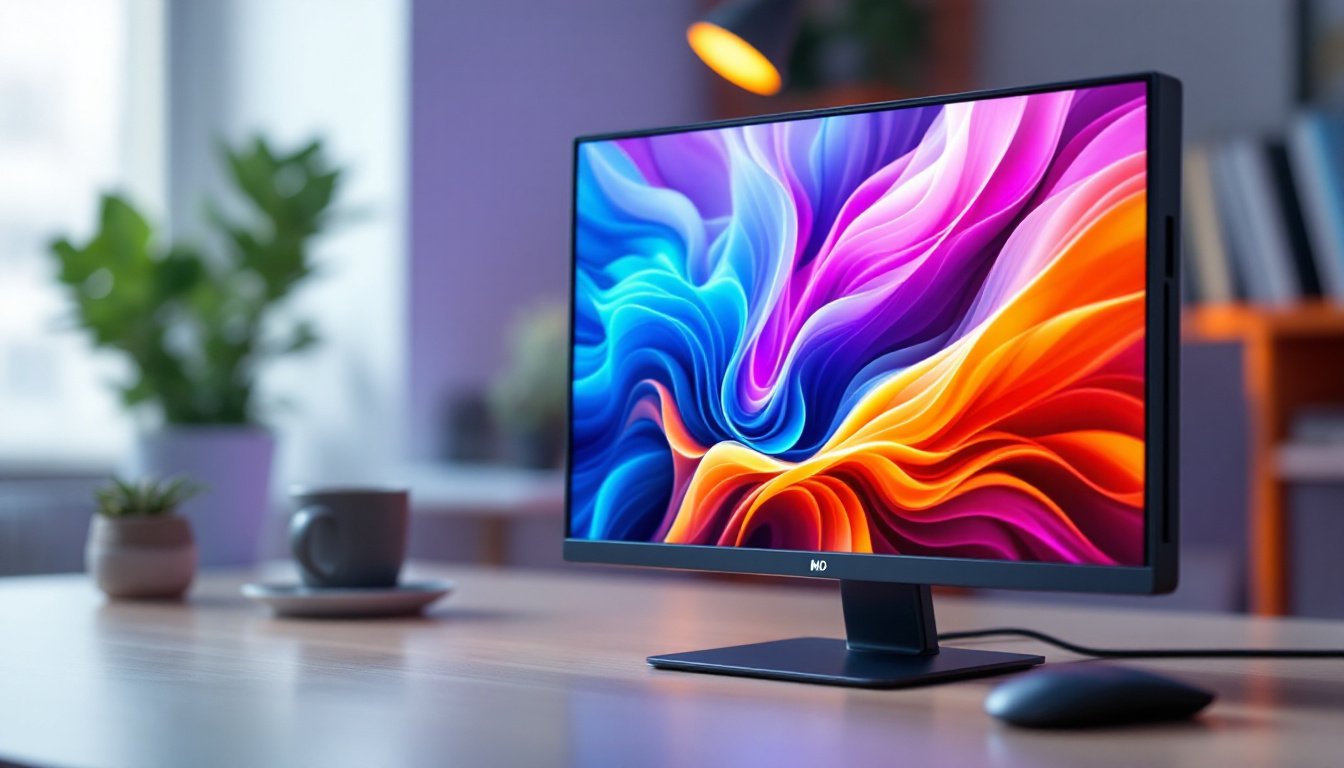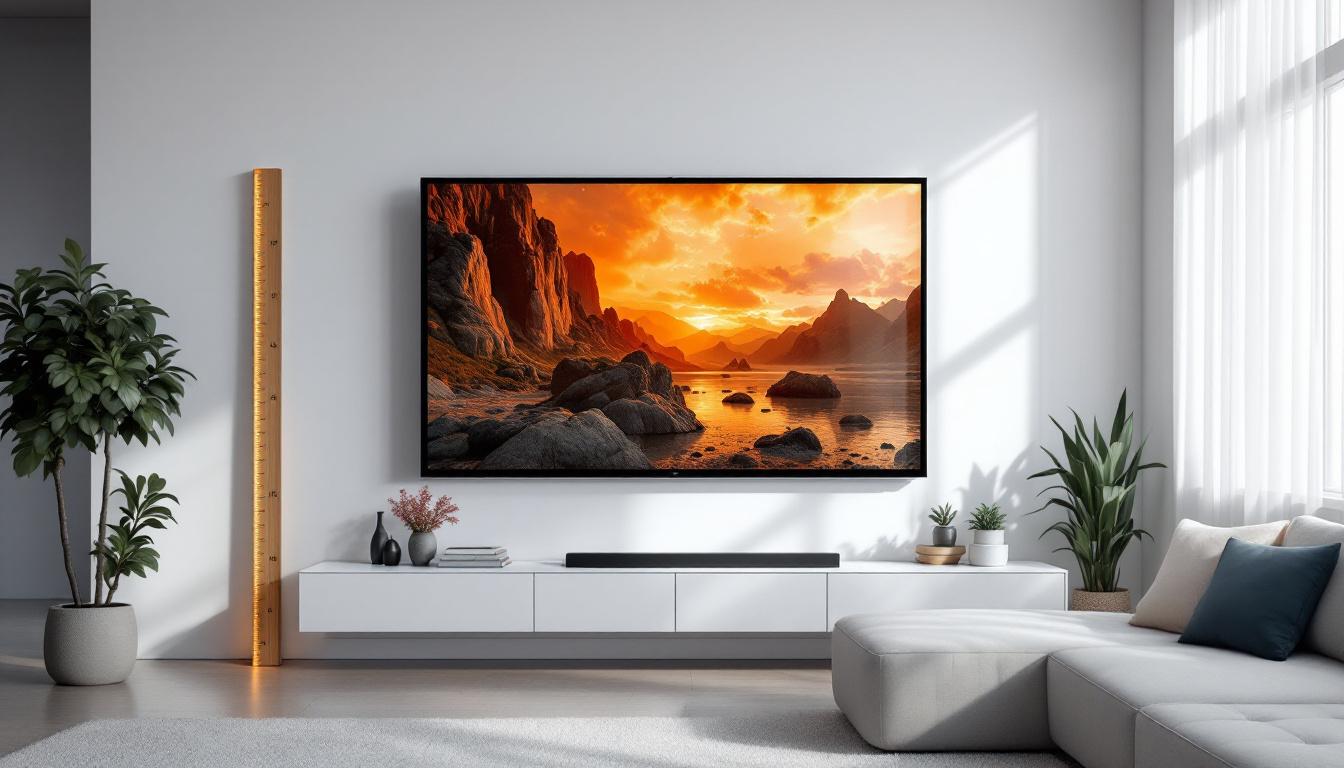
Choosing the right screen size for an LED display is a critical decision that can significantly impact the viewing experience, whether for home theaters, conference rooms, retail spaces, or public venues. With the rapid advancement in LED technology and the increasing availability of large-format displays, understanding how to select the optimal screen size based on room dimensions and viewing distance has become more important than ever.
This comprehensive guide explores the principles behind screen size calculation, the factors influencing LED display selection, and practical tips for ensuring your screen fits perfectly within your space. By the end, you will be equipped with the knowledge to make informed decisions that enhance visual clarity, comfort, and engagement.
Understanding LED Displays and Their Advantages
LED (Light Emitting Diode) displays have revolutionized the way we experience digital content. Unlike traditional LCD or projector-based systems, LED displays use an array of tiny LEDs to produce bright, vibrant images with exceptional contrast and color accuracy.
One of the key advantages of LED technology is its scalability. LED panels can be assembled to create screens of virtually any size, from small indoor displays to massive outdoor billboards. This flexibility makes LED displays ideal for diverse applications, including corporate presentations, stadium screens, digital signage, and immersive home theaters.
Moreover, LED displays offer superior brightness levels, often exceeding 1,000 nits, which ensures visibility even in brightly lit environments. Their energy efficiency and long lifespan further contribute to their growing popularity.
Why Room Size Matters When Choosing Screen Size
While it might be tempting to opt for the largest screen possible, the size of the room and viewing distance play crucial roles in determining the appropriate screen dimensions. An oversized screen in a small room can cause eye strain and reduce image quality, whereas a screen that is too small in a large space may fail to deliver an immersive experience.
Room size influences several factors:
- Viewing Distance: The distance between the viewer and the screen affects how large the screen should be to ensure comfortable viewing without excessive eye movement or pixelation.
- Field of View: The ideal screen size should provide a field of view that fills the viewer’s peripheral vision enough to be engaging but not overwhelming.
- Resolution and Pixel Pitch: The screen’s resolution and pixel density must align with the viewing distance to prevent visible pixelation or blurriness.
Understanding these elements helps in selecting a screen size that maximizes visual comfort and clarity.
Calculating the Ideal Screen Size Based on Room Dimensions
Step 1: Measure the Viewing Distance
Begin by measuring the distance from the primary viewing position to where the screen will be installed. This distance is usually the most critical factor in determining screen size. For example, in a home theater, this could be the distance from the couch to the wall where the screen is mounted.
For LED displays in commercial settings, consider the average distance of the audience or users from the screen. In a conference room, this might be the distance from the farthest seat to the screen.
Step 2: Determine the Optimal Field of View
The Society of Motion Picture and Television Engineers (SMPTE) recommends a horizontal field of view of approximately 30 degrees for an immersive viewing experience. Meanwhile, the THX standard suggests a wider field of view of about 40 degrees for home theaters.
To calculate the ideal screen width (W) based on viewing distance (D) and desired horizontal field of view (θ), use the formula:
W = 2 × D × tan(θ / 2)
For example, if the viewing distance is 10 feet (120 inches) and a 30-degree field of view is desired:
W = 2 × 120 × tan(15°) ≈ 2 × 120 × 0.2679 ≈ 64.3 inches
This means the screen width should be approximately 64 inches to fill a 30-degree field of view at 10 feet.
Step 3: Calculate Screen Height and Diagonal
Once the width is determined, calculate the height based on the screen’s aspect ratio. Most LED displays and modern content use a 16:9 aspect ratio.
The height (H) is:
H = W / (16/9) = W × 9 / 16
Using the previous example:
H = 64.3 × 9 / 16 ≈ 36.2 inches
The diagonal (Diag) is then calculated using the Pythagorean theorem:
Diag = √(W² + H²)
So:
Diag = √(64.3² + 36.2²) ≈ √(4134 + 1310) ≈ √5444 ≈ 73.8 inches
This diagonal size is what is typically advertised for screens.
Step 4: Adjust for Room Constraints and Viewing Comfort
While the calculations provide a theoretical ideal, practical considerations such as room layout, furniture placement, and aesthetic preferences may require adjustments. For example, if the calculated screen size is too large for the wall space available, consider reducing the field of view angle or rearranging seating.
Additionally, consider the height of the screen relative to eye level to prevent neck strain. The center of the screen should ideally be at or slightly below the viewer’s eye height.
Pixel Pitch and Resolution: Matching Screen Size to Viewing Distance
Pixel pitch is the distance between the centers of two adjacent pixels on an LED display, usually measured in millimeters. It directly impacts image clarity and sharpness, especially at close viewing distances.
For indoor LED displays, pixel pitches typically range from 0.9mm to 4mm. Smaller pixel pitches mean higher pixel density and better resolution, which is crucial for close-up viewing.
As a rule of thumb, the minimum viewing distance (in meters) can be approximated by multiplying the pixel pitch (in millimeters) by 1.5 to 2. For example, a 2mm pixel pitch display should be viewed from at least 3 to 4 meters (approximately 10 to 13 feet) to avoid seeing individual pixels.
When selecting an LED display, ensure that the pixel pitch aligns with the room’s viewing distance. A large screen with a coarse pixel pitch may look pixelated up close, while a small screen with an ultra-fine pixel pitch may be unnecessarily expensive.
Practical Examples of Screen Size Calculation
Example 1: Home Theater Setup
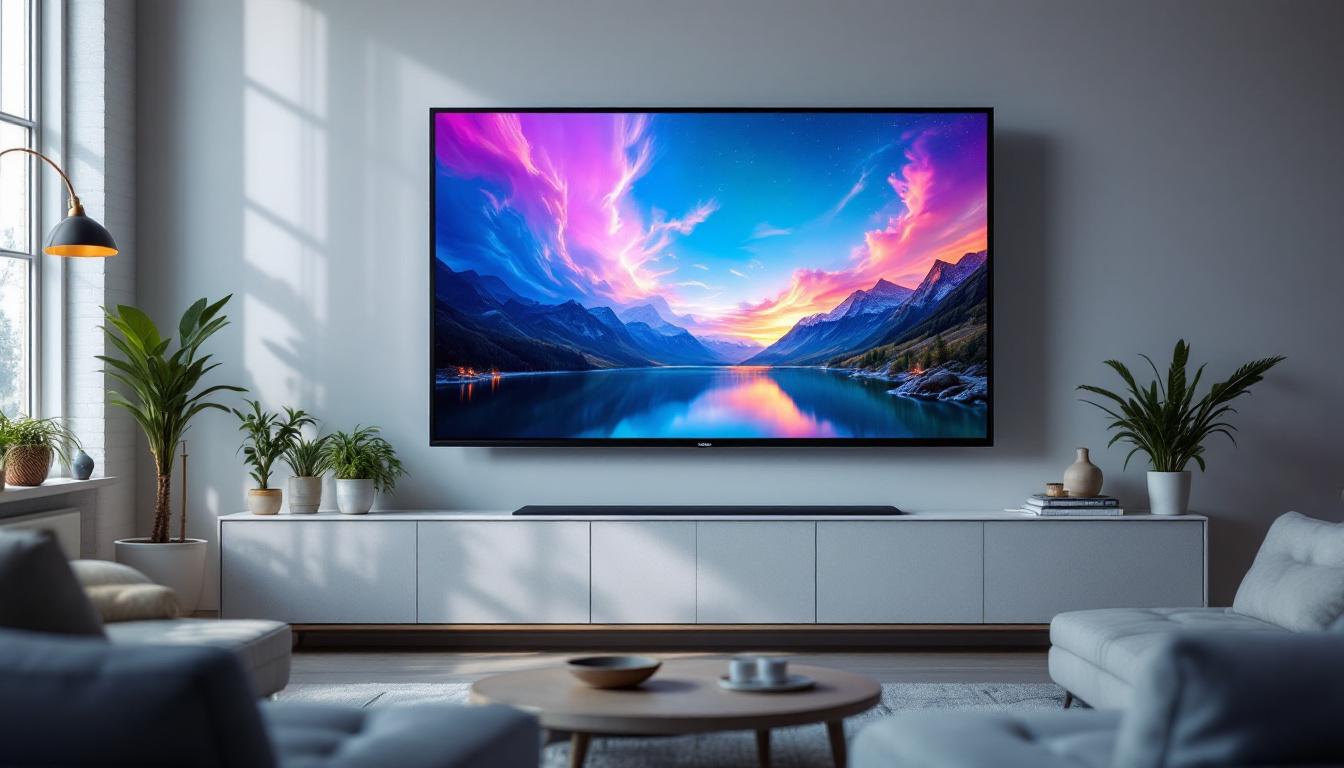
Consider a living room with a viewing distance of 12 feet (144 inches). Using a 40-degree field of view recommended by THX:
W = 2 × 144 × tan(20°) ≈ 2 × 144 × 0.3640 ≈ 104.8 inches
Height:
H = 104.8 × 9 / 16 ≈ 58.9 inches
Diagonal:
Diag = √(104.8² + 58.9²) ≈ √(10986 + 3469) ≈ √14455 ≈ 120.2 inches
A 120-inch diagonal screen is ideal for immersive viewing at 12 feet. Choose an LED display with a pixel pitch suitable for this distance, such as 1.5mm to 2mm.
Example 2: Conference Room Display
In a conference room, the farthest viewer may be 20 feet (240 inches) away. For a 30-degree field of view:
W = 2 × 240 × tan(15°) ≈ 2 × 240 × 0.2679 ≈ 128.6 inches
Height:
H = 128.6 × 9 / 16 ≈ 72.3 inches
Diagonal:
Diag = √(128.6² + 72.3²) ≈ √(16544 + 5229) ≈ √21773 ≈ 147.6 inches
A screen approximately 148 inches diagonal (about 12.3 feet) would provide clear visibility for all attendees. For this distance, a pixel pitch of 2mm to 3mm is appropriate.
Additional Factors to Consider When Selecting LED Screens
Ambient Lighting Conditions
LED displays are known for their high brightness, but ambient lighting still affects perceived image quality. In brightly lit rooms, a higher brightness rating (measured in nits) is necessary to maintain image clarity.
For indoor environments, LED displays with brightness levels between 800 and 1,500 nits are typically sufficient. Outdoor or high ambient light environments may require displays exceeding 5,000 nits.
Viewing Angles and Screen Placement
LED displays generally offer wide viewing angles, often up to 160 degrees horizontally and vertically. However, optimal placement ensures that all viewers have a clear line of sight without distortion or color shifts.
Consider mounting height and tilt to accommodate the typical audience layout. Avoid placing screens where reflections from windows or lights may cause glare.
Content Type and Resolution Requirements
The nature of the content displayed influences the resolution needs. Detailed graphics, text, or video content require higher resolution screens with finer pixel pitch, especially when viewed up close.
For digital signage or presentations viewed from a distance, lower resolution screens may suffice, reducing costs without compromising effectiveness.
Using Online Screen Size Calculators and Tools
Several online tools and calculators can simplify the process of determining the ideal screen size based on room dimensions and viewing distance. These tools often incorporate industry standards and allow users to input parameters such as room size, seating arrangement, and content type.
When using these calculators, ensure you input accurate measurements and consider the specific characteristics of your LED display, such as pixel pitch and brightness. Cross-referencing calculator results with manufacturer specifications can help validate your choice.
Conclusion: Achieving the Perfect Balance
Selecting the right LED screen size based on room size is a blend of science and practical judgment. By understanding viewing distance, field of view, pixel pitch, and environmental factors, it is possible to create a visually stunning and comfortable viewing experience tailored to any space.
Whether outfitting a home theater, conference room, or public venue, applying these principles ensures that your LED display not only fits the room but also elevates the content it presents. Investing time in careful calculation and consideration will pay dividends in viewer satisfaction and engagement.
As LED technology continues to evolve, staying informed about the latest advancements and best practices will help maintain optimal display performance and value for years to come.
Discover Your Ideal LED Display with LumenMatrix
Ready to elevate your space with the perfect LED display? LumenMatrix offers a comprehensive range of cutting-edge LED solutions tailored to your unique needs. From immersive Indoor LED Wall Displays to dynamic Outdoor LED Wall Displays, and from versatile Vehicle LED Displays to innovative Custom LED Display options, we have the technology to transform your visual communication. Experience the difference with LumenMatrix and let us help you captivate your audience. Check out LumenMatrix LED Display Solutions today and take the first step towards an unparalleled visual experience.