Television sets have become an indispensable part of modern homes, offering entertainment, news, and connectivity. However, encountering a TV display that suddenly stops working can be frustrating and confusing. Among the various types of TV screens, LED displays are the most common today, prized for their vibrant colors and energy efficiency. Understanding how LED displays function and why they might fail is crucial for diagnosing problems and deciding on repairs or replacements.
Understanding LED TV Displays: How They Work
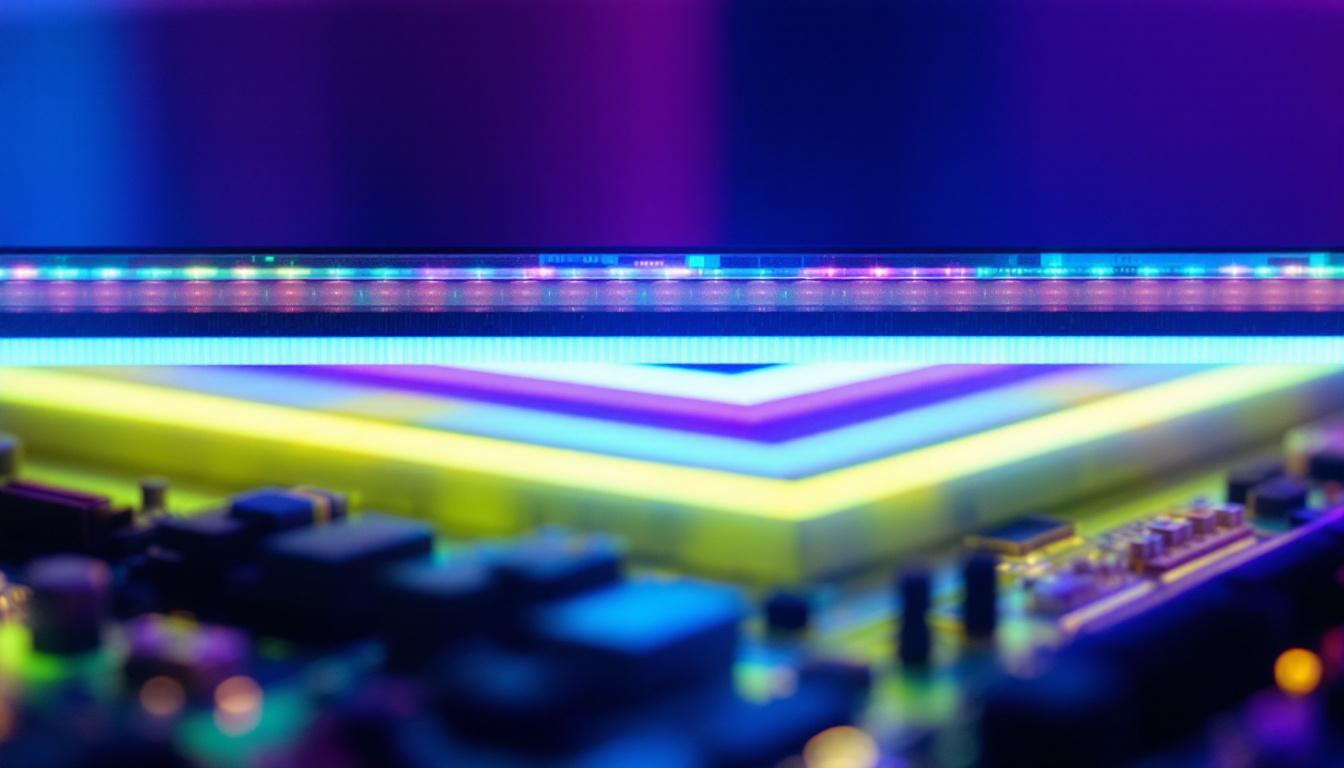
LED TVs, or Light Emitting Diode televisions, are a type of LCD (Liquid Crystal Display) TV that use LEDs as their backlight source instead of the traditional cold cathode fluorescent lamps (CCFLs). This technology offers several advantages, including thinner panels, better energy efficiency, and improved brightness and contrast. The shift from CCFL to LED technology has not only enhanced the viewing experience but has also contributed to a more sustainable approach in electronics, as LED lights consume significantly less power and have a longer lifespan compared to their fluorescent counterparts.
At the core of an LED TV is the LCD panel, which controls the image by manipulating liquid crystals to block or allow light through. The LEDs provide the light that passes through these crystals, illuminating the screen. These LEDs can be arranged in different ways, such as edge-lit or full-array, which affects picture quality and uniformity. The advancements in LED technology, including the introduction of quantum dots in some models, have further improved color accuracy and vibrancy, making the viewing experience more immersive and lifelike.
Because the LEDs are responsible for lighting the display, any malfunction in the LED backlight system can result in a blank or dim screen, even if the TV is powered on and the sound is working. This makes understanding the LED backlight system essential when troubleshooting display problems. Regular maintenance, such as keeping the TV clean and ensuring proper ventilation, can help prolong the life of the LED backlight and prevent common issues from arising.
Types of LED Backlighting
There are primarily two types of LED backlighting used in TVs:
- Edge-Lit LED: LEDs are placed around the edges of the screen, and light is diffused across the display. This allows for thinner TV designs but can sometimes cause uneven brightness. While edge-lit TVs are often more affordable and lightweight, they may not provide the same level of contrast as full-array models, particularly in scenes with dark backgrounds.
- Full-Array LED: LEDs are distributed evenly behind the entire screen, enabling better control over brightness and contrast, especially with local dimming features. This configuration allows for deeper blacks and more vibrant colors, as the TV can dim specific areas of the screen while keeping others bright, creating a more dynamic picture. Full-array LED TVs are often favored by enthusiasts who prioritize picture quality for movies and gaming.
Understanding these types helps in diagnosing issues related to uneven lighting or backlight failure. Additionally, consumers should consider their viewing habits and environment when choosing between these options, as factors like room lighting and screen size can significantly influence the overall experience. With the rapid evolution of display technologies, features such as HDR (High Dynamic Range) and advanced color processing are now commonly integrated into LED TVs, further enhancing the visual experience and making it an exciting time for home entertainment enthusiasts.
Common Reasons Why an LED TV Display Might Not Work
When an LED TV display stops working, the issue can stem from various internal or external factors. Identifying the root cause is the first step toward effective repair.
Backlight Failure
One of the most frequent causes of a non-working LED TV display is backlight failure. Since the LEDs illuminate the screen, if these diodes burn out or the backlight circuit malfunctions, the screen may appear completely black or very dim, even though the TV is on and producing sound.
Backlight failure can occur due to:
- Overheating of LED strips
- Power surges damaging the LED drivers
- Age-related wear and tear
Replacing the LED strips or repairing the backlight circuitry often resolves this issue, though it requires technical expertise. Regular maintenance, such as ensuring adequate ventilation around the TV, can help prolong the life of the backlight system. Additionally, using surge protectors can mitigate the risk of power surges that might lead to backlight failure.
Power Supply Problems
The power supply board converts the incoming electrical current into the voltages required by different TV components. If this board fails, the LEDs might not receive sufficient power, resulting in a blank screen. Symptoms of power supply issues include flickering, the TV turning off unexpectedly, or no display despite the power indicator being on. Diagnosing power supply problems can sometimes be tricky, as they may not always present clear symptoms. A multimeter can be a handy tool for checking voltage outputs and ensuring that the board is functioning correctly.
Faulty T-Con Board
The Timing Control (T-Con) board is responsible for controlling the signals sent to the LCD panel. A malfunction here can cause distorted images, lines on the screen, or a completely black display. This board is often overlooked but is a common failure point in LED TVs. Symptoms of T-Con board issues can sometimes mimic those of other problems, making it essential to perform a thorough diagnostic check. If the T-Con board is found to be faulty, replacement can often restore the display to its full functionality, but care must be taken to ensure compatibility with the specific TV model.
Damaged LCD Panel
Physical damage or manufacturing defects in the LCD panel itself can cause the display to fail. Unlike backlight or board issues, panel damage usually results in permanent failure and often necessitates full panel replacement, which can be costly. It’s important to handle the TV with care to avoid accidental drops or impacts that could lead to such damage. In some cases, manufacturers may offer warranties that cover defects, so checking the warranty status can be beneficial before proceeding with repairs.
Connection Issues
Sometimes, the problem isn’t with the display hardware but with the connections. Loose or damaged cables, including HDMI or internal ribbon cables, can cause the screen to go black or display erratically. Ensuring all cables are securely connected is a simple but often effective troubleshooting step. Additionally, using high-quality cables can help prevent signal degradation, which may also contribute to display issues. Regularly inspecting the connections and cleaning any dust or debris that may accumulate can further enhance performance and reliability.
Diagnosing LED TV Display Problems
Before deciding on repair or replacement, it’s important to diagnose the issue accurately. Some troubleshooting can be done at home, while other steps require professional assistance.
Visual and Auditory Clues
Start by observing the TV’s behavior:
- Does the TV power on, and is there any sound?
- Is the screen completely black, or is there a faint image visible when shining a flashlight on the screen?
- Are there any flickering lights or unusual noises?
A faint image visible under flashlight suggests backlight failure, while no image at all may indicate a more serious panel or board issue.
Performing a Backlight Test
One common home test for backlight functionality is to shine a flashlight closely onto the screen while the TV is on. If you can see images or menus faintly, it confirms the LCD panel is working but the backlight is not. This test helps differentiate between backlight failure and other display problems.
Checking Connections and Inputs
Ensure all external cables are firmly connected and try switching input sources to rule out signal issues. Testing the TV with different devices or cables can help identify if the problem lies outside the TV itself.
Resetting the TV
Sometimes, software glitches can cause the display to malfunction. Performing a factory reset or unplugging the TV for several minutes before powering it back on can resolve minor issues.
Repair Options and When to Replace Your LED TV
Once the problem is identified, the next step is deciding whether to repair the TV or replace it. This decision depends on the nature of the fault, the cost of repair, and the TV’s age and value.
Repairing Backlight and Board Issues
Backlight repairs typically involve replacing LED strips or the inverter board. These repairs can range from $50 to $200 depending on the model and labor costs. Similarly, replacing the power supply or T-Con board can be cost-effective if the TV is relatively new or high-end.
It is advisable to seek professional repair services for these issues, as handling LED strips and internal boards requires technical skill and specialized tools.
When Panel Replacement Is Necessary
LCD panel replacement is often the most expensive repair, sometimes costing more than the TV’s market value. If the screen is cracked, has dead pixels, or shows severe discoloration, replacement might be the only option.
Considering TV Replacement
If the TV is older than five years or the repair costs approach 50% of a new TV’s price, purchasing a new LED TV might be more economical. Modern TVs also offer improved features such as 4K resolution, HDR, and smart capabilities, which can enhance the viewing experience.
Preventive Measures to Protect Your LED TV Display
To extend the lifespan of your LED TV and minimize display issues, consider the following preventive tips:
Avoid Overheating
Ensure the TV has adequate ventilation and is not placed near heat sources. Overheating can degrade LED strips and internal components over time.
Use Surge Protectors
Power surges are a common cause of electronic failures. Using a quality surge protector can safeguard your TV’s power supply and internal circuits.
Regular Cleaning
Dust accumulation can affect ventilation and cause overheating. Clean the TV’s vents and screen gently with a microfiber cloth regularly.
Handle With Care
Avoid physical impacts or pressure on the screen to prevent panel damage. When moving the TV, handle it carefully and use proper support.
Conclusion
LED TVs offer excellent picture quality and energy efficiency, but like all electronics, they can encounter display problems. Understanding how LED displays work and the common reasons behind display failure can empower users to diagnose issues effectively. While some problems like backlight failure or board malfunctions can be repaired, others such as panel damage may require replacement. Preventive care and timely maintenance can help prolong the life of your LED TV, ensuring many years of enjoyable viewing.
Explore Cutting-Edge LED Solutions with LumenMatrix
If you’re facing issues with your LED TV display or simply looking to upgrade to the latest in LED technology, LumenMatrix has you covered. As a pioneer in LED display innovation, we offer a wide array of advanced LED display modules designed to bring your visual experiences to life. Whether you need an Indoor LED Wall Display for your business, an Outdoor LED Wall Display for advertising, or any of our specialized solutions like Vehicle LED Displays, LED Sports Displays, or Custom LED Displays, LumenMatrix is committed to enhancing your brand’s visibility. Embrace the future of visual communication with our captivating and energy-efficient LED solutions. Check out LumenMatrix LED Display Solutions today and transform the way you share your message.