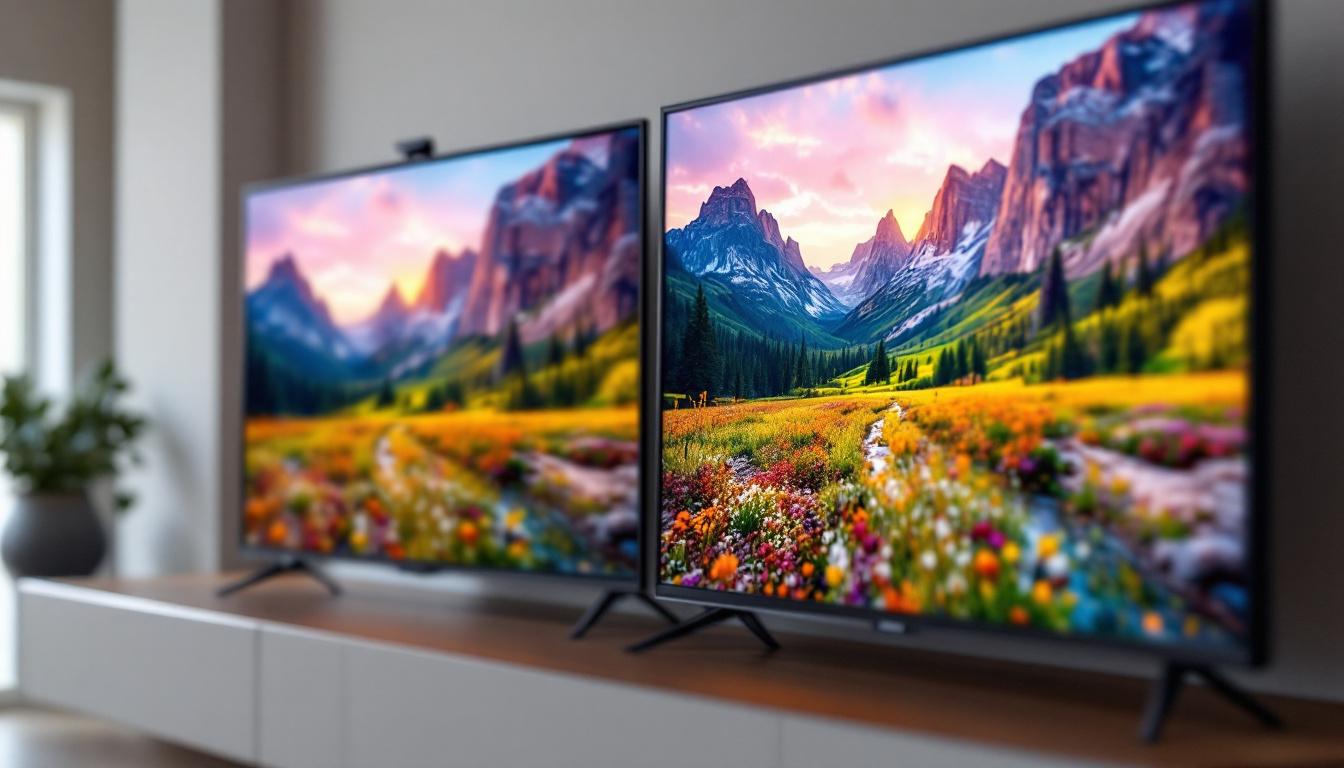
When it comes to choosing a new LED display—whether for a television, computer monitor, or digital signage—the terms UHD, FHD, and HD are often thrown around. These acronyms refer to different screen resolutions, which directly impact image clarity, detail, and overall viewing experience. Understanding the distinctions between Ultra High Definition (UHD), Full High Definition (FHD), and High Definition (HD) is essential for making an informed purchase that suits your needs and budget.
This comprehensive guide will break down what each resolution means, how they compare in practical use, and what factors to consider when selecting an LED display. By the end, you’ll have a clear understanding of how UHD, FHD, and HD differ and which might be the best fit for your home, office, or entertainment setup.
Understanding Screen Resolution: The Basics
Screen resolution refers to the number of pixels displayed on a screen, measured horizontally and vertically. Pixels are the tiny dots that collectively form the images you see on your display. The more pixels a screen has, the sharper and more detailed the image will be.
For LED displays, resolution is a critical specification because it determines how clear and crisp the visuals will appear. Higher resolution means more pixels, which translates to finer detail and better picture quality—especially noticeable on larger screens. This is particularly important for activities such as gaming, graphic design, and watching high-definition movies, where clarity can significantly enhance the viewing experience.
What is HD?
High Definition, or HD, typically refers to a resolution of 1280 x 720 pixels, also known as 720p. This was the standard for many years and is still common in budget TVs, smaller monitors, and some streaming content. While HD provides a significant improvement over standard definition (SD), it is considered the baseline for modern displays.
HD resolution is suitable for smaller screens—usually under 32 inches—where the pixel density remains adequate for clear images. However, on larger screens, HD can appear pixelated or blurry, especially when viewed up close. As a result, many consumers are now opting for higher resolutions to ensure a more enjoyable viewing experience, particularly as content creators increasingly produce media in higher formats.
What is FHD?
Full High Definition, or FHD, doubles the pixel count of HD with a resolution of 1920 x 1080 pixels, commonly referred to as 1080p. This resolution has become the industry standard for most TVs, monitors, and streaming services over the past decade.
FHD offers a noticeable improvement in sharpness and detail compared to HD. It is ideal for mid-sized screens ranging from 32 to 55 inches and supports a wide range of content, including Blu-ray movies, gaming, and online streaming platforms. The increased pixel density allows for more intricate details to be rendered, making it easier to appreciate the nuances of a film’s cinematography or the vibrant colors in a video game.
What is UHD?
Ultra High Definition, or UHD, also known as 4K, boasts a resolution of 3840 x 2160 pixels—four times the pixel count of FHD. UHD is the latest mainstream standard and is rapidly becoming the norm for high-end TVs, professional monitors, and digital signage.
With UHD, images are incredibly sharp and detailed, making it perfect for large screens (55 inches and above) and applications where image quality is paramount, such as graphic design, video editing, and immersive gaming. UHD content is increasingly available on streaming platforms like Netflix, Amazon Prime Video, and YouTube. Moreover, the advent of HDR (High Dynamic Range) technology further enhances the viewing experience by providing a wider range of colors and improved contrast, making UHD content even more visually stunning. This combination of high resolution and enhanced color accuracy allows viewers to experience media in a way that closely resembles real life, making UHD a preferred choice for cinephiles and tech enthusiasts alike.
Comparing UHD, FHD, and HD: What Does It Mean for You?
Choosing between UHD, FHD, and HD depends on several factors, including screen size, viewing distance, content type, and budget. Here’s a detailed comparison to help you understand the practical differences.
Image Quality and Detail
The most obvious difference between these resolutions is image clarity. UHD’s 3840 x 2160 pixels provide a much finer level of detail than FHD or HD. For example, on a 65-inch screen, UHD will display images with crisp edges and smooth textures, while FHD might show some pixelation, and HD will look noticeably less sharp.
For everyday tasks like browsing the internet or watching standard videos, FHD is usually sufficient. However, for professional work involving photo or video editing, UHD’s superior detail can be a game-changer.
Screen Size and Viewing Distance
Screen size plays a crucial role in determining the optimal resolution. The larger the screen, the higher the resolution needed to maintain image sharpness. For instance, a 24-inch monitor at FHD resolution offers excellent clarity, but the same resolution on a 55-inch TV may look less sharp.
Viewing distance also matters. If you sit far away from the screen, the difference between UHD and FHD becomes less noticeable. For typical living room setups where the viewing distance is around 8 to 10 feet, FHD may suffice for screens up to 50 inches.
Content Availability and Compatibility
While UHD content is growing rapidly, much of the available media is still in FHD or HD formats. Streaming services like Netflix and Amazon Prime offer a wide array of UHD titles, but these often require higher internet bandwidth—around 25 Mbps or more for smooth 4K streaming.
Gaming consoles such as the PlayStation 5 and Xbox Series X support UHD gaming, but older consoles and many broadcast channels still deliver content in FHD or HD. Therefore, having a UHD display doesn’t always guarantee UHD content.
Cost Considerations
Generally, UHD displays are more expensive than FHD and HD models due to the higher manufacturing costs and advanced technology involved. However, prices have been steadily decreasing as UHD becomes more mainstream.
If budget is a concern, FHD displays offer an excellent balance of quality and affordability. HD displays remain the most budget-friendly but may feel outdated for users accustomed to sharper images.
LED Technology and Its Impact on Display Quality
Resolution is just one aspect of display quality. The LED technology used in the screen also significantly affects brightness, contrast, color accuracy, and energy efficiency.
What is an LED Display?
LED (Light Emitting Diode) displays use tiny light-emitting diodes to illuminate the screen. Unlike older LCDs that used fluorescent backlighting, LED displays offer better brightness, thinner panels, and improved energy efficiency.
LED technology can be combined with different panel types such as IPS (In-Plane Switching) or VA (Vertical Alignment), each offering various advantages in color reproduction and viewing angles.
LED Backlighting Types
There are two main types of LED backlighting: edge-lit and full-array. Edge-lit LED displays place LEDs along the edges of the screen, which allows for thinner designs but can result in uneven brightness. Full-array LED displays have LEDs spread evenly behind the screen, providing better contrast and uniform lighting.
Some high-end UHD TVs feature local dimming, where specific zones of LEDs dim or brighten independently, enhancing black levels and overall picture quality.
HDR and Color Performance
Many UHD LED displays support HDR (High Dynamic Range), which enhances the range of colors and contrast, making images more lifelike. HDR is less common in FHD and rare in HD displays.
When combined with UHD resolution, HDR can dramatically improve the viewing experience, especially for movies and games designed to take advantage of this technology.
Choosing the Right Resolution for Your Needs
With a clear understanding of UHD, FHD, and HD, the next step is to determine which resolution fits your specific use case.
For Home Entertainment
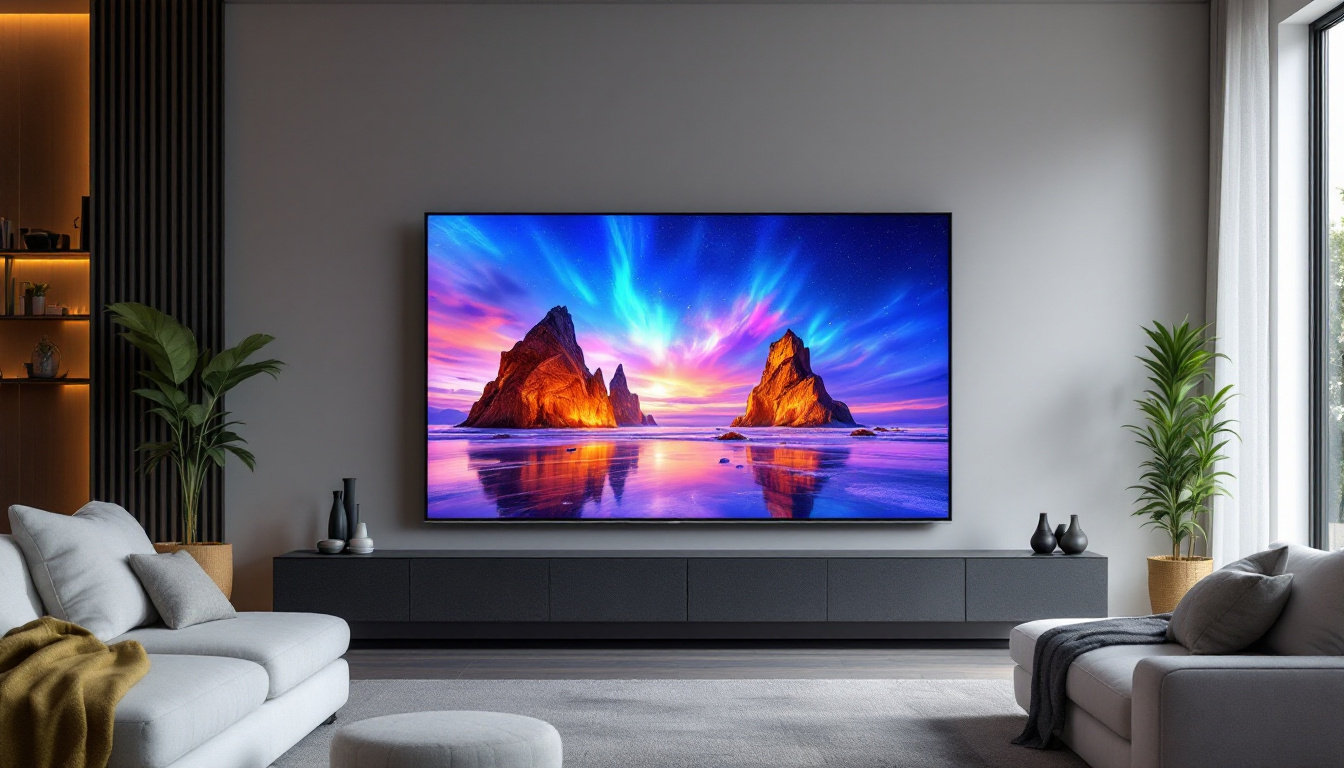
If you enjoy streaming movies, watching sports, or gaming on a large TV, UHD is the best choice for future-proofing your setup. It delivers stunning visuals, especially on screens 55 inches and larger. However, if your viewing distance is quite far or your budget is limited, a high-quality FHD TV can still provide excellent performance.
For Computer Monitors
For general office work, web browsing, and casual gaming, FHD monitors ranging from 21 to 27 inches are ideal. They offer sharp images without demanding too much from your graphics hardware.
For professionals in graphic design, video production, or software development, UHD monitors provide the extra screen real estate and image clarity needed for detailed work.
For Budget or Secondary Displays
HD displays remain relevant for secondary monitors, kitchen TVs, or small bedrooms where screen size and viewing distance are limited. They are cost-effective and sufficient for basic tasks.
Future Trends in LED Display Resolutions
As technology advances, display resolutions continue to evolve. While UHD is currently the high-end standard, 8K resolution (7680 x 4320 pixels) is beginning to enter the market, offering four times the pixels of UHD. However, 8K content and hardware are still limited and expensive.
Meanwhile, improvements in LED technology, such as mini-LED and micro-LED, promise better brightness, contrast, and energy efficiency, enhancing the viewing experience regardless of resolution.
Consumers should consider their current and near-future needs when investing in LED displays, balancing resolution, screen size, and technology features.
Conclusion
Understanding the differences between UHD, FHD, and HD is crucial for selecting the right LED display. UHD offers unparalleled detail and is ideal for large screens and professional use, though it comes at a higher cost and requires compatible content. FHD strikes a balance between quality and affordability, suitable for most users and screen sizes. HD remains a budget-friendly option for smaller screens and basic applications.
Beyond resolution, factors such as LED technology, HDR support, and viewing distance also influence the overall experience. By considering these elements, consumers can make informed decisions that maximize value and enjoyment from their LED displays.
Discover the Perfect LED Display with LumenMatrix
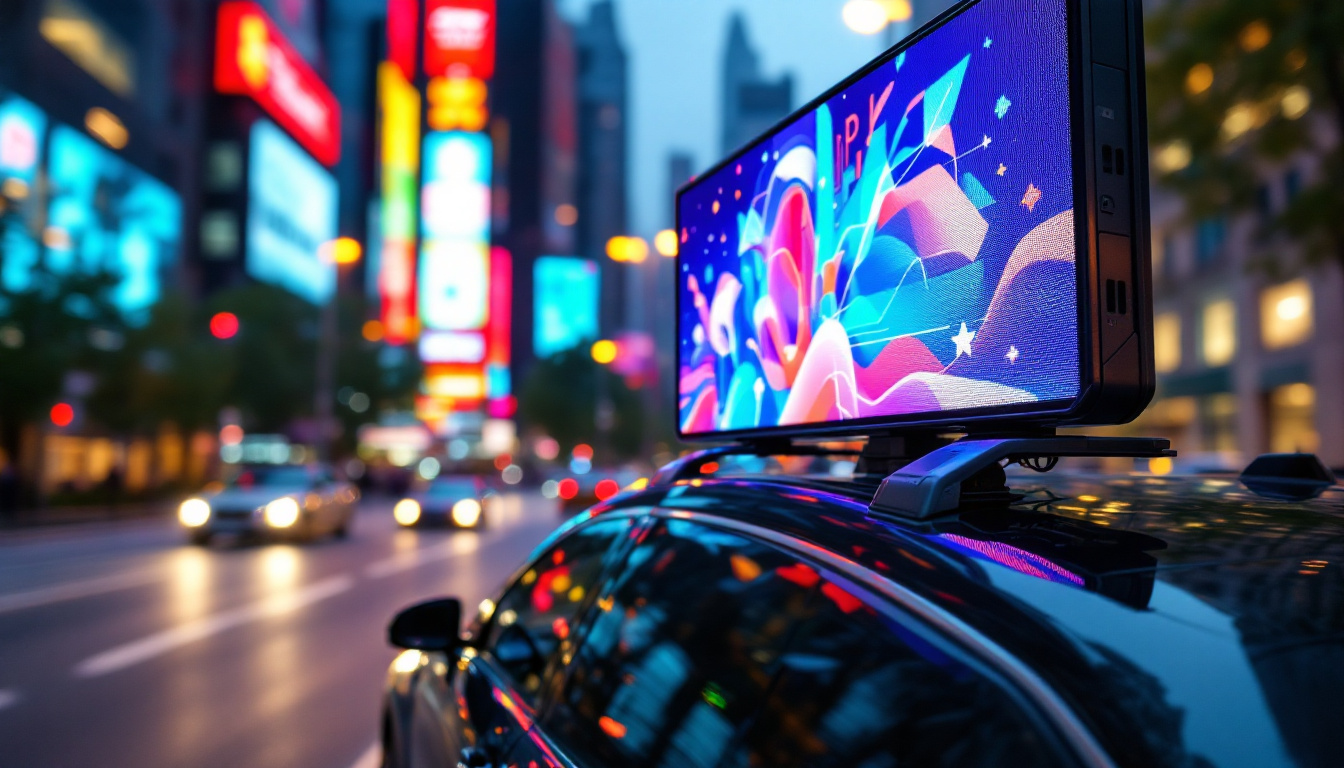
Now that you’re equipped with the knowledge to choose between UHD, FHD, and HD resolutions, take the next step with LumenMatrix. As a pioneer in LED display technology, we offer a diverse range of solutions tailored to meet your needs. From stunning Indoor and Outdoor LED Wall Displays to innovative options like Vehicle, Sports, and Floor LED Displays, LumenMatrix is committed to transforming your visual communication. Experience the future of digital signage and create unforgettable visual experiences. Check out LumenMatrix LED Display Solutions today and see your vision come to life with unparalleled clarity and impact.