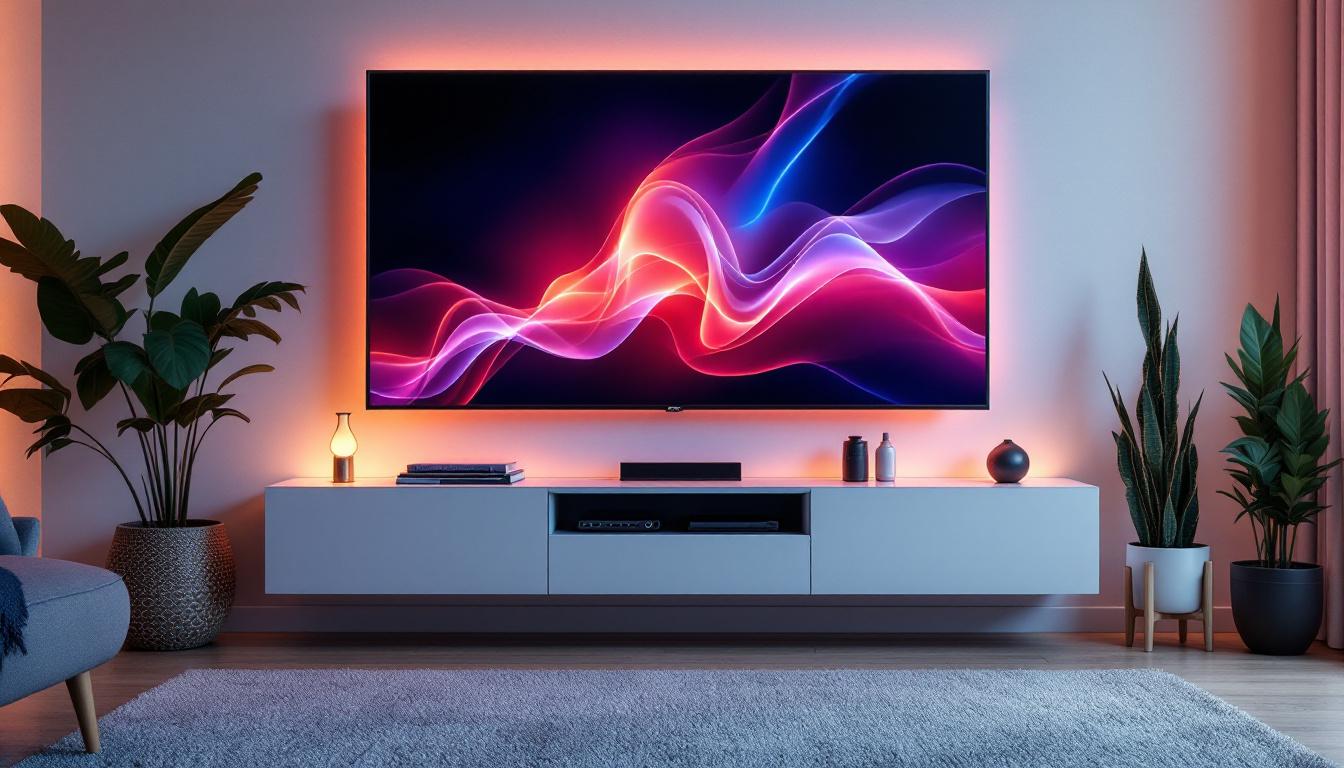
When choosing or calibrating a monitor, one of the most frequently discussed features is contrast. But what exactly does contrast do on a monitor, especially on LED displays? Understanding this key attribute can dramatically improve your viewing experience, whether you’re gaming, working on graphic design, or simply watching movies. This article delves into the concept of contrast, its significance in LED monitors, and how it impacts image quality and user experience.
Understanding Contrast: The Basics
Contrast, in the context of monitors, refers to the difference in luminance between the brightest whites and the darkest blacks that a display can produce. Essentially, it measures how well a monitor can differentiate between light and dark areas of an image. A higher contrast ratio means deeper blacks and brighter whites, which results in a more vivid and dynamic picture.
For example, a contrast ratio of 1000:1 means that the brightest white is 1000 times brighter than the darkest black. This ratio is crucial because it affects how colors appear and how much detail is visible in shadows and highlights. A monitor with a high contrast ratio can reveal subtle details in dark scenes, making it ideal for watching movies or playing games that rely on intricate visual storytelling.
Moreover, the importance of contrast extends beyond mere aesthetics; it plays a significant role in reducing eye strain during extended viewing sessions. Displays with poor contrast can lead to fatigue as the eyes struggle to discern details, especially in low-light environments. Therefore, when selecting a monitor, considering the contrast ratio is essential not only for visual quality but also for comfort during prolonged use.
Static Contrast vs. Dynamic Contrast
There are two primary types of contrast ratios to be aware of: static contrast and dynamic contrast. Static contrast refers to the difference in luminance between black and white at any given moment on the screen. It is a fixed measurement and is generally considered more reliable for assessing a monitor’s true performance.
Dynamic contrast, on the other hand, involves the monitor adjusting the backlight intensity dynamically based on the content displayed. This can create the illusion of a higher contrast ratio by dimming the backlight during dark scenes and brightening it during light scenes. While dynamic contrast can enhance viewing in some cases, it may also cause inconsistent image quality or noticeable shifts in brightness. This inconsistency can be particularly distracting in fast-paced gaming or high-action films, where smooth transitions and stable lighting are crucial for an immersive experience.
Additionally, the effectiveness of dynamic contrast can vary significantly between different technologies and brands. Some monitors implement advanced algorithms to optimize backlight adjustments, while others may struggle to maintain a consistent look across various types of content. Users should consider their primary use cases—whether for gaming, graphic design, or general media consumption—when evaluating the relevance of dynamic contrast in their decision-making process.
How Contrast Affects Image Quality on LED Monitors
LED monitors use light-emitting diodes to illuminate the screen, and their contrast performance can vary widely depending on the panel technology and backlighting method. Contrast plays a crucial role in how images are perceived on these displays.
Deeper Blacks and Vibrant Colors
One of the main benefits of a high contrast ratio on an LED monitor is the ability to display deeper blacks. This is particularly important for dark scenes in movies or games, where shadow details can either be lost or clearly visible depending on the contrast. When blacks are truly black rather than dark gray, colors appear more vibrant and lifelike, enhancing the overall visual experience. This is especially noticeable in genres such as horror or thriller films, where the interplay of light and shadow can significantly affect the storytelling. A monitor that can deliver true blacks allows viewers to experience these nuances, making the viewing experience more engaging and immersive.
Impact on Eye Comfort and Fatigue
Proper contrast settings can also reduce eye strain. When contrast is too low, the image can look washed out, forcing the eyes to work harder to distinguish details. Conversely, excessively high contrast can cause harsh transitions between bright and dark areas, leading to discomfort over prolonged use. Finding the right balance is key to maintaining eye comfort during extended periods of screen time. Additionally, many modern monitors come equipped with features such as blue light filters and flicker-free technology, which can further enhance comfort by reducing the strain on the eyes. Users should take advantage of these settings to create a more pleasant viewing environment, especially in low-light conditions where glare and reflections can exacerbate fatigue.
Contrast and HDR Content
High Dynamic Range (HDR) content benefits enormously from monitors with high contrast ratios. HDR technology relies on a wide range of luminance to produce images with more depth and realism. LED monitors with advanced local dimming features can achieve higher contrast by selectively dimming parts of the screen, making HDR content appear more immersive and true to life. This capability allows for a greater differentiation between the brightest highlights and the darkest shadows, resulting in a more dynamic visual experience. Furthermore, as HDR content becomes increasingly prevalent in streaming services and gaming, the importance of having a monitor that can fully leverage these capabilities cannot be overstated. Users investing in high-quality displays will find that the enhanced contrast not only elevates their viewing experience but also showcases the full potential of modern cinematic and gaming technologies.
Factors Influencing Contrast on LED Displays
Several technical aspects influence the contrast ratio and overall contrast quality of an LED monitor. Understanding these helps consumers make informed decisions when selecting a display.
Panel Type: IPS, VA, and TN
The type of LCD panel used in an LED monitor greatly affects contrast performance. The three main panel types are In-Plane Switching (IPS), Vertical Alignment (VA), and Twisted Nematic (TN).
- IPS panels are known for excellent color accuracy and wide viewing angles but typically have lower contrast ratios, often around 1000:1.
- VA panels generally offer higher contrast ratios, sometimes exceeding 3000:1, resulting in deeper blacks and better contrast performance.
- TN panels tend to have the lowest contrast ratios and narrower viewing angles but are often favored for fast response times in gaming.
Choosing the right panel depends on the intended use; for rich contrast and deep blacks, VA panels are often preferred.
Backlighting Technology
LED monitors can use different backlighting methods, such as edge-lit or full-array backlighting. Full-array backlighting with local dimming allows for better control of light zones, improving contrast by dimming dark areas more effectively. Edge-lit monitors, while thinner and more affordable, typically have less precise control over backlighting, which can reduce contrast quality.
Ambient Lighting Conditions
The environment in which a monitor is used also impacts perceived contrast. Bright ambient light can wash out the screen, making blacks appear gray and reducing the effective contrast. Conversely, a dark room enhances the perception of contrast, making images appear more vivid. This is why many professionals working with color grading or photography prefer controlled lighting environments.
Practical Tips for Optimizing Contrast on Your LED Monitor
Adjusting contrast settings can be a straightforward way to improve your monitor’s image quality. Here are some practical tips to help you get the best results.
Use Calibration Tools and Software
Professional calibration tools, such as colorimeters, can measure and adjust your monitor’s contrast and brightness settings precisely. Software solutions like DisplayCAL or built-in calibration utilities in operating systems can also help optimize contrast based on your specific environment and usage.
Adjust Contrast According to Content
Different types of content may require different contrast settings. For instance, gaming may benefit from higher contrast to enhance visibility in dark scenes, while office work might require moderate contrast to reduce eye strain. Many modern monitors include preset modes tailored for various tasks, such as “Game,” “Movie,” or “Reading.” Experimenting with these can help you find the best balance.
Consider Ambient Light and Room Setup
To maximize contrast perception, control your room’s lighting. Avoid direct light sources reflecting on the screen and consider using bias lighting behind the monitor to reduce eye strain and improve perceived contrast. Dimming overhead lights or using blackout curtains can also enhance viewing quality in darker environments.
Why Contrast Matters: Real-World Applications
Understanding the importance of contrast goes beyond technical specifications; it has real-world implications for various users.
For Gamers
High contrast ratios can provide a competitive edge by revealing details in dark areas that might otherwise be missed. This can improve reaction times and overall gameplay experience. Additionally, vibrant colors and deep blacks contribute to immersive storytelling and visual appeal.
For Creative Professionals
Photographers, video editors, and graphic designers rely heavily on accurate contrast to ensure their work looks consistent across different devices and media. Monitors with reliable contrast ratios help maintain color fidelity and detail, which is critical for professional output.
For Everyday Users
Even casual users benefit from good contrast settings. Whether browsing the web, watching videos, or working on documents, appropriate contrast improves readability, reduces eye fatigue, and enhances overall satisfaction with the display.
Conclusion: Making Contrast Work for You
Contrast is a fundamental aspect of monitor performance, especially on LED displays. It influences everything from image clarity and color vibrancy to eye comfort and content immersion. By understanding what contrast does and how it interacts with panel technology, backlighting, and ambient conditions, users can make informed choices and adjustments to optimize their viewing experience.
When selecting an LED monitor, consider the static contrast ratio as a key specification, but also pay attention to panel type and backlighting technology. Remember that the ideal contrast setting may vary depending on your environment and the content you consume. With the right knowledge and adjustments, contrast can transform your monitor from a simple display into a window of vivid, lifelike visuals.
Discover the Ultimate Viewing Experience with LumenMatrix
Ready to elevate your visual experience to new heights? LumenMatrix, a pioneer in LED display technology, offers a vast array of innovative solutions designed to bring your content to life. From immersive Indoor LED Walls to dynamic Outdoor LED Displays and beyond, our products are crafted to maximize engagement and deliver your message with unparalleled clarity. Don’t settle for less when it comes to contrast and color vibrancy. Check out LumenMatrix LED Display Solutions today and transform your space into a captivating visual journey.