What Is The Best Hz Rate For A TV: LED Display Explained
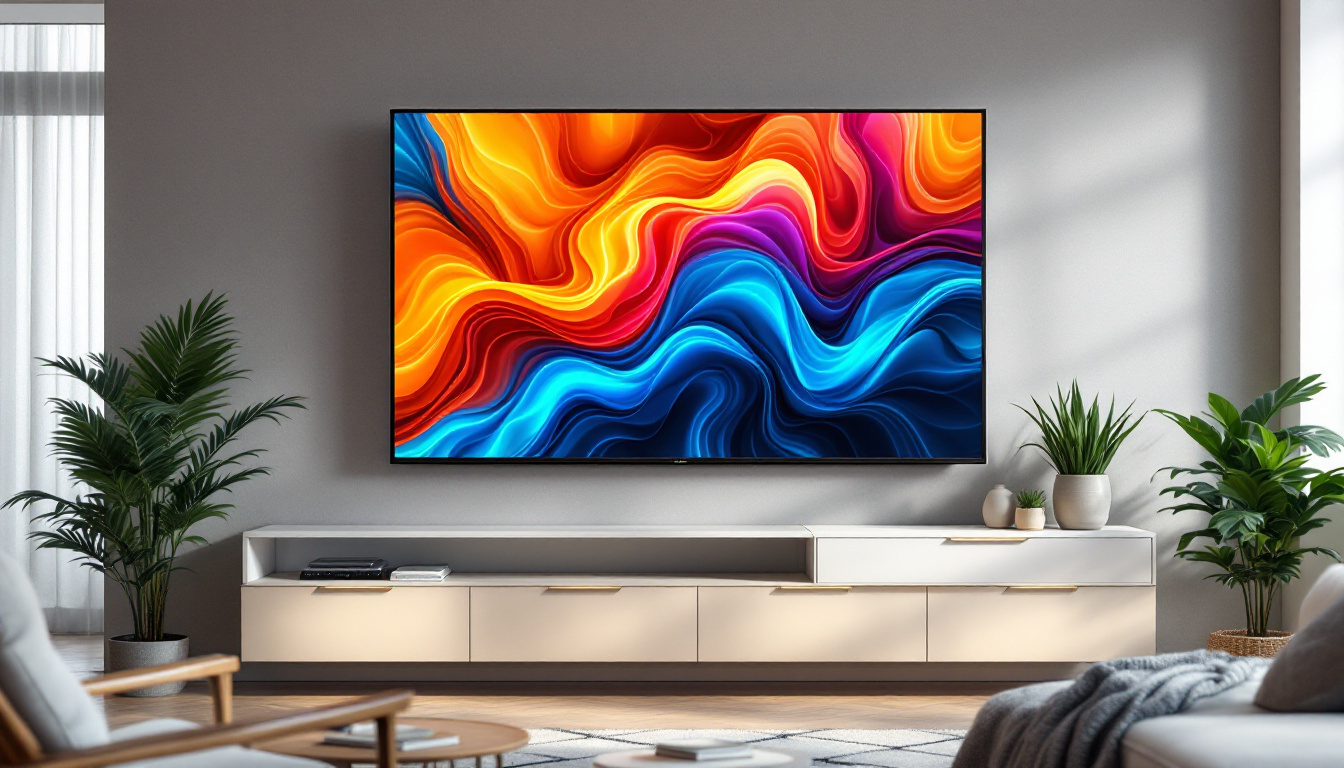
When shopping for a new television, one of the most common specifications you’ll encounter is the refresh rate, often expressed in hertz (Hz). This number can seem confusing at first, but it plays a crucial role in determining the quality of motion display on your TV screen. Understanding what the best Hz rate is for a TV, especially LED displays, can help you make an informed decision and enhance your viewing experience.
Understanding Refresh Rate: What Does Hz Mean?
The refresh rate of a TV refers to how many times per second the image on the screen is updated. Measured in hertz (Hz), a 60 Hz TV refreshes the image 60 times per second, while a 120 Hz TV does so 120 times per second. This specification is critical because it directly affects how smooth motion appears on your screen.
Higher refresh rates generally mean smoother motion, which is especially beneficial when watching fast-paced content like sports, action movies, or playing video games. However, the relationship between refresh rate and picture quality is not always straightforward, as other factors like motion interpolation and panel technology also influence the final experience.
Why Refresh Rate Matters for LED TVs
LED TVs, which use light-emitting diodes to illuminate the screen, have become the dominant technology in the market due to their brightness, energy efficiency, and slim design. However, the refresh rate on LED TVs can vary widely, and understanding its impact is essential.
LED panels typically come with native refresh rates of 60 Hz or 120 Hz, but many manufacturers use motion enhancement technologies to simulate higher rates, often labeled as 240 Hz, 480 Hz, or even higher. These numbers can be misleading, as they don’t represent the true refresh rate of the panel but rather the effect of software-based motion smoothing.
Moreover, the benefits of a higher refresh rate extend beyond just smoother visuals. For gamers, a higher refresh rate can significantly enhance the gaming experience, providing a competitive edge in fast-paced scenarios. Many modern gaming consoles and PCs are capable of outputting higher frame rates, and pairing them with a TV that has a matching refresh rate can lead to a more immersive and responsive gameplay experience. Additionally, some TVs come equipped with features like Variable Refresh Rate (VRR) and Auto Low Latency Mode (ALLM), which further optimize performance during gaming sessions.
It’s also worth noting that not all content is created equal when it comes to refresh rates. While films are typically shot at 24 frames per second, which can lead to a juddering effect on lower refresh rate displays, sports broadcasts and video games often utilize higher frame rates. Consequently, many viewers may prefer a TV that can handle a variety of refresh rates effectively, ensuring that all types of content are displayed as intended. Understanding these nuances can help consumers make informed decisions when selecting a TV that best suits their viewing habits and preferences.
Common Refresh Rates Explained: 60 Hz, 120 Hz, and Beyond
Most LED TVs on the market today come with either a 60 Hz or 120 Hz native refresh rate. Here’s a breakdown of what each means for your viewing experience:
60 Hz TVs: The Standard Choice
A 60 Hz refresh rate means the TV updates the image 60 times per second. This has been the standard for many years and is sufficient for most casual viewing, including watching TV shows, movies, and news broadcasts. For content filmed at 24 frames per second (fps), such as most movies, a 60 Hz refresh rate can display motion smoothly with minimal judder.
However, 60 Hz can struggle with fast-moving content like sports or video games, where motion blur and ghosting may be more noticeable. For viewers who prioritize budget and general TV watching, a 60 Hz LED TV can still offer a satisfying experience.
120 Hz TVs: Enhanced Motion Clarity
120 Hz TVs double the refresh rate to 120 updates per second, providing noticeably smoother motion. This higher refresh rate reduces motion blur and judder, making fast-moving scenes clearer and more enjoyable.
Gamers particularly benefit from 120 Hz TVs, as many modern gaming consoles like the PlayStation 5 and Xbox Series X support 120 fps output, allowing for ultra-smooth gameplay. Sports enthusiasts also appreciate the improved clarity during fast action sequences.
Beyond 120 Hz: Motion Interpolation and Marketing Numbers
Some manufacturers advertise refresh rates well beyond 120 Hz, such as 240 Hz or higher. These figures often refer to motion interpolation or backlight scanning technologies rather than the true panel refresh rate. Motion interpolation inserts artificial frames between original frames to create the illusion of smoother motion.
While motion interpolation can improve clarity in some cases, it can also introduce the “soap opera effect,” where movies and TV shows look unnaturally smooth and lose their cinematic feel. Many viewers prefer to disable these features for a more authentic experience.
How Refresh Rate Affects Different Types of Content
The ideal refresh rate depends largely on the type of content you watch most frequently. Here’s how refresh rate impacts various viewing scenarios:
Movies and TV Shows
Most movies are filmed at 24 fps, and traditional TV shows often run at 30 fps. A 60 Hz TV can handle these frame rates well, especially when combined with proper processing to reduce judder. A 120 Hz TV can further smooth motion by displaying each frame multiple times or using interpolation, but some viewers find this effect undesirable.
Sports and Fast Action
Sports broadcasts and fast-paced action scenes benefit greatly from higher refresh rates. A 120 Hz TV can display rapid movement with less blur, making it easier to follow the action. This is particularly important for sports fans who want to see every detail clearly during fast plays.
Gaming
For gamers, refresh rate is a critical factor. Competitive and fast-paced games benefit from higher refresh rates because they reduce input lag and provide smoother visuals. Modern consoles and gaming PCs often support 120 fps or higher, so pairing them with a 120 Hz or higher TV ensures you get the most responsive and immersive experience possible.
Other Factors Influencing Motion Quality on LED TVs
While refresh rate is important, it’s not the only factor that determines motion quality on LED TVs. Several other technologies and specifications play a role:
Response Time
Response time measures how quickly a pixel can change from one color to another. Faster response times reduce motion blur and ghosting. Even a high refresh rate TV can suffer from motion artifacts if the response time is slow.
Motion Interpolation and Processing
Many TVs include motion interpolation features that artificially increase the frame rate by generating intermediate frames. While this can smooth motion, it may also introduce visual artifacts or the soap opera effect. The quality of motion processing varies by brand and model.
Input Lag
Input lag is the delay between a command (e.g., pressing a button on a controller) and the TV’s response. Lower input lag is essential for gaming, and higher refresh rates often help reduce it. However, some motion smoothing features can increase input lag, so gamers may want to disable them.
Panel Quality and Backlight Technology
The quality of the LED panel and backlighting system also affects motion clarity. Features like local dimming, variable refresh rate (VRR), and high dynamic range (HDR) can enhance overall picture quality and motion performance.
Choosing the Best Hz Rate for Your Needs
Deciding on the best refresh rate for your TV depends on how you use it and your budget. Here are some guidelines to help you choose:
For Casual Viewing and Budget Buyers
If you primarily watch standard TV shows, movies, and streaming content, a 60 Hz LED TV is usually sufficient. These models tend to be more affordable and still deliver good picture quality for everyday use.
For Sports Fans and Action Movie Lovers
If you enjoy watching sports or action-packed movies, a 120 Hz TV is a better choice. The higher refresh rate will reduce motion blur and make fast scenes clearer and more enjoyable.
For Gamers
Gamers should prioritize a TV with at least a 120 Hz native refresh rate, low input lag, and support for gaming features like VRR and Auto Low Latency Mode (ALLM). This combination ensures smooth gameplay and responsive controls.
Beware of Marketing Hype
Don’t be swayed by extremely high refresh rate numbers like 240 Hz or 480 Hz unless you understand what they mean. These often represent motion enhancement technologies rather than true panel capabilities. Always check the native refresh rate and read reviews to assess real-world performance.
Conclusion: What Is the Best Hz Rate for a TV?
In summary, the best Hz rate for a TV depends on your viewing habits and preferences. For most users, a native 60 Hz LED TV is adequate for everyday entertainment. However, upgrading to a 120 Hz model provides significant benefits in motion clarity, especially for sports, gaming, and fast-action content.
Understanding the difference between native refresh rates and motion interpolation technologies can help you avoid confusion and make a smarter purchase. By considering factors like response time, input lag, and panel quality alongside refresh rate, you can find an LED TV that offers the best overall viewing experience for your needs.
Discover Your Perfect Viewing Experience with LumenMatrix
Now that you understand the importance of selecting the right Hz rate for your LED TV, take the next step in elevating your viewing experience with LumenMatrix. As a pioneer in LED display technology, LumenMatrix offers a wide array of innovative solutions tailored to meet your needs. Whether you’re looking for an Indoor LED Wall Display for immersive movie nights, an Outdoor LED Wall Display for eye-catching advertisements, or a high-refresh-rate LED Sports Display for the ultimate gaming and sports viewing, we have you covered. Check out LumenMatrix LED Display Solutions today and transform the way you watch, play, and engage with content.