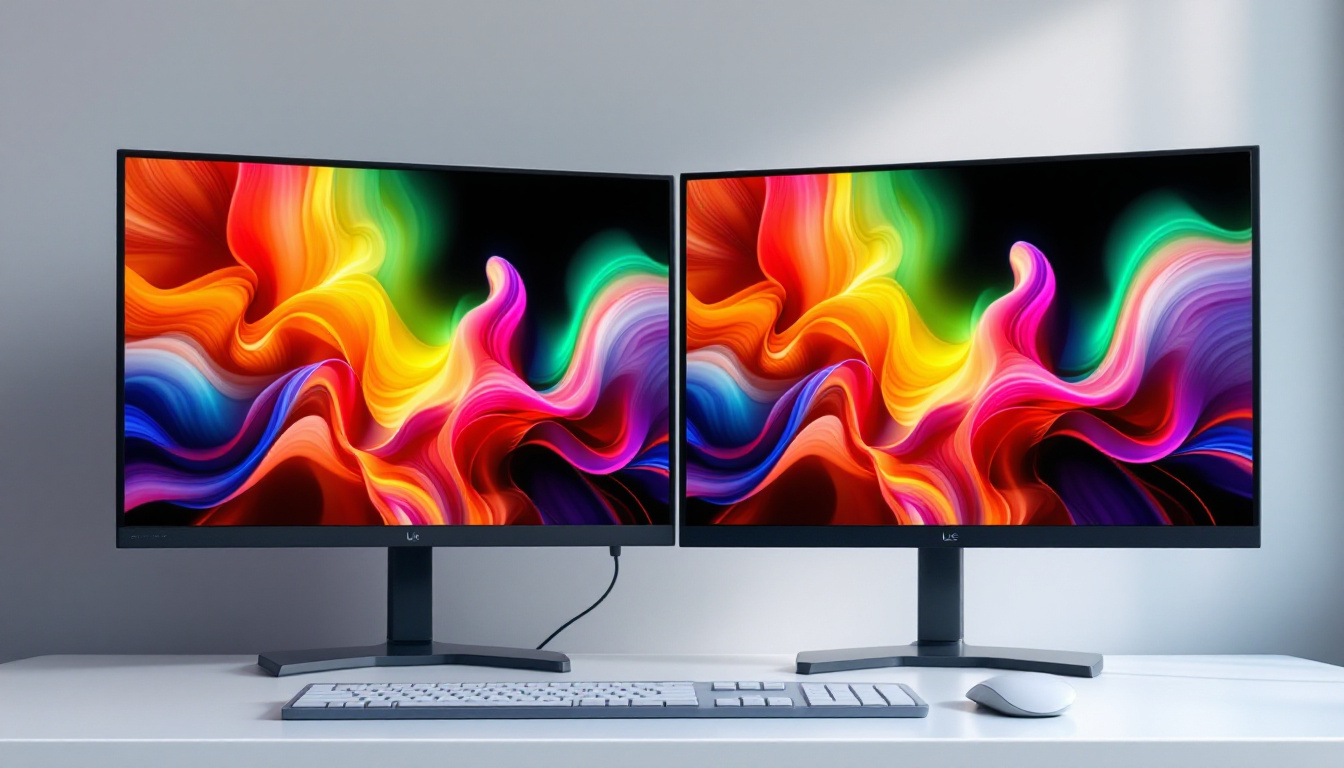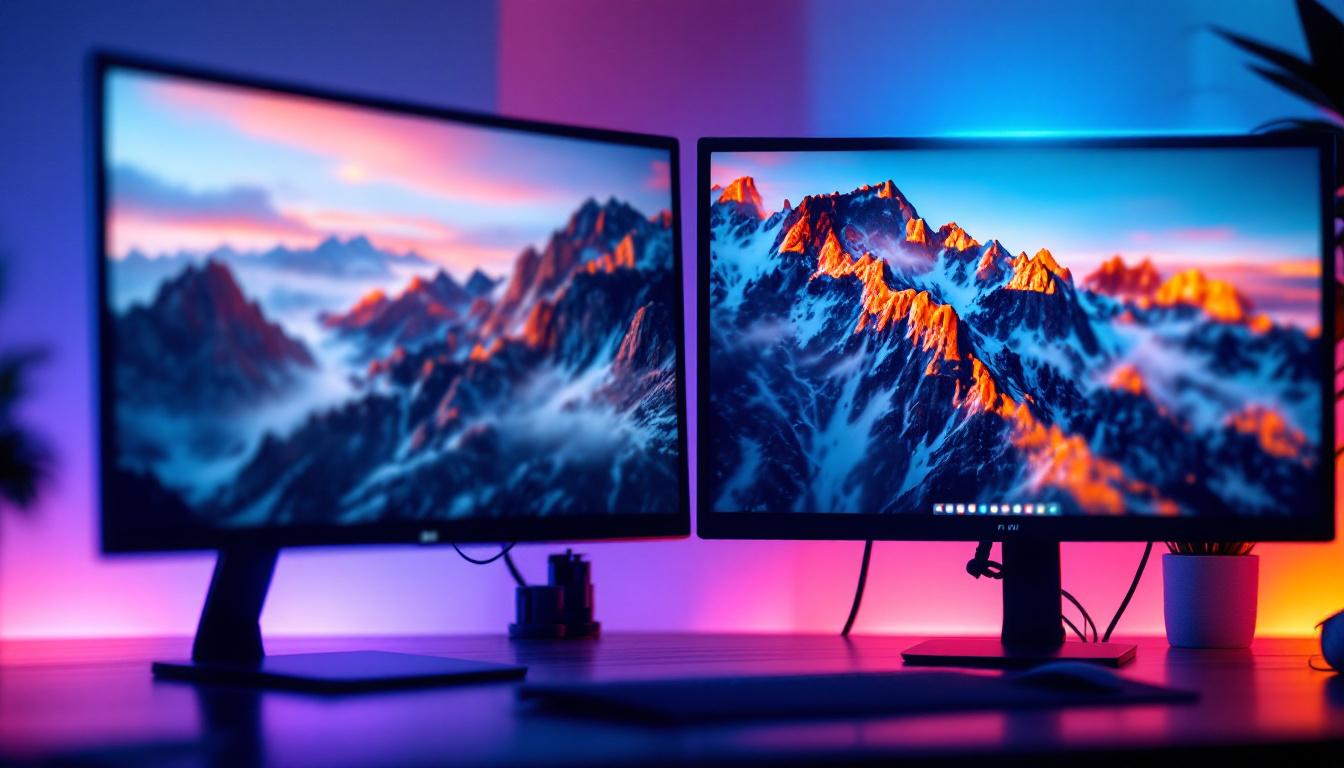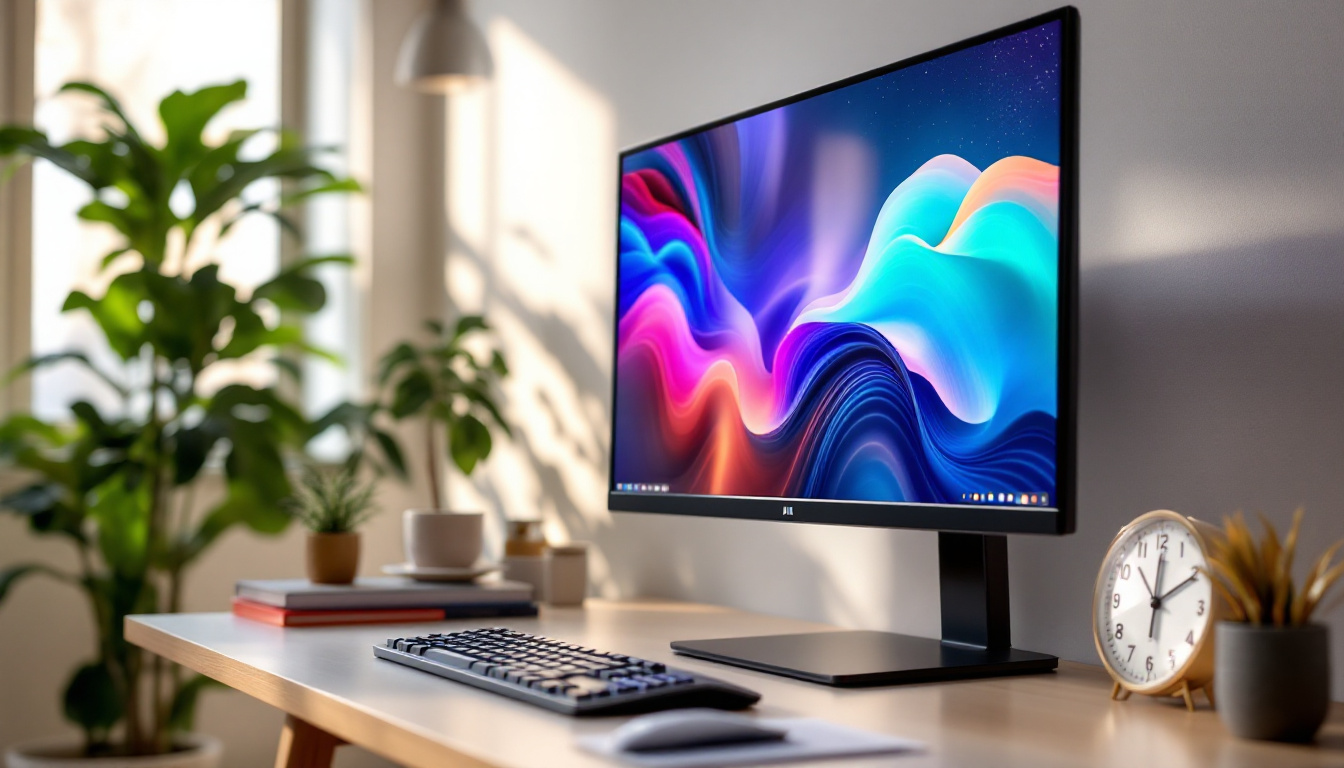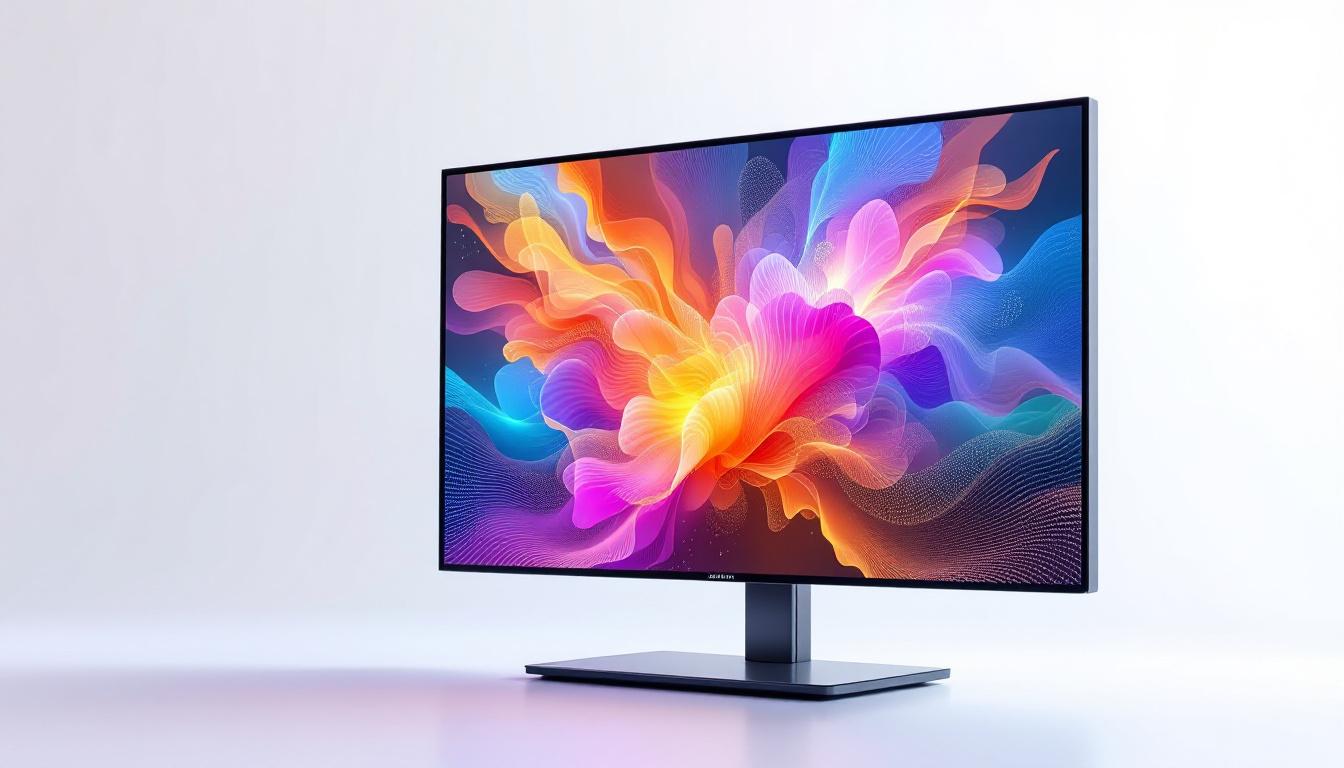
In today’s digital era, the computer monitor plays a pivotal role in how users interact with technology, whether for work, gaming, or entertainment. Among the various types of display technologies available, LED displays have become increasingly popular due to their superior image quality, energy efficiency, and sleek design. This article delves into the world of computer monitors with LED displays, explaining the technology behind them, their advantages and disadvantages, and what to consider when choosing the right LED monitor for your needs.
Understanding LED Display Technology
LED stands for Light Emitting Diode, a semiconductor device that emits light when an electric current passes through it. In the context of computer monitors, LED technology refers to the method used to illuminate the display screen. However, it’s important to clarify that many so-called “LED monitors” are actually LCD (Liquid Crystal Display) panels that use LEDs as a backlight source instead of older CCFL (Cold Cathode Fluorescent Lamp) backlights.
This distinction is crucial because the core display technology remains LCD, but the lighting method has evolved. Traditional LCD monitors require a fluorescent backlight to illuminate the pixels, whereas LED-backlit monitors use an array of tiny LEDs. This change has significant implications for brightness, contrast, energy consumption, and overall display quality.
Types of LED Backlighting
There are two primary types of LED backlighting used in monitors:
- Edge-Lit LED: LEDs are placed along the edges of the screen, and light is diffused across the display through a light guide panel. This design allows for thinner and lighter monitors but can sometimes result in uneven brightness or less precise local dimming.
- Full-Array LED: LEDs are distributed uniformly behind the entire screen. This setup enables better control of brightness and contrast through local dimming zones, improving picture quality, especially in darker scenes.
Understanding these types helps consumers make informed decisions based on their priorities, such as slim design versus superior image quality.
Advantages of LED Computer Monitors
LED monitors have several benefits that contribute to their widespread adoption across various user segments. Here are some of the key advantages:
Improved Energy Efficiency
One of the most significant advantages of LED-backlit monitors is their energy efficiency. Compared to CCFL-backlit LCDs, LED monitors consume substantially less power. According to the U.S. Department of Energy, LED displays can use up to 40% less energy than traditional fluorescent-lit LCD monitors. This reduction not only lowers electricity bills but also contributes to environmental sustainability by reducing carbon footprints.
Superior Image Quality
LED backlighting offers better brightness and contrast ratios, resulting in more vivid colors and deeper blacks. Full-array LED monitors with local dimming can achieve contrast ratios upwards of 100,000:1, which is a significant improvement over older technologies. This makes LED monitors ideal for tasks requiring color accuracy, such as photo editing, video production, and gaming.
Thinner and Lighter Designs
Because LEDs are smaller and more efficient light sources, manufacturers can produce thinner and lighter monitors. This is especially beneficial for users with limited desk space or those who prefer sleek, modern aesthetics. The slim profile also makes LED monitors easier to mount on walls or adjustable arms, enhancing ergonomic setups.
Longer Lifespan and Durability
LEDs have a longer operational lifespan compared to CCFL backlights. Typically, LED monitors can last between 30,000 to 60,000 hours, which translates to several years of use before noticeable degradation occurs. Additionally, LEDs are more durable and less prone to damage from shock or vibration, making them reliable for both home and professional environments.
Potential Drawbacks and Considerations
While LED monitors offer many advantages, it’s important to consider some of their limitations and potential drawbacks before making a purchase.
Price Premium
LED-backlit monitors, especially those with full-array local dimming or advanced features like HDR (High Dynamic Range), tend to be more expensive than older CCFL-backlit models or basic LCD displays. Although prices have decreased significantly over the past decade, premium LED monitors can still command a higher price tag, which might be a consideration for budget-conscious buyers.
Backlight Bleeding and Uniformity Issues
Edge-lit LED monitors, while thin and affordable, can suffer from backlight bleeding, where light leaks around the edges of the screen, causing uneven brightness. This effect can be distracting, especially in dark scenes or when viewing black backgrounds. Full-array LED monitors mitigate this issue but generally come at a higher cost.
Blue Light Emission and Eye Strain
Like all LED displays, LED monitors emit blue light, which can contribute to eye strain and disrupt circadian rhythms if used extensively at night. Many modern monitors now include blue light reduction modes or flicker-free technology to help alleviate these concerns. Users sensitive to eye strain should look for these features when selecting an LED monitor.
Key Features to Look for in an LED Monitor
Choosing the right LED monitor depends on the intended use, budget, and personal preferences. Here are some essential features to consider:
Resolution and Screen Size
Resolution determines the clarity and detail of the images displayed. Common resolutions include Full HD (1920×1080), Quad HD (2560×1440), and 4K Ultra HD (3840×2160). Higher resolutions provide sharper images but require more powerful graphics hardware. Screen size also affects the viewing experience; typical sizes range from 21 inches to 32 inches or more. Larger screens with higher resolutions are preferred for multitasking and immersive gaming.
Refresh Rate and Response Time
For gamers and video editors, refresh rate and response time are critical. The refresh rate, measured in Hertz (Hz), indicates how many times the screen updates per second. Standard monitors have 60Hz, while gaming monitors often feature 120Hz, 144Hz, or even 240Hz for smoother motion. Response time, measured in milliseconds (ms), reflects how quickly pixels can change color, with lower values reducing motion blur.
Color Accuracy and Gamut
Professionals working with graphics, photography, or video should prioritize monitors with high color accuracy and wide color gamut coverage. Look for monitors that support sRGB, Adobe RGB, or DCI-P3 color spaces and offer factory calibration or hardware calibration options to ensure consistent and precise color reproduction.
Connectivity Options
Modern LED monitors come with various connectivity ports such as HDMI, DisplayPort, USB-C, and legacy VGA or DVI ports. USB-C is increasingly popular for its ability to transmit video, data, and power through a single cable, simplifying desk setups. Multiple ports allow users to connect several devices simultaneously, enhancing productivity.
Ergonomics and Adjustability
Ergonomic features like height adjustment, tilt, swivel, and pivot functions contribute to comfortable viewing and reduce physical strain during extended use. Some monitors also include blue light filters and flicker-free technology to protect eye health.
Popular Use Cases for LED Computer Monitors
LED monitors cater to a wide range of users, each with specific requirements and preferences. Understanding common use cases can help identify which features are most relevant.
Office and Productivity
For general office work, LED monitors provide crisp text and vibrant colors, improving readability and reducing eye fatigue. Monitors with Full HD resolution and adjustable stands are typically sufficient. Energy efficiency is also a plus for businesses looking to reduce operational costs.
Creative Professionals
Graphic designers, photographers, and video editors benefit from LED monitors with high resolution, wide color gamut, and excellent color accuracy. Monitors supporting 4K resolution and HDR provide the detail and dynamic range necessary for professional content creation. Calibration tools and uniform backlighting are also important to maintain consistency.
Gaming
Gamers prioritize fast refresh rates, low response times, and adaptive sync technologies like NVIDIA G-Sync or AMD FreeSync to minimize screen tearing and input lag. LED monitors with these features deliver smooth, immersive gameplay. Additionally, curved LED monitors enhance the gaming experience by providing a more natural field of view.
Home Entertainment
For watching movies and streaming content, LED monitors with vibrant colors, high contrast ratios, and wide viewing angles create an enjoyable experience. Larger screen sizes and built-in speakers can also enhance multimedia consumption.
Future Trends in LED Monitor Technology
The evolution of LED display technology continues to accelerate, driven by consumer demand for better performance and new applications.
Mini-LED and Micro-LED Displays
Mini-LED technology uses thousands of tiny LEDs as backlighting, offering even more precise local dimming and improved contrast ratios than traditional full-array LED monitors. This results in better HDR performance and deeper blacks. Micro-LED, still in development, promises self-emissive pixels like OLEDs but with higher brightness and durability, potentially revolutionizing display quality.
Increased Adoption of HDR
High Dynamic Range (HDR) technology enhances the range of brightness and color, making images more lifelike. As HDR standards mature, more LED monitors are incorporating HDR10, Dolby Vision, and other formats, improving visual experiences for gaming, movies, and professional work.
Integration of AI and Smart Features
Artificial intelligence is beginning to influence monitor technology by enabling automatic calibration, adaptive brightness, and blue light adjustments based on user behavior and ambient lighting. These smart features aim to optimize display settings for comfort and performance dynamically.
Conclusion
Computer monitors with LED displays represent a significant advancement over older technologies, combining energy efficiency, superior image quality, and sleek design. Whether for professional use, gaming, or everyday computing, LED monitors offer a versatile solution that caters to diverse needs. By understanding the underlying technology, benefits, and key features, consumers can make informed decisions to select the ideal LED monitor that enhances their computing experience.
As LED technology continues to evolve with innovations like mini-LED and HDR, the future of computer displays looks brighter than ever, promising richer visuals and smarter functionality for users worldwide.
Discover the Future of LED Displays with LumenMatrix
Ready to experience the pinnacle of LED display technology? LumenMatrix is at the forefront of innovation, offering a wide array of LED display solutions that cater to every need—from vibrant Indoor LED Walls to dynamic Outdoor LED Displays, and from mobile Vehicle LED Displays to customizable All-in-One LED solutions. Embrace the future of visual communication with LumenMatrix’s cutting-edge displays that promise to elevate your brand’s presence and captivate your audience. Check out LumenMatrix LED Display Solutions today and transform your digital signage into a breathtaking visual journey.