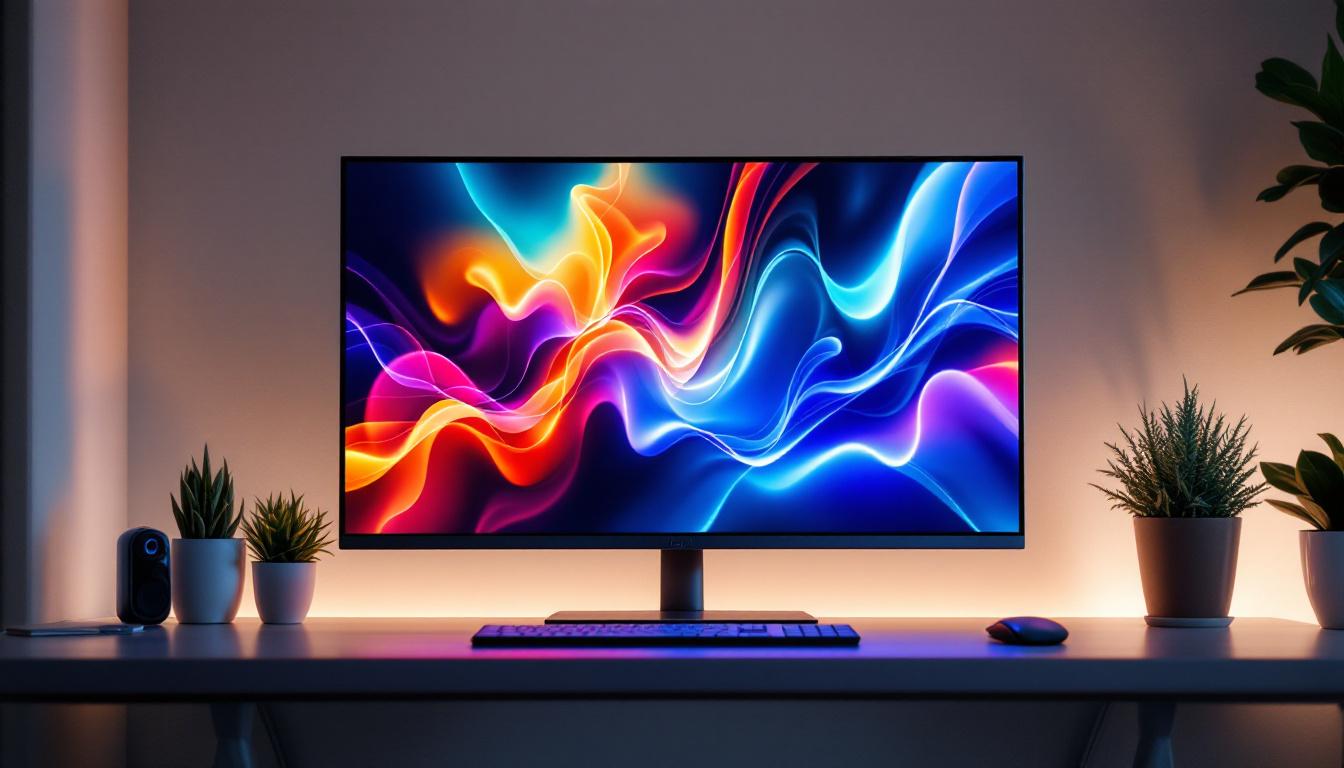
In today’s digital age, the quality of your computer display can significantly impact your productivity, gaming experience, and multimedia enjoyment. Among the various display technologies available, LED screens have become increasingly popular for PCs due to their vibrant colors, energy efficiency, and sleek design. This article delves into the world of LED displays for PCs, explaining what they are, how they work, and why they might be the right choice for your computing needs.
Understanding LED Display Technology
What is an LED Screen?
An LED screen, or Light Emitting Diode screen, is a type of display technology that uses light-emitting diodes to produce images. Unlike traditional LCD screens that rely on cold cathode fluorescent lamps (CCFL) for backlighting, LED displays use LEDs as their light source. This fundamental difference results in several advantages, including improved brightness, better color accuracy, and thinner panel designs.
It’s important to note that when people refer to LED screens for PCs, they often mean LCD screens with LED backlighting rather than pure LED displays. True LED displays, such as those used in large outdoor billboards, consist of individual LEDs that form the image directly. For PC monitors, the term “LED display” typically refers to LCD panels illuminated by LEDs.
How Do LED Displays Work?
At the core, LED displays function by combining an LCD panel with an LED backlight. The LCD panel contains liquid crystals that manipulate light to create images based on the input signal. The LED backlight shines through the LCD layer, allowing the screen to display colors and brightness levels.
There are two primary types of LED backlighting used in PC monitors:
- Edge-Lit LED: LEDs are placed along the edges of the screen, and light is distributed across the panel using light guides. This design allows for thinner monitors but can sometimes result in uneven brightness.
- Direct-Lit or Full-Array LED: LEDs are placed directly behind the screen in a grid pattern, providing more uniform lighting and better contrast. Some full-array LED displays also support local dimming, where sections of LEDs dim independently to enhance black levels and dynamic range.
Advantages of LED Displays for PCs
Superior Image Quality
One of the primary reasons users prefer LED displays is the superior image quality they offer. LED backlighting provides higher brightness levels, which is essential for clear visibility in well-lit environments. Additionally, LED screens typically have better color accuracy and a wider color gamut compared to older CCFL-backlit LCDs.
For professionals working in graphic design, video editing, or photography, accurate color representation is crucial. Many modern LED monitors support standards like sRGB, Adobe RGB, and DCI-P3, ensuring that colors are rendered faithfully. This precision helps avoid costly mistakes and ensures that digital content looks consistent across different devices.
Energy Efficiency and Environmental Benefits
LED displays are more energy-efficient than their CCFL-backlit predecessors. According to the U.S. Department of Energy, LED-backlit LCDs can consume up to 30% less power than traditional LCDs with fluorescent backlighting. This reduction not only lowers electricity bills but also contributes to a smaller environmental footprint.
Moreover, LEDs contain no mercury, unlike CCFL tubes, making LED monitors safer to dispose of and more environmentally friendly. This aspect is increasingly important as consumers and organizations prioritize sustainability in their technology choices.
Thinner and Lighter Designs
Because LEDs are smaller and more efficient light sources, manufacturers can design thinner and lighter monitors. This trend has led to sleek, minimalist PC setups that save desk space and improve aesthetics. For users with limited workspace or those who value a clean, modern look, LED monitors offer a compelling advantage.
Types of LED Displays for PCs
Standard LED-LCD Monitors
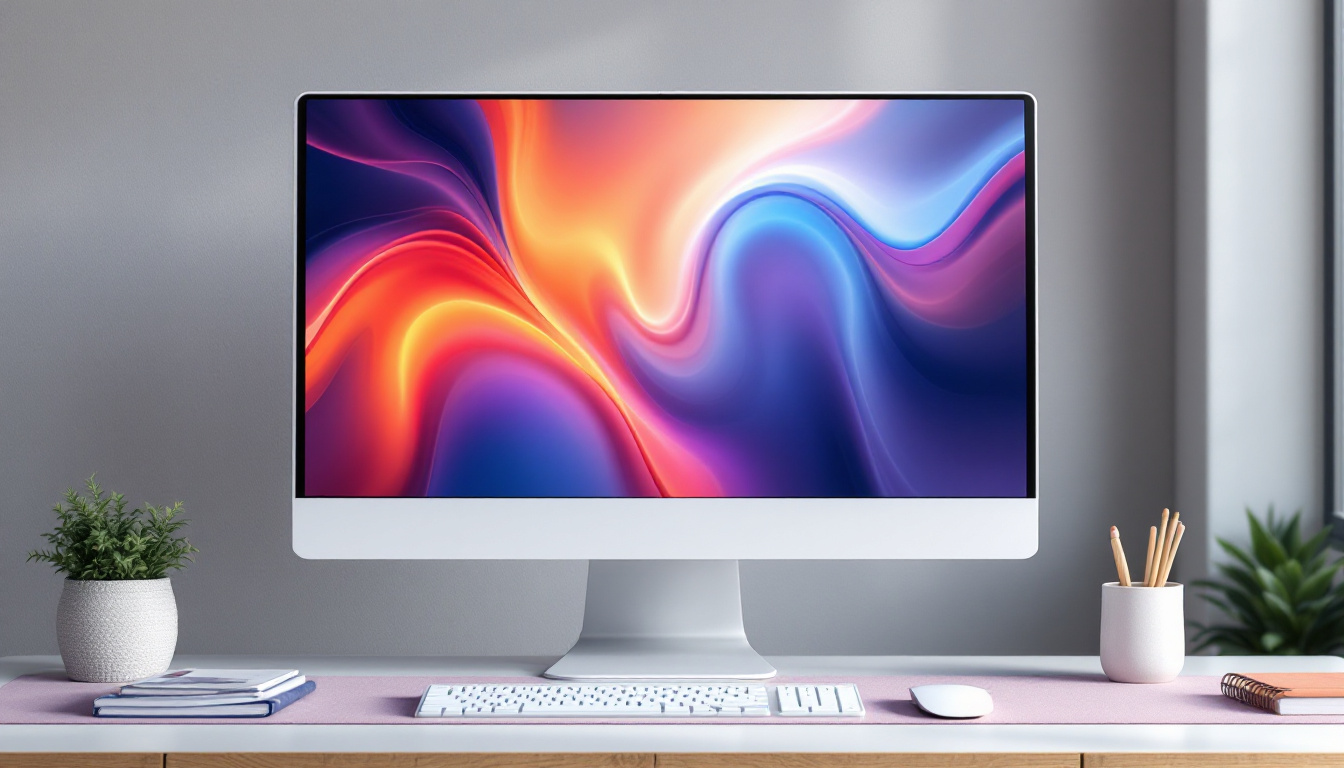
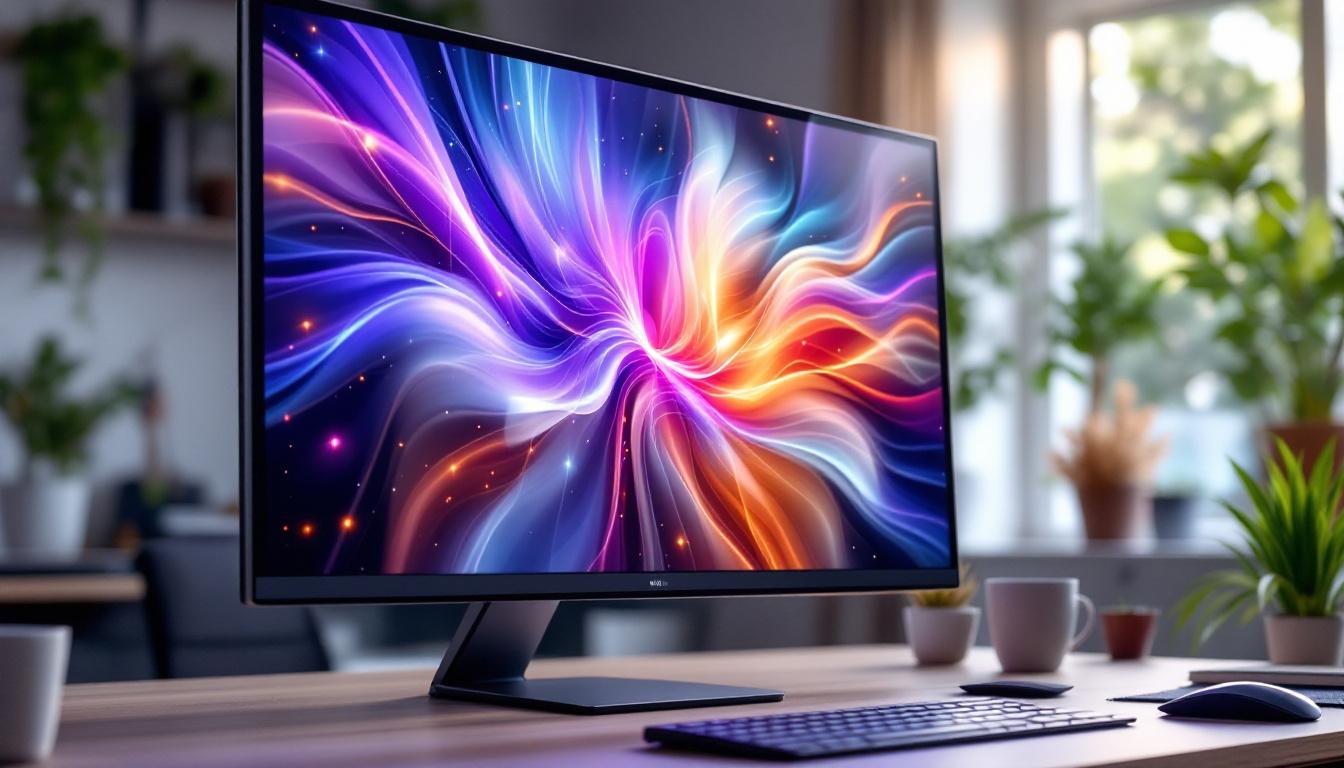
The most common type of LED display for PCs is the LED-backlit LCD monitor. These displays use an LCD panel combined with LED backlighting, delivering excellent image quality at a reasonable price. They are widely available in various sizes and resolutions, from budget-friendly 1080p models to high-end 4K displays.
Standard LED-LCD monitors are suitable for everyday tasks such as web browsing, office work, and casual gaming. They offer a good balance between performance and cost, making them the default choice for most users.
IPS vs. VA vs. TN Panels
Within LED-LCD monitors, the type of LCD panel plays a significant role in image quality and performance:
- IPS (In-Plane Switching): Known for excellent color accuracy and wide viewing angles, IPS panels are ideal for creative professionals and users who prioritize image quality. They tend to have slower response times compared to TN panels but have improved significantly over the years.
- VA (Vertical Alignment): VA panels offer better contrast ratios and deeper blacks than IPS and TN panels. They are a good middle ground for users who want rich colors and decent response times, making them popular for multimedia consumption.
- TN (Twisted Nematic): TN panels boast the fastest response times and are often favored by competitive gamers. However, they typically have narrower viewing angles and less accurate color reproduction compared to IPS and VA panels.
OLED and MicroLED: Emerging Alternatives
While traditional LED-backlit LCDs dominate the market, emerging display technologies like OLED (Organic LED) and MicroLED are gaining traction. OLED displays emit light at the pixel level, enabling perfect blacks and exceptional contrast ratios. This technology is common in smartphones and high-end TVs but is gradually entering the PC monitor space.
MicroLED is a newer technology that promises the benefits of OLED without some of its drawbacks, such as burn-in and limited lifespan. However, MicroLED monitors are still in the early stages of commercial availability and tend to be expensive.
Choosing the Right LED Screen for Your PC
Consider Your Use Case
Selecting the ideal LED display depends heavily on how you intend to use your PC. For instance, gamers might prioritize refresh rates and response times, while graphic designers focus on color accuracy and resolution.
- For Gaming: Look for monitors with at least a 144Hz refresh rate, low response times (1-5ms), and adaptive sync technologies like G-Sync or FreeSync to reduce screen tearing. A TN or fast IPS panel might be preferable.
- For Professional Work: Choose an IPS panel with wide color gamut support and high resolution (1440p or 4K). Calibration tools and factory color calibration can further enhance accuracy.
- For General Use: A standard 1080p LED-backlit LCD with an IPS panel offers a good balance of quality and affordability.
Resolution and Screen Size
Resolution determines the sharpness of the display. Common resolutions include Full HD (1920×1080), Quad HD (2560×1440), and Ultra HD or 4K (3840×2160). Larger screens benefit from higher resolutions to maintain image clarity, especially when working with detailed content.
Screen size is a personal preference but typically ranges from 21 to 32 inches for desktop monitors. Consider your desk space and viewing distance when choosing the size. For example, a 27-inch 1440p monitor is a popular choice for many users, providing ample screen real estate without sacrificing sharpness.
Connectivity and Additional Features
Modern LED monitors come with various connectivity options, including HDMI, DisplayPort, USB-C, and legacy ports like DVI or VGA. USB-C monitors that support power delivery can simplify cable management by charging laptops while transmitting video signals.
Additional features such as built-in speakers, adjustable stands, blue light filters, and flicker-free technology can enhance comfort and usability during extended use.
Maintaining and Caring for Your LED PC Monitor
Cleaning and Handling
Proper care extends the lifespan and maintains the performance of your LED screen. Use a soft, lint-free microfiber cloth to clean the screen. Avoid harsh chemicals or abrasive materials that can damage the display surface.
Turn off the monitor and unplug it before cleaning. Lightly dampen the cloth with distilled water or a screen-safe cleaning solution, and gently wipe the screen in circular motions.
Optimizing Display Settings
Calibrating your monitor can improve color accuracy and reduce eye strain. Most operating systems offer built-in calibration tools, or you can use third-party software and hardware calibrators for more precise adjustments.
Adjust brightness, contrast, and color temperature to comfortable levels based on your environment. Enabling blue light reduction modes during evening hours can help prevent sleep disruption caused by prolonged screen exposure.
The Future of LED Displays in PC Technology
Advancements in Mini-LED and Quantum Dot Technology
Mini-LED technology uses thousands of tiny LEDs for backlighting, enabling better local dimming and higher contrast ratios than traditional LED displays. This technology is becoming increasingly common in high-end monitors and laptops, offering near-OLED levels of performance without the risk of burn-in.
Quantum Dot technology enhances color accuracy and brightness by incorporating semiconductor nanocrystals into the display. Quantum Dot LED (QLED) monitors deliver vibrant colors and improved energy efficiency, making them an attractive option for professionals and enthusiasts alike.
Integration with Emerging PC Trends
As PCs evolve with higher processing power and more demanding applications like virtual reality (VR) and artificial intelligence (AI), display technology must keep pace. LED screens with higher refresh rates, faster response times, and improved color fidelity will continue to be essential components of immersive and productive computing experiences.
Additionally, flexible and curved LED displays are gaining popularity, providing ergonomic benefits and enhanced viewing immersion. These innovations promise to redefine how users interact with their PCs in the coming years.
Conclusion
LED screens for PCs represent a mature and versatile display technology that balances performance, energy efficiency, and affordability. Understanding the nuances of LED displays—from backlighting methods to panel types—can help users make informed decisions tailored to their specific needs.
Whether for gaming, professional work, or everyday use, LED monitors offer a wide range of options that cater to diverse preferences and budgets. As technology advances, features like Mini-LED, Quantum Dot enhancements, and OLED alternatives will continue to push the boundaries of visual quality, ensuring that LED displays remain at the forefront of PC innovation.
Explore Cutting-Edge LED Displays with LumenMatrix
Ready to elevate your visual experience with the latest in LED display technology? LumenMatrix is at the forefront of innovation, offering a wide array of LED display solutions tailored to meet your needs. From stunning Indoor LED Wall Displays to dynamic Outdoor LED Wall Displays, and from versatile Vehicle LED Displays to sleek LED Poster Displays, our products are designed to captivate and engage. Discover the transformative power of LED Sports Displays, interactive Floor LED Displays, and the customization possibilities with our Custom LED Displays. Embrace the future with our All-in-One LED Display solutions and the mesmerizing LED Transparent Display. Join the revolution in visual communication and check out LumenMatrix LED Display Solutions today to create unforgettable experiences and share your message with unparalleled impact and clarity.