In today’s fast-paced digital environment, maximizing workspace efficiency and visual comfort is paramount. For professionals, gamers, and creatives alike, a multi-monitor setup has become more than a luxury—it’s a necessity. Among the various configurations, a three-monitor setup mounted on a dedicated arm is particularly popular for its ability to enhance productivity and ergonomics. This article delves into the intricacies of three monitor arm mounts, focusing on their compatibility with LED displays, installation considerations, and the benefits they bring to diverse user profiles.
Understanding the Three Monitor Arm Mount
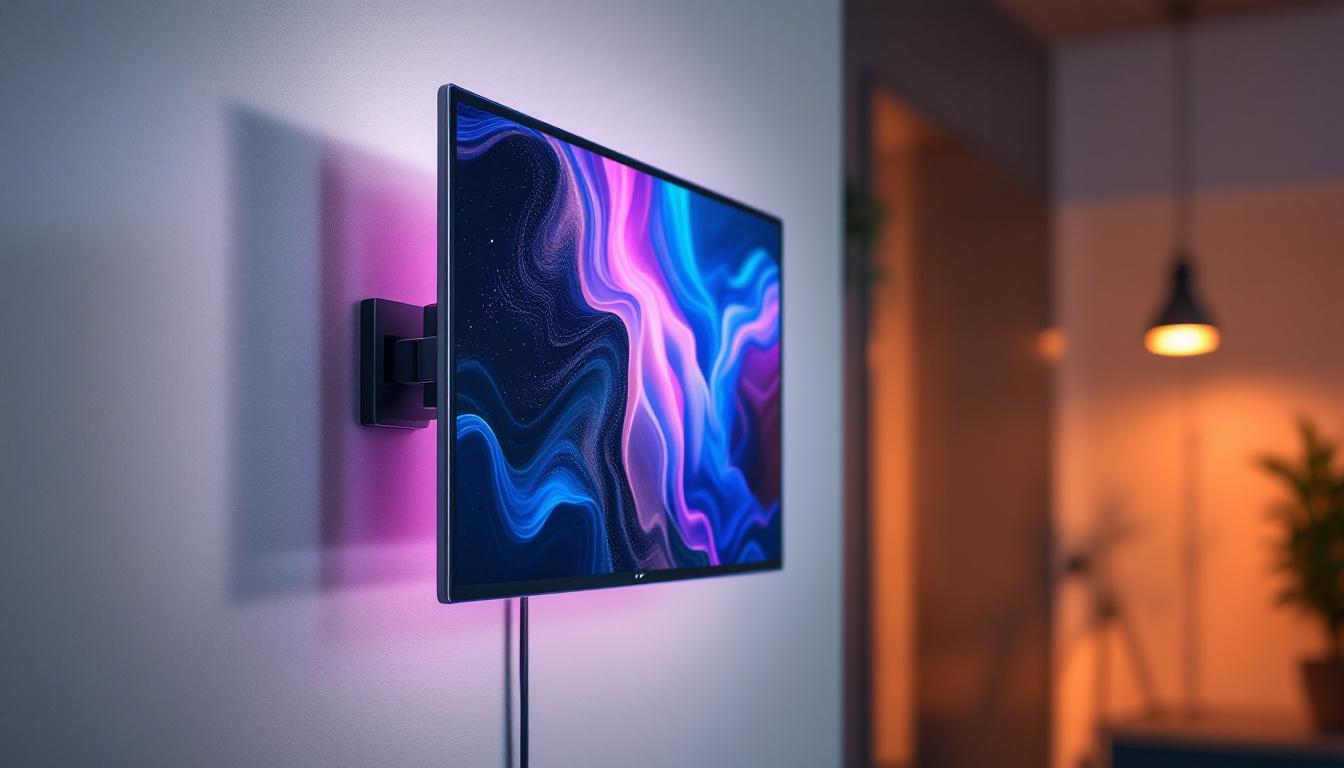
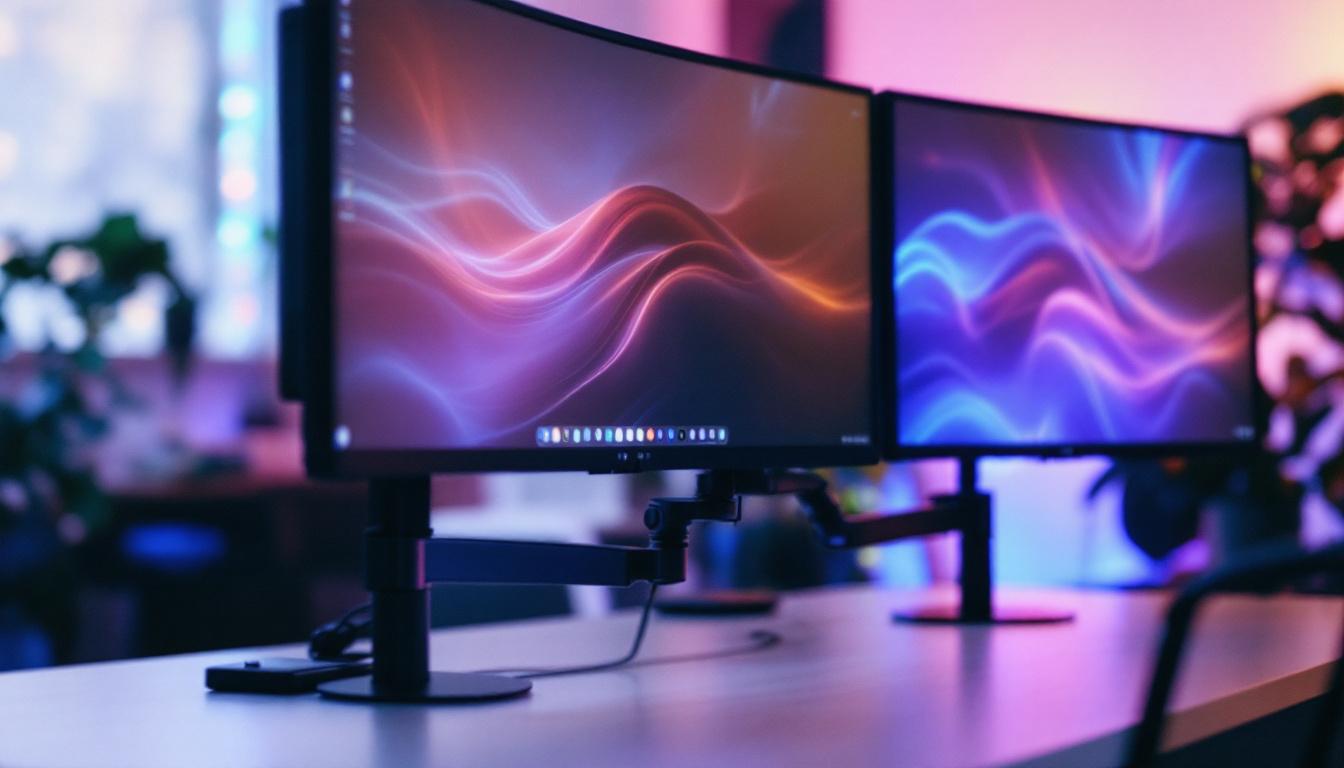
A three monitor arm mount is a specialized mounting system designed to hold and support three separate monitors simultaneously. Unlike traditional monitor stands that occupy desk space, these mounts clamp onto the desk or are bolted through it, offering a streamlined and adjustable solution.
Typically constructed from durable materials such as aluminum or steel, these mounts provide stability and flexibility. They feature adjustable arms that allow users to tilt, swivel, rotate, and height-adjust each display independently, creating an ergonomic and customized viewing experience. This adaptability is particularly beneficial for professionals who spend long hours in front of screens, as it allows for quick adjustments to suit different tasks, whether it be coding, graphic design, or gaming.
Key Features of Three Monitor Arm Mounts
When selecting a three monitor arm mount, several features are critical to consider:
- Weight Capacity: Each arm must support the weight of the monitor it holds. Most mounts accommodate monitors ranging from 17 to 32 inches, with weight limits typically between 15 to 22 pounds per arm.
- VESA Compatibility: The mount must support the VESA (Video Electronics Standards Association) mounting pattern on the back of the LED displays, commonly 75×75 mm or 100×100 mm.
- Adjustability: Full range of motion including tilt, swivel, rotation (portrait and landscape modes), and height adjustment enhances ergonomic benefits.
- Desk Mounting Options: Options include clamp mounts, grommet mounts, and freestanding bases, catering to different desk types and user preferences.
Why Choose a Three Monitor Arm Mount?
Compared to individual monitor stands or fixed multi-monitor setups, a three monitor arm mount offers several advantages:
- Space Efficiency: By elevating monitors off the desk, users gain valuable workspace for other tasks.
- Ergonomics: Adjustable arms help reduce neck, back, and eye strain by positioning screens at optimal angles and heights.
- Improved Cable Management: Many mounts include integrated cable routing systems, keeping cables organized and out of sight.
- Enhanced Aesthetics: A clean, professional look is achieved by eliminating bulky stands and clutter.
In addition to these benefits, a three monitor arm mount can significantly enhance productivity. With multiple screens at eye level, users can easily multitask, switching between applications without the need to constantly adjust their seating position. This setup is particularly advantageous for traders, programmers, and content creators who require constant access to various tools and resources. Furthermore, the ability to customize the arrangement of monitors allows for a tailored workflow, catering to individual preferences and work styles.
Moreover, the installation process of these mounts is often straightforward, with most products coming with detailed instructions and all necessary hardware included. Many users find that the initial setup is a small investment of time compared to the long-term benefits of a well-organized and efficient workspace. Additionally, some models offer quick-release mechanisms, enabling users to easily swap out monitors or adjust their layout as needed, making them a versatile choice for dynamic work environments.
LED Displays and Their Compatibility with Monitor Arms
LED (Light Emitting Diode) displays have become the standard in modern monitors due to their energy efficiency, brightness, and color accuracy. Understanding how these displays interact with monitor arm mounts is essential for a seamless setup.
What Makes LED Displays Ideal for Multi-Monitor Setups?
LED monitors offer several characteristics that make them suitable for multi-monitor configurations:
- Thin and Lightweight Design: LED technology allows for slimmer panels compared to older LCD or CRT monitors, reducing the load on mounting arms.
- Energy Efficiency: LED backlighting consumes less power, which is beneficial when running multiple displays simultaneously.
- High Brightness and Contrast: This enhances visibility and reduces eye strain across extended periods of use.
- Wide Viewing Angles: IPS LED panels provide consistent color and clarity even when monitors are angled or rotated.
Ensuring VESA Mount Compatibility with LED Displays
Most modern LED monitors come equipped with VESA mounting holes on the back, allowing easy attachment to monitor arms. However, it’s important to verify the following before purchasing a mount:
- VESA Pattern Size: Check the monitor’s manual or specifications for the mounting hole pattern, typically 75×75 mm or 100×100 mm.
- Monitor Thickness and Weight: Some ultra-thin LED monitors may require specialized adapters or mounts designed for lighter loads.
- Ports and Cable Placement: Ensure that mounting the monitor won’t obstruct access to HDMI, DisplayPort, USB, or power connectors.
Installation and Setup of a Three Monitor Arm Mount
Installing a three monitor arm mount requires careful planning and attention to detail to optimize both functionality and ergonomics. The following steps outline a comprehensive approach.
Step 1: Assess Your Workspace
Before installation, evaluate your desk space, monitor sizes, and user requirements. Measure the thickness of your desk to confirm compatibility with clamp or grommet mounts. Consider the placement of power outlets and data ports to avoid cable management issues.
Step 2: Choose the Right Mounting Type
Three main mounting options exist:
- Clamp Mount: Clamps onto the edge of the desk, ideal for desks with accessible edges and thicknesses between 0.4 to 3.5 inches.
- Grommet Mount: Secures through a hole in the desk, providing a more permanent and sturdy installation.
- Freestanding Base: Does not require desk attachment but occupies desk space, suitable for users who cannot modify their desks.
Step 3: Assemble the Mount
Follow manufacturer instructions to assemble the arms and base. Pay attention to tightening screws securely but avoid overtightening, which can damage components. Many mounts come pre-assembled or partially assembled for ease of setup.
Step 4: Attach the Monitors
Remove the original stands from your LED monitors, then align the VESA mounting holes with the mount’s brackets. Secure each monitor using the provided screws, ensuring a firm attachment. It’s advisable to have a second person assist with this step to prevent damage or injury.
Step 5: Adjust and Configure
Once all monitors are attached, adjust the height, tilt, and angle of each display to suit your ergonomic needs. A common recommendation is to position the top of the monitor at or slightly below eye level, with a viewing distance of about 20 to 30 inches.
Step 6: Manage Cables
Use the integrated cable management channels or clips to route power and data cables neatly along the arms. This reduces clutter and prevents cables from tangling or being accidentally disconnected.
Benefits of Using a Three Monitor Arm Mount with LED Displays
Implementing a three monitor arm mount with LED displays offers tangible benefits across various user groups, from office professionals to gamers and content creators.
Enhanced Productivity and Workflow
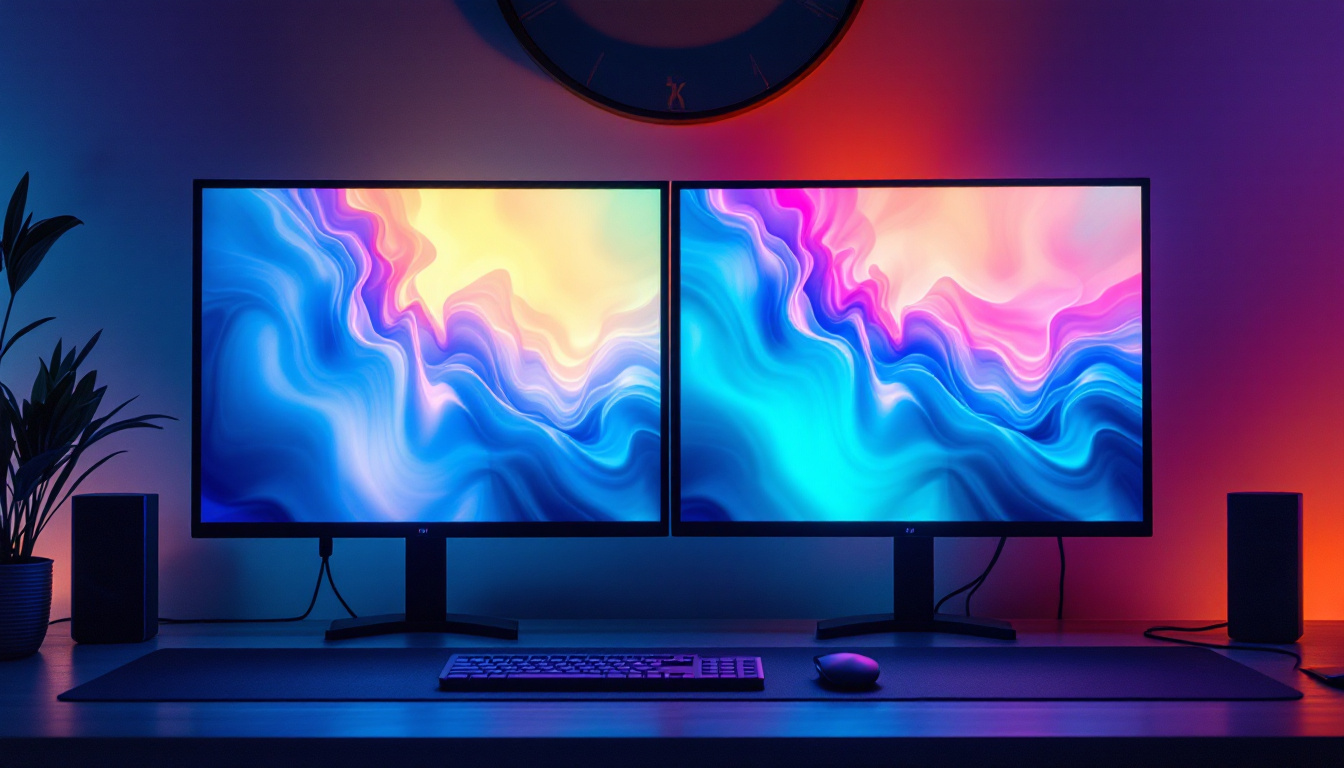
Studies have shown that multi-monitor setups can increase productivity by up to 42%, as users can multitask more efficiently without constantly switching windows or tabs. For example, financial analysts can monitor real-time data on one screen, perform calculations on another, and communicate via email on the third.
Improved Ergonomics and Health
Proper monitor positioning reduces strain on the neck, shoulders, and eyes. Adjustable arms allow users to customize their setup to prevent repetitive strain injuries, which are common in desk-bound professions. The flexibility to switch between portrait and landscape modes also benefits coding, writing, and design tasks.
Space Optimization and Aesthetic Appeal
By freeing up desk space, users gain room for other essential tools like keyboards, notebooks, or drawing tablets. Additionally, a clean, organized workspace has been linked to improved focus and reduced stress, contributing positively to overall work performance.
Gaming and Entertainment Advantages
For gamers, a triple LED monitor setup mounted on adjustable arms creates an immersive experience. The ability to angle and position screens seamlessly enhances peripheral vision and situational awareness in games. Moreover, LED displays’ fast response times and high refresh rates reduce motion blur and input lag.
Choosing the Right Three Monitor Arm Mount: Key Considerations
With numerous options available on the market, selecting the ideal three monitor arm mount requires evaluating several factors beyond basic compatibility.
Build Quality and Material
High-quality mounts are typically made from robust metals like aluminum or steel, ensuring longevity and stability. Cheaper plastic mounts may save money initially but often lack the strength to support heavier LED monitors safely.
Range of Motion and Adjustability
Look for mounts offering a wide range of motion including full 360-degree rotation, tilt from -45 to +45 degrees, and height adjustment. This versatility allows users to tailor their setup precisely, accommodating different tasks and postures.
Ease of Installation and Use
Mounts with clear instructions, included hardware, and simple adjustment mechanisms reduce setup time and frustration. Quick-release monitor brackets are a valuable feature for users who frequently swap or reposition monitors.
Price and Warranty
While budget mounts exist, investing in a reputable brand with a solid warranty (typically 3 to 5 years) ensures peace of mind and customer support in case of defects or issues.
Conclusion
The integration of a three monitor arm mount with LED displays represents a significant upgrade for anyone seeking to enhance their workspace ergonomics, productivity, and aesthetics. By understanding the technical requirements, installation process, and benefits, users can make informed decisions that align with their professional or personal needs.
Whether for complex multitasking environments, immersive gaming setups, or creative workflows, the combination of adjustable monitor arms and high-quality LED displays delivers a versatile and efficient solution. Investing in the right mount not only optimizes physical space but also contributes to better health and performance, making it a smart choice in the evolving landscape of digital work and entertainment.
Discover the Perfect LED Display Solution for Your Multi-Monitor Setup
Ready to take your workspace to the next level with a seamless three monitor arm mount setup? Explore LumenMatrix’s innovative range of LED display solutions tailored to meet your needs. From immersive indoor LED walls to dynamic all-in-one displays, LumenMatrix is committed to enhancing your visual experience and workspace ergonomics. Check out LumenMatrix LED Display Solutions today and transform the way you work, play, and create.