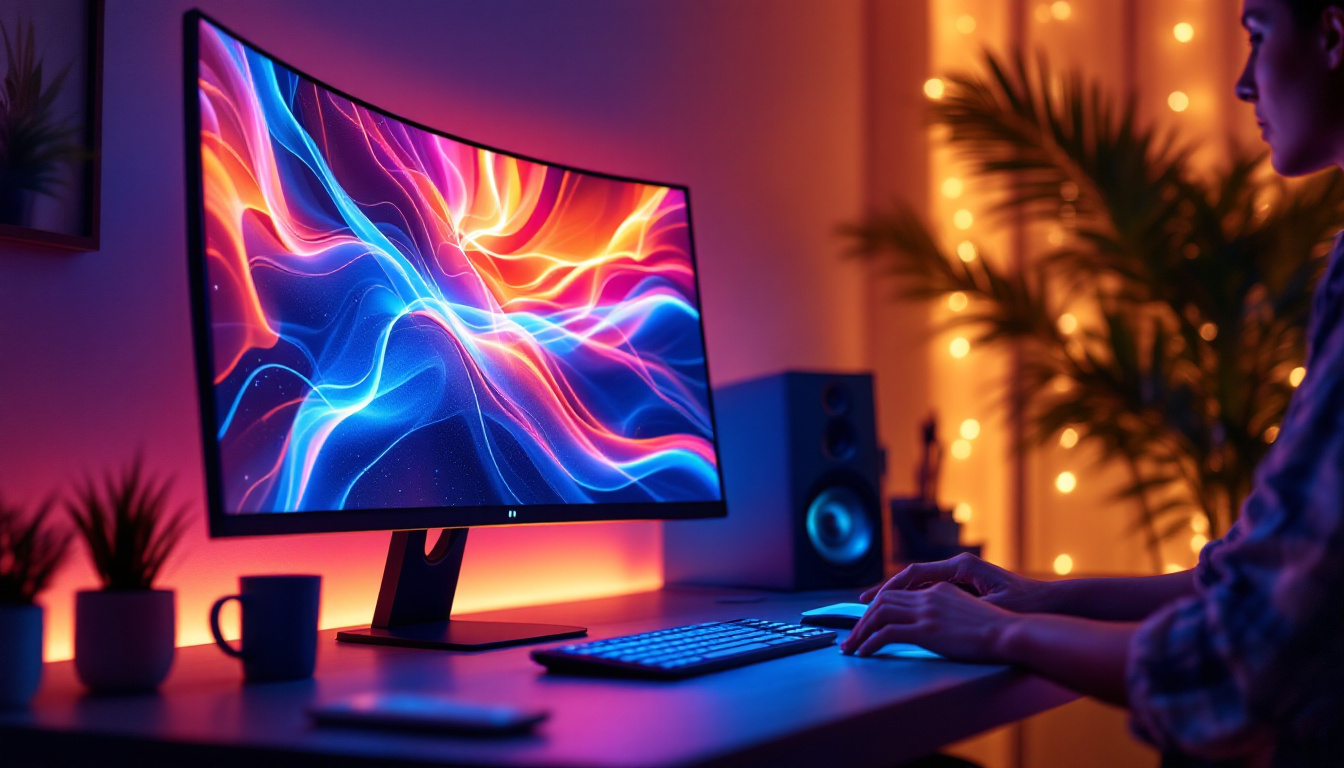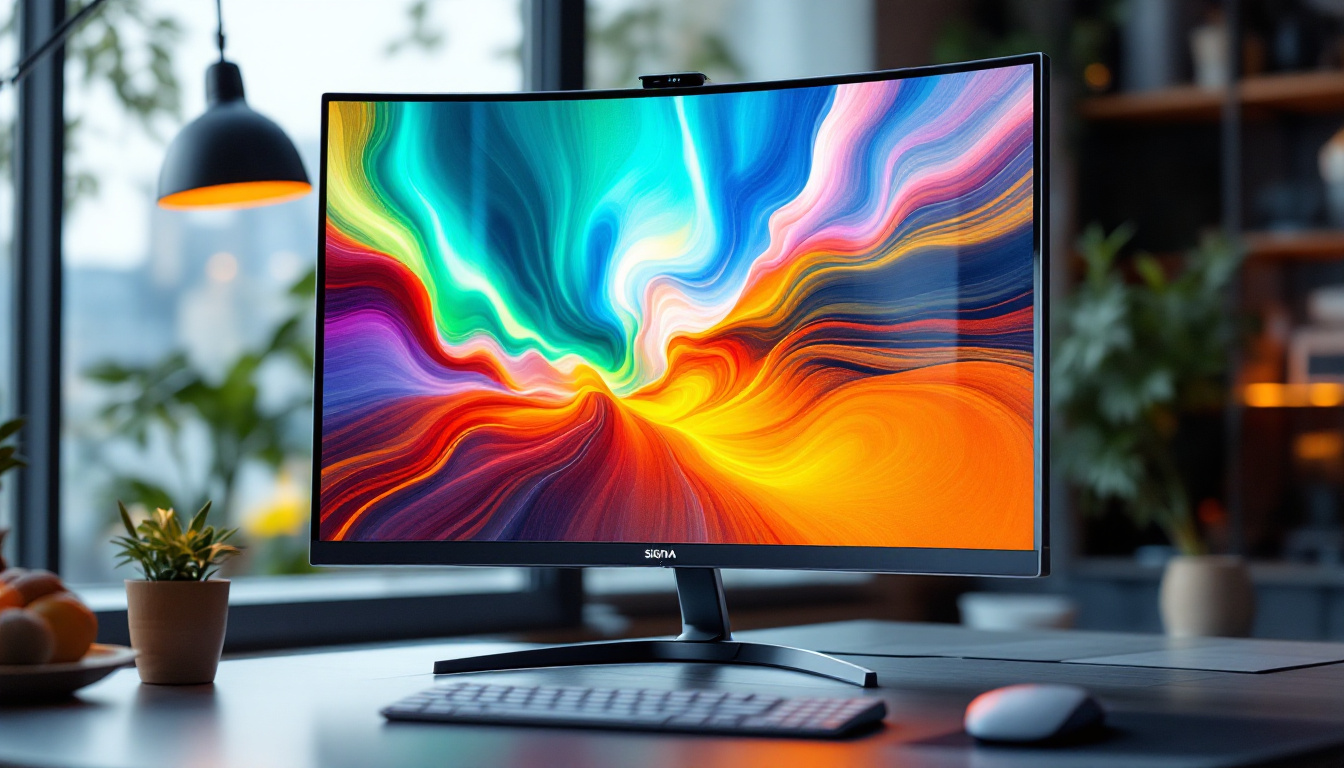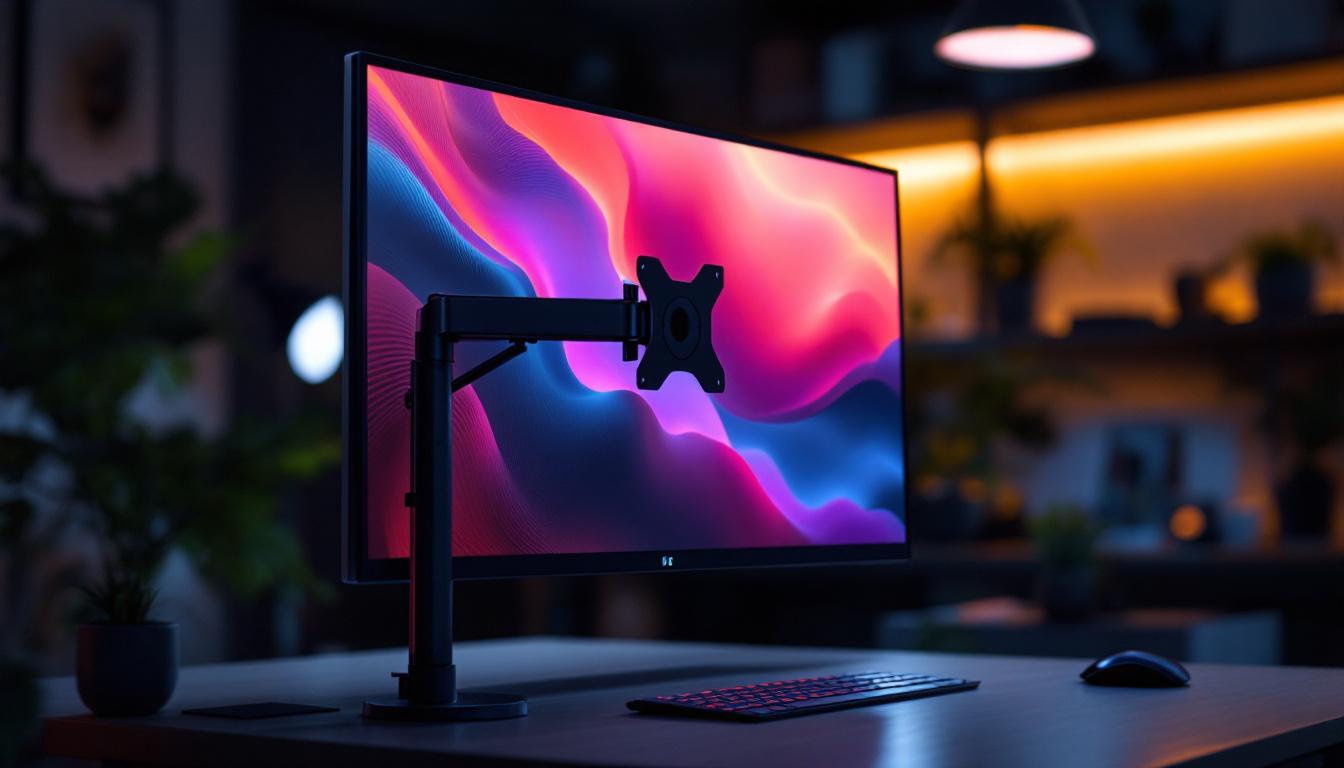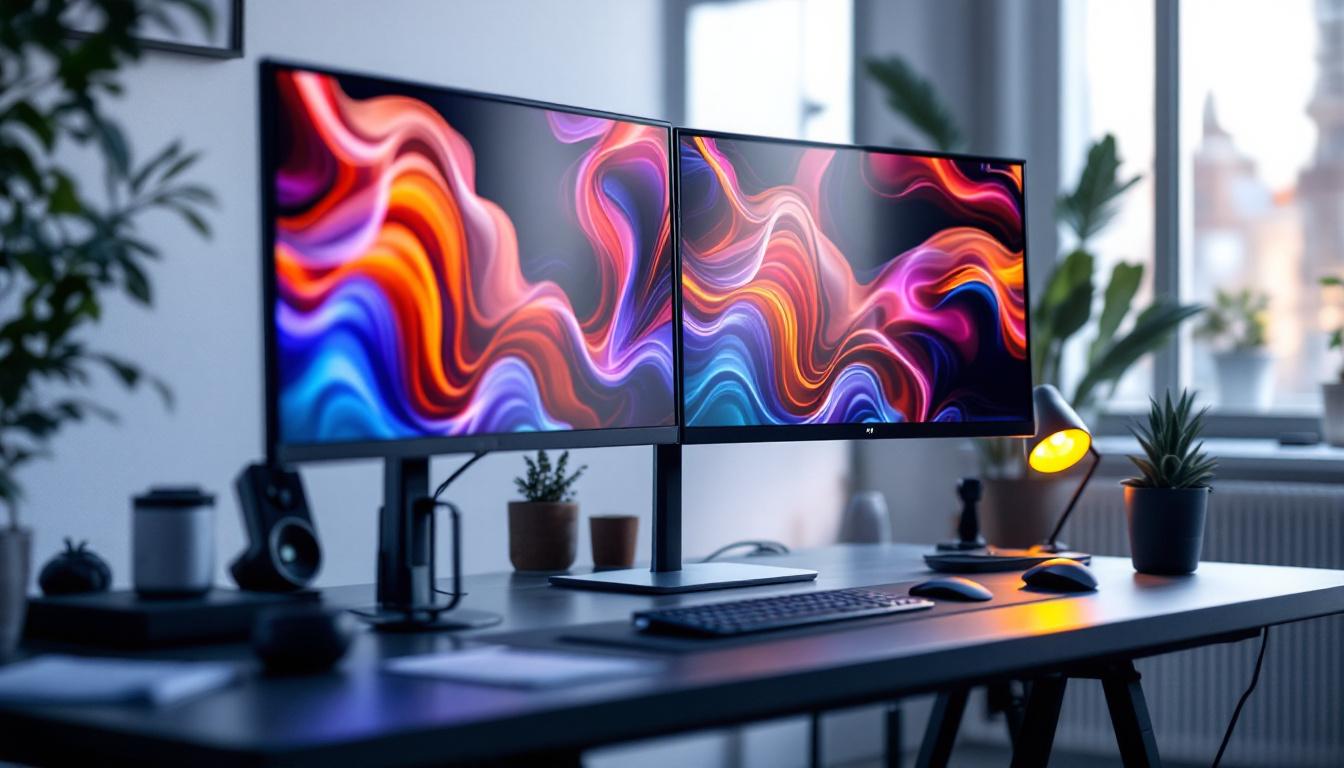
In today’s fast-paced digital world, the way we set up our workspaces can significantly impact productivity, comfort, and even health. For professionals, gamers, and creatives alike, dual monitor setups have become increasingly popular, offering expansive screen real estate and enhanced multitasking capabilities. Among various configurations, dual 32 inch monitors strike a perfect balance between size and usability, providing immersive viewing without overwhelming desk space.
This article dives deep into the advantages of using a dual 32 inch monitor stand, specifically focusing on LED displays. It explores the technical aspects of LED technology, ergonomic benefits, mounting solutions, and practical tips for optimizing your dual-monitor setup.
Understanding LED Displays: What Makes Them Ideal for Dual 32 Inch Monitors?
The Basics of LED Technology
LED, or Light Emitting Diode, technology has revolutionized display screens over the past decade. Unlike traditional LCDs that rely on cold cathode fluorescent lamps (CCFL) for backlighting, LED displays use an array of light-emitting diodes. This shift brings several advantages:
- Enhanced Brightness and Contrast: LEDs provide brighter screens with deeper blacks, improving image clarity and reducing eye strain during prolonged use.
- Energy Efficiency: LED monitors consume less power compared to CCFL-backlit displays, making them more eco-friendly and cost-effective over time.
- Thinner and Lighter Designs: The compact nature of LEDs allows for slimmer monitor profiles, which is crucial when mounting two large 32 inch screens side by side.
These benefits make LED displays particularly suitable for dual-monitor setups where both performance and aesthetics matter. Moreover, the longevity of LED technology means that users can expect their monitors to last longer, reducing the need for frequent replacements and contributing to a more sustainable choice in technology.
Additionally, the rapid response time of LED displays enhances the overall viewing experience, especially for gamers and professionals who rely on real-time feedback. The reduced motion blur and ghosting effects make LED monitors a preferred choice for high-speed applications, further solidifying their place in dual-monitor configurations.
Why 32 Inch LED Monitors Are the Sweet Spot
Choosing the right monitor size is essential for a dual setup. While smaller monitors can feel cramped and larger ones may overwhelm your desk, 32 inch LED monitors offer a balanced experience. Here’s why:
- Optimal Resolution: Most 32 inch LED monitors support 1440p (2560×1440) or even 4K (3840×2160) resolutions, providing crisp images and ample screen space for multitasking.
- Immersive Viewing: The size allows for detailed work, such as video editing or CAD design, without excessive head movement.
- Desk Space Management: When paired with a dual monitor stand, 32 inch displays fit comfortably on most desks, leaving room for peripherals and accessories.
Furthermore, the 32 inch size strikes a perfect balance between screen real estate and user comfort. It allows for an expansive workspace that can accommodate multiple applications side by side, which is particularly beneficial for professionals in fields like graphic design, programming, and finance. The larger screen area minimizes the need for constant window switching, thereby enhancing productivity.
In addition to practical benefits, 32 inch monitors often come equipped with features such as adjustable stands and VESA compatibility, allowing users to customize their viewing angles for maximum comfort. This adaptability is essential for long hours of work or gaming, as it helps to reduce neck and back strain. As a result, investing in dual 32 inch LED monitors not only elevates your workspace but also promotes a healthier work environment.
Benefits of Using a Dual 32 Inch Monitor Stand
Ergonomics and Health Advantages
One of the most significant benefits of investing in a dual monitor stand is the ergonomic improvement it offers. Proper monitor positioning can reduce neck, shoulder, and eye strain, common complaints among people who spend long hours in front of screens.
A dual 32 inch monitor stand allows users to:
- Adjust Height and Angle: Customizing the height and tilt of each monitor helps maintain a natural posture, minimizing musculoskeletal discomfort.
- Maintain Eye Level Alignment: Keeping the top of the screen at or slightly below eye level reduces the need for excessive head movement.
- Increase Desk Space: By lifting monitors off the desk surface, stands free up valuable workspace for writing, typing, or placing other tools.
Improved Productivity and Workflow
For professionals managing multiple applications simultaneously, dual monitors enhance workflow efficiency. Studies have shown that dual-screen users can experience up to a 20-30% increase in productivity, thanks to easier multitasking and reduced time spent switching between windows.
With 32 inch LED monitors, the expansive display area means more content can be viewed side-by-side without sacrificing clarity or detail. This is particularly beneficial for:
- Software Developers: Viewing code on one screen while testing applications on the other.
- Financial Analysts: Monitoring real-time data and reports concurrently.
- Creative Professionals: Editing high-resolution images or videos alongside reference materials.
Flexibility and Aesthetics
Dual monitor stands come in various designs, from simple fixed mounts to fully adjustable arms with swivel, tilt, and rotation features. This flexibility allows users to customize their setups based on personal preferences and workspace constraints.
Additionally, a well-chosen stand contributes to a clean, professional-looking desk. Cable management systems integrated into many stands help reduce clutter, enhancing both the visual appeal and the functional organization of your workspace.
Choosing the Right Dual Monitor Stand for 32 Inch LED Displays
Weight Capacity and Stability
When selecting a dual monitor stand, it’s crucial to consider the weight and size of your 32 inch LED monitors. Larger displays tend to be heavier, and an inadequate stand may lead to instability or even damage.
Look for stands that specify a weight capacity per arm or mount point. For 32 inch LED monitors, a stand supporting at least 15-20 pounds per monitor is advisable. Stability is equally important—stands with a wide base or clamp mounts generally offer better support.
Adjustability Features
Ergonomic adjustability is a key factor in comfort and usability. Essential features include:
- Height Adjustment: Allows you to raise or lower monitors to eye level.
- Swivel and Tilt: Enables side-to-side movement and angle changes to reduce glare and improve viewing angles.
- Rotation: Useful for switching between landscape and portrait modes, especially for coding or reading documents.
Some advanced stands offer gas spring arms for smooth, effortless adjustments, which can be particularly beneficial for users who frequently change their setup.
Mounting Options and Desk Compatibility
Dual monitor stands typically come with two main mounting options:
- Clamp Mount: Attaches securely to the edge of the desk, saving surface space but requiring a desk thickness compatible with the clamp.
- Grommet Mount: Utilizes a hole in the desk surface for a more permanent and sturdy installation.
Consider your desk’s material, thickness, and available space when choosing the mounting style. Some stands also offer freestanding bases, which are easier to install but take up more desk space.
Setting Up Your Dual 32 Inch LED Monitor Stand
Step-by-Step Installation Guide
Proper installation ensures safety and optimal performance. Here is a general guide to setting up your dual monitor stand:
- Prepare Your Workspace: Clear your desk and gather all tools and components included with the stand.
- Attach Mounting Hardware: Secure the clamp or grommet base to your desk according to the manufacturer’s instructions.
- Assemble the Arms: Connect the adjustable arms or mounts to the base, ensuring all screws are tightened properly.
- Attach VESA Plates: Most monitors feature VESA mounting holes (usually 100×100 mm). Attach the VESA plates to the back of your monitors.
- Mount the Monitors: Carefully hang each monitor on the arms, securing them as directed.
- Adjust Positioning: Set the height, tilt, and swivel to your preferred ergonomic positions.
- Manage Cables: Use built-in cable clips or ties to organize power and data cables neatly.
Optimizing Display Settings
Once physically set up, calibrate your monitors for the best visual experience. Key considerations include:
- Resolution and Scaling: Set each monitor to its native resolution and adjust scaling to ensure text and images are sharp and readable.
- Color Calibration: Use built-in software tools or external calibration devices to match color profiles across both monitors, especially important for creative work.
- Brightness and Contrast: Adjust to comfortable levels to reduce eye fatigue, considering ambient lighting conditions.
Common Challenges and How to Overcome Them
Dealing with Desk Space Limitations
Even with a dual monitor stand, large 32 inch monitors can consume significant desk space. To mitigate this:
- Choose stands with clamp or grommet mounts to free up surface area.
- Consider wall-mounted arms if desk space is extremely limited.
- Keep your workspace organized by minimizing unnecessary items on the desk.
Managing Cable Clutter
Cables from two large monitors, along with peripherals, can quickly become tangled and messy. Effective cable management is essential for both aesthetics and safety:
- Use cable clips or sleeves to bundle wires together.
- Route cables along the monitor arms or desk edges.
- Label cables if you have multiple devices to simplify troubleshooting.
Ensuring Compatibility and Future-Proofing
Technology evolves rapidly, and investing in a monitor stand that can accommodate future upgrades is wise. Look for stands that:
- Support a range of monitor sizes and weights.
- Offer modular or expandable designs.
- Include universal VESA compatibility.
Conclusion: Maximizing Your Workspace with Dual 32 Inch LED Monitors
The combination of dual 32 inch LED monitors and a high-quality monitor stand creates a powerful, ergonomic, and visually stunning workstation. Whether for professional tasks, creative projects, or immersive gaming, this setup enhances productivity and comfort.
Understanding the technical advantages of LED displays, carefully selecting a compatible and adjustable dual monitor stand, and following best practices for installation and cable management are key steps toward achieving an optimal dual-screen environment.
As remote work and digital collaboration continue to rise, investing in a well-designed dual monitor setup is not just a luxury but a necessity for modern professionals seeking efficiency and well-being in their daily routines.
Explore Cutting-Edge Dual Monitor Solutions with LumenMatrix
Ready to transform your workspace into a hub of productivity and visual excellence? LumenMatrix is at the forefront of LED display innovation, offering a wide range of solutions tailored to meet your professional and creative needs. From immersive Indoor LED Walls to dynamic Outdoor Displays and beyond, our technology is designed to bring your digital environment to life. Elevate your dual 32 inch monitor setup with the clarity and impact of LumenMatrix displays. Check out LumenMatrix LED Display Solutions today and experience the future of visual communication.