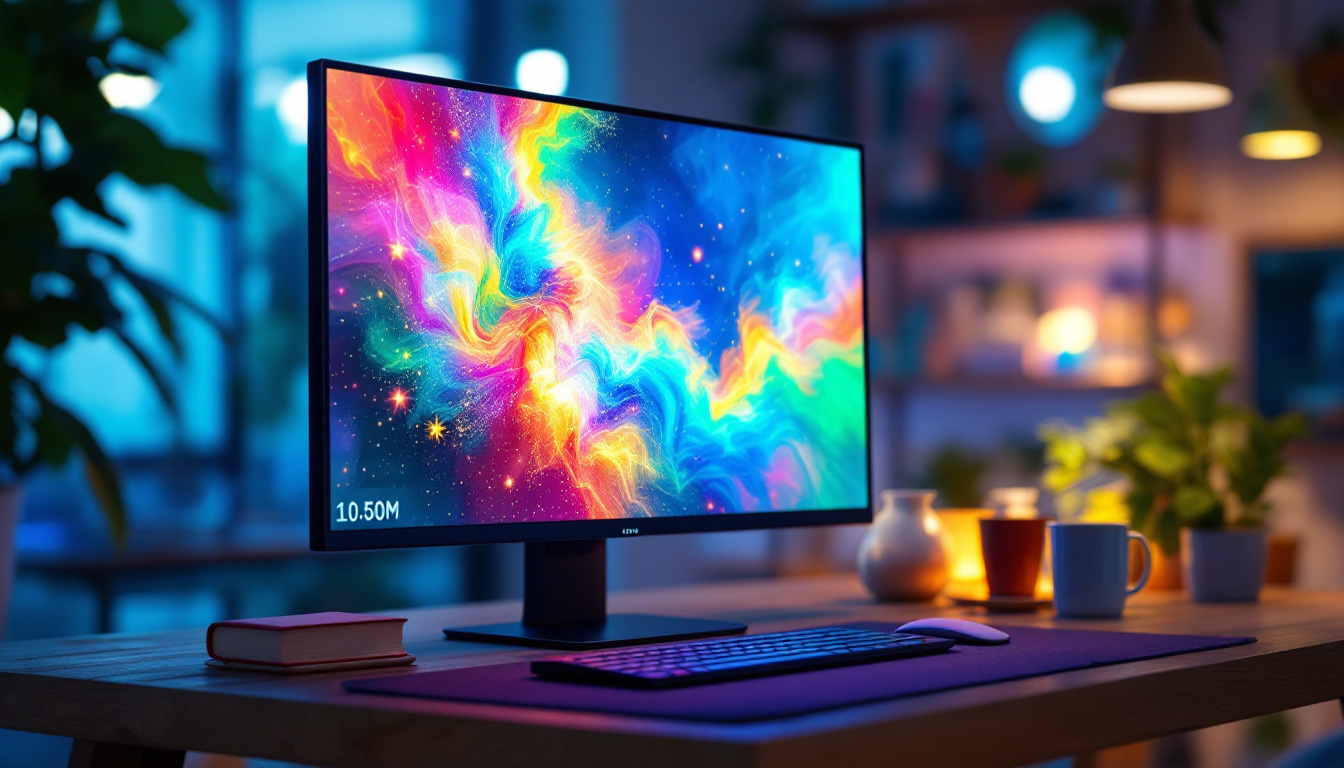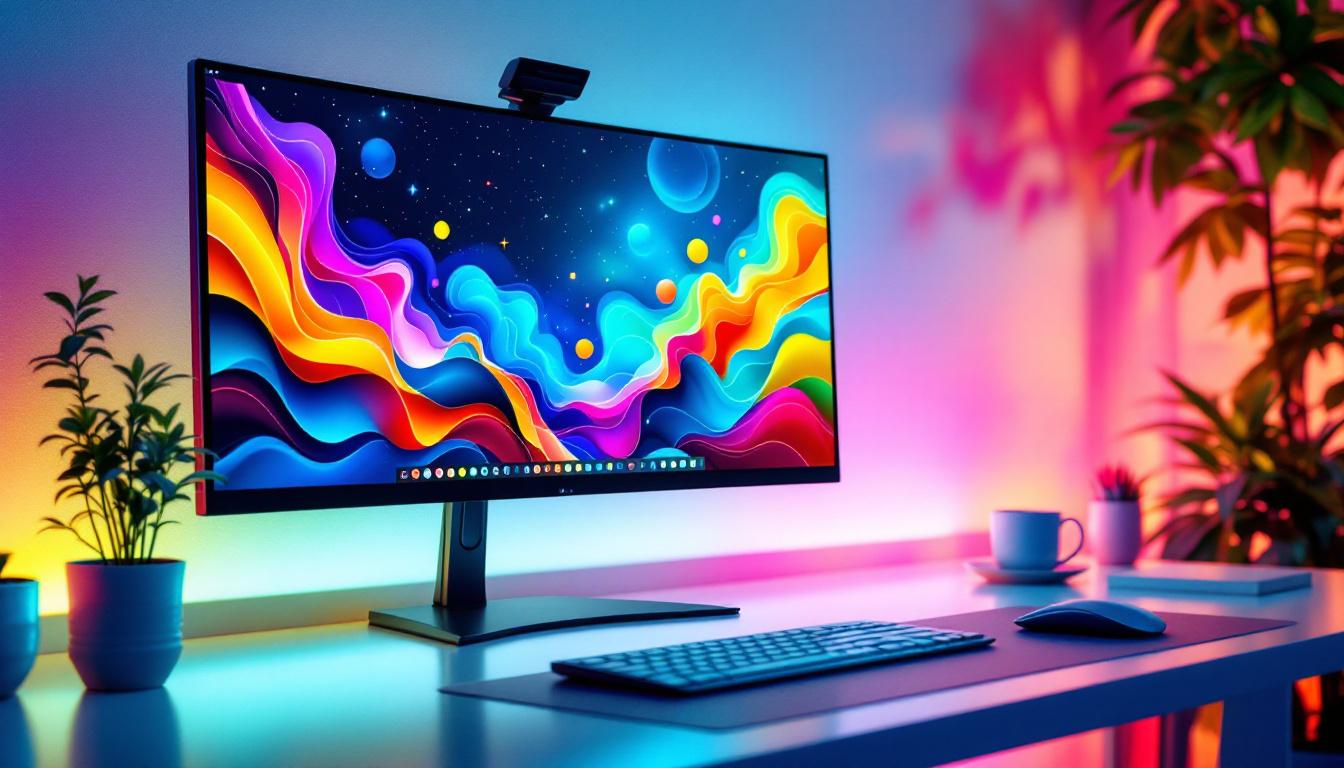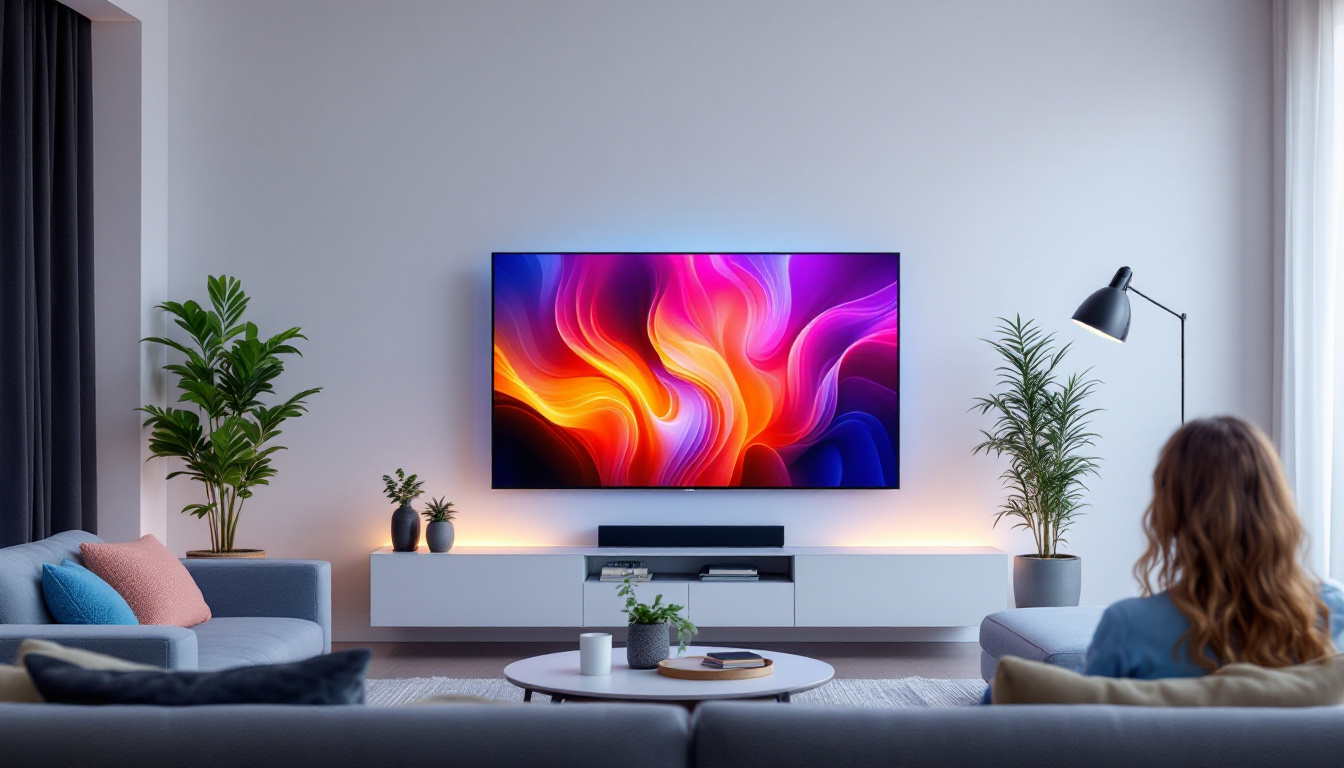
In today’s fast-paced digital world, multiple monitor setups have become increasingly popular among professionals, gamers, and creatives alike. A well-organized workspace with multiple screens can significantly boost productivity, enhance multitasking capabilities, and improve overall user experience. Central to achieving this setup is the right monitor stand, especially when working with LED displays. This article explores four different types of monitor stands designed to support LED displays, detailing their features, benefits, and considerations to help you make an informed decision.
Understanding LED Displays and Their Requirements
LED (Light Emitting Diode) displays have become the standard in modern monitors due to their superior brightness, energy efficiency, and color accuracy compared to older LCD or CRT technologies. These advantages make them ideal for a variety of uses, from professional photo and video editing to immersive gaming and general office work.
However, LED monitors come with specific physical and technical requirements that affect the choice of monitor stands. For instance, LED displays tend to be lighter than older models but can vary widely in size—from compact 21-inch screens to expansive 32-inch or larger panels. Additionally, the slim profiles and delicate screens necessitate sturdy, well-designed stands that provide stability without obstructing the display or workspace.
When selecting a monitor stand for LED displays, factors such as weight capacity, adjustability, ergonomics, and cable management become crucial. The right stand not only supports the physical monitor but also enhances comfort and efficiency during use. Ergonomically designed stands can help reduce neck and eye strain, allowing users to maintain a healthier posture during long hours of work or gaming. Furthermore, adjustable stands that allow for height and angle modifications can cater to individual preferences, ensuring that the screen is positioned at an optimal viewing angle.
In addition to these functional aspects, the aesthetic appeal of monitor stands should not be overlooked. Many users prefer stands that complement their workspace decor, leading to a wide range of designs, materials, and finishes available on the market. From sleek metal frames to elegant wooden bases, the choice of a monitor stand can significantly influence the overall look of a desk setup. Moreover, some stands come equipped with built-in features like USB hubs or wireless charging pads, adding to their practicality and modern appeal. As technology continues to evolve, the integration of smart features into monitor stands is becoming increasingly common, offering users a seamless blend of functionality and style.
1. Single Monitor Arm Stands: Flexibility and Ergonomics
Design and Features
Single monitor arm stands are among the most popular choices for LED displays, especially for users who prefer a minimalist desk setup. These stands typically clamp to the edge of a desk or sit on a weighted base, allowing the monitor to be lifted, tilted, swiveled, and rotated with ease. The sleek design not only enhances the aesthetic appeal of a workspace but also contributes to a more organized environment by minimizing clutter.
One of the key advantages of single monitor arms is their ergonomic benefit. By enabling precise height and angle adjustments, they help reduce neck and eye strain, promoting better posture during long hours of work or gaming. Many models also include integrated cable management systems to keep cords tidy and out of sight. Additionally, some advanced models come equipped with gas spring technology, which allows for effortless adjustments and smooth movement, catering to users who frequently switch between sitting and standing positions.
Best Use Cases
Single monitor arms are ideal for professionals who use one primary LED display but want maximum flexibility. Graphic designers, programmers, and office workers often prefer these stands to optimize screen positioning and free up valuable desk space. The ability to adjust the monitor’s height and angle can significantly enhance productivity, as users can quickly find their optimal viewing position without needing to strain their bodies.
For example, a 27-inch LED monitor weighing around 10 pounds can be easily supported by a high-quality single arm stand with a weight capacity of 17 pounds or more. This ensures stability while allowing for smooth, precise adjustments. Furthermore, single monitor arms are also beneficial in home office setups, where space may be limited. By elevating the monitor, users can reclaim valuable desk real estate for other essential items, such as notebooks, tablets, or even decorative elements that personalize their workspace. This versatility makes single monitor arms a favorite among remote workers and students alike, as they adapt seamlessly to various environments and work styles.
2. Dual and Triple Monitor Stands: Enhancing Multitasking
Configuration and Benefits
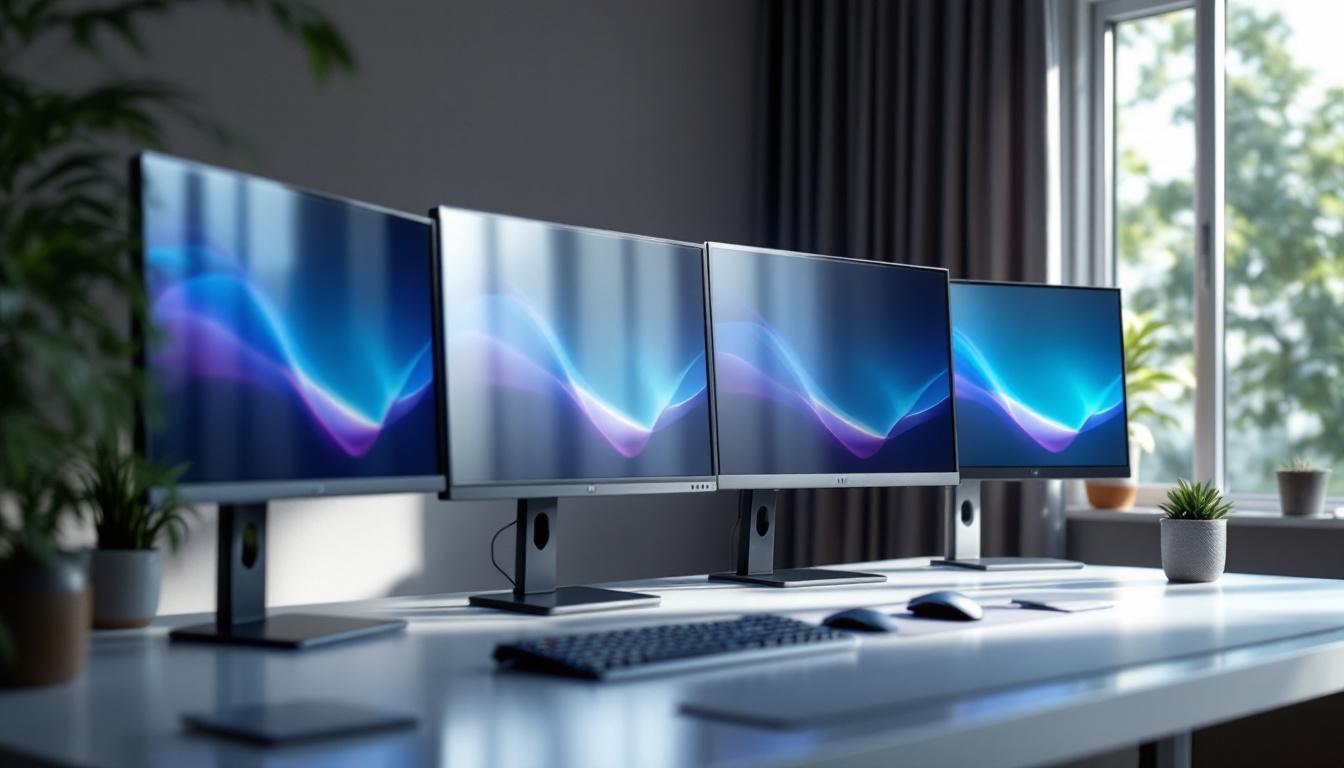
For users who require more screen real estate, dual and triple monitor stands offer an excellent solution. These stands mount two or three LED monitors side-by-side or in a stacked configuration, facilitating seamless multitasking and improved workflow.
Dual and triple stands often come with adjustable arms for each monitor, allowing users to customize the angle and height of each screen independently. This flexibility is crucial for maintaining ergonomic comfort and ensuring that all displays are easily visible without excessive head movement.
Applications and Examples
Financial analysts, software developers, and content creators frequently utilize dual or triple monitor setups to monitor multiple data streams, run complex applications, or compare documents simultaneously. For instance, a triple monitor stand supporting three 24-inch LED displays can transform a cluttered desk into a streamlined command center.
When selecting a dual or triple monitor stand, it’s important to consider the combined weight of the monitors and ensure the stand’s weight capacity exceeds this total. Additionally, look for stands with robust build quality, such as those made from aluminum or steel, to guarantee long-term durability.
3. Desk Riser Monitor Stands: Combining Height and Storage
Overview and Advantages
Desk riser monitor stands are designed to elevate LED displays to eye level while simultaneously providing additional storage space underneath. These stands typically feature a sturdy platform that can hold one or more monitors and create a clutter-free workspace by housing keyboards, notebooks, or other office essentials beneath.
Unlike adjustable arms, desk risers usually offer fixed height elevation, which may not be as customizable but can be ideal for users who prefer a simple, stable solution. Many models incorporate non-slip surfaces and ventilation holes to protect monitors and promote airflow.
Ideal Users and Settings
Desk riser stands are well-suited for users who want to improve their posture without investing in more complex mounting solutions. They are particularly popular in corporate environments where uniformity and ease of setup are priorities.
For example, a desk riser stand designed to hold a single 32-inch LED monitor can raise the screen by several inches, reducing neck strain and improving visibility. Additionally, the extra storage space helps maintain a tidy desktop, which can enhance focus and productivity.
4. Wall-Mounted Monitor Stands: Maximizing Space Efficiency
Design and Installation
Wall-mounted monitor stands are an excellent option for users looking to maximize desk space or create a clean, modern aesthetic. These mounts attach directly to the wall and support LED monitors via adjustable arms or fixed brackets.
Installation requires careful consideration of wall type and stud placement to ensure safety and stability. Once mounted, these stands offer a high degree of adjustability, including tilt, swivel, and rotation, depending on the model.
Who Should Consider Wall Mounts?
Wall-mounted stands are popular in environments where desk space is limited, such as small offices, home studios, or trading floors. They also appeal to users who want to create an immersive multi-monitor setup without the clutter of stands on the desk surface.
For instance, a wall mount supporting a 27-inch LED display can free up significant workspace and provide a sleek, professional look. However, it’s important to ensure the mount’s weight capacity matches the monitor’s weight and that the installation is performed correctly to avoid damage or injury.
Key Considerations When Choosing a Monitor Stand for LED Displays
Weight Capacity and Size Compatibility
One of the most critical factors is ensuring the monitor stand can safely support the weight and size of your LED display(s). Manufacturers typically specify maximum weight limits and screen size ranges for their stands. Exceeding these limits can lead to instability or damage.
Ergonomics and Adjustability
Ergonomic features such as height adjustment, tilt, swivel, and rotation are essential for reducing physical strain and enhancing comfort. Adjustable stands allow users to position their monitors at optimal viewing angles, which is especially important for long work sessions.
Cable Management
Effective cable management helps maintain a clean and organized workspace. Many modern monitor stands include integrated channels or clips to route power and data cables neatly, reducing clutter and potential hazards.
Build Quality and Aesthetics
Durability and design also matter. High-quality materials like aluminum or steel provide stability and longevity, while sleek designs can complement modern office or gaming setups.
Conclusion: Selecting the Right Monitor Stand for Your LED Display Setup
Choosing the right monitor stand is a vital step in creating an efficient, comfortable, and visually appealing workspace. Whether opting for the flexibility of a single monitor arm, the multitasking power of dual or triple stands, the simplicity of a desk riser, or the space-saving benefits of a wall mount, it’s important to consider your specific needs, workspace constraints, and ergonomic requirements.
LED displays offer excellent performance and aesthetics, but their potential is maximized only when paired with a suitable stand that supports their size, weight, and user interaction. Investing in a quality monitor stand not only protects your equipment but also enhances productivity and comfort, making it a worthwhile addition to any multi-monitor setup.
Discover the Perfect Stand for Your LumenMatrix LED Display
Now that you understand the importance of selecting the right monitor stand for your LED display, take the next step with LumenMatrix. As a leader in innovative LED display technology, LumenMatrix offers a range of solutions tailored to meet your needs. Whether you’re looking to enhance your workspace or create an engaging visual experience, our Indoor and Outdoor LED Wall Displays, Vehicle LED Displays, and more are designed to bring your vision to life. Check out LumenMatrix LED Display Solutions today and elevate your visual communication to new heights.