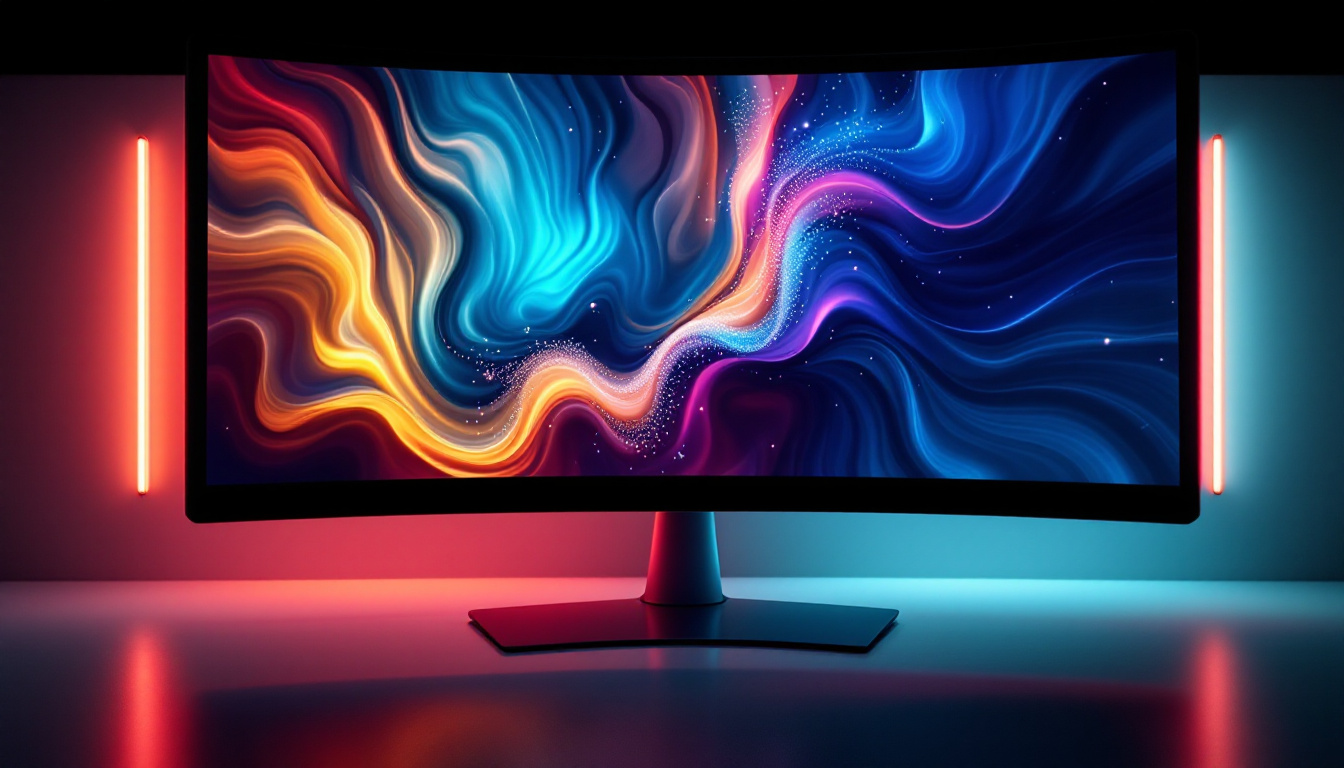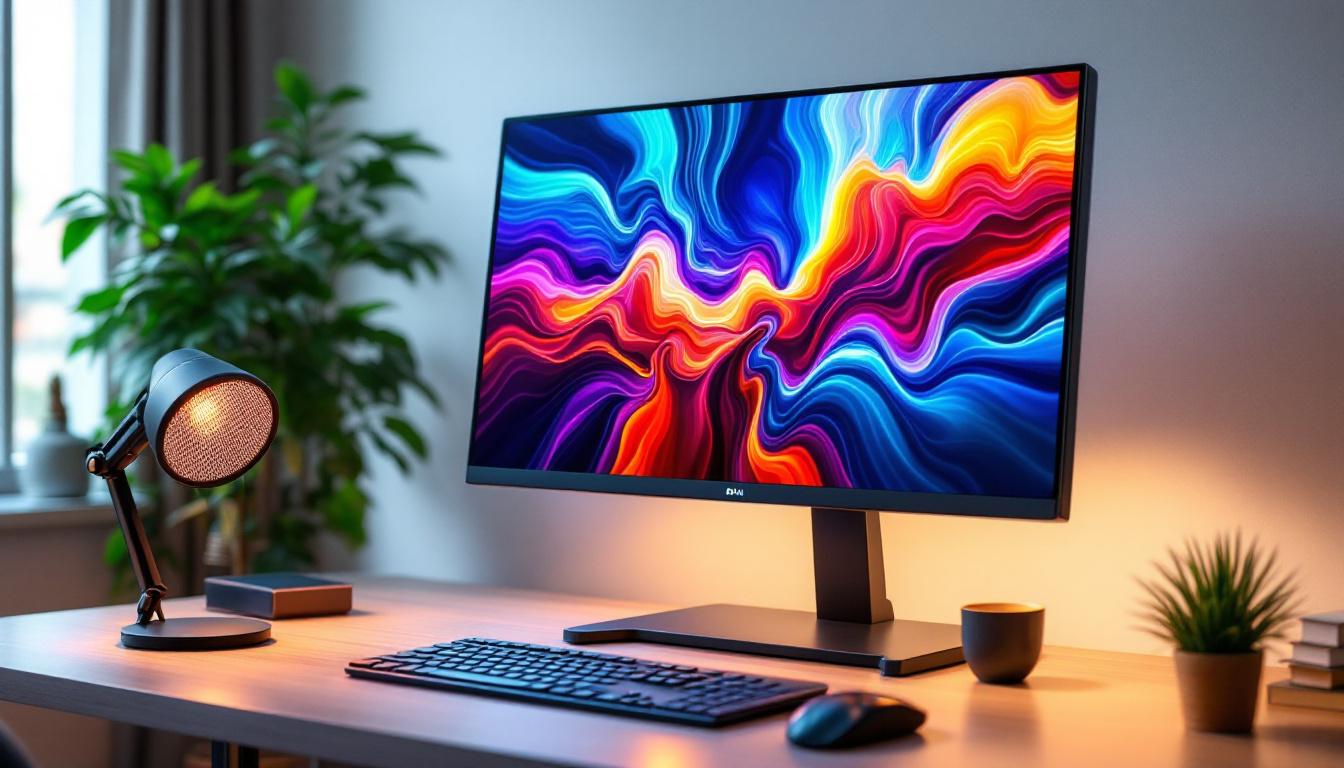
In today’s digital workspace, the ergonomics and visual quality of your computer setup are paramount. As more professionals spend extended hours in front of screens, understanding how to optimize both comfort and display performance has become essential. One common accessory that enhances workspace ergonomics is the raised monitor stand, while LED displays have revolutionized screen technology with their vibrant visuals and energy efficiency.
This article delves into the synergy between raised monitor stands and LED displays, explaining how they contribute to a healthier, more productive work environment. Whether you’re a remote worker, gamer, or designer, this comprehensive guide will help you make informed decisions about your monitor setup.
Understanding Raised Monitor Stands: Ergonomics and Benefits
What Is a Raised Monitor Stand?
A raised monitor stand is an accessory designed to elevate your computer monitor above the desk surface. These stands come in various materials such as wood, metal, and plastic, and offer different height adjustments to suit individual preferences. By lifting the screen to eye level, raised monitor stands help reduce neck strain and improve posture during long hours of computer use.
Unlike traditional monitor risers, many modern stands incorporate additional features such as built-in USB hubs, cable management systems, and storage compartments, making them multifunctional tools for desk organization. Some models even include integrated wireless charging pads, allowing users to power their devices conveniently without cluttering their workspace with additional cables.
Ergonomic Advantages of Using a Raised Monitor Stand
Ergonomics plays a critical role in preventing musculoskeletal disorders, which are common among office workers. According to the Occupational Safety and Health Administration (OSHA), improper monitor height and positioning can lead to neck pain, eye strain, and repetitive stress injuries.
By elevating the monitor to the correct height—typically so that the top of the screen is at or slightly below eye level—a raised monitor stand encourages a neutral head and neck posture. This alignment reduces muscle fatigue and tension in the shoulders and upper back. Additionally, it helps maintain a proper viewing distance, which can reduce eye strain and headaches caused by focusing too closely or awkwardly. Furthermore, some raised monitor stands come with adjustable angles, allowing users to tilt the screen for optimal visibility, which can be particularly beneficial for those who frequently switch between different tasks or collaborate with others.
Additional Workspace Benefits
Beyond ergonomics, raised monitor stands contribute to a cleaner, more organized workspace. Many models provide under-stand clearance, offering space to store keyboards, notebooks, or other peripherals when not in use. This can be especially beneficial in compact work areas, helping to maximize desk real estate.
Moreover, elevated monitors can improve airflow around the device, potentially aiding in heat dissipation and extending the lifespan of your equipment. This is particularly important for high-performance monitors that generate more heat during intensive tasks such as gaming or graphic design. Additionally, some stands are designed with aesthetics in mind, offering sleek, modern designs that can enhance the overall look of your workspace. By choosing a stand that complements your office decor, you not only improve functionality but also create an inviting environment that can boost productivity and creativity.
LED Displays: Technology and Advantages
What Is an LED Display?
LED stands for Light Emitting Diode, a technology widely used in modern display screens. An LED display incorporates an array of tiny light-emitting diodes that illuminate the pixels on the screen. This technology is an evolution of the traditional LCD (Liquid Crystal Display), where LEDs serve as the backlight source instead of cold cathode fluorescent lamps (CCFLs).
LED displays are categorized mainly into two types: edge-lit and full-array. Edge-lit LED displays position LEDs along the edges of the screen, while full-array LED displays have LEDs distributed evenly behind the screen, allowing for better local dimming and contrast control.
Advantages of LED Displays Over Other Technologies
LED displays offer several benefits compared to older technologies like CCFL-backlit LCDs or plasma screens. One primary advantage is energy efficiency. According to the U.S. Department of Energy, LED-backlit monitors consume up to 25-30% less power than CCFL-backlit counterparts, making them more environmentally friendly and cost-effective over time.
Additionally, LED displays provide superior brightness and contrast ratios, delivering vivid colors and deeper blacks. This makes them ideal for tasks requiring color accuracy, such as graphic design, video editing, and gaming. The slim design of LED panels also allows for thinner, lighter monitors, contributing to a modern aesthetic and easier placement on raised stands.
Health and Visual Comfort Considerations
LED displays often incorporate flicker-free technology and blue light filters, which can reduce eye strain during prolonged use. Blue light, emitted in high amounts by screens, has been linked to disrupted sleep patterns and digital eye strain. Many LED monitors now feature adjustable blue light settings to mitigate these effects.
Moreover, LED technology supports higher refresh rates and faster response times, which are crucial for smooth motion rendering in gaming and video playback, reducing motion blur and visual fatigue.
Integrating Raised Monitor Stands with LED Displays for Optimal Performance
Enhancing Ergonomics and Visual Experience
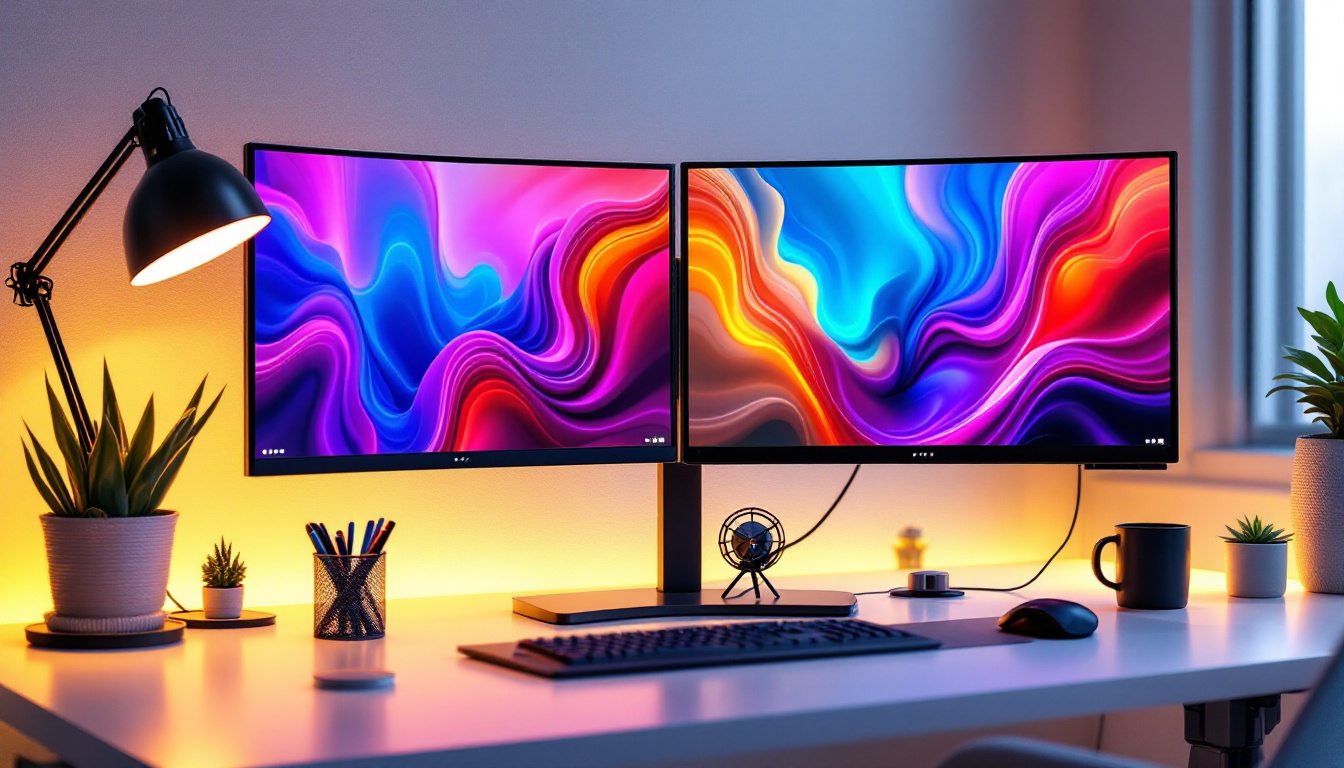
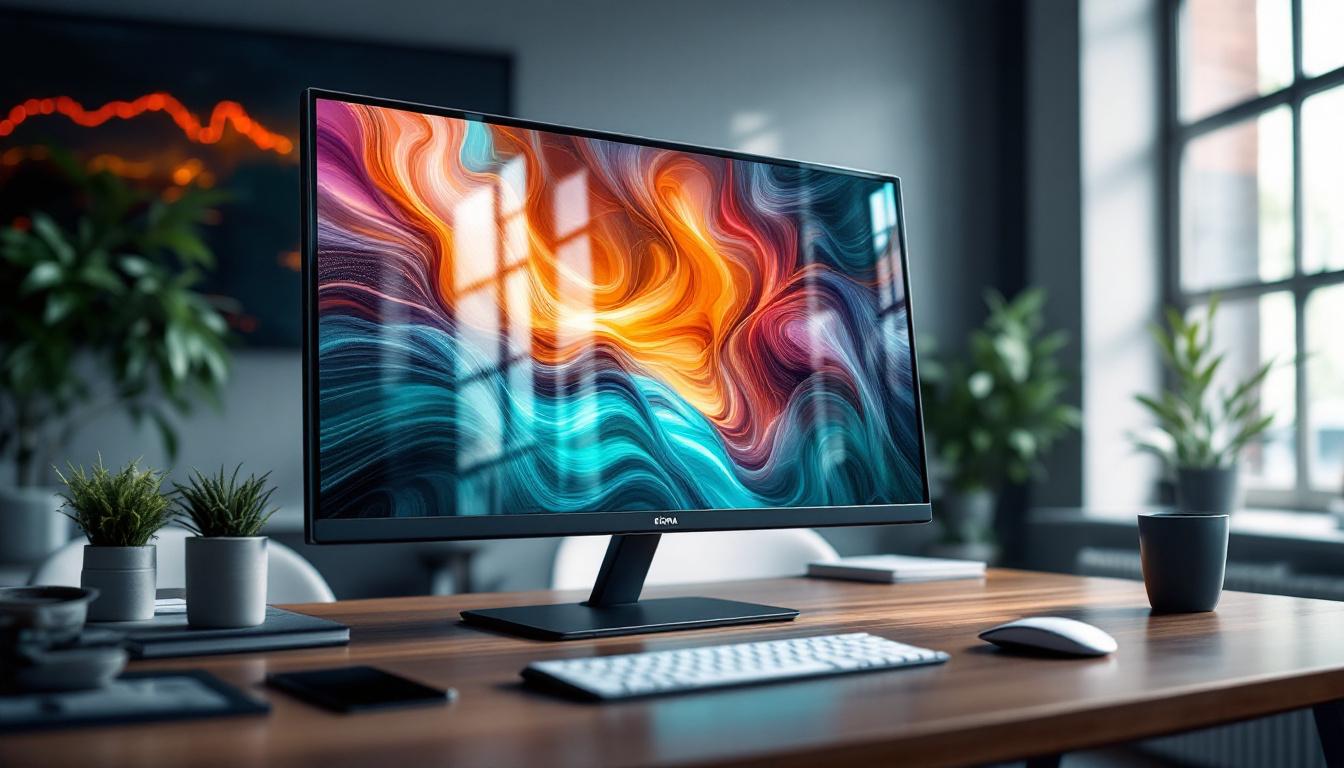
Combining a raised monitor stand with an LED display creates a workspace that promotes both physical comfort and superior visual quality. The ergonomic benefits of elevating the monitor align perfectly with the high-resolution, bright, and color-accurate output of LED screens.
For example, a professional video editor using a 27-inch LED monitor on a height-adjustable stand can position the screen at eye level, reducing neck strain while benefiting from the monitor’s accurate color reproduction and sharp image quality. This setup not only improves comfort but also enhances productivity and output quality.
Choosing the Right Stand for Your LED Monitor
When selecting a raised monitor stand for an LED display, consider the following factors:
- Weight Capacity: LED monitors vary in weight, especially larger models with advanced features. Ensure the stand can support your monitor’s weight safely.
- Height Adjustability: Adjustable stands offer flexibility to customize the screen height according to your posture and seating position.
- Material and Build Quality: Durable materials like steel or high-quality wood provide stability and longevity.
- Additional Features: Integrated USB ports, cable management, and storage compartments can enhance workspace organization.
Proper compatibility between your monitor and stand ensures stability and prevents accidental tipping or damage.
Positioning Tips for Maximum Comfort
To maximize the benefits of a raised monitor stand with an LED display, follow these positioning guidelines:
- Eye Level Alignment: Position the top third of the screen at eye level to maintain a neutral neck position.
- Viewing Distance: Maintain a distance of about 20-30 inches (50-75 cm) from your eyes to the screen to reduce eye strain.
- Screen Tilt: Tilt the monitor slightly upward (about 10-20 degrees) to reduce glare and optimize viewing angles.
- Lighting Conditions: Avoid placing the monitor in direct sunlight or opposite bright light sources to minimize reflections and glare.
Adjusting your setup according to these principles can significantly improve comfort and reduce fatigue during extended computer use.
Practical Applications and User Experiences
Remote Work and Home Office Setups
The rise of remote work has increased demand for ergonomic home office solutions. Many users report improved comfort and productivity after incorporating raised monitor stands with LED displays into their setups. For instance, a survey by the American Optometric Association found that 60% of remote workers experienced reduced neck and eye strain after optimizing their workstation ergonomics.
Raised stands help create a professional and organized workspace at home, while LED monitors provide crisp visuals for video conferencing, document editing, and creative tasks.
Gaming and Entertainment
Gamers benefit significantly from the combination of raised monitor stands and LED displays. Elevated screens reduce physical strain during long gaming sessions, while LED technology delivers fast refresh rates, vibrant colors, and deep contrast essential for immersive gameplay.
Popular gaming monitors featuring LED backlighting often include features like adaptive sync and HDR support, enhancing the visual experience. Pairing these with adjustable stands allows gamers to customize their setup for comfort and performance.
Professional and Creative Work
Designers, video editors, and photographers require precise color accuracy and comfortable viewing angles. LED displays with wide color gamuts and high resolutions meet these needs, while raised stands ensure the screen is positioned for optimal posture.
Many creative professionals invest in ergonomic stands with fine height adjustments and swivel capabilities to accommodate collaborative work and multi-monitor setups.
Maintenance and Care for Raised Monitor Stands and LED Displays
Cleaning and Upkeep
Maintaining both the raised monitor stand and LED display is essential for longevity and performance. Use a microfiber cloth and appropriate screen cleaner to gently wipe the LED screen, avoiding harsh chemicals that can damage the display coating.
For the monitor stand, dust regularly and check for loose screws or joints, especially if it includes adjustable components. Proper care prevents wobbling and ensures stable support.
Optimizing LED Display Settings
Adjusting brightness, contrast, and color temperature can enhance visual comfort and reduce eye strain. Many LED monitors offer presets for different tasks such as reading, gaming, or photo editing. Experimenting with these settings helps tailor the display to your environment and preferences.
Additionally, enabling blue light filters during evening hours can support healthier sleep patterns.
Conclusion: The Perfect Pairing for Modern Workspaces
Raised monitor stands and LED displays together form a powerful combination that addresses both ergonomic and visual demands of modern computer use. By elevating the screen to an optimal height, users can maintain better posture and reduce physical discomfort. Meanwhile, LED technology ensures vibrant, energy-efficient, and eye-friendly visuals that enhance productivity and enjoyment.
Investing in quality raised monitor stands and LED displays is a smart choice for anyone looking to improve their workspace, whether at home or in the office. With thoughtful setup and maintenance, this pairing supports long-term health, comfort, and performance in an increasingly screen-centric world.
Upgrade Your Workspace with LumenMatrix LED Displays
Ready to take the first step towards a more ergonomic and visually stunning workspace? Discover the innovative LED display solutions from LumenMatrix, designed to meet the diverse needs of modern professionals. Whether you’re looking for an Indoor LED Wall Display for your home office, an Outdoor LED Wall Display for impactful advertising, or any of our specialized displays like Vehicle, Sports, or Floor LED Displays, LumenMatrix has you covered. Elevate your work environment and captivate your audience with our Custom, All-in-One, and Transparent LED Display options. Experience the future of visual communication and Check out LumenMatrix LED Display Solutions today to transform your workspace and message delivery.