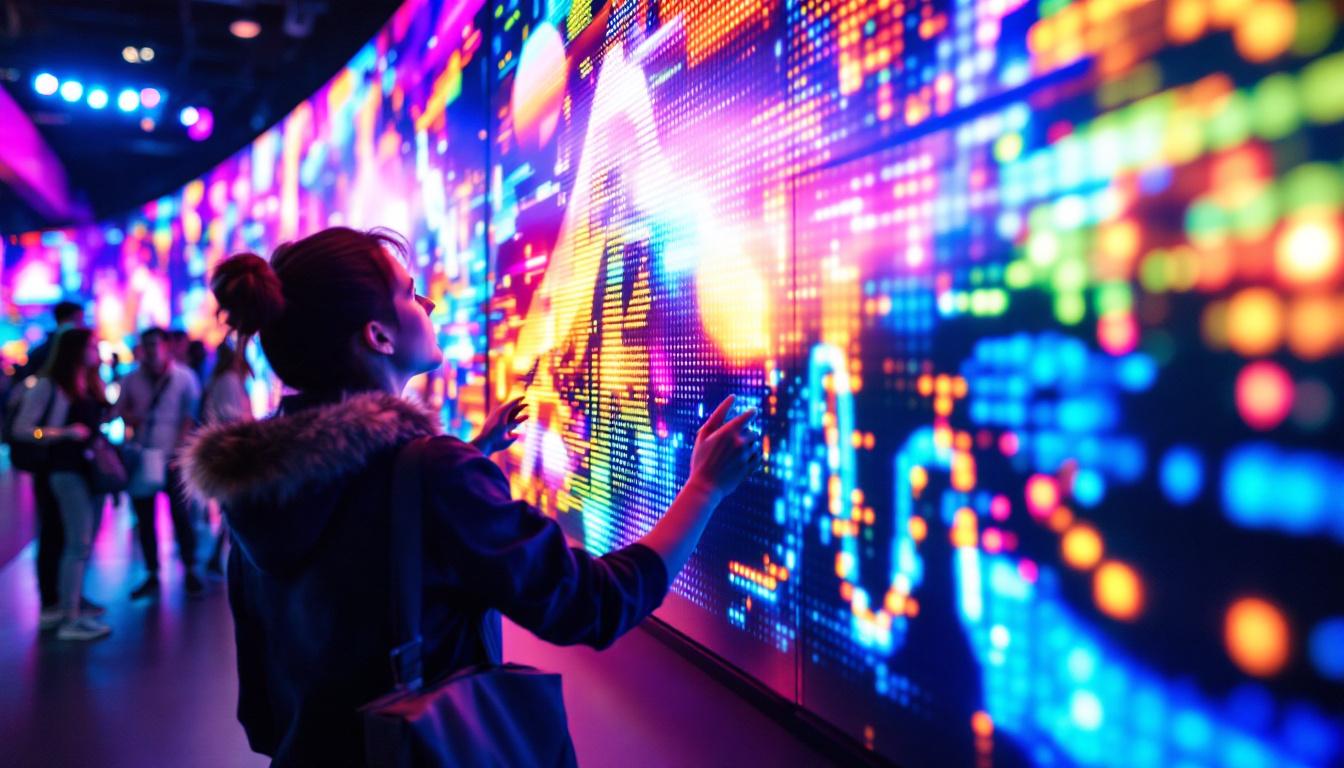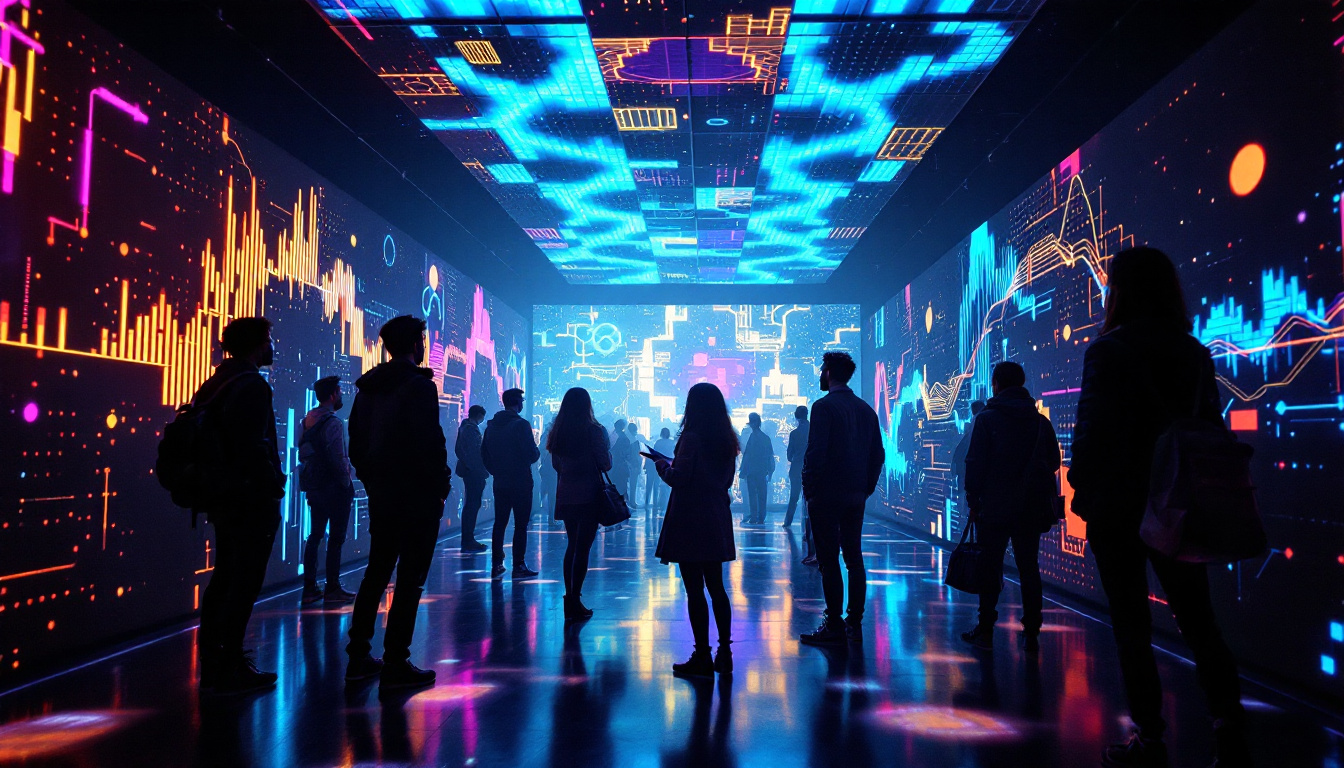
In today’s digital age, video content is everywhere—from social media feeds to massive outdoor advertising screens. One of the most captivating ways to display video content on a large scale is through LED displays. But how exactly can you put videos together for these displays, and what makes LED technology so special? This article dives deep into the world of LED displays, explaining how videos are compiled and showcased, the technology behind it, and practical tips for creating seamless video presentations on LED screens.
Understanding LED Displays: The Basics
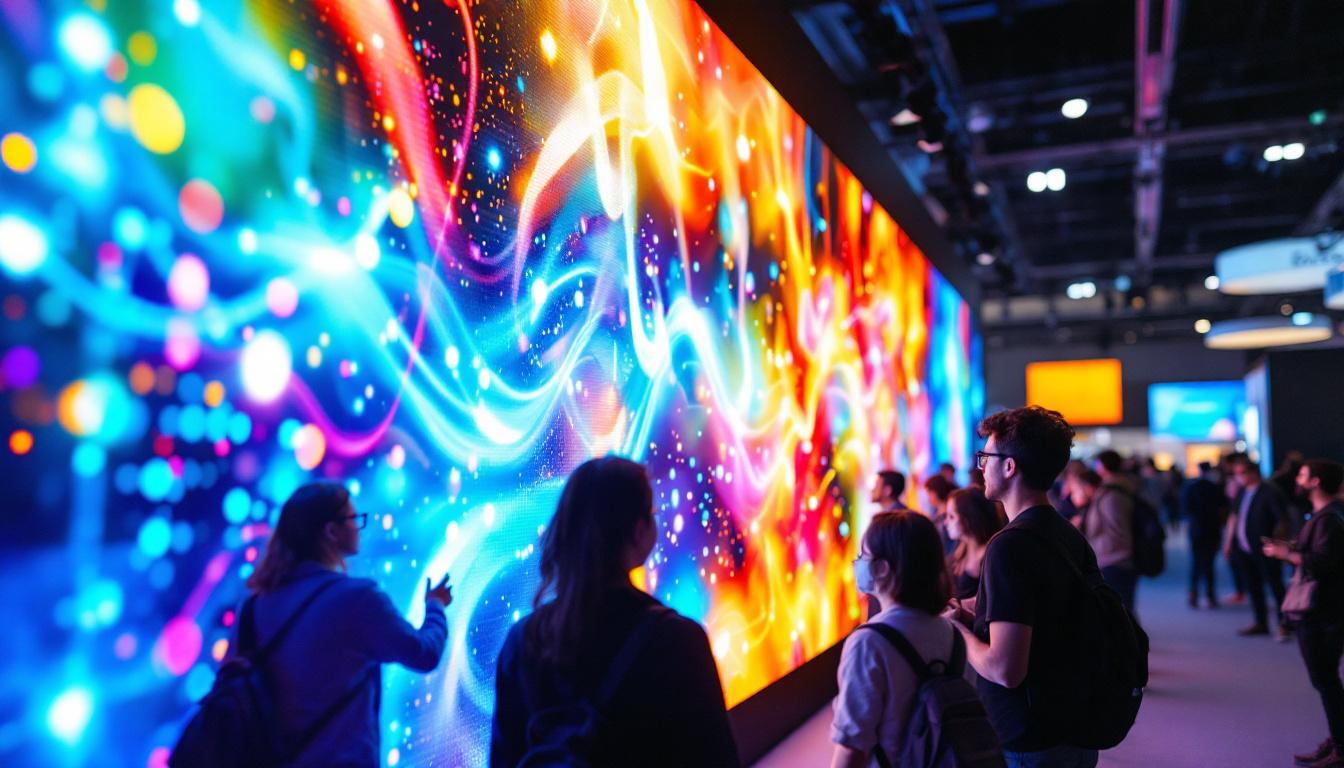
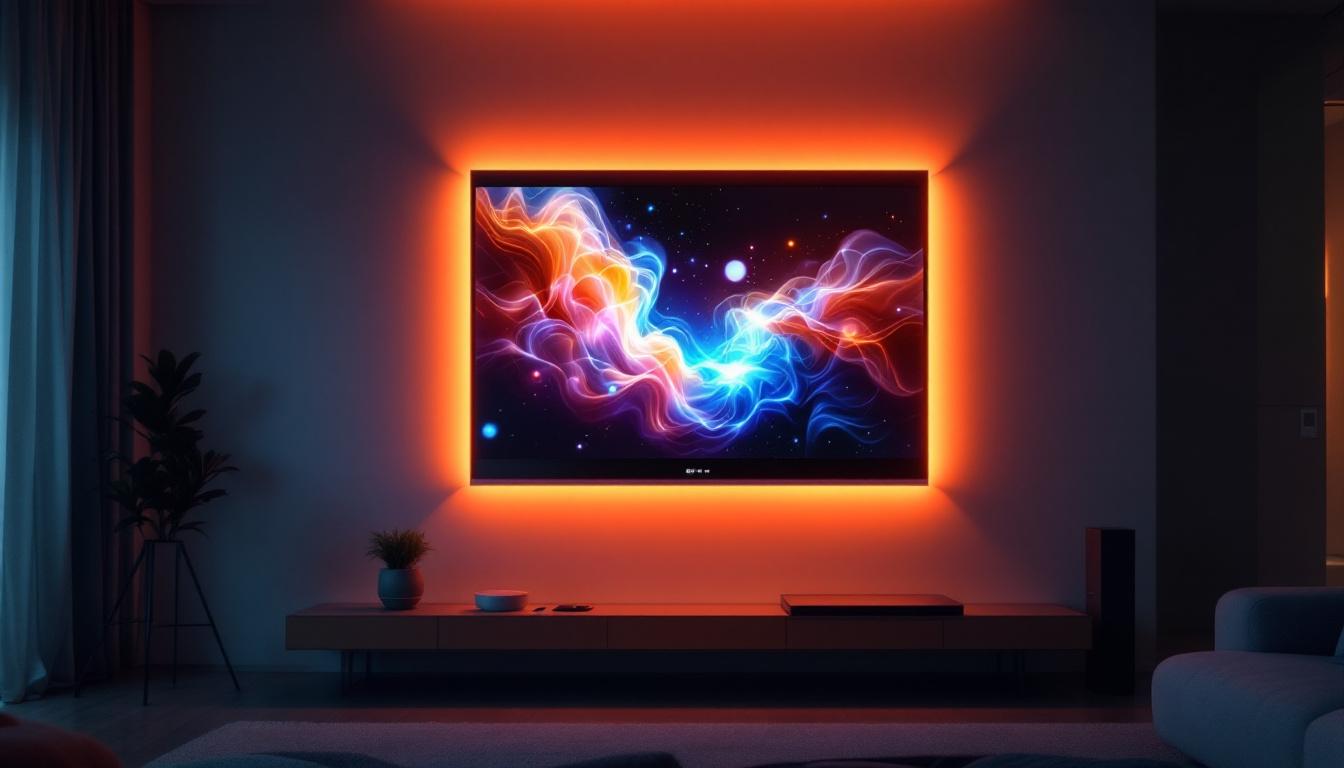
LED stands for Light Emitting Diode, a semiconductor device that emits light when an electric current passes through it. LED displays use thousands, sometimes millions, of these tiny diodes to create vibrant images and videos. Unlike traditional LCD or projection screens, LED displays are self-illuminating, which means they produce their own light and don’t require a backlight. This results in brighter images, higher contrast, and better visibility even in direct sunlight.
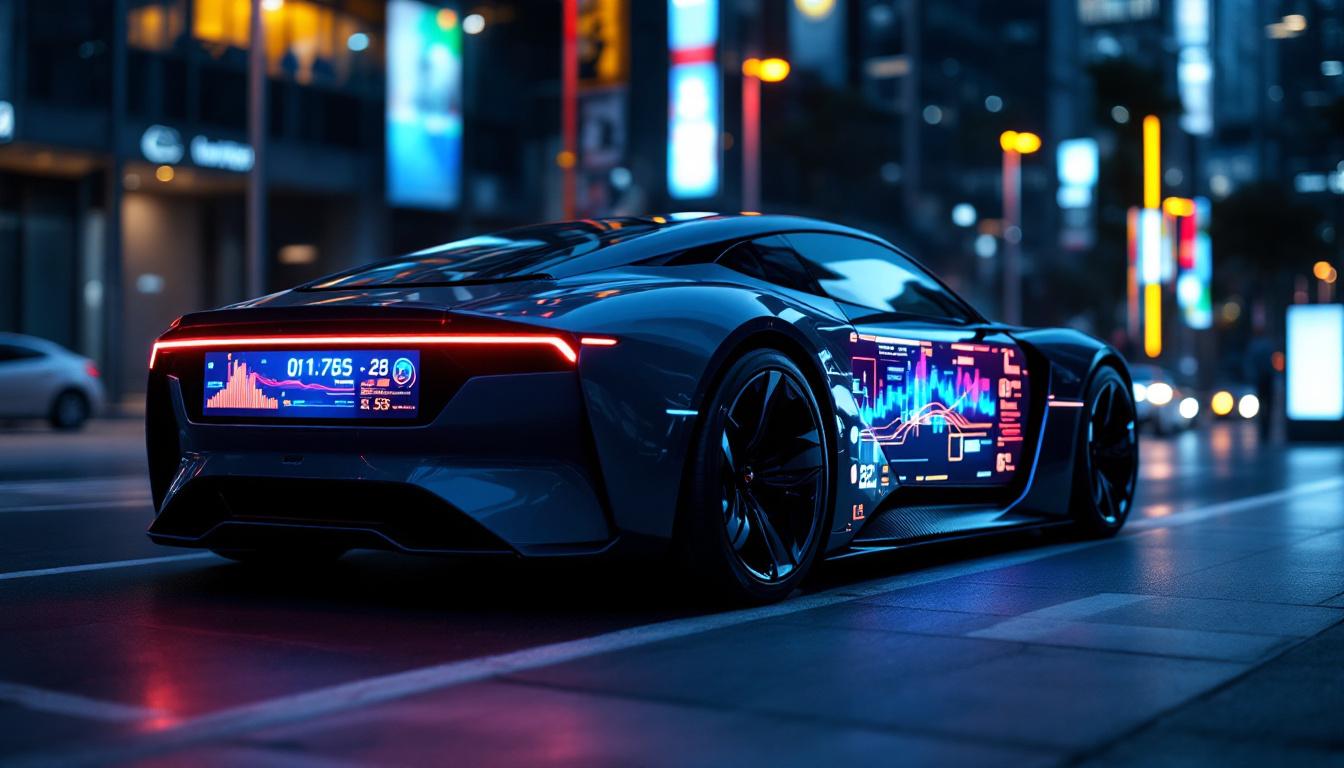
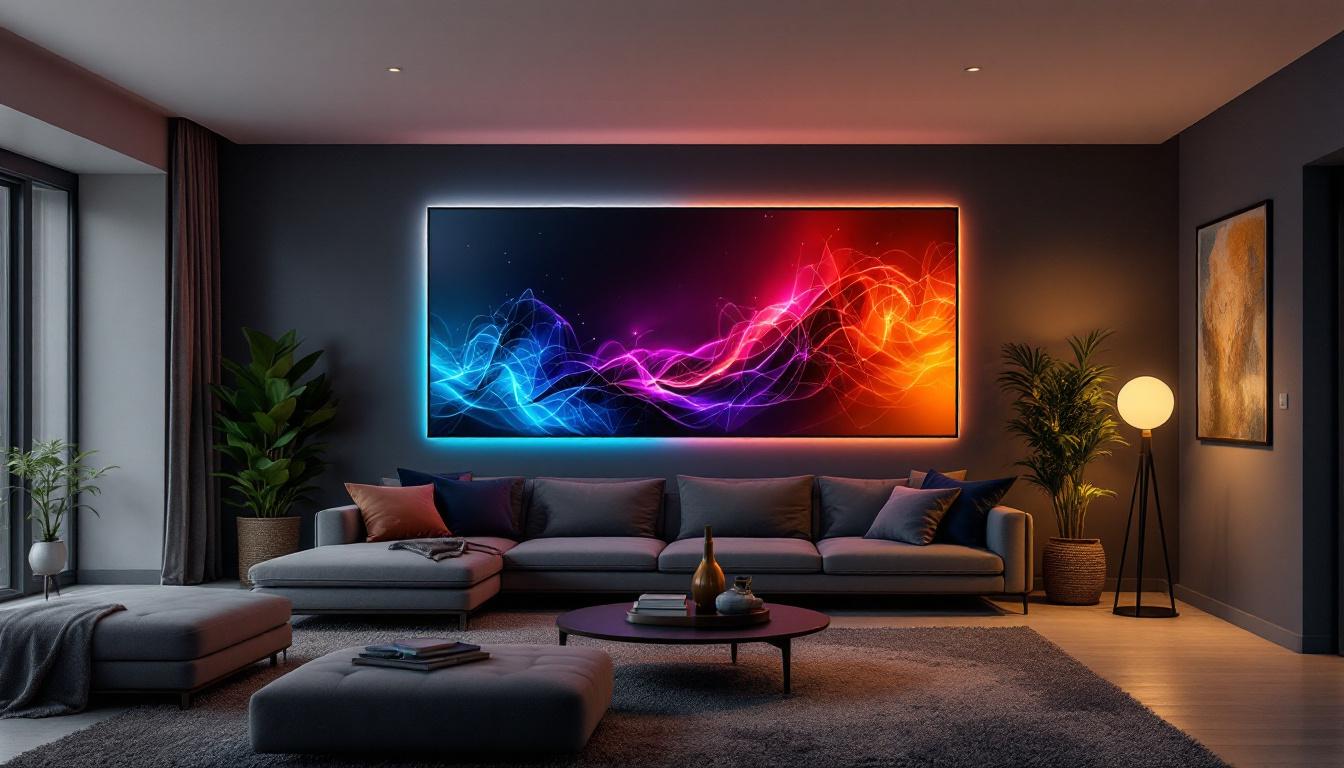
LED displays come in various forms, including indoor and outdoor screens, flexible panels, and even transparent displays. The most common types are:
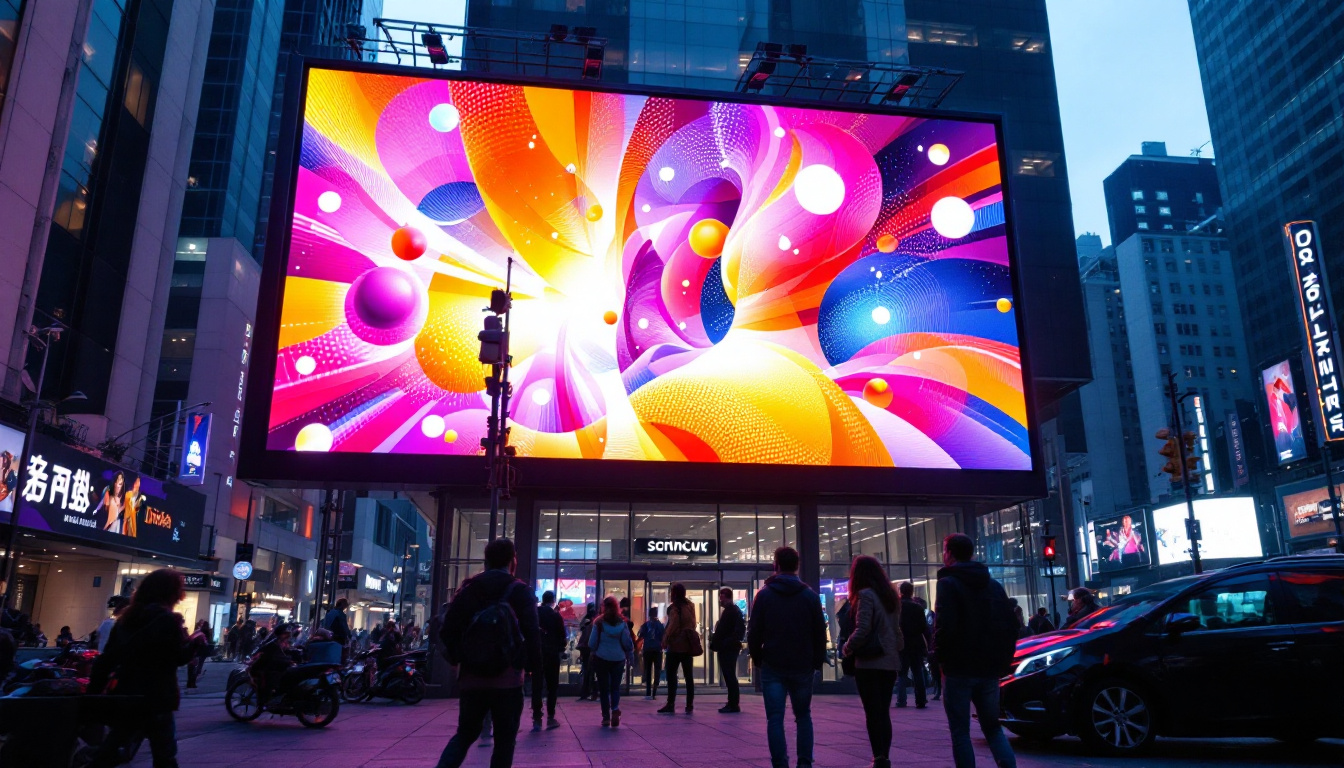
- Fixed LED Walls: Large, permanent installations often used in stadiums, concert venues, and digital billboards.
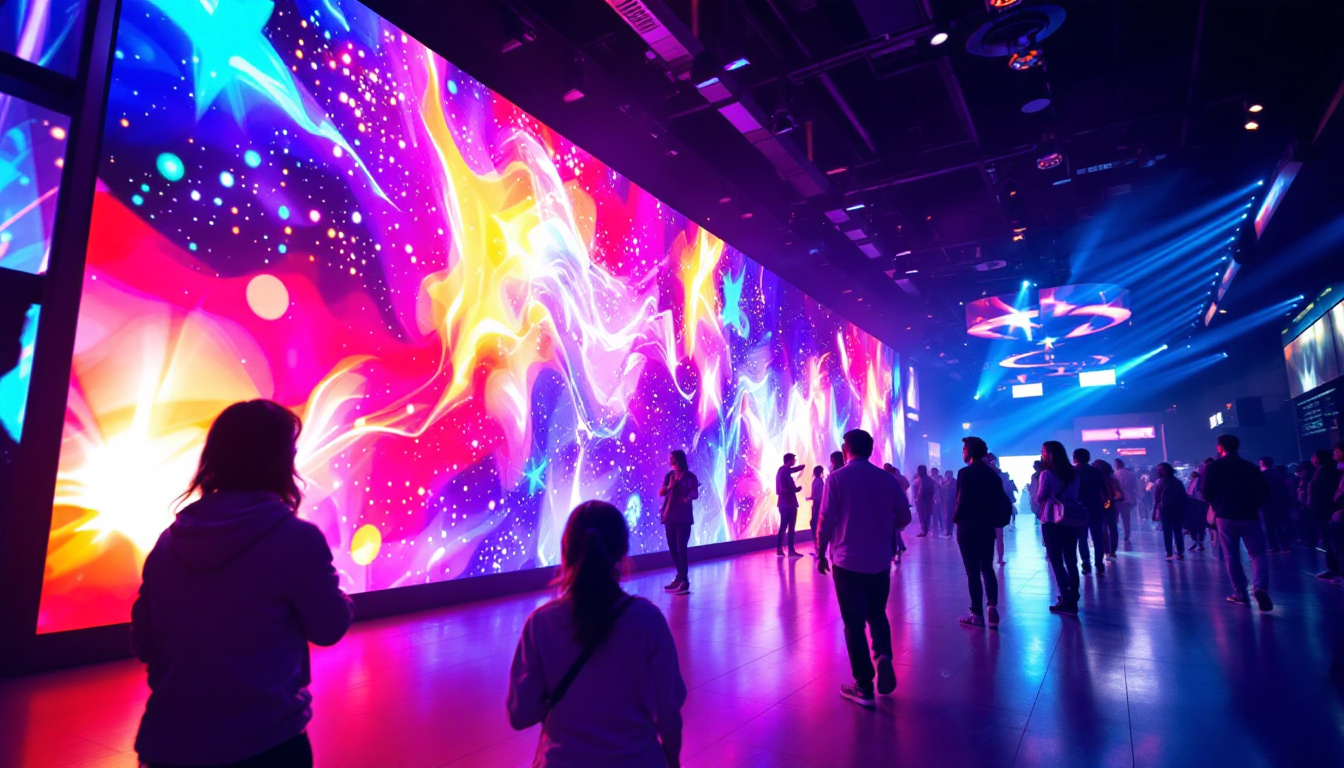
- Rental LED Screens: Portable and modular, ideal for events and exhibitions.
- Indoor LED Panels: Smaller pixel pitch displays designed for close viewing distances inside buildings.
Each type has specific pixel pitches, resolutions, and brightness levels tailored to its use case. For example, a stadium screen might have a pixel pitch of 10mm or more, while an indoor display could have a pixel pitch as low as 1.2mm for ultra-fine detail.
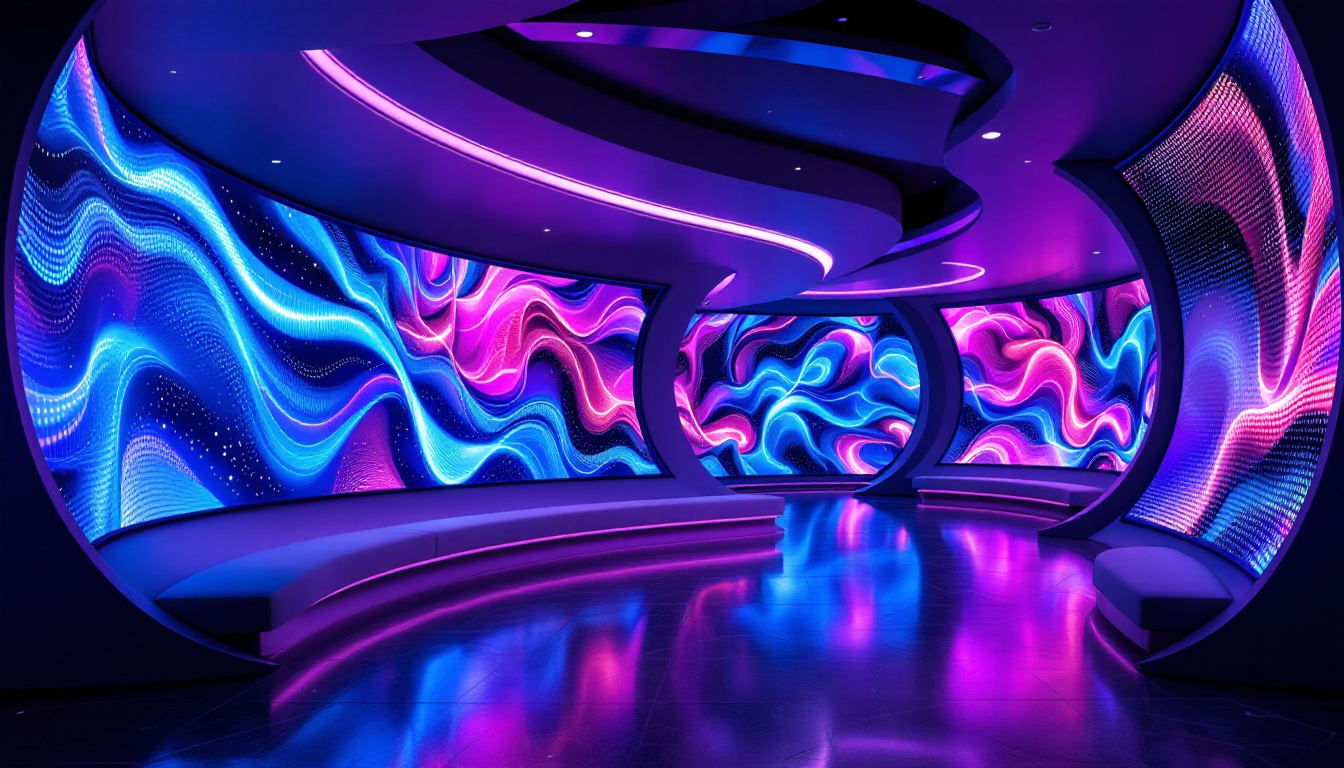
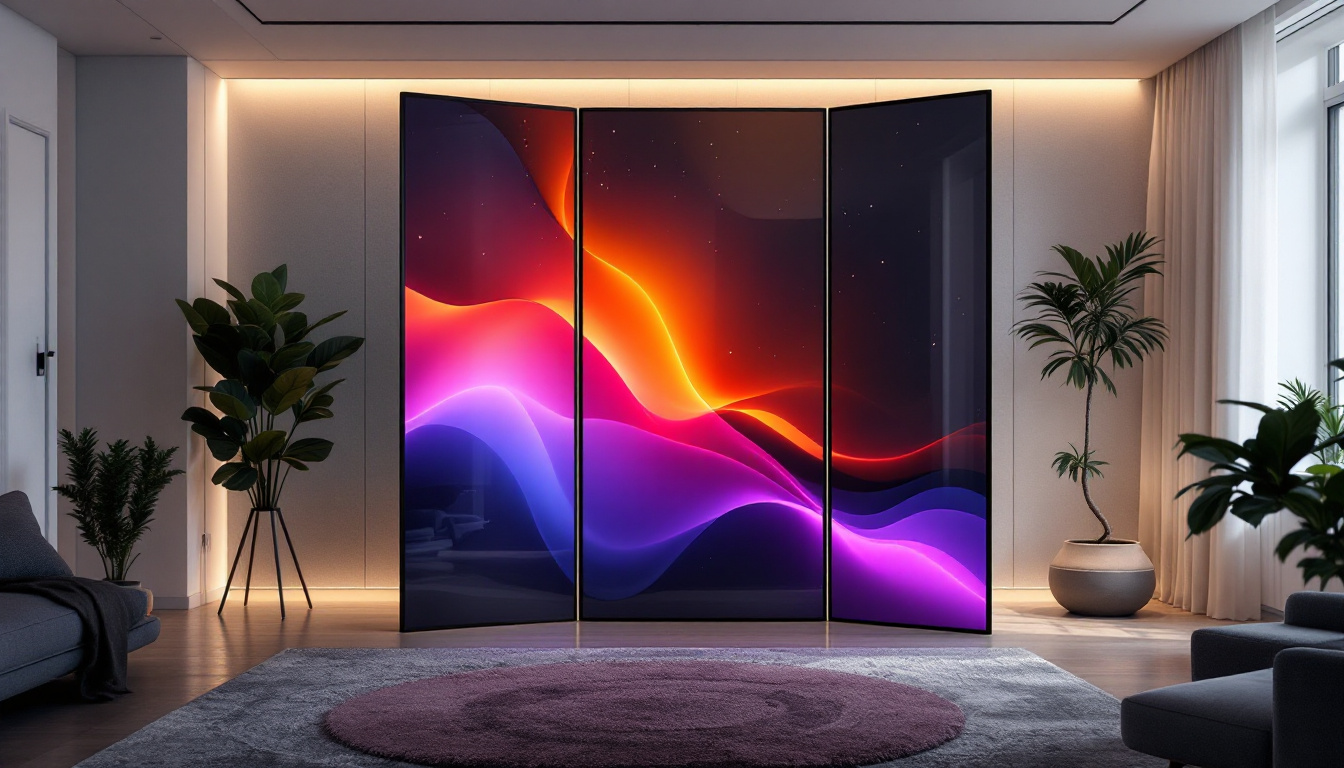
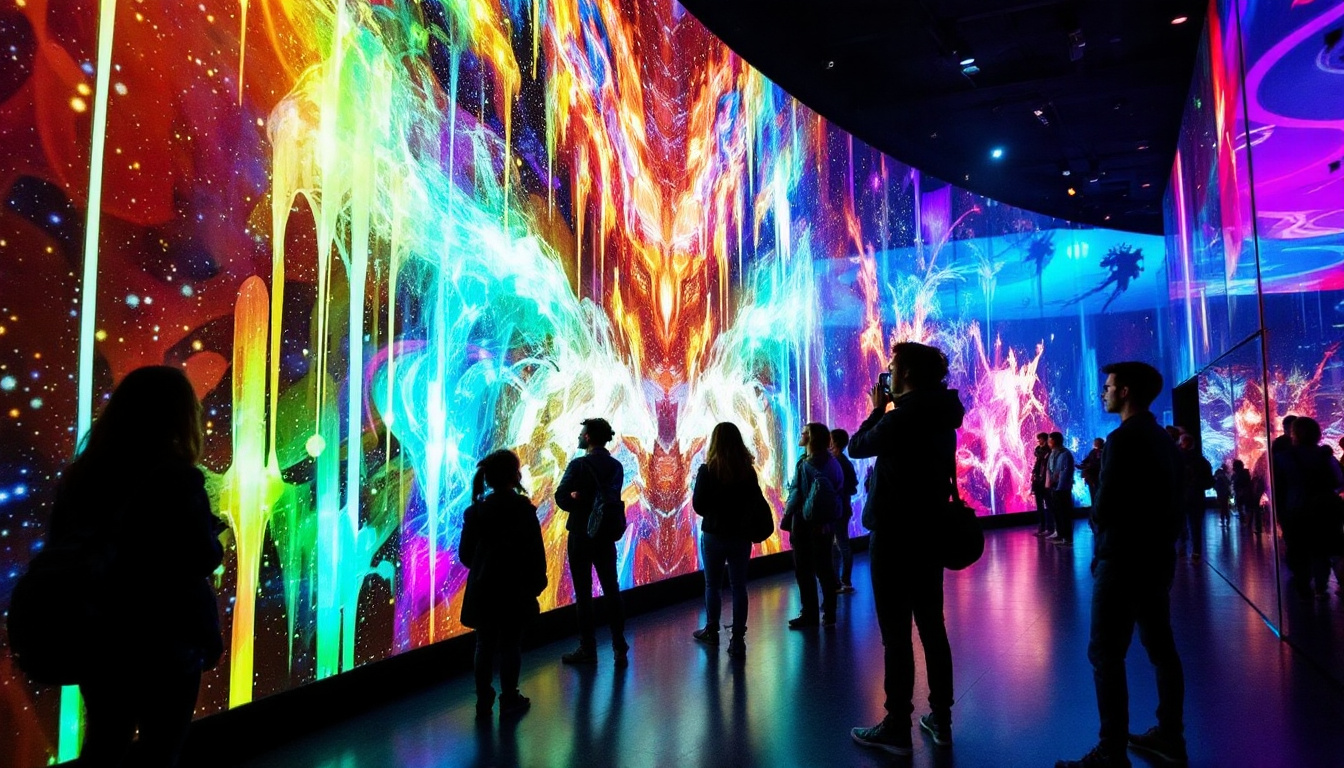
One of the most exciting advancements in LED technology is the development of flexible LED displays. These innovative panels can be bent or curved to fit unique spaces and designs, making them ideal for creative installations in retail environments or art exhibits. Their versatility allows for dynamic shapes and configurations that can enhance the overall aesthetic of a space, providing not just information but also an immersive visual experience. Additionally, transparent LED displays are gaining popularity, particularly in retail settings, where they can be integrated into windows or glass surfaces, allowing customers to view products behind the screen while still being engaged by vibrant, dynamic content.
Moreover, the energy efficiency of LED displays is a significant advantage over traditional display technologies. LEDs consume far less power, which not only reduces operational costs but also contributes to a lower carbon footprint. This energy efficiency, combined with their long lifespan—often exceeding 100,000 hours—makes LED displays a sustainable choice for businesses looking to invest in long-term solutions. As technology continues to evolve, we can expect even more enhancements in brightness, color accuracy, and resolution, further solidifying LED displays as the go-to choice for a wide range of applications.
How Videos Are Compiled for LED Displays
Video Resolution and Pixel Pitch
One of the first considerations when putting videos together for LED displays is resolution. Unlike traditional screens, LED displays are made up of discrete pixels formed by clusters of LEDs. The pixel pitch—the distance between the centers of two adjacent pixels—determines the display’s resolution and clarity.
For example, a 10m x 5m LED wall with a 10mm pixel pitch will have a resolution of approximately 1000 x 500 pixels. This is significantly lower than a 4K TV, but because these screens are viewed from a distance, the lower resolution is acceptable. When creating video content, it’s essential to match the video resolution to the LED display’s native resolution to avoid distortion or pixelation.
Video Format and Encoding
LED display controllers accept various video formats, but the most common are MP4, AVI, and MOV, encoded in H.264 or H.265 codecs for efficient compression without significant quality loss. The video files must be optimized to ensure smooth playback, especially on large LED walls where file sizes can be enormous.
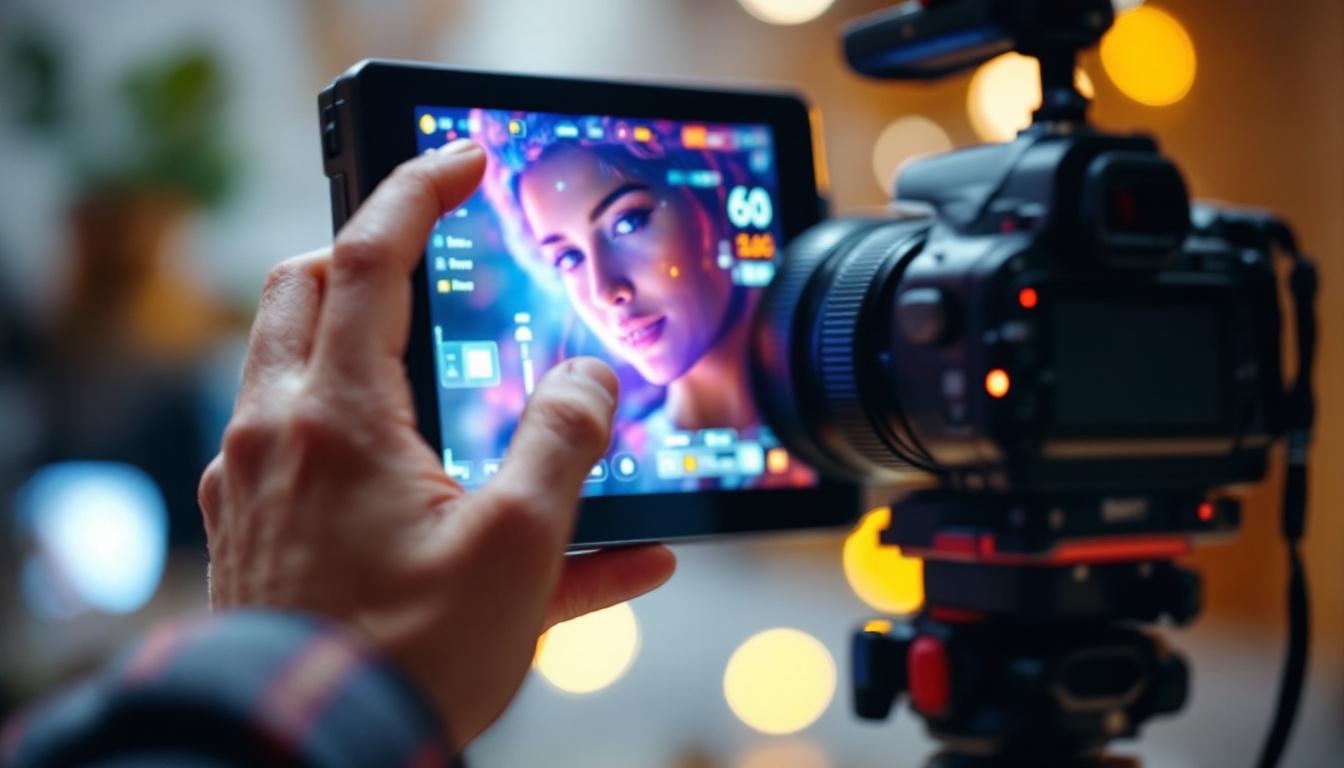
Many LED systems use media servers or playback software that can handle multiple video streams, synchronize playback, and manage playlists. These tools often support timeline-based editing, allowing operators to stitch together multiple video clips, add transitions, and overlay graphics.
Content Stitching and Synchronization
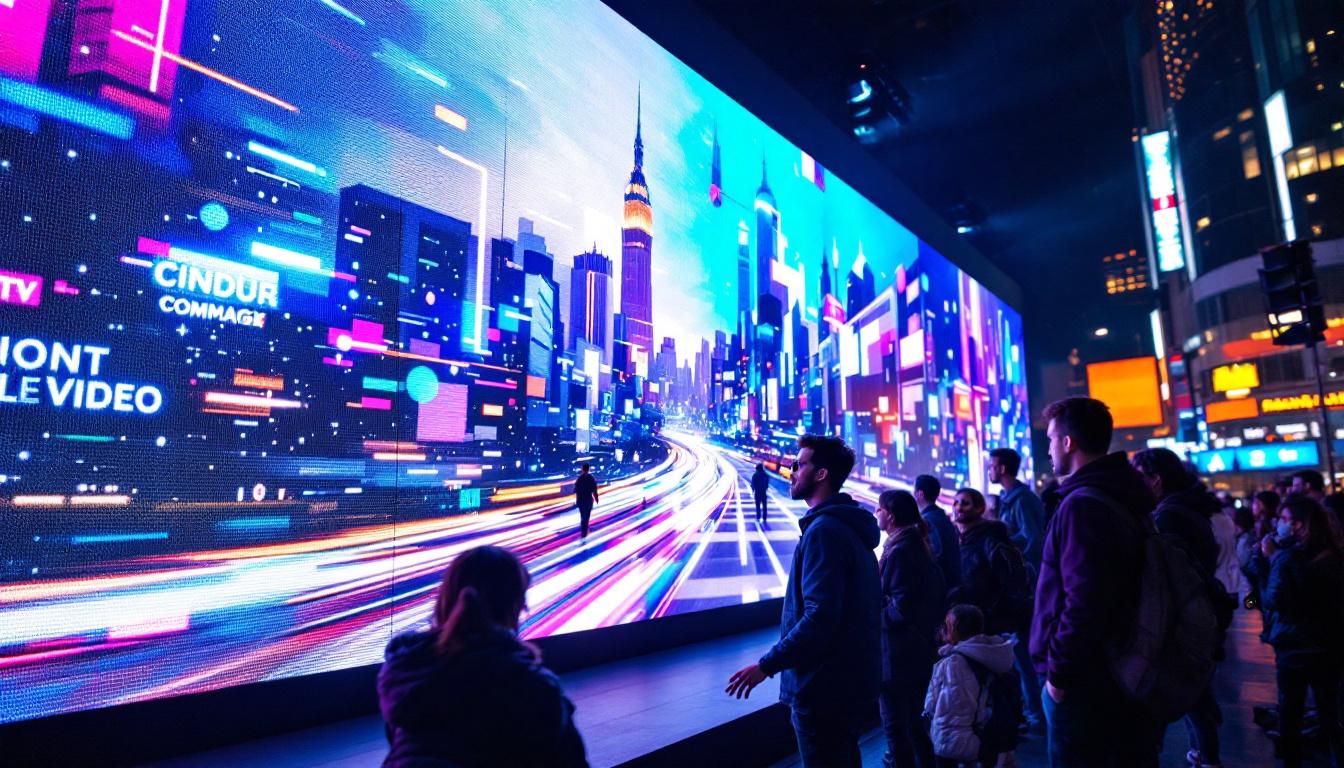
Putting videos together for LED displays often involves stitching multiple clips or even multiple video sources into a cohesive presentation. This can be as simple as playing clips back-to-back or as complex as creating multi-screen video walls where each panel displays a portion of a larger image.
Synchronization is critical, especially when dealing with video walls composed of multiple LED panels. Each panel has its own controller, and the system must ensure that all panels display the correct frame at the exact same time to avoid visual tearing or lag. Advanced video processors and synchronization protocols like Genlock or SMPTE timecode are used to achieve this precision.
Technology Behind LED Video Display Systems
LED Modules and Panels
At the heart of any LED display are the LED modules—small units containing a matrix of LEDs. These modules are assembled into larger panels, which are then combined to form the full display. The modular design allows for flexible screen sizes and shapes, from rectangular walls to curved or even cylindrical screens.
Each LED module contains red, green, and blue LEDs that combine to create full-color images. The intensity of each LED is controlled by the display’s driver ICs (Integrated Circuits), which receive video data and convert it into electrical signals that determine the brightness of each diode.
Control Systems and Video Processors
The control system is the brain behind the LED display. It receives video input from media servers, computers, or cameras and processes it for output to the LED panels. This includes scaling the video to the correct resolution, color calibration, and frame synchronization.
Video processors can also handle advanced features such as:
- Edge blending for seamless multi-screen setups
- Real-time video effects and overlays
- Color correction to ensure uniformity across panels
- Input switching between multiple video sources
Connectivity and Signal Transmission
Signal transmission from the control system to the LED panels is typically done via Ethernet cables using protocols like UDP or proprietary data transmission standards. For very large installations, fiber optic cables may be used to maintain signal integrity over long distances.
Wireless transmission is less common due to latency and reliability concerns but is occasionally used in temporary or mobile setups.
Practical Tips for Creating Effective Video Content for LED Displays
Designing for Viewing Distance
The viewing distance is a crucial factor when designing video content for LED displays. Because LED walls often have a lower pixel density than traditional screens, fine details and small text can become unreadable if viewed too closely.
As a rule of thumb, the minimum viewing distance should be about 10 times the pixel pitch. For example, a 5mm pixel pitch display should be viewed from at least 50mm (5cm), but more realistically from several meters away. This influences font size, graphic detail, and animation speed in your video content.
Optimizing Brightness and Contrast
LED displays are known for their brightness, which can reach up to 5,000 nits or more for outdoor screens. However, overly bright or high-contrast content can cause eye strain or wash out details. It’s important to balance brightness levels and use colors wisely to maintain visual comfort and clarity.
Test your content under actual lighting conditions whenever possible. For example, content designed for a daytime outdoor billboard will need different brightness and contrast settings than content for a dimly lit indoor venue.
Using Appropriate Software Tools
Several professional software tools specialize in preparing video content for LED displays. These tools allow for:
- Resolution matching and aspect ratio adjustments
- Color calibration specific to LED panels
- Video stitching and multi-zone content creation
- Real-time preview and simulation of how content will appear on the LED wall
Popular video editing suites like Adobe Premiere Pro and After Effects are often used in conjunction with LED-specific media servers and control software to produce polished final content.
Common Challenges and How to Overcome Them
Dealing with Pixelation and Resolution Limitations
Pixelation is a common issue when video content is displayed on LED walls with lower resolution. To mitigate this, content creators should avoid fine details and small text, use bold graphics, and design with the pixel pitch in mind.
Color Uniformity and Calibration
LED panels can vary slightly in color output due to manufacturing tolerances and aging. Regular calibration using colorimeters and software tools helps maintain consistent color across the entire display, ensuring a professional and cohesive appearance.
Latency and Synchronization Issues
When multiple video sources or complex video walls are involved, latency can cause synchronization problems. Using high-quality video processors and synchronization protocols is essential. Additionally, pre-testing the entire system before live events can help identify and resolve timing issues.
Future Trends in LED Video Displays
The LED display industry is rapidly evolving, with innovations that enhance video quality and flexibility. Some emerging trends include:
- MicroLED Technology: Offering even smaller pixel pitches and higher brightness, MicroLEDs promise near-perfect image quality for both indoor and outdoor displays.
- Flexible and Transparent LED Panels: These allow for creative installations on curved surfaces, glass facades, and unconventional shapes.
- AI-Driven Content Management: Artificial intelligence is being integrated to optimize video playback, adjust brightness dynamically, and even generate content tailored to audience preferences.
As these technologies mature, putting videos together for LED displays will become more intuitive and offer unprecedented creative possibilities.
Conclusion
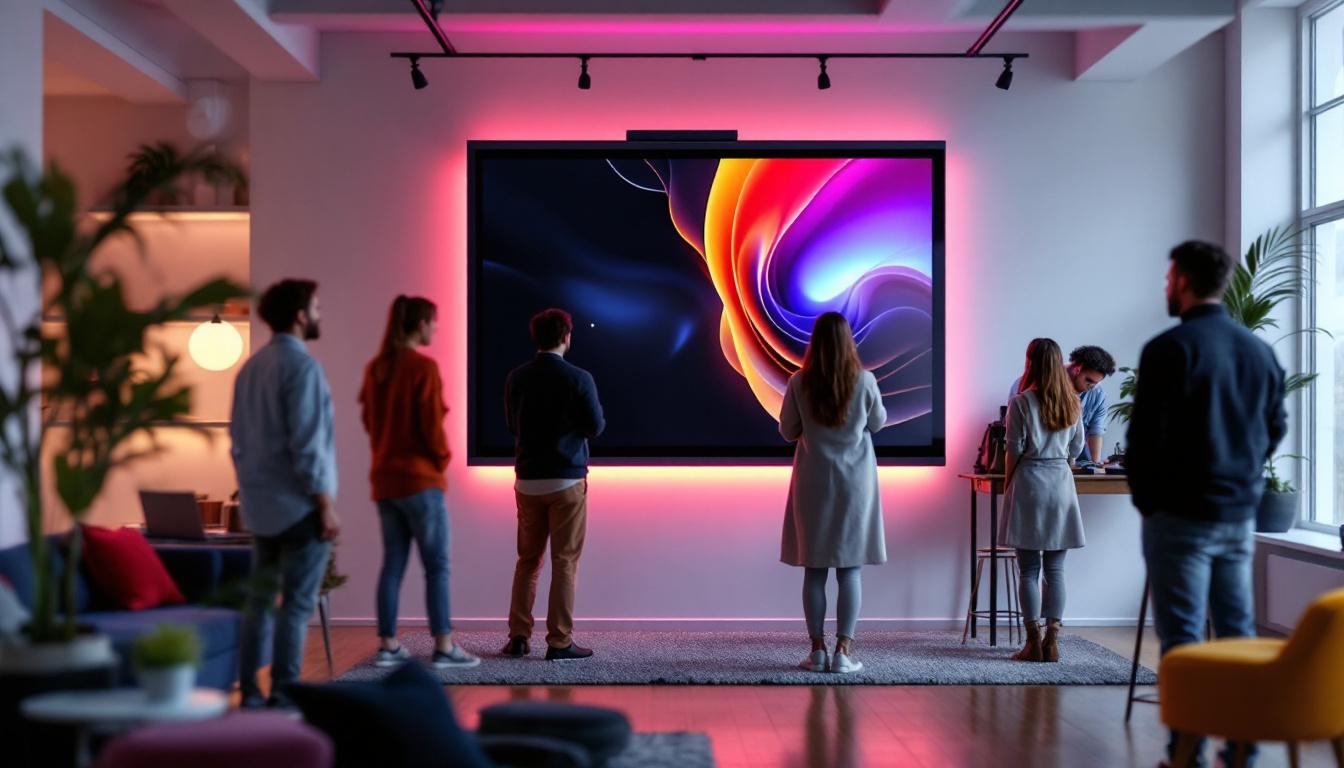
Putting videos together for LED displays involves understanding the unique characteristics of LED technology, including pixel pitch, resolution, and synchronization. By carefully matching video content to the display’s specifications, optimizing brightness and contrast, and using the right software tools, content creators can produce stunning, seamless video presentations that captivate audiences.
Whether for advertising, entertainment, or informational purposes, LED displays offer a dynamic platform to showcase video content on a grand scale. Staying informed about the latest technologies and best practices ensures that your video presentations not only look impressive but also deliver the intended message effectively.
Discover LumenMatrix LED Display Solutions
Ready to take your video presentations to the next level? Explore LumenMatrix’s wide range of innovative LED display solutions tailored to your needs. From vibrant Indoor and Outdoor LED Wall Displays to dynamic Vehicle and Sports LED Displays, our cutting-edge technology is designed to make your brand stand out. Experience the future of visual communication with our Custom, All-in-One, and Transparent LED Displays. Elevate your message with clarity and impact—check out LumenMatrix LED Display Solutions today and transform your space into a captivating visual experience.