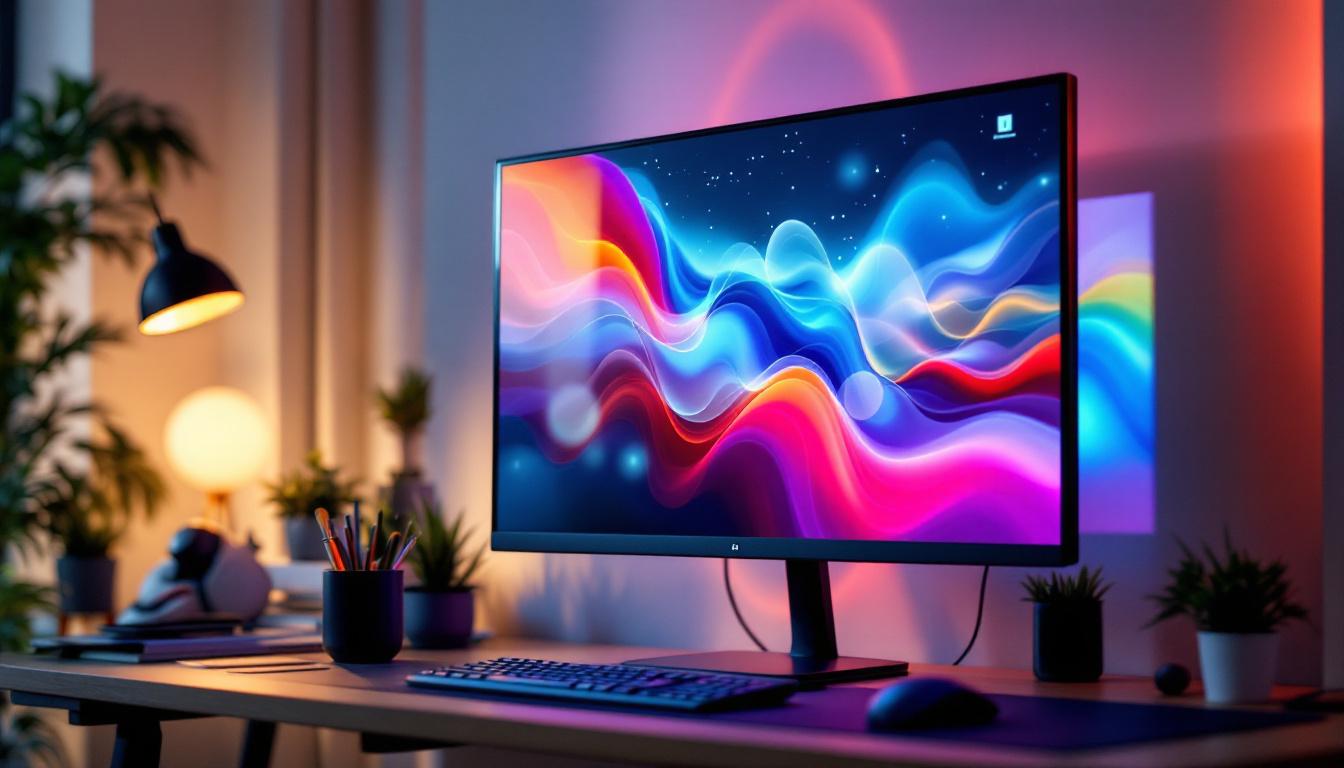
In today’s fast-paced digital world, the demand for larger, more interactive, and visually stunning computer monitors is higher than ever. Among the various options available, the 32 inch touch screen computer monitor with LED display technology stands out as a versatile and powerful tool for both professional and personal use. This article delves into the features, technology, benefits, and practical applications of these monitors, providing a comprehensive understanding for anyone considering an upgrade or a new purchase.
Understanding the Basics: What is a 32 Inch Touch Screen LED Monitor?
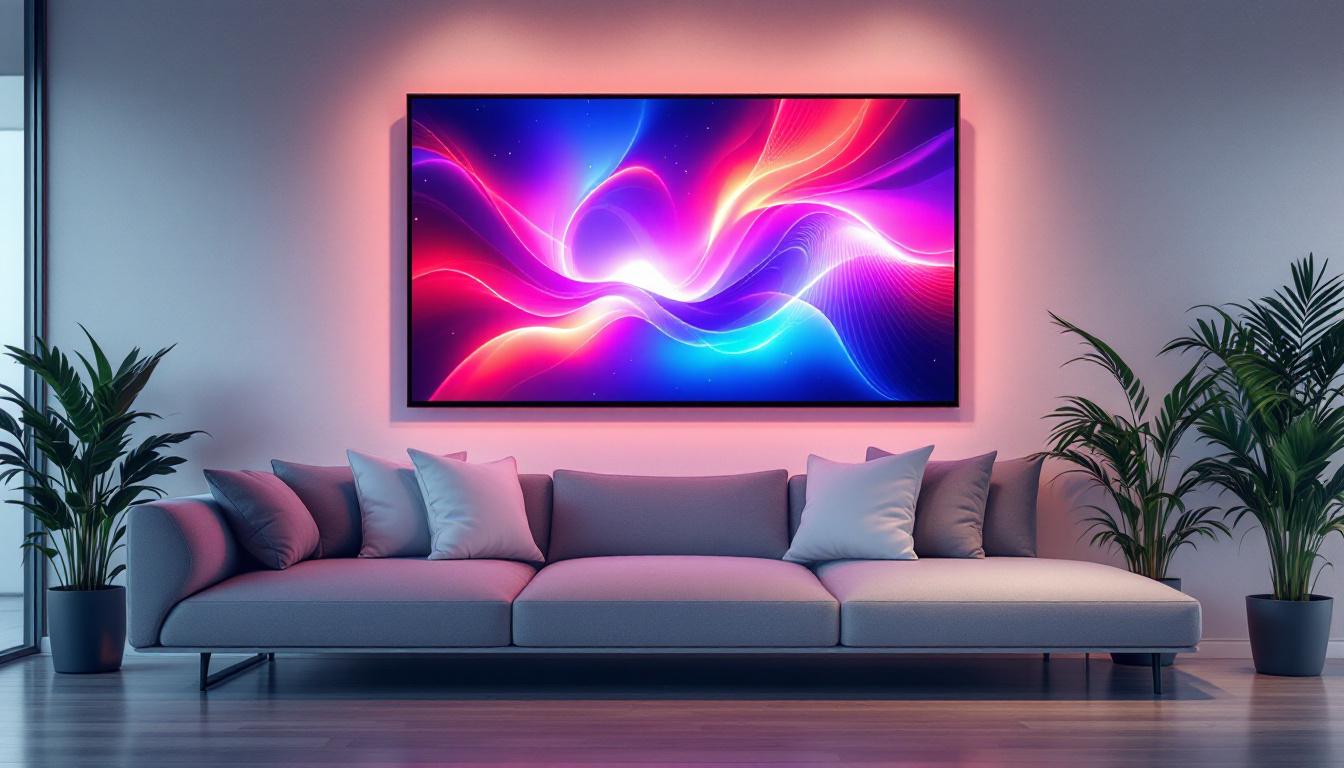
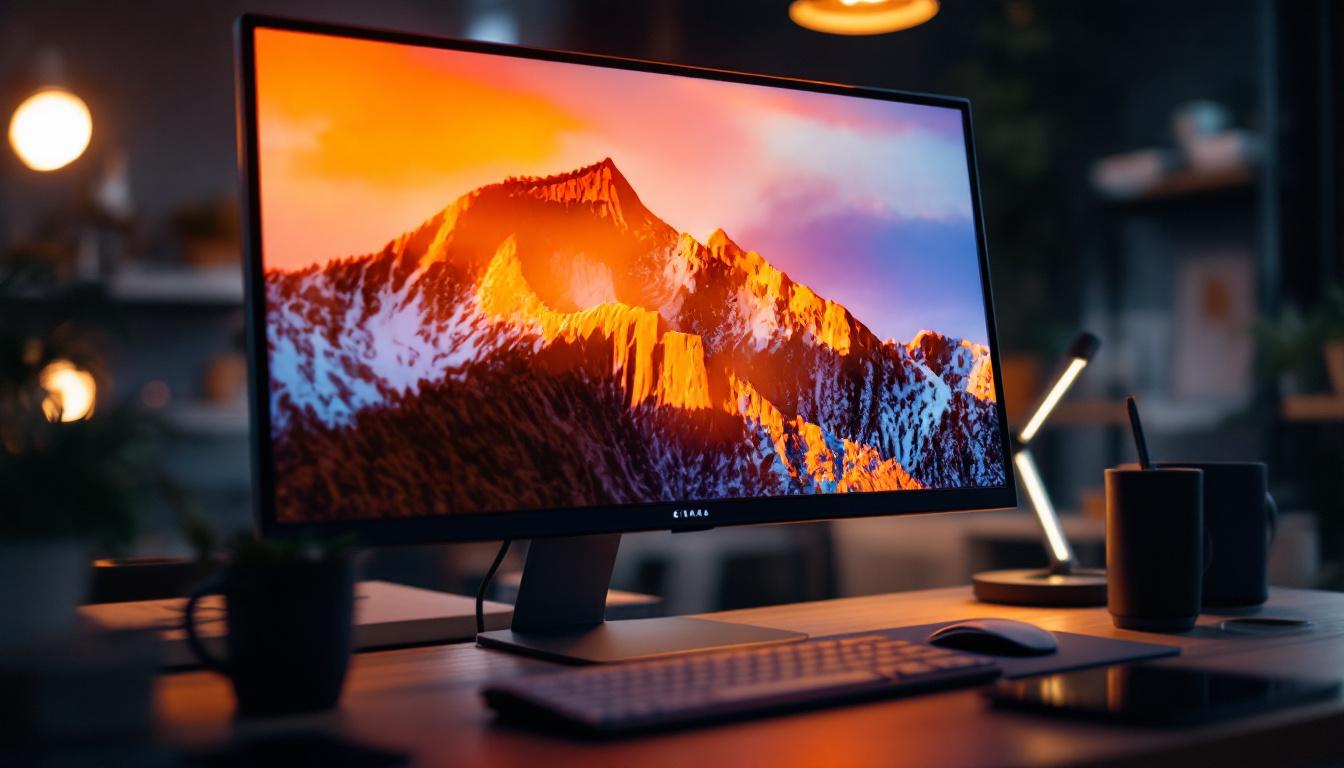
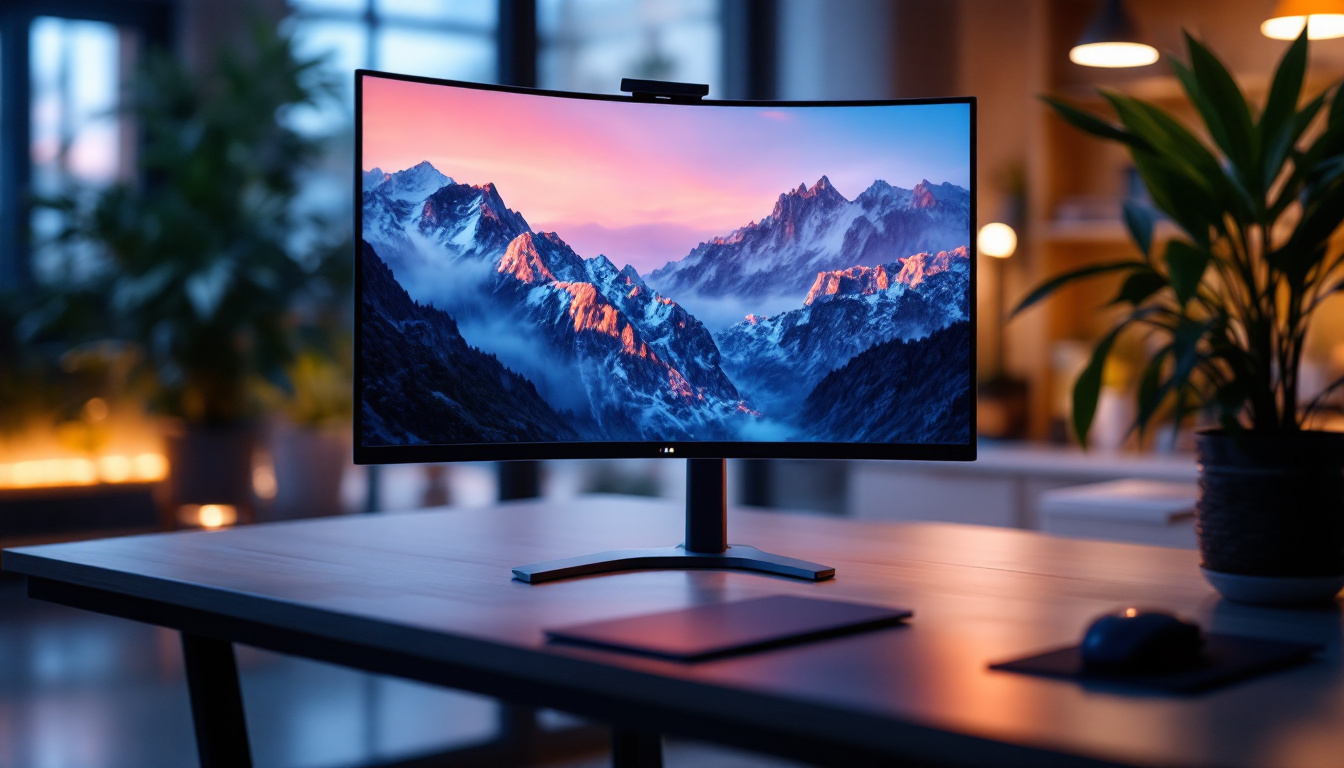
A 32 inch touch screen LED monitor is a display device that combines a sizable 32 inch screen with touch-sensitive technology and LED (Light Emitting Diode) backlighting. This combination offers users a large, interactive display with vibrant colors and energy-efficient performance.
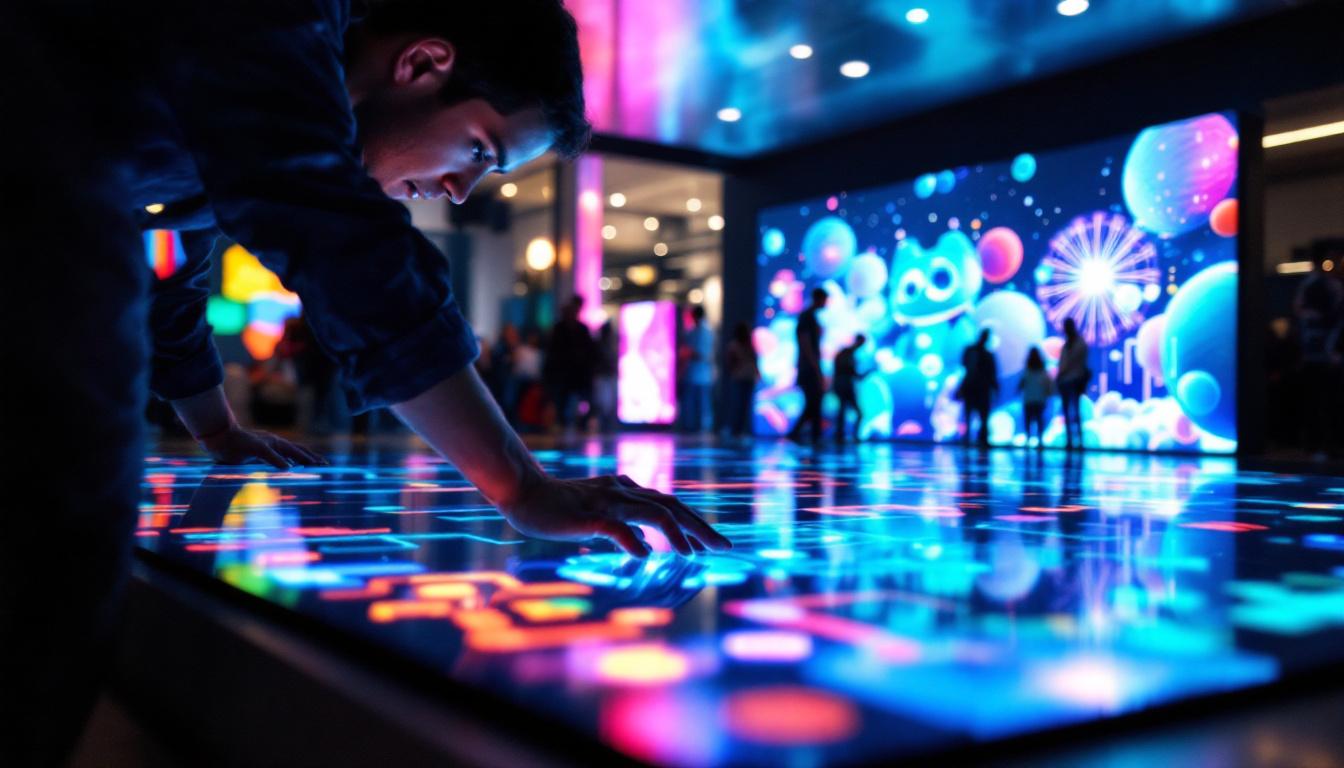
The 32 inch size strikes a balance between desktop usability and immersive viewing, making it ideal for a variety of tasks such as graphic design, gaming, video editing, and even general office work. The touch screen capability adds an intuitive layer of interaction, allowing users to tap, swipe, and gesture directly on the screen, much like a tablet or smartphone. This feature is particularly beneficial in collaborative environments, where multiple users can engage with the content simultaneously, enhancing teamwork and creativity.
LED Display Technology Explained
LED technology refers to the method by which the monitor’s screen is illuminated. Unlike older LCD monitors that use cold cathode fluorescent lamps (CCFL) for backlighting, LED monitors use light-emitting diodes. This change brings several advantages:
- Energy Efficiency: LED backlights consume less power, reducing electricity costs and environmental impact.
- Thinner Design: LEDs are smaller and generate less heat, allowing for slimmer and lighter monitors.
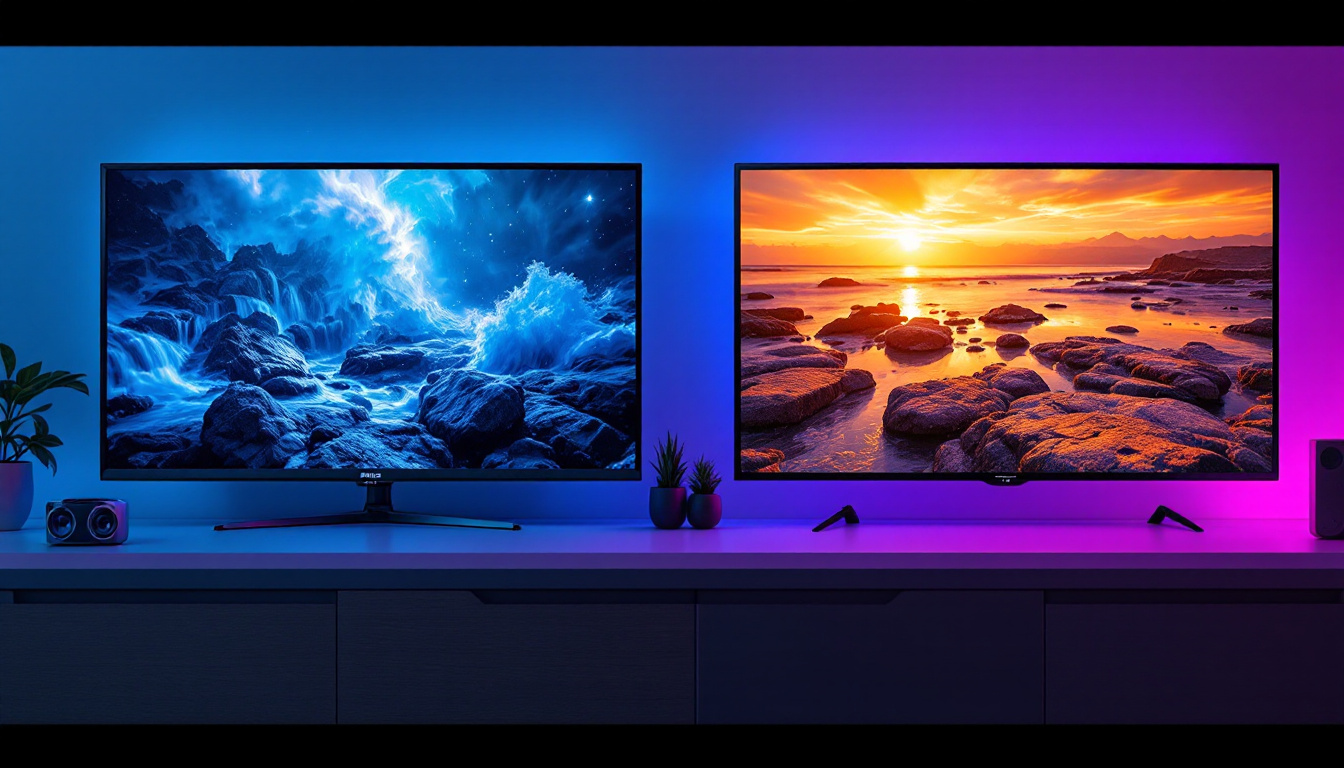
- Better Brightness and Contrast: LED monitors often provide higher brightness levels and improved contrast ratios, enhancing image quality.
- Longer Lifespan: LEDs typically last longer than CCFL backlights, contributing to greater durability.
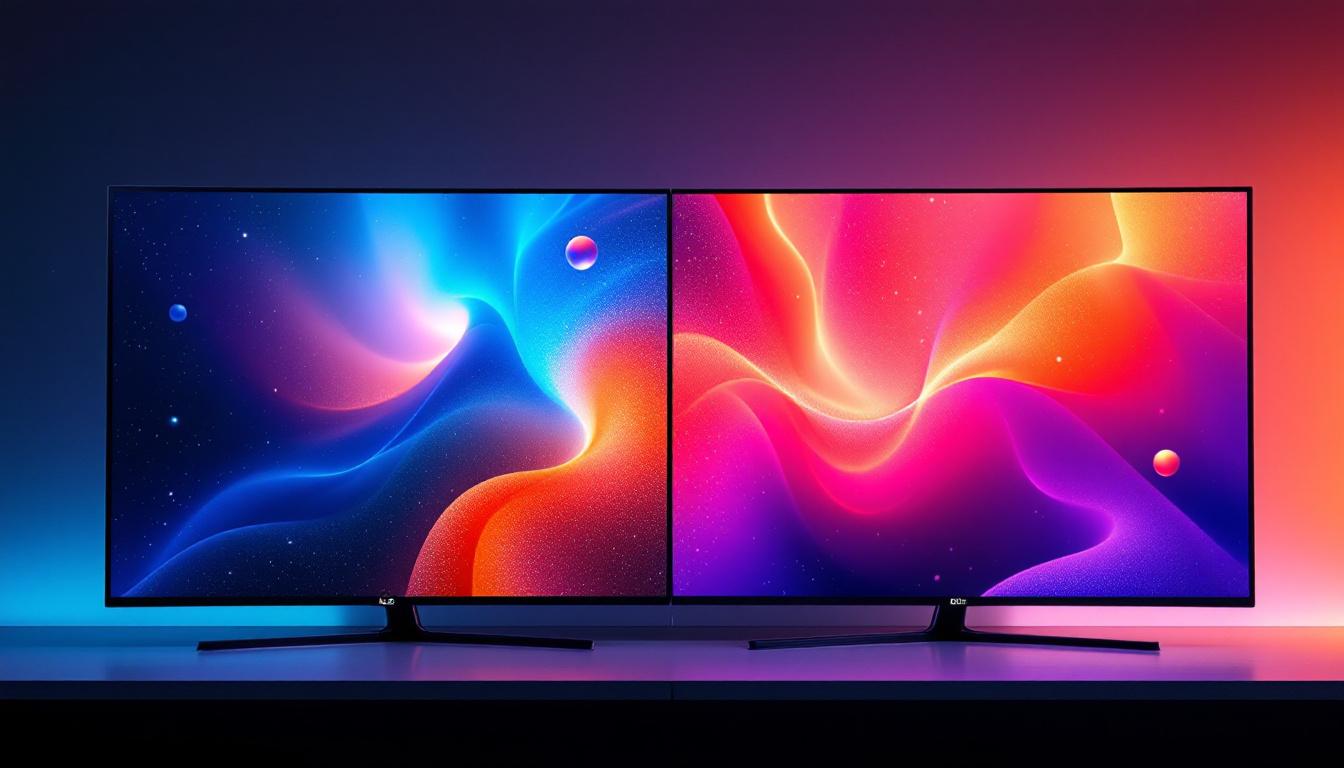
Modern 32 inch LED monitors often incorporate advanced LED types such as edge-lit or full-array local dimming, further improving picture quality by delivering deeper blacks and more precise lighting control. These technologies allow for a more dynamic viewing experience, making them particularly appealing for media consumption, where color accuracy and contrast can significantly impact the overall enjoyment of films and games. Additionally, many of these monitors come equipped with features like anti-glare coatings and wide viewing angles, ensuring that the display remains clear and vibrant from different positions, which is essential in shared spaces or when presenting to an audience.
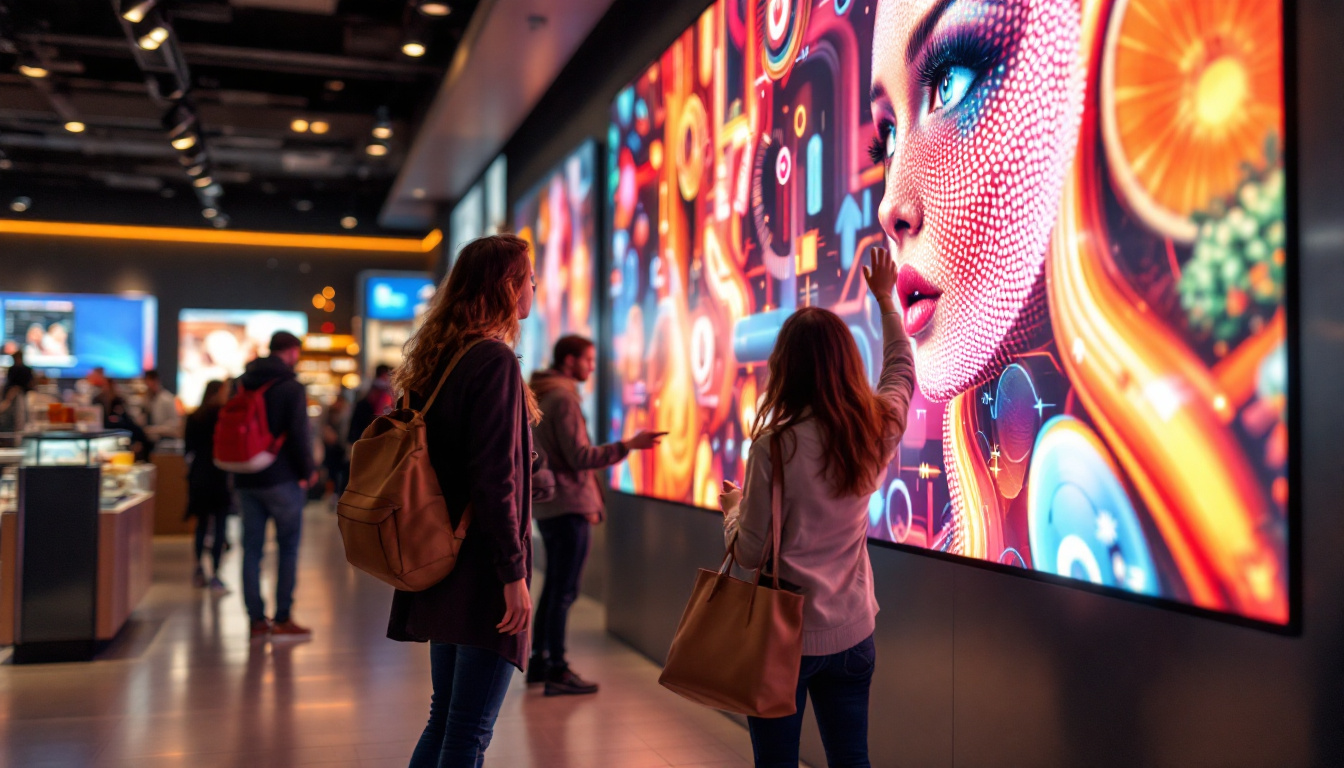
Furthermore, the integration of touch technology in these monitors opens up a world of possibilities beyond traditional computing. For instance, they can be utilized in interactive kiosks, educational settings, and digital signage, where engaging the viewer is crucial. The responsiveness of touch screens has improved significantly, allowing for smooth navigation and precise control, which is especially useful in applications that require detailed input, such as design software or complex data analysis tools. As technology continues to evolve, we can expect even more innovative uses for 32 inch touch screen LED monitors across various industries.
Key Features of 32 Inch Touch Screen LED Monitors
Screen Resolution and Image Quality
The resolution of a monitor determines the clarity and detail of the images displayed. For a 32 inch screen, Full HD (1920×1080 pixels) is the minimum standard, but many models now offer Quad HD (2560×1440) or even 4K UHD (3840×2160) resolutions. Higher resolutions mean sharper images and more screen real estate, which is especially beneficial for multitasking and detailed work.
In addition to resolution, color accuracy and refresh rate are critical. Many 32 inch touch screen monitors support wide color gamuts such as sRGB or AdobeRGB, making them suitable for professional photo and video editing. A refresh rate of 60Hz is standard, but some models offer 75Hz or higher, improving smoothness in animations and gaming.
Touch Screen Technology Types
Touch screen monitors use different technologies to detect input, including:
- Capacitive Touch: This technology senses the electrical properties of the human finger, offering high sensitivity and multi-touch support. It is commonly found in smartphones and tablets, and increasingly in touch monitors.
- Resistive Touch: This relies on pressure applied to the screen, allowing use with fingers, styluses, or gloves. While less sensitive than capacitive, it is often more affordable.
- Infrared Touch: Uses an array of IR sensors around the screen edges to detect touch. It supports multi-touch and works with any object but can be more expensive.
Choosing the right touch technology depends on the intended use. Capacitive is preferred for smooth, finger-based interactions, while resistive or infrared may be better for industrial or medical environments where gloves or styluses are common.
Connectivity and Compatibility
Modern 32 inch touch screen monitors come equipped with a variety of ports to ensure compatibility with different devices. Common interfaces include HDMI, DisplayPort, USB-C, and USB-A. USB-C, in particular, is gaining popularity because it can transmit video, data, and power through a single cable, simplifying desk setups.
Additionally, many touch screen monitors support plug-and-play functionality with popular operating systems such as Windows, macOS, and Linux. This ensures that the touch features work seamlessly without the need for complex driver installations.
Benefits of Using a 32 Inch Touch Screen LED Monitor
Enhanced Productivity and User Experience
The large 32 inch display provides ample screen space for multitasking, allowing users to open multiple windows side by side without feeling cramped. This is particularly advantageous for professionals working with spreadsheets, design software, or coding environments.
The touch screen interface adds a layer of interactivity that can speed up workflows. For example, designers can draw directly on the screen with a stylus, while educators can annotate presentations in real-time. This natural interaction reduces reliance on peripherals like mice and keyboards, making tasks more intuitive.
Improved Visual Comfort and Ergonomics
LED monitors typically offer flicker-free screens and blue light reduction features, which help reduce eye strain during long hours of use. A 32 inch screen also allows for comfortable viewing distances, minimizing the need to lean forward or squint.
Many models come with adjustable stands that support tilt, swivel, and height adjustments, enabling users to customize the monitor position for optimal posture. Some touch monitors also support VESA mounts, allowing for flexible placement on monitor arms or wall mounts.
Versatility Across Different Applications
From business environments to creative studios, 32 inch touch screen LED monitors are highly versatile. In retail, they serve as interactive kiosks or point-of-sale terminals. In healthcare, they enable doctors to access and manipulate patient data easily. In education, they facilitate interactive lessons and group collaboration.
Gamers and entertainment enthusiasts also benefit from the large, high-resolution displays combined with responsive touch controls for certain game genres and media navigation.
Considerations When Choosing a 32 Inch Touch Screen LED Monitor
Intended Use and Environment
Understanding the primary purpose of the monitor is crucial. For graphic designers or video editors, color accuracy and high resolution are paramount. For office productivity, a reliable touch interface and ergonomic design might be more important. In industrial settings, durability and compatibility with gloves or styluses could dictate the choice.
Budget and Brand Reliability
Prices for 32 inch touch screen LED monitors vary widely based on features and brand reputation. While budget options exist, investing in a reputable brand with solid customer support often pays off in terms of reliability and warranty coverage.
Brands like Dell, LG, ASUS, and ViewSonic are known for producing high-quality touch screen monitors with robust features. Checking user reviews and professional evaluations can help identify models that offer the best value.
Connectivity and Future-proofing
Ensuring the monitor has the right ports for current and future devices is important. USB-C support, for example, is becoming a standard for modern laptops and tablets. Additionally, considering monitors with firmware updates or software support can extend the device’s lifespan.
Practical Tips for Maximizing Your 32 Inch Touch Screen Experience
Calibrate Your Display Regularly
To maintain color accuracy and optimal touch responsiveness, calibrate your monitor periodically using built-in tools or third-party calibration devices. This is especially important for professionals in creative fields.
Optimize Your Workspace Setup
Position the monitor at eye level and maintain a comfortable viewing distance of about 20-30 inches. Use adjustable stands or mounts to reduce neck and eye strain. Ensure adequate lighting to minimize glare on the screen.
Keep the Screen Clean
Touch screens attract fingerprints and smudges, which can affect visibility and touch sensitivity. Use a microfiber cloth and appropriate screen cleaner to keep the display pristine without damaging the surface.
Future Trends in Touch Screen LED Monitors
The evolution of touch screen LED monitors continues with innovations such as OLED displays, which offer even better contrast and color performance, and flexible or curved screens that enhance immersion. Integration with AI and gesture recognition technologies is also on the horizon, promising more natural and seamless user interactions.
Moreover, as remote work and hybrid office models become more prevalent, the demand for large, interactive monitors that support collaboration tools is expected to grow. Features like wireless connectivity, built-in webcams, and advanced touch capabilities will likely become standard.
Conclusion
The 32 inch touch screen computer monitor with LED display technology represents a compelling blend of size, interactivity, and visual quality. Whether for professional use in design, education, healthcare, or for personal entertainment and productivity, these monitors offer significant advantages over traditional displays.
By understanding the underlying LED technology, touch screen types, and key features, users can make informed decisions that align with their needs and budgets. As technology advances, these monitors will continue to evolve, offering even more immersive and efficient computing experiences.
Investing in a high-quality 32 inch touch screen LED monitor today can enhance productivity, improve user comfort, and open new possibilities for interaction in the digital workspace.
Discover the Future of Visual Display with LumenMatrix
Ready to take your digital experience to the next level? Explore LumenMatrix’s innovative LED display solutions, where cutting-edge technology meets stunning visual performance. Whether you’re looking to enhance your professional workspace or captivate an audience, LumenMatrix offers a diverse range of products, including Indoor and Outdoor LED Wall Displays, Vehicle LED Displays, and more. Elevate your brand visibility and create immersive experiences with our state-of-the-art LED display modules. Check out LumenMatrix LED Display Solutions today and transform your visual communication.