In today’s fast-evolving world of display technology, understanding the nuances of connectivity standards and screen types is essential for both professionals and enthusiasts. Among the many interfaces available, DisplayPort 1.4a stands out as a powerful and versatile option, especially when paired with LED monitors. This article delves deep into what DisplayPort 1.4a offers, how it complements LED displays, and why this combination is becoming increasingly popular in various applications ranging from gaming to professional content creation.
Understanding DisplayPort 1.4a: The Latest in Display Connectivity
DisplayPort is a digital display interface developed by the Video Electronics Standards Association (VESA) that has steadily gained traction since its introduction in 2006. The 1.4a revision, finalized in 2018, brings several enhancements that improve data bandwidth, color accuracy, and overall display performance.
What Sets DisplayPort 1.4a Apart?
DisplayPort 1.4a supports a maximum bandwidth of 32.4 Gbps, enabling it to handle higher resolutions and refresh rates than its predecessors. This bandwidth allows for 8K resolution at 60Hz or 4K resolution at up to 120Hz with HDR (High Dynamic Range) support. For users demanding ultra-high-definition visuals, this is a significant leap forward.
One of the key features of DisplayPort 1.4a is its support for Display Stream Compression 1.2 (DSC), a visually lossless compression technology. DSC allows the interface to transmit higher resolution and refresh rate signals without requiring additional bandwidth. This means users can enjoy crisp, fluid visuals without the need for multiple cables or sacrificing image quality.
Compatibility and Versatility
DisplayPort 1.4a is backward compatible with earlier versions and supports various adapters, including HDMI, DVI, and VGA, making it highly versatile for different setups. This flexibility is crucial for users who want to upgrade their monitors or connect to different devices without replacing their entire hardware ecosystem.
Moreover, DisplayPort 1.4a introduces support for Multi-Stream Transport (MST), allowing users to daisy-chain multiple displays from a single DisplayPort output. This feature is particularly beneficial for professionals who require extensive screen real estate for multitasking or immersive gaming experiences. By connecting multiple monitors, users can create a seamless workspace that enhances productivity and visual engagement, whether for graphic design, video editing, or gaming.
In addition to its impressive technical specifications, DisplayPort 1.4a also prioritizes audio capabilities. It supports up to 32 audio channels, providing immersive surround sound experiences that complement high-resolution video. This makes it an excellent choice for home theater setups and gaming rigs where audio quality is just as important as video fidelity. With the integration of advanced audio formats, users can enjoy a richer and more dynamic sound experience, further elevating their overall multimedia enjoyment.
LED Displays: A Modern Standard for Visual Excellence
LED (Light Emitting Diode) displays have become the dominant technology in monitors due to their energy efficiency, brightness, and color accuracy. Unlike traditional LCDs that use cold cathode fluorescent lamps (CCFL) for backlighting, LED monitors utilize LEDs, which offer several advantages.
How LED Technology Enhances Display Quality
LED backlighting provides better control over brightness and contrast, resulting in more vibrant images and deeper blacks. This is particularly important for HDR content, where the dynamic range between the darkest and brightest parts of an image must be preserved to maintain realism.
Additionally, LED monitors generally have thinner panels and consume less power, making them more environmentally friendly and suitable for sleek, modern designs. The reduced heat output also contributes to longer device longevity and improved user comfort during extended use.
Moreover, the rapid response time of LED technology minimizes motion blur, making these displays ideal for fast-paced gaming and action-packed movies. With refresh rates that can reach up to 240Hz, gamers can enjoy a smoother experience, while movie enthusiasts can appreciate the clarity of high-speed sequences without distortion. This responsiveness, combined with the vivid color reproduction that LED displays offer, creates an immersive viewing experience that enhances both productivity and entertainment.
Types of LED Displays
It’s important to distinguish between different LED display types. Most consumer monitors are LED-backlit LCDs, where the LED serves as the backlight source. However, there are also OLED (Organic LED) displays, which are self-emissive and offer even better contrast and color accuracy but at a higher cost.
For the scope of this article, the focus remains on LED-backlit LCD monitors, which are the most common and widely used in both consumer and professional environments. These monitors come in various configurations, including edge-lit and full-array backlighting. Edge-lit displays are thinner and lighter, making them ideal for wall mounting, while full-array displays provide superior uniformity and better local dimming capabilities, which enhances contrast even further. As technology continues to evolve, we can expect to see even more innovations in LED display technology, such as mini-LED and micro-LED, which promise to deliver even greater performance and efficiency.
The Synergy Between DisplayPort 1.4a and LED Monitors
Combining DisplayPort 1.4a with LED monitors creates a synergy that maximizes the strengths of both technologies. Understanding this relationship helps users make informed decisions when purchasing or upgrading their display setups.
High Resolution and Refresh Rates for Immersive Experiences
DisplayPort 1.4a’s high bandwidth enables LED monitors to fully realize their potential in terms of resolution and refresh rate. For example, a 4K LED monitor with a 120Hz refresh rate can deliver exceptionally smooth motion and sharp images, which is critical for gaming, video editing, and other graphics-intensive tasks.
Moreover, the support for HDR through DisplayPort 1.4a ensures that LED monitors can display a broader color gamut and improved luminance, enhancing visual realism and depth.
Reduced Latency and Improved Color Accuracy
DisplayPort 1.4a supports features like Forward Error Correction (FEC) and improved packetization, which reduce latency and signal errors. This is particularly valuable for professional users who rely on precise color reproduction and minimal input lag, such as photographers, graphic designers, and video producers.
LED monitors, with their superior color accuracy and brightness control, complement these features, resulting in a display environment that meets the highest standards of visual fidelity.
Practical Applications and Use Cases
The combination of DisplayPort 1.4a and LED monitors is not just theoretical; it has practical implications across various fields. Understanding these use cases can help users identify whether this setup fits their needs.
Gaming and Entertainment
For gamers, the ability to run games at 4K resolution with refresh rates of 120Hz or higher is a game-changer. DisplayPort 1.4a enables this performance, while LED monitors provide the vibrant colors and contrast needed for immersive gameplay. Features like HDR enhance the visual experience by making environments more lifelike and detailed.
Additionally, many modern gaming monitors support adaptive sync technologies such as NVIDIA G-SYNC and AMD FreeSync over DisplayPort, which reduce screen tearing and stuttering for smoother gameplay.
Professional Content Creation
Photographers, video editors, and graphic designers require monitors that can display accurate colors and fine details. The DisplayPort 1.4a interface supports 10-bit color depth and wide color gamuts such as AdobeRGB and DCI-P3, which are essential for professional-grade work.
LED monitors with high brightness and contrast ratios, combined with the bandwidth and compression capabilities of DisplayPort 1.4a, ensure that creators can work with HDR content and high-resolution files without compromise.
Office and Productivity Environments
Even in everyday office settings, the benefits of DisplayPort 1.4a and LED monitors are evident. Higher resolutions allow for more screen real estate, improving multitasking and reducing eye strain. The energy efficiency of LED displays also contributes to lower operational costs in large-scale deployments.
Choosing the Right DisplayPort 1.4a LED Monitor
With many options on the market, selecting the right monitor that leverages DisplayPort 1.4a and LED technology requires careful consideration of several factors.
Resolution and Refresh Rate
Identify your primary use case to determine the optimal resolution and refresh rate. Gamers and video professionals may prioritize 4K at 120Hz or higher, while general users might find 1440p at 60-75Hz sufficient. Ensure the monitor’s specifications explicitly mention DisplayPort 1.4a support to take advantage of these features.
Color Accuracy and HDR Support
Look for monitors with factory calibration and wide color gamut coverage if color accuracy is critical. HDR support, particularly HDR10 or better, enhances visual quality but requires both the monitor and the graphics card to be compatible with DisplayPort 1.4a’s HDR capabilities.
Connectivity and Additional Features
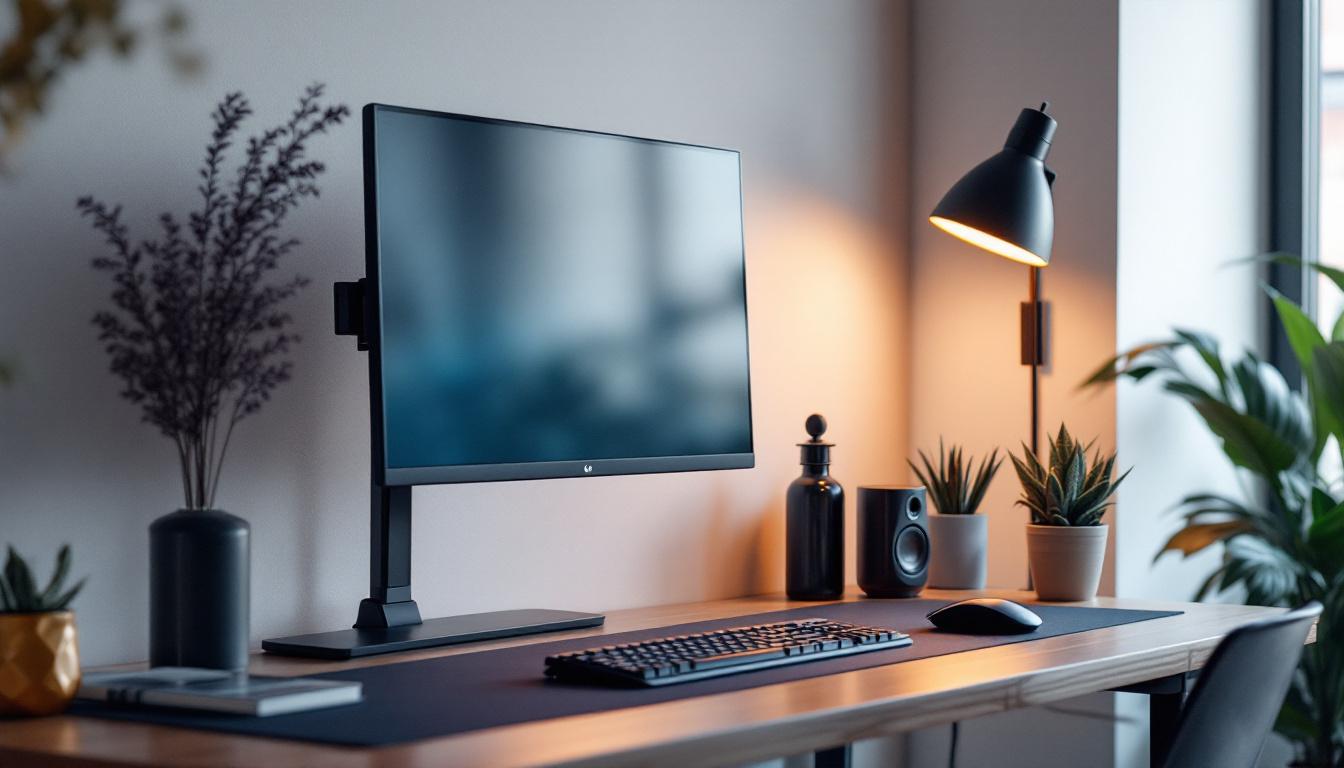
Consider the number of DisplayPort inputs, USB hubs, and ergonomic adjustments like height, tilt, and swivel. Some monitors also include features such as built-in speakers, blue light filters, and flicker-free technology to improve user comfort.
Future-Proofing Your Display Setup
Display technology continues to advance rapidly, but investing in a DisplayPort 1.4a LED monitor offers a degree of future-proofing. The interface’s high bandwidth and support for emerging standards like DSC mean that it can handle upcoming content formats and resolutions.
Furthermore, as 8K content and higher refresh rates become more mainstream, having a monitor and interface capable of supporting these demands will save users from frequent upgrades.
Conclusion
DisplayPort 1.4a paired with LED monitors represents a powerful combination that delivers exceptional image quality, high resolutions, and smooth refresh rates. Whether for gaming, professional content creation, or everyday productivity, this setup offers significant advantages in terms of performance, color accuracy, and future compatibility.
As display technology continues to evolve, understanding the capabilities and benefits of interfaces like DisplayPort 1.4a and LED display technology is essential for making informed purchasing decisions. Choosing the right monitor with these features ensures a superior visual experience that meets the demands of today and tomorrow.
Explore Cutting-Edge LED Displays with LumenMatrix
Ready to elevate your visual experience with the latest in LED display technology? LumenMatrix is at the forefront of innovation, offering a wide range of LED display solutions tailored to your needs. From captivating Indoor LED Wall Displays to dynamic Outdoor LED Wall Displays, and from versatile Vehicle LED Displays to sleek LED Poster Displays, our products are designed to revolutionize visual communication. Discover how our LED Sports Displays, Floor LED Displays, Custom LED Displays, All-in-One LED Displays, and LED Transparent Displays can enhance engagement and empower your brand’s message. Check out LumenMatrix LED Display Solutions today and step into the future of digital signage.