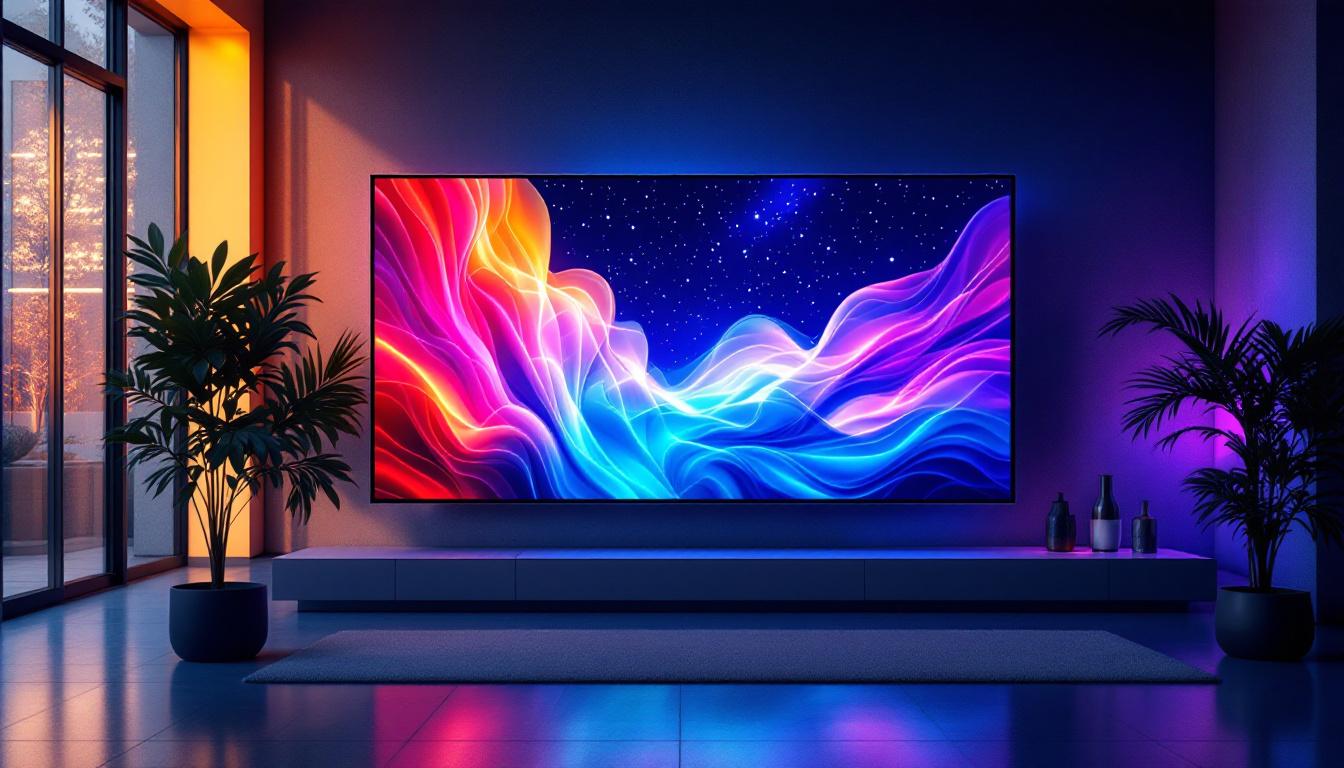
In today’s rapidly evolving digital landscape, LED displays have become a cornerstone technology for a wide range of applications—from advertising billboards to architectural visualization and control rooms. For Autodesk distributors, understanding the intricacies of LED display technology is essential to offer tailored solutions that meet the needs of architects, engineers, designers, and construction professionals who rely on Autodesk software. This article provides a comprehensive overview of LED displays, their technology, applications, and how Autodesk distributors can leverage this knowledge to enhance their offerings.
Understanding LED Display Technology
What is an LED Display?
An LED (Light Emitting Diode) display is a flat panel display that uses an array of light-emitting diodes as pixels for video display. Unlike traditional LCD screens that rely on backlighting, LED displays produce their own light, resulting in brighter images, better contrast, and more vibrant colors. This makes LED displays highly suitable for both indoor and outdoor environments.
LED technology has evolved significantly over the past decade. Modern LED displays use surface-mounted device (SMD) LEDs that combine red, green, and blue diodes into a single pixel, allowing for high-resolution and full-color displays. The modular design of LED panels enables the creation of displays of virtually any size and shape, which is a critical advantage for architects and designers working on unique projects.
Key Components of LED Displays
To fully grasp how LED displays function, it’s important to understand their main components:
- LED Modules: These are the basic building blocks, consisting of multiple LEDs arranged in a grid. Modules can be combined to form larger panels.
- Driver ICs: Integrated circuits that control the brightness and color of each LED pixel, ensuring accurate image reproduction.
- Power Supply: Provides the necessary electrical power to the LED modules and driver ICs.
- Control System: Includes hardware and software that process input signals and manage display content.
- Cabinet Structure: The physical frame that houses the modules, providing protection and facilitating installation.
Each component plays a vital role in the overall performance and reliability of the LED display, factors that Autodesk distributors must consider when recommending solutions to clients.
Applications of LED Displays in Autodesk-Related Industries
Architectural Visualization and Design
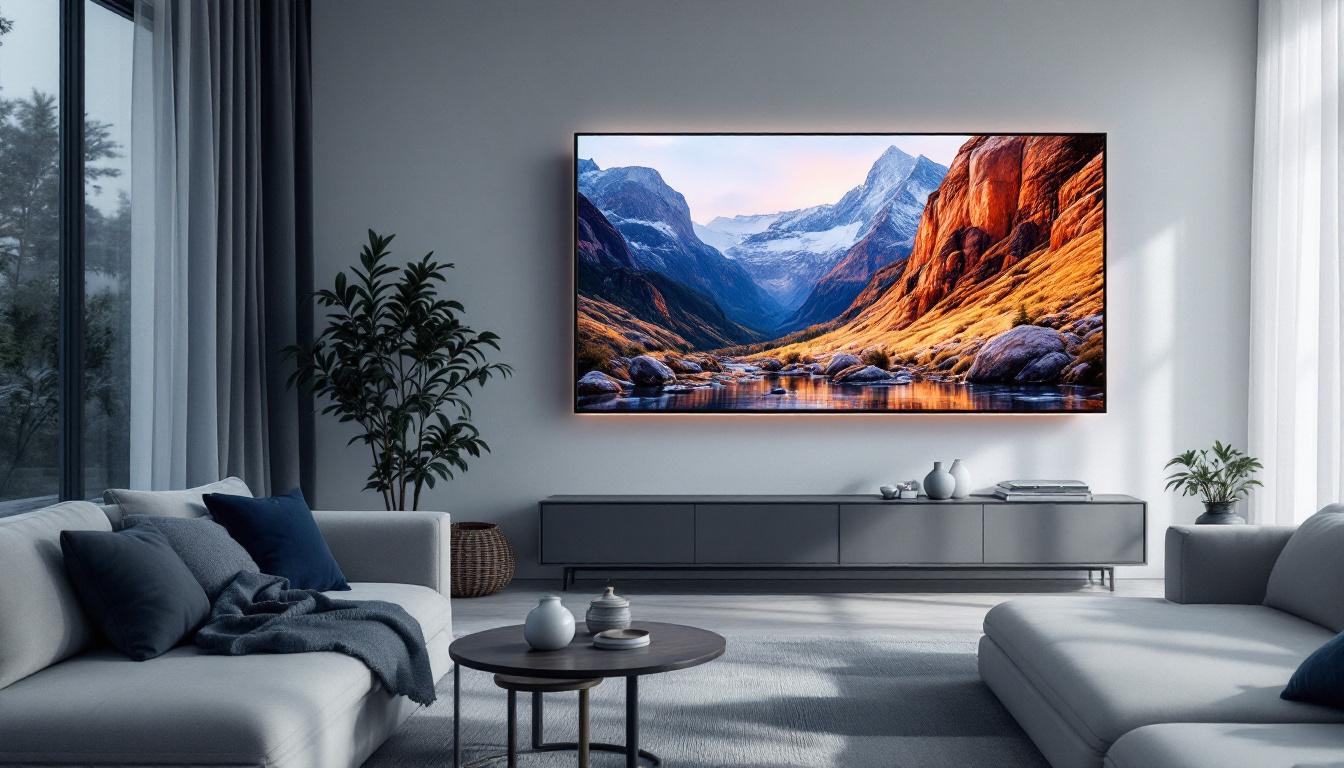
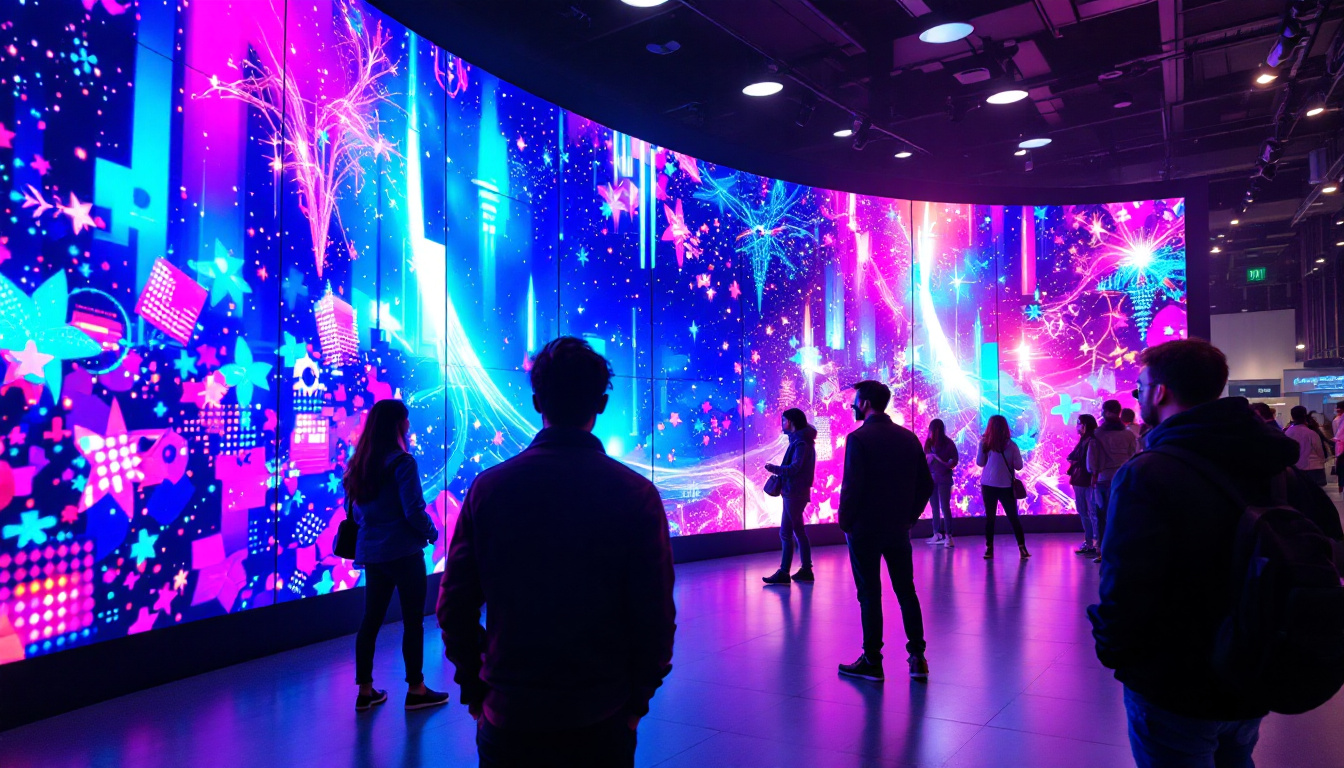
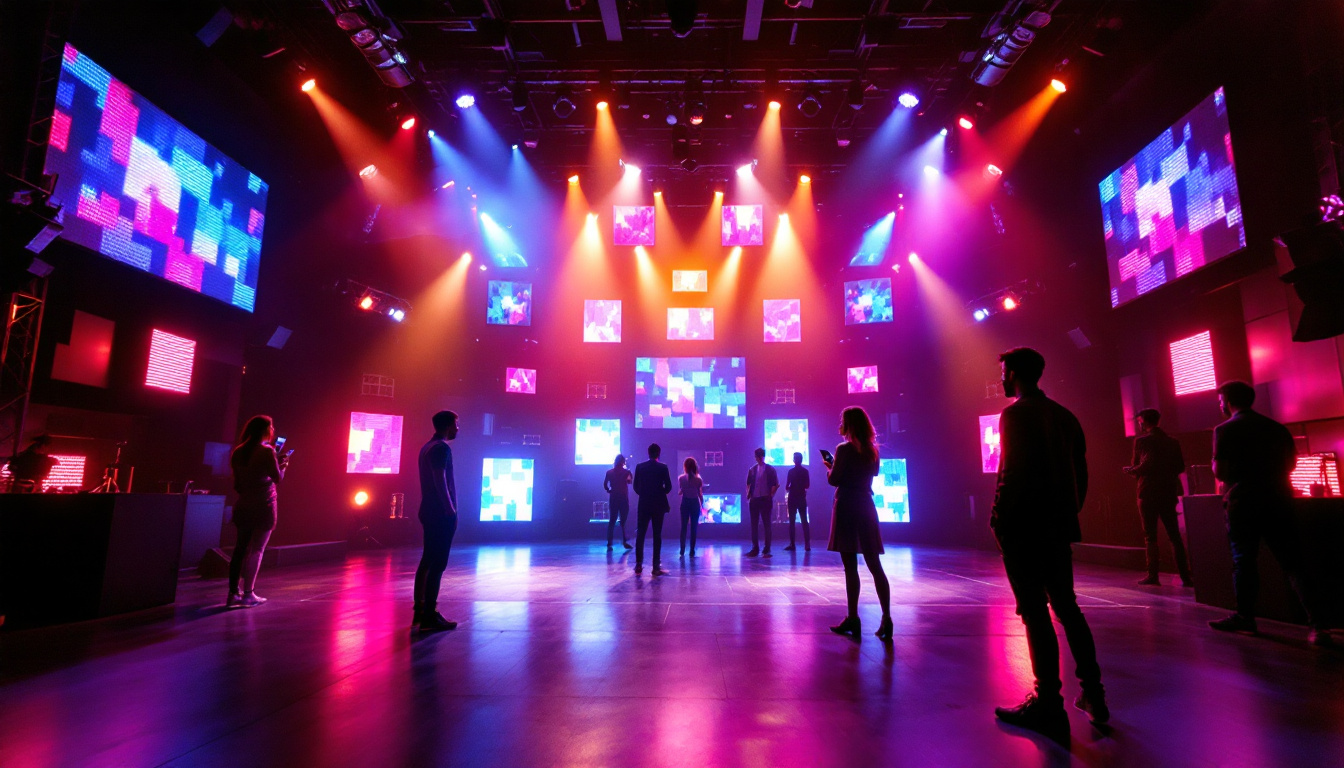
Architects and designers frequently use Autodesk software such as AutoCAD, Revit, and 3ds Max to create detailed models and renderings. LED displays serve as an excellent medium for presenting these visualizations in a highly impactful way. Large-format LED walls can showcase 3D walkthroughs, real-time design changes, and immersive presentations during client meetings or public exhibitions.
For example, a real estate developer might use an LED display at a sales center to showcase a virtual tour of a new housing project. The vivid colors and high resolution of LED screens help potential buyers better understand the spatial layout and design features, improving engagement and sales outcomes.
Construction and Project Management
In construction environments, LED displays are used in site offices and control rooms to monitor project progress, safety metrics, and logistics. Autodesk’s BIM 360 platform integrates with visualization tools that can be displayed on LED screens, providing real-time updates to project managers and stakeholders.
Large LED displays enable teams to track timelines, visualize construction sequencing, and coordinate tasks efficiently. This reduces errors, improves communication, and supports timely decision-making—critical factors in complex construction projects.
Events and Marketing for Autodesk Distributors
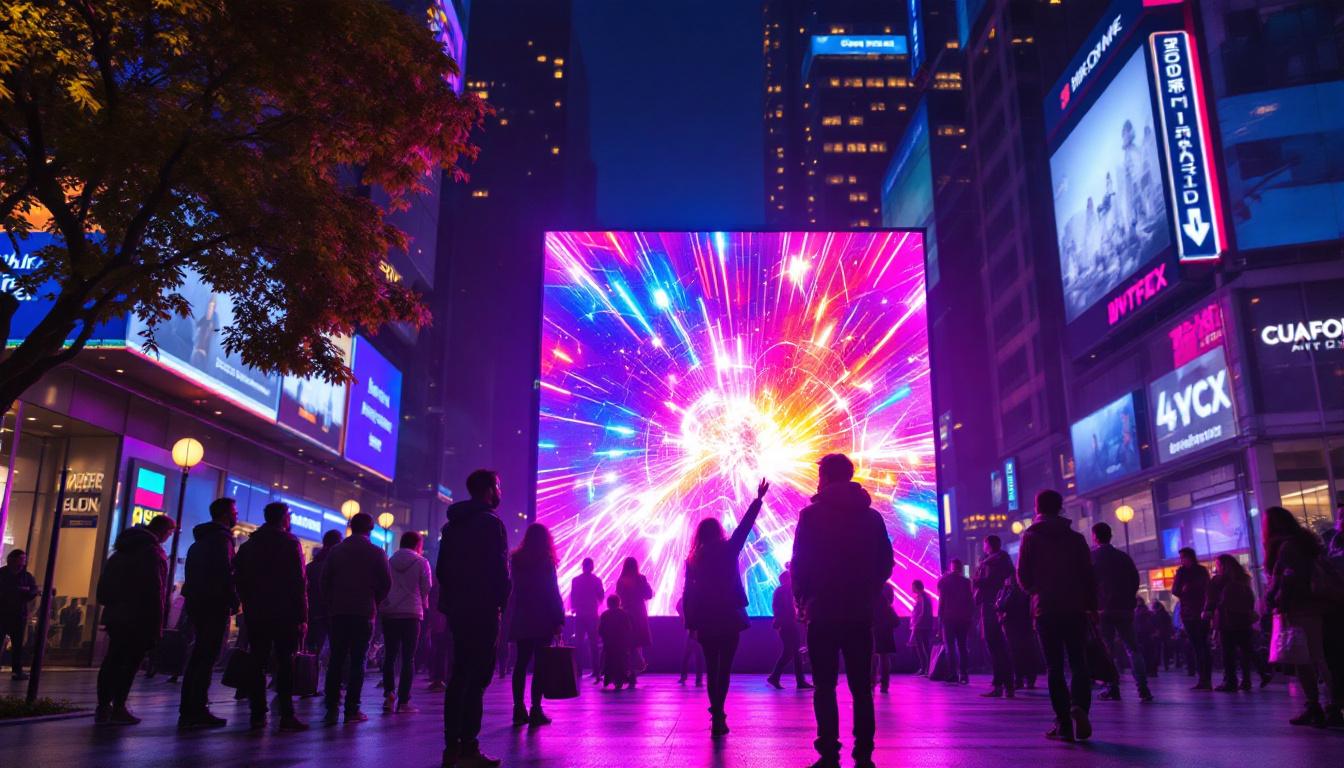
Autodesk distributors themselves benefit from LED display technology during trade shows, product launches, and training sessions. High-quality LED screens can display software demos, technical tutorials, and promotional content that attract and educate potential clients.
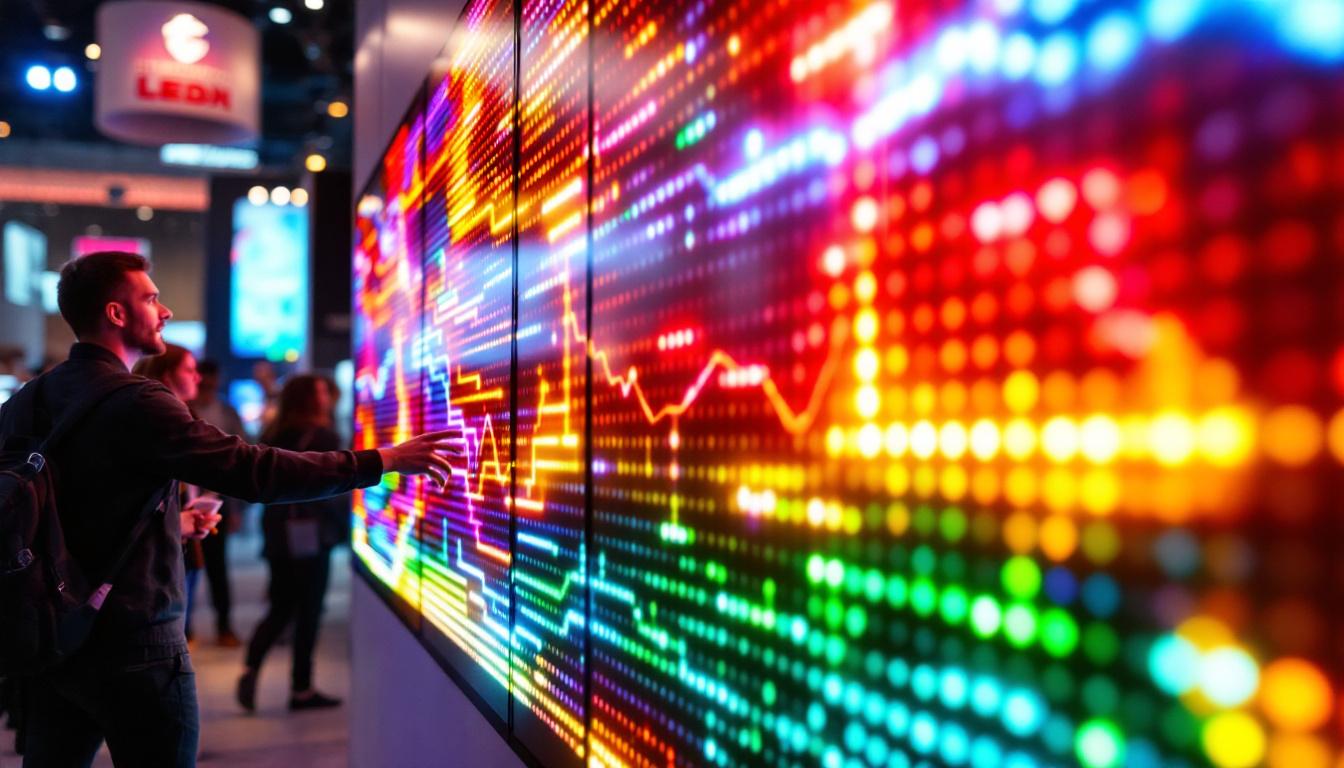
Interactive LED walls can also be used to create engaging experiences that demonstrate the power of Autodesk tools in real-world scenarios, helping distributors differentiate themselves in a competitive market.
Technical Considerations for Autodesk Distributors
Resolution and Pixel Pitch
Resolution is a critical factor when selecting an LED display. It is determined by the pixel pitch—the distance between the centers of two adjacent pixels. Smaller pixel pitches result in higher resolution and sharper images, which is especially important for close-up viewing.
For architectural presentations and detailed design reviews, a pixel pitch of 1.2mm to 2.5mm is often recommended to ensure clarity and precision. Outdoor advertising or large venue displays may use larger pixel pitches (4mm to 10mm) where viewing distances are greater.
Brightness and Contrast Ratio
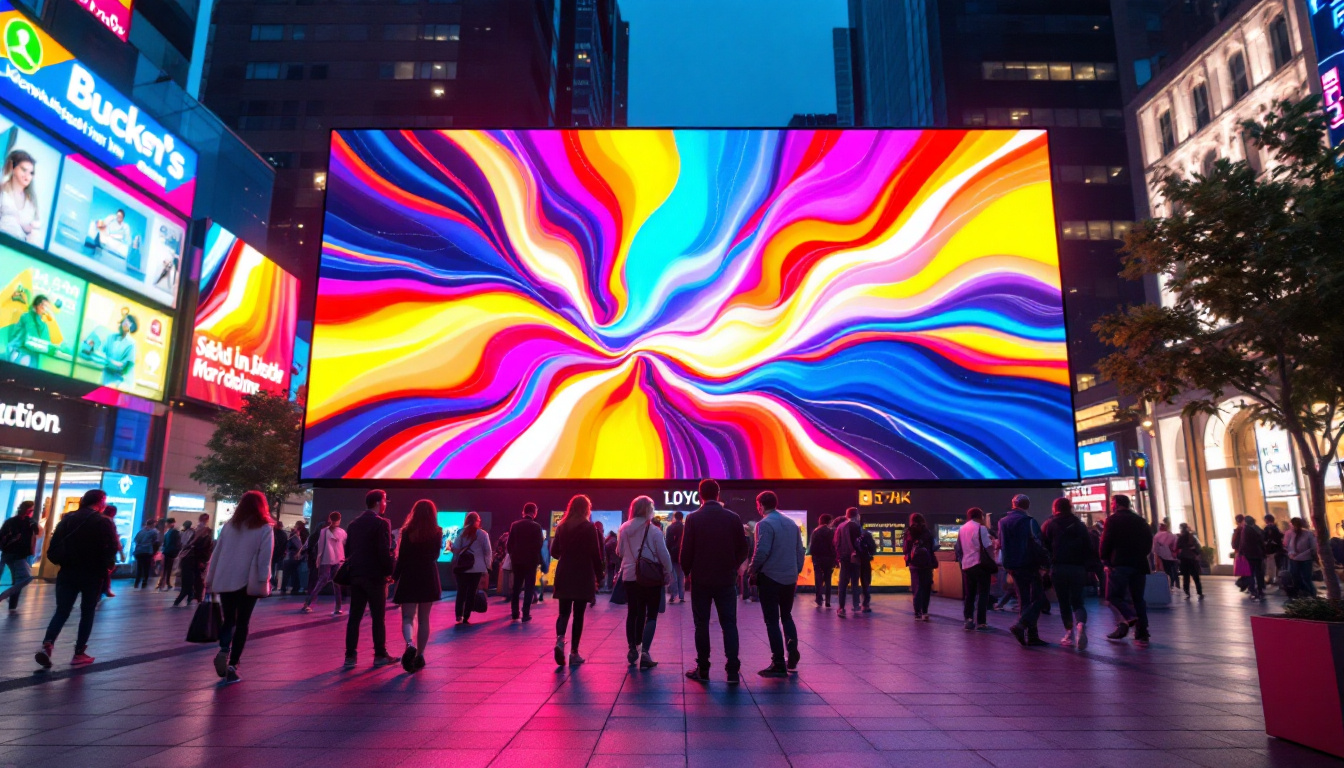
LED displays are known for their superior brightness levels, often reaching 1,000 to 5,000 nits or more. This makes them visible even in direct sunlight, an essential feature for outdoor applications. Contrast ratio—the difference between the brightest white and the darkest black—also impacts image quality and color accuracy.
Autodesk distributors should assess the environment where the display will be installed to recommend appropriate brightness and contrast specifications. Indoor displays typically require lower brightness but higher contrast for optimal viewing.
Color Accuracy and Calibration
Color fidelity is paramount when presenting architectural renderings or product designs. LED displays must be calibrated to reproduce colors accurately according to industry standards such as sRGB or Adobe RGB. Advanced calibration tools and software help maintain consistent color performance over time.
Distributors can offer value-added services by providing calibration support and training, ensuring clients get the most out of their LED display investments.
Durability and Maintenance
LED displays are designed for long-term use, but factors such as weather exposure, dust, and mechanical stress can affect performance. Outdoor LED displays require weatherproof enclosures and robust cooling systems to withstand harsh conditions.
Regular maintenance, including cleaning, firmware updates, and module replacement, is necessary to ensure reliability. Autodesk distributors should educate clients on maintenance best practices and offer service contracts to extend the lifespan of their displays.
Integrating LED Displays with Autodesk Software
Real-Time Data Visualization
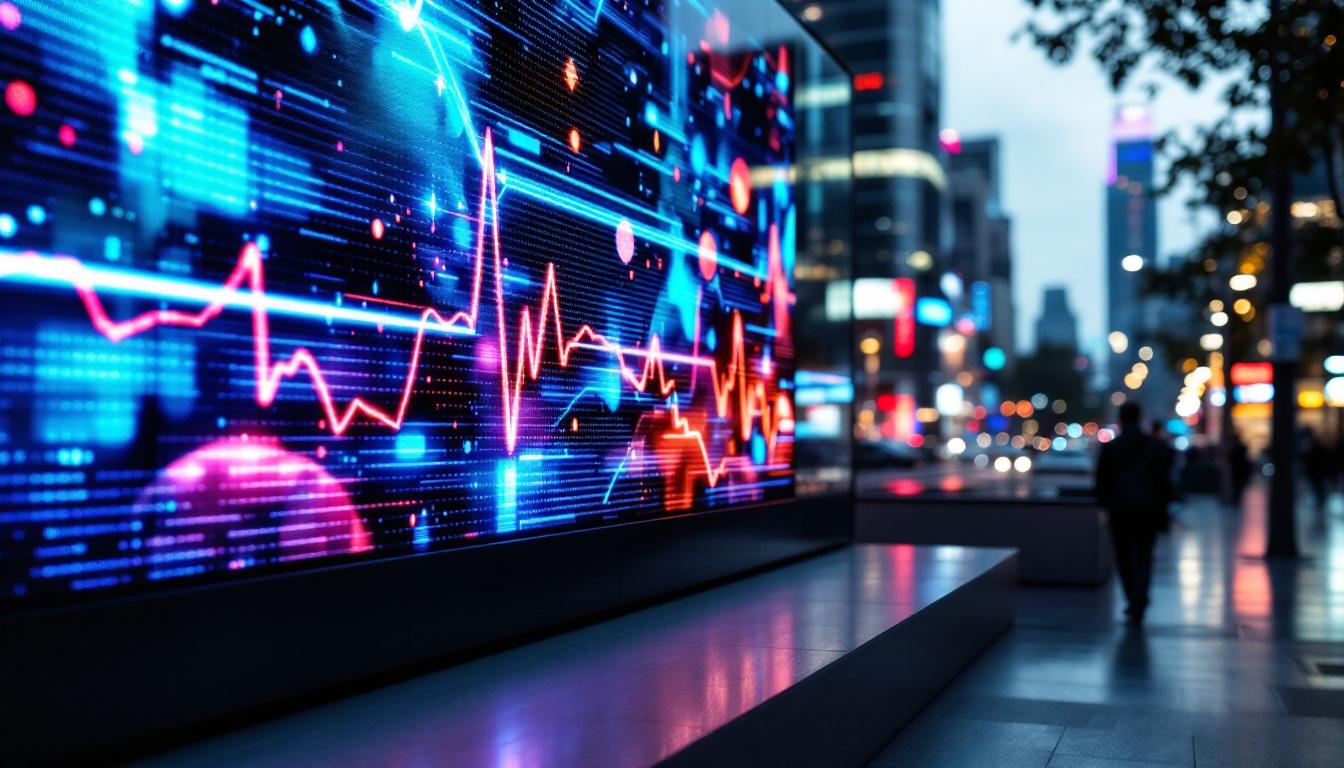
One of the most powerful uses of LED displays in Autodesk workflows is the real-time visualization of project data. Software like Autodesk BIM 360 and Navisworks can feed live data streams to LED screens, enabling teams to monitor progress, detect clashes, and optimize workflows on the fly.
This integration enhances collaboration by providing a shared visual platform accessible to all stakeholders, from architects to contractors, fostering transparency and accountability.
3D Rendering and Virtual Reality
Autodesk 3ds Max and Maya are widely used for creating photorealistic 3D renderings and animations. When paired with high-resolution LED displays, these visuals can be presented in large format, offering immersive experiences that help clients and project teams better understand complex designs.
Additionally, LED walls can complement VR setups by providing contextual information or background visuals, enriching the overall experience.
Interactive Presentations and Collaboration
Touch-enabled LED displays and interactive video walls allow users to manipulate designs directly on the screen. This capability is particularly valuable during design reviews and client presentations, where immediate feedback and iteration are crucial.
Autodesk distributors can recommend LED solutions with interactive features that integrate seamlessly with Autodesk software, enhancing user engagement and collaboration.
Choosing the Right LED Display as an Autodesk Distributor
Assessing Client Needs and Use Cases
Every client has unique requirements based on their industry, project scale, and budget. Autodesk distributors should conduct thorough needs assessments to understand factors such as viewing distance, ambient lighting, content type, and installation environment.
For instance, a construction firm may prioritize ruggedness and outdoor visibility, while an architectural firm might focus on color accuracy and resolution for detailed presentations.
Evaluating Vendor Options and Technologies
The LED display market offers a broad spectrum of products from various manufacturers, each with distinct features and price points. Distributors must stay informed about the latest advancements, such as micro-LED technology, flexible displays, and energy-efficient designs.
Building strong partnerships with reputable LED manufacturers ensures access to quality products, technical support, and competitive pricing—benefits that can be passed on to clients.
Providing Comprehensive Support and Training
Beyond hardware sales, Autodesk distributors add value by offering installation services, system integration, and training on both the LED display and Autodesk software. This holistic approach helps clients maximize their investment and reduces the risk of operational issues.
Offering ongoing support, including maintenance contracts and software updates, fosters long-term relationships and repeat business.
The Future of LED Displays in Autodesk Ecosystems
Emerging Trends and Innovations
LED display technology continues to evolve rapidly. Innovations such as micro-LEDs promise even higher resolution and energy efficiency, while advancements in AI-driven content management enable smarter, more dynamic displays.
For Autodesk distributors, staying abreast of these trends is crucial to anticipate client needs and remain competitive in a technology-driven market.
Expanding Applications with Augmented Reality (AR) and Mixed Reality (MR)
The integration of LED displays with AR and MR technologies is opening new frontiers in design visualization and collaboration. Combining physical LED walls with virtual elements allows users to interact with digital models in real-world contexts, enhancing understanding and decision-making.
Autodesk software suites are increasingly incorporating AR/MR capabilities, making LED display integration a natural extension for distributors aiming to provide cutting-edge solutions.
Sustainability and Energy Efficiency
As environmental concerns grow, the demand for energy-efficient and sustainable display solutions is rising. LED technology is inherently more energy-efficient than traditional display types, but innovations continue to reduce power consumption and extend product lifecycles.
Autodesk distributors can emphasize these benefits to clients seeking to meet green building standards and corporate sustainability goals.
Conclusion
For Autodesk distributors, a deep understanding of LED display technology is essential to effectively serve the diverse needs of clients in architecture, construction, and design industries. From technical specifications like resolution and brightness to integration with Autodesk software and emerging trends, LED displays offer powerful tools to enhance visualization, collaboration, and project management.
By staying informed about the latest developments and offering comprehensive support, Autodesk distributors can position themselves as trusted partners, helping clients unlock the full potential of their Autodesk investments through innovative LED display solutions.
Discover LumenMatrix LED Display Solutions
Ready to elevate your projects with the latest in LED display technology? Explore LumenMatrix’s comprehensive range of innovative LED solutions tailored for every application. Whether you need an Indoor LED Wall Display for your architectural visualizations, an Outdoor LED Wall Display for impactful advertising, or any of our specialized options like Vehicle, Sports, or Custom LED Displays, LumenMatrix is here to transform your visual communication. Check out LumenMatrix LED Display Solutions today and experience the future of digital signage and visual storytelling.