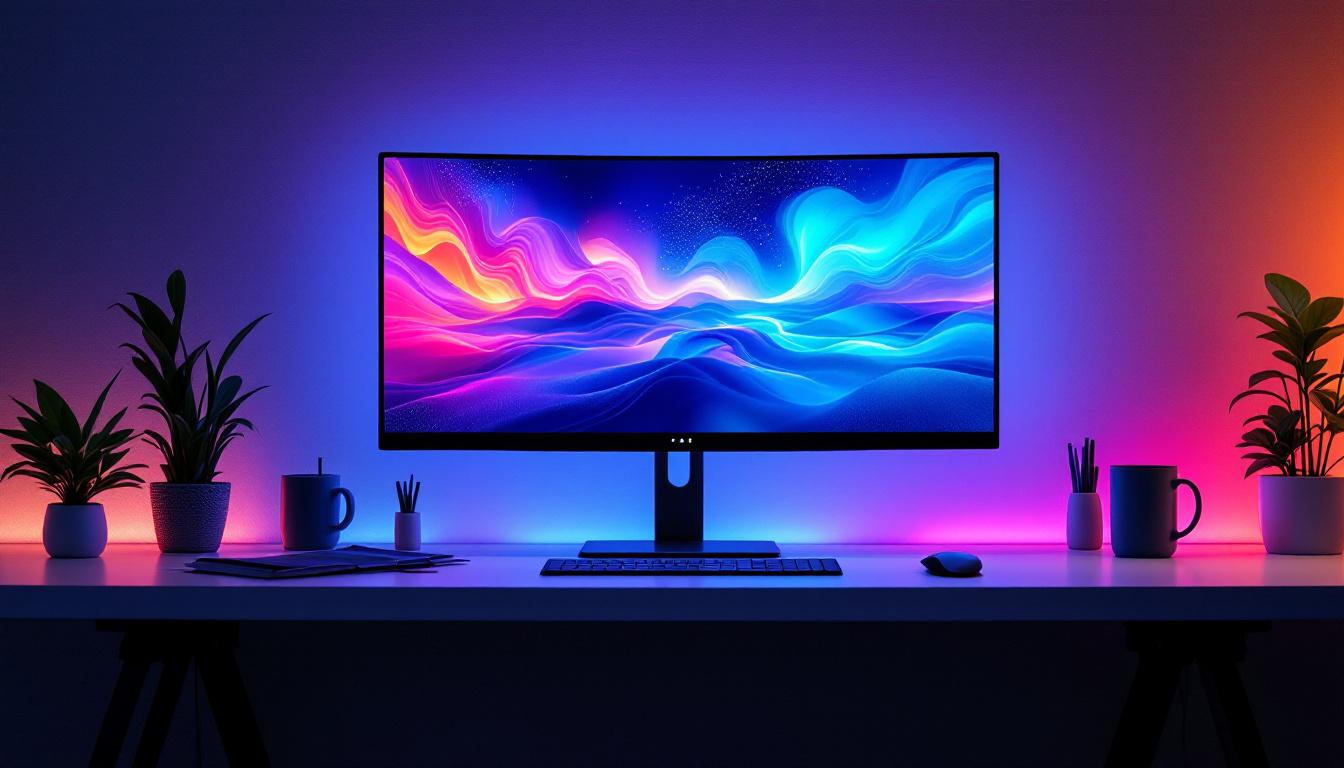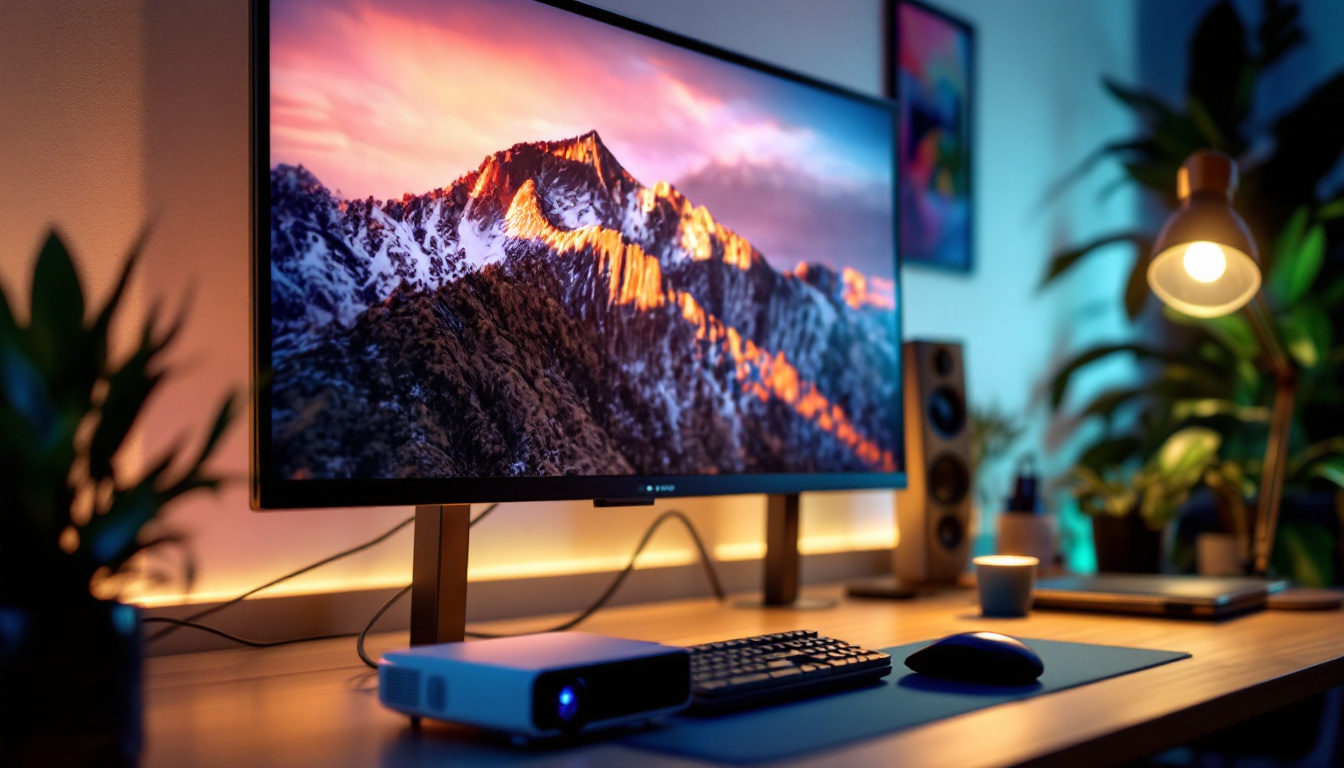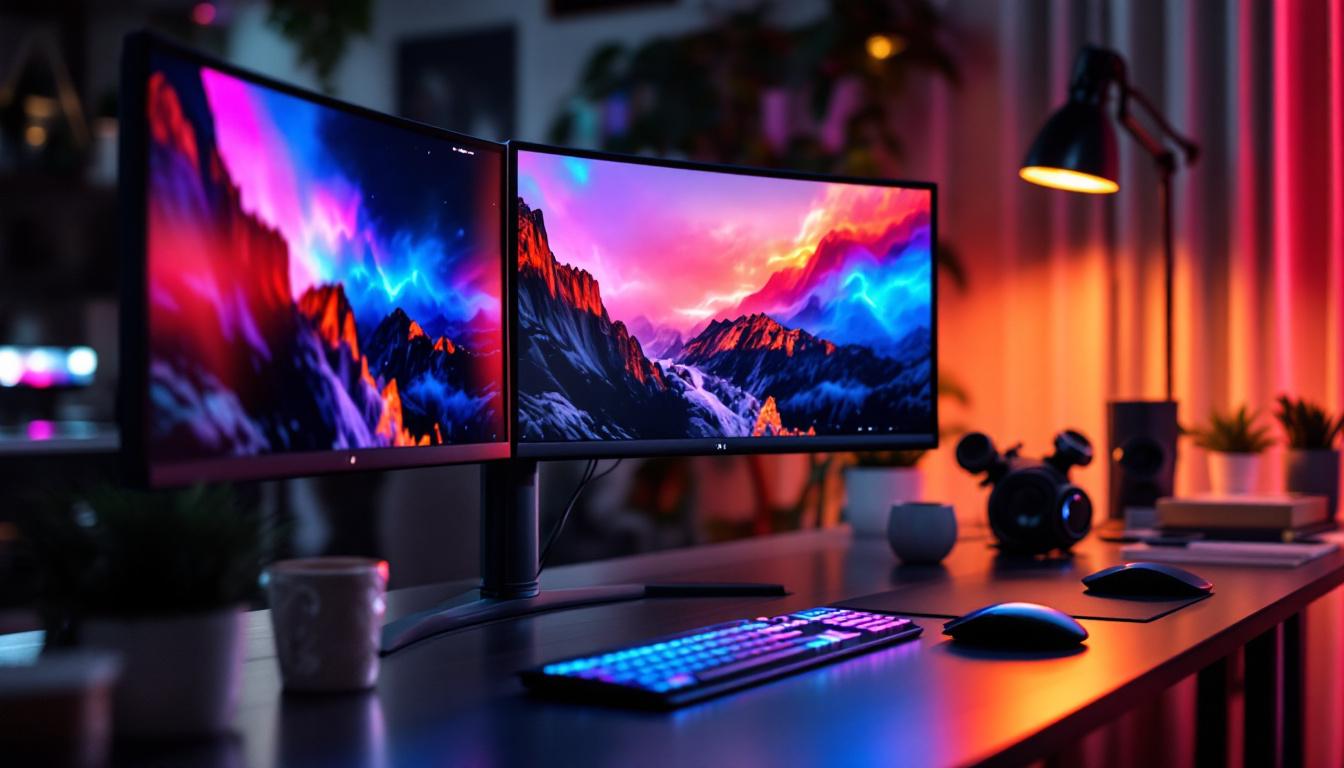
In today’s fast-paced digital world, productivity and immersive experiences are often enhanced by the use of multiple monitors. Among various setups, a triple monitor configuration stands out for professionals and gamers alike. Central to this setup is the triple monitors stand, a device that supports and organizes the display units efficiently. Coupled with LED displays, this configuration offers a blend of ergonomic design, visual clarity, and workspace optimization. This article delves into the essentials of triple monitor stands and LED displays, exploring their features, benefits, and considerations for users aiming to maximize their multi-display experience.
Understanding Triple Monitor Stands
What is a Triple Monitor Stand?
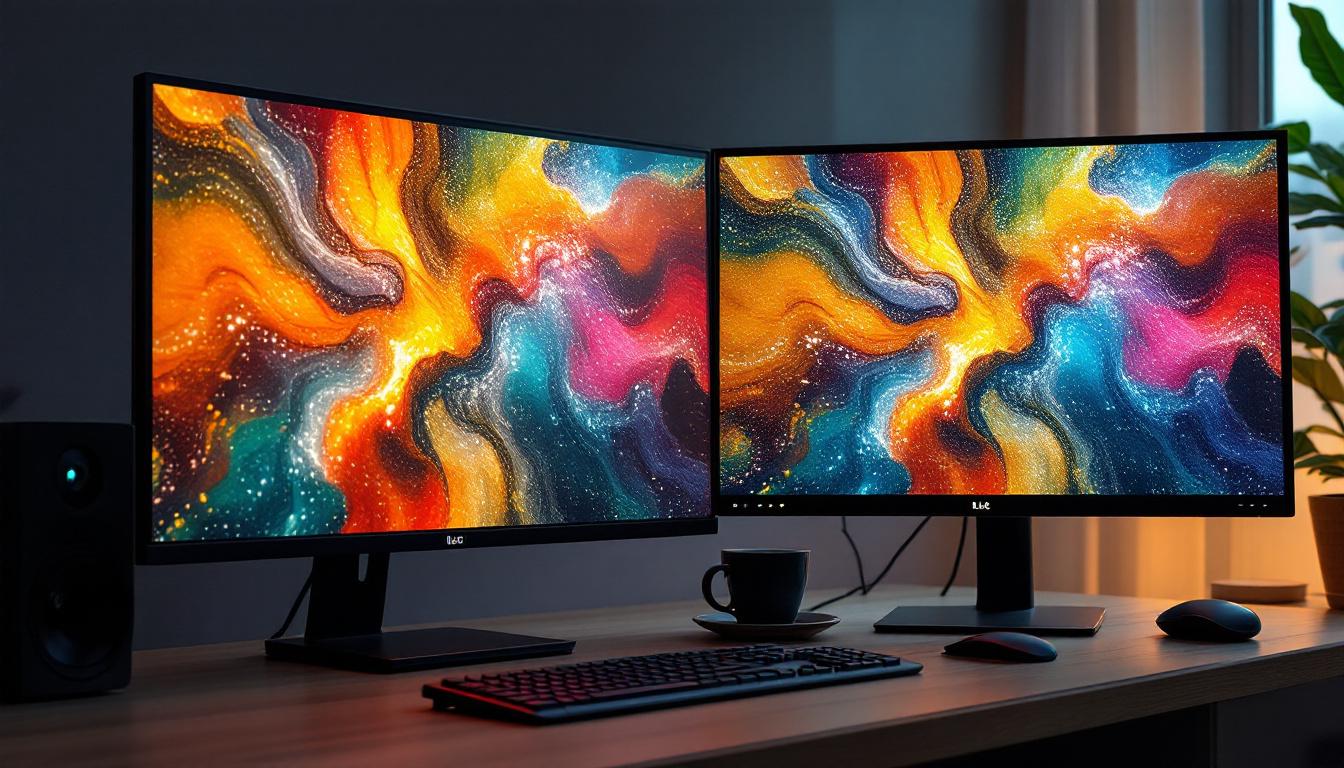
A triple monitor stand is a mounting solution designed to hold and support three separate monitors simultaneously. Unlike traditional single-monitor stands that come attached to each display, these stands provide a centralized frame to position multiple screens side-by-side or in customized arrangements. They are typically adjustable, allowing users to tilt, swivel, and rotate each monitor independently to achieve optimal viewing angles.
These stands come in various styles, including desk-mounted clamps, freestanding bases, and wall mounts. The choice depends on desk space, aesthetic preferences, and the weight and size of the monitors. By consolidating the monitors on one stand, users can reduce clutter, improve ergonomics, and create a seamless visual workspace.
Why Choose a Triple Monitor Stand?
There are several compelling reasons to opt for a triple monitor stand over individual monitor stands:
- Space Efficiency: A single stand holding three monitors frees up considerable desk space, eliminating the need for multiple bulky bases.
- Ergonomic Benefits: Adjustable arms allow for precise positioning, reducing neck and eye strain during prolonged use.
- Enhanced Productivity: With all screens aligned neatly, users can multitask more effectively, whether managing spreadsheets, coding, or video editing.
- Improved Cable Management: Many stands feature integrated cable routing systems to keep wires organized and out of sight.
- Clean Aesthetic: A unified stand creates a professional and tidy appearance, which is especially important in office environments.
Key Features to Look For
When selecting a triple monitor stand, consider the following features to ensure compatibility and usability:
- Weight Capacity: Ensure the stand supports the combined weight of your monitors.
- VESA Compatibility: Most monitors use VESA mounting holes (commonly 75x75mm or 100x100mm). Confirm the stand supports your monitors’ VESA pattern.
- Adjustability: Look for tilt, swivel, height adjustment, and rotation capabilities to customize your setup.
- Build Quality: Durable materials like steel or aluminum provide stability and longevity.
- Installation Type: Decide between clamp mounts, grommet mounts, or freestanding bases based on your desk and preference.
LED Displays in Multi-Monitor Setups
What is an LED Display?
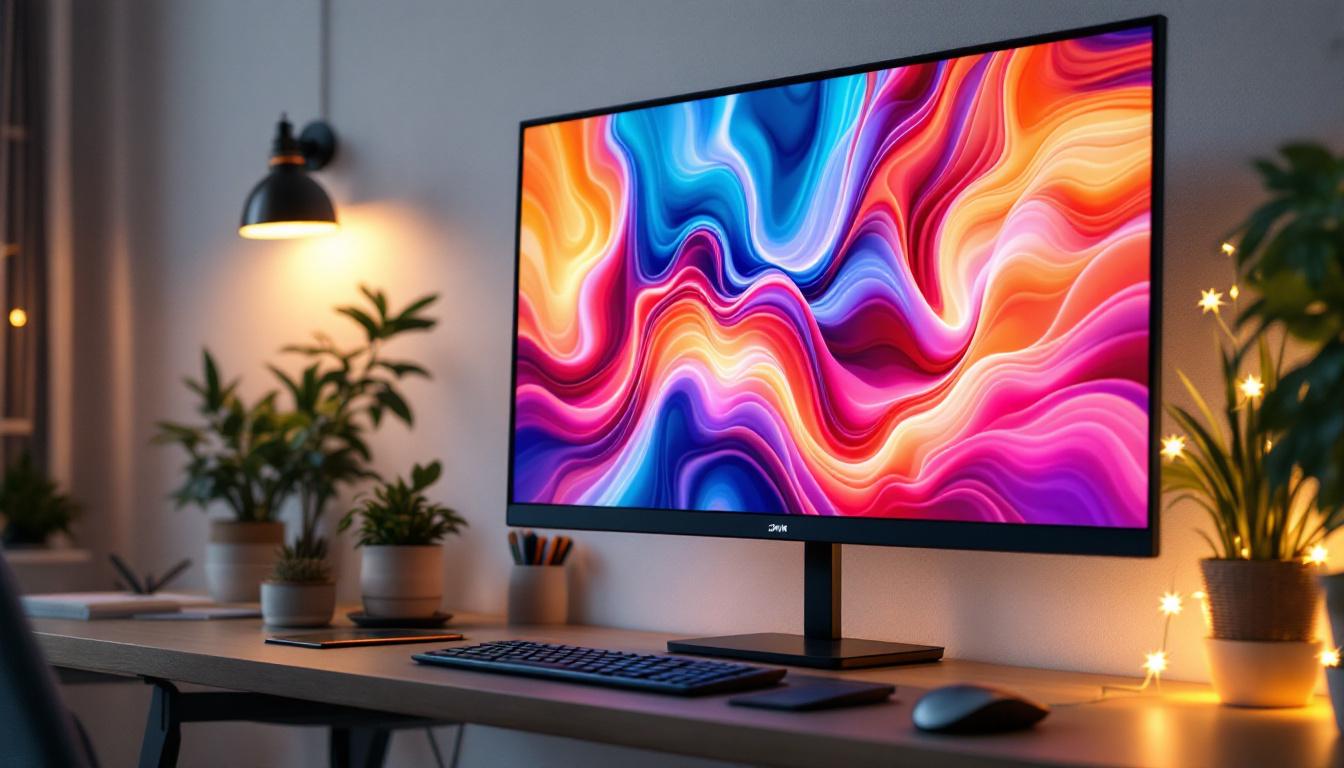
LED (Light Emitting Diode) displays are a type of LCD (Liquid Crystal Display) that use LED backlighting to illuminate the screen. This technology has become the standard for modern monitors due to its superior brightness, energy efficiency, and color accuracy compared to older CCFL (Cold Cathode Fluorescent Lamp) backlit LCDs.
LED displays come in various forms, including edge-lit and full-array backlighting, each offering different levels of contrast and uniformity. The widespread adoption of LED technology has made it easier for consumers to access high-quality monitors at competitive prices.
Advantages of LED Displays for Triple Monitor Setups
LED displays offer several benefits that make them ideal for multi-monitor configurations:
- Energy Efficiency: LED backlighting consumes less power, which is beneficial when running three monitors simultaneously.
- Slim Profile: LED technology allows for thinner panels, making it easier to align multiple monitors closely for a near-seamless viewing experience.
- Better Brightness and Contrast: Enhanced brightness levels improve visibility in various lighting conditions, while higher contrast ratios contribute to clearer images.
- Longer Lifespan: LEDs typically last longer than older backlighting methods, reducing the need for frequent replacements.
- Improved Color Accuracy: Many LED displays support wide color gamuts and advanced calibration, essential for creative professionals.
Choosing the Right LED Monitors for a Triple Setup
Selecting compatible LED monitors is crucial for an effective triple monitor setup. Consider the following factors:
- Screen Size and Resolution: Consistency across all three monitors ensures a uniform workspace. Popular sizes range from 24 to 32 inches with resolutions from Full HD (1920×1080) to 4K (3840×2160).
- Panel Type: IPS panels offer better color reproduction and viewing angles compared to TN panels, which may be more affordable but less vibrant.
- Refresh Rate and Response Time: For gaming or video editing, higher refresh rates (120Hz or above) and low response times (under 5ms) are desirable.
- Connectivity: Ensure the monitors have compatible ports (HDMI, DisplayPort, USB-C) with your computer or docking station.
- Bezel Size: Narrow bezels minimize the gap between screens, enhancing the immersive effect.
Setting Up a Triple Monitor Stand with LED Displays
Step-by-Step Installation Guide
Installing a triple monitor stand with LED displays requires careful planning and attention to detail. Follow these steps for a smooth setup:
- Prepare Your Workspace: Clear your desk and gather all components, including the stand, monitors, screws, and tools.
- Check VESA Compatibility: Confirm that your LED monitors have VESA mounting holes and that the stand’s mounting brackets fit.
- Assemble the Stand: Follow the manufacturer’s instructions to assemble the base and arms of the stand. Ensure all screws are tightened securely.
- Attach Monitors: Carefully mount each LED display onto the stand’s arms. It’s advisable to have a second person assist with heavier monitors.
- Adjust Positioning: Use the stand’s adjustment features to align the monitors at eye level and reduce bezel gaps.
- Manage Cables: Route cables through the stand’s cable management system to keep the desk tidy.
- Configure Display Settings: In your operating system’s display settings, arrange the monitors logically to match their physical layout.
Ergonomic Considerations
Proper ergonomics are vital to prevent strain and discomfort during extended use. When setting up your triple LED monitors, keep these guidelines in mind:
- Eye Level Alignment: The top of each screen should be at or slightly below eye level to maintain a natural neck position.
- Viewing Distance: Position monitors at an arm’s length away, typically 20-30 inches, to reduce eye strain.
- Angle and Tilt: Slightly tilt monitors backward (10-20 degrees) to reduce glare and improve viewing comfort.
- Consistent Height: Align all three monitors horizontally to avoid unnecessary head movement.
Benefits of Using Triple Monitor Stands with LED Displays
Enhanced Productivity and Workflow
Multiple studies have shown that multi-monitor setups can significantly boost productivity. According to a report by Jon Peddie Research, users with dual or triple monitors experience a productivity increase of 20-30%. This improvement is attributed to the ability to view multiple applications simultaneously without toggling between windows.
For professionals such as financial analysts, software developers, and graphic designers, having three LED displays arranged on a stable stand allows for efficient multitasking and better organization of digital tools. The clarity and color accuracy of LED screens further enhance work quality, especially in tasks requiring precise visual detail.
Immersive Gaming and Entertainment Experience
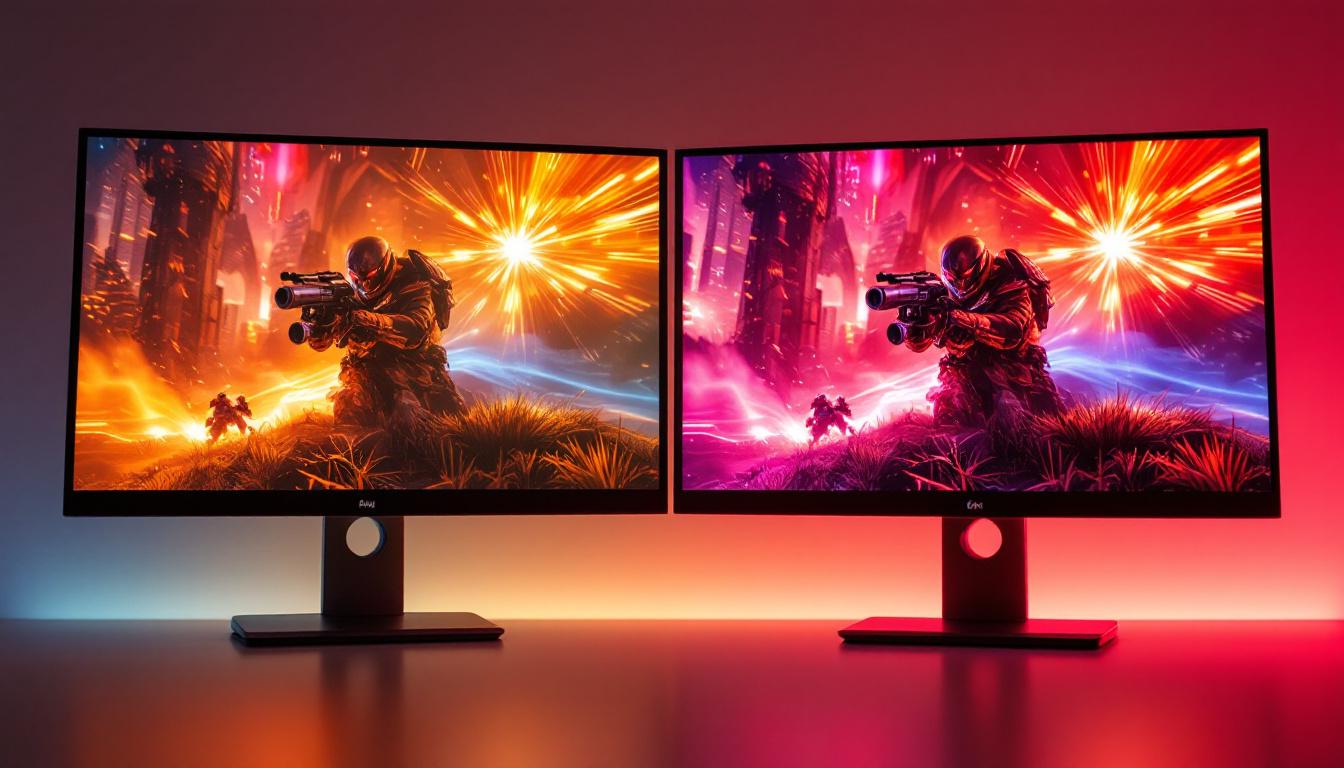
Gamers benefit greatly from triple monitor setups, particularly when using LED displays with high refresh rates and low response times. The wide field of view created by three aligned monitors provides an immersive experience, making games more engaging and realistic.
Moreover, LED technology’s vibrant colors and high contrast ratios bring games and multimedia content to life. When mounted on a triple monitor stand, the setup remains stable even during intense gaming sessions, preventing screen wobble and misalignment.
Space Optimization and Aesthetics
Using a triple monitor stand helps maintain a clean and organized workspace. By elevating monitors off the desk surface, users gain additional room for peripherals, documents, or other office essentials. The integrated cable management features reduce clutter, contributing to a professional and visually appealing environment.
For offices and home setups alike, a sleek triple monitor stand paired with slim LED displays creates a modern and sophisticated look that complements contemporary interior design.
Common Challenges and Solutions
Compatibility Issues
One challenge users face is ensuring that all three monitors are compatible with the stand and with each other. Differences in size, weight, and mounting patterns can complicate installation. To avoid this, it is advisable to purchase monitors of the same model or series and verify VESA compatibility before buying a stand.
Color and Brightness Uniformity
When using multiple LED monitors, slight variations in color calibration and brightness can be distracting. To address this, users should calibrate each monitor using software tools or hardware calibrators to achieve consistent color profiles across all displays.
Desk Space Constraints
Not all desks can accommodate a triple monitor stand, especially if space is limited. In such cases, consider wall-mounted triple monitor stands or adjustable arms that clamp to the desk edge, freeing up surface area.
Cost Considerations
High-quality triple monitor stands and LED displays can represent a significant investment. However, the long-term benefits in productivity and comfort often justify the expense. Budget-conscious users can look for mid-range options that balance quality and price, or consider purchasing components separately to spread out costs.
Future Trends in Triple Monitor and LED Display Technology
Advancements in Display Technology
The future of LED displays includes the integration of Mini-LED and Micro-LED technologies, which promise even better brightness, contrast, and energy efficiency. These advancements will further enhance the visual quality of multi-monitor setups.
Additionally, OLED (Organic LED) displays, known for their perfect blacks and vibrant colors, are becoming more affordable and may soon be viable options for triple monitor configurations.
Smart and Adaptive Monitor Stands
Emerging trends in monitor stands include smart features such as motorized height adjustments, programmable presets, and integrated USB hubs. These innovations aim to simplify ergonomic adjustments and improve connectivity, making triple monitor setups more user-friendly.
Integration with Virtual and Augmented Reality
As VR and AR technologies mature, triple monitor setups may evolve to incorporate mixed reality elements, blending physical screens with virtual environments. This could open new possibilities for immersive workspaces and entertainment.
Conclusion
Triple monitor stands paired with LED displays represent a powerful combination for enhancing productivity, comfort, and visual experience. By understanding the features, benefits, and considerations involved in selecting and setting up these components, users can create a workspace that meets their professional and personal needs.
Whether for professional multitasking, creative work, or immersive gaming, investing in a quality triple monitor stand and LED displays is a step toward a more efficient and enjoyable digital environment. As technology continues to advance, these setups will only become more versatile and accessible, shaping the future of how people interact with digital content.
Discover LumenMatrix’s Advanced LED Display Solutions
Ready to elevate your workspace and embrace the future of digital displays? LumenMatrix is at the forefront of LED display technology, offering a wide array of innovative solutions that transform any environment. From captivating Indoor LED Walls to dynamic Outdoor LED Displays, and from versatile Vehicle LED Displays to sleek LED Poster Displays, our products are designed to deliver unparalleled visual impact. Experience the revolution in visual communication with LumenMatrix’s LED Sports Displays, interactive Floor LED Displays, and customizable options that fit your unique needs. Don’t just take our word for it; check out LumenMatrix LED Display Solutions today and see how we can help you create a truly immersive and productive multi-monitor setup.