In today’s rapidly evolving digital landscape, touch screen technology has become an integral part of how users interact with devices. From smartphones and tablets to kiosks and large LED displays, touch interfaces offer intuitive and engaging user experiences. Windows, as one of the most widely used operating systems globally, supports a variety of touch screen software solutions designed to enhance functionality and usability, especially when paired with LED display technology.
This article delves into the essentials of touch screen software for Windows, focusing specifically on how it integrates with LED displays. Whether you are a developer, IT professional, or business owner looking to implement or optimize touch-enabled LED displays, understanding the underlying software and technology is crucial. This comprehensive guide covers the fundamentals, key software options, practical applications, and future trends shaping this dynamic field.
Understanding Touch Screen Technology and LED Displays
What is Touch Screen Technology?
Touch screen technology allows users to interact directly with what is displayed, rather than using a mouse, keyboard, or other intermediate device. The technology detects the presence and location of a touch within the display area, enabling commands such as taps, swipes, and multi-touch gestures.
There are several types of touch screen technologies, including resistive, capacitive, infrared, and surface acoustic wave. Capacitive touch screens, which rely on the electrical properties of the human body, are the most common in modern devices due to their responsiveness and support for multi-touch gestures. In contrast, resistive touch screens, which consist of two flexible layers separated by a small gap, are often found in applications where durability is crucial, such as industrial settings or medical devices. Each technology has its unique advantages and applications, catering to different user needs and environments.
What Are LED Displays?
LED (Light Emitting Diode) displays are a type of flat panel display technology that uses LEDs as pixels to produce images. They are known for their brightness, energy efficiency, and long lifespan, making them ideal for both indoor and outdoor applications. The vibrant colors and high contrast ratios of LED displays make them particularly appealing for advertising and entertainment purposes, where visual impact is essential.
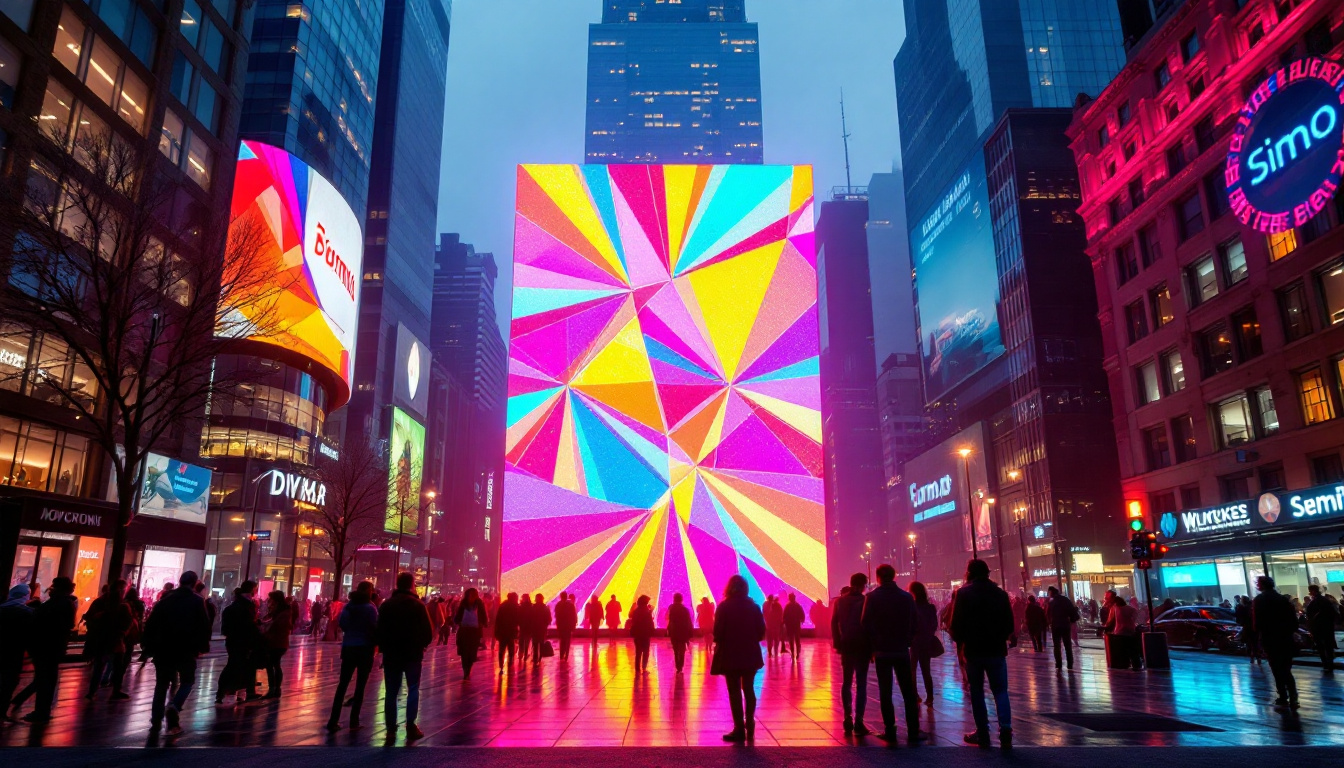
LED displays come in various sizes, from small digital signage panels to massive video walls used in stadiums and public spaces. These displays can be configured in various shapes and arrangements, allowing for creative installations that capture attention. When combined with touch screen capabilities, these displays become powerful interactive tools for advertising, information dissemination, and user engagement. The versatility of LED technology also allows for seamless integration with other digital systems, enhancing the overall user experience.
Why Combine Touch Screen Software with LED Displays?
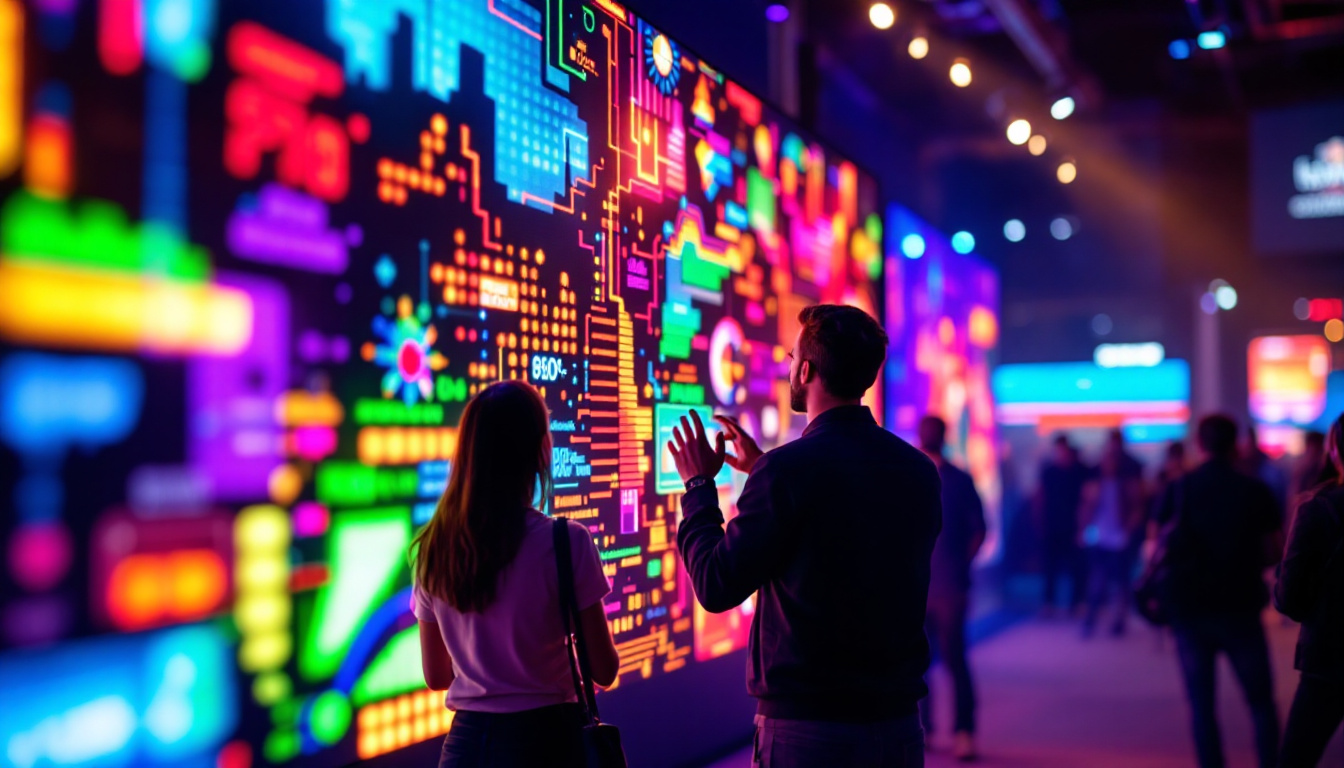
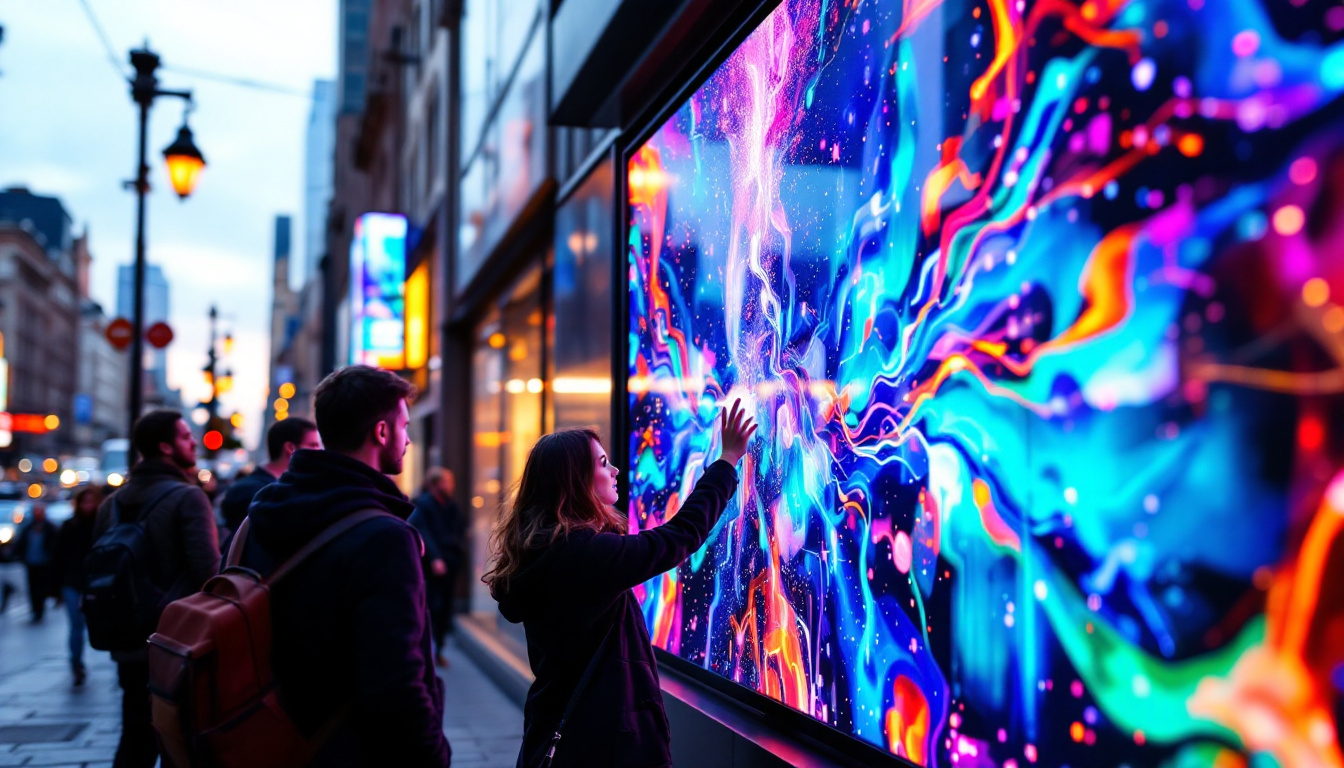
The fusion of touch screen software and LED displays transforms passive screens into interactive interfaces. This combination is particularly valuable in environments such as retail stores, museums, airports, and corporate settings where user interaction enhances the experience. By allowing users to engage directly with the content, businesses can create immersive experiences that resonate with their audience.
By enabling touch input on bright, large-format LED screens, businesses can offer dynamic content that users can navigate intuitively. This increases engagement, improves accessibility, and can even drive sales or streamline operations. For instance, in retail environments, touch-enabled LED displays can showcase product information, promotional videos, and interactive catalogs, allowing customers to explore options at their own pace. Additionally, in educational settings, touch screen LED displays can facilitate interactive learning experiences, making complex subjects more engaging and easier to understand for students of all ages. The potential applications are vast, and as technology continues to evolve, the integration of touch screen software with LED displays will likely become even more sophisticated and widespread.
Key Features of Touch Screen Software for Windows
Multi-Touch Support
Modern touch screen software for Windows supports multi-touch input, allowing users to perform gestures such as pinch-to-zoom, rotate, and swipe with multiple fingers simultaneously. This capability is essential for creating rich, user-friendly interfaces on LED displays.
Multi-touch support enhances collaboration in environments like conference rooms or educational settings, where multiple users can interact with the display at the same time.
Calibration and Accuracy
Accurate touch detection is critical for a seamless user experience. Touch screen software often includes calibration tools to ensure the touch input aligns precisely with the display output. This is especially important for large LED displays where slight inaccuracies can result in frustrating user interactions.
Customizable User Interfaces
Effective touch screen software provides tools for designing and customizing user interfaces tailored to specific needs. This includes support for custom buttons, menus, gestures, and interactive elements that can be optimized for the size and resolution of LED displays.
Windows-based software often integrates with development environments like Microsoft Visual Studio, enabling developers to create bespoke applications that leverage touch capabilities fully.
Compatibility and Integration
Compatibility with various hardware and software ecosystems is another key feature. Touch screen software for Windows typically supports a wide range of touch controllers, display drivers, and peripheral devices. Integration with Windows APIs and frameworks ensures smooth operation and access to system resources.
Popular Touch Screen Software Solutions for Windows LED Displays
Windows Touch API and Windows Ink
Microsoft provides native touch support through the Windows Touch API and Windows Ink platform. These tools allow developers to build applications that respond to touch, pen, and stylus input seamlessly. They are optimized for performance and work well with LED displays connected to Windows PCs.
Windows Ink, in particular, is valuable for applications requiring handwriting recognition and drawing capabilities, such as digital whiteboards and design tools.
Third-Party Touch Software Suites
Several third-party software solutions enhance or extend the native touch capabilities of Windows, offering additional features such as advanced gesture recognition, multi-user support, and enhanced calibration tools. Examples include MultiTouch Vista, Touch-Base, and GestureWorks.
These suites often come with SDKs (Software Development Kits) that allow developers to create custom touch-enabled applications tailored to specific LED display setups.
Interactive Digital Signage Software
For businesses deploying LED displays for advertising or information kiosks, interactive digital signage software is crucial. Platforms like Intuiface, Scala, and NoviSign provide robust tools to create engaging, touch-enabled content that runs smoothly on Windows-powered LED displays.
These platforms support multimedia content, real-time data integration, and remote management, making them ideal for large-scale deployments.
Applications of Touch Screen Software on Windows LED Displays
Retail and Advertising
Retailers use touch-enabled LED displays to create interactive product catalogs, wayfinding kiosks, and promotional displays. These interactive screens allow customers to explore products, check availability, and even place orders directly from the display.
According to a 2023 report by Grand View Research, the global digital signage market is expected to reach $32.84 billion by 2028, driven largely by the adoption of interactive touch screen solutions.
Education and Training
Interactive LED displays powered by Windows touch screen software are transforming classrooms and training centers. They enable dynamic presentations, collaborative learning, and hands-on activities that engage students and trainees more effectively than traditional methods.
Features such as multi-user touch support and digital whiteboarding facilitate group work and interactive lessons.
Healthcare and Public Information
Hospitals and public institutions utilize touch-enabled LED displays for patient check-in, wayfinding, and information dissemination. These systems improve efficiency and accessibility, reducing wait times and enhancing user satisfaction.
Windows-based touch screen software ensures compatibility with existing IT infrastructure and compliance with security standards.
Corporate and Conference Environments
In corporate settings, touch-enabled LED displays serve as interactive whiteboards, video conferencing tools, and presentation aids. The ability to annotate, manipulate content, and collaborate in real time boosts productivity and communication.
Challenges and Considerations When Using Touch Screen Software with LED Displays
Hardware Compatibility
One of the primary challenges is ensuring that the touch screen hardware is fully compatible with the Windows operating system and the LED display itself. Differences in touch controllers, display resolutions, and screen sizes can affect performance and accuracy.
It is essential to select hardware components that are certified or tested for compatibility with the chosen touch screen software.
Environmental Factors
LED displays, especially those used outdoors or in high-traffic areas, must withstand environmental factors such as glare, temperature fluctuations, and physical wear. Touch screen software needs to be robust enough to handle these conditions without compromising responsiveness.
Software Updates and Security
Maintaining up-to-date software is critical for security and functionality. Touch screen software should receive regular updates to patch vulnerabilities, improve performance, and add new features.
Windows’ frequent updates require that touch screen applications and drivers remain compatible to avoid disruptions.
User Experience Design
Designing intuitive and accessible user interfaces for touch-enabled LED displays requires careful consideration. Factors such as button size, gesture recognition, and feedback mechanisms must be optimized for the display’s scale and the target audience.
Poorly designed interfaces can lead to user frustration and reduced engagement.
The Future of Touch Screen Software and LED Displays on Windows
Advancements in AI and Gesture Recognition
Artificial intelligence is poised to enhance touch screen software by enabling more sophisticated gesture recognition and predictive interactions. Windows platforms are increasingly integrating AI capabilities that allow for natural user interfaces beyond simple touch, such as voice commands and eye tracking.
Integration with IoT and Smart Environments
Touch-enabled LED displays are becoming central components of smart environments, connecting with Internet of Things (IoT) devices to provide context-aware interactions. For example, a smart retail display might adjust content based on customer demographics or environmental conditions.
Improved Accessibility Features
Future developments will likely focus on making touch screen interfaces more accessible to users with disabilities. This includes enhanced voice control, haptic feedback, and customizable interfaces that adapt to individual needs.
Conclusion
Touch screen software for Windows, when paired with LED display technology, offers powerful opportunities for creating interactive, engaging, and efficient digital experiences across various industries. Understanding the technology, selecting the right software solutions, and addressing challenges related to hardware compatibility and user experience are essential for successful implementation.
As the technology continues to evolve, driven by AI, IoT integration, and accessibility improvements, touch-enabled LED displays will become even more versatile and impactful. Businesses and organizations that embrace these advancements stand to benefit from enhanced customer engagement, streamlined operations, and innovative communication channels.
Discover Interactive LED Display Solutions with LumenMatrix
Ready to elevate your digital experience with the latest in touch screen and LED display technology? Look no further than LumenMatrix, a pioneer in crafting immersive visual solutions that captivate and engage. From dynamic indoor and outdoor displays to innovative custom designs tailored to your unique needs, LumenMatrix is at the forefront of revolutionizing visual communication. Check out LumenMatrix LED Display Solutions today and transform the way you connect with your audience.