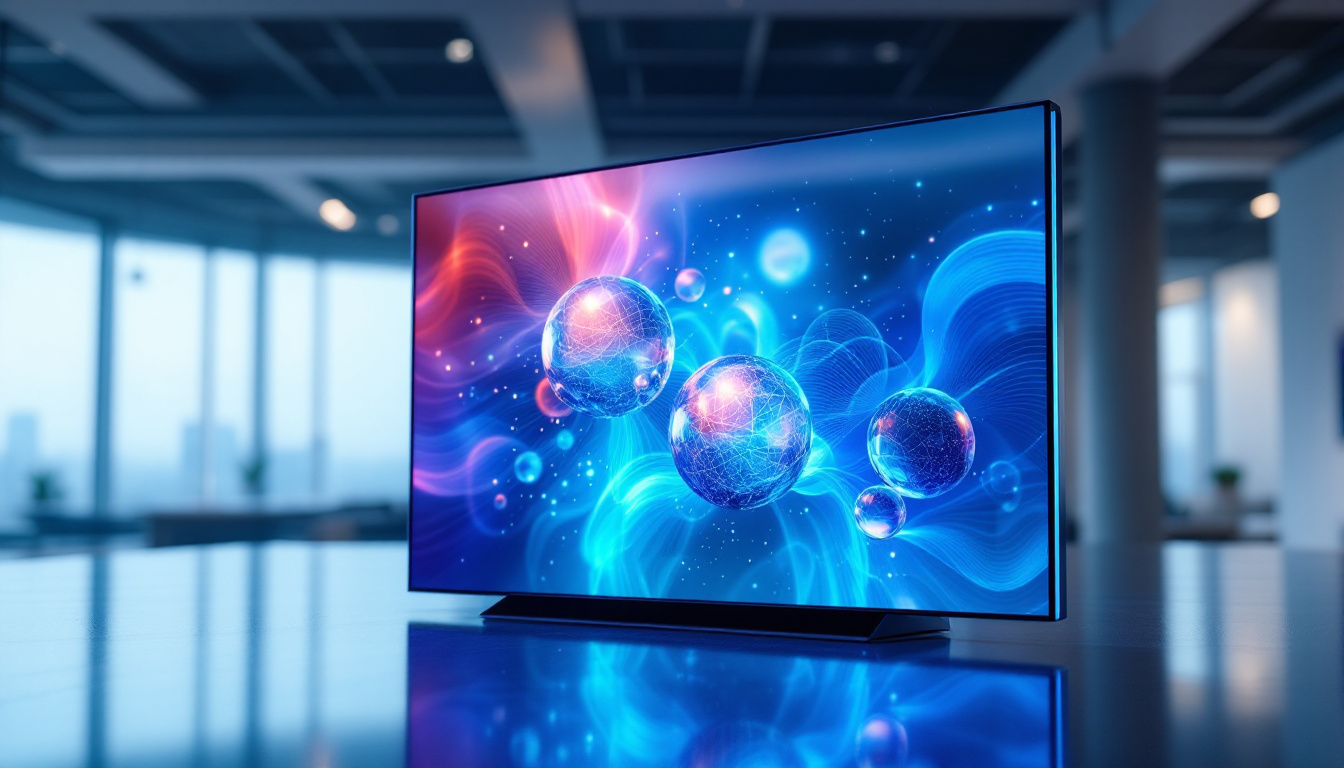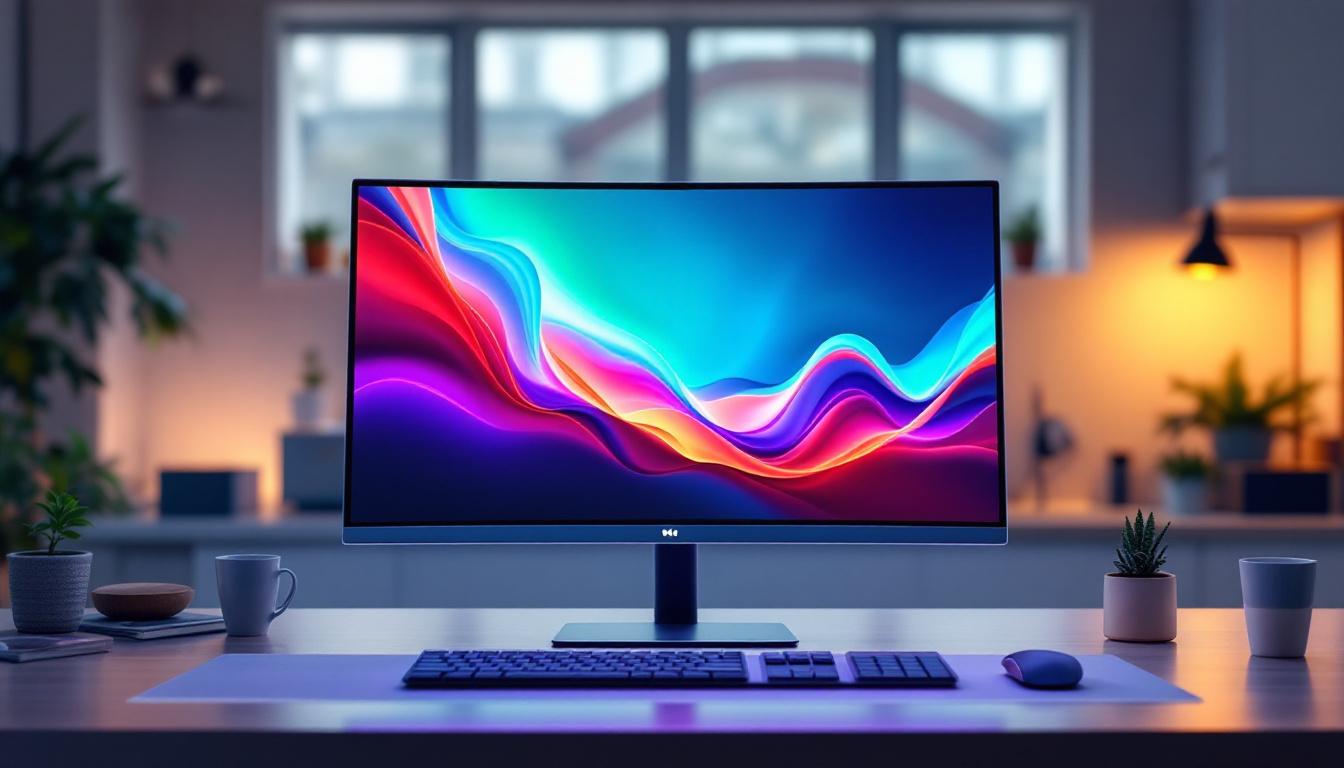
In today’s fast-paced digital world, choosing the right desktop monitor is crucial for productivity, entertainment, and overall user experience. Among various options available, the 25 inch desktop monitor with LED display has emerged as a popular choice for many users. This article delves into the details of what makes a 25 inch LED monitor stand out, exploring its features, benefits, and how it compares to other display technologies. Whether you’re a professional, gamer, or casual user, understanding these aspects will help you make an informed decision.
Understanding the 25 Inch Desktop Monitor
Why 25 Inches?
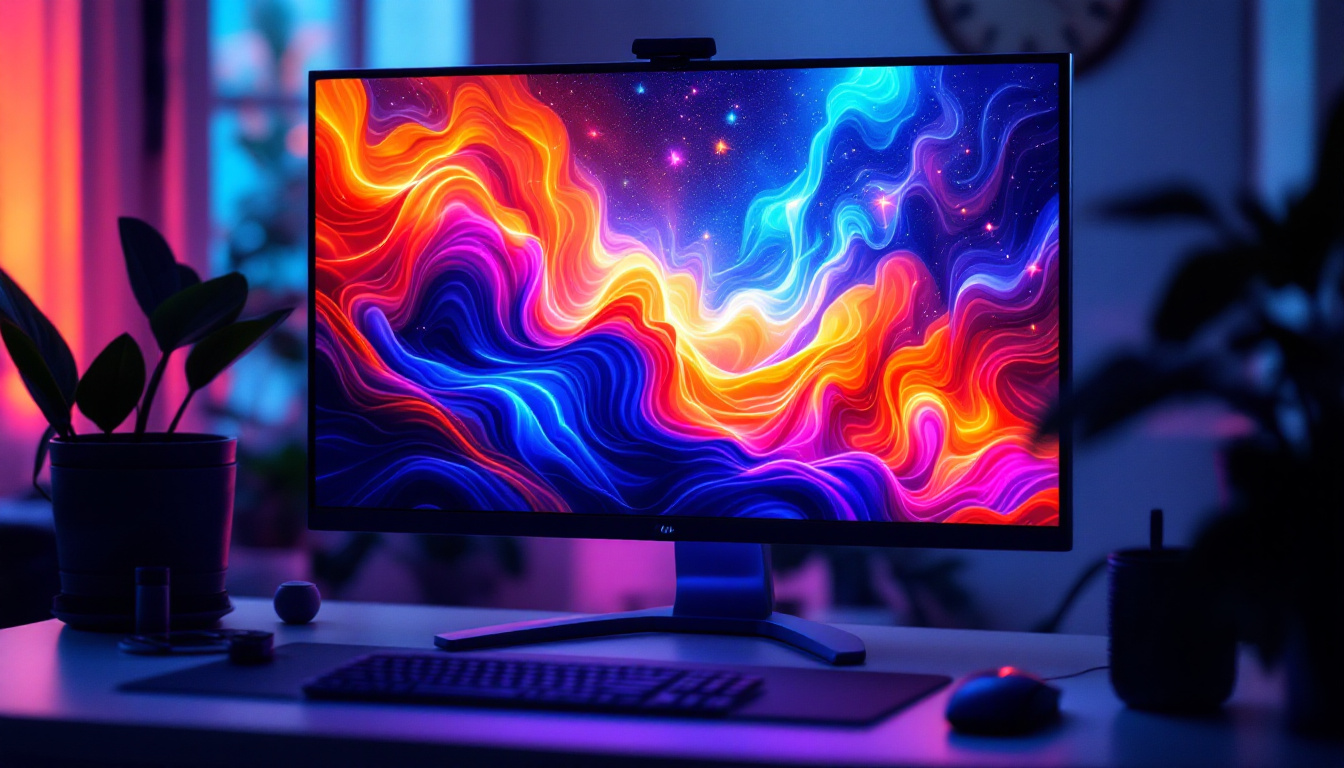
The 25 inch screen size strikes a balance between compactness and ample display area. It is large enough to provide a comfortable viewing experience without overwhelming desk space, making it ideal for users with limited workspace or those who prefer multiple monitors. This size is particularly popular among professionals who require detailed visuals, such as graphic designers and video editors, as well as gamers who benefit from immersive gameplay without the bulk of larger screens.
According to recent market research, monitors in the 24 to 27 inch range account for over 60% of desktop monitor sales worldwide. The 25 inch model fits neatly within this sweet spot, offering a slightly larger view than the common 24 inch monitors, but without the added cost or space requirements of 27 inch or larger displays. Moreover, the 25 inch monitor is often favored for its versatility; it can seamlessly transition from work tasks to entertainment, making it a practical choice for home offices where users may switch between productivity and leisure activities throughout the day.
LED Display Technology Explained
LED, or Light Emitting Diode, refers to the type of backlighting used in the monitor. Unlike older LCD monitors that used cold cathode fluorescent lamps (CCFL) for backlighting, LED monitors use tiny diodes that emit light when electric current passes through them. This technology offers several advantages:
- Improved Energy Efficiency: LED backlights consume less power compared to CCFL, which translates to lower electricity bills and a smaller environmental footprint.
- Better Brightness and Contrast: LEDs can achieve higher brightness levels and deeper blacks, enhancing image quality and making visuals more vibrant.
- Thinner and Lighter Designs: The compact size of LEDs allows manufacturers to produce slimmer and lighter monitors, which are easier to position and transport.
It’s important to note that LED monitors are essentially LCD panels illuminated by LEDs, not to be confused with OLED (Organic LED) technology, which is a different display type altogether. The advancements in LED technology have also led to the introduction of features like local dimming, where specific areas of the screen can be dimmed or brightened independently, providing even greater control over contrast and color accuracy. This is particularly beneficial for tasks that require precise color representation, such as photo editing, where every detail matters. Furthermore, many modern LED monitors come equipped with additional technologies, such as flicker-free displays and blue light filters, designed to reduce eye strain during prolonged use, making them a thoughtful choice for anyone spending long hours in front of a screen.
Key Features of 25 Inch LED Desktop Monitors
Resolution and Image Quality
The resolution of a monitor determines how sharp and clear the images appear. For 25 inch monitors, Full HD (1920 x 1080 pixels) is the most common resolution, providing crisp visuals suitable for everyday tasks and multimedia consumption. However, many 25 inch monitors now support higher resolutions such as 2560 x 1440 pixels (commonly known as 2K or QHD), which offer greater detail and workspace for professional applications.
Higher resolution monitors are particularly beneficial for tasks requiring precision, such as photo editing, CAD design, and video production. They allow users to see finer details without zooming in, improving efficiency and accuracy. Additionally, the increased pixel density of higher resolution displays results in smoother text rendering, making reading and writing tasks more comfortable over extended periods. This is especially advantageous for professionals who spend long hours in front of their screens, as it reduces eye strain and enhances productivity.
Refresh Rate and Response Time
Refresh rate, measured in hertz (Hz), indicates how many times per second the monitor updates the image on the screen. A higher refresh rate results in smoother motion, which is especially important for gaming and fast-paced video content. While standard monitors typically have a 60Hz refresh rate, many 25 inch LED monitors now offer 75Hz, 120Hz, or even 144Hz options.
Response time, measured in milliseconds (ms), refers to how quickly a pixel can change from one color to another. Lower response times reduce motion blur and ghosting effects. For gaming or video editing, monitors with response times of 1ms to 5ms are preferred. In addition to gaming, these specifications are also crucial for watching action-packed movies or sports, where fast-moving scenes can often lead to visual artifacts on lower-end displays. The combination of a high refresh rate and low response time creates a more immersive viewing experience, allowing users to enjoy fluid motion without distraction.
Color Accuracy and Viewing Angles
Color accuracy is critical for professionals working in creative fields. Many 25 inch LED monitors come factory-calibrated with color gamuts covering sRGB, AdobeRGB, or DCI-P3 standards, ensuring that colors are reproduced faithfully. Some models also support hardware calibration for further precision. This level of accuracy is essential for graphic designers, photographers, and videographers who rely on true-to-life color representation to ensure their work translates well across various media.
Viewing angles determine how well the image holds up when viewed from different positions. IPS (In-Plane Switching) panels, common in 25 inch LED monitors, offer wide viewing angles of up to 178 degrees both horizontally and vertically, maintaining consistent colors and contrast regardless of the viewer’s position. This feature is particularly advantageous in collaborative work environments, where multiple people may need to view the screen simultaneously. Furthermore, the enhanced viewing angles make these monitors suitable for entertainment purposes, allowing friends and family to enjoy movies or gaming sessions together without compromising image quality.
Advantages of Choosing a 25 Inch LED Monitor
Space Efficiency and Ergonomics
The 25 inch size is ideal for users who want to maximize desk space without sacrificing screen real estate. Its compact footprint allows for easy multi-monitor setups, enhancing multitasking capabilities. Additionally, many models feature ergonomic stands with adjustable height, tilt, swivel, and pivot, promoting comfortable viewing postures and reducing strain during long work sessions.
Energy Savings and Environmental Impact
LED backlighting technology is significantly more energy-efficient than older CCFL-based monitors. This efficiency not only lowers electricity consumption but also reduces heat output, contributing to a cooler working environment. For environmentally conscious users, choosing an LED monitor can be a small but meaningful step towards sustainability.
Cost-Effectiveness
While larger monitors or those with advanced technologies like OLED tend to be more expensive, 25 inch LED monitors offer a cost-effective middle ground. They deliver excellent performance and features at a price point accessible to most consumers. This affordability makes them attractive for both personal and professional use.
Comparing 25 Inch LED Monitors with Other Display Types
LED vs. OLED
OLED displays offer superior contrast ratios and color vibrancy because each pixel emits its own light and can be turned off individually. However, OLED monitors are generally more expensive and less common in the desktop monitor market. They also have potential issues with burn-in over time.
In contrast, 25 inch LED monitors provide reliable performance, longer lifespan, and affordability, making them a practical choice for most users.
LED vs. TN and VA Panels
Within LED-backlit LCD monitors, the panel type significantly affects performance:
- TN (Twisted Nematic): Known for fast response times and high refresh rates, TN panels are favored by competitive gamers. However, they typically have poorer color accuracy and narrow viewing angles.
- VA (Vertical Alignment): VA panels offer better contrast ratios and deeper blacks than TN and IPS panels but may suffer from slower response times and color shifting at wide angles.
- IPS (In-Plane Switching): IPS panels provide the best color accuracy and wide viewing angles, making them ideal for creative professionals and general users seeking balanced performance.
Most 25 inch LED monitors use IPS panels to deliver vibrant colors and consistent image quality.
Choosing the Right 25 Inch LED Monitor for Your Needs
Identifying Your Primary Use Case
Before purchasing a 25 inch LED monitor, it’s essential to consider how you will use it. For general office work and browsing, a Full HD IPS monitor with a 60Hz refresh rate is sufficient. Gamers should look for higher refresh rates (120Hz or above) and low response times to ensure smooth gameplay. Creative professionals benefit from higher resolution (QHD or above) and wide color gamut support.
Connectivity and Additional Features
Modern 25 inch LED monitors come equipped with a variety of ports such as HDMI, DisplayPort, USB-C, and USB hubs, facilitating easy connection to laptops, desktops, and peripherals. Features like built-in speakers, blue light filters, flicker-free technology, and VESA mount compatibility add to user convenience and comfort.
Budget Considerations
Prices for 25 inch LED monitors vary widely based on resolution, refresh rate, panel type, and brand. Entry-level models can be found under $150, while high-end professional monitors may exceed $400. Balancing features with budget constraints is key to finding the best value.
Conclusion
The 25 inch desktop monitor with LED display offers a versatile and efficient solution for a wide range of users. Its optimal size, combined with the advantages of LED backlighting, makes it a compelling choice for professionals, gamers, and everyday users alike. By understanding the key features such as resolution, refresh rate, color accuracy, and panel type, consumers can select a monitor that best fits their needs and budget.
As technology continues to evolve, LED monitors remain a reliable and cost-effective option in the desktop display market. Whether upgrading an existing setup or building a new workstation, a 25 inch LED monitor provides a balanced combination of performance, quality, and value.
Discover LumenMatrix’s Advanced LED Display Solutions
Ready to elevate your visual experience with a 25 inch LED monitor that embodies performance and quality? LumenMatrix, a pioneer in LED display technology, offers an extensive range of innovative solutions tailored to meet your needs. From immersive indoor and outdoor LED walls to dynamic vehicle displays and beyond, LumenMatrix is committed to transforming how you connect and communicate. Embrace the future of visual engagement with our cutting-edge displays designed for clarity, impact, and efficiency. Check out LumenMatrix LED Display Solutions today and witness the revolution in digital signage and LED technology.