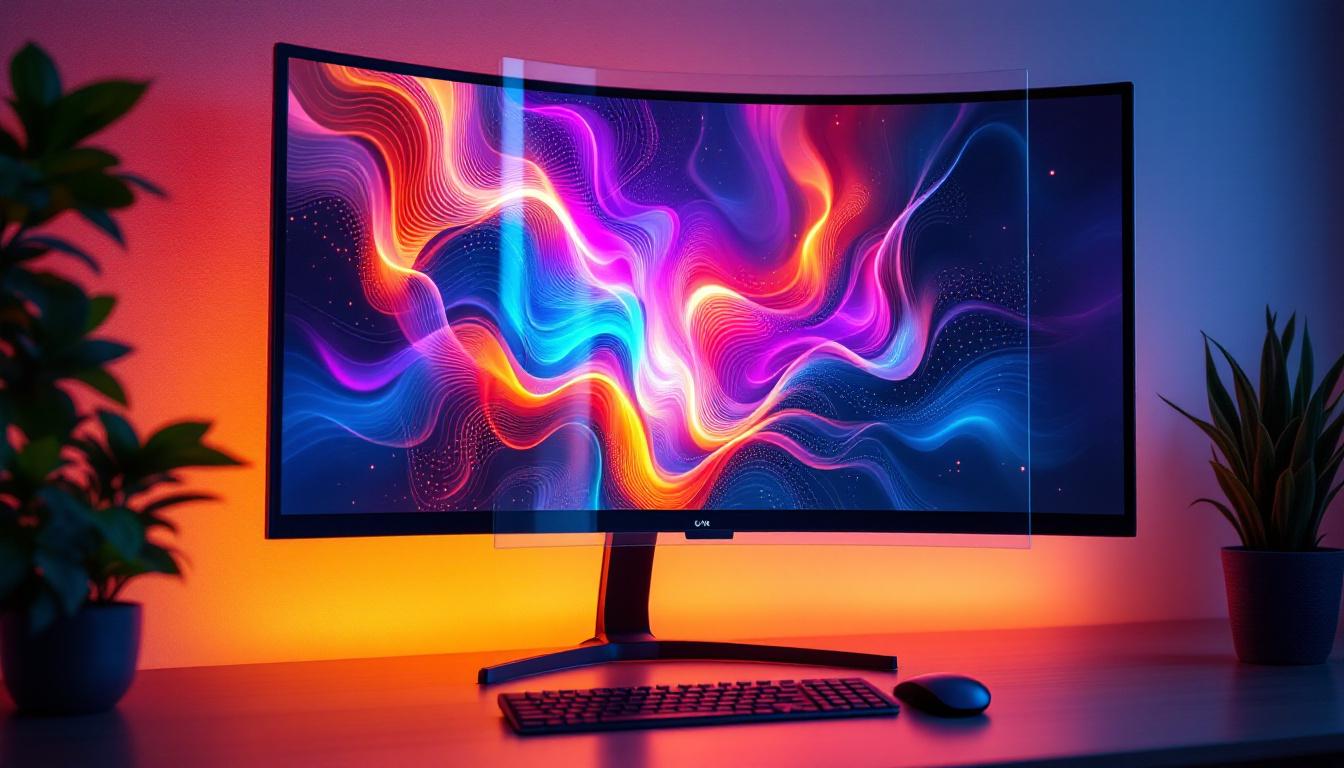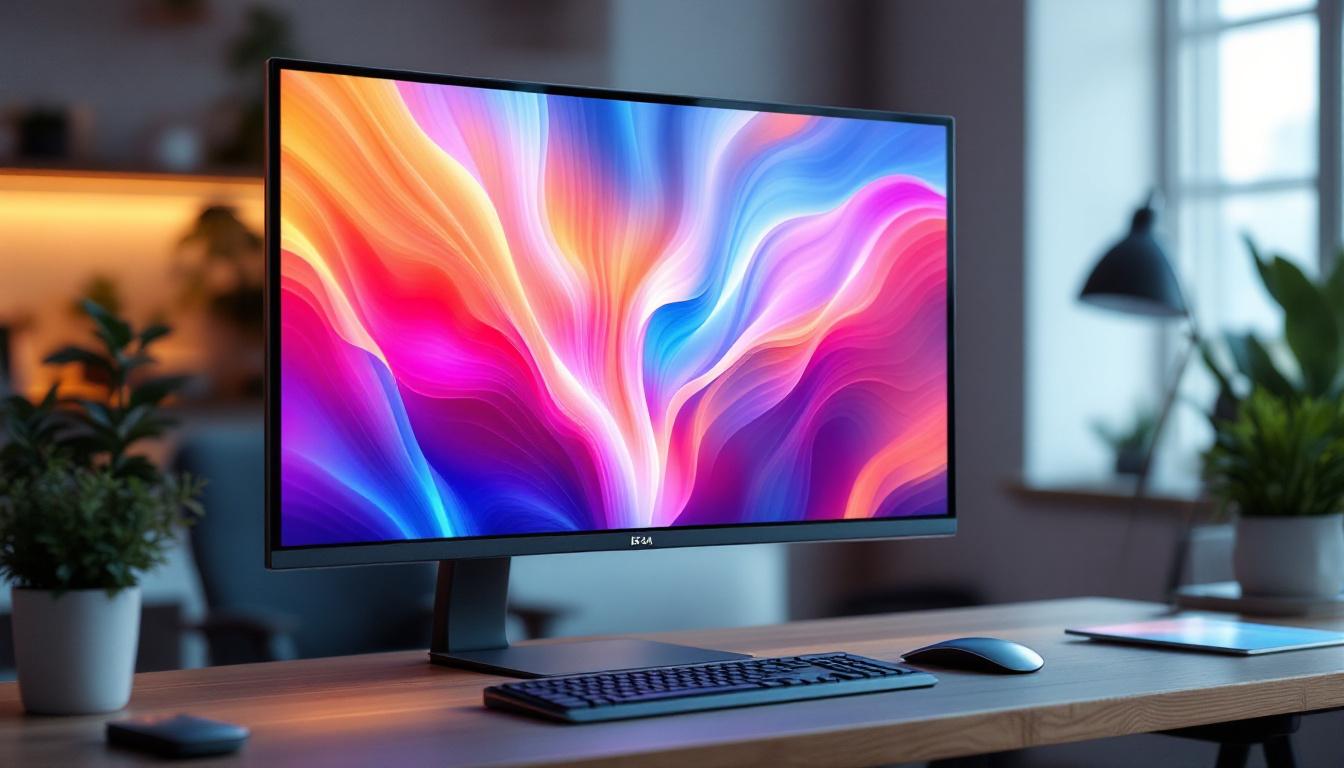
In recent years, the evolution of display technology has transformed the way users interact with digital content. Among the most notable advancements is the curved touch monitor equipped with LED displays. These devices combine ergonomic design, cutting-edge display technology, and intuitive touch interfaces, offering enhanced user experiences across various applications—from professional workstations to immersive gaming setups.
This comprehensive article explores the technology behind curved touch monitors, focusing on LED display fundamentals, the benefits of curvature, touch capabilities, and practical considerations for consumers and professionals alike.
Understanding LED Display Technology
What is an LED Display?
LED stands for Light Emitting Diode, a semiconductor device that emits light when an electric current passes through it. In the context of monitors, LED displays refer to LCD panels that use LED backlighting instead of traditional cold cathode fluorescent lamps (CCFLs). This shift has brought significant improvements in brightness, energy efficiency, and color accuracy.
Unlike OLED (Organic LED) displays, which use organic compounds to emit light directly, LED displays rely on a liquid crystal layer modulating light from an LED backlight. This distinction is important because LED-backlit LCDs can achieve high brightness and longer lifespans while keeping costs relatively affordable.
Types of LED Backlighting
There are primarily two types of LED backlighting used in monitors: edge-lit and full-array. Edge-lit LED displays position LEDs along the edges of the screen, allowing for thinner panels and lower manufacturing costs. However, they may suffer from uneven brightness distribution.
Full-array LED backlighting places LEDs directly behind the entire screen area, enabling more uniform brightness and local dimming capabilities. Local dimming enhances contrast by dimming parts of the screen that should appear darker, resulting in deeper blacks and more vibrant colors.
Advantages of LED Displays Over Other Technologies
LED displays have become the industry standard due to their numerous advantages:
- Energy Efficiency: LEDs consume less power compared to CCFL backlights, reducing electricity costs and environmental impact.
- Brightness and Color Accuracy: Higher brightness levels and improved color reproduction make LED displays suitable for color-critical work such as photo editing and design.
- Thin and Lightweight: LED backlighting allows for slimmer monitor designs, which are easier to integrate into modern workspaces.
- Longevity: LEDs generally have longer lifespans than traditional backlighting methods, ensuring durability and reliability.
The Curved Monitor Advantage
Why Curved Displays Matter
Curved monitors have gained popularity as an ergonomic and immersive alternative to flat screens. The curvature is designed to match the natural field of view of the human eye, which is roughly 30 degrees horizontally. By curving the screen, manufacturers aim to reduce eye strain, improve viewing comfort, and enhance the sense of depth.
For users who spend extended hours in front of monitors—such as graphic designers, video editors, and financial analysts—the curved display can help maintain focus and reduce fatigue. The curvature also minimizes distortion and glare from ambient light sources, contributing to a clearer and more consistent image.
Immersive Experience for Gaming and Multimedia
Gamers and multimedia enthusiasts benefit significantly from curved monitors. The wrap-around effect of the curved screen creates a panoramic viewing experience, making games and videos feel more immersive. This effect is particularly pronounced on ultrawide curved monitors with aspect ratios like 21:9 or even 32:9.
Studies have shown that curved displays can improve spatial awareness in gaming by providing a wider field of view without requiring head movement. This advantage can translate into better reaction times and enhanced gameplay performance.
Curvature Ratings and Their Impact
Curved monitors are often described by their radius of curvature, measured in millimeters (e.g., 1500R, 1800R, 3000R). The smaller the number, the more pronounced the curve:
- 1500R: A tight curve offering a highly immersive experience, ideal for ultrawide monitors.
- 1800R: A moderate curve balancing immersion and comfort, common in many consumer models.
- 3000R and above: A gentle curve suitable for professional environments where subtlety is preferred.
Choosing the right curvature depends on the monitor size, viewing distance, and personal preference. For example, a 34-inch ultrawide monitor with a 1500R curve is designed to be viewed at about 50-60 cm distance for optimal immersion.
Touch Capabilities in Curved LED Monitors
How Touch Technology Works
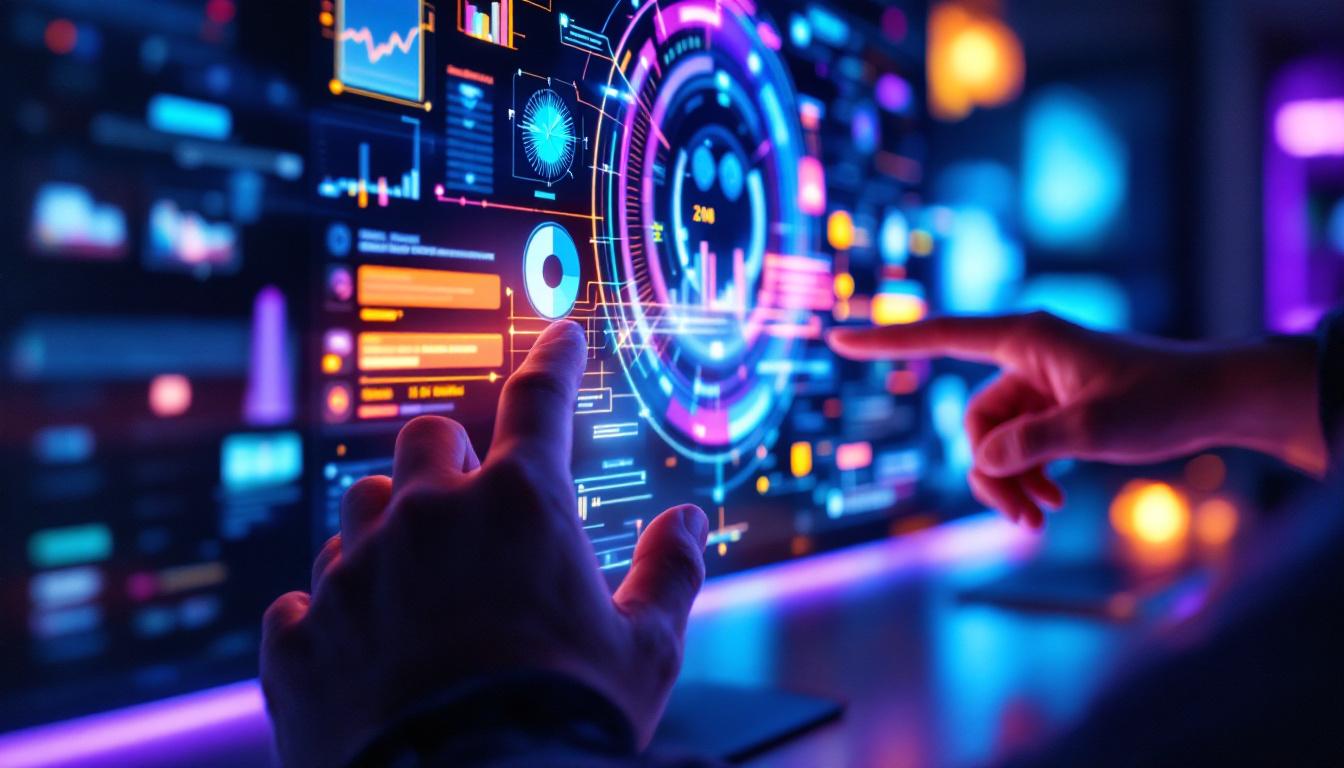
Touch functionality in monitors is typically achieved through capacitive or infrared (IR) touch technology. Capacitive touchscreens detect the electrical properties of a finger or stylus, offering high accuracy and multi-touch support. IR touchscreens use an array of infrared sensors around the screen edges to detect touch points without requiring a special surface coating.
Integrating touch technology into curved monitors presents engineering challenges, such as maintaining touch accuracy across the curved surface and ensuring durability. However, advancements in flexible sensors and calibration algorithms have made curved touch monitors increasingly viable.
Benefits of Touch Interaction
Touch-enabled curved monitors offer several advantages:
- Intuitive Control: Users can interact directly with on-screen elements, making navigation and manipulation faster and more natural.
- Enhanced Productivity: Creative professionals can draw, annotate, and edit with precision using styluses or fingers.
- Collaboration: Touch screens facilitate interactive presentations and teamwork, especially in meeting rooms and educational settings.
In sectors such as healthcare, retail, and design, curved touch monitors provide an ergonomic and engaging interface that can improve workflow and user satisfaction.
Challenges and Considerations
While touch functionality adds versatility, it also introduces some considerations:
- Cost: Touch-enabled curved monitors typically come at a premium compared to non-touch models.
- Maintenance: Touch surfaces require regular cleaning to maintain responsiveness and clarity.
- Glare and Reflections: Touchscreens often have glossy finishes, which can increase glare under certain lighting conditions.
Prospective buyers should weigh these factors against their specific use cases to determine if a curved touch monitor is the right investment.
Applications and Use Cases
Professional Workstations
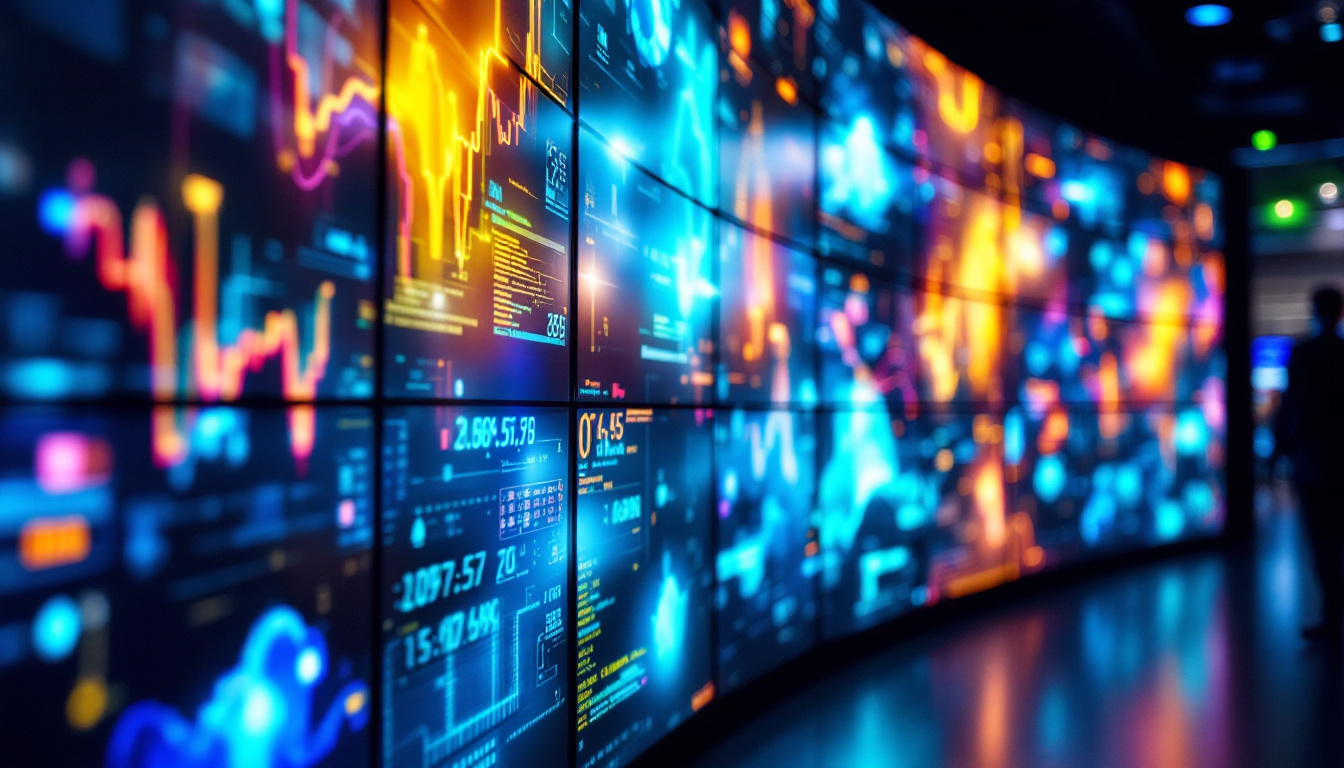
Curved touch monitors are increasingly popular in professional environments where multitasking and precision are paramount. For example, financial traders benefit from ultrawide curved screens to monitor multiple data streams simultaneously, while touch capabilities enable quick interactions with complex software interfaces.
Graphic designers and digital artists appreciate the combination of high color accuracy, immersive curvature, and touch input for detailed work. The ability to zoom, pan, and draw directly on the screen enhances creative workflows and reduces reliance on peripheral devices.
Education and Collaborative Spaces
In classrooms and meeting rooms, curved touch monitors serve as interactive whiteboards and presentation tools. Their large, curved surfaces allow multiple users to view and interact with content comfortably from different angles. Touch functionality encourages engagement and collaboration, making lessons and meetings more dynamic and effective.
Gaming and Entertainment
For gamers, curved touch monitors provide an immersive visual experience paired with intuitive control options. While touch is less common in gaming monitors compared to professional or educational models, it can be useful for managing in-game menus or streaming overlays.
In home entertainment setups, curved LED displays enhance movie watching and multimedia consumption by delivering vibrant colors and wide viewing angles. Touch controls can simplify navigation through media libraries and streaming platforms.
Choosing the Right Curved Touch Monitor
Key Specifications to Consider
When selecting a curved touch monitor, several specifications should guide the decision-making process:
- Screen Size and Resolution: Larger screens with higher resolutions (e.g., 2560×1440 or 3840×2160) offer more workspace and sharper images.
- Curvature Radius: Match the curvature to your typical viewing distance and intended use for comfort and immersion.
- Touch Technology: Capacitive touchscreens generally provide better responsiveness and multi-touch support than IR alternatives.
- Color Accuracy: Look for monitors with high color gamut coverage (e.g., AdobeRGB or DCI-P3) if color fidelity is critical.
- Refresh Rate and Response Time: Important for gaming and fast-paced content to reduce motion blur and input lag.
Ergonomics and Connectivity
Adjustable stands that allow tilt, swivel, and height adjustments can enhance comfort during prolonged use. Additionally, connectivity options like USB-C, HDMI, DisplayPort, and built-in USB hubs increase versatility and ease of integration into existing setups.
Budget and Brand Reliability
Curved touch monitors span a wide price range, from affordable consumer models to premium professional-grade displays. Investing in reputable brands with strong customer support and warranty policies can ensure long-term satisfaction and reliability.
Future Trends in Curved Touch LED Displays
Flexible and Foldable Displays
Emerging technologies in flexible OLED and microLED displays promise even more innovative curved and foldable touchscreens. These advancements could lead to monitors that adapt their shape dynamically, offering unprecedented versatility in workspace design and user interaction.
Improved Touch Sensitivity and Haptics
Research into enhanced touch feedback, including haptic responses, aims to make touch interactions more tactile and immersive. This could benefit creative professionals and gamers by providing physical sensations that correspond to on-screen actions.
Integration with AI and Gesture Control
Combining curved touch monitors with artificial intelligence and gesture recognition may reduce the need for physical touch altogether, allowing users to control devices through natural hand movements or voice commands. This integration could redefine human-computer interaction in the near future.
Conclusion
Curved touch monitors with LED displays represent a significant advancement in display technology, merging ergonomic design, vibrant visuals, and intuitive interaction. Whether for professional work, education, gaming, or entertainment, these monitors offer compelling benefits that enhance productivity and user experience.
Understanding the underlying LED technology, the impact of screen curvature, and the nuances of touch capabilities can help consumers make informed choices tailored to their needs. As technology continues to evolve, curved touch LED displays are poised to become even more versatile and integral to modern digital environments.
Discover the Future of Visual Engagement with LumenMatrix
Ready to elevate your digital experience with the latest in curved touch LED display technology? LumenMatrix is at the forefront of innovation, offering a wide array of LED display solutions that bring your content to life. From immersive Indoor LED Wall Displays to dynamic Outdoor LED Wall Displays and beyond, our mission is to transform visual communication. Experience the difference in engagement and clarity with LumenMatrix’s cutting-edge displays. Check out LumenMatrix LED Display Solutions today and step into the future of captivating visual storytelling.