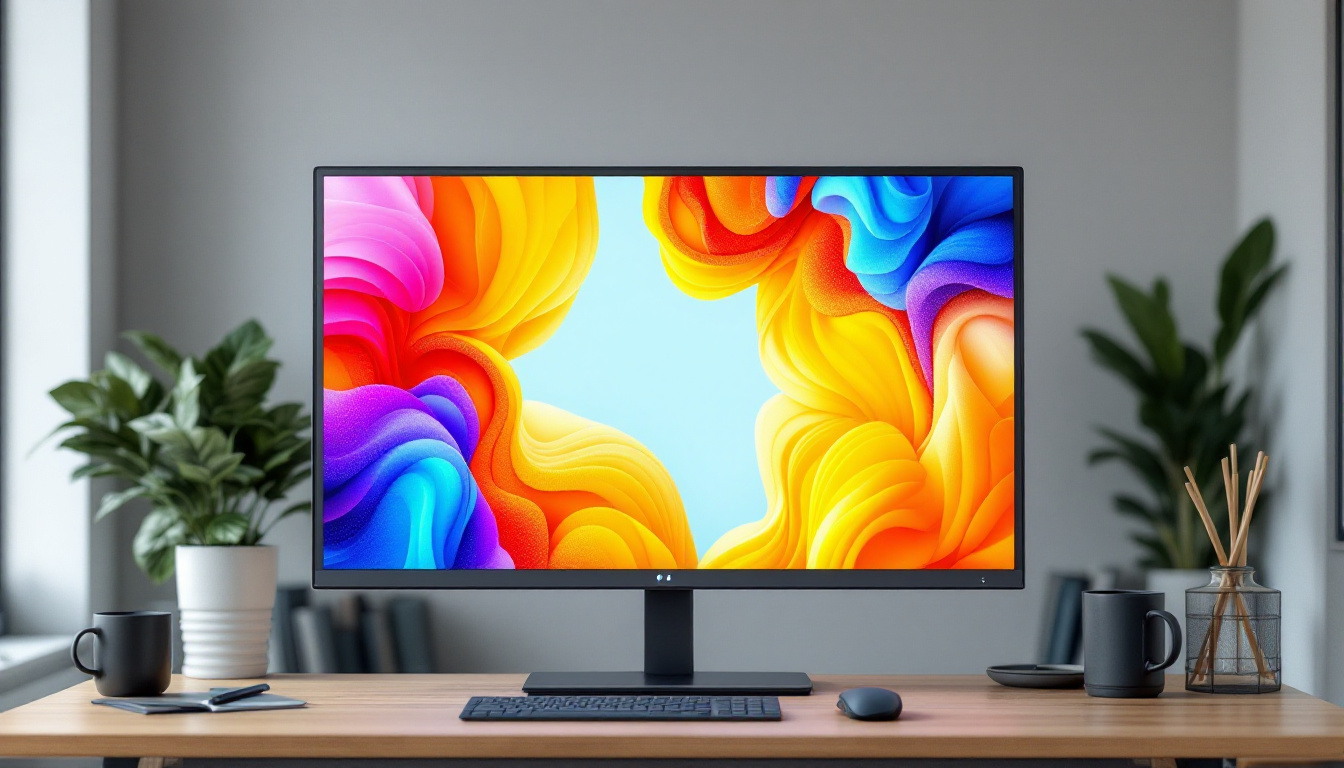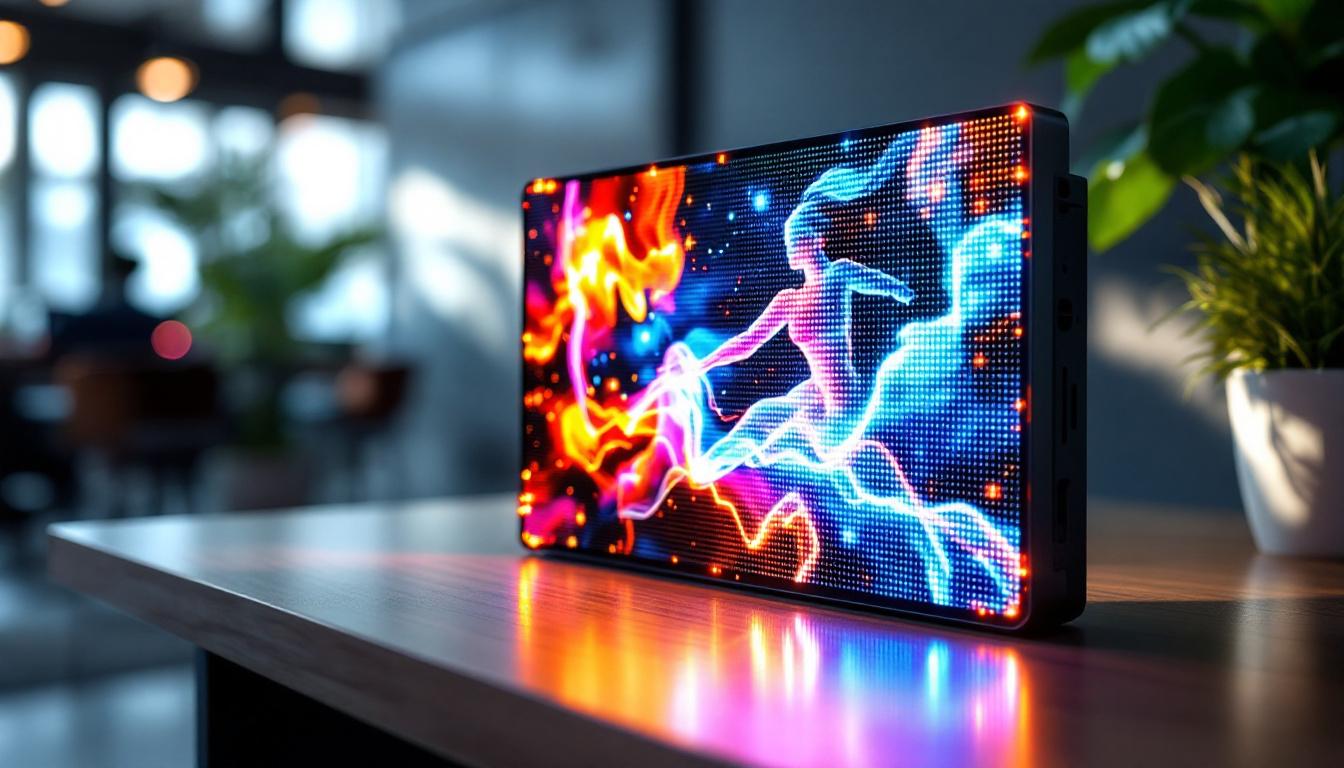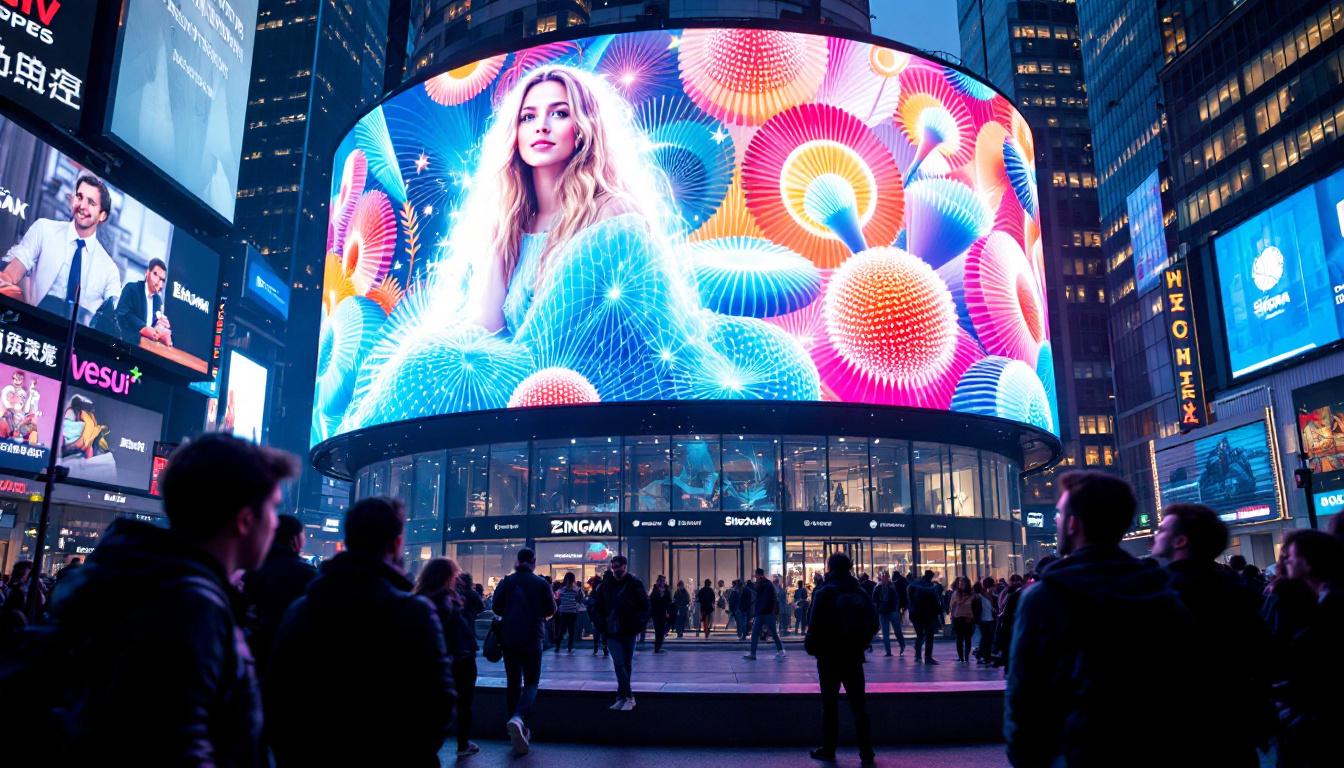
In the rapidly evolving world of display technology, understanding pixel size is crucial for anyone looking to optimize their desktop experience. Whether you are a graphic designer, gamer, or everyday user, the pixel size of your LED display directly impacts image clarity, color accuracy, and overall visual comfort. This article delves into the concept of desktop pixel size, explains how LED displays work, and explores why pixel size matters when choosing or evaluating a desktop monitor.
What Is Pixel Size and Why Does It Matter?
Pixel size refers to the physical dimensions of a single pixel on a display screen, typically measured in micrometers (µm) or millimeters (mm). Each pixel is the smallest unit of a digital image, composed of subpixels that emit red, green, and blue light to create the full spectrum of colors.
In desktop LED displays, pixel size determines the density of pixels per inch (PPI), which in turn affects the sharpness and detail of the image. A smaller pixel size means more pixels can fit into the same screen area, resulting in higher resolution and crisper visuals. Conversely, larger pixels mean fewer pixels per inch, which can lead to a grainier or less detailed image.
Understanding pixel size is essential because it influences:
- Image clarity: Smaller pixels produce sharper images.
- Text readability: Higher pixel density improves the smoothness of fonts.
- Color accuracy and brightness: Pixel size impacts how light is emitted and perceived.
- Eye strain: Displays with appropriate pixel sizes reduce fatigue during prolonged use.
Pixel Pitch vs. Pixel Size
It’s important to distinguish between pixel size and pixel pitch. Pixel pitch is the distance from the center of one pixel to the center of the adjacent pixel, often used in LED displays, especially large-format ones. While pixel size refers to the actual dimension of the pixel itself, pixel pitch includes the spacing between pixels.
In desktop LED monitors, pixel pitch and pixel size are often nearly identical because the pixels are tightly packed. However, in larger LED panels or outdoor displays, pixel pitch can be significantly larger, affecting viewing distance and image quality.
Moreover, the implications of pixel size extend beyond mere aesthetics; they also play a crucial role in user experience across various applications. For instance, in gaming, a display with a smaller pixel size can enhance the immersive experience by providing more detailed graphics, allowing gamers to spot enemies or intricate details in the environment with greater ease. Similarly, in graphic design and photo editing, high pixel density ensures that professionals can work with finer details, making it easier to achieve precision in their projects.
Additionally, advancements in display technology, such as OLED and MicroLED, have further emphasized the importance of pixel size. These technologies allow for even smaller pixels, resulting in displays that not only offer higher resolutions but also improved contrast ratios and color reproduction. As a result, consumers are increasingly prioritizing pixel size when selecting devices, from smartphones to televisions, as it directly correlates with their viewing experience and satisfaction.
How LED Displays Work: The Role of Pixels
LED (Light Emitting Diode) displays use tiny diodes that emit light when an electric current passes through them. Unlike traditional LCDs that rely on a backlight, LED displays can produce light at the pixel level, resulting in better contrast and energy efficiency.
Each pixel in an LED display is made up of three subpixels—red, green, and blue (RGB). By varying the intensity of these subpixels, the display can generate millions of colors. The precision with which these subpixels are controlled depends on the pixel size and density.
Types of LED Displays and Pixel Size Differences
There are several types of LED displays commonly used for desktop monitors, each with distinct pixel size characteristics:
- Standard LED-backlit LCDs: These use an LED backlight behind an LCD panel. Pixel size is determined by the LCD layer, typically ranging from 0.18mm to 0.27mm for desktop monitors.
- OLED (Organic LED): OLED displays have self-emitting pixels, allowing for even smaller pixel sizes and better contrast ratios. Pixel sizes can be as small as 0.1mm or less, resulting in stunning image quality.
- MicroLED: An emerging technology that uses microscopic LEDs as individual pixels. This technology promises extremely small pixel sizes with high brightness and durability but is still in early stages for desktop use.
How Pixel Size Affects Desktop Display Quality
When evaluating desktop monitors, pixel size is a key factor influencing several aspects of display quality:
Resolution and Screen Size
Resolution refers to the number of pixels displayed on the screen, such as 1920×1080 (Full HD) or 3840×2160 (4K). Pixel size works hand-in-hand with resolution and screen size to determine pixel density (PPI).
For example, a 24-inch monitor with a 1920×1080 resolution will have larger pixels (around 0.276mm) compared to a 27-inch 4K monitor where pixels might be as small as 0.155mm. The smaller pixels on the 4K monitor create a sharper image, allowing for finer detail and smoother text.
Viewing Distance and Visual Comfort
Pixel size also influences the optimal viewing distance. Larger pixels may be noticeable and cause a “screen door” effect if viewed too closely, which can be distracting or uncomfortable. Smaller pixels allow users to sit closer to the screen without perceiving individual pixels, enhancing immersion and reducing eye strain.
For typical desktop use, a pixel density of around 90 to 110 PPI is considered comfortable. Higher PPI values, often achieved through smaller pixel sizes, are preferred for professional work involving detailed graphics or text.
Color Accuracy and Brightness
Smaller pixels in LED displays can improve color accuracy by allowing more precise control of subpixel illumination. This results in richer colors and better gradients. Additionally, LED displays with smaller pixels often have higher brightness levels and contrast ratios, making images more vibrant and easier to see in various lighting conditions.
Choosing the Right Pixel Size for Your Desktop Monitor
Selecting the appropriate pixel size depends on your specific needs and usage scenarios. Here are some considerations to guide your choice:
For General Use and Office Work
If your primary tasks involve web browsing, document editing, and casual media consumption, a pixel size between 0.25mm and 0.30mm is usually sufficient. Monitors in this range balance affordability with acceptable image quality and comfort.
For Creative Professionals
Graphic designers, photographers, and video editors benefit from smaller pixel sizes (around 0.15mm to 0.20mm) and higher resolutions such as 4K or 5K. These displays provide the pixel density required for precise color work and detailed image editing.
For Gamers
Gamers often prioritize refresh rates and response times but should not overlook pixel size. Smaller pixels improve image sharpness and reduce motion blur. A pixel size around 0.20mm combined with a high refresh rate (144Hz or above) offers an excellent gaming experience.
For Accessibility and Eye Health
Users concerned about eye strain should consider monitors with higher pixel densities and smaller pixel sizes. These displays reduce flicker and pixelation, making long hours in front of the screen more comfortable.
Measuring and Calculating Pixel Size
Understanding how to calculate pixel size can help you compare monitors effectively. The formula to determine pixel size (in mm) is:
Pixel Size = Screen Width (mm) / Horizontal Resolution (pixels)
For example, a 24-inch monitor with a 16:9 aspect ratio has a screen width of approximately 531mm. If the resolution is 1920 pixels wide, the pixel size is:
531mm / 1920 pixels ≈ 0.276mm per pixel
This calculation can be repeated for vertical pixel size, but since pixels are usually square, the horizontal and vertical pixel sizes are the same.
Pixels Per Inch (PPI) Calculation
PPI is a widely used metric to express pixel density. It can be calculated using the diagonal resolution and screen size:
PPI = Diagonal Resolution (pixels) / Screen Size (inches)
Where diagonal resolution is:
Diagonal Resolution = √(Horizontal Resolution² + Vertical Resolution²)
For instance, a 27-inch 2560×1440 monitor has a diagonal resolution of:
√(2560² + 1440²) = √(6,553,600 + 2,073,600) = √8,627,200 ≈ 2,938 pixels
PPI = 2,938 / 27 ≈ 109 PPI
This high PPI corresponds to a small pixel size, resulting in a sharp and detailed image.
Future Trends in Desktop LED Pixel Technology
Display technology continues to advance rapidly, with pixel size shrinking and pixel density increasing. Several trends are shaping the future of desktop LED displays:
MicroLED and MiniLED
MicroLED technology promises pixels that are much smaller than those in current LED or OLED displays, with superior brightness and longevity. MiniLED backlighting, which uses thousands of tiny LEDs, improves contrast and local dimming, enhancing image quality without changing pixel size.
Higher Resolutions and Larger Screens
As 4K becomes standard and 5K or 8K monitors enter the market, pixel sizes will continue to decrease. This enables larger screens without sacrificing image sharpness, ideal for multitasking and professional applications.
Flexible and Transparent Displays
Emerging technologies may allow for flexible or transparent LED displays with ultra-small pixels, opening new possibilities for desktop setups and interactive environments.
Conclusion
Pixel size is a fundamental aspect of desktop LED displays that directly affects image quality, color accuracy, and user comfort. Smaller pixel sizes lead to higher pixel density, sharper images, and better visual experiences, especially in professional and gaming contexts.
When selecting a desktop monitor, understanding pixel size alongside resolution, screen size, and display technology ensures you choose a device that meets your needs. As LED technology continues to evolve, users can expect even finer pixel control and richer visuals, enhancing productivity and entertainment alike.
Discover the Future of Visual Display with LumenMatrix
Ready to elevate your visual experience with a desktop monitor that embodies the pinnacle of LED technology? LumenMatrix is at the forefront of innovation, offering a diverse range of LED display solutions tailored to meet your every need. From immersive Indoor LED Wall Displays to dynamic Outdoor LED Wall Displays, and from versatile Vehicle LED Displays to sleek LED Poster Displays, our products are designed to captivate and engage. Explore our cutting-edge LED Sports Displays, interactive Floor LED Displays, and the revolutionary All-in-One LED Display. Experience the clarity and impact of our Custom LED Displays and LED Transparent Displays. Embrace the future of visual communication with LumenMatrix and Check out LumenMatrix LED Display Solutions today.