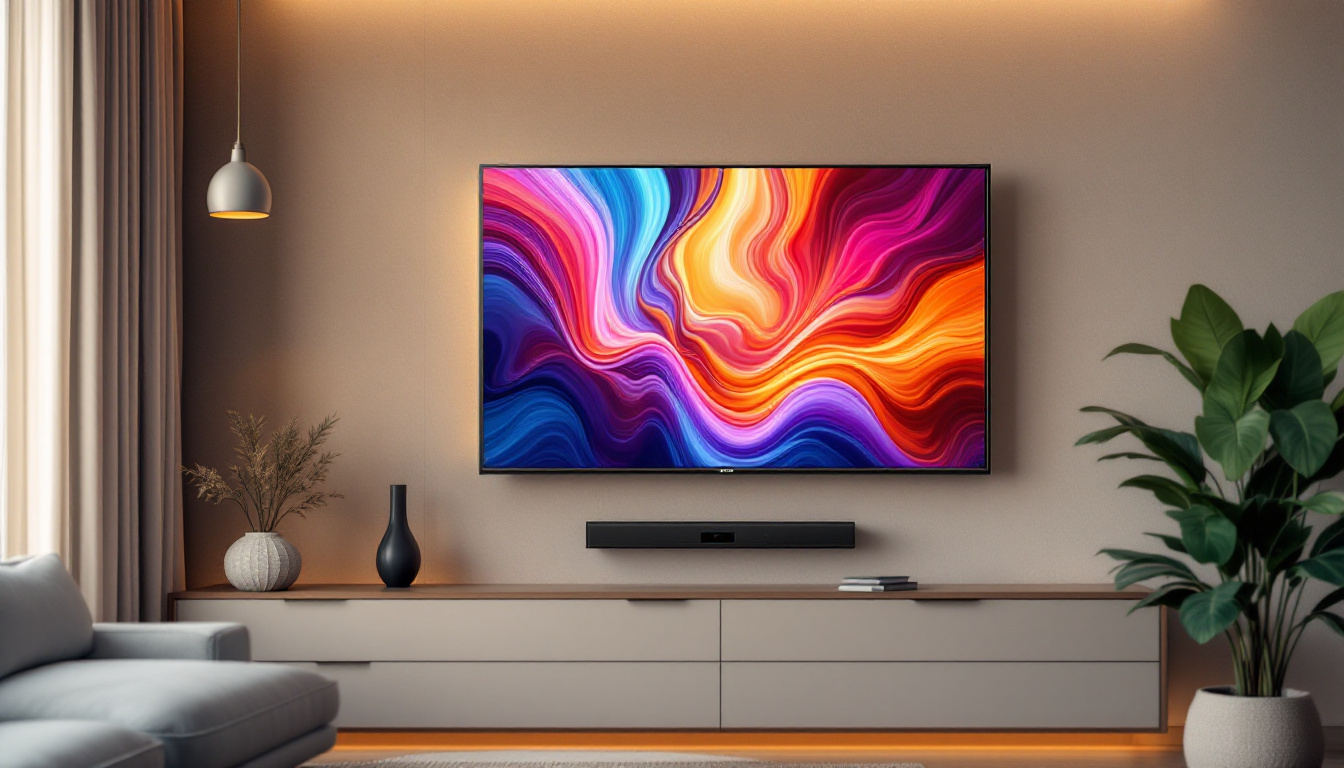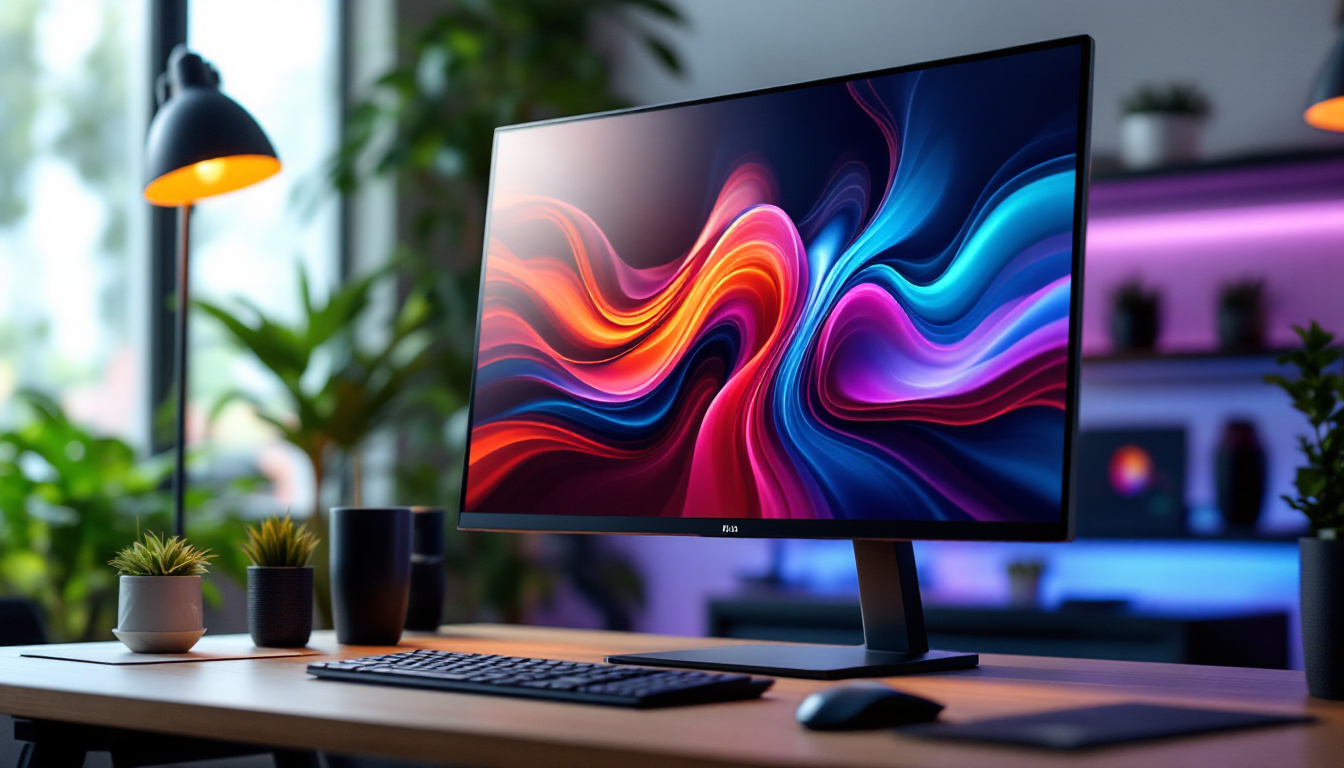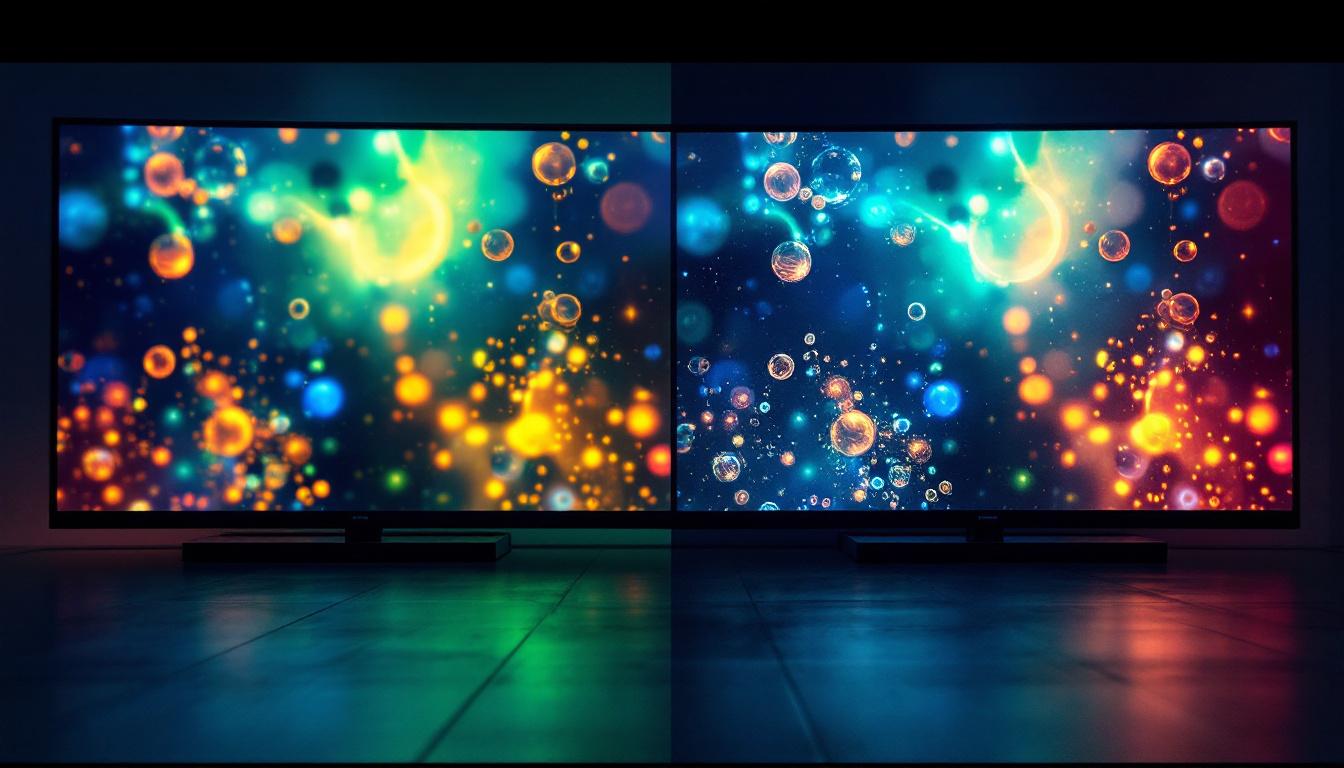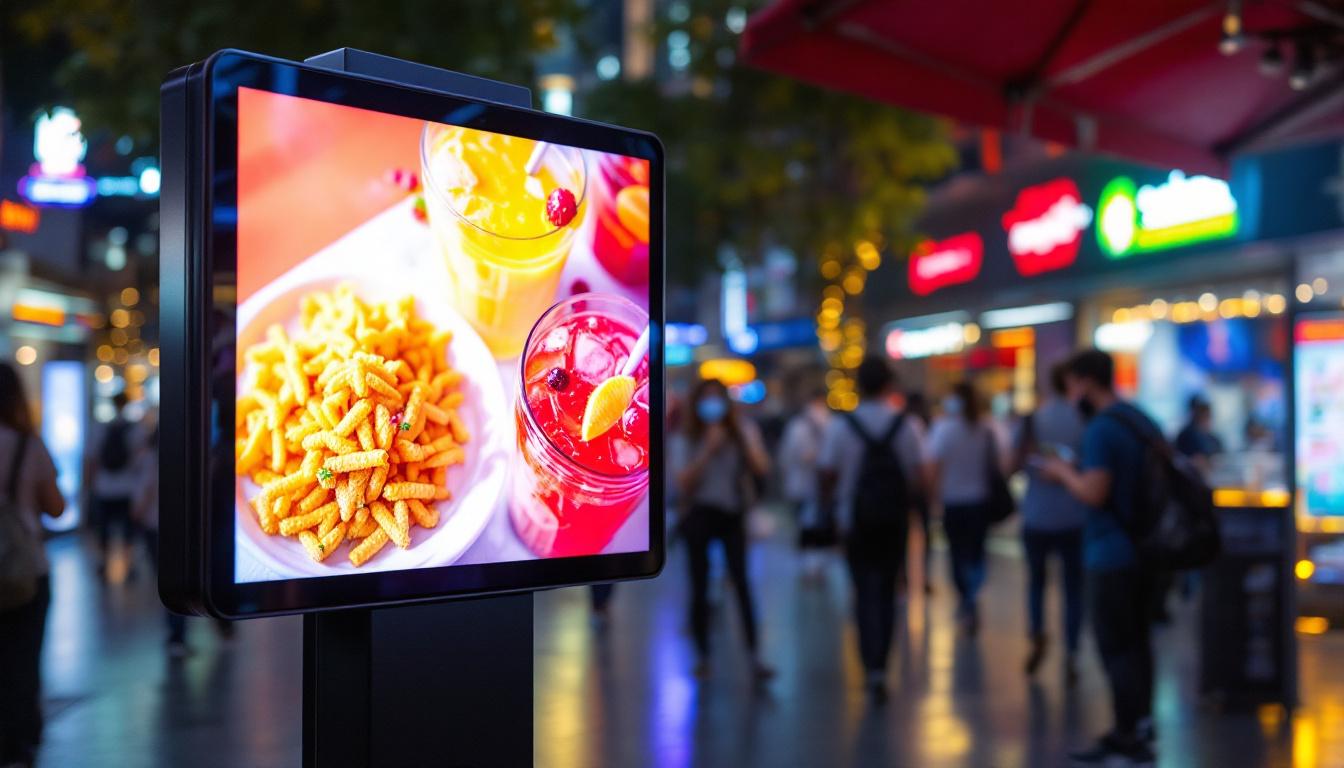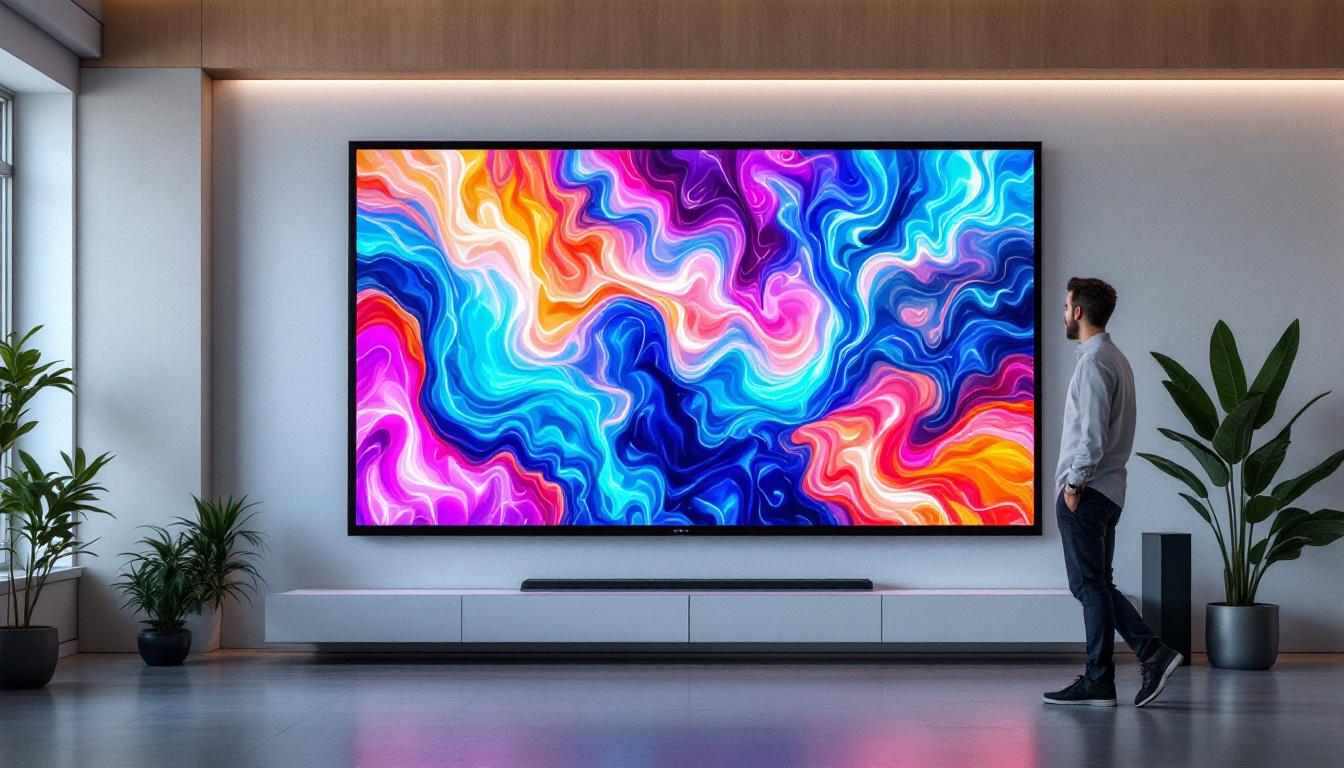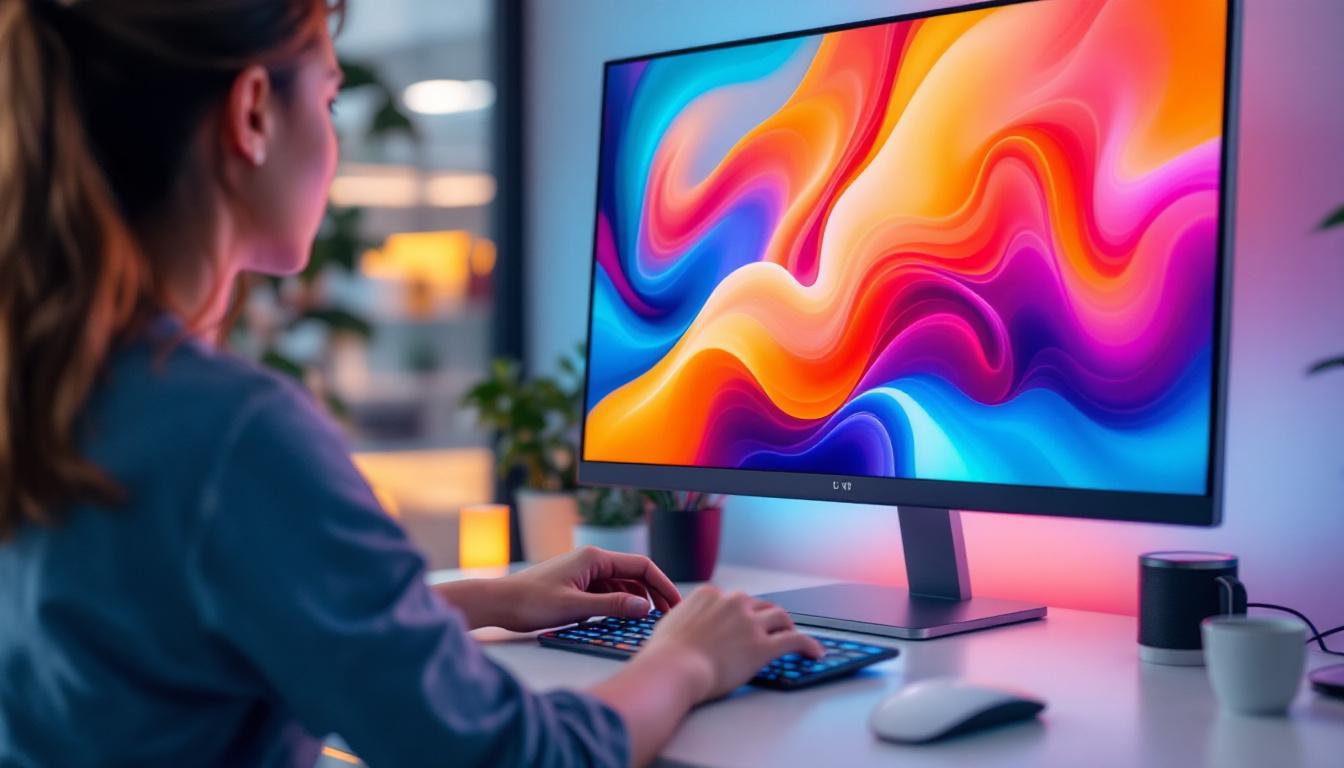
In today’s fast-evolving technology landscape, desktops with touch screen capabilities have become increasingly popular, blending the traditional computing experience with the intuitive interactions of mobile devices. Central to this innovation is the LED display technology that powers these touch screens, offering vibrant visuals and responsive touch sensitivity. This article delves into the intricacies of LED displays in desktop touch screens, exploring their technology, benefits, challenges, and future trends.
Understanding LED Display Technology
LED, or Light Emitting Diode, displays have revolutionized the way screens are designed and experienced. Unlike older display technologies such as CCFL (Cold Cathode Fluorescent Lamp) backlighting used in LCDs, LED displays use light-emitting diodes to illuminate the screen, resulting in brighter images, better energy efficiency, and thinner panels.
At its core, an LED display is essentially an LCD screen that uses LEDs for backlighting instead of fluorescent lamps. This subtle yet significant difference enhances the display’s brightness, contrast, and color accuracy. The LEDs can be arranged in various configurations, including edge-lit and full-array backlighting, each offering distinct advantages in terms of uniformity and local dimming capabilities. Moreover, the longevity of LED technology means that these displays can last significantly longer than their predecessors, reducing the need for frequent replacements and contributing to a more sustainable approach to electronics.
Types of LED Displays in Touch Screen Desktops
When it comes to desktops with touch screens, the LED display technology can be categorized mainly into two types: Edge-Lit LED and Full-Array LED. Edge-lit LED displays position the LEDs along the edges of the screen, which allows for thinner designs but may sometimes result in uneven brightness. Full-array LED displays, on the other hand, place LEDs behind the entire screen, enabling better control over brightness and contrast through local dimming zones. This feature is particularly beneficial for viewing high-definition content, as it enhances the overall viewing experience by providing deeper blacks and more vibrant colors.
Additionally, some high-end desktops incorporate Mini-LED technology, which uses thousands of tiny LEDs to provide even more precise local dimming and superior HDR (High Dynamic Range) performance. This technology is gaining traction for its ability to deliver stunning visuals, making it ideal for creative professionals and gamers alike. The increased pixel density and improved color gamut offered by Mini-LED displays allow for more detailed and lifelike images, making them a popular choice for tasks that require meticulous attention to visual detail, such as graphic design and video editing. Furthermore, as the technology continues to evolve, we can expect even more advancements that will enhance the versatility and performance of LED displays in various applications.
The Role of Touch Screen Technology in Desktop Displays
Touch screen desktops combine the visual excellence of LED displays with interactive touch capabilities, enabling users to navigate, draw, and manipulate content directly on the screen. This integration enhances productivity and user experience, especially in environments such as design studios, educational institutions, and retail settings. The tactile feedback provided by touch screens can also foster a more engaging interaction, allowing users to feel more connected to their digital content, which is particularly beneficial in collaborative environments where multiple users may need to interact with the same display.
How Touch Screens Work with LED Displays
Touch screen technology in desktops typically employs either capacitive or infrared touch sensing methods. Capacitive touch screens, the most common type, detect touch through the electrical properties of the human finger, offering high accuracy and multi-touch support. Infrared touch screens use an array of IR sensors to detect touch points, which can work with any input device but may be less precise. These technologies have evolved significantly, with some modern touch screens now incorporating advanced features like haptic feedback, which simulates the sensation of touch, enhancing the user experience further.
Integrating these touch technologies with LED displays requires careful engineering to maintain display clarity and responsiveness. Modern touch screens are designed to minimize any interference with the LED backlighting and color accuracy, ensuring that the touch layer does not degrade the visual quality. Moreover, advancements in anti-glare and anti-fingerprint coatings have made it easier for users to maintain a clear view of the screen, even in brightly lit environments, thus preserving the vividness of the LED display while ensuring a seamless touch experience.
Benefits of Touch Screen Desktops with LED Displays
Touch screen desktops powered by LED displays offer several compelling benefits:
- Enhanced User Interaction: Touch input allows for intuitive navigation and direct manipulation of on-screen elements, which can improve workflow efficiency. This is particularly useful in creative fields where artists and designers can sketch or edit images directly on the screen, making the creative process more fluid and immediate.
- Vivid Visuals: LED displays provide bright, sharp images with excellent color reproduction, making touch interactions more engaging. The high contrast ratios and fast response times of LED technology also contribute to a more immersive viewing experience, whether for presentations, gaming, or multimedia applications.
- Energy Efficiency: LED backlighting consumes less power compared to traditional LCDs, contributing to lower energy costs and environmental impact. This efficiency not only benefits users financially but also aligns with growing sustainability initiatives in technology, making touch screen desktops a greener choice.
- Thin and Sleek Designs: The compact nature of LED technology enables manufacturers to produce slim and aesthetically pleasing desktop units. This design flexibility allows for a variety of setups, whether in a home office or a corporate environment, catering to both style and functionality.
In addition to these advantages, touch screen desktops are increasingly being integrated with smart technologies, such as voice recognition and AI-driven applications. This convergence allows users to interact with their devices in multiple ways, enhancing accessibility for individuals with disabilities and providing a more personalized user experience. As technology continues to evolve, the potential applications for touch screen desktops will expand, paving the way for innovative uses in various fields, from healthcare to virtual reality environments.
Applications and Use Cases of Touch Screen LED Desktops
Desktops with touch screen LED displays have found their way into a variety of professional and personal environments. Their versatility and performance make them suitable for diverse applications.
Creative and Design Work
Graphic designers, illustrators, and video editors benefit greatly from touch screen desktops with LED displays. The combination of precise touch input and high-fidelity visuals allows for detailed work, such as digital painting and photo editing, to be done directly on the screen. Devices like the Microsoft Surface Studio and other all-in-one PCs have popularized this form factor among creative professionals.
Education and Training
Interactive learning environments leverage touch screen desktops to engage students more effectively. LED displays provide clear visuals for presentations and multimedia content, while touch capabilities allow for interactive lessons, quizzes, and collaborative work. Schools and universities increasingly adopt these systems to foster active learning and digital literacy.
Retail and Customer Service
In retail, touch screen desktops serve as point-of-sale systems, kiosks, and customer information terminals. The bright LED displays attract attention and ensure readability under various lighting conditions, while touch functionality streamlines transactions and information access. This combination enhances customer experience and operational efficiency.
Challenges and Considerations
Despite their advantages, desktops with touch screen LED displays come with certain challenges that users and manufacturers must consider.
Cost Implications
Integrating touch technology with high-quality LED displays typically results in higher manufacturing costs compared to standard desktops. This cost is often passed on to consumers, making touch screen desktops a premium option. However, as technology advances and economies of scale improve, prices are gradually becoming more accessible.
Durability and Maintenance
Touch screens are more susceptible to physical damage such as scratches and smudges, which can affect both touch sensitivity and display clarity. Regular cleaning and the use of screen protectors can mitigate these issues. Additionally, the added complexity of touch components may require more specialized maintenance and repair services.
Ergonomics and User Comfort
While touch screens offer direct interaction, prolonged use can cause arm fatigue, a phenomenon sometimes referred to as “gorilla arm.” This is especially true for vertically oriented desktops without adjustable angles. Ergonomic considerations, such as adjustable stands or hybrid input options (touch plus keyboard/mouse), are important to ensure user comfort.
Future Trends in Touch Screen LED Desktop Technology
The future of desktops with touch screen LED displays is promising, driven by continuous innovations in display technology, touch sensitivity, and user interface design.
Advancements in Display Quality
Emerging technologies like OLED (Organic LED) and MicroLED promise even greater contrast ratios, faster response times, and improved energy efficiency. While OLED is already popular in smartphones and TVs, its adoption in desktop touch screens is growing, offering deeper blacks and more vibrant colors than traditional LED displays.
Improved Touch Sensitivity and Haptics
Next-generation touch screens are expected to incorporate advanced haptic feedback, providing tactile responses to touch inputs. This can enhance user interaction by simulating the feel of physical buttons or textures, making digital interactions more immersive and intuitive.
Integration with AI and Gesture Controls
Artificial intelligence and gesture recognition technologies are poised to complement touch input, allowing users to control desktops through hand gestures, voice commands, or eye tracking. This multimodal interaction will make desktops more accessible and adaptable to various user needs.
Conclusion
Desktops with touch screen LED displays represent a significant step forward in computing technology, combining the best of visual performance and interactive input. Understanding the underlying LED technology, the benefits of touch integration, and the practical applications helps users and businesses make informed decisions when selecting these devices.
While challenges such as cost and ergonomics remain, ongoing advancements promise to refine and expand the capabilities of touch screen desktops. As these technologies mature, they will continue to reshape how users interact with their computers, making computing more natural, efficient, and visually stunning.
Explore Cutting-Edge Touch Screen Solutions with LumenMatrix
Ready to experience the future of interactive computing and vibrant visual displays? LumenMatrix is at the forefront of LED display innovation, offering a wide array of solutions tailored to meet your needs. From Indoor and Outdoor LED Wall Displays to specialized options like Vehicle, Sports, and Floor LED Displays, our products are designed to captivate and engage. Discover how our Custom, All-in-One, and Transparent LED Displays can transform your space and communication strategy. Don’t miss out on the opportunity to elevate your brand’s presence and create unforgettable visual experiences. Check out LumenMatrix LED Display Solutions today and step into a world of unparalleled clarity and interactivity.