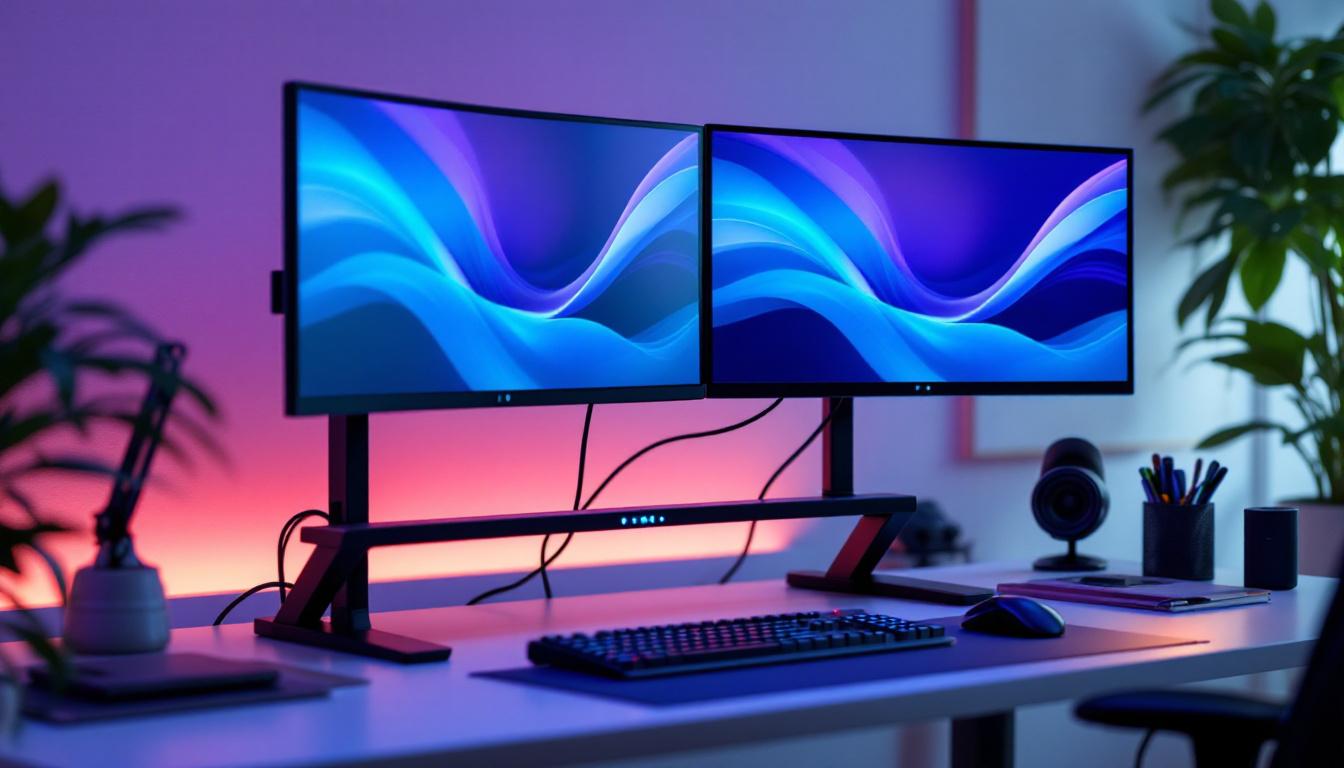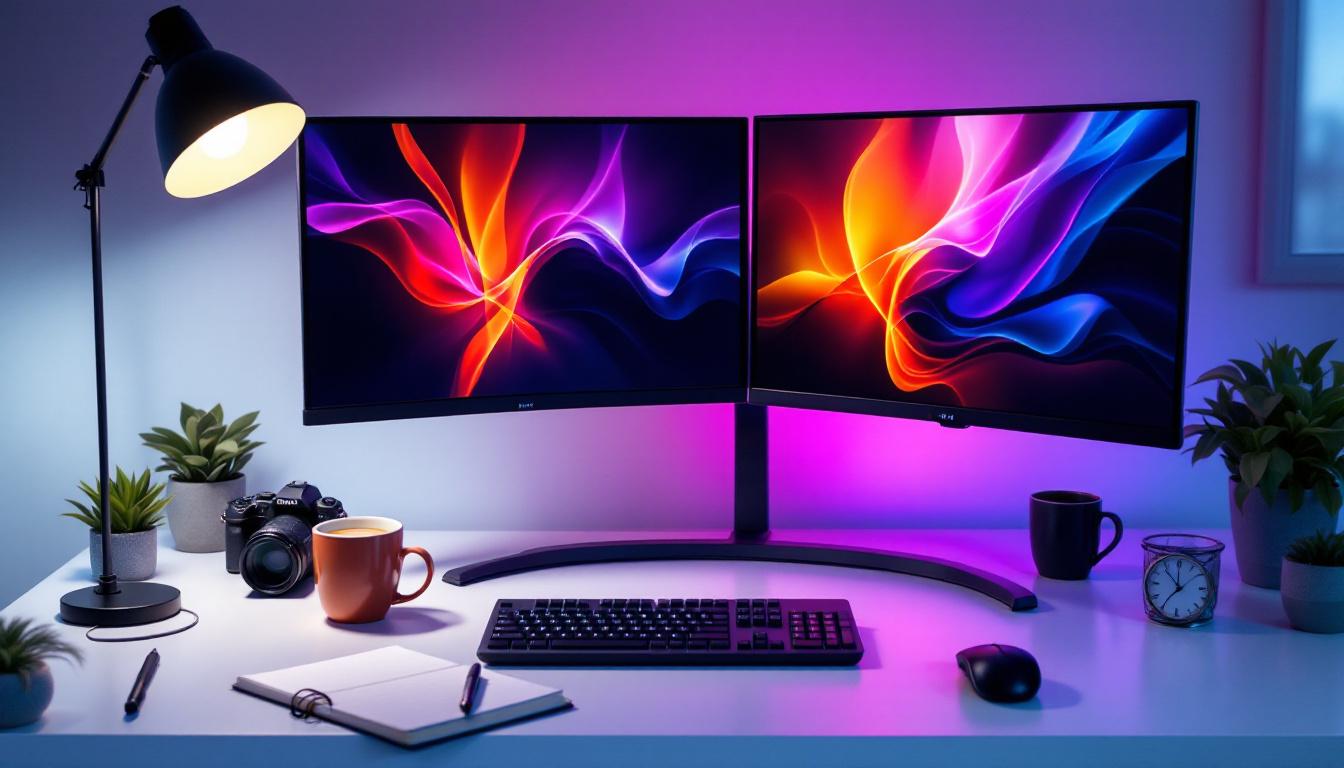
In today’s fast-paced digital world, maximizing workspace efficiency and visual comfort is more important than ever. Dual monitor setups have become increasingly popular among professionals, gamers, and creatives alike, offering enhanced productivity and immersive experiences. Central to these setups is the dual monitor desktop mount, a device designed to securely hold and position two LED displays side by side or in various configurations.
This article explores the essentials of dual monitor desktop mounts, focusing on their compatibility with LED displays. It covers the benefits, technical considerations, installation tips, and insights into choosing the right mount for your needs. Whether you’re upgrading your home office or setting up a professional workstation, understanding these mounts will help you create an ergonomic and visually appealing environment.
Why Choose a Dual Monitor Setup?
Dual monitor setups have surged in popularity due to their ability to significantly boost productivity. According to a study by the University of Utah, users with dual monitors can increase productivity by up to 42% compared to single-monitor users. This is because having more screen real estate allows for multitasking without constantly switching between windows or tabs.
For professionals such as software developers, graphic designers, financial analysts, and content creators, dual monitors enable simultaneous access to multiple applications, reference materials, or communication tools. Gamers also benefit from dual displays for extended fields of view or dedicated streaming and chat screens.
Enhanced Workflow and Multitasking
One of the most compelling reasons to invest in a dual monitor setup is the ability to streamline workflows. For example, a content writer can have research material open on one screen while drafting on the other. Similarly, a programmer can code on one display and test or debug on the other, reducing the need to toggle between applications.
This setup also supports better organization, as users can dedicate each screen to specific tasks, minimizing clutter and distractions. The result is a more focused and efficient work environment. For instance, marketers can monitor social media analytics on one screen while crafting posts on another, allowing for real-time adjustments based on performance metrics. This not only enhances productivity but also fosters creativity, as users can easily reference inspiration or data without interrupting their workflow.
Improved Ergonomics and Comfort
Dual monitor mounts contribute to ergonomic benefits by allowing users to position screens at optimal heights and angles. This reduces neck and eye strain, common issues associated with poor monitor placement. Adjustable mounts can be tilted, swiveled, or rotated to suit individual preferences, promoting better posture and comfort during long hours of use.
Moreover, investing in high-quality monitors with anti-glare screens and adjustable brightness can further enhance the viewing experience, reducing eye fatigue. The ability to customize the workspace not only improves physical comfort but also boosts mental well-being, as users can create an environment that suits their working style. Additionally, incorporating accessories like a comfortable chair and a proper desk height can create a holistic ergonomic setup, ensuring that users remain productive and healthy while engaging in extended periods of work.
Understanding Dual Monitor Desktop Mounts
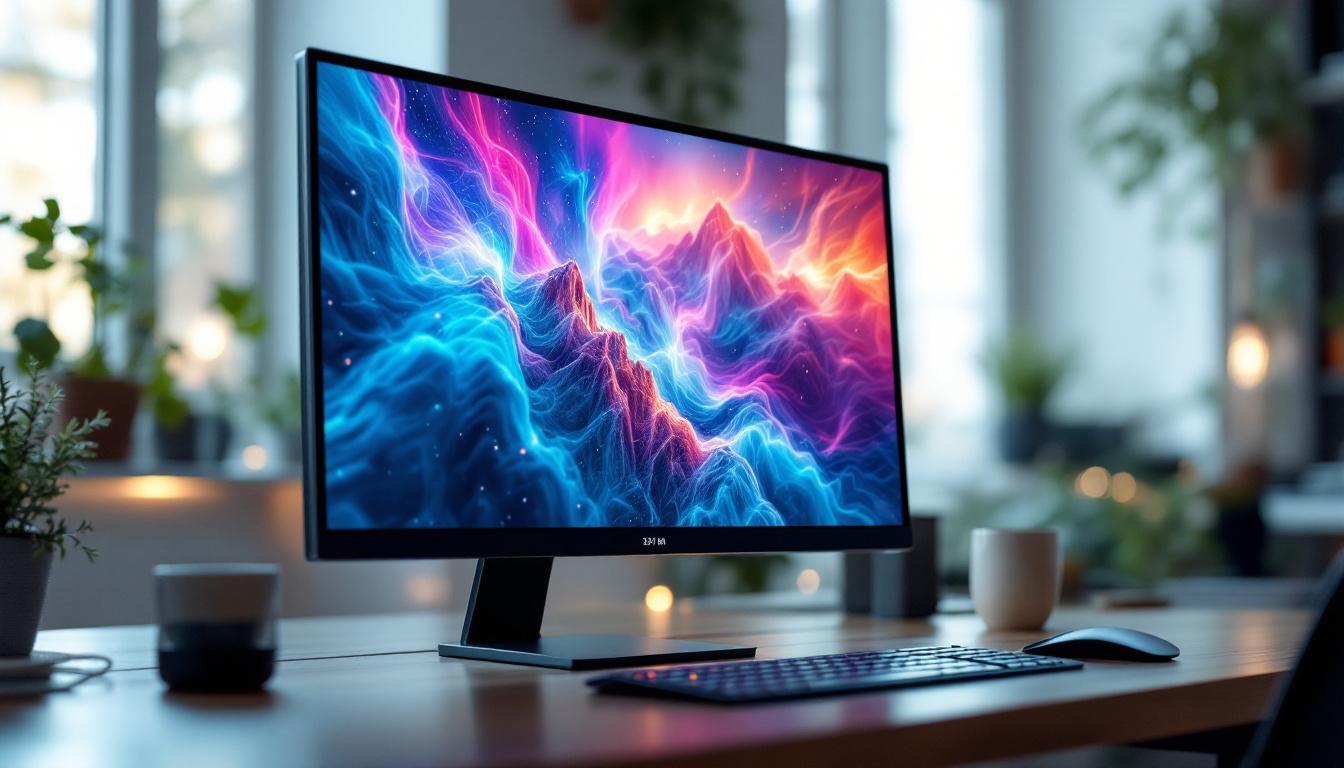
A dual monitor desktop mount is a mechanical arm or bracket designed to hold two monitors securely on a desk. These mounts come in various styles and configurations, each catering to different needs and setups.
Types of Dual Monitor Mounts
There are primarily three types of dual monitor mounts:
- Clamp Mounts: These mounts attach to the edge of a desk using a clamp mechanism. They are easy to install and remove, making them ideal for renters or those who frequently change setups.
- Grommet Mounts: Grommet mounts require a hole in the desk surface through which the mount is secured. This type offers a very stable setup but requires a compatible desk or drilling a hole.
- Freestanding Mounts: These mounts have a weighted base and do not require attachment to the desk. They offer flexibility but take up more desk space.
Compatibility with LED Displays
When selecting a dual monitor mount for LED displays, compatibility is key. Most LED monitors conform to the VESA (Video Electronics Standards Association) mounting standard, which specifies hole patterns on the back of the monitor for mounting purposes. The common VESA patterns are 75×75 mm and 100×100 mm, but larger monitors may have different specifications.
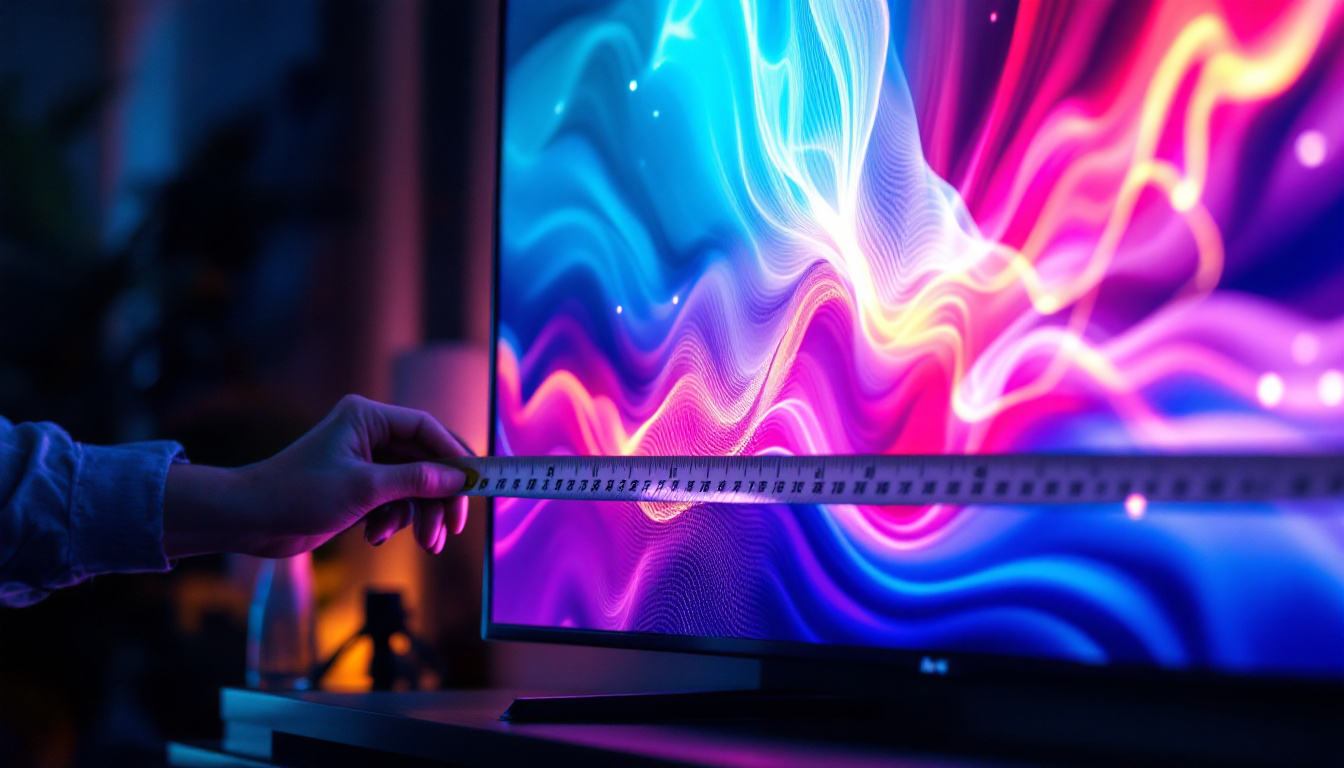
Ensuring the mount supports the VESA pattern of your LED monitors is essential for a secure fit. Additionally, the mount should support the weight and size of your monitors. LED displays vary widely, from compact 21-inch models to large 32-inch or bigger screens, so checking weight limits is crucial.
Benefits of Using a Dual Monitor Desktop Mount with LED Displays
Integrating a dual monitor mount with LED displays offers several advantages beyond simply holding the screens.
Space Saving and Desk Organization
One of the most immediate benefits is the reclamation of valuable desk space. By elevating monitors off the desk surface, mounts free up room for keyboards, documents, and other essential items. This creates a cleaner, more organized workspace that can enhance focus and reduce clutter.
Customizable Viewing Angles
Most dual monitor mounts allow for extensive adjustability. Users can tilt, swivel, rotate, and extend monitors to achieve the perfect viewing angle. This flexibility is particularly beneficial for LED displays, which often have wide viewing angles but still benefit from precise positioning to reduce glare and reflections.
Improved Cable Management
Many dual monitor mounts include integrated cable management systems that help route power and data cables neatly along the arms or base. This reduces tangled wires and potential damage, contributing to a safer and more aesthetically pleasing setup.
Technical Considerations When Choosing a Dual Monitor Mount
Selecting the right dual monitor mount involves evaluating several technical factors to ensure compatibility, durability, and user comfort.
Weight Capacity and Monitor Size
Each mount has a specified weight capacity per arm or bracket. It’s important to verify that the combined weight of your LED monitors does not exceed this limit. For instance, a mount rated for 8 kg (approximately 17.6 lbs) per arm will not safely support heavier monitors.
Monitor size also matters. Larger monitors require mounts with longer arms and stronger joints to maintain stability and prevent sagging.
VESA Mounting Pattern
Confirm the VESA mounting pattern on your LED displays and ensure the mount supports it. Some mounts come with multiple adapter plates to accommodate various patterns.
Adjustability Features
Consider the range of motion offered by the mount. Key adjustments include:
- Height Adjustment: Allows raising or lowering the monitors to eye level.
- Swivel: Enables turning the monitors left or right.
- Tilt: Adjusts the vertical angle to reduce glare.
- Rotation: Permits switching between landscape and portrait orientations.
These features contribute to ergonomic comfort and can adapt the setup to different tasks or user preferences.
Desk Compatibility
Check your desk’s thickness and surface material to ensure compatibility with the mount’s attachment method. Clamp mounts, for example, typically support desks up to 2-3 inches thick. Grommet mounts require a hole of a specific diameter, usually around 1.5 inches.
Installation Tips for Dual Monitor Desktop Mounts
Proper installation is essential for safety and optimal performance. Here are some best practices:
Prepare Your Workspace
Clear the desk and gather necessary tools such as screwdrivers, Allen wrenches, and possibly a drill if using a grommet mount. Read the manufacturer’s instructions thoroughly before beginning.
Attach the Mount Securely
For clamp mounts, position the clamp at the desired location on the desk edge and tighten firmly without over-tightening to avoid damage. For grommet mounts, align the mount base with the hole and secure it using the provided bolts.
Mount the LED Displays
Attach the VESA plates to the back of each monitor, then connect the monitors to the mount arms. Ensure all screws are tightened securely. Use the mount’s adjustment features to position the monitors at comfortable viewing angles.
Manage Cables
Route cables through the mount’s cable management channels to keep the workspace tidy. Avoid pulling cables too tight to prevent strain on connectors.
Popular Dual Monitor Mount Options for LED Displays
Several brands and models stand out in the market for their build quality, versatility, and user-friendly features. Here are a few notable options:
Ergotron LX Dual Stacking Arm
Known for its robust construction and smooth adjustability, the Ergotron LX supports monitors up to 25 lbs each and offers extensive height and tilt adjustment. Its cable management system is well-designed, making it a favorite among professionals.
VIVO Dual LCD Monitor Desk Mount
This budget-friendly option supports monitors up to 22 lbs and features a clamp or grommet mounting option. It provides good flexibility with tilt, swivel, and rotation capabilities, making it suitable for most LED displays under 27 inches.
AmazonBasics Premium Dual Monitor Stand
Offering a solid balance between price and performance, this mount supports monitors up to 25 lbs and includes adjustable arms with full motion capabilities. It’s easy to install and widely available.
Conclusion: Maximizing Your LED Display Setup with Dual Monitor Mounts
Dual monitor desktop mounts are essential accessories for anyone looking to optimize their LED display setup. They not only enhance productivity by expanding screen real estate but also improve ergonomics and workspace organization. Selecting the right mount requires careful consideration of monitor size, weight, VESA compatibility, and desk configuration.
By investing in a quality dual monitor mount and properly installing it, users can enjoy a comfortable, efficient, and aesthetically pleasing workstation. Whether for professional tasks, creative projects, or gaming, the right dual monitor mount can transform your desktop experience.
As LED display technology continues to evolve with thinner bezels, higher resolutions, and better color accuracy, the importance of flexible and sturdy mounting solutions will only grow. Staying informed about the latest mount designs and features ensures that your dual monitor setup remains future-proof and adaptable to your changing needs.
Discover the Future of Visual Display with LumenMatrix
Ready to elevate your workspace and visual experience with cutting-edge LED technology? LumenMatrix is at the forefront of innovative LED display solutions, offering a wide array of products from Indoor and Outdoor LED Wall Displays to specialized options like Vehicle and Sports LED Displays. Embrace the revolution in visual communication and transform your professional or creative environment with displays that promise not only to enhance engagement but also to leave a lasting impression. Check out LumenMatrix LED Display Solutions today and step into a world where clarity and impact go hand in hand.