In recent years, PC enthusiasts and gamers have increasingly embraced customization, not only for performance but also for aesthetics. One of the most eye-catching trends is the integration of LCD and LED displays into PC cases. These displays offer a unique way to showcase system information, animations, or personalized content, transforming a standard PC build into a dynamic centerpiece. This article explores the technology behind LCD and LED displays for PC cases, their practical applications, and considerations for choosing the right display for your setup.
Understanding the Basics: LCD vs. LED Displays
Before diving into the specifics of PC case displays, it’s important to clarify the difference between LCD and LED technologies, as these terms are often used interchangeably but represent distinct concepts.
What is an LCD Display?
LCD stands for Liquid Crystal Display. It functions by using liquid crystals that modulate light to produce images. These crystals do not emit light themselves; instead, they rely on a backlight to illuminate the display. The backlight can be fluorescent or, more commonly today, LED-based. LCDs are known for their ability to display sharp images and text with low power consumption. Additionally, LCD displays have become increasingly popular in a variety of applications, from televisions to computer monitors, due to their thin profile and lightweight design, making them ideal for modern aesthetics.
Furthermore, LCD technology has evolved over the years, leading to advancements such as IPS (In-Plane Switching) and VA (Vertical Alignment) panels. These variations improve color accuracy and viewing angles, allowing for a more immersive experience, especially in gaming and graphic design. As a result, users can enjoy vibrant colors and consistent performance regardless of their viewing position, making LCDs a versatile choice for both casual and professional use.
What is an LED Display?
LED stands for Light Emitting Diode. In the context of displays, LED can refer to two things: the backlighting technology used in LCD screens or a display made up of an array of LEDs that emit light directly. For PC cases, LED displays often mean small, individually addressable LEDs arranged in a matrix or strip, capable of showing animations or simple graphics. This technology allows for impressive customization options, enabling users to create dynamic lighting effects that can sync with their gaming experience or personal style.
Moreover, LED displays tend to offer superior brightness and contrast compared to traditional LCDs, making them particularly appealing for use in brightly lit environments. The direct emission of light from LEDs also leads to faster refresh rates and response times, which are crucial for fast-paced gaming and video playback. As the demand for visually stunning setups grows, the integration of LED technology into PC cases and peripherals continues to enhance the overall user experience, allowing for a blend of functionality and aesthetic appeal.
In summary, most PC case displays marketed as “LED displays” are actually LCD panels with LED backlighting or LED matrices designed for visual effects. Understanding this distinction helps in selecting the appropriate display type for your needs.
Applications of LCD and LED Displays in PC Cases
The integration of displays into PC cases serves both functional and aesthetic purposes. Here are some of the most popular uses:
System Monitoring and Diagnostics
One of the most practical applications of LCD displays in PC cases is real-time system monitoring. Displays can show vital information such as CPU temperature, GPU load, fan speeds, and RAM usage. This allows users to keep an eye on system health without relying on software overlays or external monitors.
For example, some LCD panels connect via USB or motherboard headers and utilize software to pull sensor data directly from the system. This is particularly valuable for overclockers and system builders who need to monitor performance metrics closely during intensive tasks. Furthermore, some advanced systems can even provide alerts or warnings if temperatures exceed safe thresholds, allowing users to take immediate action to prevent overheating or hardware damage.
Custom Animations and Branding
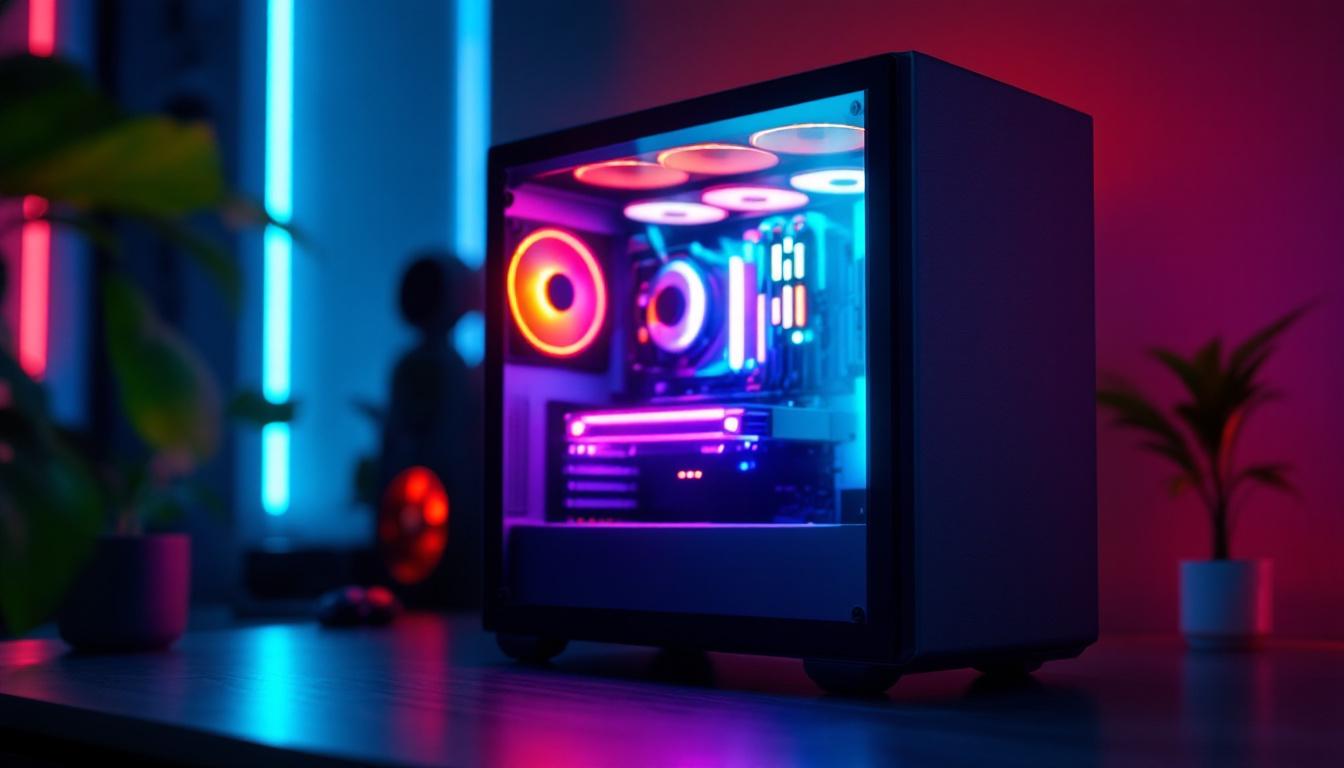
Many PC builders use LCD and LED displays to personalize their rigs with custom animations, logos, or artwork. This can range from simple static images to complex animated sequences that sync with music or system activity.
Brands and content creators often leverage these displays to showcase their logos or unique designs during events or streams, enhancing their visual identity. The ability to upload custom content makes these displays a versatile canvas for creativity. Some users even create themed setups, where the display’s content matches the overall aesthetic of the PC case, including color schemes and lighting effects. This attention to detail not only enhances the visual appeal but also creates a more cohesive and immersive environment for gaming or content creation.
Interactive and Gaming Features
Some advanced PC cases incorporate displays that interact with games or software. For instance, certain LCD panels can display in-game statistics, chat messages, or alerts, providing an immersive experience without cluttering the main screen.
Additionally, LED matrices can be programmed to react dynamically to audio or gameplay, adding an extra layer of engagement for gamers and streamers alike. These interactive features can also extend to community engagement, where viewers can see real-time updates or notifications during live streams, enhancing the connection between the streamer and their audience. Moreover, some cases even allow for integration with smart home devices, enabling users to receive alerts or control settings directly from their PC case display, making it a central hub for both gaming and daily tasks.
Choosing the Right Display for Your PC Case
Selecting an LCD or LED display for your PC case depends on several factors, including size, resolution, connectivity, and compatibility. Here’s a detailed guide to help you make an informed decision.
Size and Resolution Considerations
The physical dimensions of the display should complement your PC case without obstructing airflow or other components. Common sizes range from small 1.3-inch OLED panels to larger 7-inch or even 10-inch LCD screens.
Resolution impacts the clarity and detail of the displayed content. Higher resolution displays provide crisper images and more room for detailed animations or text, but they may require more processing power and a compatible interface.
Connectivity and Compatibility
Most PC case displays connect via USB, SATA, or dedicated motherboard headers such as SPI or I2C. It’s crucial to verify that your motherboard supports the chosen interface and that compatible software is available.
Some displays come with proprietary controllers and software suites, while others rely on open-source solutions. Compatibility with popular monitoring tools like HWMonitor, Open Hardware Monitor, or custom APIs can enhance functionality.
Power Consumption and Heat Management
While LCD and LED displays generally consume minimal power, larger or more complex panels can add to your system’s overall power draw. Ensuring your power supply can handle the additional load is essential.
Heat generated by the display itself is usually negligible, but placement within the case should avoid blocking airflow or causing hotspots near sensitive components.
Installation and Software Integration
Integrating an LCD or LED display into a PC case involves both hardware installation and software configuration. Proper setup ensures optimal performance and usability.
Hardware Installation Tips
Most displays come with mounting brackets or adhesive options tailored for PC cases. Positioning the display where it is easily visible yet unobtrusive is key. Common locations include the front panel, side window, or top bezel.
Careful cable management is necessary to maintain a clean build and prevent interference with other components. Using sleeved cables or routing cables behind the motherboard tray can enhance aesthetics and airflow.
Software Configuration and Customization
After hardware installation, installing the appropriate drivers and control software is the next step. Many manufacturers provide proprietary software that allows users to customize the display content, update firmware, and monitor system data.
For users seeking advanced customization, open-source software platforms like LCDProc or custom scripts can provide greater flexibility. Integration with system monitoring tools enables dynamic updates based on real-time data.
Popular LCD and LED Displays for PC Cases
The market offers a variety of displays designed specifically for PC cases, catering to different needs and budgets. Here are some notable options:
Small OLED Panels
OLED panels, typically 1.3 to 2.4 inches, are prized for their deep blacks and vibrant colors. They are ideal for displaying system stats or simple animations. Their compact size makes them easy to integrate into virtually any case.
IPS LCD Screens
IPS (In-Plane Switching) LCDs provide wide viewing angles and accurate color reproduction. Larger IPS displays, such as 5 to 7 inches, can show detailed images, videos, or complex dashboards. These are well-suited for users who want a high-resolution display embedded in their case.
LED Matrix Panels
LED matrices consist of grids of individual LEDs that can be programmed to display text, patterns, or animations. These panels are popular for creating dynamic lighting effects and interactive displays synchronized with music or system activity.
Future Trends and Innovations
The integration of displays in PC cases continues to evolve, driven by advances in technology and user demand for personalization and functionality.
Touchscreen Displays
Touch-enabled LCD panels are becoming more accessible, allowing users to interact directly with system controls, monitoring tools, or media playback without needing a separate input device.
Higher Resolution and Flexible Displays
As display technology advances, expect to see higher resolution panels with improved color accuracy and contrast. Flexible OLED displays may also find their way into PC cases, enabling curved or uniquely shaped screens that conform to case designs.
AI and Smart Integration
Artificial intelligence could enable displays to adapt content dynamically based on user behavior, system status, or environmental factors. Voice control and smart home integration may also become standard features.
Conclusion
LCD and LED displays for PC cases represent a fusion of technology and artistry, offering both practical benefits and opportunities for creative expression. Whether used for real-time system monitoring, showcasing custom animations, or enhancing gaming experiences, these displays add a new dimension to PC building.
Choosing the right display involves understanding the differences between LCD and LED technologies, assessing your system’s compatibility, and considering your aesthetic and functional goals. With ongoing innovations, the future of PC case displays promises even more exciting possibilities for enthusiasts and professionals alike.
Explore Cutting-Edge LED Displays with LumenMatrix
Ready to elevate your PC case with the latest in LED display technology? LumenMatrix offers a wide array of innovative solutions tailored to your needs. From captivating Indoor LED Wall Displays to versatile All-in-One LED Displays, our products are designed to enhance your brand’s visibility and create immersive visual experiences. Embrace the future of visual communication with our state-of-the-art LED display modules. Check out LumenMatrix LED Display Solutions today and transform your PC case into a work of art that stands out with clarity and impact.