In today’s digital age, the quality of a display can make or break the user experience—whether it’s for work, gaming, or entertainment. Among the many technologies available, LED displays have become a dominant force in monitor manufacturing. But what exactly is an LED display, and how do pixels play a crucial role in delivering the vibrant images we see on screen? This article delves into the fundamentals of monitor pixels, the technology behind LED displays, and why understanding these concepts matters for consumers and professionals alike.
Understanding Pixels: The Building Blocks of a Monitor
What Is a Pixel?
A pixel, short for “picture element,” is the smallest unit of a digital image or display. Think of it as a tiny dot that emits specific colors of light, collectively forming the images and videos on your screen. Each pixel contains sub-pixels—usually red, green, and blue—that combine in varying intensities to produce a wide spectrum of colors through a process called additive color mixing.
The number of pixels on a screen is often referred to as its resolution. For example, a Full HD monitor has a resolution of 1920×1080 pixels, meaning it displays 1920 pixels horizontally and 1080 pixels vertically. This translates to over two million pixels working together to create sharp, detailed images.
Why Pixel Density Matters
Pixel density, measured in pixels per inch (PPI), determines how sharp and clear an image appears. A higher PPI means more pixels are packed into each inch of the display, resulting in finer detail and smoother edges. For instance, a 27-inch 4K monitor boasts a pixel density of approximately 163 PPI, which is significantly sharper than a 24-inch Full HD monitor at around 92 PPI.
For professionals in graphic design, video editing, or medical imaging, high pixel density is crucial for precision work. Meanwhile, gamers and casual users benefit from sharper visuals and reduced eye strain. Understanding pixel density helps consumers make informed decisions when selecting a monitor that fits their needs.
LED Displays: How They Work
The Basics of LED Technology
LED stands for Light Emitting Diode, a semiconductor device that emits light when an electric current passes through it. In the context of monitors, LED technology refers to the use of these diodes as a backlighting source for LCD (Liquid Crystal Display) panels. Unlike older CCFL (Cold Cathode Fluorescent Lamp) backlights, LEDs are more energy-efficient, offer better brightness, and allow for thinner screen designs.
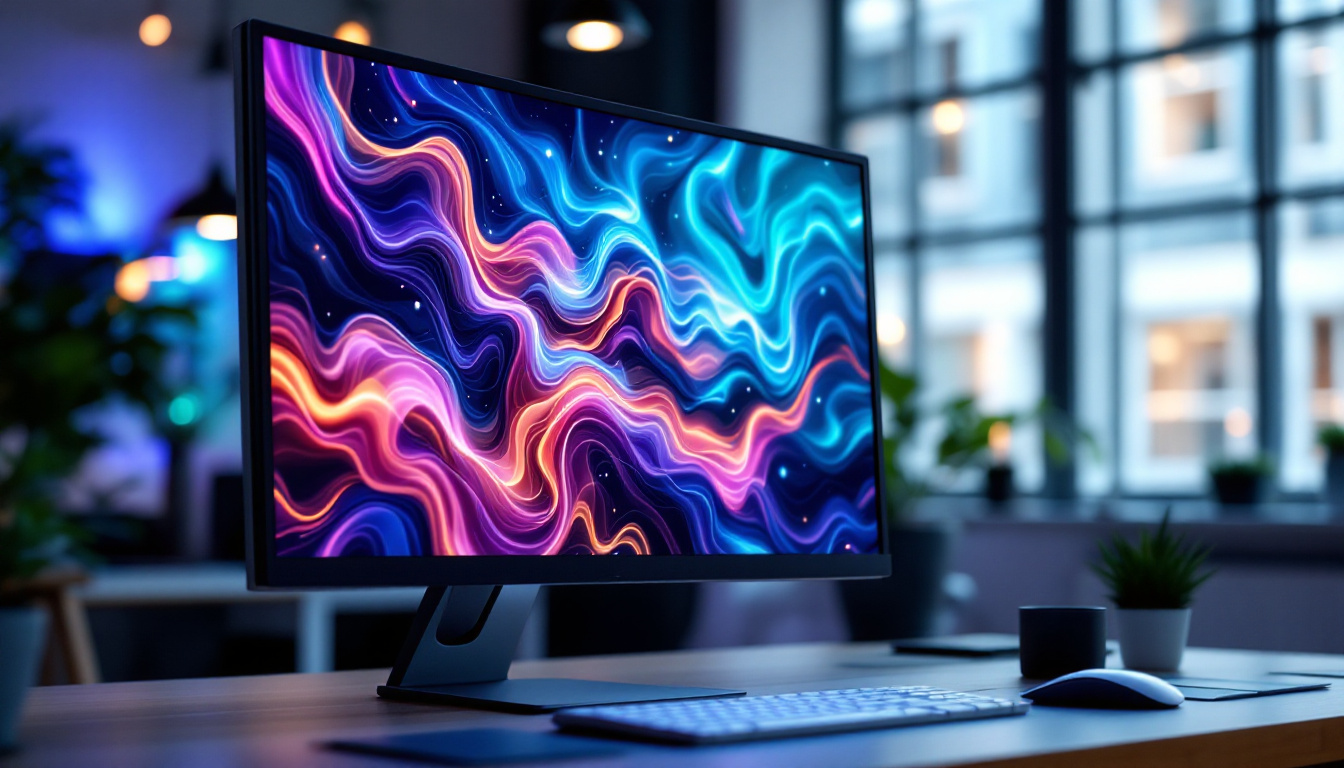
It’s important to clarify that most LED monitors are actually LCD panels illuminated by LEDs. The LCD panel itself controls the color and intensity of each pixel by manipulating liquid crystals, while the LED backlight provides the necessary illumination. This combination results in the vibrant and bright images users expect from modern displays.
Types of LED Backlighting
There are primarily two types of LED backlighting used in monitors: edge-lit and full-array.
- Edge-lit LED: LEDs are placed along the edges of the screen, and light is distributed across the panel using light guides. This design allows for thinner monitors and is generally more affordable. However, edge-lit displays may suffer from uneven brightness or less precise local dimming.
- Full-array LED: LEDs are distributed evenly behind the entire screen. This setup enables more uniform brightness and supports advanced local dimming techniques, where sections of the backlight can be dimmed or brightened independently. This results in better contrast ratios and deeper blacks.
Understanding these differences is key for consumers seeking optimal picture quality, especially for HDR (High Dynamic Range) content where contrast and brightness play a pivotal role.
Pixel Structure in LED Displays
Sub-pixels and Color Reproduction
Each pixel on an LED display consists of three sub-pixels: red, green, and blue. By adjusting the intensity of these sub-pixels, the display can render millions of colors. This RGB (Red-Green-Blue) color model is the foundation of digital color reproduction.
Some high-end monitors use additional sub-pixels, such as white or yellow, to enhance brightness and color accuracy. For example, RGBW (Red-Green-Blue-White) panels add a white sub-pixel to improve luminance without sacrificing color fidelity. This can be particularly beneficial in brightly lit environments or for professional photo editing.
Pixel Response Time and Refresh Rate
Pixel response time refers to how quickly a pixel can change from one color to another, typically measured in milliseconds (ms). Faster response times reduce motion blur and ghosting effects, which are especially important for gaming and fast-paced video content.
Refresh rate, measured in hertz (Hz), indicates how many times per second the display updates the image. Common refresh rates include 60Hz, 120Hz, and 144Hz, with gaming monitors often reaching 240Hz or more. A higher refresh rate combined with a low pixel response time results in smoother motion and a more immersive experience.
Advantages of LED Monitors Over Other Technologies
Energy Efficiency and Longevity
Compared to older display technologies like CCFL-backlit LCDs or plasma screens, LED monitors consume significantly less power. According to recent studies, LED-backlit monitors can use up to 40% less energy than CCFL counterparts. This not only reduces electricity bills but also contributes to environmental sustainability.
LEDs also have a longer lifespan, often exceeding 50,000 hours of usage. This durability means fewer replacements and less electronic waste over time.
Improved Color Accuracy and Brightness
LED backlighting offers superior brightness levels, often reaching 350 to 600 nits or more in consumer monitors. This enhanced brightness improves visibility in well-lit rooms and supports HDR content, which requires higher luminance to display a wider range of colors and contrasts.
Moreover, LED displays tend to have better color accuracy and consistency due to advancements in LED technology and calibration methods. This makes them ideal for professionals who demand precise color reproduction.
Design Flexibility
The compact size of LEDs allows manufacturers to create thinner and lighter monitors. This design flexibility has led to sleek, modern displays that fit seamlessly into various environments, from minimalist home offices to high-end gaming setups.
Common Misconceptions About LED Monitors
LED vs. OLED: What’s the Difference?
One frequent source of confusion is the difference between LED and OLED displays. While LED monitors use LEDs as backlights for LCD panels, OLED (Organic Light Emitting Diode) displays generate light at the pixel level without the need for backlighting.
OLED displays offer superior contrast ratios and true blacks because individual pixels can turn off completely. However, they tend to be more expensive and can suffer from burn-in issues over time. LED monitors, on the other hand, are more affordable and widely available, making them the practical choice for most users.
Is Higher Resolution Always Better?
While higher resolution means more pixels and potentially sharper images, it’s not always the best choice for every user. Factors such as screen size, viewing distance, and graphics hardware capabilities should influence the decision.
For example, a 24-inch monitor with 4K resolution may produce extremely small interface elements, requiring scaling adjustments that can sometimes cause software compatibility issues. Conversely, a 32-inch 4K monitor provides ample screen real estate for detailed work without straining the eyes.
Choosing the Right LED Monitor: What to Consider
Purpose and Usage
Identifying the primary use of the monitor is the first step. Gamers should prioritize high refresh rates (120Hz or above) and low response times (under 5ms). Professionals in creative fields should look for high color accuracy, wide color gamut coverage (such as Adobe RGB or DCI-P3), and high resolution.
For general office work or casual use, a Full HD or Quad HD monitor with standard refresh rates may suffice, balancing cost and performance.
Connectivity and Ergonomics
Modern LED monitors come with various connectivity options, including HDMI, DisplayPort, USB-C, and sometimes Thunderbolt. USB-C ports with power delivery are especially useful for users who want to connect laptops with a single cable for video, data, and charging.
Ergonomic features such as adjustable height, tilt, swivel, and pivot enhance comfort during extended use. VESA mount compatibility allows for flexible mounting solutions, freeing up desk space.
Budget Considerations
LED monitors span a wide price range, from budget-friendly models under $150 to professional-grade displays costing over $1,000. Setting a budget helps narrow down options and focus on features that matter most.
It’s advisable to invest in a monitor that balances performance and durability rather than opting for the cheapest option, which may compromise on essential features like color accuracy or build quality.
The Future of LED Display Technology
Mini-LED and Micro-LED Innovations
Emerging technologies such as Mini-LED and Micro-LED are pushing the boundaries of LED display performance. Mini-LED uses thousands of tiny LEDs for backlighting, enabling even more precise local dimming and higher contrast ratios than traditional full-array LED displays.
Micro-LED takes this a step further by using microscopic LEDs as individual pixels, similar to OLED but without organic materials. This promises superior brightness, color accuracy, and longevity without burn-in risks. While still in early stages and costly, Micro-LED could revolutionize monitor technology in the coming years.
Integration with AI and Smart Features
Artificial intelligence is beginning to influence display technology, with features like adaptive brightness, blue light filtering, and automatic color calibration becoming more common. These smart capabilities enhance user comfort and optimize visual performance based on ambient conditions and content type.
Conclusion
Understanding pixels and LED display technology is essential for anyone looking to purchase a monitor that meets their specific needs. Pixels determine the clarity and detail of images, while LED technology influences brightness, color accuracy, and energy efficiency. By considering factors such as pixel density, backlighting type, response time, and usage requirements, consumers can make informed decisions that enhance their digital experience.
As LED display technology continues to evolve with innovations like Mini-LED and Micro-LED, the future promises even more stunning visuals and smarter features. Staying informed about these advancements ensures that users select monitors that not only meet today’s demands but are also future-proofed for tomorrow’s digital challenges.
Explore the Future of Visuals with LumenMatrix
Ready to experience the pinnacle of LED display technology? Dive into the world of LumenMatrix, where innovation meets visual brilliance. Whether you’re looking to enhance your brand’s visibility or create immersive visual experiences, our extensive range of LED display solutions—including Indoor and Outdoor LED Walls, Vehicle Displays, LED Posters, Sports and Floor Displays, Custom Configurations, All-in-One, and Transparent Displays—has you covered. Elevate your visual communication and captivate your audience with unparalleled clarity and impact. Check out LumenMatrix LED Display Solutions today and see your vision come to life.