In the rapidly evolving world of digital signage and large-scale visual displays, Novastar has established itself as a leading provider of LED display control solutions. For professionals and enthusiasts working with LED displays, understanding Novastar’s software downloads and their functionalities is crucial for optimizing performance and ensuring seamless operation. This article delves into the essentials of Novastar downloads, the technology behind LED displays, and practical insights for users aiming to maximize their LED display systems.
Understanding Novastar and Its Role in LED Display Technology
Novastar Technology Co., Ltd. specializes in LED display control systems, offering hardware and software solutions that facilitate the management of LED screens used in various applications—from advertising billboards to stadium screens and indoor event displays. Their products are designed to deliver high-quality image processing, real-time control, and flexible configuration options. With a firm commitment to innovation, Novastar continually updates its offerings to keep pace with the rapidly evolving demands of the digital display market, ensuring that clients can leverage the latest technology to enhance their visual communications.
The company’s software suite, accessible through Novastar downloads, is integral to the setup and maintenance of LED displays. These tools enable users to configure display parameters, update firmware, and troubleshoot issues efficiently. Additionally, Novastar provides comprehensive training resources and technical support, empowering users to maximize the potential of their LED systems. This focus on user education not only enhances operational efficiency but also fosters a deeper understanding of the technology behind the displays.
The Importance of Control Systems in LED Displays
LED displays consist of thousands, sometimes millions, of tiny light-emitting diodes arranged in panels. To create a coherent and vibrant image, each LED must be precisely controlled. This is where Novastar’s control systems play a pivotal role. They manage the data flow from the source to the display, ensuring synchronization, color accuracy, and smooth video playback. The sophistication of Novastar’s control systems allows for advanced features such as real-time content updates and remote monitoring, which are essential for dynamic advertising and live event applications.
Without an effective control system, LED displays can suffer from flickering, color distortion, or latency, all of which degrade the viewer’s experience. Novastar’s solutions are engineered to minimize these issues, providing reliable and high-performance control. Furthermore, the adaptability of Novastar’s systems means they can be seamlessly integrated into existing setups, accommodating various types of displays and configurations. This flexibility is particularly beneficial for businesses that may need to scale their operations or modify their display setups based on changing needs or technological advancements.
Exploring Novastar Downloads: Software and Firmware Essentials
Novastar’s website offers a comprehensive range of downloads tailored to different hardware models and user needs. These downloads primarily include control software, firmware updates, and auxiliary tools that enhance the functionality of LED display systems.
Novastar Control Software: Features and Benefits
The Novastar control software is the cornerstone for managing LED displays. It offers a user-friendly interface that allows operators to adjust display settings such as brightness, contrast, grayscale, and color calibration. Key features include:
- Real-time Monitoring: Users can monitor the status of each LED module, detecting faults or abnormalities instantly.
- Multi-Screen Management: Supports the control of multiple screens simultaneously, facilitating large-scale installations.
- Flexible Configuration: Allows customization of display parameters to suit different environments and content types.
- Remote Control Capability: Enables users to manage displays remotely, which is particularly useful for outdoor or hard-to-reach installations.
These features contribute to the efficient operation and maintenance of LED displays, reducing downtime and enhancing visual quality. Additionally, the software supports various input formats, making it versatile for different content types, whether it be video, images, or live feeds. This adaptability ensures that users can create dynamic and engaging displays that capture audience attention effectively.
Firmware Updates: Why They Matter
Firmware acts as the embedded software within Novastar hardware devices, governing their core functions. Regular firmware updates, available through Novastar downloads, are essential for several reasons:
- Performance Improvements: Updates often include optimizations that improve processing speed and stability.
- Bug Fixes: Address known issues that could affect display quality or system reliability.
- New Features: Introduce enhanced capabilities or support for new hardware models.
- Security Enhancements: Protect the system against potential vulnerabilities.
Users are encouraged to keep their firmware up to date to ensure their LED displays operate at peak performance and benefit from the latest technological advancements. Moreover, Novastar provides detailed release notes with each update, allowing users to understand the specific changes and improvements made, which can be invaluable for troubleshooting and optimizing display performance.
Additional Tools and Utilities
Beyond control software and firmware, Novastar provides various utilities designed to assist with diagnostics, calibration, and content management. These tools simplify complex tasks such as pixel mapping, color adjustment, and signal testing, making it easier for technicians to maintain optimal display conditions. For instance, the pixel mapping utility allows users to define the layout of their LED modules accurately, ensuring that the content displayed aligns perfectly with the physical arrangement of the screens.
Furthermore, Novastar’s content management tools enable seamless integration with third-party applications, allowing users to schedule content playback and automate updates. This capability is particularly beneficial for venues that require regular content changes, such as retail environments or event spaces, where timely and relevant information is crucial for engaging audiences. The combination of these tools not only enhances the operational efficiency of LED displays but also empowers users to deliver stunning visual experiences that resonate with viewers.
How to Effectively Use Novastar Downloads for LED Display Management
Downloading and installing the correct Novastar software and firmware is just the first step. Proper usage and understanding of these tools are vital for maximizing the lifespan and visual impact of LED displays.
Step-by-Step Guide to Installing Novastar Software
1. Identify Your Hardware Model: Before downloading, confirm the exact model of your Novastar control hardware to ensure compatibility.
2. Visit the Official Novastar Website: Navigate to the downloads section, where the latest versions of software and firmware are available.
3. Select and Download: Choose the appropriate software or firmware version based on your hardware and operating system.
4. Backup Current Settings: Prior to installation, back up existing configurations to prevent data loss.
5. Install and Configure: Follow on-screen instructions for installation, then configure settings as needed to match your display environment.
6. Test the Display: After installation, perform a thorough check to ensure the display operates correctly.
Best Practices for Firmware Updates
Firmware updates require careful attention to avoid interruptions that could damage the control hardware. Recommended practices include:
- Perform updates during scheduled maintenance windows to minimize downtime.
- Ensure stable power supply and avoid disconnecting devices during the update process.
- Follow official Novastar guidelines and use only authorized firmware files.
- Keep detailed records of update versions and dates for future reference.
Optimizing Display Performance Through Software Settings
Novastar software offers a range of settings that can be fine-tuned to enhance display quality. For example, adjusting the grayscale levels can significantly improve image depth and detail, particularly in darker scenes. Similarly, calibrating color temperature ensures that the display’s colors appear natural and consistent across different viewing angles.
Regularly monitoring module status and signal integrity through the software helps preempt hardware failures, allowing for timely maintenance and reducing unexpected outages.
Real-World Applications and Case Studies
Novastar’s LED display control solutions have been employed in diverse environments worldwide, showcasing their versatility and reliability.
Stadium Displays and Live Events
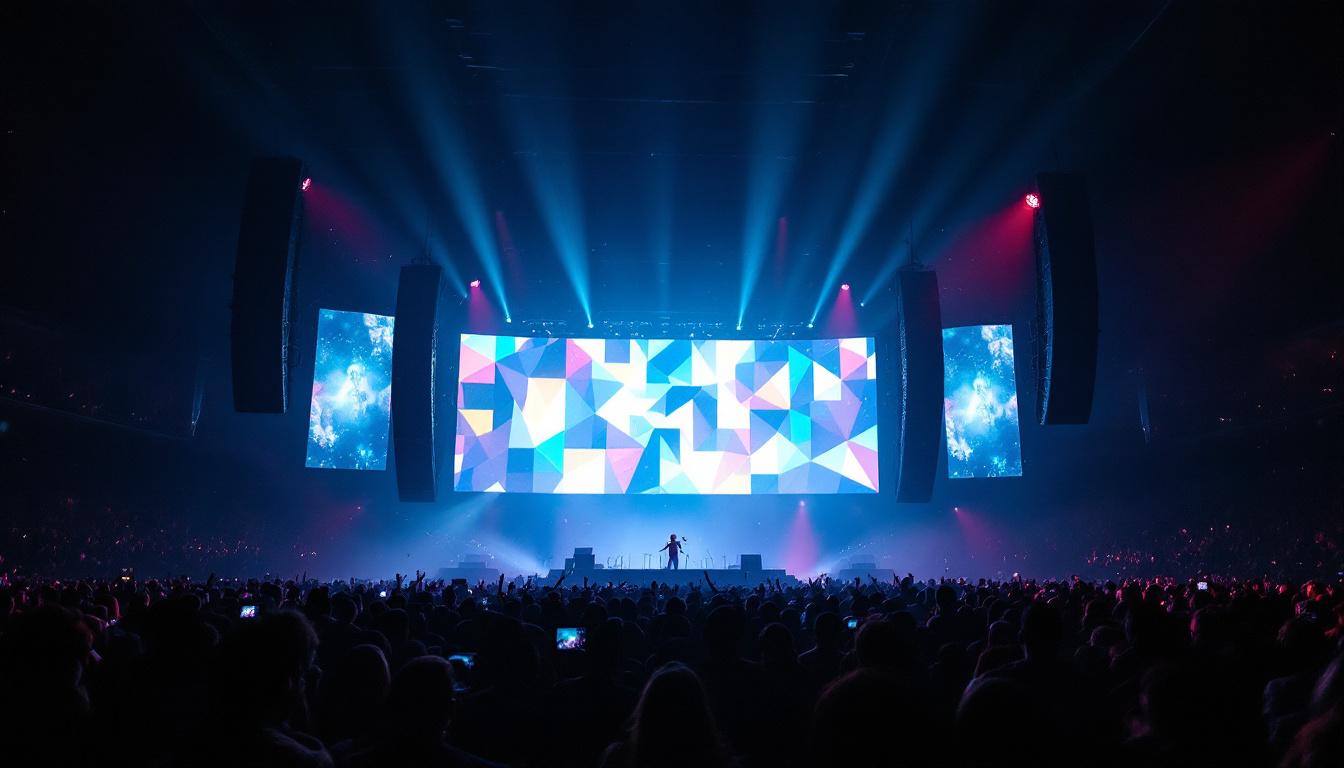
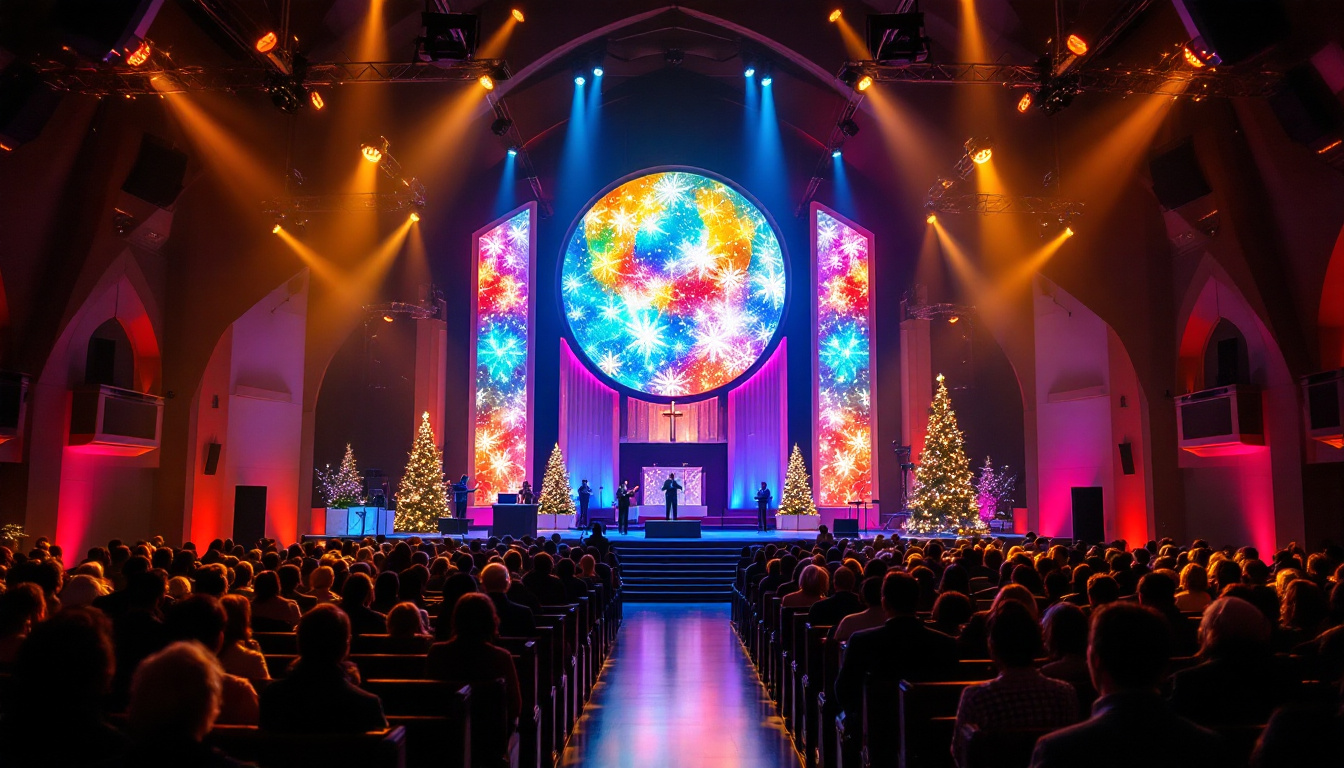
Major sports venues rely on Novastar systems to deliver crisp, vibrant visuals to tens of thousands of spectators. For instance, during international football tournaments, LED perimeter boards and giant screens use Novastar control software to synchronize live feeds, advertisements, and instant replays seamlessly.
The ability to manage multiple screens and handle high data throughput is critical in these high-stakes environments, where any display malfunction could disrupt the event experience.
Retail and Advertising Installations
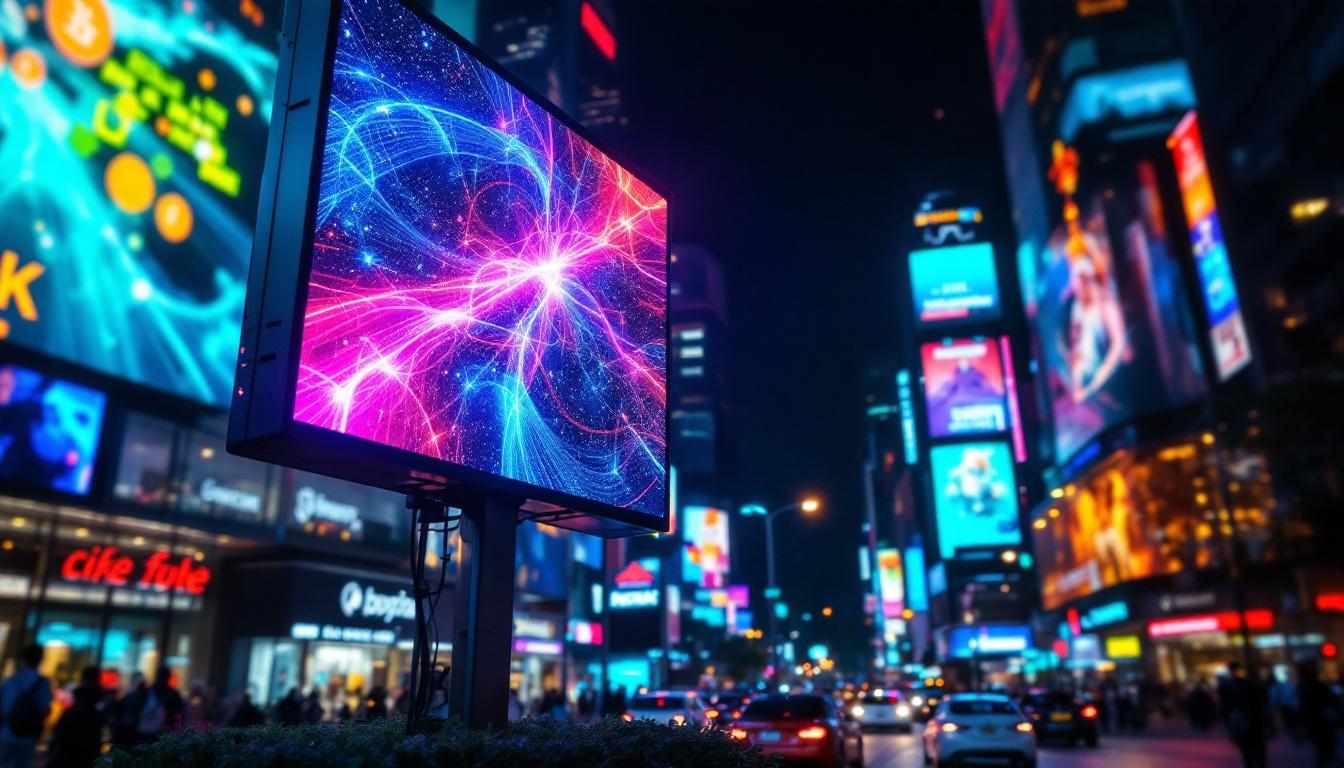
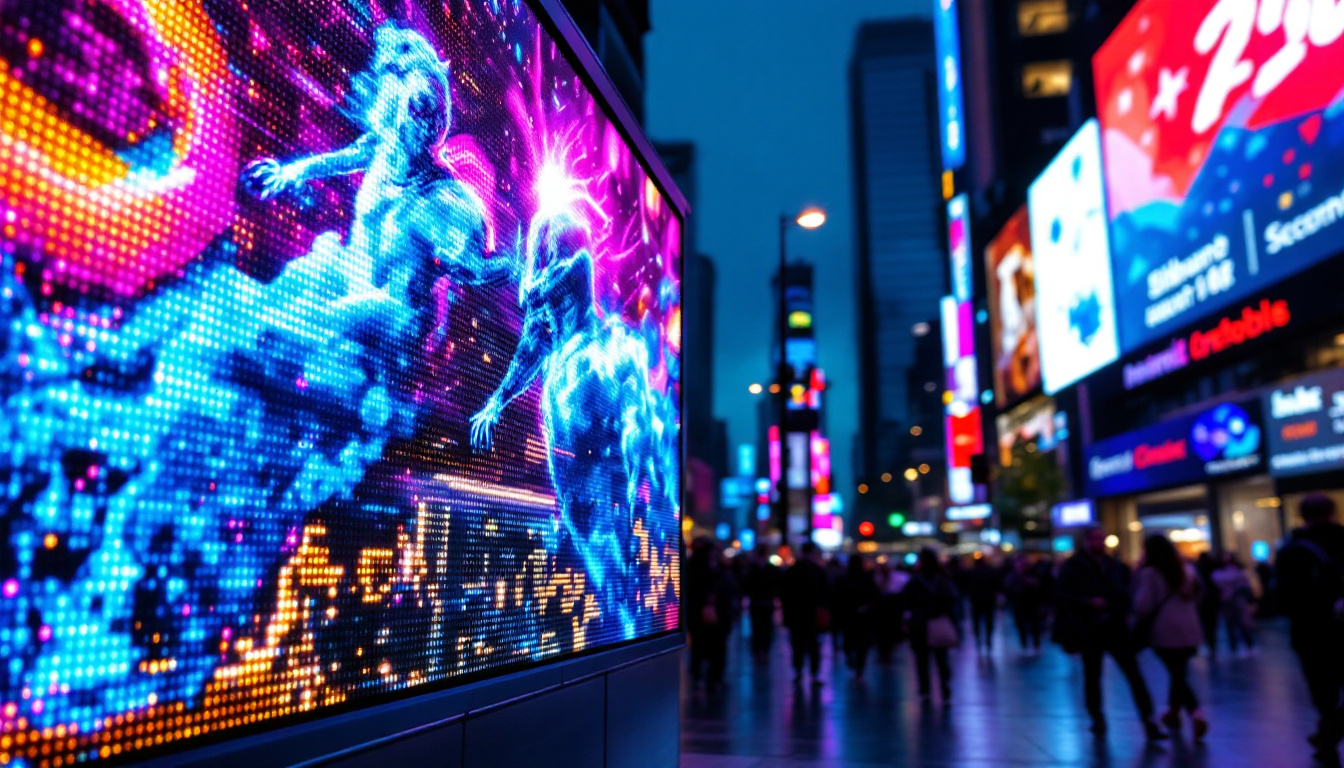
Retailers and advertisers utilize Novastar-controlled LED displays to capture consumer attention and convey dynamic content. In urban centers, large digital billboards powered by Novastar technology deliver high-resolution advertisements that adapt to varying lighting conditions throughout the day.
These installations benefit from the software’s remote management features, allowing content updates and system diagnostics without on-site intervention.
Transportation Hubs and Public Information Displays
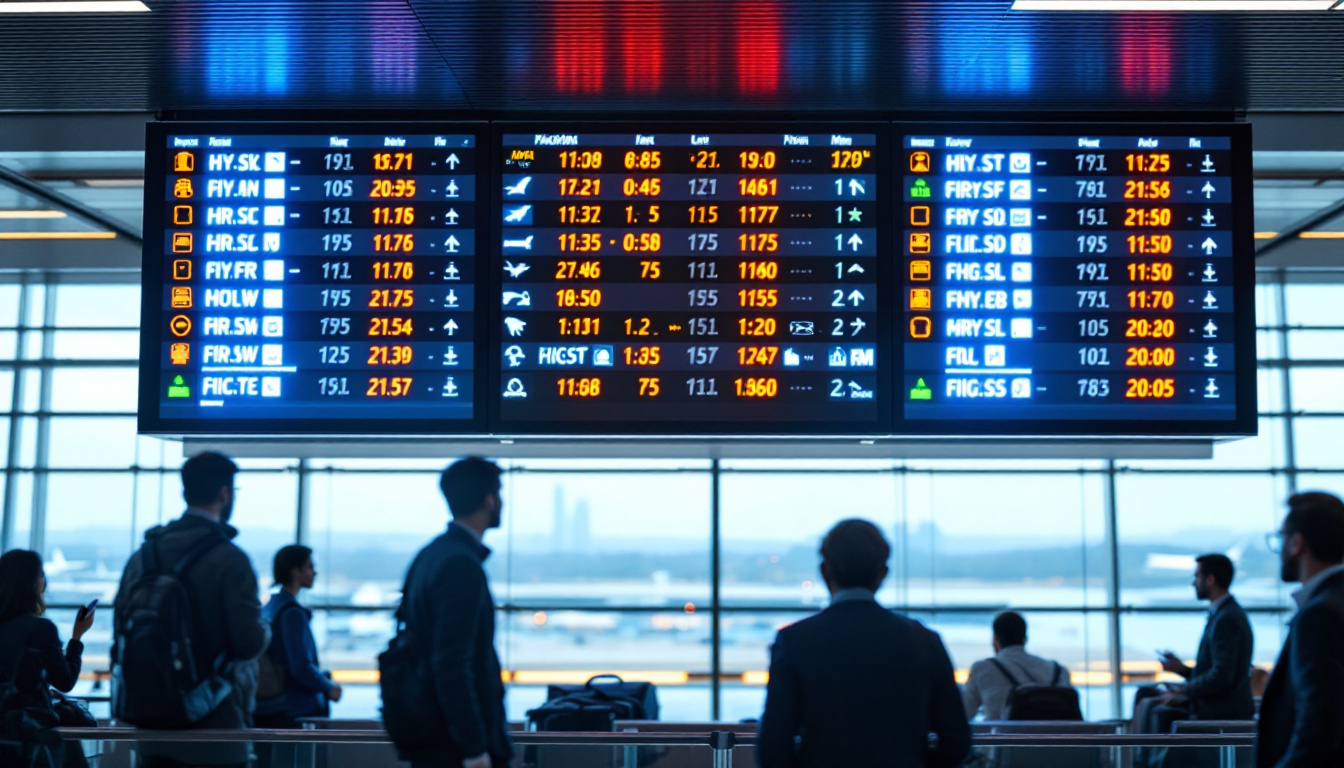
Airports, train stations, and bus terminals employ LED displays for real-time information dissemination. Novastar’s solutions ensure that schedules, alerts, and announcements are displayed clearly and updated promptly, enhancing passenger experience and operational efficiency.
Future Trends in LED Display Technology and Novastar’s Role
The LED display industry is poised for continued growth, driven by advancements in resolution, energy efficiency, and interactivity. Novastar is actively innovating to keep pace with these trends, integrating AI-driven image processing and cloud-based management into its software offerings.
Higher Resolution and Pixel Density
As consumer expectations for image clarity rise, LED displays are moving towards higher pixel densities. Novastar’s control systems are evolving to support these ultra-fine pitch displays, ensuring smooth data transmission and precise color rendering at microscopic scales.
Integration with IoT and Smart Technologies
Future Novastar software updates are expected to enhance integration with Internet of Things (IoT) platforms, enabling smarter, more responsive displays that can adapt content based on environmental data or user interactions.
Cloud-Based Management and Remote Diagnostics
The shift towards cloud computing allows for centralized control of multiple LED installations across different locations. Novastar’s cloud-enabled software tools facilitate real-time diagnostics, predictive maintenance, and streamlined content distribution, reducing operational costs and improving uptime.
Conclusion
Novastar downloads, encompassing control software, firmware updates, and auxiliary tools, are fundamental to the successful deployment and management of LED display systems. Understanding the capabilities and proper usage of these resources empowers users to optimize display performance, maintain reliability, and adapt to emerging technological trends.
As LED displays become increasingly integral to advertising, entertainment, and public communication, leveraging Novastar’s comprehensive solutions ensures that these visual platforms deliver impactful, high-quality experiences to audiences worldwide.
Discover LumenMatrix’s Advanced LED Display Solutions
Ready to elevate your visual communication with cutting-edge LED display technology? Explore LumenMatrix’s extensive range of innovative LED display solutions, from vibrant Indoor and Outdoor LED Walls to dynamic Vehicle and Sports Displays. Whether you’re looking to captivate with a Custom LED Display, streamline with an All-in-One solution, or enchant with LED Transparent Displays, LumenMatrix is your partner in creating unforgettable visual experiences. Check out LumenMatrix LED Display Solutions today and transform your space into a beacon of engagement and clarity.