In the rapidly evolving world of digital signage and multimedia presentations, LED displays have become a cornerstone technology. Whether in advertising, entertainment, or public information systems, LED displays offer vibrant, dynamic visuals that captivate audiences. A common technical challenge in utilizing these displays effectively is converting static image formats, such as PNG files, into video formats compatible with LED display systems. This article delves into the process of converting PNG images to video, the technology behind LED displays, and best practices to achieve optimal visual performance.
Understanding LED Display Technology
What Are LED Displays?
LED (Light Emitting Diode) displays are digital screens composed of numerous tiny LEDs arranged in a grid. Each LED acts as a pixel, emitting light in various colors to create images and videos. Unlike traditional LCD or plasma screens, LED displays generate their own light, resulting in brighter, more vivid visuals and better contrast ratios. This self-illuminating feature allows for deeper blacks and more vibrant colors, enhancing the overall viewing experience.
LED displays come in various forms, including indoor and outdoor screens, flexible panels, and even transparent displays. Their scalability—from small retail screens to massive stadium-sized video walls—makes them incredibly versatile for multiple applications. For instance, flexible LED displays can be bent and shaped to fit unique architectural designs, while transparent displays are increasingly used in retail environments to create eye-catching advertisements without obstructing views. This adaptability has led to innovative uses in various industries, from entertainment to transportation.
Why LED Displays Are Popular
Several factors contribute to the widespread adoption of LED displays:
- Brightness and Visibility: LEDs can produce extremely high brightness levels, making them visible even under direct sunlight. This quality is particularly advantageous for outdoor advertising and public information displays, ensuring that messages reach their audience effectively regardless of lighting conditions.
- Energy Efficiency: LEDs consume less power compared to other display technologies, reducing operational costs. This energy efficiency not only benefits businesses financially but also aligns with growing environmental concerns, as lower energy consumption translates to a smaller carbon footprint.
- Durability: LED panels are robust and weather-resistant, suitable for outdoor environments. Their ability to withstand harsh weather conditions, such as rain, snow, and extreme temperatures, makes them a reliable choice for long-term installations.
- Color Accuracy and Refresh Rate: Modern LED displays offer excellent color reproduction and high refresh rates, essential for smooth video playback. This capability is crucial for applications such as live sports broadcasting and gaming, where fast-moving images must be displayed without blurring or lag.
Moreover, the advancements in LED technology have led to the development of new types of displays, such as MicroLED and MiniLED, which promise even higher resolutions and improved performance. MicroLED technology, for example, utilizes microscopic LEDs to create individual pixels, allowing for ultra-high-definition displays with exceptional brightness and contrast. As the technology continues to evolve, we can expect LED displays to become even more integrated into our daily lives, from smart homes to immersive entertainment experiences.
From PNG to Video: The Conversion Process
Why Convert PNG Images to Video?
PNG (Portable Network Graphics) is a widely used image format known for lossless compression and support for transparency. While PNGs are excellent for static images, LED display systems often require video content to deliver dynamic, engaging visuals. Videos allow for animation, transitions, and synchronized playback, which are critical for advertising campaigns, event backdrops, and interactive displays.
Converting PNG images into video formats enables users to:
- Create slideshows or animated sequences from static images.
- Incorporate PNG images with transparency into video overlays.
- Ensure compatibility with media players used in LED display controllers.
Moreover, the conversion process can breathe new life into a collection of PNG images, transforming them into a captivating narrative that can hold viewers’ attention. For instance, a series of product images can be animated to showcase features or benefits, making it more appealing than a simple static display. This dynamic approach not only enhances viewer engagement but also improves retention of information, making it a powerful tool for marketers and educators alike.
Common Video Formats for LED Displays
When converting PNG images to video, selecting the right video format is crucial. The most commonly supported formats for LED display systems include:
- MP4 (H.264 codec): Offers a good balance between quality and file size, widely supported across devices.
- AVI: An older format that supports high-quality video but often results in larger file sizes.
- WMV: Windows-based format, sometimes preferred for compatibility with certain LED controllers.
- MOV: Popular in professional video editing, compatible with many playback systems.
MP4 is generally recommended due to its efficiency and broad compatibility. However, it’s important to consider the specific requirements of your LED display system, as some may have limitations on the formats they can play. Understanding the nuances of each format can help in making informed decisions, especially when dealing with high-definition content where quality is paramount.
Step-by-Step Guide to Converting PNG to Video
The process involves several key steps:
1. Preparing Your PNG Images
Ensure your PNG images are optimized for the target LED display resolution. LED screens often have specific pixel dimensions, such as 1920×1080 or custom sizes. Scaling images to match these dimensions prevents distortion and ensures sharp visuals. Additionally, consider the color profile of your images; using RGB color space is typically best for digital displays, as it aligns with how screens render colors.
2. Choosing a Video Editing or Conversion Tool
Several software options exist for converting PNG images to video, including:
- Adobe Premiere Pro: Professional-grade video editing with extensive control over timing and effects.
- FFmpeg: A powerful open-source command-line tool for batch processing and automation.
- Windows Movie Maker or iMovie: User-friendly options for simple slideshow creation.
- Online converters: Quick solutions for small projects, though with limitations on customization.
Each tool has its strengths and weaknesses, so the choice largely depends on the complexity of your project and your level of expertise. For those new to video editing, user-friendly software can simplify the process, while seasoned professionals may prefer advanced tools that offer greater flexibility and features for intricate animations and effects.
3. Importing PNG Files and Setting Duration
Import your PNG images into the chosen software. Set the display duration for each image, typically between 3 to 5 seconds, depending on the intended pacing. For animated sequences, consider adding transitions or effects to enhance visual appeal. You might also explore layering techniques, where multiple PNGs can be combined to create depth and movement, further captivating your audience.
4. Exporting the Video
Export the sequence as a video file in the desired format, ensuring the resolution and frame rate match the LED display’s specifications. A frame rate of 30 frames per second (fps) is standard for smooth playback. Additionally, pay attention to the bitrate settings during export, as higher bitrates can significantly improve video quality but will also increase file size, which may affect playback performance on certain systems.
5. Testing and Optimization
Before deploying the video on the LED display, test it on the actual hardware or a simulator. Check for color accuracy, playback smoothness, and synchronization with other media elements. Adjust encoding settings if necessary to reduce file size without compromising quality. It’s also wise to gather feedback from a small audience before the full launch, as this can provide insights into how effectively the video communicates its intended message and engages viewers.
Technical Considerations for LED Display Video Content
Resolution and Pixel Pitch
LED displays vary widely in resolution and pixel pitch—the distance between individual LEDs. Pixel pitch affects image sharpness; smaller pitches yield higher resolution and clearer images. When creating video content, matching the video resolution to the LED display’s native resolution is essential to avoid scaling artifacts.
Color Calibration and Brightness
LED displays can exhibit color shifts due to environmental factors or manufacturing variances. Calibrating the display and adjusting video content accordingly ensures consistent color reproduction. Brightness levels should also be optimized to prevent glare or washed-out images, especially for outdoor installations.
File Size and Playback Performance
Large video files can strain the media player hardware and cause playback issues. Compressing videos using efficient codecs like H.264 or H.265 helps maintain quality while reducing file size. Additionally, segmenting long videos into shorter clips can improve playback reliability.
Applications of PNG to Video Conversion in LED Displays
Advertising and Marketing
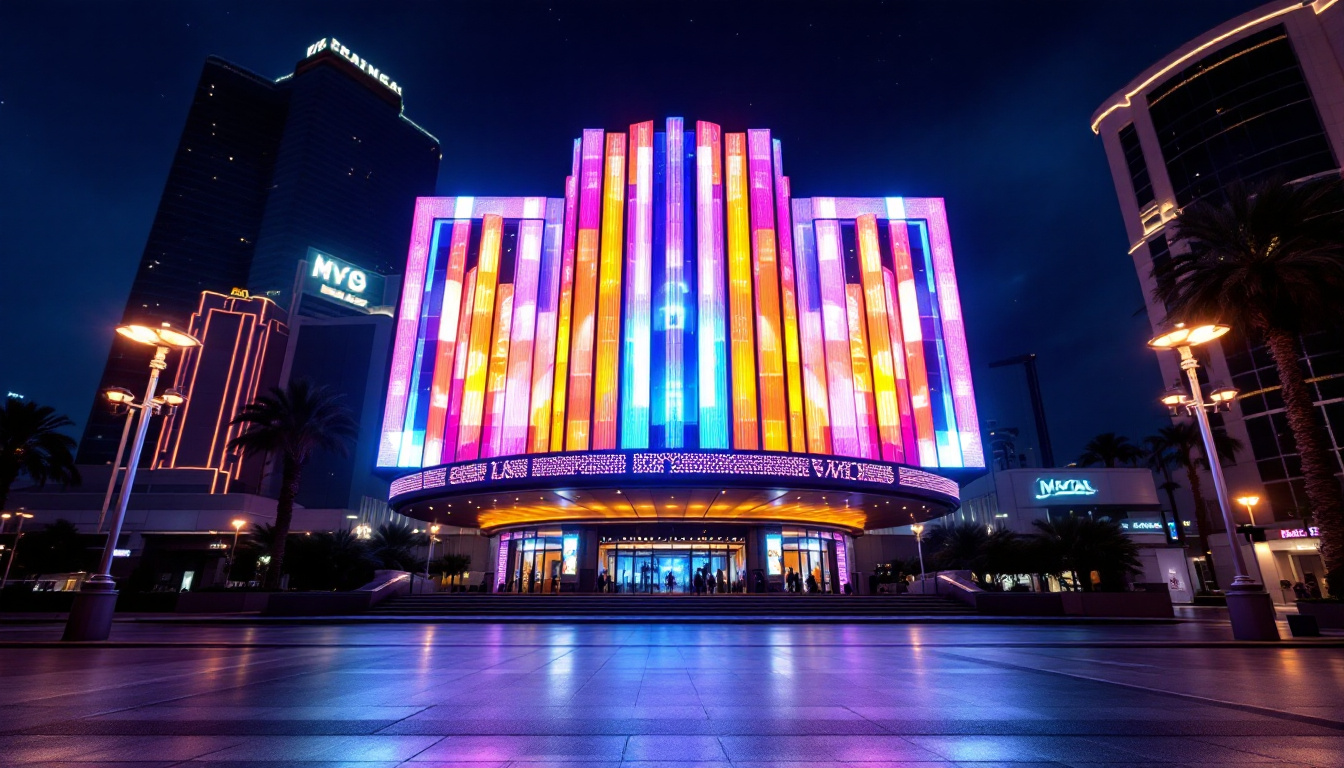
Dynamic advertisements on LED billboards often start as static PNG images created by graphic designers. Converting these images into video allows marketers to add motion, transitions, and timed messaging, significantly increasing viewer engagement. According to a 2023 study by the Digital Signage Federation, dynamic content on LED displays can increase consumer recall by up to 47% compared to static ads.
Event and Stage Displays
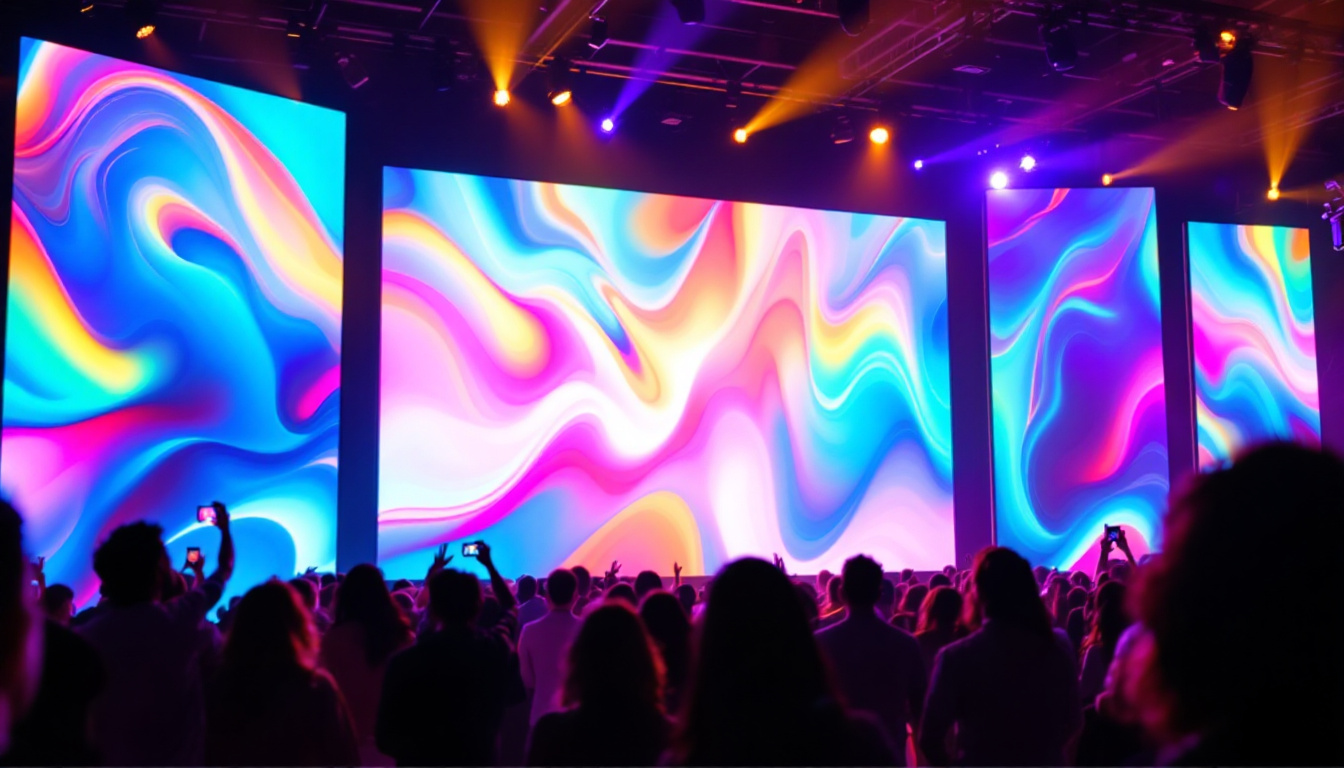
Concerts, conferences, and trade shows utilize LED video walls to create immersive environments. PNG images such as logos, sponsor graphics, or thematic visuals are converted into video loops or sequences to maintain audience interest throughout the event.
Public Information Systems
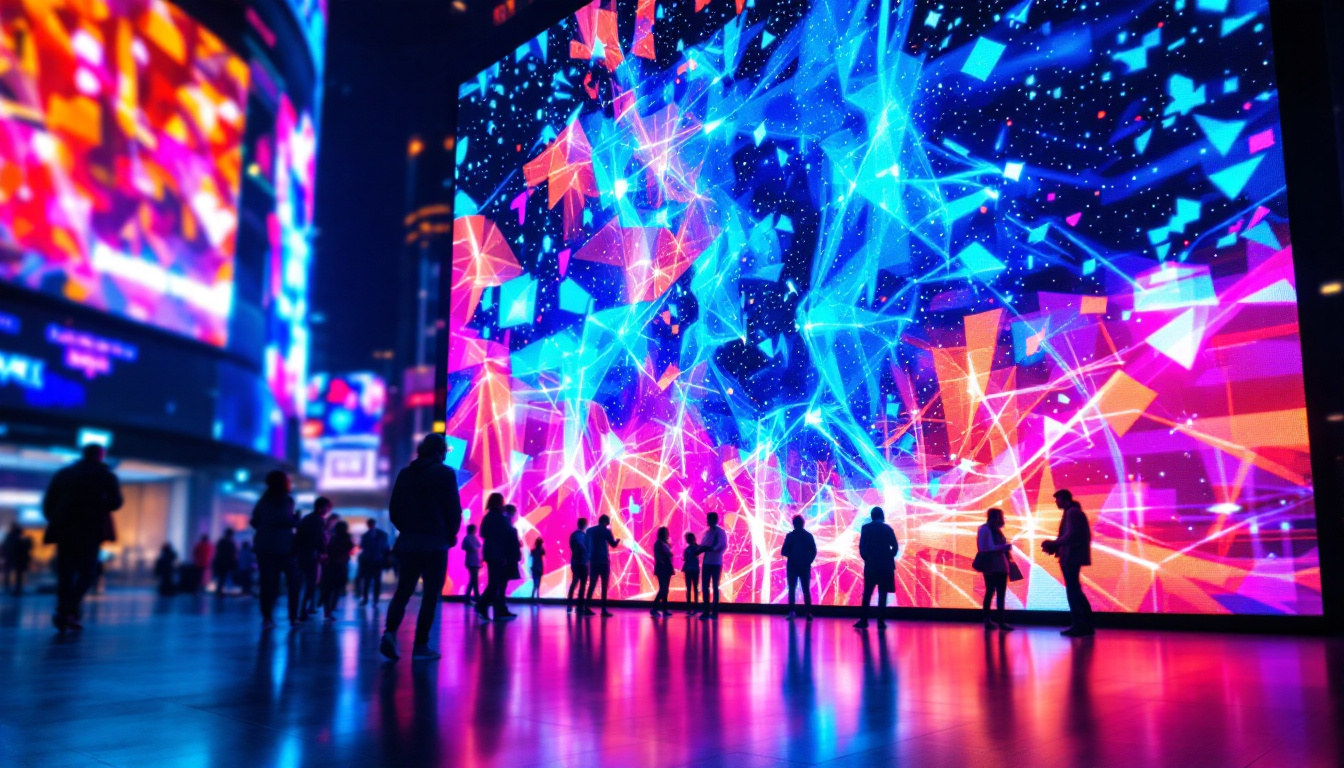
Transportation hubs, stadiums, and city centers use LED displays to convey real-time information. Static PNG icons and graphics are often animated into video formats to highlight alerts, schedules, or emergency messages effectively.
Future Trends in LED Display Content Creation
Integration of AI and Automation
Artificial intelligence is beginning to streamline the conversion of static images to dynamic video content. AI-powered tools can automatically generate animations, optimize color schemes, and adjust timing based on audience analytics, reducing manual effort and enhancing content relevance.
Higher Resolution and HDR Support
As LED display technology advances, 4K and even 8K resolutions are becoming more common. High Dynamic Range (HDR) support is also improving visual fidelity. Content creators will need to adapt PNG to video workflows to accommodate these higher standards, ensuring that videos leverage the full capabilities of modern LED displays.
Interactive and Real-Time Content
Future LED displays will increasingly support interactive content driven by real-time data feeds. Converting PNG assets into video will evolve to include dynamic overlays and responsive animations that react to user input or environmental sensors.
Conclusion
Converting PNG images to video is a fundamental step in harnessing the full potential of LED displays. Understanding the technology behind LED screens, the appropriate video formats, and the technical considerations ensures that content creators deliver visually compelling and effective presentations. As LED display technology continues to advance, mastering the PNG to video workflow will remain essential for marketers, event organizers, and digital signage professionals seeking to engage audiences in vibrant and innovative ways.
Explore Cutting-Edge LED Solutions with LumenMatrix
Ready to elevate your visual presentations and captivate your audience with unparalleled clarity and vibrancy? Discover LumenMatrix’s innovative LED display technology, designed to transform your digital signage into a dynamic storytelling platform. From Indoor and Outdoor LED Walls to specialized solutions like Vehicle Displays, Sports Displays, and even Custom LED configurations, LumenMatrix offers a spectrum of options to meet your unique needs. Embrace the future of visual communication and check out LumenMatrix LED Display Solutions today to create experiences that resonate and engage.