In today’s technology-driven world, uninterrupted power supply (UPS) systems are essential for protecting sensitive electronic equipment from power disturbances. A critical feature of modern UPS units is the LED display, which provides real-time information about the system’s status, performance, and health. Understanding how these LED displays work and what information they convey can help users optimize their UPS usage and ensure reliable power protection.
What is a UPS Monitor LED Display?
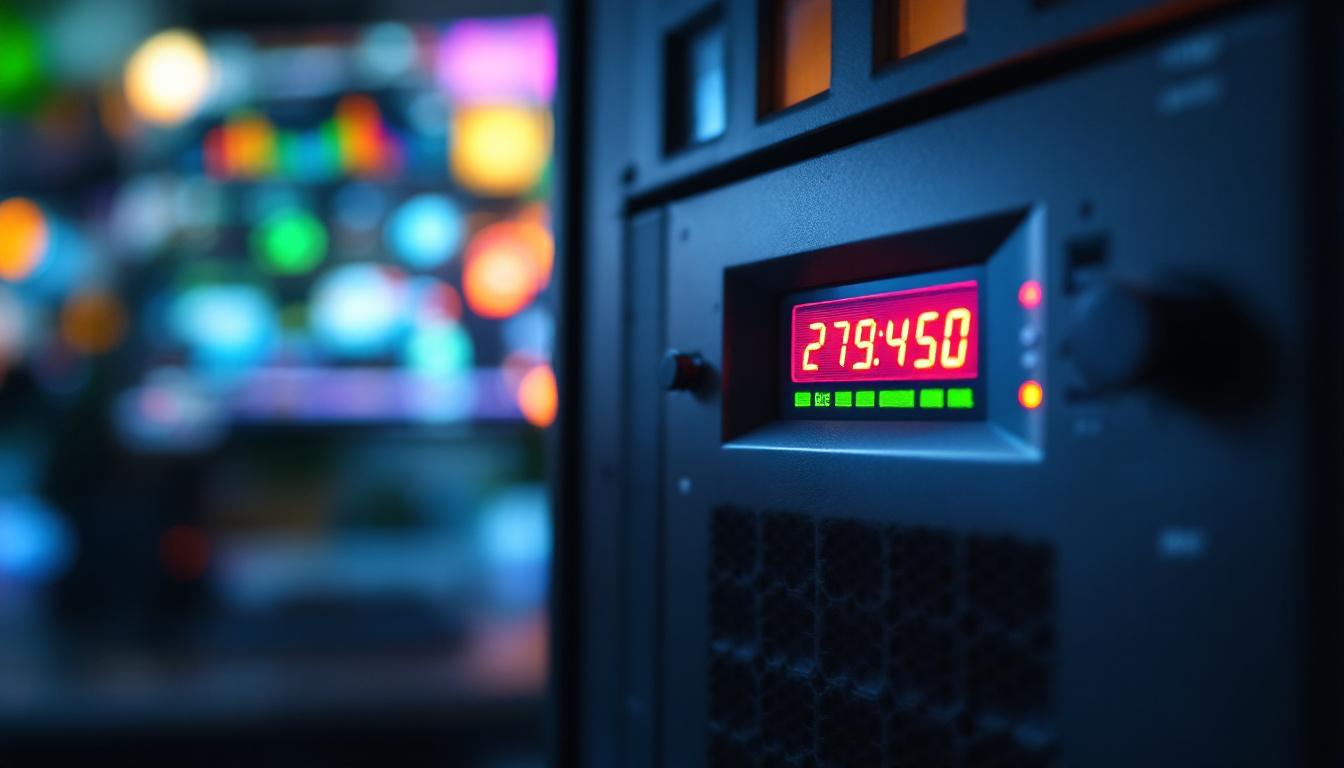
A UPS monitor LED display is a visual interface built into the UPS unit, designed to present key operational data through light-emitting diodes (LEDs). Unlike traditional LCD or touchscreen displays, LED displays use a series of lights or segmented indicators to communicate status information clearly and quickly.
These displays are typically found on small to medium-sized UPS units, especially those used in home offices, small businesses, and data centers. The LED panel provides immediate feedback on power conditions, battery status, load levels, and fault alerts, allowing users to respond promptly to any issues.
Why LED Displays Are Favored in UPS Systems
LED displays are highly durable, energy-efficient, and visible even in low-light environments. Their simplicity reduces the chance of malfunction compared to more complex display technologies. Additionally, LEDs can be programmed to show different colors and blinking patterns, which convey multiple types of information without overwhelming the user.
For example, a green LED might indicate normal operation, while a flashing red LED signals a critical fault. This intuitive design helps users quickly assess the UPS status at a glance, which is crucial during power outages or surges. Furthermore, the longevity of LED technology means that users can rely on these displays for extended periods without needing frequent replacements, making them a cost-effective choice in the long run.
Moreover, many modern UPS systems with LED displays also incorporate additional features such as audible alarms that accompany visual indicators. This dual-alert system ensures that users are not only visually informed but also audibly alerted to potential issues, enhancing the overall reliability of the UPS. In environments where power stability is paramount, such as hospitals or financial institutions, these features can be lifesavers, ensuring that critical systems remain operational and that users are always aware of their power status.
Key Information Displayed on UPS LED Panels
Understanding the various indicators on a UPS LED display is essential for effective power management. While the exact layout and symbols vary by manufacturer and model, most UPS LED panels provide similar core information.
Power Status Indicators
The power status LEDs show whether the UPS is running on utility power, battery power, or if it is in bypass mode. Typically, a steady green light indicates that the UPS is receiving normal AC input from the mains. If the power fails, the LED changes color or starts blinking to indicate that the UPS has switched to battery backup.
Some advanced UPS models also indicate when the unit is in bypass mode, meaning the load is being supplied directly from the mains without battery intervention, often used during maintenance or fault conditions. This feature is particularly useful for technicians who need to perform routine checks or repairs without interrupting the power supply to critical equipment. Additionally, some systems may provide a visual confirmation of the duration spent in bypass mode, allowing users to track how long their equipment has been operating without battery support.
Battery Charge and Health
Battery status is one of the most critical pieces of information displayed. LED indicators often show battery charge levels through a series of bars or segments, similar to a smartphone battery icon. A fully lit battery indicator means the UPS battery is fully charged and ready to provide backup power.
When the battery is running low, the LEDs will reduce in number or change color, usually to amber or red. Some UPS units also flash a battery warning LED when the battery is nearing the end of its life or requires replacement. This proactive alert helps prevent unexpected downtime due to battery failure. Furthermore, certain models may offer detailed diagnostic information, such as the number of charge cycles the battery has undergone, giving users insight into its overall health and performance trends over time. This data can be invaluable for planning maintenance schedules and ensuring the reliability of backup power systems.
Load Level Indicators
Load level LEDs inform users about the amount of power the connected equipment is drawing from the UPS. This is often represented as a percentage or a series of bars. Maintaining the load within the UPS’s rated capacity is crucial for optimal performance and longevity.
Overloading the UPS can cause it to shut down or fail to provide adequate backup power. Conversely, operating at very low loads for extended periods may reduce battery efficiency. The LED display helps users balance their connected devices accordingly. Some sophisticated UPS systems also include features that allow users to set thresholds for load levels, triggering alerts when the load approaches critical limits. This functionality empowers users to manage their power consumption more effectively, potentially leading to energy savings and improved operational efficiency.
Fault and Warning Alerts
UPS LED displays include fault indicators to warn users of issues such as overload, battery failure, inverter faults, or internal temperature problems. These alerts often use red or amber LEDs and may blink to draw immediate attention.
Recognizing these alerts early allows for timely troubleshooting, which can prevent damage to connected equipment and extend the UPS’s service life. Many UPS units also emit audible alarms in conjunction with LED warnings for added safety. In addition to visual and auditory alerts, some modern UPS systems are equipped with network connectivity features that enable remote monitoring. This allows users to receive notifications via email or mobile applications, ensuring they can respond to issues promptly, even when they are not physically present at the location. This level of integration enhances the overall reliability of power management systems, particularly in environments where uptime is critical.
How to Interpret Common LED Patterns on UPS Monitors
Each UPS manufacturer may use slightly different LED codes, but some patterns are widely recognized across many models. Familiarity with these can help users quickly diagnose the UPS’s condition without referring to the manual.
Steady Green Light
A steady green LED usually means the UPS is operating normally on utility power, and the battery is fully charged. This is the ideal state, indicating no immediate action is required.
Blinking Green or Amber Lights
Blinking green or amber LEDs often indicate that the UPS is running on battery power due to a mains failure or voltage irregularity. This signals that the UPS is actively protecting the load but that the user should prepare for a potential power outage.
Red or Flashing Red Lights
Red LEDs typically signify a fault condition such as overload, battery failure, or overheating. A flashing red light is an urgent warning that immediate attention is needed to prevent damage or data loss.
Multiple LEDs Illuminated Simultaneously
When several LEDs light up together, it often means the UPS is communicating multiple statuses. For example, a green power indicator alongside a flashing amber battery LED may indicate the UPS is charging the battery while running on utility power.
Benefits of Understanding UPS LED Displays for Users
For IT professionals, business owners, and home users alike, interpreting UPS LED displays correctly can significantly enhance power management and equipment protection.
Improved Response Time During Power Events
Quickly recognizing when the UPS switches to battery power or signals a fault allows users to take immediate action, such as saving work, shutting down equipment safely, or switching to alternative power sources.
Proactive Maintenance and Battery Management
Monitoring battery health through LED indicators helps schedule timely replacements before failures occur. This proactive approach reduces the risk of unexpected downtime and costly repairs.
Optimizing Load Distribution
By keeping an eye on load level LEDs, users can avoid overloading the UPS and ensure that connected devices receive stable power. This can extend the lifespan of both the UPS and the protected equipment.
Advancements in UPS Display Technology
While LED displays remain popular for their simplicity and reliability, UPS technology continues to evolve with more sophisticated monitoring options.
Integration with LCD and OLED Screens
Many modern UPS models now combine LED indicators with full-color LCD or OLED screens that provide detailed information such as input/output voltage, runtime estimates, and event logs. These displays offer richer data but may still use LEDs for quick status alerts.
Remote Monitoring and Smart Features
Network-enabled UPS units allow remote monitoring via software or mobile apps, providing real-time alerts and analytics beyond what the LED panel can display. This is especially valuable for managing multiple UPS units in data centers or distributed office environments.
Energy Efficiency and Environmental Considerations
Advances in LED technology have improved energy efficiency and brightness, reducing the UPS’s overall power consumption. Additionally, manufacturers are increasingly designing UPS units with recyclable materials and longer-lasting batteries to minimize environmental impact.
Choosing the Right UPS with an Effective LED Display
Selecting a UPS with an LED display that meets your needs involves considering several factors:
Clarity and Ease of Interpretation
Look for UPS models with intuitive LED layouts and clear labeling. Some units include quick reference guides on the panel or in the documentation to help users understand LED codes without confusion.
Information Depth
Depending on your requirements, you may want a UPS that displays detailed battery charge levels, load percentages, and fault diagnostics. More comprehensive LED displays can improve monitoring but may increase complexity.
Compatibility with Monitoring Software
If remote management is important, ensure the UPS supports software integration that complements the LED display. This combination provides both on-site and off-site visibility into UPS status.
Conclusion
UPS monitor LED displays are vital tools for maintaining power continuity and protecting electronic equipment. By providing clear, immediate information about power status, battery health, load levels, and faults, these displays empower users to respond swiftly to power events and maintain system reliability.
Understanding how to interpret LED signals and patterns enhances the effectiveness of any UPS system, whether in a home office or a large data center. As technology advances, LED displays continue to evolve, offering greater functionality while retaining their hallmark simplicity and dependability.
Choosing the right UPS with an effective LED display tailored to your needs ensures peace of mind and uninterrupted operation in an increasingly power-dependent world.
Discover LumenMatrix’s Advanced LED Display Solutions
As you consider the importance of reliable UPS monitor LED displays for your power management needs, take the next step in visual technology with LumenMatrix. Our innovative LED display solutions are designed to bring your visual communication to life, whether you’re looking to enhance brand visibility or create immersive experiences. From Indoor and Outdoor LED Walls to Custom and All-in-One LED Displays, LumenMatrix offers a wide range of products that cater to your specific needs. Check out LumenMatrix LED Display Solutions today and see how our cutting-edge technology can transform your space and captivate your audience.