In today’s digital world, video content is king. From marketing campaigns to personal projects, videos are an essential medium for communication and entertainment. However, large video files can pose significant challenges, especially when it comes to storage, sharing, or displaying on specialized hardware like LED displays. Understanding how to reduce video file size efficiently without compromising quality is crucial for professionals and enthusiasts alike.
This article explores practical methods to make video files smaller, with a particular focus on LED display technology. By combining video compression techniques with an understanding of LED display requirements, you can optimize your videos for both performance and visual impact.
Why Reducing Video Size Matters
Video files can be enormous, often ranging from hundreds of megabytes to several gigabytes depending on resolution, length, and encoding. Large files can slow down workflows, consume excessive bandwidth, and create storage bottlenecks. For businesses using LED displays—common in advertising, events, and public information systems—optimized video size is even more critical to ensure smooth playback and vibrant visuals.
Here are some key reasons why reducing video size is important:
- Faster Upload and Download: Smaller files transfer more quickly across networks, which is essential for streaming and remote content management.
- Storage Efficiency: Compressing videos saves valuable disk space on servers, media players, and LED display controllers.
- Compatibility: Many LED display systems have hardware limitations that restrict the maximum file size or bitrate they can handle.
- Improved Playback Performance: Large files can cause buffering or lag, especially on lower-powered devices controlling LED screens.
Understanding these factors helps in selecting the right compression techniques and video formats tailored to LED displays. Additionally, the choice of codec plays a significant role in the balance between quality and file size. For instance, modern codecs like H.265 (HEVC) can reduce file sizes significantly while maintaining high visual fidelity, making them ideal for high-resolution content. This is particularly beneficial for businesses that rely on high-quality visuals to attract and engage their audience.
Moreover, the impact of video size extends beyond just technical considerations; it can also influence user experience and engagement. In a world where attention spans are fleeting, ensuring that videos load quickly and play seamlessly can mean the difference between capturing a viewer’s interest or losing them to frustration. This is especially true in settings like trade shows or busy public spaces, where competition for attention is fierce. By optimizing video sizes, businesses not only enhance their operational efficiency but also create a more compelling and engaging experience for their audience.
Understanding LED Displays and Their Video Requirements
What Are LED Displays?
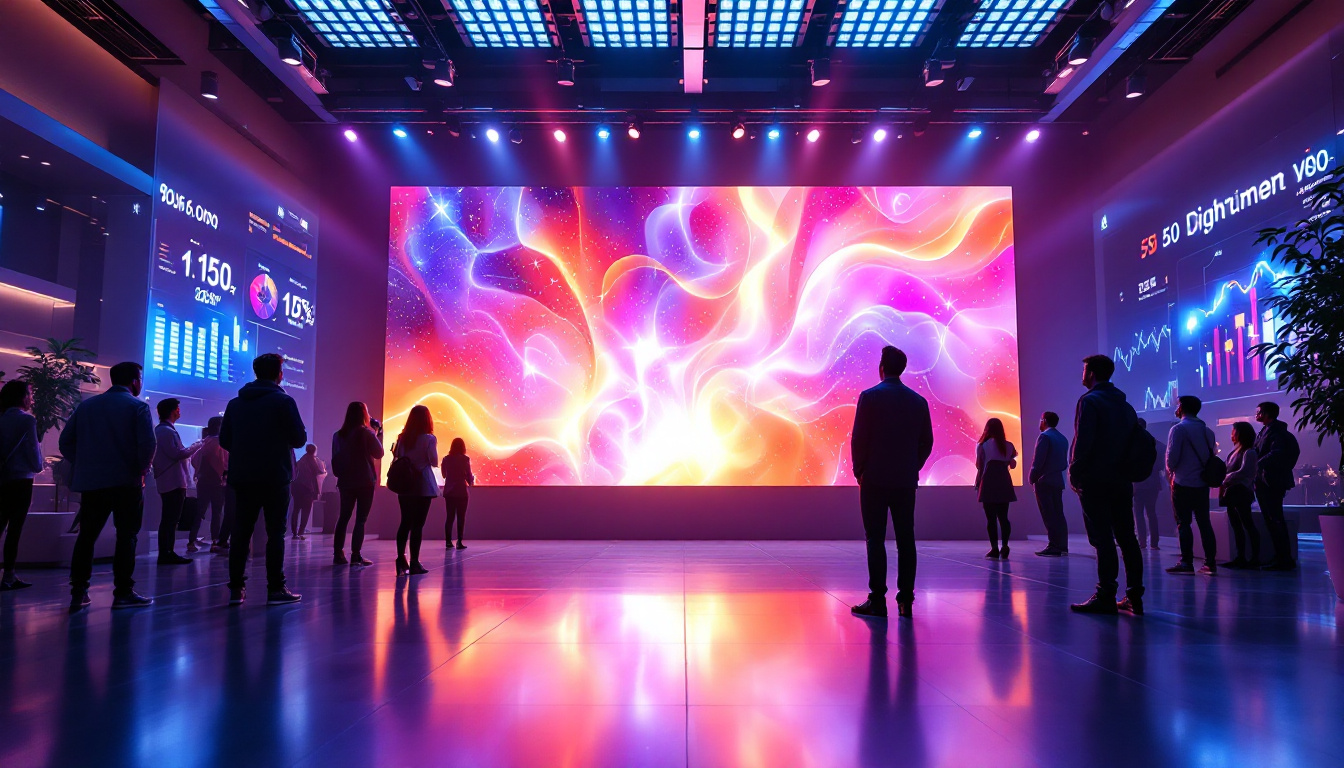
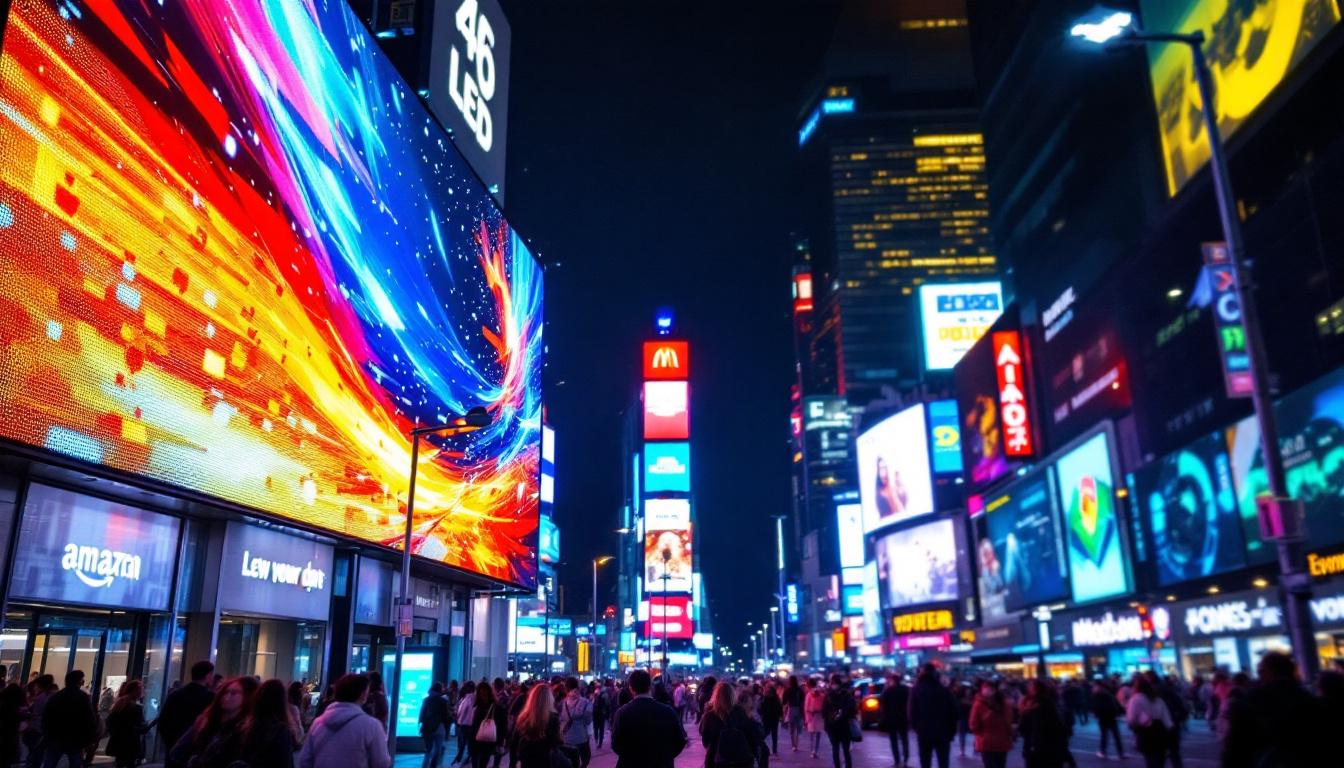
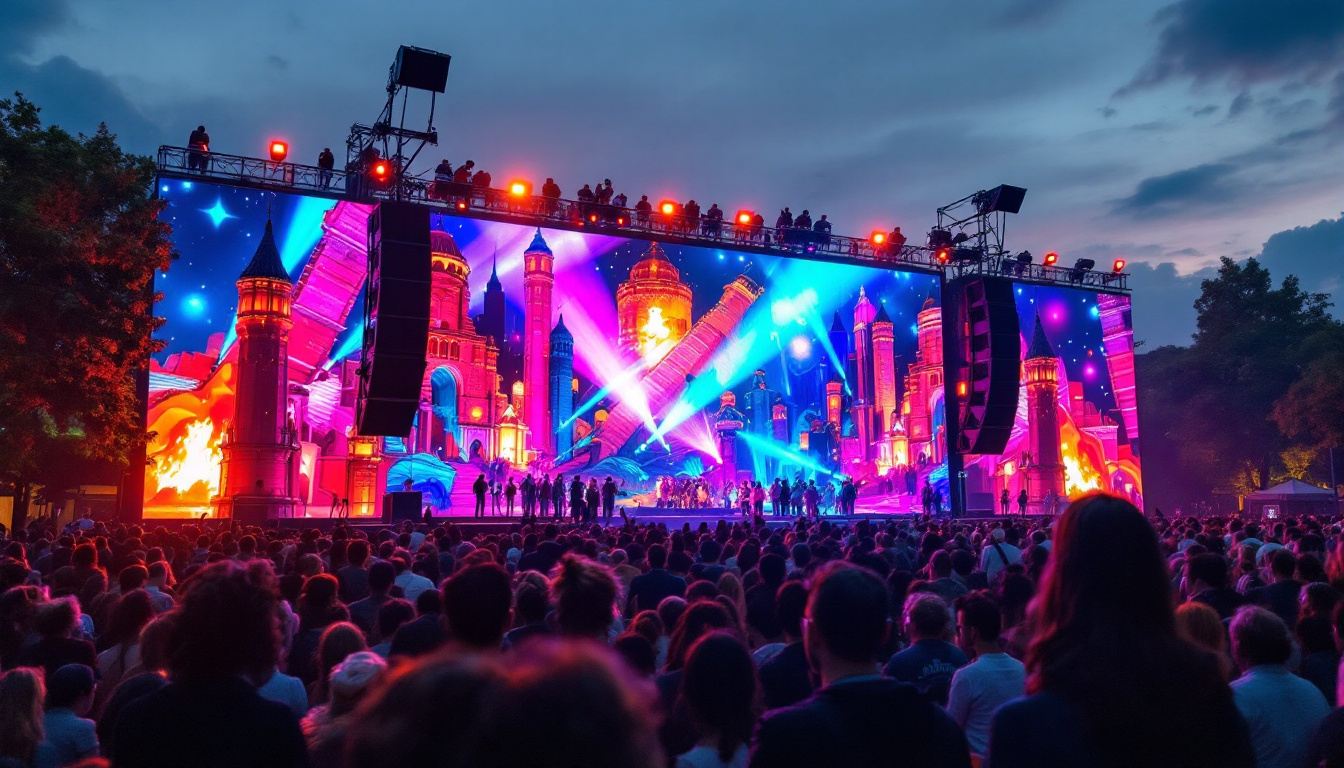
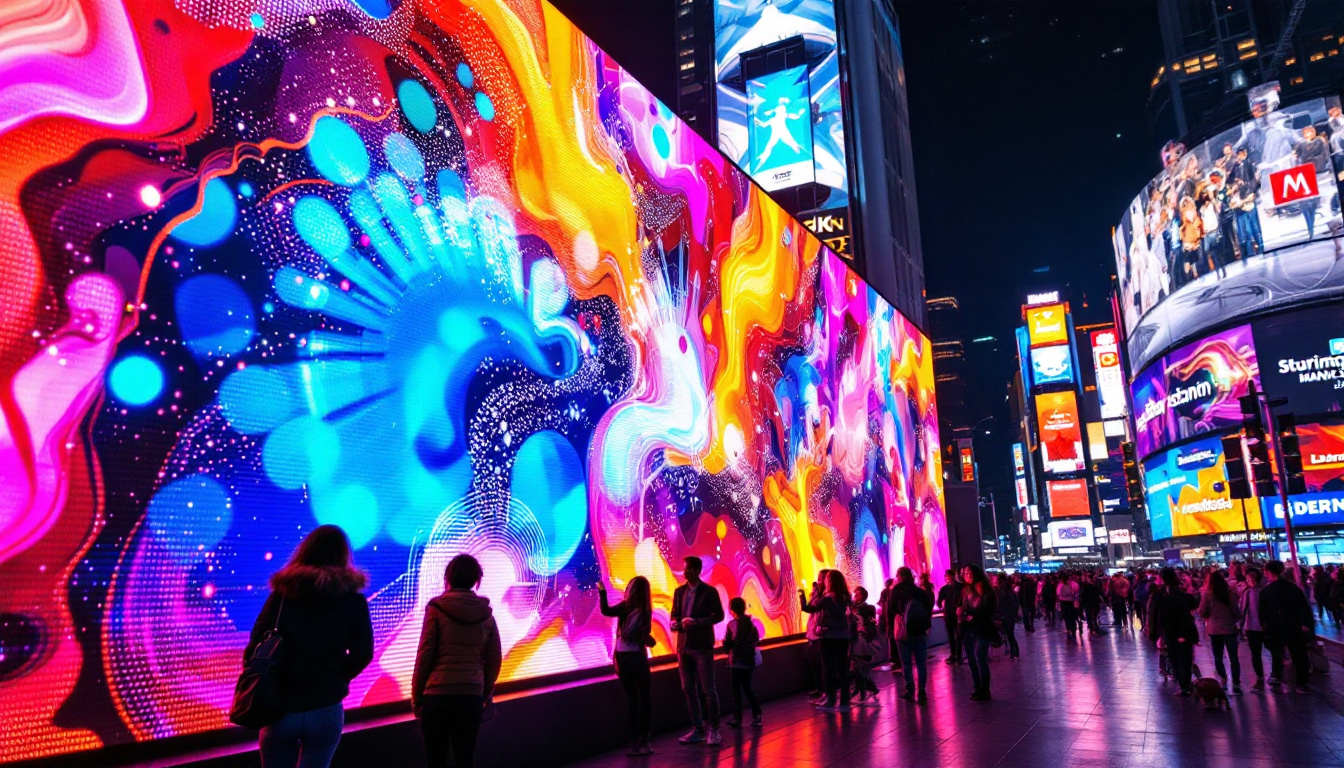
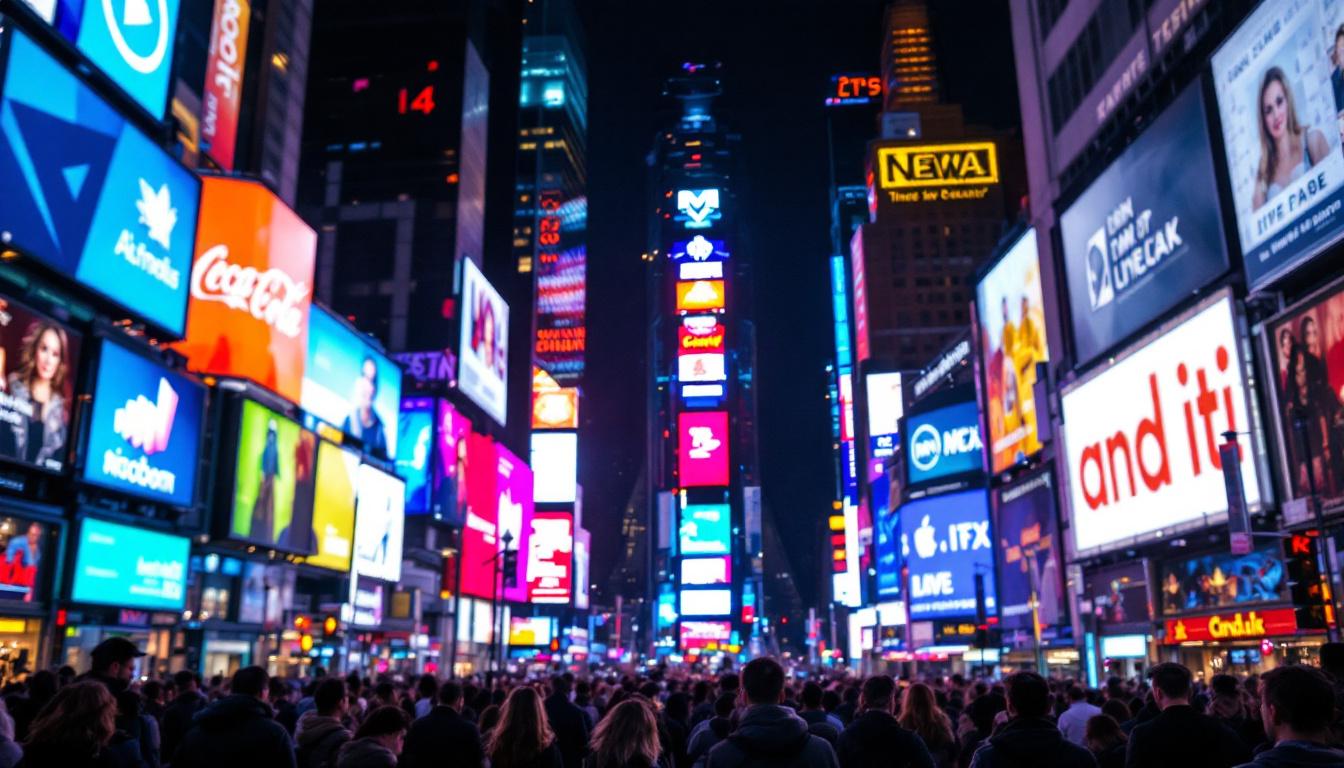
LED (Light Emitting Diode) displays are screens made up of thousands to millions of tiny LEDs that emit light directly. These displays are widely used for outdoor billboards, stadium screens, digital signage, and stage backdrops due to their brightness, durability, and scalability. The technology behind LED displays allows for vibrant colors and high contrast ratios, making them ideal for environments with high ambient light. In addition to their visual appeal, LED displays are energy-efficient, consuming less power than traditional display technologies while delivering superior performance.
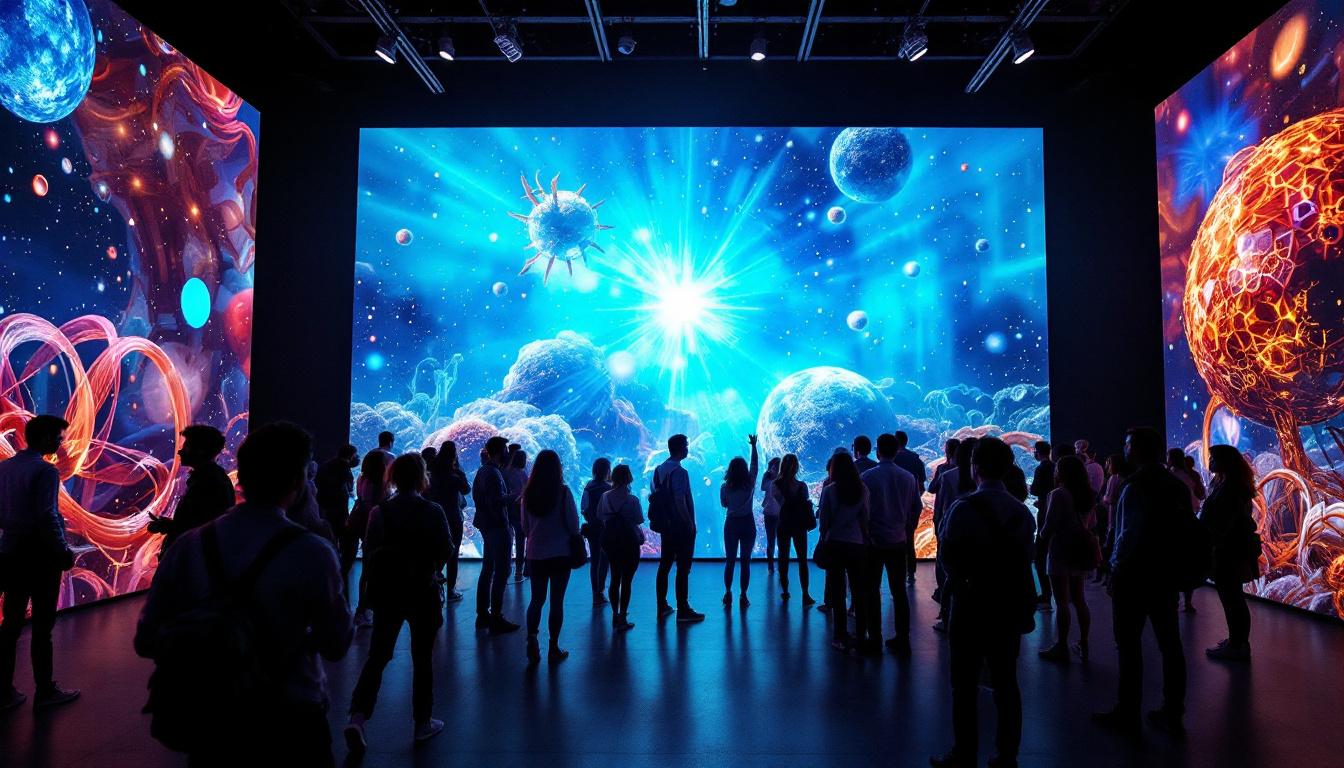
Unlike traditional LCD or OLED screens, LED displays are modular and often have lower native resolutions, which influences how video content should be prepared for optimal viewing. The modular nature allows for flexible configurations, enabling designers to create large-scale installations that can be tailored to specific spaces. This adaptability is one of the reasons why LED displays have become the go-to choice for dynamic advertising and immersive experiences in public venues.
Key Video Considerations for LED Displays
When preparing videos for LED displays, several technical factors come into play:
- Resolution Matching: LED screens often have unique resolutions based on their physical size and pixel pitch (distance between LEDs). Videos should be encoded at or near the native resolution to avoid scaling artifacts. This ensures that the content appears crisp and clear, maximizing the impact of the visuals.
- Bitrate Limits: Many LED media players support a maximum bitrate, often to prevent overheating or playback issues. Keeping video bitrate within these limits is essential. A well-optimized bitrate not only enhances playback stability but also contributes to smoother transitions and overall visual quality.
- File Format Compatibility: Common formats like MP4 (H.264 codec) are widely supported, but some systems may require specific codecs or container formats. Understanding the requirements of the playback system is crucial to ensure seamless integration and avoid playback disruptions.
- Color Accuracy and Brightness: Videos should be calibrated for the LED screen’s color profile and brightness levels to maintain visual fidelity. This calibration process involves adjusting the video to match the display’s capabilities, ensuring that colors appear as intended and that brightness levels are consistent across various viewing conditions.
Failing to consider these factors can result in poor image quality, playback errors, or inefficient use of system resources. Additionally, it is important to test video content in the actual display environment to account for factors such as ambient light and viewing angles, which can significantly affect the viewer’s experience. By conducting thorough testing and adhering to best practices in video preparation, content creators can ensure that their visuals are not only captivating but also optimized for the unique characteristics of LED technology.
Techniques to Make a Video Smaller Without Losing Quality
Reducing video size is a balancing act between compression and quality. Fortunately, modern encoding technologies allow significant size reduction with minimal perceptible quality loss. Below are the most effective techniques.
1. Choose the Right Video Codec
Video codecs compress and decompress digital video. The choice of codec significantly impacts file size and quality. The H.264 codec remains the industry standard due to its excellent compression efficiency and compatibility. However, newer codecs like H.265 (HEVC) and AV1 offer up to 50% better compression at the same quality level.
For LED displays, H.264 is often preferred for compatibility, but if your hardware supports H.265 or AV1, these can reduce file size substantially without quality loss.
2. Adjust Resolution and Frame Rate
Reducing the resolution of a video directly decreases its file size. For LED displays, matching the video resolution to the screen’s native resolution avoids unnecessary data and processing. For example, if the LED display’s resolution is 1920×1080, encoding the video at 4K (3840×2160) is inefficient and will increase file size unnecessarily.
Similarly, lowering the frame rate from 60fps to 30fps can halve the data rate while maintaining smooth motion for most applications. However, for fast-moving content, a higher frame rate may be necessary.
3. Optimize Bitrate Settings
Bitrate controls how much data is used per second of video. Lowering bitrate reduces file size but can introduce compression artifacts if set too low. Using variable bitrate (VBR) encoding allows the encoder to allocate more bits to complex scenes and fewer bits to simpler ones, optimizing quality and size.
For LED displays, it’s important to set the bitrate within the hardware’s supported range. Typical bitrates for HD video on LED screens range from 5 Mbps to 15 Mbps depending on content complexity.
4. Use Efficient Video Editing and Export Tools
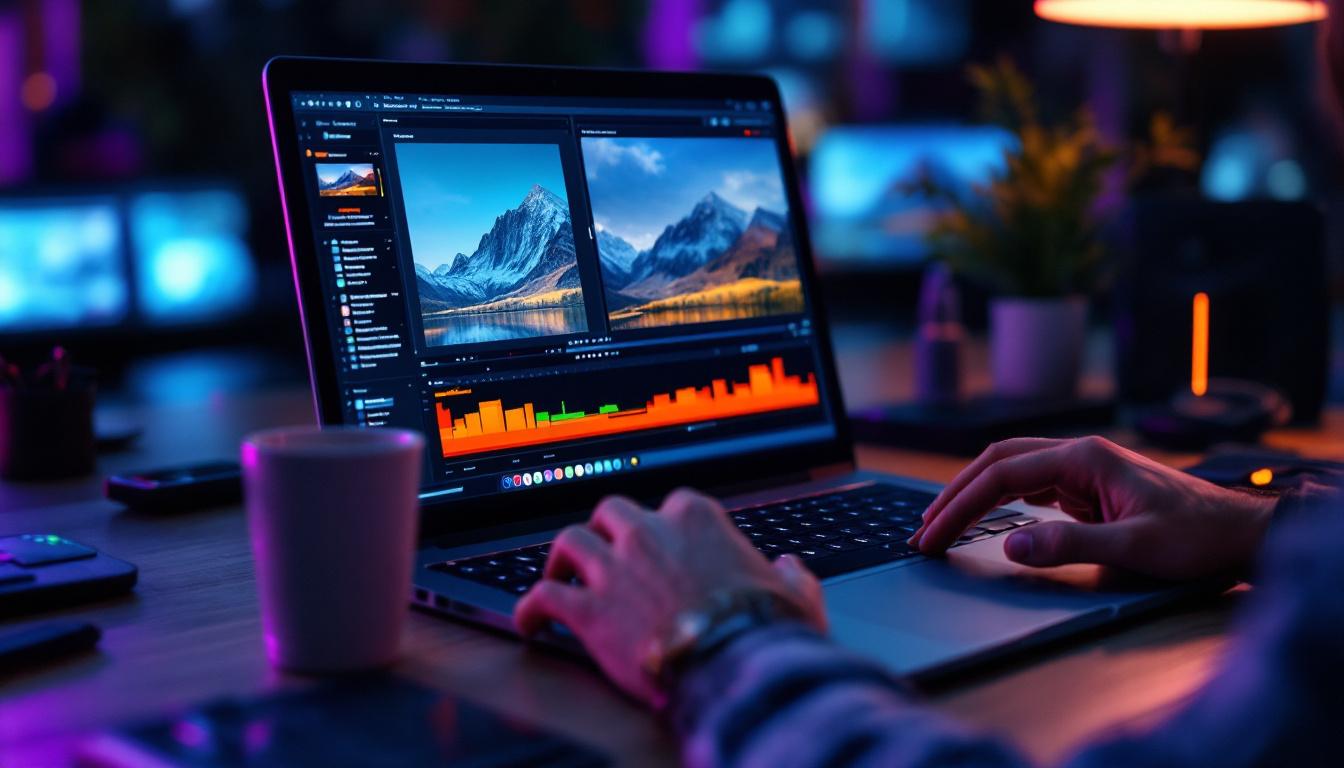
Professional video editing software like Adobe Premiere Pro, Final Cut Pro, and DaVinci Resolve offer advanced export settings that allow fine-tuned control over codec, resolution, bitrate, and more. Additionally, dedicated compression tools like HandBrake or FFmpeg provide powerful command-line or GUI-based options for batch processing and custom encoding.
These tools often include presets optimized for various devices, including LED displays, simplifying the compression process.
5. Remove Unnecessary Audio or Use Compressed Audio
Audio tracks can also increase file size. If the video is intended for a display system with separate audio equipment or no audio at all, removing the audio track can reduce file size. Alternatively, use compressed audio formats like AAC with lower bitrates to save space.
Step-by-Step Guide to Compressing a Video for LED Displays
Here’s a practical workflow to reduce video size tailored for LED display playback:
Step 1: Analyze the LED Display Specifications
Obtain the native resolution, supported file formats, maximum bitrate, and codec compatibility from the LED display manufacturer or system documentation. This information guides all subsequent compression decisions.
Step 2: Prepare the Source Video
Use your video editing software to trim unnecessary footage, stabilize shaky clips, and perform color correction. This ensures the final video is polished before compression.
Step 3: Set Resolution and Frame Rate
Resize the video to match the LED display’s resolution. Adjust the frame rate if necessary, balancing smoothness and file size.
Step 4: Choose Codec and Bitrate
Select H.264 for broad compatibility or H.265 for better compression if supported. Set the bitrate according to the display’s limits, using VBR if possible.
Step 5: Export and Test
Export the video and transfer it to the LED media player. Test playback to ensure smooth performance and acceptable visual quality. Adjust settings if necessary.
Common Challenges and How to Overcome Them
Playback Issues Due to Unsupported Formats
Some LED displays have strict format requirements. If your video fails to play, convert it to a supported format using tools like FFmpeg. Always verify compatibility before final delivery.
Quality Loss After Compression
Excessive compression can cause pixelation, blurring, or color banding. Use two-pass encoding and preview the video at different bitrates to find the best balance.
Hardware Limitations
Older or lower-end LED controllers may struggle with high-resolution or high-bitrate videos. In such cases, consider lowering resolution or bitrate further or upgrading hardware.
Future Trends: Video Compression and LED Technology
Emerging technologies promise even more efficient video compression and enhanced LED display capabilities. AI-driven encoding algorithms can optimize compression dynamically, while microLED and miniLED displays offer higher resolutions and better color accuracy, demanding smarter video preparation.
Staying informed about these advancements will help content creators and system integrators maintain optimal performance and visual quality.
Conclusion
Making a video smaller in size without sacrificing quality is both an art and a science, especially when preparing content for LED displays. By understanding the technical requirements of LED hardware and applying modern video compression techniques, it’s possible to create visually stunning videos that perform reliably and efficiently.
Whether you’re managing digital signage, event visuals, or advertising content, following the outlined strategies will help you optimize your video files for the best possible results on LED screens.
Discover LumenMatrix’s Advanced LED Display Solutions
Ready to take your video content to the next level with LED displays that offer unparalleled clarity and impact? Look no further than LumenMatrix, where innovation meets visual excellence. Our extensive range of LED display solutions, from vibrant Indoor and Outdoor LED Walls to dynamic Vehicle and Sports Displays, is designed to captivate your audience and amplify your message. Experience the future of visual communication with our cutting-edge technology. Check out LumenMatrix LED Display Solutions today and transform your digital signage into a powerful engagement tool.