How To Use Multiple TVs As One Screen: LED Display Explained
In today’s digital age, the demand for larger, more immersive displays is growing rapidly across various sectors—from corporate boardrooms and retail environments to gaming setups and home theaters. One popular solution to achieve expansive screen real estate without investing in a single massive display is to use multiple TVs combined to function as a single, cohesive screen. This technique, often referred to as creating a video wall or LED display, offers flexibility, scalability, and impressive visual impact.
This article explores how to use multiple TVs as one screen, detailing the technology behind LED displays, the hardware and software involved, and practical tips to ensure a seamless and professional setup. Whether you’re a business owner, tech enthusiast, or event coordinator, understanding the fundamentals of multi-TV configurations will empower you to create stunning visual experiences.
Understanding the Basics: What Is an LED Display Video Wall?
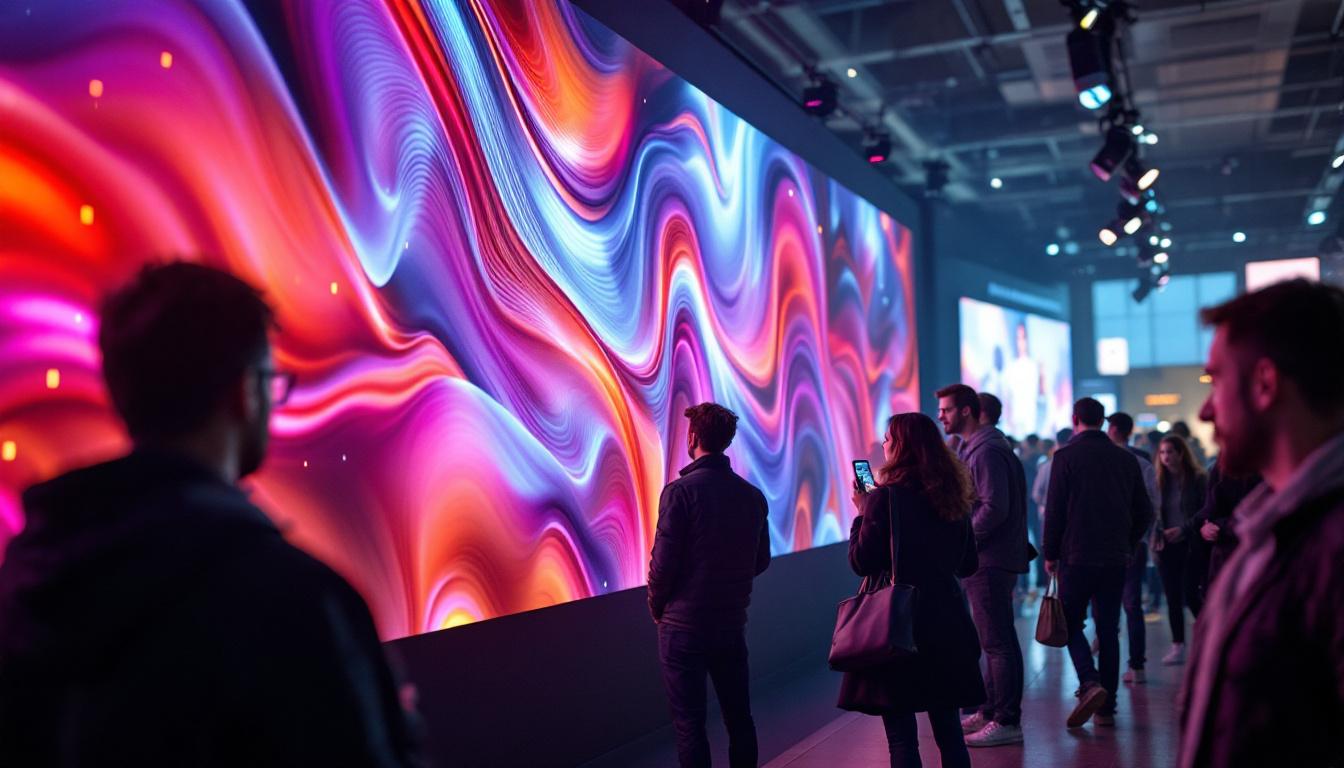
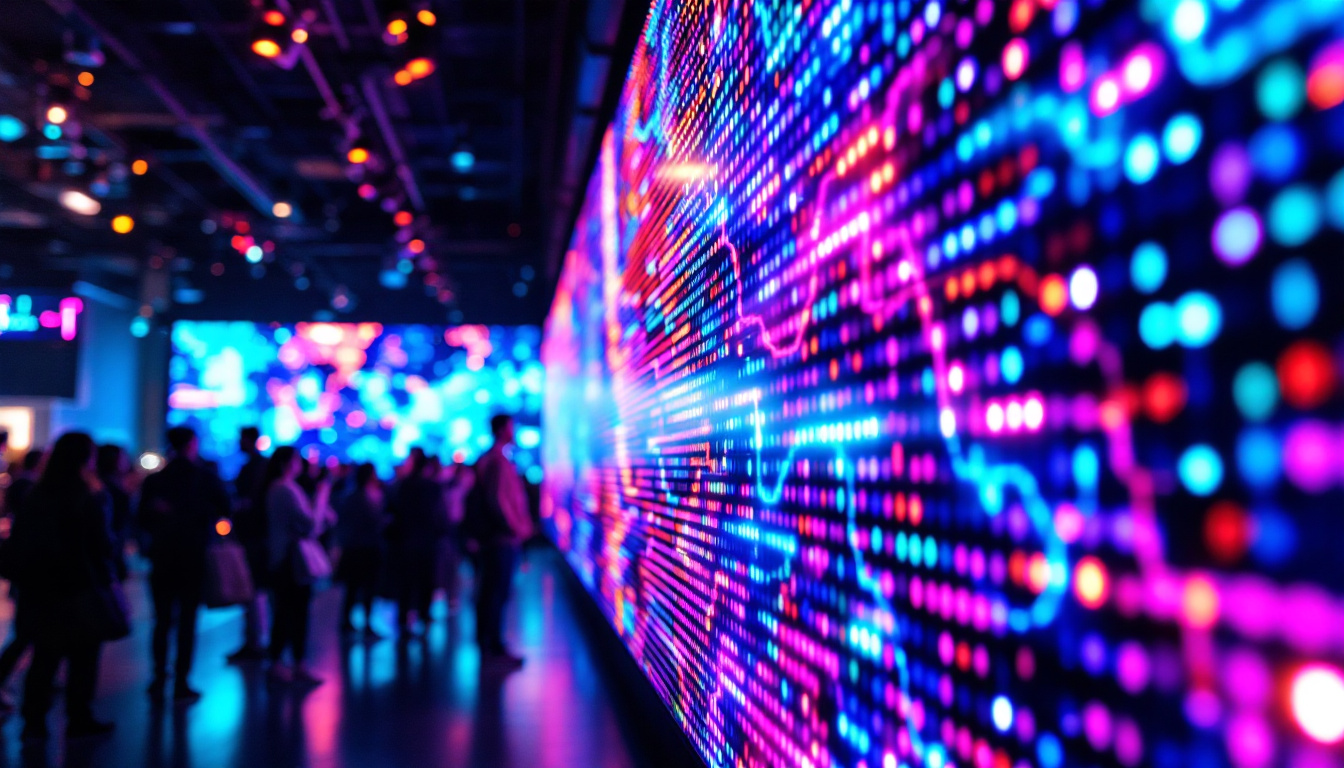
At its core, an LED display video wall is a large screen composed of multiple smaller display units—often TVs or LED panels—arranged in a grid. These units work in unison to present a single, unified image or video feed. Unlike traditional single-panel TVs, video walls can be scaled to virtually any size, making them ideal for environments where a large visual canvas is necessary. This scalability is particularly beneficial in settings such as airports, shopping malls, and concert venues, where the need for visibility from various angles and distances is paramount.
The term “LED display” can sometimes be confusing because it refers both to the technology inside the TV panels (LED-backlit LCD screens) and to specialized LED video wall panels that use light-emitting diodes as pixels. In the context of using multiple TVs as one screen, the focus is generally on consumer or commercial LED-backlit LCD TVs linked together to simulate a larger display. This technology not only enhances the visual experience but also allows for dynamic content that can be tailored to specific audiences or events, making it a versatile tool for marketers and event planners alike.
Why Use Multiple TVs Instead of One Large Screen?
There are several reasons why multiple TVs are preferred over a single large screen:
- Cost Efficiency: Large single-screen displays, especially those above 100 inches, can be prohibitively expensive. Using multiple smaller TVs can be more budget-friendly.
- Modularity: Video walls can be expanded or reconfigured easily by adding or removing individual units.
- Maintenance: If one TV fails, it can be replaced without dismantling the entire display.
- Installation Flexibility: TVs can be mounted in various configurations to fit unique spaces and design requirements.
In addition to these advantages, the use of multiple TVs allows for enhanced resolution and brightness. When multiple screens are combined, they can create a higher pixel density, resulting in sharper images and more vibrant colors. This is particularly advantageous for applications that require high-definition content, such as sports broadcasts or live event streaming. Furthermore, the ability to display different content on each screen opens up creative possibilities for advertising and presentations, enabling businesses to target specific demographics or themes effectively.
Moreover, advancements in technology have led to improved software solutions that facilitate seamless integration and synchronization of content across the video wall. This means that users can easily manage what is displayed on each screen from a central control system, allowing for dynamic changes in real-time. Such capabilities are invaluable in environments like control rooms or command centers, where timely information dissemination is crucial. As a result, LED display video walls are not just a trend; they are becoming a staple in modern visual communication strategies.
Key Components for Using Multiple TVs as One Screen
Creating a seamless multi-TV display involves more than just placing screens side by side. Several critical components and technologies must work together to ensure the image is continuous and visually appealing.
1. Display Panels
The choice of TVs is foundational. Ideally, select displays with:
- Uniform Size and Resolution: Consistency ensures the image aligns correctly across all screens.
- Thin Bezels: Narrow borders minimize the visible gaps between screens, enhancing the illusion of one large display.
- High Brightness and Color Accuracy: To maintain image quality and uniformity, especially in well-lit environments.
Commercial-grade TVs or professional monitors designed for video walls often have ultra-thin bezels and enhanced durability, but consumer-grade TVs can also be used for smaller or less critical installations.
2. Video Wall Controller or Processor
The video wall controller is the brain of the operation. It takes a single video input and splits it into multiple outputs, each tailored to the resolution and position of the individual TV in the grid.
There are two main types of controllers:
- Hardware Controllers: Dedicated devices that handle video splitting and scaling with minimal latency and high reliability. They are ideal for professional setups requiring high performance.
- Software Solutions: PC-based software can manage video walls by using multiple graphics cards or video outputs. This approach is more flexible and cost-effective but may require more technical expertise.
3. Signal Distribution and Cabling
Proper cabling ensures that video signals reach each TV without degradation. Common interfaces include HDMI, DisplayPort, and sometimes DVI or VGA for older equipment. For larger setups, signal extenders or matrix switchers may be necessary to maintain quality over long distances.
Additionally, synchronizing the TVs to display the image simultaneously is crucial to avoid lag or tearing effects.
4. Mounting Solutions
To achieve a flush, aligned video wall, sturdy and adjustable mounting brackets are essential. Video wall mounts allow for precise positioning and alignment, which is critical for minimizing gaps and ensuring the display looks cohesive.
Setting Up Multiple TVs as One Screen: Step-by-Step Guide
Setting up a multi-TV video wall requires careful planning and execution. The following steps outline a typical process to ensure a successful installation.
Step 1: Planning the Layout
Decide on the size and aspect ratio of your video wall. Common configurations include 2×2, 3×3, or 4×4 grids, but custom layouts are possible. Consider the viewing distance and environment to determine the optimal screen size and resolution.
Measure the physical space and ensure there is adequate support for the weight and dimensions of the combined displays.
Step 2: Selecting Compatible TVs
Choose TVs with matching specifications to avoid image inconsistencies. Pay attention to:
- Screen size and resolution
- Refresh rate and input lag
- Color calibration capabilities
- Connectivity options
Purchasing multiple units of the same model is highly recommended.
Step 3: Installing Mounts and TVs
Install the mounting brackets securely on the wall or frame. Mount each TV carefully, ensuring they are level and aligned precisely. Use a laser level or similar tools to minimize bezel gaps and maintain a uniform surface.
Step 4: Connecting the Video Wall Controller
Connect the video wall controller to your video source (PC, media player, or streaming device). Then, connect the controller outputs to each TV using high-quality cables. Label cables to simplify troubleshooting.
Step 5: Configuring the Software
Use the controller’s software interface to define the layout, assign screen positions, and calibrate the image. Adjust scaling and cropping settings so that the content spans seamlessly across all screens.
Calibration tools can help correct color and brightness differences between units.
Step 6: Testing and Fine-Tuning
Play test content that spans the entire video wall to check for alignment, color uniformity, and synchronization. Make adjustments to the mounts, software settings, or hardware as needed to perfect the display.
Applications and Benefits of Multi-TV LED Displays
Using multiple TVs as a single screen unlocks numerous possibilities across different industries and settings.
Corporate and Conference Rooms
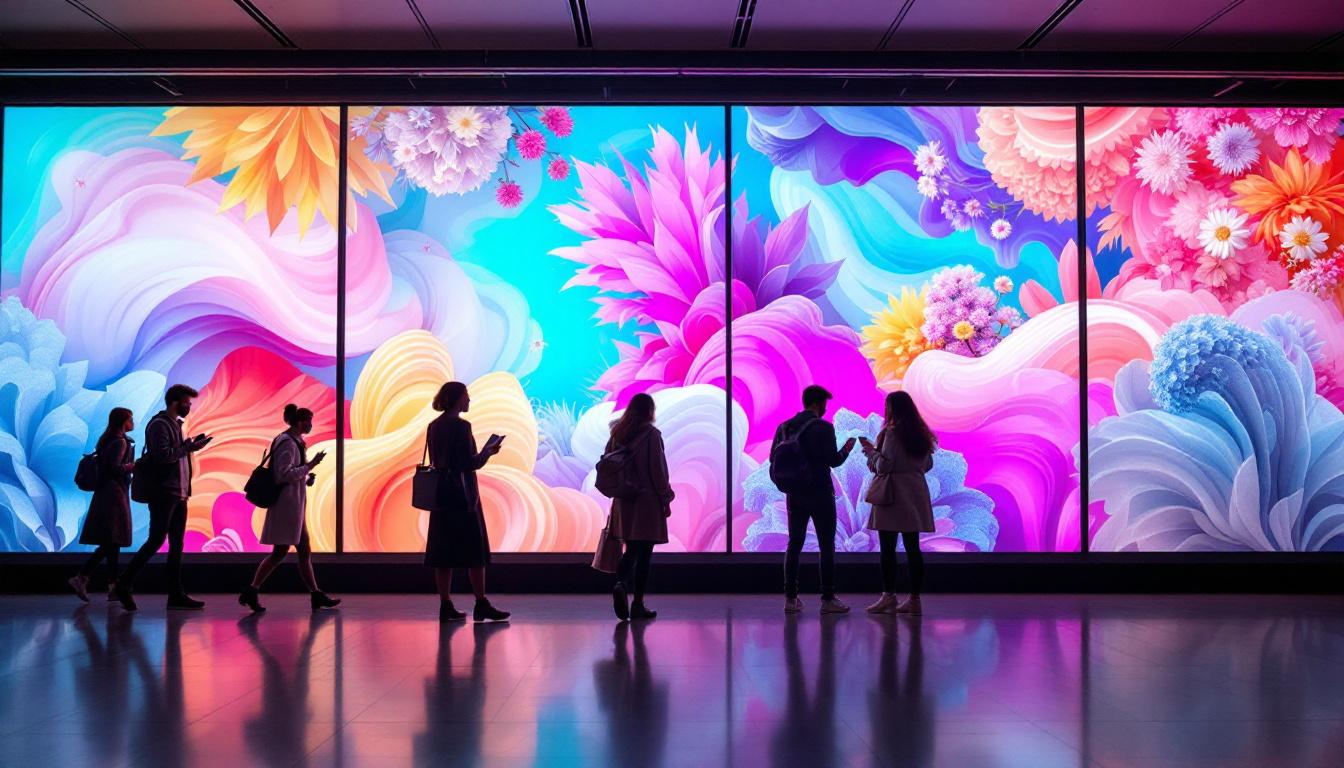
Video walls create impressive backdrops for presentations, video conferencing, and collaborative work. They enable large, high-resolution displays that enhance communication and engagement.
Retail and Advertising
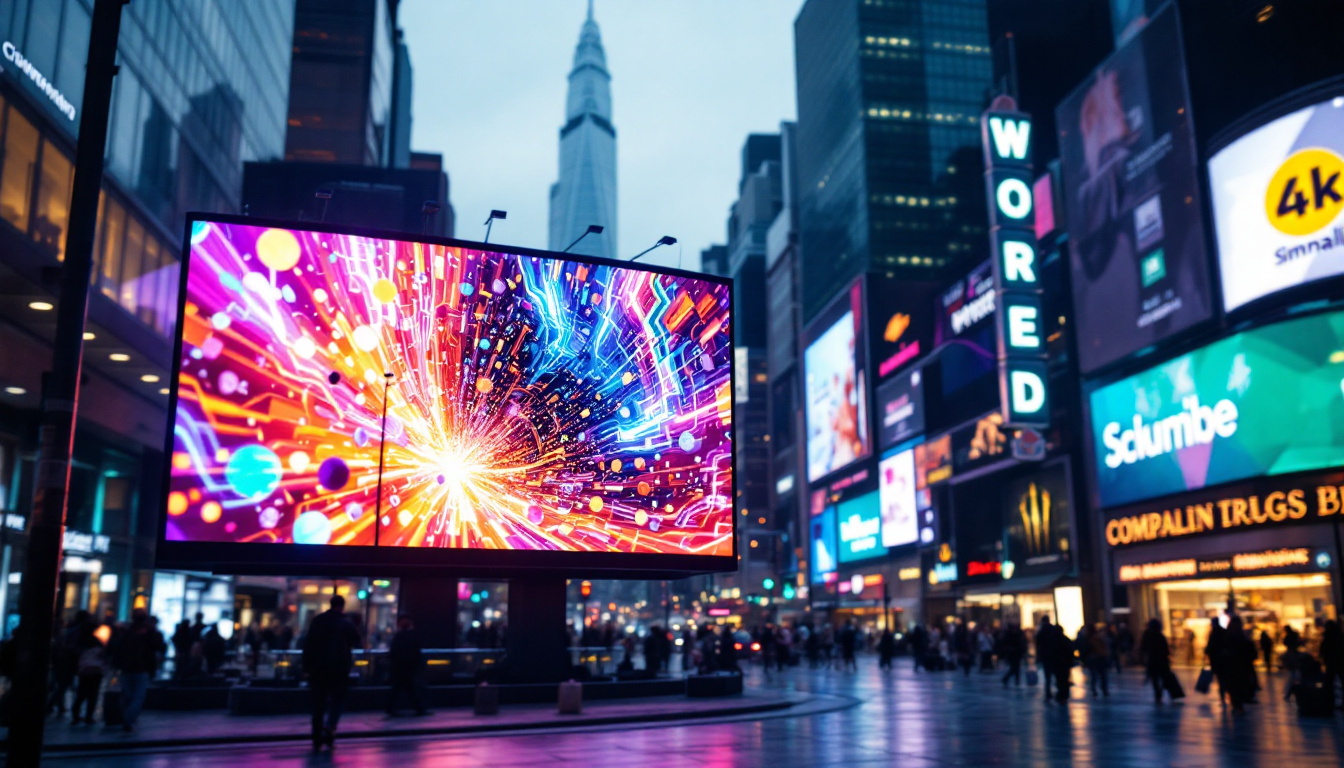
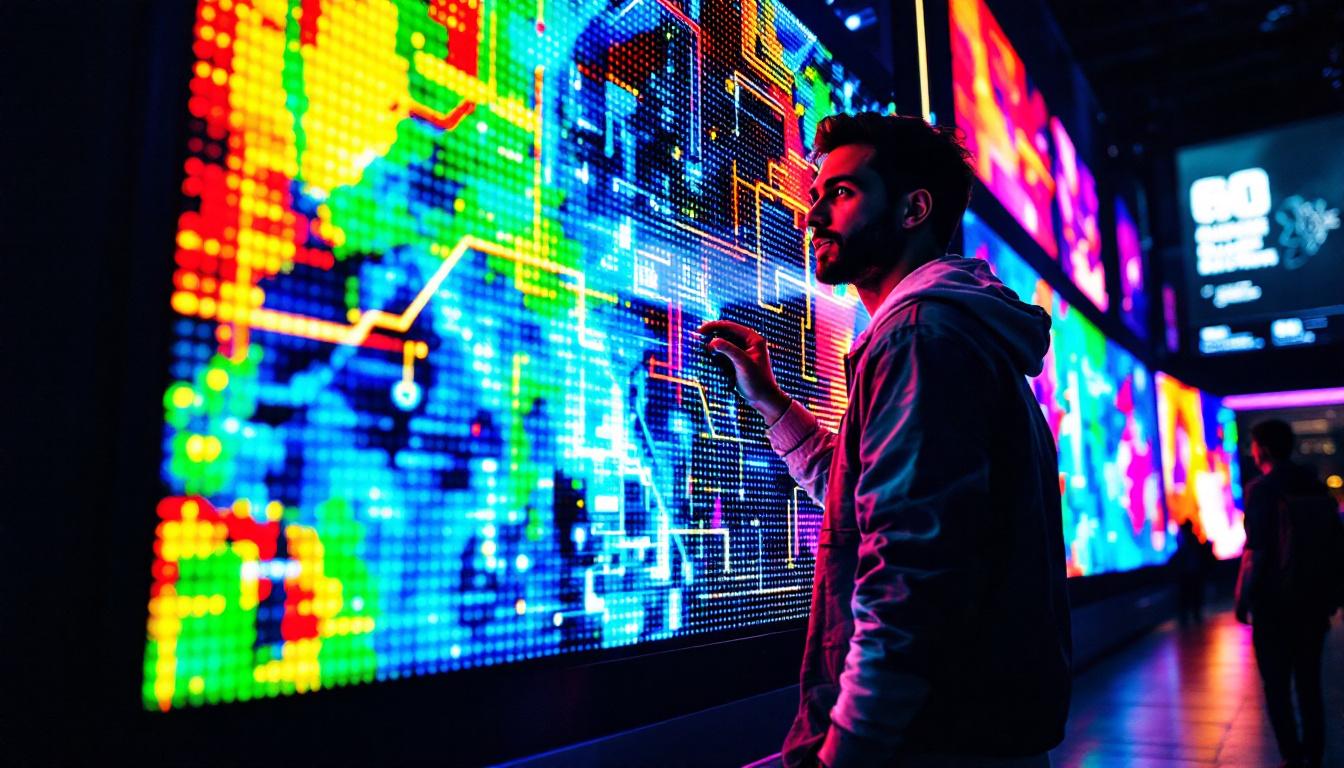
Retailers use video walls to showcase dynamic advertisements, product information, and interactive content. The ability to update content remotely and in real-time makes video walls a powerful marketing tool.
Entertainment and Gaming
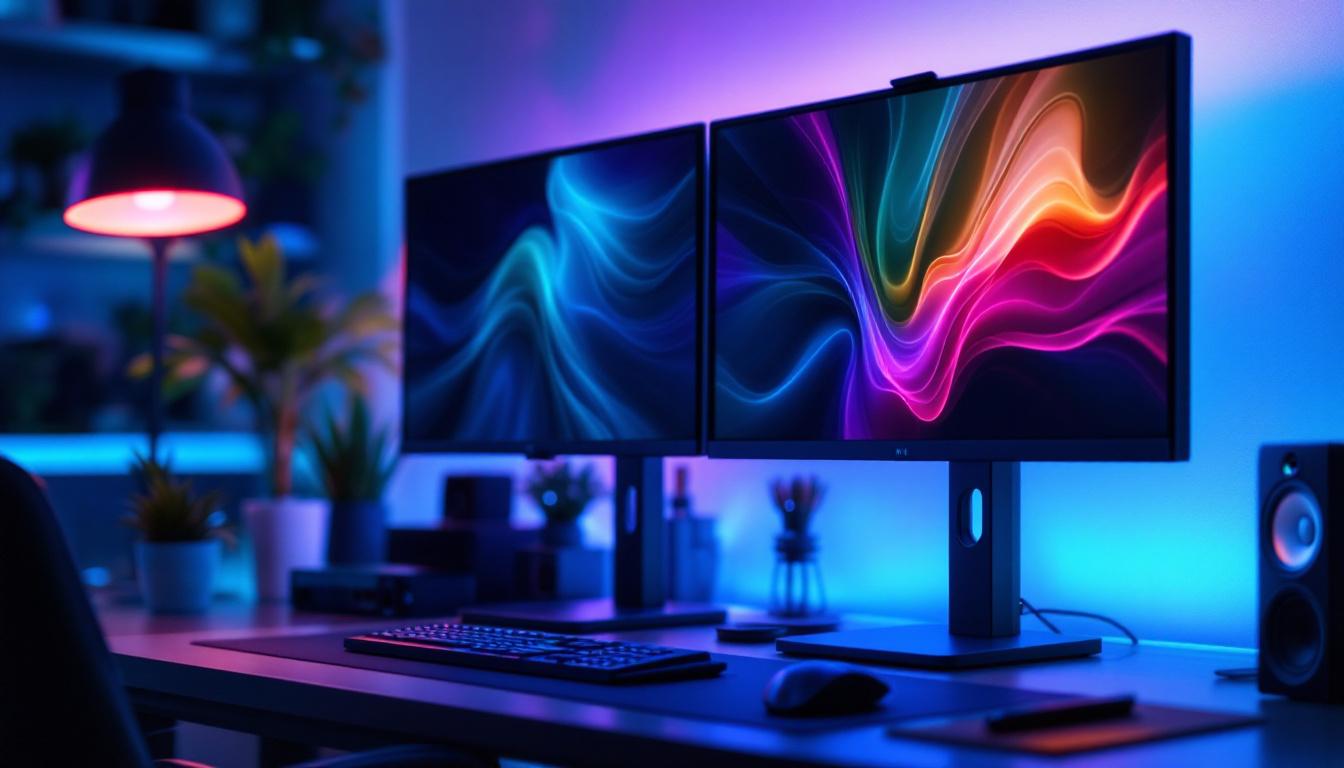
Gamers and home theater enthusiasts benefit from immersive visuals by spanning games or movies across multiple screens. This setup can replicate the experience of ultra-wide monitors or cinema screens.
Events and Exhibitions
Trade shows, concerts, and exhibitions use video walls to attract attention and deliver impactful messaging. Portability and modularity allow for custom configurations tailored to each event.
Challenges and Considerations
While multi-TV video walls offer many advantages, there are challenges to consider before embarking on a project.
Bezel Interference
The physical borders of TVs, known as bezels, create visible lines that can disrupt the continuity of the image. Although ultra-thin bezel models reduce this effect, it cannot be entirely eliminated with consumer TVs.
Color and Brightness Uniformity
Even identical TVs may display slight variations in color and brightness. Regular calibration is necessary to maintain a consistent appearance.
Complexity and Cost
While more affordable than some large single displays, video walls require investment in controllers, mounts, and cabling. The complexity of setup and maintenance can also be significant.
Latency and Synchronization
In video walls used for real-time applications like gaming or live broadcasts, latency and synchronization between screens must be minimized to avoid visual artifacts.
Future Trends in LED Video Walls
Technology continues to evolve, making multi-screen LED displays more accessible and sophisticated.
MicroLED and Direct View LED Displays
Emerging technologies like MicroLED offer bezel-less, ultra-high-resolution panels that can be tiled seamlessly. These displays combine the benefits of LED brightness and color accuracy with modular scalability.
Improved Software and AI Calibration
Advances in software, including AI-driven calibration and content management, simplify setup and optimize image quality in real time.
Wireless and Cloud-Based Solutions
Wireless video transmission and cloud-based control systems are reducing cabling complexity and enabling remote management of video walls across multiple locations.
Conclusion
Using multiple TVs as one screen is a versatile and cost-effective way to create large, impactful displays for a wide range of applications. Understanding the components involved—from selecting the right TVs and mounting hardware to configuring video wall controllers—is essential for achieving a seamless and professional result.
While challenges like bezel interference and color uniformity exist, advances in technology continue to improve the visual experience and ease of installation. Whether for business, entertainment, or events, multi-TV LED displays offer a dynamic canvas that can transform how content is presented and experienced.
By carefully planning your setup and leveraging the right tools and technologies, you can harness the power of multiple TVs working together as one impressive, unified screen.
Discover LumenMatrix’s Advanced LED Display Solutions
Ready to elevate your visual display capabilities? LumenMatrix is at the forefront of LED display innovation, offering a comprehensive range of solutions tailored to your needs. From captivating Indoor and Outdoor LED Wall Displays to versatile Vehicle and Floor LED Displays, our technology is designed to make your brand stand out. Experience the future of visual communication with our Custom, All-in-One, and Transparent LED Displays. Check out LumenMatrix LED Display Solutions today and transform your space into a dynamic and engaging environment.