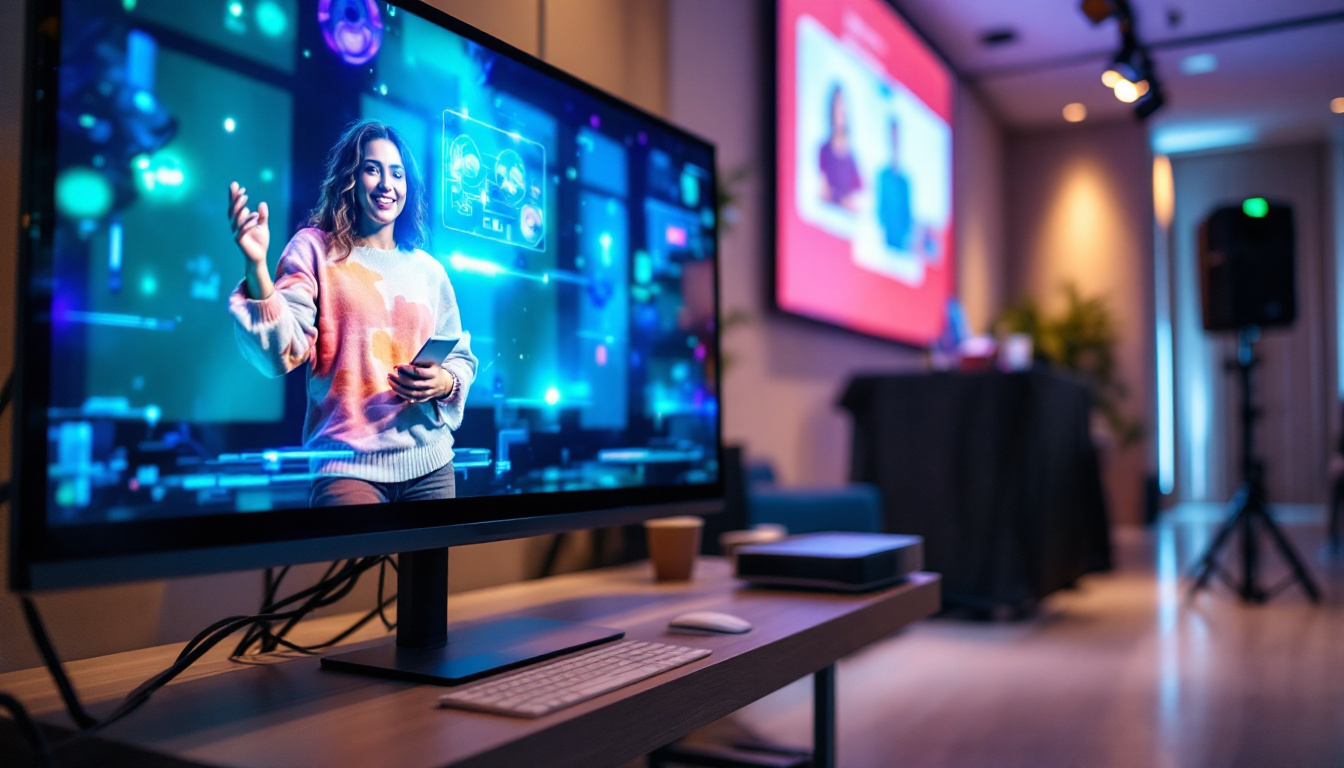
In today’s fast-paced digital world, touchscreen monitors have become an essential tool for professionals, educators, designers, and everyday users alike. Their intuitive interface and sleek design make interacting with digital content more natural and efficient. Among the various types of touchscreen displays available, LED touchscreen monitors stand out for their vibrant visuals, energy efficiency, and durability. This comprehensive guide dives deep into the world of LED touchscreen monitors, explaining their technology, benefits, and what to look for when choosing the best model for your needs.
Understanding LED Touchscreen Technology
What Is an LED Display?
LED stands for Light Emitting Diode, a technology that uses tiny diodes to emit light and create images on a screen. Unlike traditional LCD displays that rely on cold cathode fluorescent lamps (CCFL) for backlighting, LED displays use an array of LEDs to illuminate the screen. This shift has revolutionized display technology by offering better brightness, contrast, and energy efficiency.
LED displays can be configured in various ways, including edge-lit and direct-lit designs. Edge-lit LED monitors place LEDs along the edges of the screen, using light guides to distribute illumination evenly. Direct-lit LED monitors, on the other hand, position LEDs directly behind the screen, often enabling local dimming for improved contrast ratios.
How Do Touchscreens Work?
Touchscreen technology can be broadly classified into several types: resistive, capacitive, infrared, and surface acoustic wave (SAW). The most common and advanced technology used in modern LED touchscreen monitors is capacitive touch. Capacitive touchscreens detect touch by measuring changes in the electrical field caused by the conductive properties of the human finger.
Capacitive touchscreens are highly responsive, support multi-touch gestures, and offer excellent clarity since they don’t require an additional layer on top of the display. This makes them ideal for LED monitors where image quality is paramount.
Integration of LED and Touchscreen Technologies
Combining LED display technology with capacitive touchscreens results in monitors that deliver sharp images with vibrant colors and responsive touch capabilities. The LED backlighting ensures the display is bright and energy-efficient, while the capacitive touch layer allows for smooth and precise interaction.
This integration is especially beneficial in professional environments such as graphic design studios, medical imaging, retail kiosks, and interactive educational tools, where both image quality and touch responsiveness are critical.
Benefits of LED Touchscreen Monitors
Enhanced Visual Experience
One of the primary advantages of LED touchscreen monitors is their superior visual quality. LED backlighting provides higher brightness levels and better contrast ratios compared to older CCFL-backlit LCDs. This means colors appear more vivid and blacks look deeper, enhancing the overall viewing experience.
For professionals working with color-sensitive tasks like photo editing, video production, or CAD design, LED monitors often come with wide color gamut support and factory calibration to ensure color accuracy.
Energy Efficiency and Longevity
LED technology is renowned for its energy efficiency. LED backlights consume significantly less power than CCFLs, which translates to lower electricity bills and a smaller carbon footprint. Additionally, LEDs have a longer lifespan, often rated at 30,000 to 50,000 hours, reducing the need for frequent replacements.
This longevity and efficiency make LED touchscreen monitors a cost-effective investment, particularly for businesses that rely on multiple displays running for extended periods.
Improved Touch Responsiveness and Durability
Capacitive touchscreens integrated with LED displays offer rapid and accurate touch response, supporting multi-touch gestures like pinch-to-zoom and swipe. This responsiveness enhances user experience, making navigation and interaction seamless.
Moreover, many LED touchscreen monitors are built with durable glass surfaces that resist scratches and fingerprints, maintaining clarity and touch sensitivity over time. Some models also feature anti-glare coatings to reduce reflections in bright environments.
Key Features to Consider When Choosing the Best LED Touchscreen Monitor
Screen Size and Resolution
The ideal screen size depends on the intended use. For office productivity and general use, monitors between 21 to 27 inches strike a good balance between screen real estate and desk space. For specialized tasks like graphic design or medical imaging, larger screens of 32 inches or more may be preferable.
Resolution is equally important. Full HD (1920×1080) is standard for many applications, but higher resolutions such as Quad HD (2560×1440) or 4K Ultra HD (3840×2160) provide sharper images and more workspace, especially on larger monitors.
Touch Technology and Multi-Touch Support
Ensure the monitor uses capacitive touch technology for the best responsiveness and accuracy. Additionally, check the number of simultaneous touch points supported. Most modern monitors support at least 10-point multi-touch, allowing for complex gestures and collaborative use.
Connectivity Options
Versatile connectivity is crucial for integrating the touchscreen monitor with various devices. Look for monitors that offer HDMI, DisplayPort, USB-C, and USB-A ports. USB-C is particularly valuable as it can transmit video, data, and power through a single cable, reducing clutter.
Some monitors also include built-in USB hubs, making it easier to connect peripherals like keyboards, mice, or external storage.
Ergonomics and Build Quality
Adjustability features such as tilt, swivel, pivot, and height adjustment contribute to comfortable use, especially during long working hours. A sturdy stand and solid build quality ensure stability and durability.
Touchscreen monitors intended for public or industrial use may require ruggedized designs with enhanced protection against dust, moisture, and impact.
Additional Features
Some LED touchscreen monitors come with integrated speakers, webcams, or stylus support, which can enhance functionality depending on your needs. For instance, stylus support is essential for digital artists and designers who require precision input.
Also, consider whether the monitor supports VESA mounting standards if you plan to use wall mounts or specialized arms.
Top LED Touchscreen Monitors in 2024
Dell P2418HT 24-Inch Touchscreen Monitor
The Dell P2418HT is a popular choice for office environments, offering a 24-inch Full HD display with 10-point multi-touch support. Its IPS panel ensures accurate colors and wide viewing angles, while the fully adjustable stand allows for comfortable positioning.
Connectivity includes HDMI, DisplayPort, and USB 3.0 ports, making it versatile for various setups. Its anti-glare screen and responsive touch make it ideal for presentations, interactive meetings, and general productivity.
ViewSonic TD2760 27-Inch Touchscreen Monitor
ViewSonic’s TD2760 features a larger 27-inch Full HD IPS display with 10-point capacitive touch. It is designed for both professional and educational use, offering excellent color accuracy and a durable, scratch-resistant surface.
The monitor supports multiple connectivity options, including HDMI, DisplayPort, and USB-C, and comes with a flexible stand that supports tilt and height adjustments. Its sleek design and responsive touch make it suitable for creative work and interactive kiosks.
Planar Helium PCT2785 27-Inch 4K Touchscreen Monitor
For users seeking ultra-high resolution, the Planar Helium PCT2785 offers a stunning 27-inch 4K UHD display with 10-point multi-touch capability. The IPS panel delivers vibrant colors and wide viewing angles, perfect for detailed design and multimedia tasks.
Connectivity options include DisplayPort, HDMI, and USB 3.0. The monitor supports VESA mounting and has an adjustable stand. Its premium build quality and 4K clarity make it a top contender for professionals demanding the best visual and touch performance.
ASUS VT229H 21.5-Inch Touchscreen Monitor
The ASUS VT229H is a compact 21.5-inch Full HD touchscreen monitor with an IPS panel and 10-point touch support. Its slim bezel design and anti-fingerprint coating enhance usability and aesthetics.
Connectivity includes HDMI, VGA, and USB ports, making it compatible with a broad range of devices. This monitor is an excellent choice for small workspaces, point-of-sale systems, and educational environments.
Applications of LED Touchscreen Monitors
Professional and Creative Work
Graphic designers, video editors, and architects benefit greatly from LED touchscreen monitors due to their color accuracy, high resolution, and precise touch input. The ability to interact directly with the screen using fingers or styluses streamlines workflows and enhances creativity.
Education and Training
Interactive learning environments leverage touchscreen monitors to engage students through hands-on activities, digital whiteboards, and collaborative projects. The bright LED displays ensure content is visible even in well-lit classrooms.
Retail and Hospitality
Point-of-sale systems, information kiosks, and self-service terminals often use LED touchscreen monitors for their durability, responsiveness, and clear visuals. The energy efficiency of LED technology also helps businesses reduce operational costs.
Healthcare
In medical settings, touchscreen monitors facilitate easy access to patient records, imaging, and diagnostic tools. The high resolution and touch accuracy support detailed examination and data entry, improving efficiency and patient care.
Maintaining and Caring for Your LED Touchscreen Monitor
Cleaning Tips
To maintain clarity and touch responsiveness, clean the screen regularly with a microfiber cloth. Avoid harsh chemicals or abrasive materials that can damage the screen’s coating. Instead, use a screen-safe cleaner or a mild solution of distilled water and isopropyl alcohol.
Proper Usage
Use gentle touches rather than heavy pressing to avoid damaging the touch layer. If the monitor supports stylus input, use the recommended stylus to prevent scratches.
Software Updates and Calibration
Keep the monitor’s firmware and drivers updated to ensure optimal performance and compatibility. Periodic color calibration can help maintain color accuracy, especially for professional use.
Conclusion
LED touchscreen monitors represent the intersection of cutting-edge display technology and intuitive user interaction. Their vibrant visuals, energy efficiency, and responsive touch capabilities make them indispensable across various industries and applications. When selecting the best LED touchscreen monitor, consider factors like screen size, resolution, touch technology, connectivity, and ergonomics to find a model that suits your specific needs.
Whether for creative professionals, educators, or business environments, investing in a high-quality LED touchscreen monitor can enhance productivity, engagement, and overall user experience. As technology continues to evolve, these monitors will only become more versatile and integral to how people interact with digital content.
Discover LumenMatrix’s Advanced LED Display Solutions
Ready to elevate your interactive digital experience with the latest in LED touchscreen technology? Explore LumenMatrix’s comprehensive range of LED display solutions, designed to captivate and engage. From stunning Indoor LED Wall Displays to dynamic Outdoor LED Wall Displays, and from versatile Vehicle LED Displays to sleek LED Poster Displays, LumenMatrix has the cutting-edge technology to bring your visual communications to life. Whether you’re looking to enhance your business environment, create immersive educational experiences, or revolutionize your retail space, LumenMatrix’s mission is to empower your message with clarity and impact. Check out LumenMatrix LED Display Solutions today and see how they can transform your space into a vibrant hub of interaction and engagement.