In today’s digital age, monitors are an essential part of our daily lives, whether for work, entertainment, or communication. As screen technology evolves, understanding the intricacies behind display types becomes increasingly important. One such technology that has revolutionized visual experiences is the LED display. This article delves into the concept of screen blockers for monitors and offers a comprehensive explanation of LED displays, helping readers make informed decisions about their screen setups.
Understanding Screen Blockers: What Are They and Why Use Them?
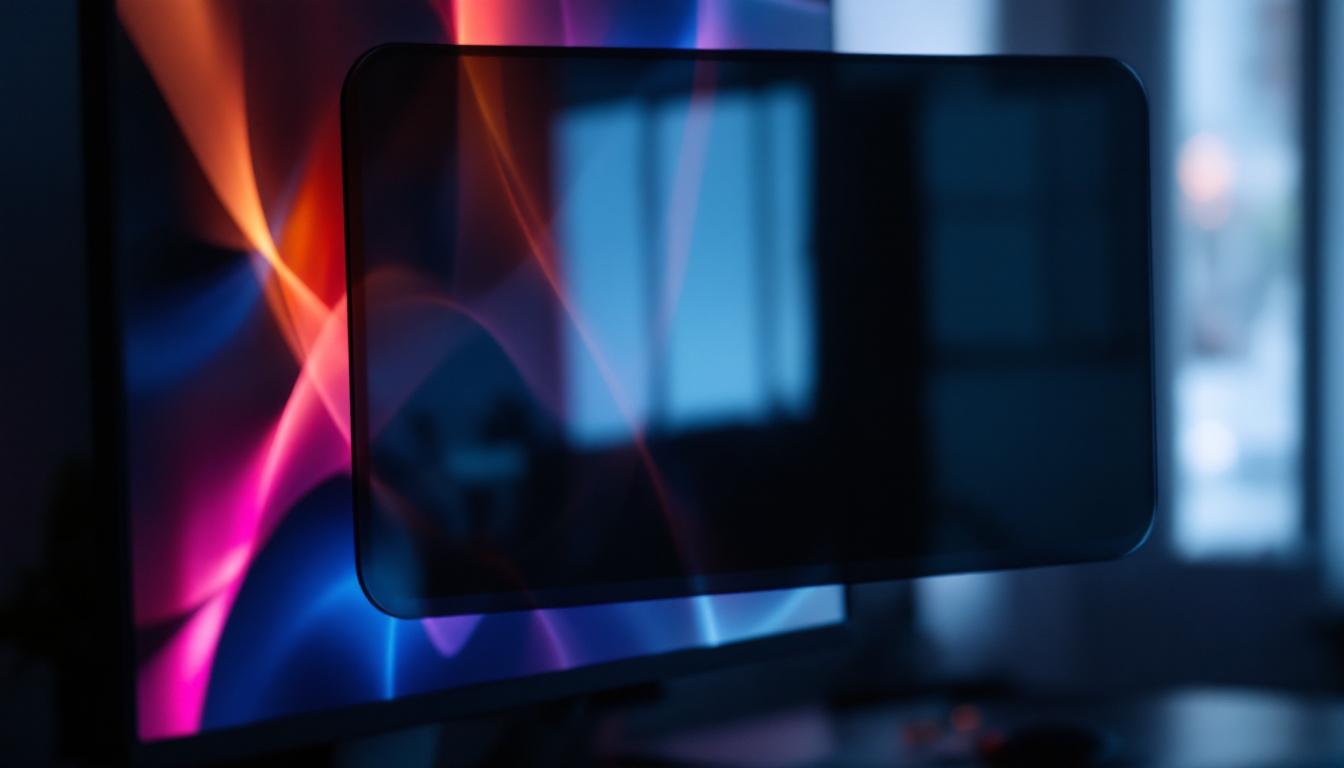
Before diving into the specifics of LED displays, it’s crucial to understand what a screen blocker is and why it matters. A screen blocker, often referred to as a privacy filter or screen protector, is a physical or software-based solution designed to restrict the viewing angle of a monitor. This ensures that only the person directly in front of the screen can clearly see the content, preventing shoulder surfing and unauthorized viewing.
In environments where sensitive information is handled—such as offices, banks, healthcare facilities, or even public spaces—screen blockers play a vital role in protecting privacy and maintaining data security. According to a 2023 survey by Cybersecurity Ventures, over 60% of data breaches involved some form of visual hacking, highlighting the importance of physical screen protection. The risks associated with visual hacking are not just limited to corporate environments; individuals working remotely or in shared spaces also face threats to their privacy. With the rise of open office layouts and co-working spaces, the need for effective screen blockers has never been more pronounced. By implementing these protective measures, users can significantly reduce the risk of sensitive information being compromised.
Types of Screen Blockers
Screen blockers come in various forms, including:
- Physical privacy filters: These are thin layers of polarized film applied directly to the monitor surface. They limit the viewing angle to typically 30-60 degrees, making the screen appear dark or blurred from side angles.
- Software-based blockers: These solutions dim or obscure the screen content when unauthorized viewing is detected, often using facial recognition or proximity sensors.
- Anti-glare and blue light filters: While primarily designed to reduce eye strain, some of these filters also contribute to privacy by reducing screen visibility from off-angles.
Choosing the right screen blocker depends on the environment, the level of privacy required, and the type of monitor in use. For instance, professionals in high-security industries may opt for more robust physical filters that offer maximum protection, while casual users might find software solutions sufficient for their needs. Additionally, the installation process can vary; some privacy filters are designed for easy application and removal, making them ideal for those who frequently switch between different workspaces. Understanding the specific requirements of your environment can guide you in selecting the most effective screen blocker, ensuring that your sensitive information remains secure from prying eyes.
LED Displays: The Backbone of Modern Monitors
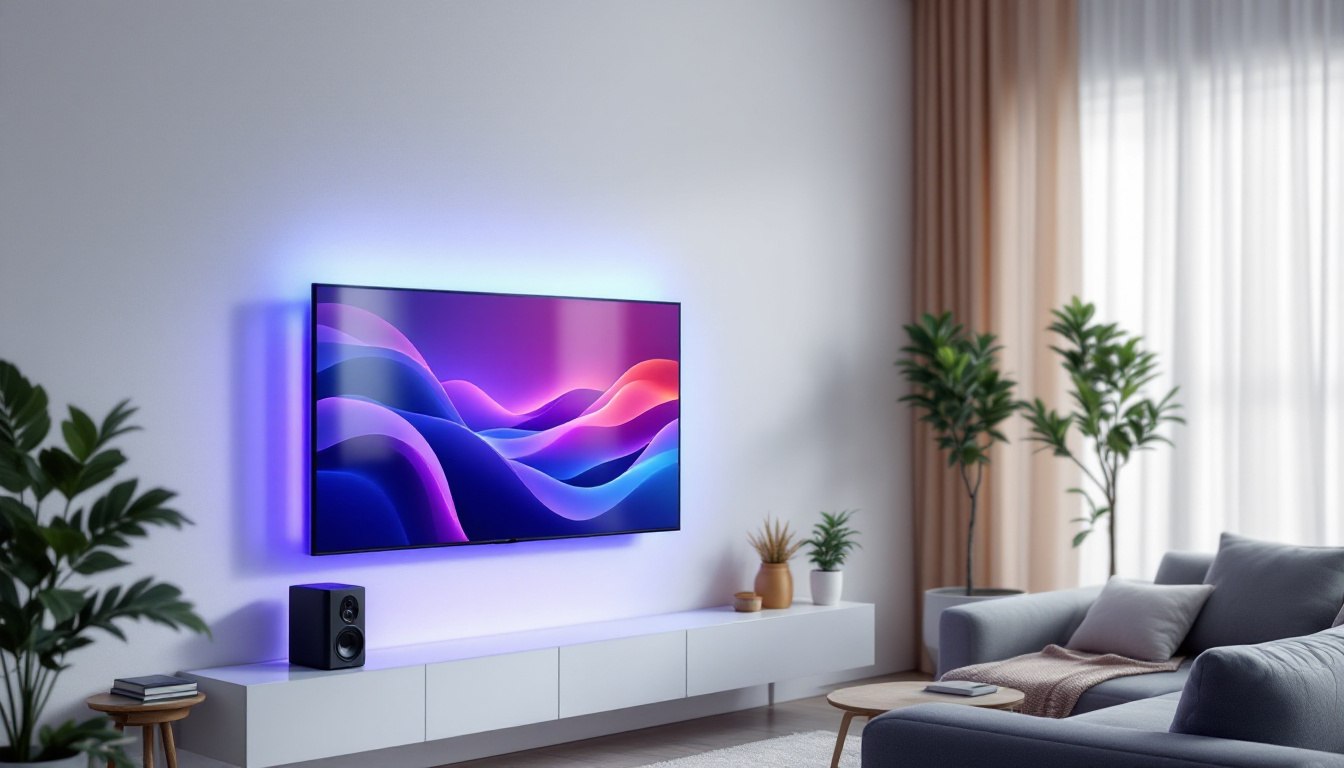
Light Emitting Diode (LED) displays have become the standard for most computer monitors, televisions, and digital signage. But what exactly is an LED display, and how does it differ from other types of screens?
What is an LED Display?
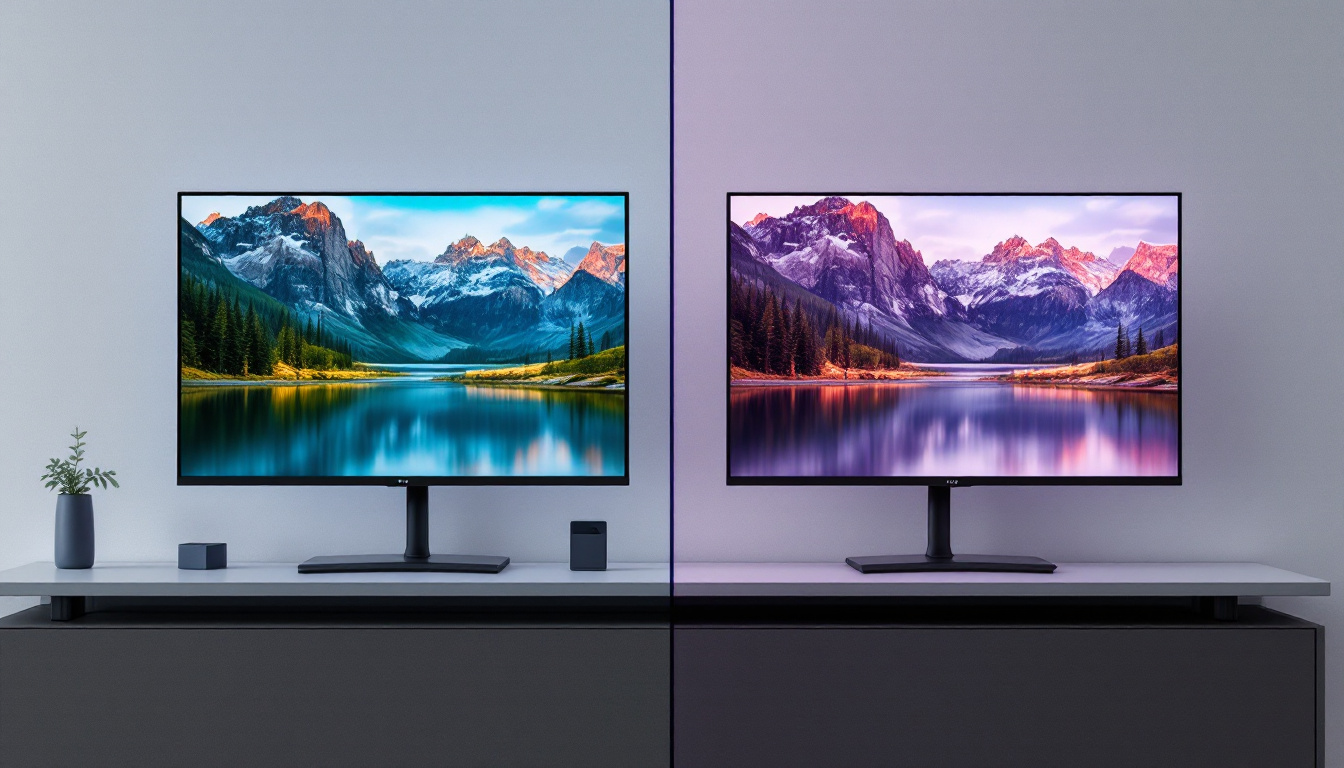
At its core, an LED display uses light-emitting diodes as a source of backlighting for an LCD (Liquid Crystal Display) panel. Unlike older CCFL (Cold Cathode Fluorescent Lamp) backlit screens, LED displays provide brighter images, better contrast, and improved energy efficiency.
There are two main types of LED displays:
- Edge-lit LED displays: LEDs are positioned along the edges of the screen, and light is distributed evenly across the display using light guides. This design allows for thinner monitors.
- Direct-lit or full-array LED displays: LEDs are placed directly behind the LCD panel, allowing for more precise control of brightness and contrast, especially with local dimming technology.
How LED Displays Enhance Visual Quality
LED technology significantly improves the quality of visuals on a monitor. Key benefits include:
- Higher brightness: LED backlighting can produce brighter images, which is essential for viewing in well-lit environments.
- Better contrast ratios: Especially with full-array LED displays, local dimming can turn off LEDs in dark areas of the screen, resulting in deeper blacks and more vivid colors.
- Energy efficiency: LEDs consume less power than traditional backlighting methods, reducing electricity costs and environmental impact.
- Longer lifespan: LEDs tend to last longer and maintain brightness better over time compared to CCFLs.
In addition to these advantages, LED displays also support a wider color gamut, allowing for more accurate and vibrant color reproduction. This is particularly beneficial for graphic designers, photographers, and video editors who rely on precise color accuracy for their work. Furthermore, advancements in LED technology, such as Quantum Dot and Mini-LED, are pushing the boundaries even further, offering enhanced color performance and improved HDR (High Dynamic Range) capabilities. These innovations make LED displays not only suitable for professional applications but also for immersive gaming experiences and cinematic viewing.
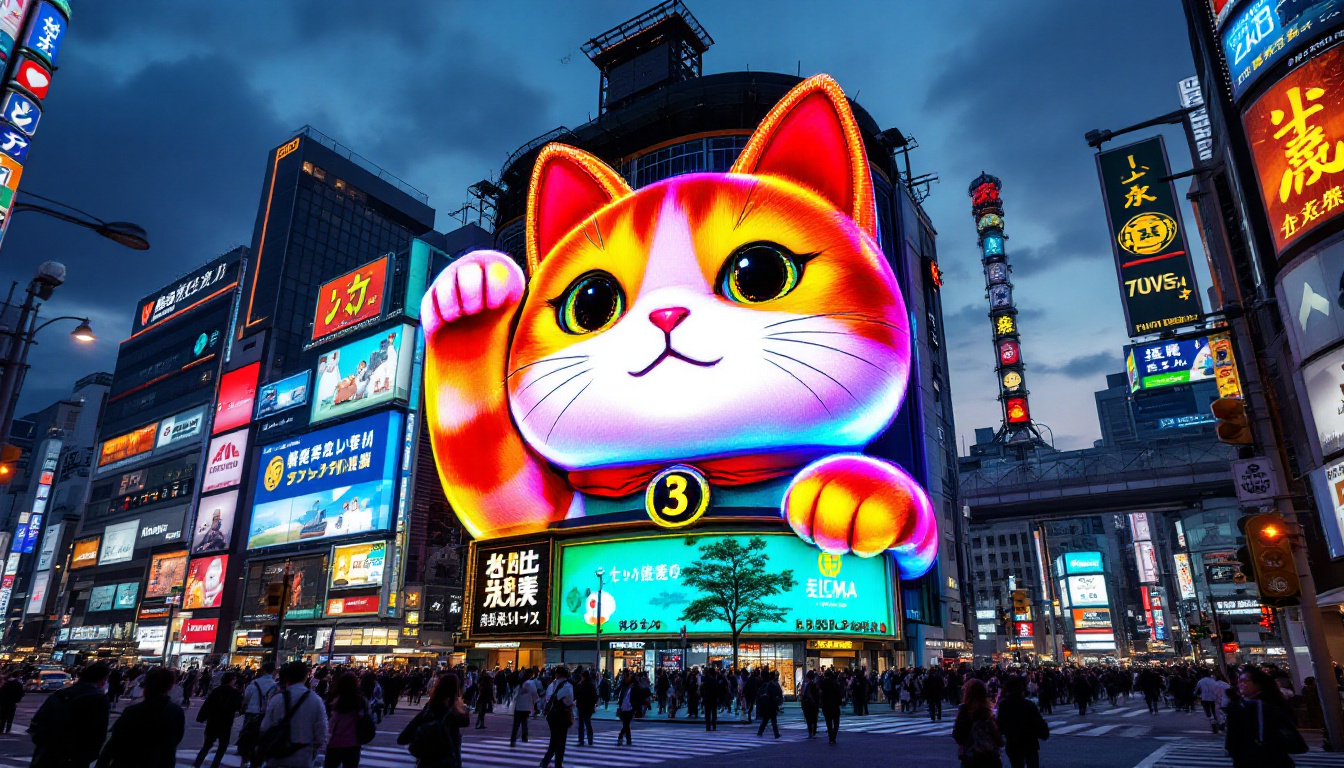
Moreover, the versatility of LED displays extends beyond just monitors and televisions. They are increasingly used in various applications, including large-scale digital billboards, indoor and outdoor signage, and even in architectural lighting. The flexibility in design allows for creative installations that can adapt to different environments, making LED technology a popular choice for both commercial and artistic ventures. As technology continues to evolve, the integration of smart features into LED displays, such as built-in sensors for adaptive brightness and connectivity options for seamless integration with other devices, is becoming more prevalent, further enhancing their functionality and appeal.
The Intersection of Screen Blockers and LED Displays
Understanding how screen blockers interact with LED displays is crucial for users who want to maximize both privacy and visual quality. Not all screen blockers are created equal, and their effectiveness can vary depending on the type of monitor and display technology.
Compatibility Considerations
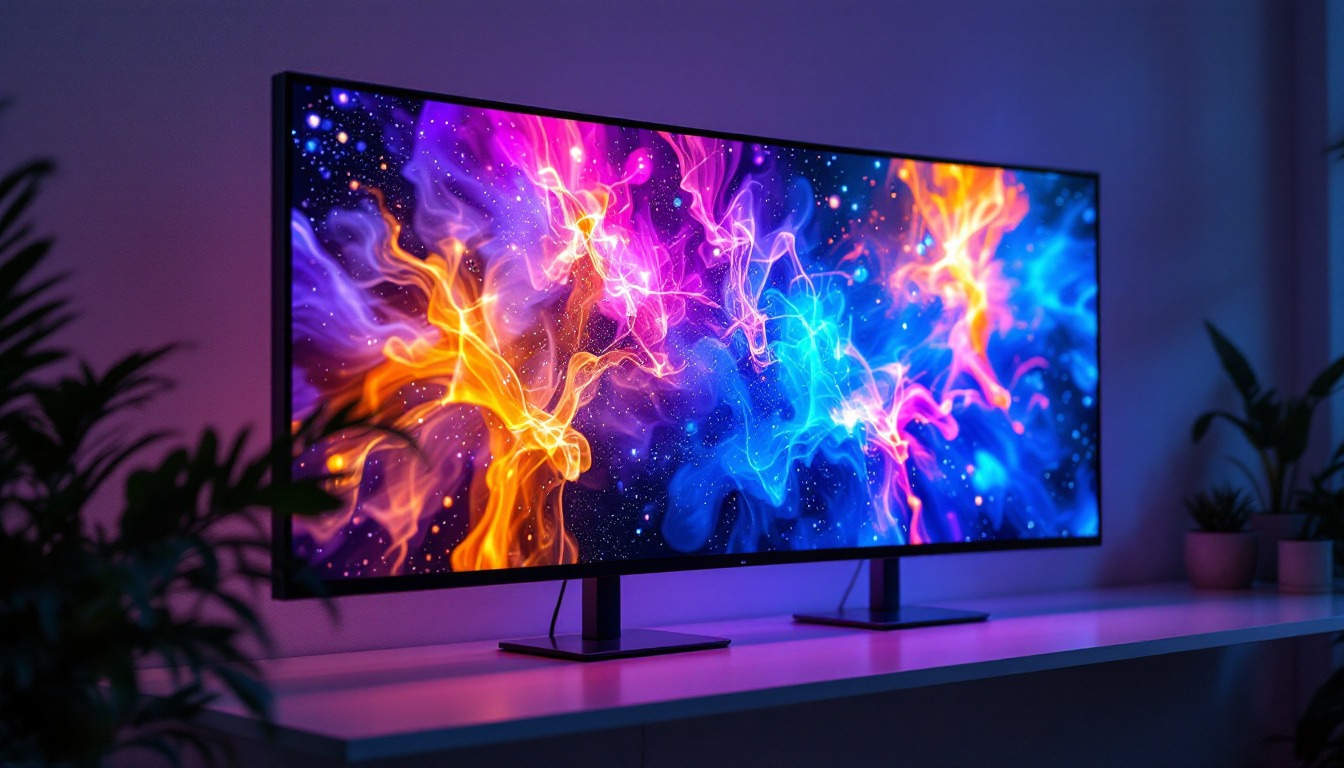
Physical privacy filters must be carefully chosen to match the dimensions and curvature of LED monitors. For instance, curved LED monitors, which are gaining popularity for immersive gaming and productivity, require specially designed screen blockers to maintain privacy without distorting the image.
Moreover, LED displays with higher brightness levels may sometimes reduce the effectiveness of privacy filters if the filter’s tint or polarization is not strong enough. Therefore, it’s important to select a privacy filter that complements the brightness and resolution of the LED monitor.
Impact on Visual Experience
While screen blockers enhance privacy, they can also affect the viewing experience. Some common impacts include:
- Reduced brightness: Privacy filters can dim the screen slightly, which may require users to adjust monitor brightness settings.
- Color distortion: Depending on the quality of the filter, colors may appear less vibrant or slightly shifted.
- Viewing angle limitations: By design, privacy filters limit the viewing angle, which can be a disadvantage in collaborative environments.
Choosing high-quality privacy filters designed specifically for LED displays can minimize these drawbacks, ensuring a balance between privacy and visual clarity.
Choosing the Right Screen Blocker for Your LED Monitor
With the variety of options available, selecting the right screen blocker for an LED monitor requires careful consideration of several factors.
Assess Your Privacy Needs
Identify the level of privacy required based on your work environment or personal use. For example, financial institutions and healthcare providers often require stringent privacy measures, whereas casual users might prioritize anti-glare features.
Match Screen Blocker Specifications to Your Monitor
Ensure that the screen blocker fits the size, resolution, and curvature of your LED monitor. Many manufacturers provide detailed compatibility charts, and custom-sized filters are available for unique screen dimensions.
Consider Additional Features
Some screen blockers come with extra functionalities such as:
- Blue light reduction: Helps reduce eye strain during prolonged screen use.
- Anti-glare coating: Minimizes reflections from ambient light sources.
- Easy installation and removal: Magnetic or adhesive options allow for flexible use.
Budget and Brand Reputation
While budget is always a consideration, investing in a high-quality screen blocker from a reputable brand can save money in the long run by providing better durability and effectiveness.
Future Trends: Innovations in Screen Blocking and LED Technology
The landscape of screen technology is continuously evolving, with exciting advancements on the horizon that will further enhance privacy and display quality.
MicroLED and OLED Displays
Emerging technologies like MicroLED and OLED (Organic Light Emitting Diode) displays offer even better contrast ratios, color accuracy, and thinner designs. These technologies may require new types of screen blockers tailored to their unique light emission properties.
Adaptive Privacy Filters
Research is underway into smart privacy filters that can dynamically adjust their opacity or viewing angle based on user presence or environmental factors. Such filters could provide privacy on demand without compromising screen brightness or color fidelity.
Integration with Security Software
Combining physical screen blockers with software-based privacy solutions, such as facial recognition and screen dimming when unauthorized viewers are detected, will create multi-layered privacy protection systems.
Conclusion
Screen blockers and LED displays are integral components of modern monitor technology, each serving distinct but complementary purposes. Screen blockers safeguard privacy and sensitive information, while LED displays deliver vibrant, energy-efficient visuals that enhance user experience.
By understanding the relationship between these technologies, users can make informed choices that protect their data without sacrificing display quality. Whether for professional environments requiring stringent privacy or personal setups aimed at reducing eye strain, selecting the right combination of screen blocker and LED monitor technology is key to optimizing both security and visual performance.
Explore Cutting-Edge LED Display Solutions with LumenMatrix
Ready to elevate your visual experience and safeguard your privacy with the latest in LED display technology? Look no further than LumenMatrix, a pioneer in crafting immersive and dynamic LED display modules tailored for any setting. From captivating Indoor LED Wall Displays to robust Outdoor LED Wall solutions, and from versatile Vehicle LED Displays to innovative LED Sports and Floor Displays, LumenMatrix has the perfect solution to meet your needs. Embrace the future of visual communication and make a lasting impression with LumenMatrix’s Custom, All-in-One, and Transparent LED Displays. Check out LumenMatrix LED Display Solutions today and transform the way you share your message with the world.