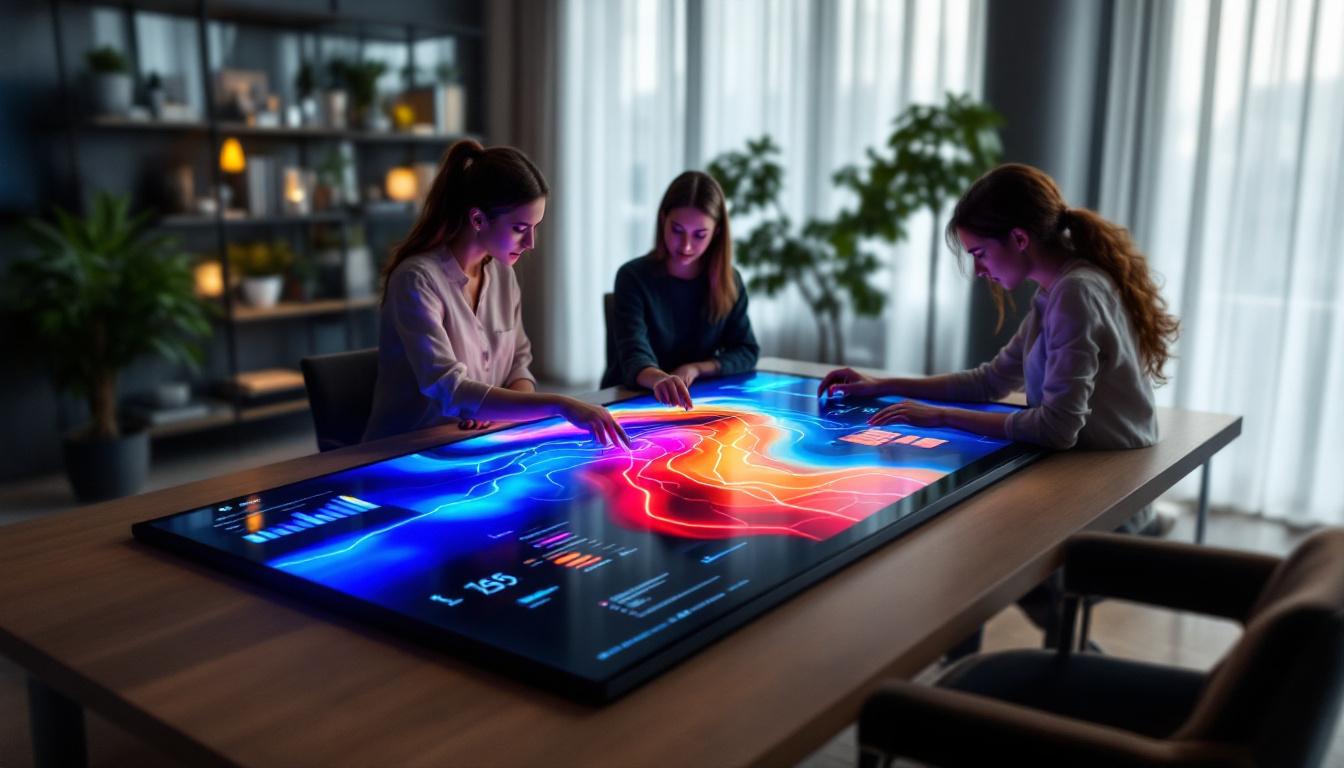
In the realm of modern design, architecture, and engineering, the integration of technology into workspace tools has transformed traditional workflows. One such innovation is the touch screen plan table equipped with LED displays. These devices combine the tactile interactivity of touchscreens with the clarity and vibrancy of LED technology to create a dynamic platform for reviewing, editing, and presenting plans and blueprints.
This article delves into the intricacies of touch screen plan tables with LED displays, exploring how they function, their benefits, and why they are becoming indispensable in professional environments. Whether you are an architect, engineer, or project manager, understanding the technology behind these tables can help you leverage them effectively in your work.
Understanding the Touch Screen Plan Table
What Is a Touch Screen Plan Table?
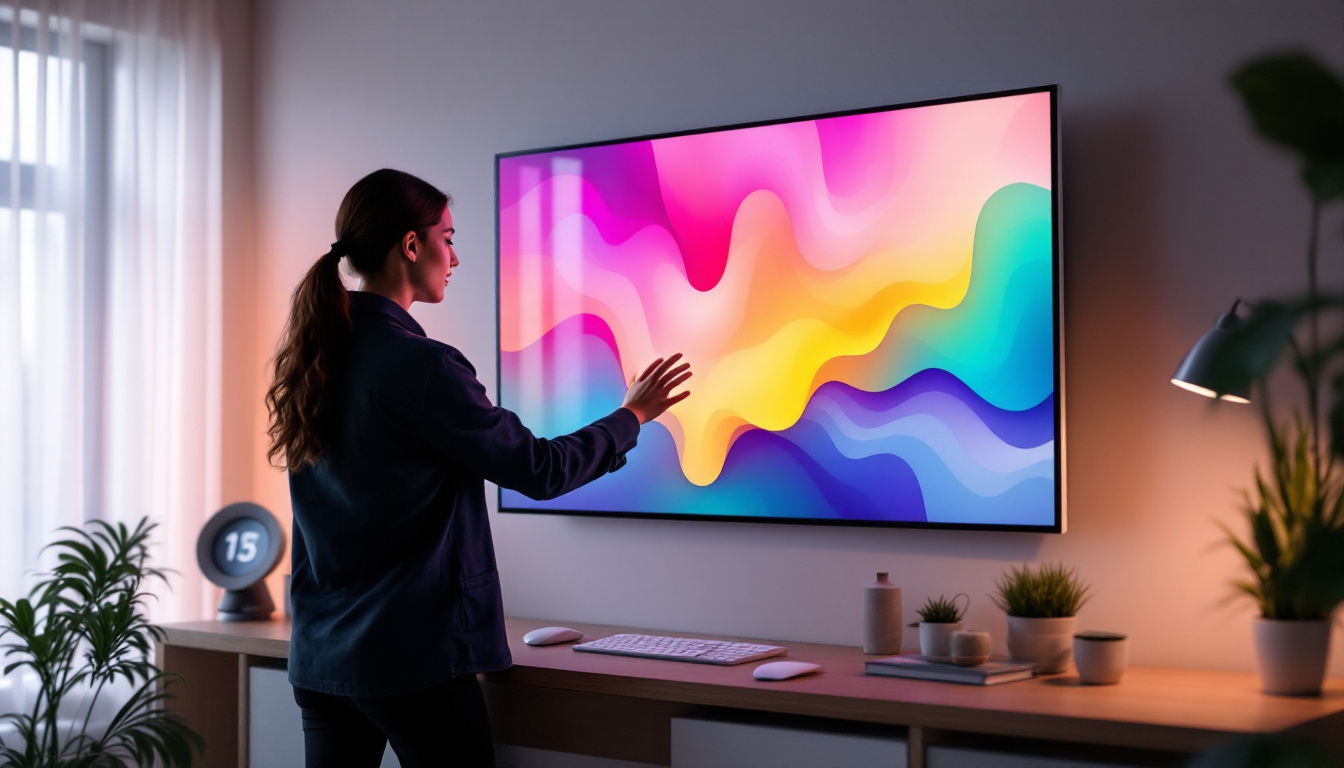
A touch screen plan table is essentially a large, interactive display surface designed for viewing and manipulating digital plans, blueprints, and other technical drawings. Unlike conventional flat tables, these tables incorporate touch-sensitive screens that allow users to zoom, rotate, annotate, and navigate documents intuitively using fingers or styluses.
Typically, these tables are designed with a horizontal or slightly inclined surface to mimic the experience of working on a traditional drafting table. They are often used in collaborative environments where multiple users can interact simultaneously, facilitating real-time discussions and modifications. This interactivity not only enhances the workflow but also encourages creativity, as users can easily share ideas and visualize changes on the spot. The tactile nature of touch screen technology allows for a more engaging experience, making it easier to grasp complex concepts and designs during meetings or presentations.
Moreover, many touch screen plan tables come equipped with advanced software that supports various file formats, enabling users to import and export designs seamlessly. This versatility makes them invaluable tools in industries such as architecture, engineering, and construction, where precision and collaboration are paramount. The ability to save and retrieve previous versions of plans also adds a layer of convenience, allowing teams to track changes and revert to earlier designs if necessary.
The Role of LED Displays in Plan Tables
LED (Light Emitting Diode) displays have become the preferred technology for touch screen plan tables due to their superior brightness, color accuracy, and energy efficiency. Unlike older LCD panels that rely on fluorescent backlighting, LED displays use light-emitting diodes to illuminate the screen, resulting in sharper images and better contrast ratios.
In plan tables, this means that intricate details in architectural drawings, such as fine lines and subtle shading, are rendered with exceptional clarity. The enhanced brightness also ensures visibility in various lighting conditions, including brightly lit offices or construction sites. This capability is particularly beneficial during collaborative sessions, where multiple stakeholders may need to view the same screen from different angles. The wide viewing angles offered by LED technology ensure that everyone can see the details without straining their eyes or adjusting their positions.
Additionally, LED displays are known for their longevity and durability, which is crucial in environments where the equipment may be subject to frequent use and potential wear and tear. Many modern touch screen plan tables also incorporate anti-glare and scratch-resistant coatings, further enhancing their usability in diverse settings. This combination of durability and high performance makes LED-equipped touch screen plan tables a smart investment for businesses looking to improve their design processes and collaborative efforts.
Key Features of LED Touch Screen Plan Tables
High Resolution and Color Accuracy
One of the most critical features of LED touch screen plan tables is their high resolution. Many models offer 4K Ultra HD resolution or higher, enabling users to view plans with incredible detail without losing clarity when zooming in. This level of precision is vital for professionals who need to examine complex schematics or engineering details.
Color accuracy is equally important, especially when plans include color-coded elements or when collaborating with clients who rely on visual cues. LED technology supports a wide color gamut, ensuring that colors appear true to life and consistent across different devices.
Multi-Touch Capability and Responsiveness
Modern touch screen plan tables support multi-touch gestures, allowing multiple users to interact with the screen simultaneously. This is particularly useful during team meetings or client presentations where several stakeholders may want to highlight different aspects of a plan at the same time.
Responsiveness is another crucial factor. The touch sensors in these tables are designed to detect even the lightest touch with minimal latency, providing a smooth and natural user experience. This responsiveness can significantly improve productivity by reducing frustration and enabling fluid navigation through complex documents.
Durability and Ergonomic Design
Given their use in professional settings, touch screen plan tables are built to withstand frequent use and occasional rough handling. Many models feature tempered glass surfaces that resist scratches, impacts, and spills. This durability ensures longevity and maintains the table’s visual clarity over time.
Ergonomics also play a vital role. Adjustable height and tilt options help users maintain comfortable postures during extended work sessions, reducing fatigue and enhancing focus. Some tables incorporate anti-glare coatings to minimize eye strain, especially under harsh lighting conditions.
Applications and Benefits in Professional Settings
Architecture and Urban Planning
For architects and urban planners, touch screen plan tables revolutionize the way designs are reviewed and modified. Instead of relying on printed blueprints, professionals can interact with digital models, making real-time changes and instantly visualizing the impact on the overall design.
This technology also facilitates collaboration with clients and contractors, allowing stakeholders to explore different design options interactively. The ability to overlay multiple layers of information—such as zoning data, environmental impact assessments, and infrastructure plans—enhances decision-making and project accuracy.
Engineering and Construction Management
Engineers benefit from the precision and interactivity of LED touch screen plan tables when working on complex mechanical, electrical, or civil engineering projects. The tables enable detailed inspections of schematics, wiring diagrams, and structural plans without the need for cumbersome paper documents.
In construction management, these tables serve as centralized hubs for project coordination. Teams can access up-to-date plans, track progress, and identify potential issues early by annotating directly on the digital documents. This reduces errors and streamlines communication across different departments.
Education and Training
Educational institutions and training centers are increasingly adopting touch screen plan tables to enhance learning experiences in fields like architecture, engineering, and design. The interactive nature of these tables encourages hands-on engagement, allowing students to experiment with designs and receive immediate feedback.
Moreover, the ability to simulate real-world scenarios and visualize complex concepts in 3D helps bridge the gap between theory and practice. This immersive approach to education prepares students more effectively for professional challenges.
Technical Considerations When Choosing a Touch Screen Plan Table
Screen Size and Resolution
The size of the touch screen plan table should correspond to the typical scale of the projects being handled. Larger screens—ranging from 32 inches to over 60 inches—offer ample workspace for detailed plans and collaborative sessions. However, they also require more physical space and may be less portable.
Resolution is equally important. Higher resolutions provide finer detail, but they also demand more powerful hardware to maintain smooth performance. When selecting a table, it’s essential to balance screen size, resolution, and processing capabilities to meet specific workflow needs.
Touch Technology and Input Methods
There are several types of touch technologies used in plan tables, including capacitive, infrared, and optical touch. Capacitive touchscreens are the most common and offer high sensitivity and accuracy, supporting multi-touch gestures and stylus input.
Some tables also support advanced input methods such as pressure sensitivity and palm rejection, which are particularly beneficial for detailed drawing and annotation tasks. Compatibility with various styluses and digital pens can enhance precision and user comfort.
Connectivity and Software Integration
Connectivity options like USB, HDMI, Wi-Fi, and Bluetooth are essential for integrating the plan table with other devices and networks. Seamless connectivity allows for easy sharing of files, remote collaboration, and integration with project management tools.
Software compatibility is another critical factor. The table should support industry-standard design and CAD software, as well as annotation and presentation applications. Some manufacturers offer proprietary software tailored to maximize the functionality of their hardware, which can be a valuable addition.
Future Trends in Touch Screen Plan Tables with LED Displays
Incorporation of Augmented Reality (AR) and Virtual Reality (VR)
The convergence of touch screen plan tables with AR and VR technologies is poised to redefine how professionals interact with digital plans. By overlaying virtual elements onto physical models or immersive environments, users can gain deeper insights into spatial relationships and design implications.
For example, architects may use AR-enabled plan tables to visualize how a building will look in its actual environment, while engineers could simulate structural stress tests in VR. These advancements promise to enhance precision, reduce errors, and foster more innovative design solutions.
Enhanced Collaboration Through Cloud Integration
Cloud-based platforms are becoming integral to collaborative workflows, enabling teams to access and edit plans from anywhere in real-time. Future touch screen plan tables are expected to offer tighter integration with cloud services, supporting seamless synchronization and version control.
This evolution will facilitate more flexible work arrangements, allowing distributed teams to collaborate as effectively as those in the same physical space. It also reduces the risk of data loss and ensures that all stakeholders are working with the most current information.
Energy Efficiency and Sustainability
As sustainability becomes a priority across industries, manufacturers are focusing on energy-efficient LED displays and environmentally friendly materials in plan tables. Advances in LED technology continue to reduce power consumption while maintaining high performance.
Additionally, modular designs that allow for easy upgrades and repairs contribute to longer product lifecycles, minimizing electronic waste. These considerations align with corporate social responsibility goals and can be a deciding factor for organizations committed to green practices.
Conclusion
Touch screen plan tables with LED displays represent a significant leap forward in how professionals engage with digital plans and designs. Their combination of high-resolution LED screens, responsive touch technology, and ergonomic design creates a powerful tool that enhances productivity, collaboration, and accuracy across architecture, engineering, construction, and education sectors.
By understanding the technical features, applications, and emerging trends of these devices, organizations can make informed decisions that optimize their workflows and foster innovation. As technology continues to evolve, touch screen plan tables will undoubtedly become even more integral to the way plans are created, reviewed, and realized.
Discover LumenMatrix’s Advanced LED Display Solutions
Ready to elevate your professional space with the latest in LED display technology? LumenMatrix offers a comprehensive range of innovative LED display solutions tailored to meet the demands of modern architecture, engineering, construction, and education sectors. From interactive touch screen plan tables to immersive indoor and outdoor LED walls, our products are designed to enhance collaboration, increase engagement, and bring your digital plans to life with unparalleled clarity and precision. Check out LumenMatrix LED Display Solutions today and experience the future of visual communication.