Understanding display resolution is essential in today’s digital world, especially when it comes to LED displays. Whether you are selecting a new television, designing a digital billboard, or optimizing a computer monitor, knowing how to find and interpret display resolution can significantly impact your viewing experience and the effectiveness of your display. This article provides a comprehensive guide to understanding LED display resolution, how to find it, and why it matters.
What Is Display Resolution?
Display resolution refers to the number of distinct pixels that can be displayed on a screen, typically measured in width × height (e.g., 1920×1080). Pixels are the tiny dots that make up the images on your screen, and the resolution determines the clarity and detail of the visuals.
Higher resolution means more pixels, which translates to sharper images and more detailed content. For example, a 4K display has a resolution of 3840×2160 pixels, offering four times the pixel count of a Full HD (1920×1080) screen. This increase in pixels allows for more precise images, better color depth, and an overall improved viewing experience. As technology evolves, we are also seeing the emergence of even higher resolutions, such as 8K (7680×4320), which further enhances the visual experience by providing an astounding level of detail that can be particularly beneficial for large screens and immersive environments.
Why Resolution Matters for LED Displays
LED (Light Emitting Diode) displays are widely used in various applications, from smartphones and TVs to large outdoor advertising screens. The resolution of an LED display directly affects image sharpness, readability, and visual impact. For instance, a large LED billboard with low resolution may appear blurry or pixelated when viewed up close, while a high-resolution LED screen can deliver crisp, vibrant visuals even at close range. This is particularly important in crowded urban areas where viewers may be closer to the display, necessitating higher resolutions to maintain visual integrity.
In professional settings such as control rooms, digital signage, and event stages, the resolution must match the viewing distance and content requirements to ensure optimal visual performance. Moreover, the aspect ratio of the display also plays a crucial role in how content is presented. For example, widescreen formats are often preferred for cinematic content, while square or vertical formats may be more suitable for social media displays. The interplay between resolution, aspect ratio, and pixel density is essential for creating engaging and effective visual communications, ensuring that the audience receives the intended message with clarity and impact.
How to Find the Resolution of an LED Display
Finding the resolution of an LED display involves understanding both the physical characteristics of the screen and the technical specifications provided by the manufacturer. Here are several methods to determine the resolution:
1. Check the Device Specifications
The simplest way to find the resolution is by checking the product manual, packaging, or manufacturer’s website. Most LED displays list their native resolution clearly, as it is a key selling point. For example, a TV box might state “4K UHD (3840×2160) resolution,” or a digital signage display might specify “1920×1080 pixels.”
When shopping online, product descriptions and technical datasheets will usually include resolution details. This is the most reliable method since it comes directly from the source.
2. Use System Settings on Connected Devices
For LED monitors or TVs connected to computers or media players, the resolution can often be found through the device’s settings:
- Windows PC: Right-click on the desktop, select “Display settings,” and look for “Display resolution.” The current resolution will be shown, and recommended resolutions are usually marked.
- Mac: Open “System Preferences,” go to “Displays,” and check the “Resolution” section.
- Smart TVs: Navigate to the settings menu, often under “Display” or “Picture,” to find resolution information.
These methods reveal the resolution at which the device is currently operating, which may differ from the native resolution if settings have been changed.
3. Calculate Resolution from Pixel Pitch and Screen Size
For LED video walls or large-format LED displays, resolution can be calculated if you know the pixel pitch and the physical dimensions of the screen. Pixel pitch is the distance between the centers of two adjacent pixels, typically measured in millimeters (mm).
Formula:
Horizontal Resolution = Screen Width (mm) / Pixel Pitch (mm)
Vertical Resolution = Screen Height (mm) / Pixel Pitch (mm)
For example, if an LED display is 3 meters (3000 mm) wide with a pixel pitch of 5 mm, the horizontal resolution is:
3000 mm ÷ 5 mm = 600 pixels
If the height is 1.5 meters (1500 mm), the vertical resolution is:
1500 mm ÷ 5 mm = 300 pixels
Thus, the resolution is 600×300 pixels.
This method is particularly useful for custom or large-scale LED installations where the resolution is not explicitly stated.
4. Use Software Tools and Apps
There are several software utilities and mobile apps designed to detect and display screen resolution. These tools can be helpful for monitors and TVs connected to computers or smart devices. Examples include:
- DisplayInfo: Provides detailed information about connected displays.
- Speccy: A system information tool that reports monitor resolution among other hardware specs.
- Screen Resolution apps: Available on smartphones to identify the resolution of the device’s display.
While these tools are convenient, they rely on the device’s operating system and drivers to report accurate information.
Understanding Different Types of LED Display Resolutions
LED displays come in various resolutions tailored to specific uses. Understanding these categories helps in selecting the right display for your needs.
Standard Resolutions for Consumer LED Displays
Common LED display resolutions for consumer electronics include:
- HD (720p): 1280×720 pixels – Often found in budget TVs and smaller monitors.
- Full HD (1080p): 1920×1080 pixels – The most popular resolution for TVs, monitors, and laptops.
- Quad HD (1440p): 2560×1440 pixels – Common in high-end monitors and gaming displays.
- 4K UHD: 3840×2160 pixels – Increasingly standard for premium TVs and professional monitors.
- 8K UHD: 7680×4320 pixels – Emerging technology for ultra-high-definition displays.
These resolutions are standardized and supported by most media content, making them ideal for everyday use.
Resolution in Large-Scale LED Displays and Video Walls
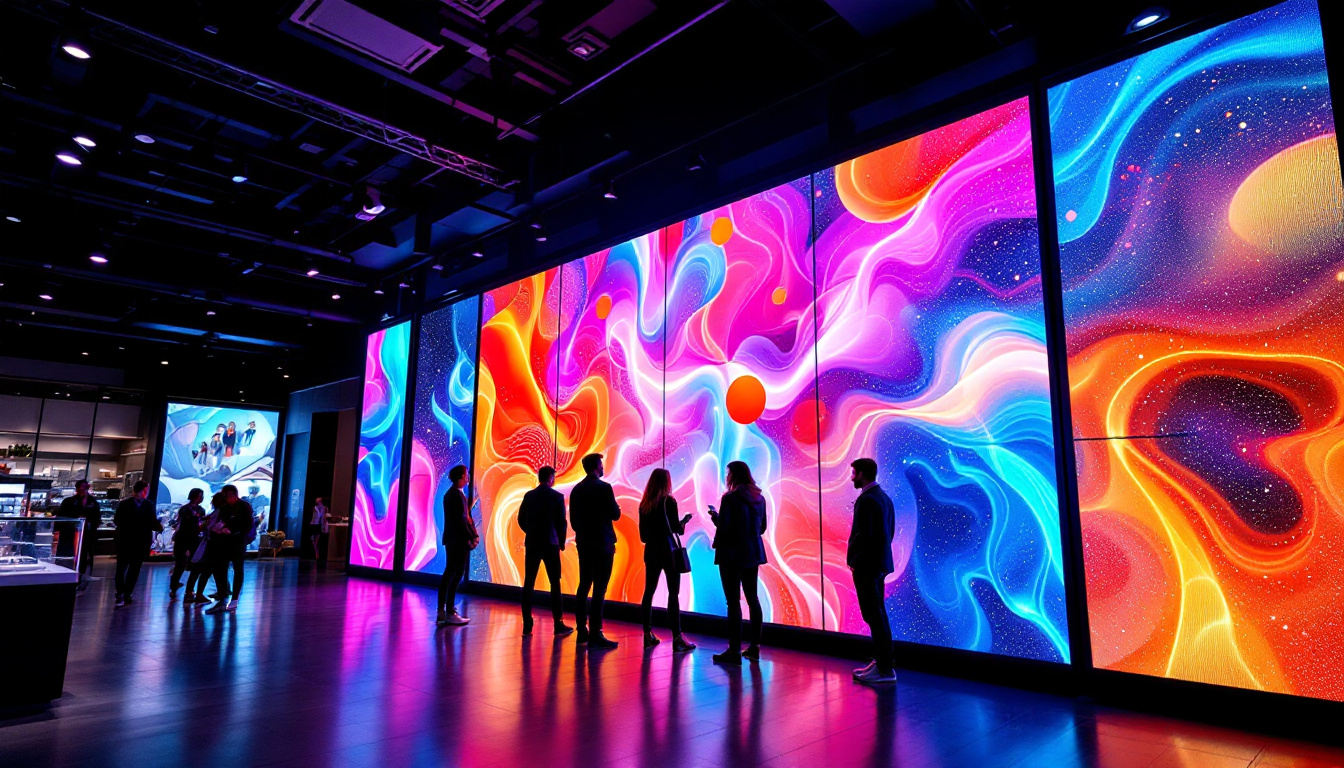
Large LED displays, such as those used in stadiums, concerts, and outdoor advertising, often do not conform to standard resolutions. Instead, they are defined by pixel pitch and total pixel count. For example, a stadium display might have a resolution of 1920×1080 but span over 100 square meters.
Because these displays are viewed from a distance, pixel pitch plays a more critical role than raw resolution. A smaller pixel pitch (e.g., 2 mm) means higher resolution and closer viewing capability, while larger pixel pitches (e.g., 10 mm or more) are suitable for distant viewing.
Why Knowing Your LED Display Resolution Is Important
Understanding and finding your LED display’s resolution is crucial for several reasons:
Optimizing Visual Quality
Using the correct resolution ensures that images and videos appear sharp and clear. Running a display at a resolution lower than its native resolution can cause blurriness and distortion. Conversely, setting a resolution higher than the display supports can result in scaling artifacts or black bars.
Matching Content to Display Capabilities
Content creators and advertisers must tailor their visuals to the resolution of the LED display. For example, a digital billboard designed for 1920×1080 pixels will not display correctly on a 1280×720 screen. Knowing the resolution helps in producing content that fits perfectly, avoiding stretching or cropping.
Enhancing User Experience
For consumer electronics, selecting a display with an appropriate resolution affects eye comfort and usability. Higher resolutions reduce eye strain by providing smoother text and detailed images. Gamers, graphic designers, and video editors especially benefit from high-resolution LED monitors.
Cost and Performance Considerations
Higher resolution displays generally cost more and require more powerful hardware to drive them effectively. For large LED installations, choosing the right resolution balances visual quality with budget and technical constraints. Understanding resolution helps in making informed decisions that meet both performance and financial goals.
Tips for Choosing the Right LED Display Resolution
Selecting the right resolution depends on the intended use, viewing distance, and budget. Here are some tips to guide your choice:
Consider Viewing Distance
The farther the audience is from the display, the lower the resolution (or larger the pixel pitch) can be without sacrificing perceived image quality. For example, a billboard viewed from 100 meters can have a lower resolution than a monitor viewed from 50 centimeters.
Match Resolution to Content Type
High-definition video and detailed graphics require higher resolutions. If your content is primarily text-based or simple visuals, a lower resolution may suffice.
Balance Resolution with Screen Size
A very large screen with low resolution will look pixelated, while a small screen with ultra-high resolution may be unnecessarily expensive. Choose a resolution that complements the physical size of the display.
Check Compatibility with Devices and Software
Ensure that your media players, computers, or other input devices support the resolution of your LED display. Compatibility issues can limit your ability to use the display at its native resolution.
Conclusion
Finding and understanding the resolution of an LED display is a fundamental step in optimizing visual performance, whether for personal use, professional applications, or large-scale installations. By familiarizing yourself with resolution concepts, using the right tools to identify your display’s resolution, and considering factors like viewing distance and content type, you can select and utilize LED displays that deliver stunning, clear visuals tailored to your needs.
As LED technology continues to evolve, resolutions are becoming higher and more accessible, offering unprecedented image quality. Staying informed about display resolution empowers consumers and professionals alike to make smarter choices in an increasingly visual world.
Explore High-Resolution LED Displays with LumenMatrix
Ready to experience the ultimate in visual clarity and impact? LumenMatrix is at the forefront of LED display innovation, offering a wide array of solutions to meet your every need. From stunning Indoor and Outdoor LED Wall Displays to dynamic Vehicle and Sports LED Displays, our products are designed to captivate and engage. Discover the transformative power of our Floor LED Displays, Custom LED Solutions, All-in-One LED Displays, and LED Transparent Displays. Elevate your visual communication and share your message with the world in unparalleled detail. Check out LumenMatrix LED Display Solutions today and see the difference for yourself.