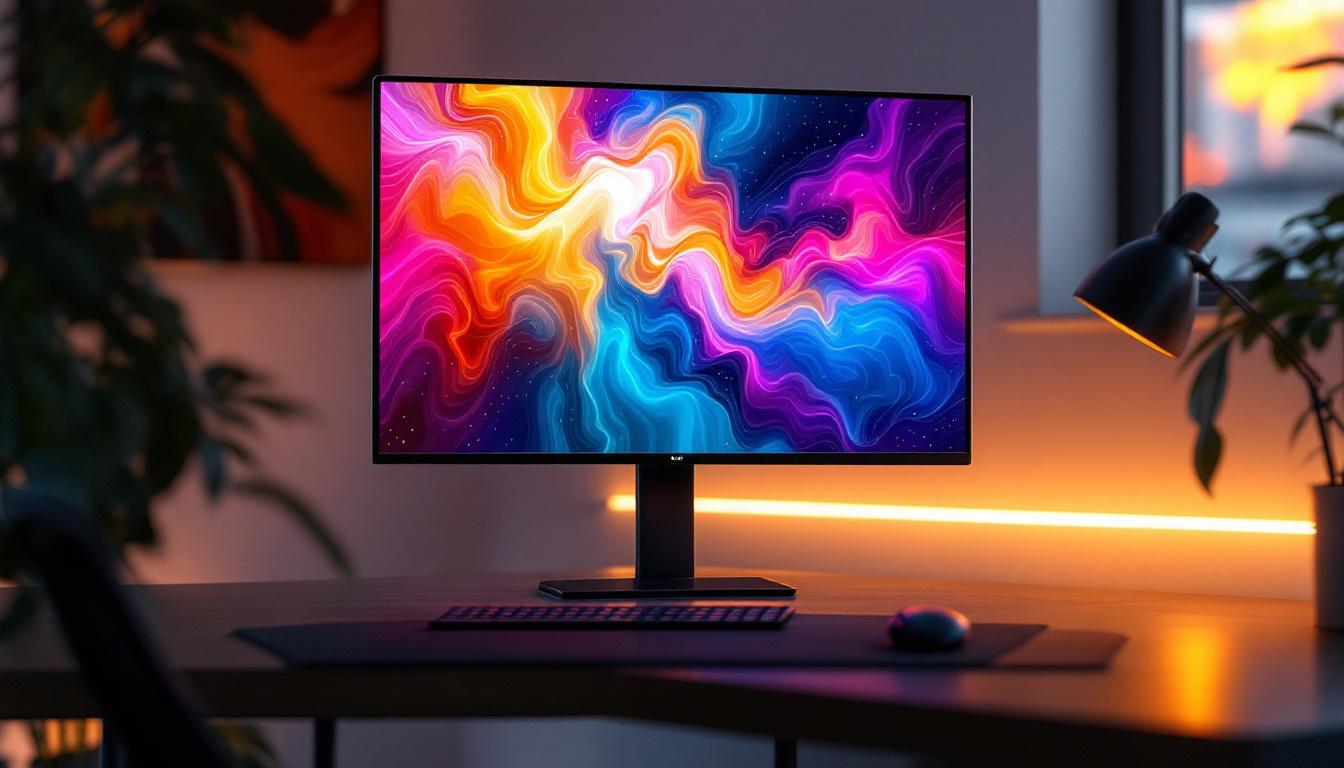
In the ever-evolving world of display technology, LED monitors have become a cornerstone for both professional and casual users. Whether for gaming, graphic design, or everyday office work, understanding the intricacies of LED displays can significantly influence your choice of monitor and how you set it up. This article delves into the details of LED display technology, focusing on its benefits, variations, and how it integrates with monitor stands, particularly the popular Monitor Stand 3.
Understanding LED Display Technology
Light Emitting Diode (LED) technology has revolutionized the way screens display images by providing brighter, more energy-efficient, and longer-lasting displays compared to traditional LCD screens. Unlike older LCDs that rely on cold cathode fluorescent lamps (CCFL) for backlighting, LED displays use an array of tiny LEDs to illuminate the screen, resulting in superior brightness and contrast. This innovation not only enhances the visual experience but also significantly reduces power consumption, making LED displays an environmentally friendly choice.
LED displays come in various forms, including edge-lit and full-array backlighting. Edge-lit LEDs position the diodes along the edges of the screen, allowing for thinner panels and lower manufacturing costs. Full-array LED backlighting, on the other hand, places LEDs directly behind the screen, enabling localized dimming and better contrast ratios. This distinction is crucial for users who prioritize color accuracy and deep blacks, such as photographers and video editors. Furthermore, the advancements in LED technology have led to the development of HDR (High Dynamic Range) capabilities, which can display a wider range of colors and brightness levels, further enhancing the viewing experience.
Types of LED Displays
There are primarily three types of LED displays used in monitors:
- Standard LED: These are traditional LED-backlit LCDs that offer good brightness and color but lack the advanced dimming features.
- Quantum Dot LED (QLED): Incorporating quantum dots, these displays provide enhanced color accuracy and brightness, making them popular in high-end monitors.
- Mini-LED: A newer technology that uses thousands of tiny LEDs for backlighting, offering superior contrast and HDR performance.
Choosing between these depends on your specific needs and budget, but understanding these distinctions can help you make an informed decision. Additionally, as the market evolves, new technologies such as MicroLED are emerging, which promise even greater flexibility and performance. MicroLED displays consist of microscopic self-emissive LEDs that can achieve incredible brightness and color depth without the need for backlighting, paving the way for ultra-thin and lightweight screens. This technology is particularly exciting for applications in virtual and augmented reality, where immersive visual experiences are paramount.
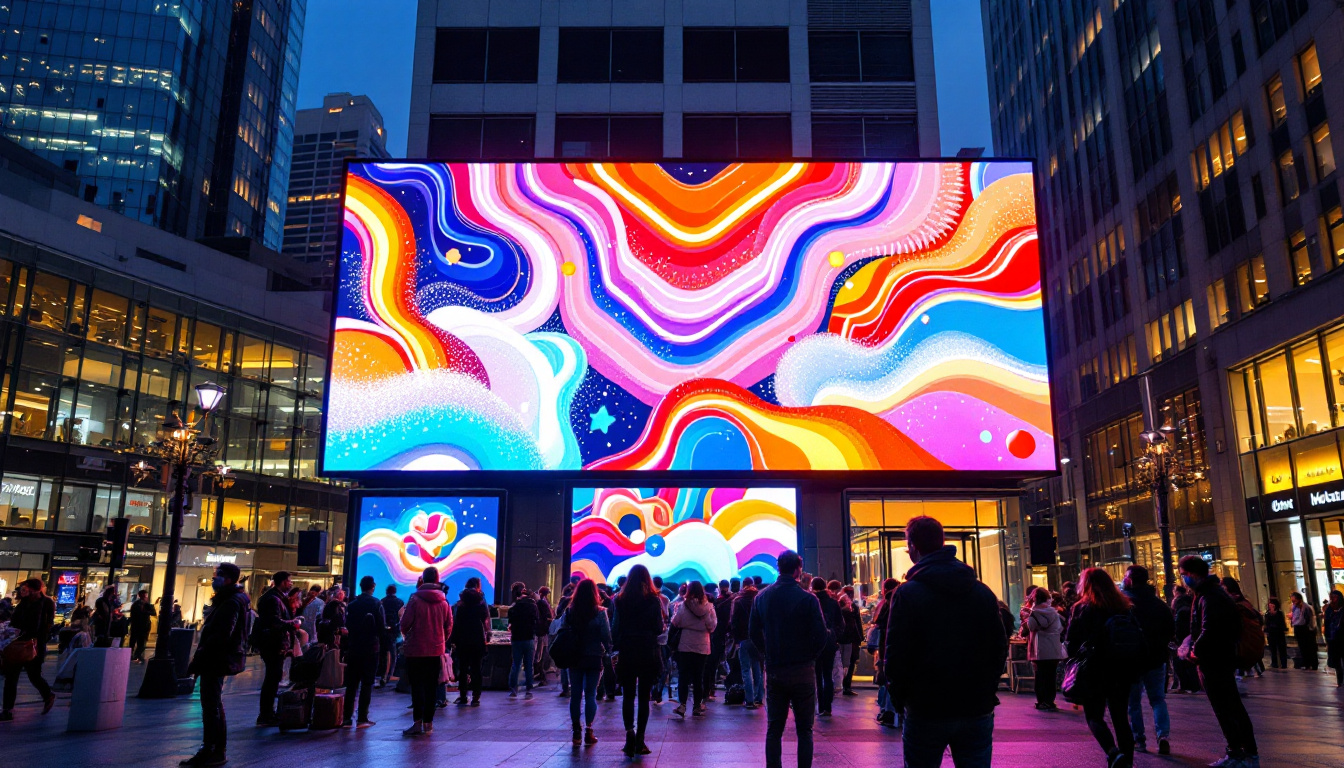
Moreover, the application of LED technology extends beyond just monitors and televisions. It is increasingly being utilized in various sectors, including automotive displays, digital signage, and even architectural lighting. The versatility of LED technology allows for creative installations that can adapt to different environments and use cases, showcasing vibrant colors and dynamic visuals that capture attention. As LED technology continues to advance, we can expect to see even more innovative applications that enhance our daily lives and redefine the way we interact with visual media.
The Role of Monitor Stands in LED Display Performance
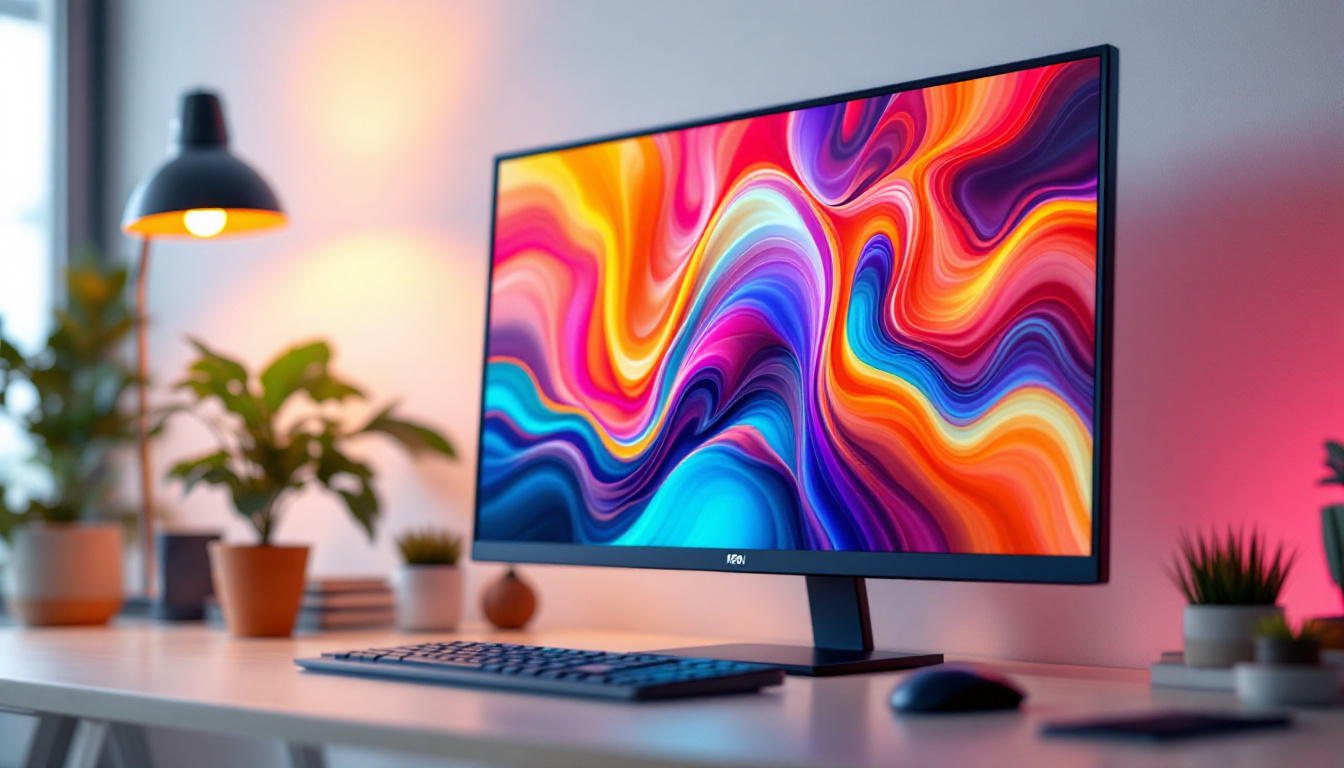
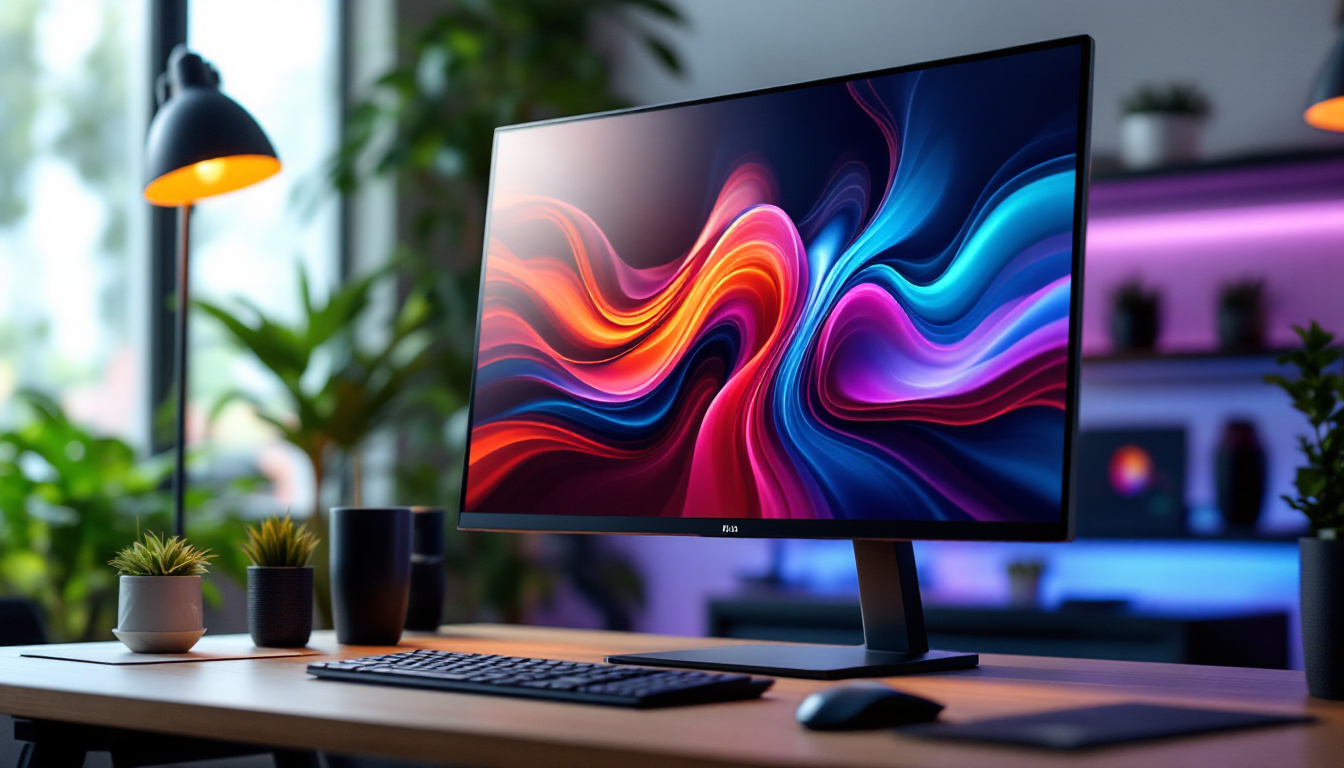
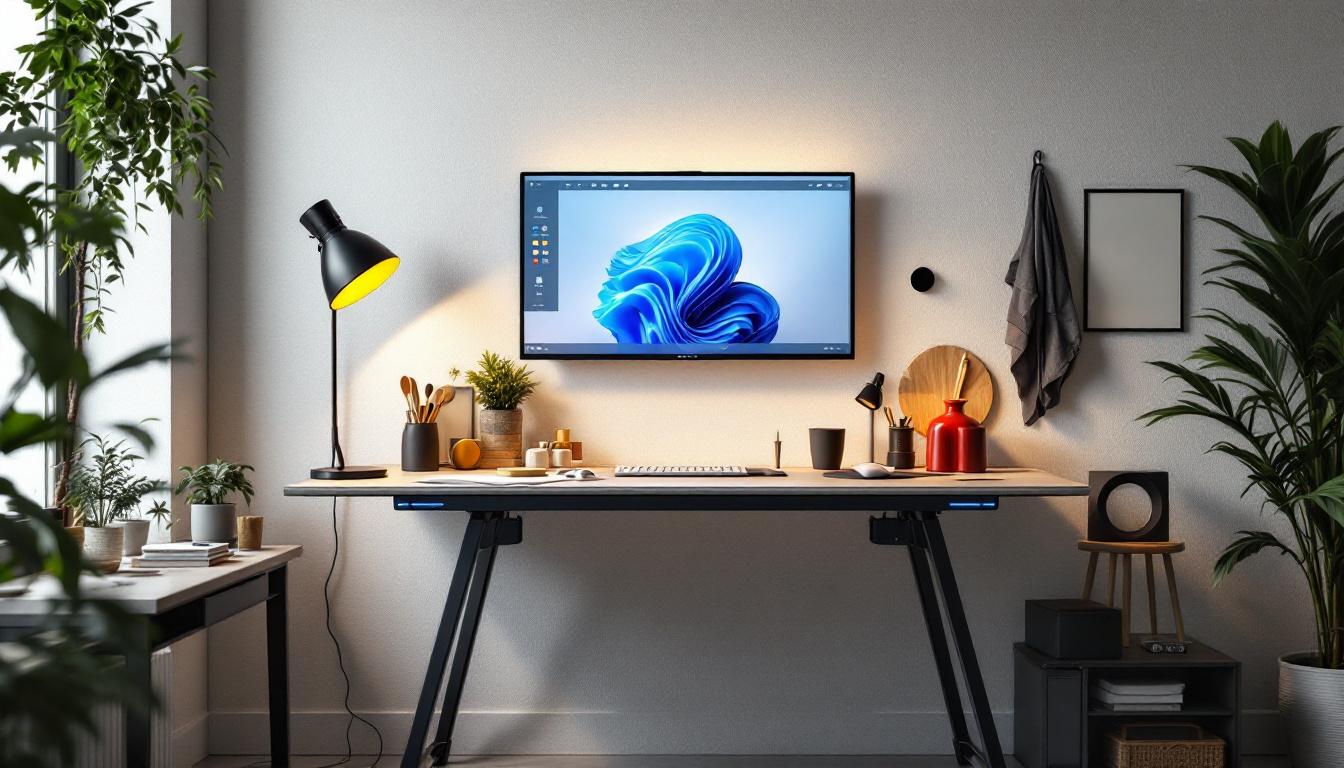
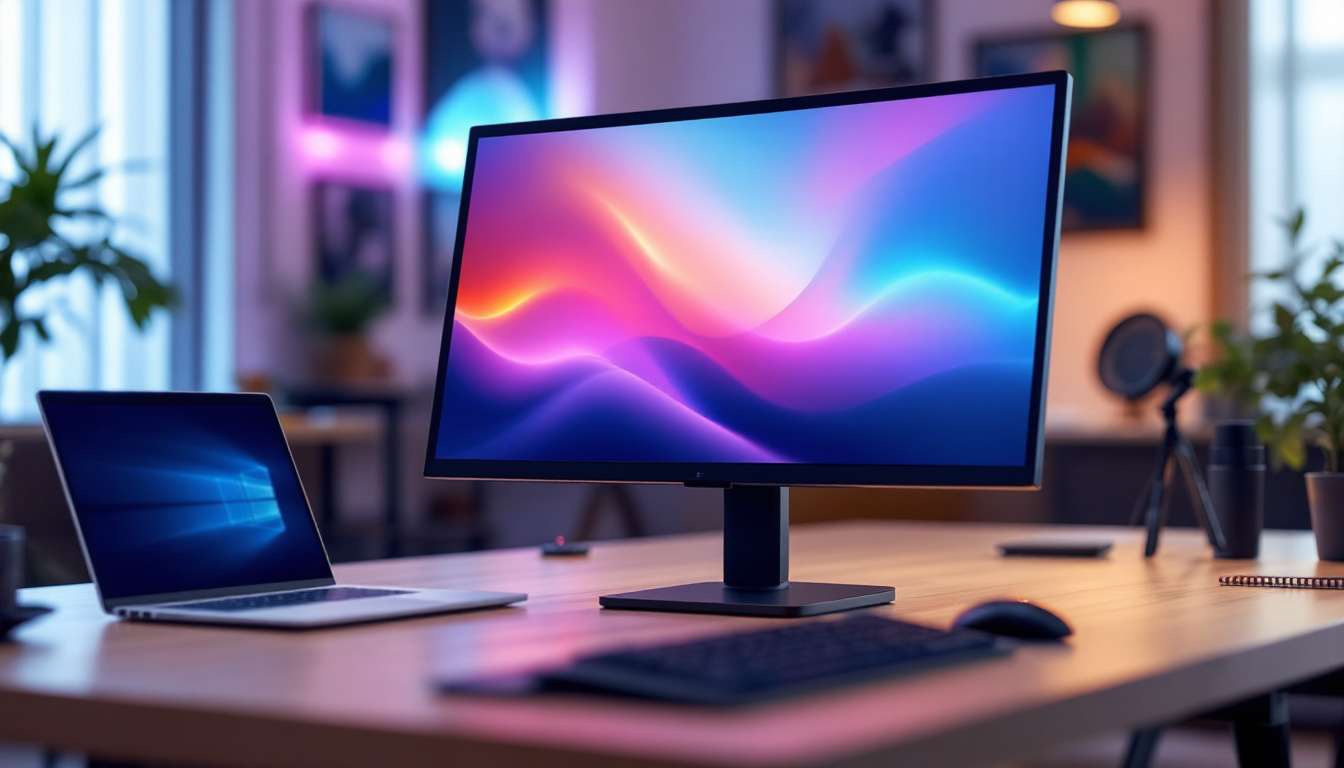
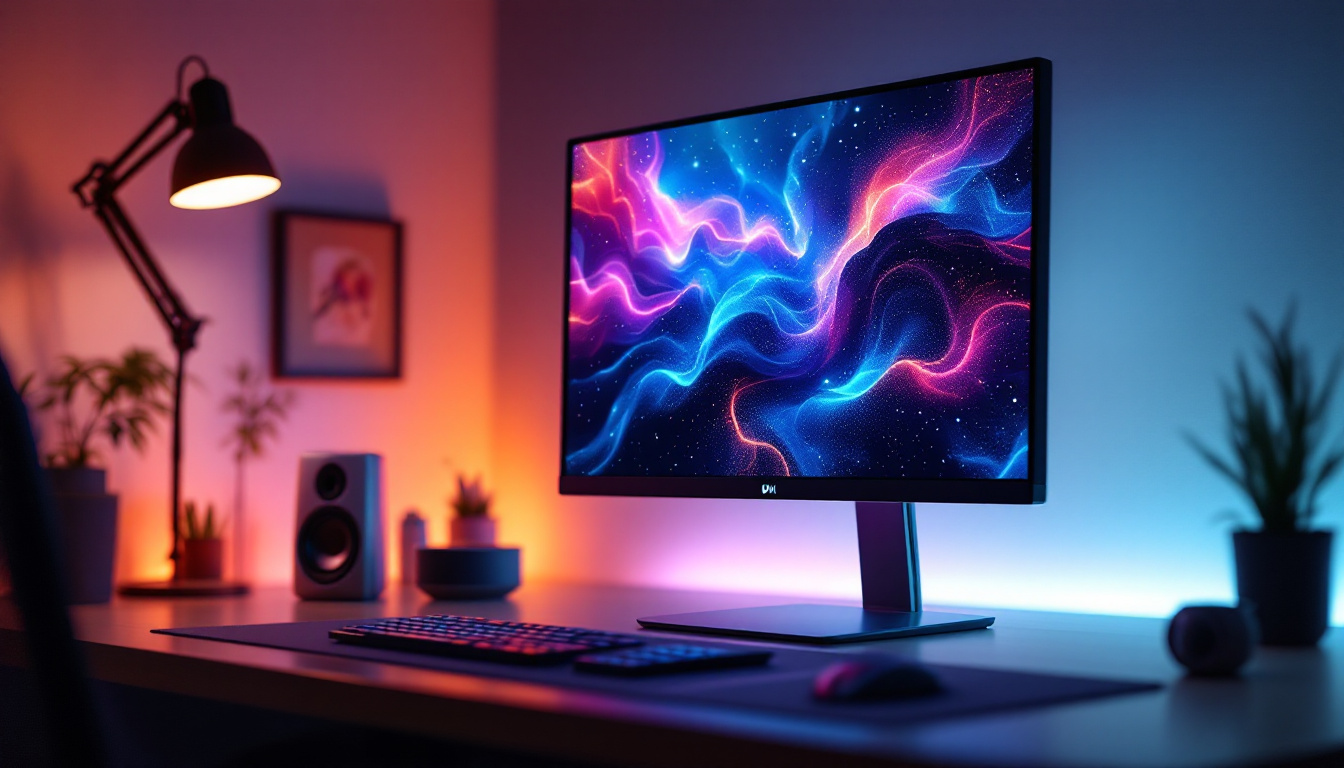
While the display technology itself is critical, the physical setup of your monitor can dramatically affect your viewing experience. Monitor stands, such as the Monitor Stand 3, are designed to enhance ergonomics and optimize the position of your LED display for comfort and productivity.
Ergonomics is not just about comfort; it also impacts your health and efficiency. Poor monitor positioning can lead to neck strain, eye fatigue, and headaches. A well-designed stand allows for height adjustment, tilt, swivel, and sometimes rotation, ensuring that your LED display is perfectly aligned with your line of sight. This alignment is particularly important during long hours of work or gaming, as it helps to maintain focus and reduce distractions caused by discomfort.
Monitor Stand 3 Features and Compatibility
The Monitor Stand 3 is engineered to support a wide range of LED monitors, including those with heavier panels such as Mini-LED and QLED displays. Its robust build quality ensures stability, preventing wobbling that can be distracting during detailed work or gaming sessions. The stand is not only functional but also aesthetically pleasing, with a sleek design that complements modern office setups and gaming stations alike.
Key features include:
- Height Adjustment: Allows users to set the screen at eye level, reducing neck strain.
- Tilt and Swivel: Enables fine-tuning of the viewing angle to reduce glare and improve color perception.
- Rotation: Supports portrait and landscape orientations, which is particularly useful for coding or reading long documents.
- Cable Management: Keeps cables organized and out of sight, maintaining a clean workspace.
Its compatibility with VESA mounts ensures it can be used with most LED monitors on the market, making it a versatile choice for various setups. Beyond its technical features, the Monitor Stand 3 also promotes a more organized workspace, which can lead to increased productivity. By minimizing clutter and ensuring that all components are easily accessible, users can focus more on their tasks rather than on managing their environment.
Moreover, the Monitor Stand 3 is designed with sustainability in mind, utilizing eco-friendly materials that contribute to a reduced carbon footprint. This aspect is increasingly important for environmentally conscious consumers who seek to make responsible choices in their technology purchases. The stand’s durability means it will last for years, further reducing waste and the need for frequent replacements. As such, investing in a quality monitor stand not only enhances your viewing experience but also aligns with a commitment to sustainability.
Why LED Display Quality Matters for Different Use Cases
Not all LED displays are created equal, and the quality of the panel can significantly influence your experience depending on your primary use case. Understanding these differences helps in selecting the right monitor and stand combination.
Professional Creative Work
For graphic designers, photographers, and video editors, color accuracy and contrast are paramount. Monitors with full-array Mini-LED backlighting or QLED technology offer wider color gamuts and better HDR capabilities. These displays can reproduce colors more faithfully and handle subtle gradations in shadows and highlights, which is essential for professional-grade work.
Pairing such a monitor with an adjustable stand like Monitor Stand 3 allows precise positioning to minimize reflections and glare, which can distort color perception. Additionally, the ability to rotate the monitor into portrait mode can be advantageous for editing vertical content or reviewing long documents.
Gaming and Entertainment
Gamers benefit from LED displays with high refresh rates and low response times, features often found in LED monitors with advanced backlighting technologies. The brightness and contrast enhancements of Mini-LED and QLED displays contribute to immersive experiences, especially in HDR-supported games.
The Monitor Stand 3 supports quick adjustments, enabling gamers to find the optimal viewing angle during intense sessions. Stability is also crucial to prevent screen shake during rapid mouse movements or desk vibrations.
Office and Everyday Use
For general office work, LED displays provide crisp text and vibrant colors that reduce eye strain over long periods. While high-end backlighting technologies might not be necessary, features like flicker-free screens and blue light filters are beneficial.
Monitor Stand 3’s ergonomic adjustments help maintain good posture and comfort during extended work hours, which can improve productivity and reduce fatigue.
Energy Efficiency and Environmental Impact of LED Displays
One of the significant advantages of LED technology over older display types is its energy efficiency. LED monitors consume less power, which not only reduces electricity bills but also lessens environmental impact. According to a 2023 report by the International Energy Agency, LED-backlit displays use up to 40% less energy compared to CCFL-backlit LCDs.
This efficiency is particularly important in corporate environments where hundreds or thousands of monitors may be in use simultaneously. Choosing LED displays with energy-saving features, combined with smart usage habits, can contribute to substantial energy savings.
Recycling and Sustainability Considerations
As technology advances, sustainability becomes a priority. LED monitors generally have longer lifespans, reducing electronic waste. However, proper recycling of electronic components is essential to minimize environmental harm. Many manufacturers now offer take-back programs and use recyclable materials in their products.
When selecting a monitor and stand, considering the environmental policies of the manufacturer can be an important factor for eco-conscious consumers.
Future Trends in LED Display Technology
The LED display market continues to innovate rapidly. Emerging technologies promise even better performance and new form factors. Some of the notable trends include:
Micro-LED Displays
Micro-LED technology takes the LED concept further by using microscopic LEDs as individual pixels. This approach offers unparalleled brightness, contrast, and energy efficiency while eliminating some limitations of OLED displays, such as burn-in. Although still in early stages for consumer monitors, Micro-LED is expected to become mainstream in the next few years.
Flexible and Transparent Displays
Advancements in LED technology are enabling flexible and transparent screens, opening new possibilities for monitor design and usage. Imagine monitors that can curve or fold, or integrated transparent displays used in augmented reality applications. These innovations will likely redefine how users interact with their screens.
Integration with Smart Technologies
Smart monitors with built-in AI features, voice control, and adaptive brightness adjustments are becoming more common. LED displays provide the perfect platform for these advancements due to their fast response times and high-quality image rendering.
Conclusion: Maximizing Your LED Display Experience with Monitor Stand 3
Understanding LED display technology is essential for selecting the right monitor for your needs, whether for professional, gaming, or everyday use. The quality of the LED panel, combined with the ergonomic and functional benefits of a well-designed monitor stand like Monitor Stand 3, can dramatically enhance your viewing comfort and productivity.
By investing in advanced LED displays and pairing them with adaptable stands, users can enjoy superior image quality, reduce physical strain, and create a workspace that supports both health and efficiency. As LED technology continues to evolve, staying informed about the latest developments will ensure that your setup remains cutting-edge and future-proof.
Discover LumenMatrix’s Advanced LED Solutions
Ready to elevate your visual experience with the latest in LED technology? Look no further than LumenMatrix, a pioneer in crafting immersive LED display modules tailored for a variety of applications. From vibrant Indoor and Outdoor LED Wall Displays to dynamic Vehicle and Sports LED Displays, LumenMatrix offers an extensive range of solutions to meet your specific needs. Embrace the future of visual communication with our innovative All-in-One and Custom LED Displays, designed to captivate and engage your audience. Check out LumenMatrix LED Display Solutions today and transform your space into a hub of creativity and efficiency.