In today’s rapidly evolving digital landscape, touchscreen monitors have become integral tools for both professional and personal use. Among the various sizes available, the 27-inch touchscreen monitor strikes a perfect balance between screen real estate and desk space, making it a popular choice across industries. Central to the performance and visual quality of these monitors is the LED display technology they employ. This article delves into the intricacies of 27-inch touchscreen monitors with LED displays, explaining their technology, benefits, and practical applications.
Understanding the Basics: What is a 27-Inch Touchscreen Monitor?
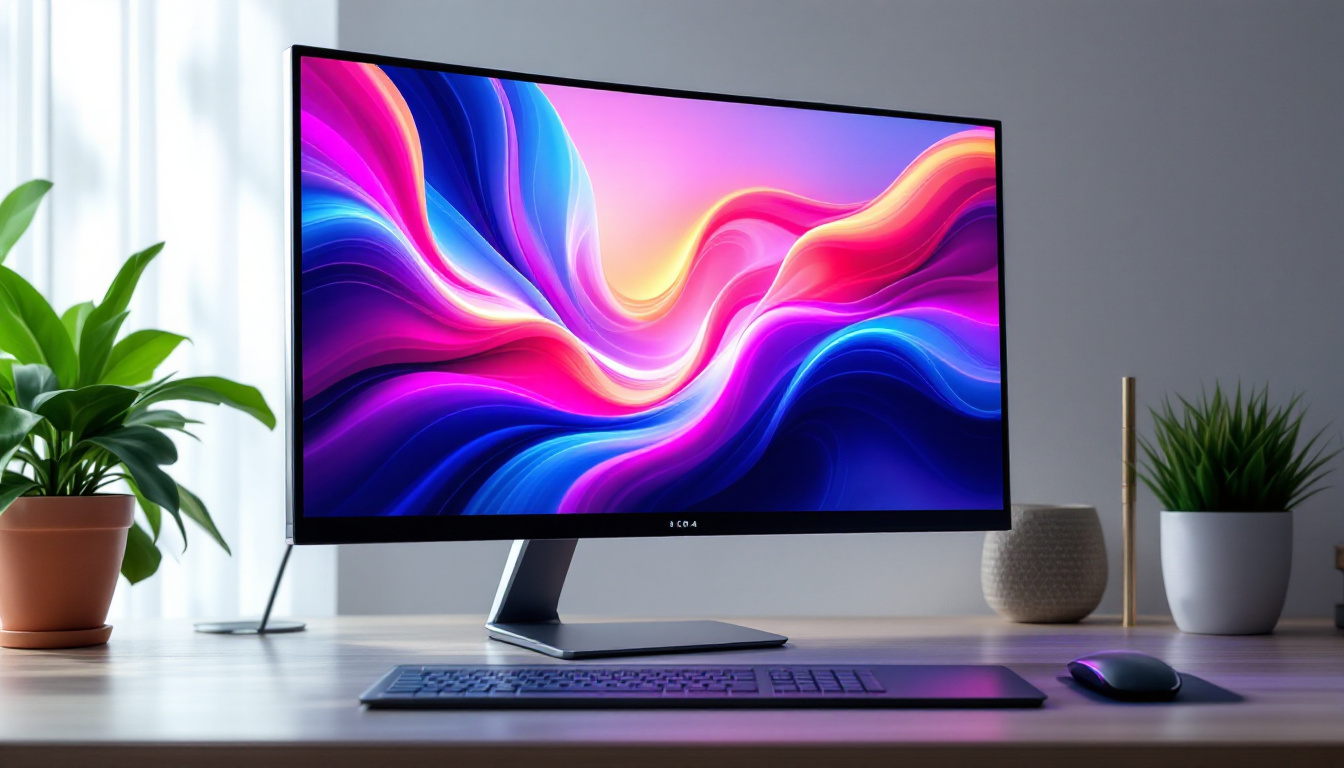
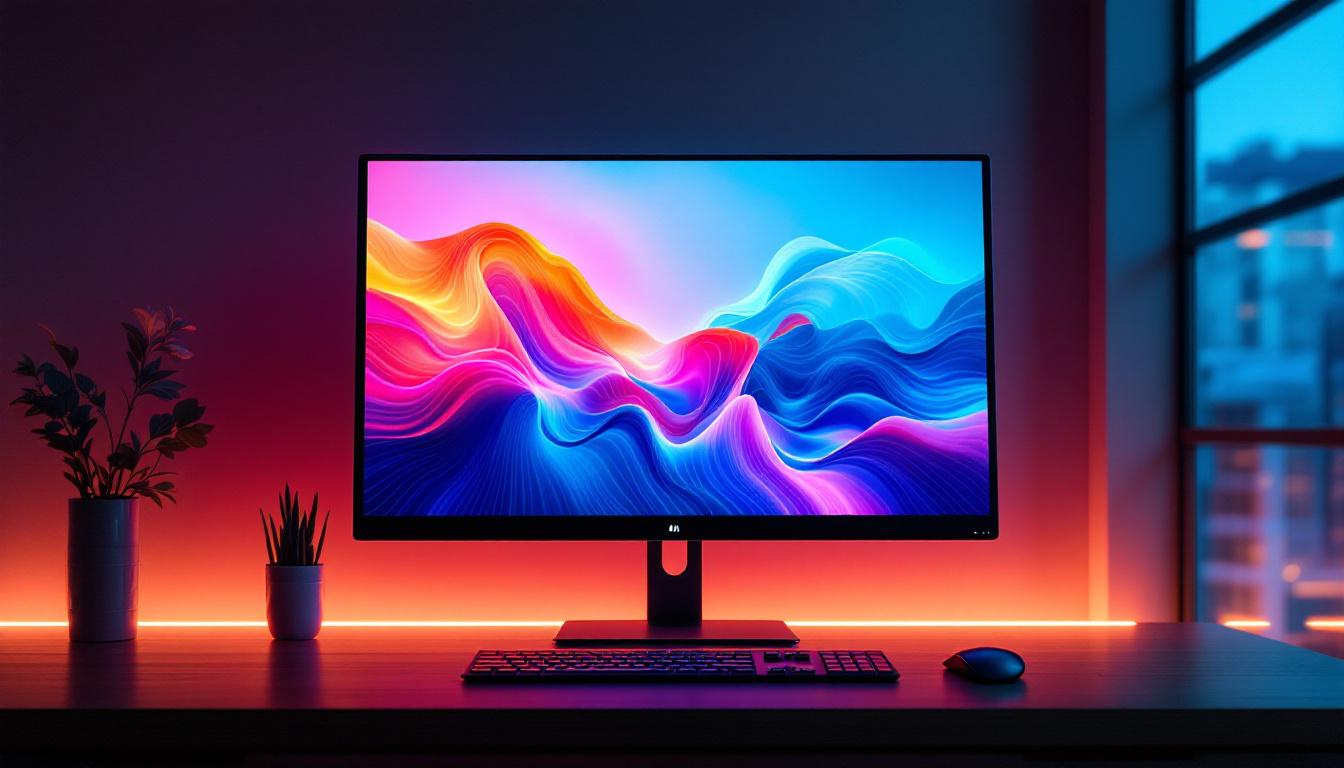
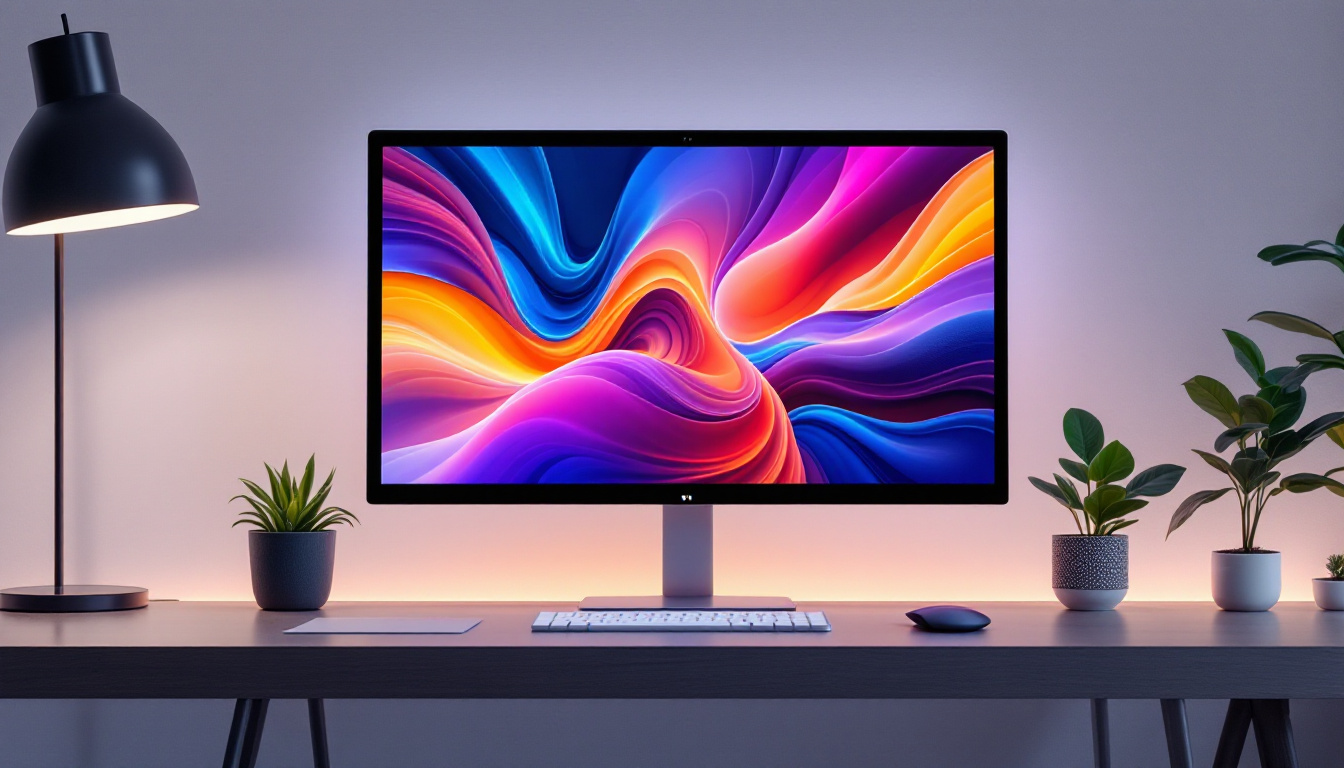
A 27-inch touchscreen monitor refers to a display device with a diagonal screen measurement of 27 inches that allows users to interact directly with the screen using touch input. Unlike traditional monitors that rely solely on peripherals like a mouse and keyboard, touchscreen monitors enable intuitive gestures such as tapping, swiping, and pinching to zoom.
The 27-inch size is particularly favored because it offers ample workspace without overwhelming the user’s desk. This size is large enough to comfortably view multiple windows or detailed content, yet compact enough for most office and home environments. When combined with touchscreen capability, these monitors enhance productivity and user engagement. They are particularly useful in settings such as design studios, where artists can sketch directly on the screen, or in educational environments, where interactive lessons can be conducted with ease.
Common Touch Technologies Used
Touchscreen monitors typically employ one of several technologies to detect touch inputs:
- Capacitive Touch: This technology uses the electrical properties of the human body to detect touch. It is highly responsive and supports multi-touch gestures, making it common in consumer devices.
- Resistive Touch: Using pressure-sensitive layers, resistive touchscreens register input when the layers are pressed together. They are durable and work with any pointing device but generally lack multi-touch functionality.
- Infrared Touch: Infrared sensors detect touch by interrupting light beams across the screen surface. These are highly durable and support multi-touch but can be more expensive.
Most modern 27-inch touchscreen monitors utilize capacitive technology due to its responsiveness and support for multiple simultaneous touch points. This makes them ideal for applications that require precision, such as graphic design or data visualization. Additionally, many of these monitors come equipped with advanced features like anti-glare coatings and high-resolution displays, which enhance the overall user experience. With the rise of remote work and digital collaboration, the demand for touchscreen monitors has surged, as they facilitate seamless interaction during virtual meetings and presentations, allowing users to annotate documents or share ideas in real-time.
LED Display Technology: How It Works
The term “LED display” is often used to describe a type of LCD (Liquid Crystal Display) panel that uses Light Emitting Diodes (LEDs) as its backlighting source. This is distinct from OLED (Organic LED) technology, which is a self-emissive display type. Understanding this distinction is key when evaluating touchscreen monitors.
LCD vs. LED: Clarifying the Terminology
Traditional LCD monitors use cold cathode fluorescent lamps (CCFLs) for backlighting. LED displays replace these lamps with LEDs, which offer several advantages:
- Improved Brightness and Contrast: LEDs can produce brighter light and deeper blacks, enhancing overall image quality.
- Energy Efficiency: LED backlighting consumes less power compared to CCFLs, contributing to lower energy costs and environmental impact.
- Thinner Panels: LEDs are smaller and more flexible in arrangement, allowing manufacturers to design slimmer and lighter monitors.
In essence, an LED display is an LCD panel illuminated by LEDs rather than fluorescent lamps.
Types of LED Backlighting
LED backlighting in touchscreen monitors generally comes in two configurations:
- Edge-Lit LED: LEDs are positioned along the edges of the screen, and light is diffused across the panel. This design enables ultra-thin displays but may suffer from uneven brightness in some cases.
- Full-Array LED: LEDs are placed directly behind the entire screen, allowing for more uniform lighting and advanced features like local dimming, which enhances contrast by dimming parts of the screen independently.
For a 27-inch touchscreen monitor, edge-lit LED backlighting is common due to its cost-effectiveness and slim profile, though premium models may feature full-array LED for superior image quality.
Advantages of a 27-Inch LED Touchscreen Monitor
Combining a 27-inch display with LED technology and touchscreen capability offers a range of benefits that cater to diverse user needs.
Enhanced Visual Experience
LED backlighting improves brightness and color accuracy, which is crucial for tasks such as graphic design, video editing, and gaming. The larger 27-inch size allows users to view content in greater detail without straining their eyes. Additionally, many modern LED monitors support wide color gamuts and high dynamic range (HDR), further enriching the visual experience.
Improved Responsiveness and Interaction
Capacitive touchscreens on LED monitors provide smooth and precise touch input. This responsiveness is essential in environments like retail kiosks, healthcare, and education, where quick and accurate touch interaction enhances productivity and user satisfaction.
Energy Efficiency and Longevity
LED backlighting consumes significantly less power than older CCFL technology, reducing electricity bills and environmental impact. Moreover, LEDs have a longer lifespan, often exceeding 50,000 hours, which means the monitor remains bright and functional for many years.
Space-Saving and Sleek Design
The slim profile enabled by LED backlighting means the 27-inch touchscreen monitor fits well in modern workspaces. Its sleek design complements contemporary office aesthetics and allows for flexible mounting options, including wall mounts and adjustable arms.
Practical Applications of 27-Inch LED Touchscreen Monitors
The versatility of a 27-inch LED touchscreen monitor makes it suitable for a wide range of professional and personal uses.
Business and Productivity
In office environments, these monitors facilitate multitasking by allowing users to interact directly with applications, spreadsheets, and presentations. Touchscreen capabilities streamline workflows, especially in collaborative settings where multiple users may interact with the screen.
Industries such as finance, architecture, and engineering benefit from the large, high-resolution display that renders detailed data and designs clearly. The touch interface also supports quick annotations and adjustments.
Creative Work and Content Creation
Graphic designers, video editors, and digital artists find 27-inch LED touchscreen monitors invaluable. The combination of accurate color reproduction, high resolution, and touch input enables precise control over creative projects. Stylus support on some models further enhances drawing and editing capabilities.
Education and Training
Interactive learning is enhanced by touchscreen monitors that allow students and instructors to engage with educational content dynamically. The 27-inch size is ideal for classroom settings, providing visibility without overwhelming the space.
Retail and Hospitality
Touchscreen monitors serve as interactive kiosks, point-of-sale terminals, and information displays in retail and hospitality sectors. The bright, clear LED display ensures visibility even in well-lit environments, while touch input simplifies customer interactions.
Choosing the Right 27-Inch LED Touchscreen Monitor
Selecting the ideal monitor depends on several factors, including intended use, budget, and desired features.
Resolution and Display Quality
For most professional applications, a minimum resolution of 1920×1080 pixels (Full HD) is recommended. However, many 27-inch monitors now offer 2560×1440 (QHD) or even 4K UHD resolutions, providing sharper images and more screen real estate. Higher resolution is particularly beneficial for detailed work such as photo editing or CAD design.
Touchscreen Responsiveness and Accuracy
Look for monitors with high touch point support (at least 10 simultaneous touch points) and low latency to ensure smooth interaction. The type of touch technology (capacitive vs. resistive) should align with your usage needs—for instance, capacitive for multi-touch gestures and resistive for stylus input.
Connectivity Options
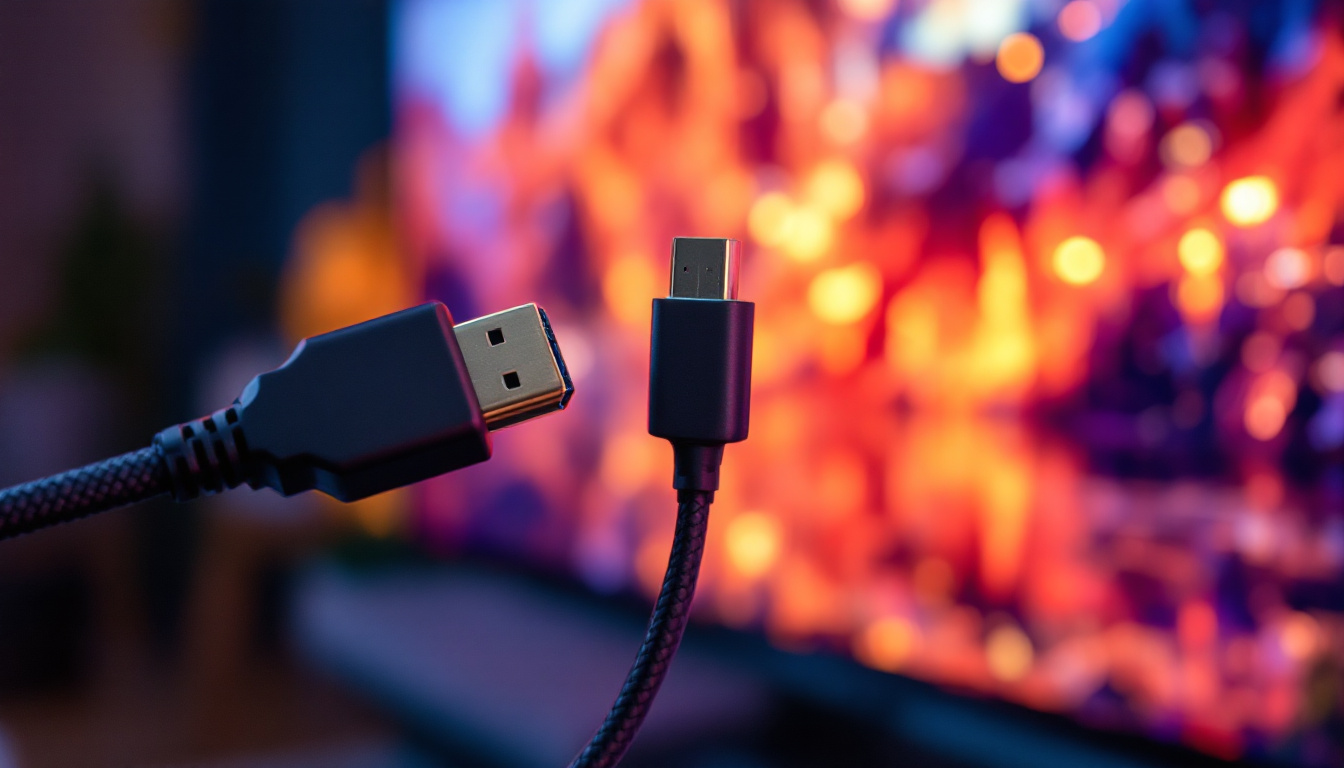
A versatile monitor should offer multiple input options such as HDMI, DisplayPort, USB-C, and USB-A ports. USB-C connectivity is increasingly popular due to its ability to transmit video, data, and power through a single cable, reducing clutter.
Ergonomics and Build Quality
Adjustable stands that allow tilt, swivel, and height adjustments improve comfort during extended use. Additionally, robust build quality ensures durability, especially in high-traffic or industrial environments.
Additional Features
Some monitors include built-in speakers, anti-glare coatings, blue light filters, and stylus support. These features can enhance usability depending on the user’s specific needs.
Future Trends in Touchscreen and LED Display Technology
The touchscreen monitor market continues to evolve, driven by advances in display technology and user interface innovation.
Mini-LED and Micro-LED Backlighting
Emerging backlighting technologies like mini-LED and micro-LED promise even better contrast ratios, brightness, and energy efficiency. These technologies use smaller LEDs that allow for more precise local dimming and improved color accuracy, potentially revolutionizing the quality of 27-inch touchscreen monitors in the near future.
Integration of AI and Gesture Recognition
Future touchscreen monitors may incorporate artificial intelligence to enhance touch recognition and introduce gesture controls beyond simple touch. This could enable users to interact with displays through mid-air gestures, eye tracking, or voice commands, expanding accessibility and convenience.
Flexible and Transparent Displays
Research into flexible and transparent LED displays could lead to innovative form factors, such as curved or foldable touchscreen monitors. These developments would provide new ways to interact with digital content and adapt to various workspace configurations.
Conclusion
The 27-inch LED touchscreen monitor represents a harmonious blend of size, functionality, and visual excellence. By leveraging LED backlighting technology, these monitors deliver bright, energy-efficient displays with sharp image quality. Their touchscreen capabilities foster intuitive interaction, making them invaluable across a spectrum of professional and personal applications.
When selecting a 27-inch touchscreen monitor, it is essential to consider factors such as resolution, touch responsiveness, connectivity, and ergonomic design to ensure the device meets specific needs. As display technology advances, users can expect even greater performance and innovative features that will further enhance the interactive experience.
For anyone seeking a versatile, high-quality display solution, the 27-inch LED touchscreen monitor stands out as a compelling choice that combines modern technology with practical usability.
Discover LumenMatrix’s Advanced LED Display Solutions
Ready to elevate your visual experience with the latest in LED display technology? Look no further than LumenMatrix, a pioneer in crafting immersive and dynamic LED displays. Whether you’re in need of an Indoor LED Wall Display for your business, an Outdoor LED Wall Display for advertising, or any of our specialized solutions like Vehicle LED Displays and Custom LED Displays, LumenMatrix has the expertise to bring your vision to life. Embrace the future of visual communication and check out LumenMatrix LED Display Solutions today to see how we can enhance your professional or personal space with unparalleled clarity and impact.